
Lightroom Folders and Collections Solve Different Problems
A photograph has to physically live somewhere.
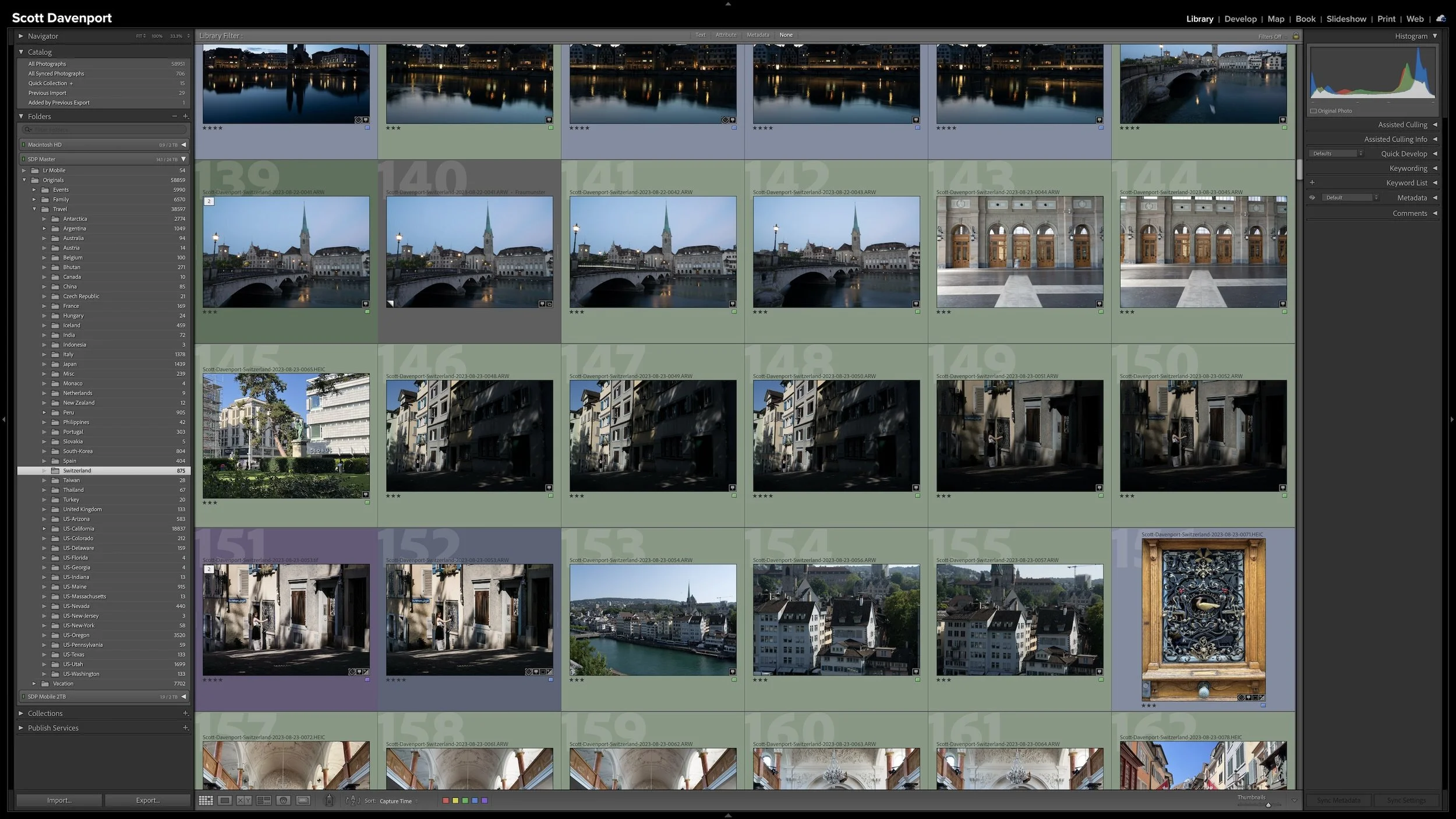
As I described in Article 03 — A Simple Lightroom Folder Structure That Can Grow With You, my photographs live beneath one top-level folder, with different parts of my library organized in ways that make sense for the photography. My professional travel work is largely geographical, for example, while my family photographs are more chronological.
That gives every photograph a physical home.
However, the folder where a photograph lives isn't necessarily the only way I'll want to think about that photograph.
I might want to gather photographs around a subject. I might be building a gallery or working on a project. I might simply want to see a particular group of photographs together even though they were made years apart and thousands of miles from one another.
That's where Collections become useful.
The distinction I keep in mind is simple:
Folders answer: Where does this file live?
Collections answer: What photographs do I want to see together?
Those are two different organizational problems, and Lightroom Classic gives us different tools to solve them.
Folders Describe the Physical Library
Your original photographs live in folders on your storage.
When you import those photographs, Lightroom Classic's catalog keeps track of them and where they are located. The catalog doesn't replace the original files. It knows where to find them.
That's why the folder structure has a practical job to do.
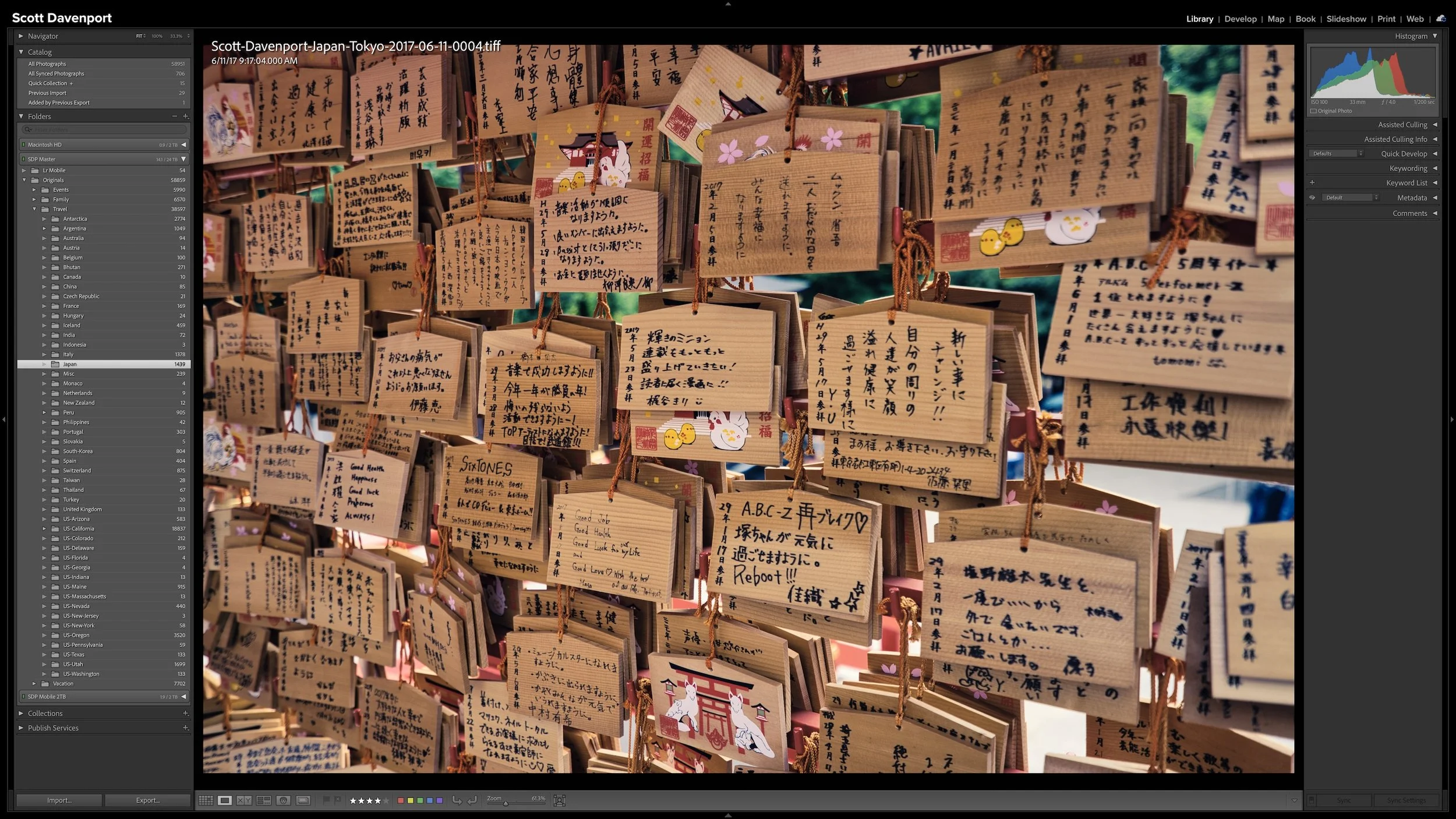
If one of my photographs was made in Japan, its physical file might live somewhere within the Japan portion of my photo library. A photograph from Italy lives in the appropriate Italy folder. My family photographs might live beneath folders organized by year.
Folders give every photograph a physical home without needing to describe every relationship among your images.
I don't expect that physical structure to describe every relationship among my photographs.
In fact, trying to make it do that would quickly make the folder hierarchy much more complicated than I want it to be.
A photograph can have one physical home while still belonging to many different groups that are meaningful to me.
Collections Bring Photographs Together Without Moving Them
Lightroom Classic lets you select photographs from different parts of the catalog and gather them into a Collection.
The important part is what doesn't happen.
The original photograph doesn't move.
If I add a photograph from my Japan folder to a Collection, the file remains in the Japan folder. Lightroom doesn't relocate it somewhere else on my storage, and it doesn't create another copy of the photograph.
The Collection simply provides another way to group and view that photograph inside Lightroom Classic.
That means one Collection can contain photographs from many different folders. You don't have to change the physical organization merely because you want to see those photographs together.
Collections bring photographs from different folders together without moving or duplicating the original files.
This is the reason I don't think of Folders and Collections as competing organizational systems.
Folders establish where the files live. Collections give me additional ways to work with the photographs once Lightroom knows about them.
Collections Cross Folder Boundaries
The physical location of a photograph doesn't have to determine every group it belongs to.
Once Lightroom Classic knows where my photographs live, a Collection can reach across that folder structure and bring together photographs that have something else in common. Their connection might be a subject, a visual idea, a project, or a body of work rather than a place on my storage.
My Reflections gallery is a good example.
The gallery brings together photographs where reflections are an important part of the image. Those photographs weren't all made during one trip or in one place.
One photograph in the gallery was made in Japan. Its original file lives in my Japan folder.
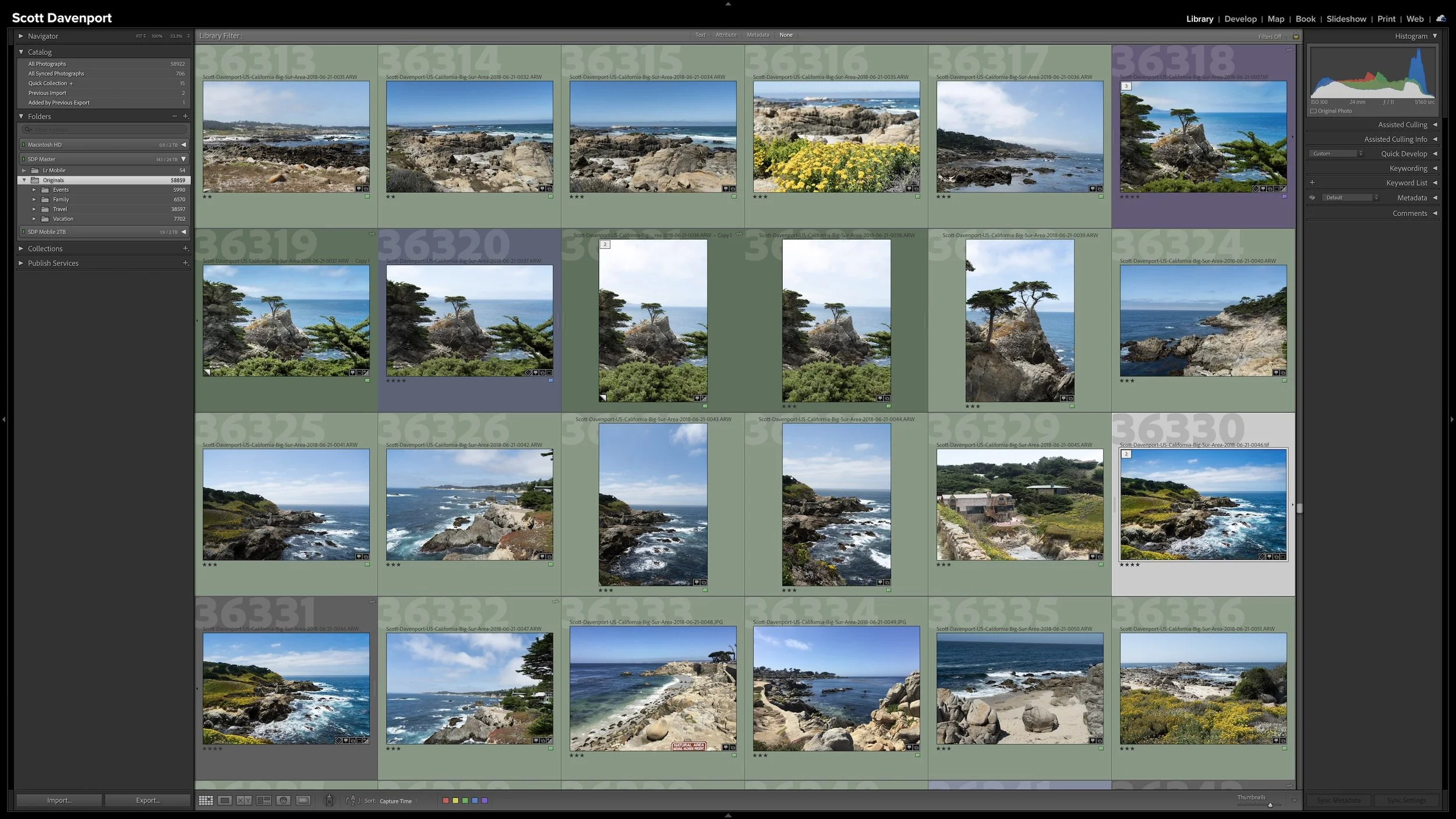
Another was made in Santa Cruz, California. That file lives somewhere completely different in my physical folder structure.
Another photograph came from Italy.
There's no good reason for me to move all of those original files into a folder called Reflections. Doing that would work against the geographical structure I use for my professional photography.
Yet creatively, I absolutely want to see those photographs together. They're part of the same body of work.
So I have a Reflections Collection.
My Reflections Collection brings together photographs connected by a visual idea rather than by where the original files live.
The Collection expresses a relationship among those photographs that the physical folder structure doesn't need to express.
That's the strength of Collections.
Use Collections for Groupings That Don't Belong in Folders
You may want to gather photographs that physically live in different places for all sorts of reasons. A Collection might represent a subject, a theme, a gallery, a portfolio, a project, or some other purpose.
The same idea applies to personal photography.
Suppose I organize my family photographs by year. The best photographs of one of my children aren't all going to be in a single year's folder. They'll be spread across many years.
I could gather those photographs into a Collection without changing the chronological folder structure at all.
This gives me a useful way to think about when a Collection earns its place in my library.
If I find myself wanting to rearrange my physical folders simply so I can see a meaningful group of photographs together, there's a good chance I'm asking the folder structure to solve the wrong problem.
The files already have a home.
A Collection can provide the additional grouping I need.
Collections Shouldn't Rebuild Your Folder Hierarchy
Creating Collections doesn't mean I need to reproduce every folder as a Collection.
If I already have a Japan folder, creating a Japan Collection that contains exactly the same photographs doesn't give me much. I would have two organizational structures doing essentially the same job.
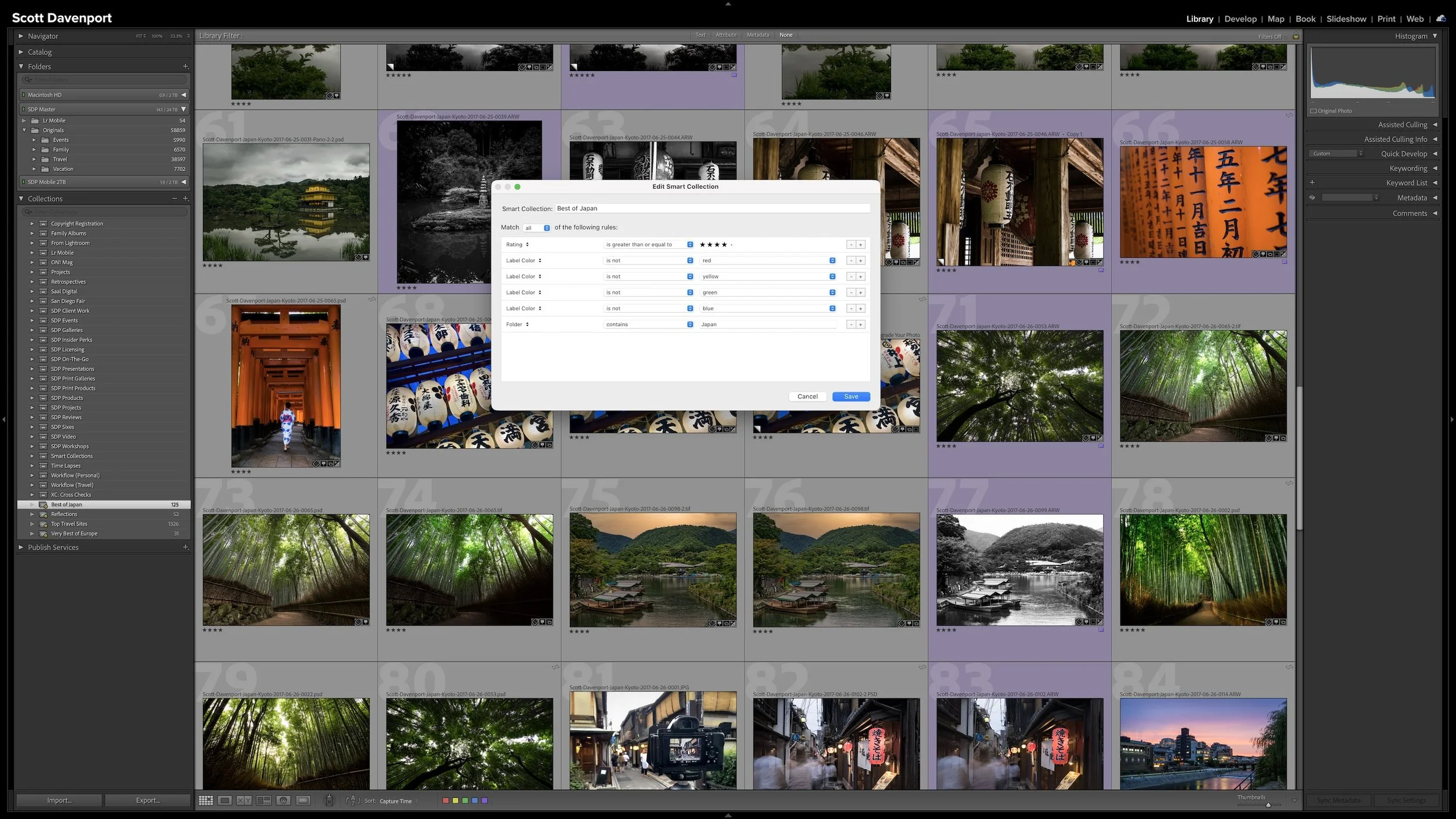
A Best of Japan Collection is different.
Now the Collection has a purpose. The Japan folder answers where those photographs live. A Best of Japan Collection gathers a selected subset of that work because I want to see those particular photographs together.
I'd rather use Collections when they give me a view of my photographs that the folder structure doesn't already provide.
That's consistent with the larger philosophy behind my workflow. I want the organizational work I do in Lightroom to accomplish something useful. I don't want to maintain another layer of organization merely because the software gives me the ability to create one.
I discussed that idea more broadly in Article 01 — Start Your Lightroom Workflow With the End in Mind.
There's also an interesting question hiding in that Best of Japan example. If I can describe what qualifies a photograph as one of my best photographs from Japan, can Lightroom gather those photographs for me?
That's where Smart Collections come in. Instead of manually choosing every photograph, a Smart Collection can use rules to gather photographs that meet criteria I define. I'll get into how that works in Article 06 – Smart Collections: Let Lightroom Organize Photos for You.
Your Collections don't need to look like mine.
My Reflections gallery and a Best of Japan Collection are examples of the principle. Your photography may give you completely different reasons to bring images together.
Use folders to give your files a sensible physical home. Use Collections when another grouping helps you work with or think about those photographs.
Collection Sets Keep Collections Organized
As the number of Collections grows, Lightroom Classic also provides Collection Sets to help organize them.
For example, I can have a Collection Set for my photography galleries. Inside it, I might have separate Collections for landscapes, city photographs, reflections, portfolio photographs, and other bodies of work.
A Collection Set gives those related Collections a larger organizational home. It doesn't change where any of the original photographs live.
It's simply another level of organization for the Collections themselves.
Final Thoughts
Folders and Collections both help organize a Lightroom Classic catalog, but I don't ask them to do the same job.
Folders tell me where a photograph lives. Collections let me decide which photographs I want to see together.
My original files can stay in a relatively simple physical folder structure while Collections cut across that structure for galleries, projects, subjects, themes, or whatever other groupings are useful to me.
Adding a photograph to a Collection doesn't move the original file or make another copy. It simply gives Lightroom another way to show that photograph as part of a group.
My particular Collections aren't a structure you need to copy. Treat them as an example of the larger principle.
Give your photographs a sensible physical home. Then use Collections when you have a useful reason to bring photographs from those different homes together.
This article is part of my Lightroom Photo Organization series.
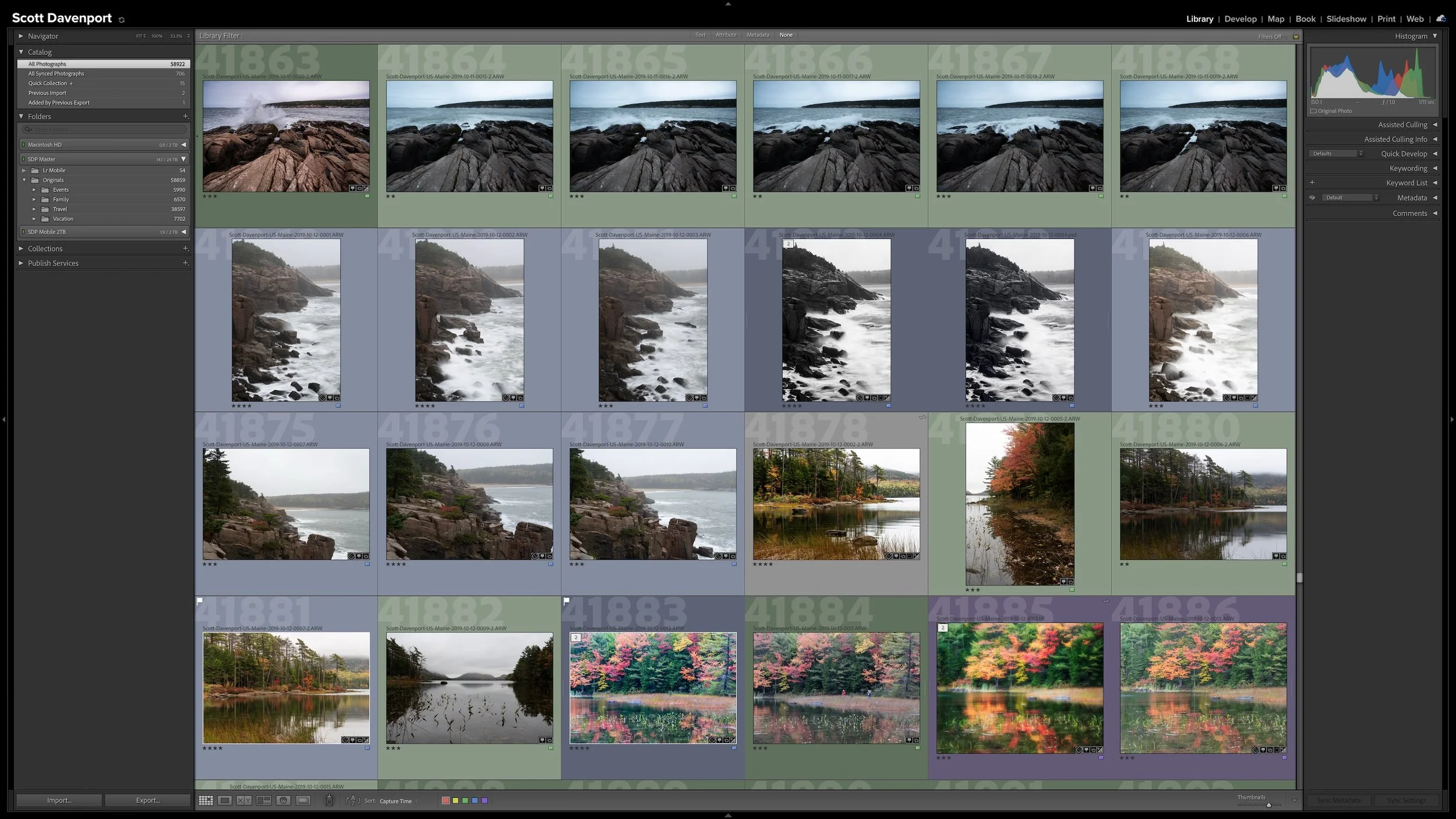

Lightroom Classic gives you five stars for rating photographs, but those stars aren't very useful if their meanings change from one shoot to another. A consistent system lets you know what a three-star or four-star photograph means without rethinking the definitions every time you rate a new group of photos.
My rating system ranges from photographs I keep primarily for sentimental reasons to photographs I consider strong enough to print. You don't need to use the same definitions I do. The important part is giving your ratings stable meanings you can apply consistently over time.