
It's easy to overthink folder organization.
You start with a few folders that make sense. Then you add another level for a location, another for a particular shoot, maybe another for the date. Before long, you have a deep hierarchy that requires you to remember exactly how you organized something before you can find it again.
I prefer to keep things simpler.
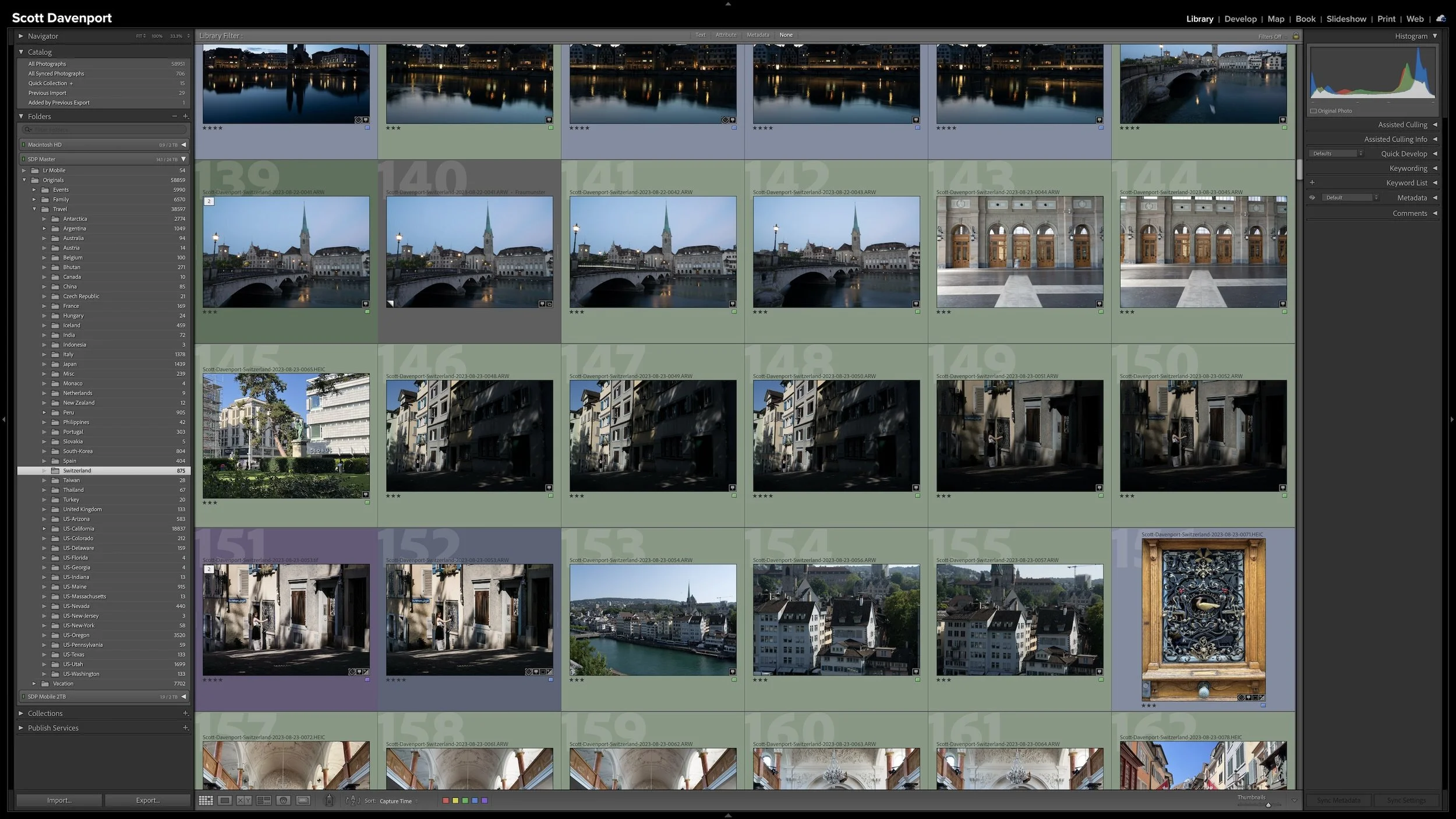
As I discussed in Article 02 — One Lightroom Catalog or Several? How to Decide, I use one Lightroom Classic catalog for my personal and professional photography. That doesn't mean all of those photographs need to be organized the same way.
Folders give me the flexibility to organize different kinds of photography according to how I naturally think about them.
One Folder at the Top
My strongest recommendation for folder organization is to have one top-level folder that contains your entire photo library.
I call mine Originals. You might call yours Photos, Pictures, or something completely different. The name isn't important. What's important is that everything else lives beneath it.
That gives the entire photo library a clear home.
There's also a very practical benefit. At some point, you'll probably need to move your photographs. Maybe you're replacing a drive, moving to larger storage, or changing how your computer is set up. If every photograph lives somewhere beneath one top-level folder, you know exactly what needs to move.
You don't have to hunt around for photo folders scattered across different parts of your system.
Keeping your entire photo library beneath one top-level folder gives your photographs a clear home and makes future moves easier.
Organize Around How You Remember Your Photographs
The folders beneath that top level don't all need to follow the same organizational rules.
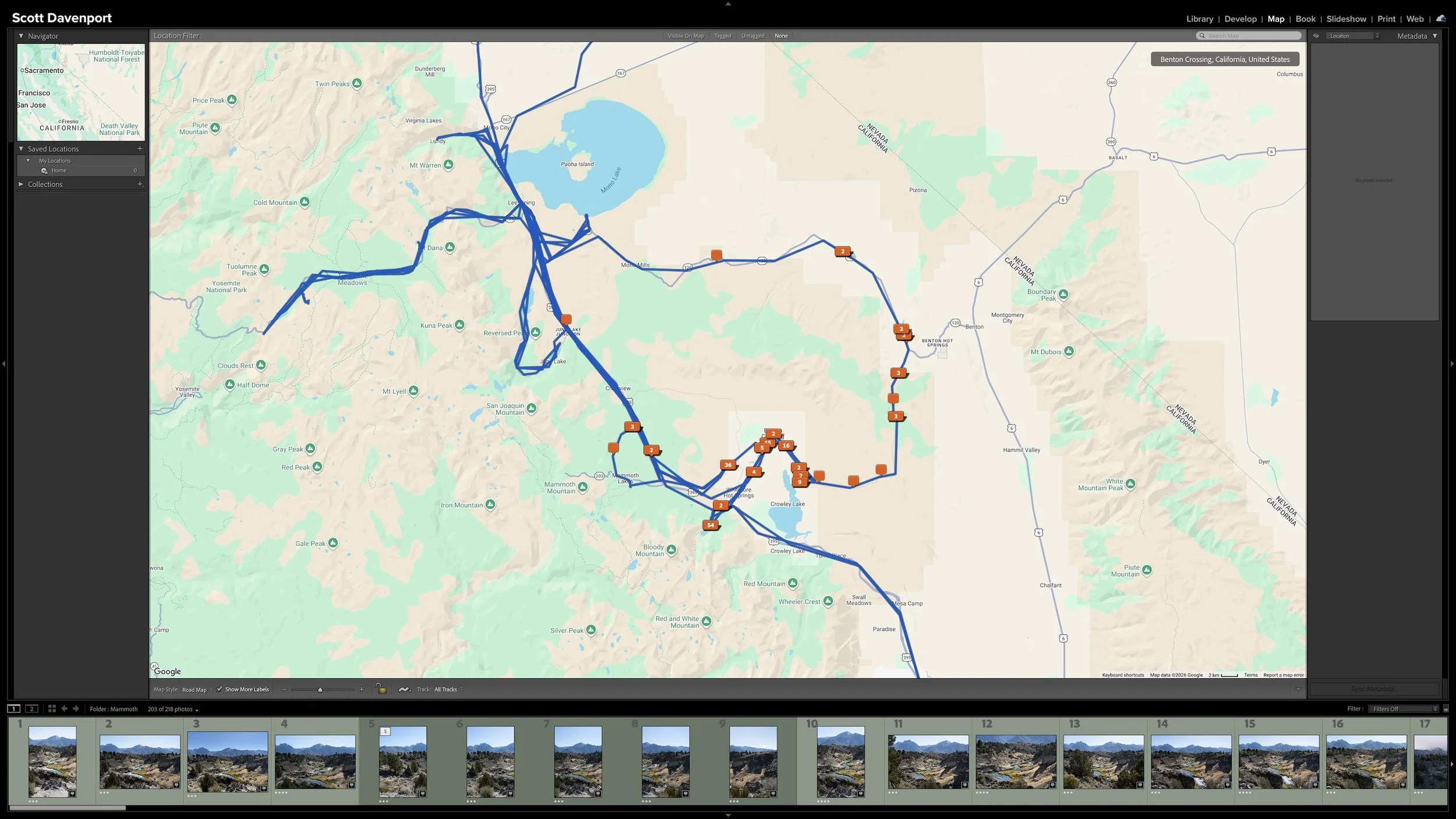
My professional landscape and travel photography is largely geographical. That's how I tend to remember those photographs. I think about a photograph I made in Spain, Japan, or California, so organizing that work by location makes sense to me.
My family photographs are different. I tend to think about those chronologically. I might remember a photograph from when one of my kids was a certain age or at a particular stage of growing up, and that naturally leads me to a year.
Events have another natural structure. A birthday, school event, or other occasion can be organized around the event itself. Vacations can be organized around the destination or trip.
So beneath one photo library I can have different organizational approaches:
Landscape and travel: geographical
Family: chronological
Events: by event or occasion
Vacations: by destination or trip
Those aren't rules you need to copy. They're examples of matching the folder structure to the way you think about the photographs.
If you naturally remember your family photographs by event instead of by year, organize them that way. If your landscape photography makes more sense chronologically than geographically, that's fine too.
The goal isn't to make every branch of the folder hierarchy look the same. It's to make each one understandable when you come back to it later.
Different parts of your photo library can follow different structures based on how you naturally remember the photographs.
Keep the Hierarchy Shallow
Within those different structures, I generally keep my folders relatively shallow.
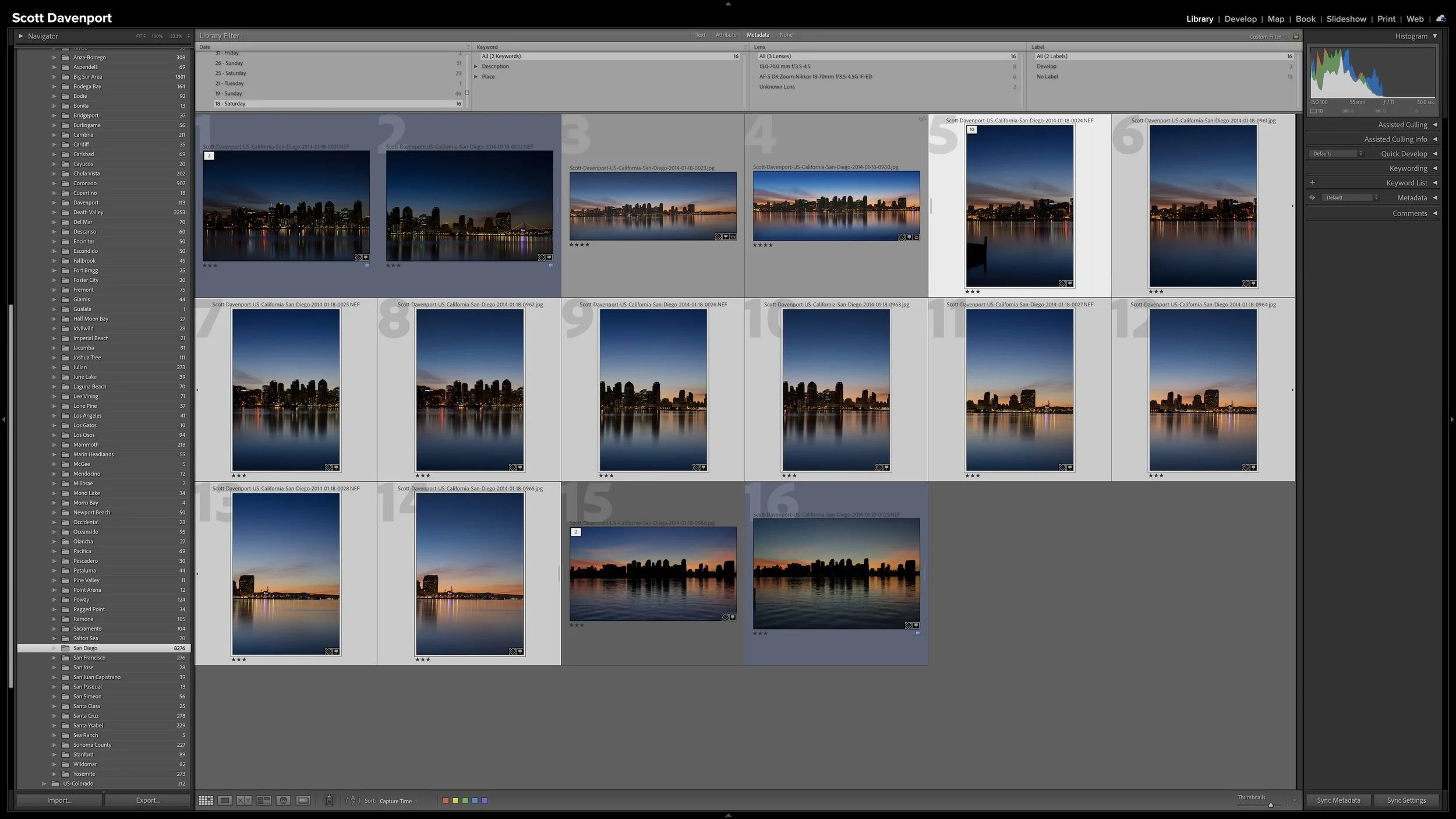
For my travel photography, I might organize photographs by country. Within the United States, going another level down to the state can be useful. Most of the time, I don't need to keep drilling down into individual cities and locations.
Every additional folder level needs to serve a purpose.
It's certainly possible to build something like Country → State → City → Location → Shoot → Date. However, if I don't naturally look for my photographs that way, all of those extra levels aren't helping me. They're simply giving me more places to navigate.
Once a folder structure gives you enough information to find and understand the photographs, another level may add navigation without adding value. I generally stop there.
These are guidelines, not rules. Some parts of my library go a little deeper when the volume of photography makes that useful. The structure should serve the photographs, not the other way around.
Keep the folder hierarchy as shallow as practical, adding another level only when it makes the photographs easier to organize and find.
A Folder Can Hold a Lot of Photographs
A large number beside a folder in Lightroom doesn't necessarily mean the folder needs more organization.
Some of my folders contain thousands of photographs. That's perfectly fine.
I don't subdivide a folder merely to make the photograph count smaller. If putting those photographs into more folders doesn't help me find or understand them, I haven't gained anything.
I'm also not relying on folders to answer every question I might eventually ask about my photographs. Their job is to provide a useful physical structure for the files. Lightroom Classic gives me other ways to gather and find photographs when I need to look across that structure.
I'll get into that distinction in Article 05 — Lightroom Folders and Collections Solve Different Problems.
For now, the important point is that the number of photographs in a folder isn't a reason by itself to create more folders.
Add another level when it makes the organization more useful, not simply because a folder looks large.
Bend the Rules When Your Photography Justifies It
A simple organizational system benefits from general guidelines, but those guidelines don't need to become restrictions.
My geographical organization is a good example. In most places, I don't need to organize all the way down to individual cities. California is different because I live and photograph there frequently. My needs are different there, so I bend the general guideline.
That's more useful to me than forcing every location into an identical hierarchy.
The same idea applies across the rest of the photo library. Family photography doesn't need to follow the same structure as landscape photography. Events don't need to look like vacations. One part of your library might need another folder level while another doesn't.
Consistency is useful until it starts working against the way you actually think about your photographs.
Treat my approach as a starting point. Establish enough structure to make your library understandable, then let your actual photography tell you where exceptions are useful.
Final Thoughts
A good folder structure doesn't need to be elaborate.
Start with one top-level folder that contains your entire photo library. Beneath that, keep the hierarchy relatively shallow and organize different types of photography according to how you naturally think about them.
Don't create additional folders simply because a folder contains a lot of photographs, and don't force every part of your library to follow exactly the same organizational rules.
When you're deciding whether another folder or another level is useful, ask yourself a practical question: When I come back years from now, where would I naturally expect to find this photograph?
Build your folder structure around that answer.
Once the folders have a sensible structure, there's another organizational decision to consider: what, if anything, should you do with the filenames themselves? That's where I'll go next in Article 04 — Should You Rename Your Photos When You Import Them?
This article is part of my Lightroom Photo Organization series.
← Previous: One Lightroom Catalog or Several? How to Decide

Keywording can make photographs easier to find, but it can also become an endless exercise in describing everything visible in every frame. You can keep the work manageable by asking one question: could Lightroom already find this photograph without the keyword?
The most useful keywords add information you cannot recover from capture data, ratings, location fields, or other existing metadata. That may be a subject, a familiar place name, a mood, a dominant color, or another idea you expect to search for later. The goal isn't to build the largest vocabulary possible. It is to add metadata that earns its keep.