

Story & Vision Studio
Photography guidance when you need it
Latest Tutorials & Articles
Landscape Photography Tutorials & Articles
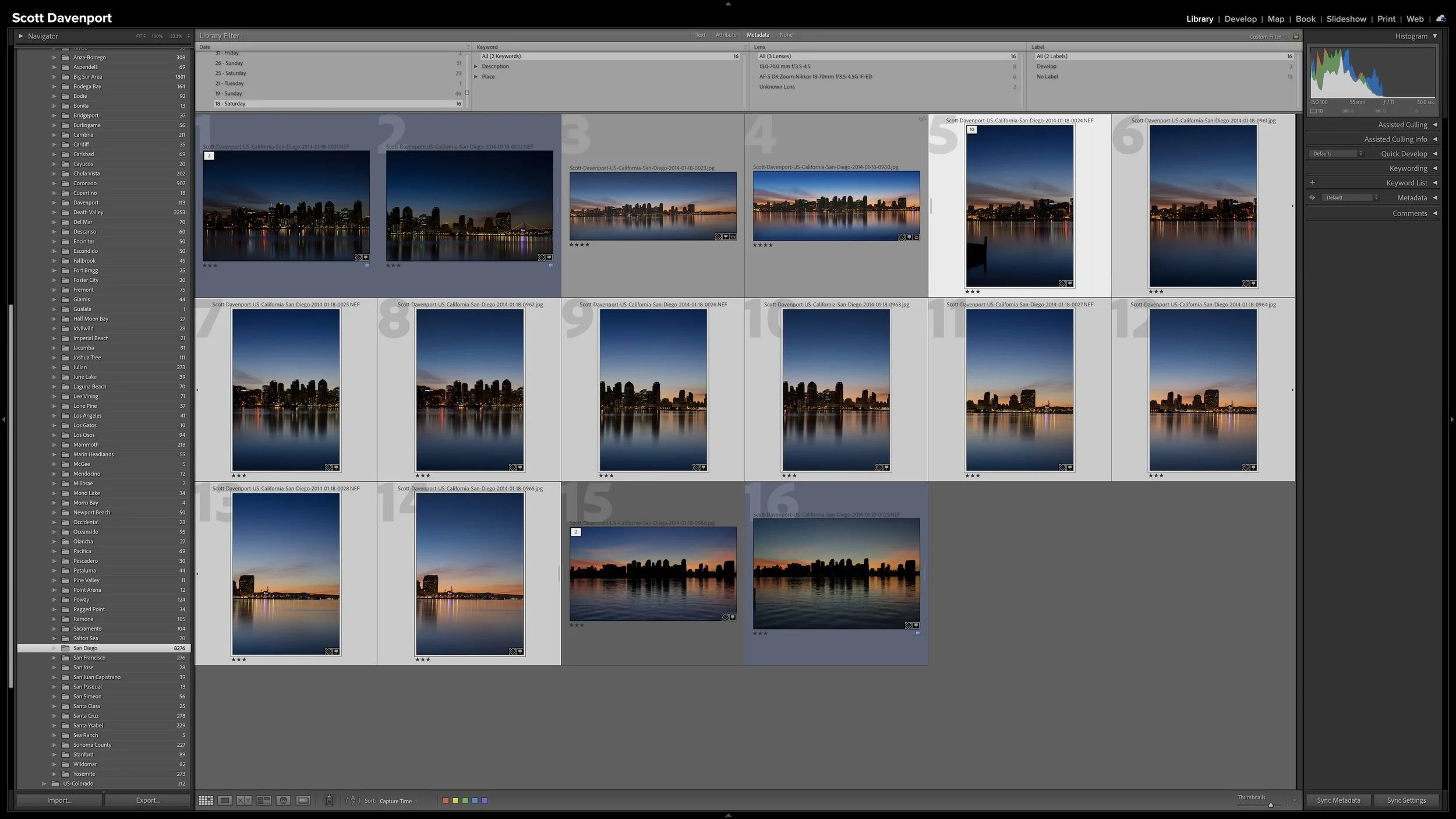

A group of photographs can belong together without every frame needing equal space in Lightroom Classic. Several variations of the same composition, panorama segments, exposure brackets, or a rapid burst can quickly fill Grid view with photographs you don't need to see individually all the time.
Stacks keep those related photographs together while letting one useful photograph represent the group. I use them so the other photographs remain available when I need them without adding unnecessary visual clutter to my catalog.
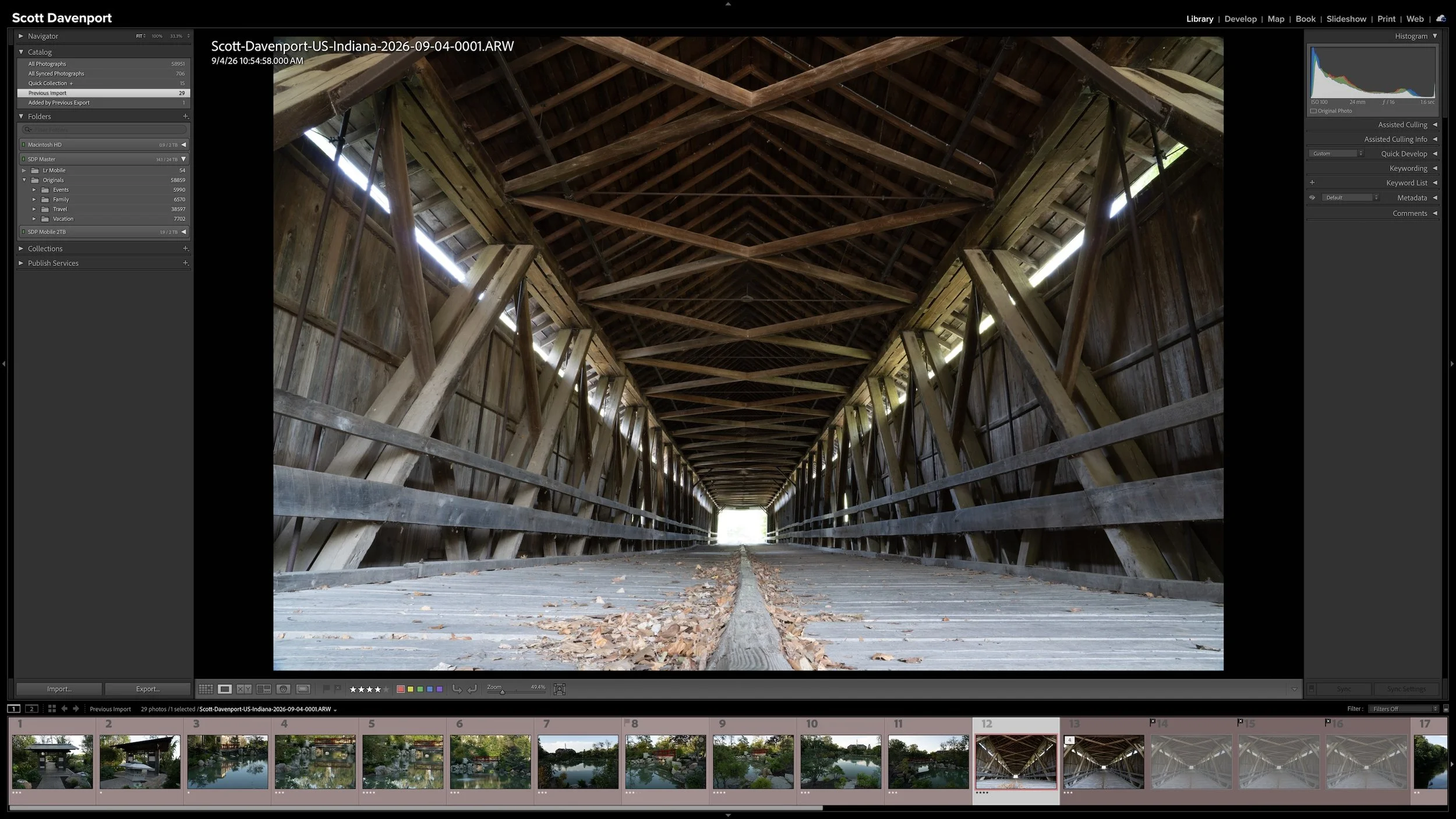
Lightroom Classic gives you five stars for rating photographs, but those stars aren't very useful if their meanings change from one shoot to another. A consistent system lets you know what a three-star or four-star photograph means without rethinking the definitions every time you rate a new group of photos.
My rating system ranges from photographs I keep primarily for sentimental reasons to photographs I consider strong enough to print. You don't need to use the same definitions I do. The important part is giving your ratings stable meanings you can apply consistently over time.
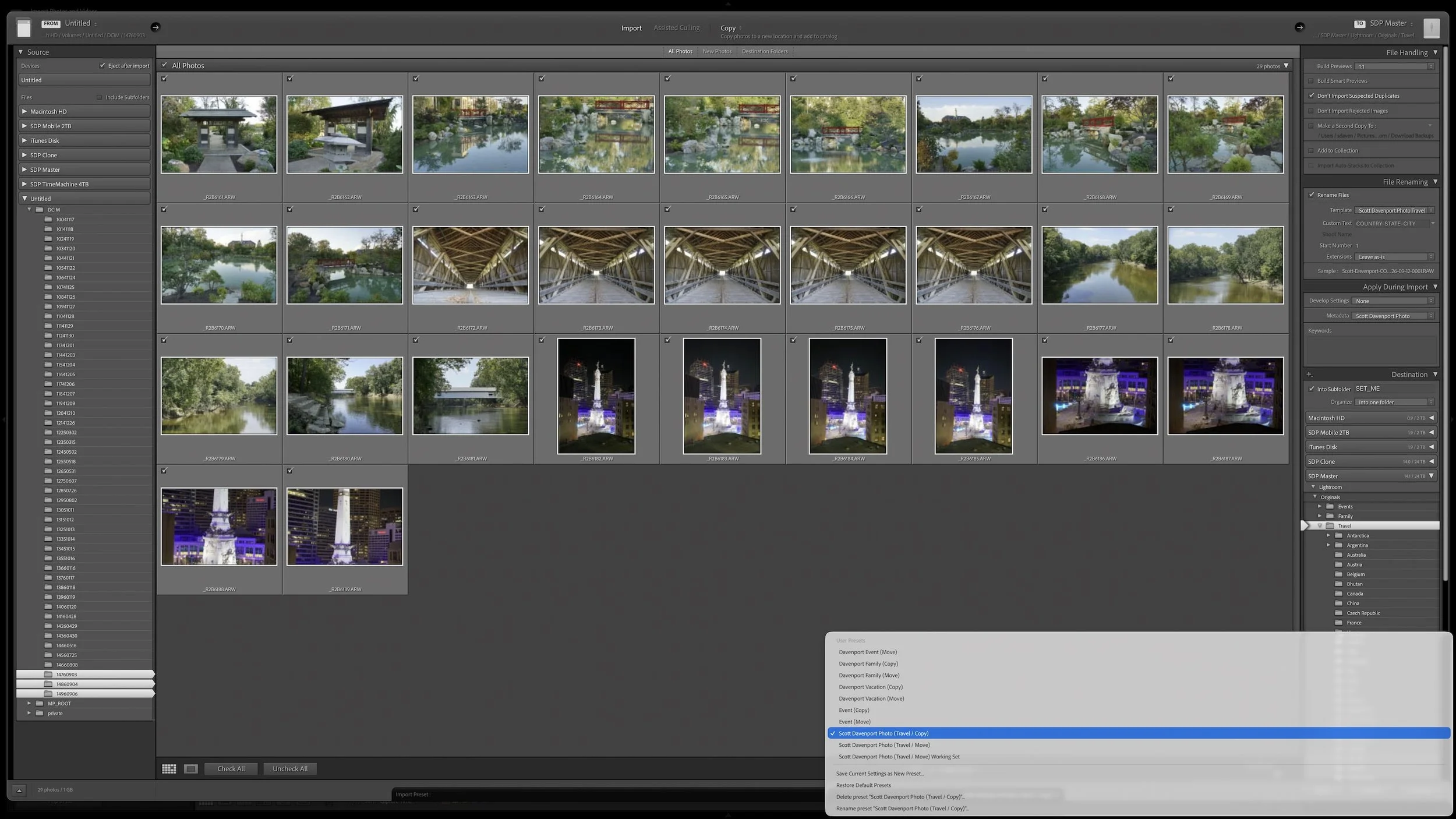
Lightroom Classic's Import dialog asks many of the same questions every time you bring in photos. Rather than rebuilding those settings for every import, you can save the choices that stay consistent in an import preset.
The preset doesn't eliminate the decisions that change from shoot to shoot. It gives you a reliable starting point, so you can concentrate on the source, destination, and other details that actually need your attention.
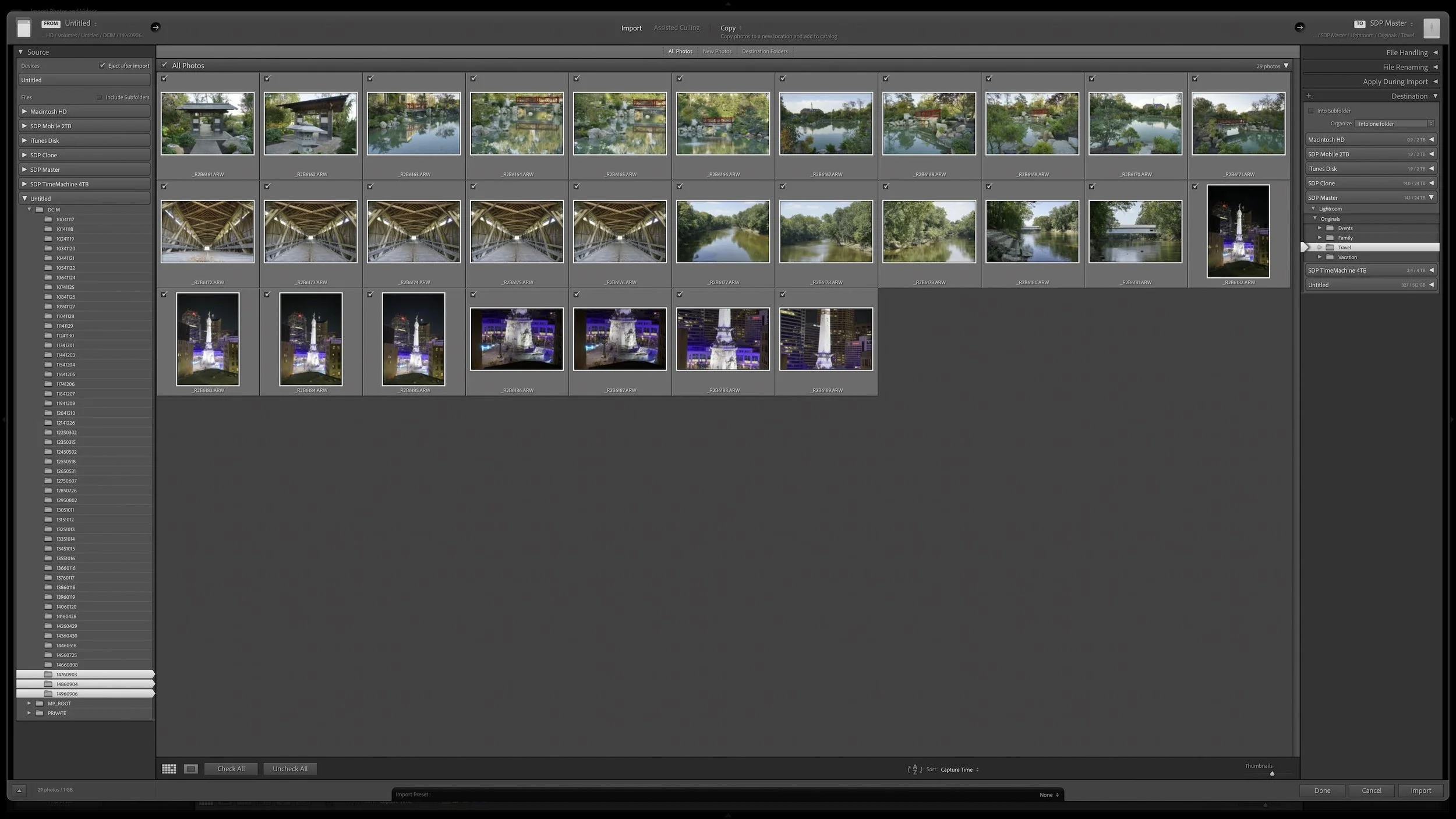
Lightroom Classic's Import dialog presents plenty of choices, but one of the most important decisions is straightforward: where are your photos now, and where do you want the original files to live after the import?
Copy, Move, and Add each handle the original files differently. Once you understand what happens to the physical files and what happens in the Lightroom catalog, choosing the right import method becomes much easier.
A complicated subject can take a little work to mask well. Once you've made that selection, what else can you do with it? Quite a bit, especially when you want to give your subject more separation from a busy background.
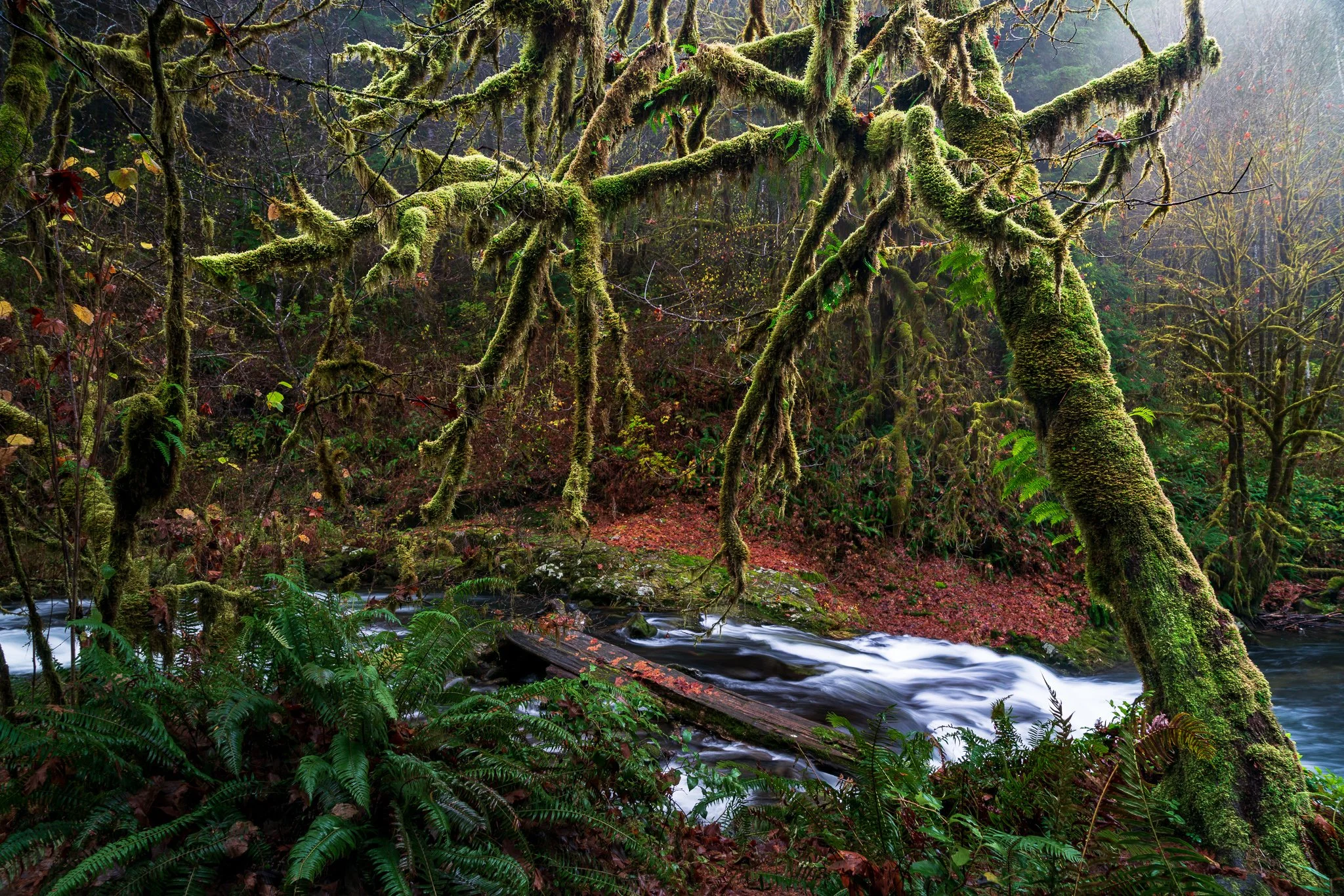
Using a mossy tree as an example, I explain how Lightroom's Duplicate and Invert lets you build several adjustments from one refined mask. You can shape the background and guide the eye while protecting the light on your foreground subject.
Great landscape photographs begin with recognizing what the light is doing. Front light can emphasize color, side light can reveal texture and form, and backlight can transform mist, foliage, and silhouettes. Once you understand those relationships, you can choose compositions that work with the conditions instead of waiting for supposedly perfect light.
Learn how to identify directional, overcast, midday, and nighttime light in the landscape—and how to adjust your viewpoint, subject, and exposure accordingly. These practical examples will help you use highlights, shadows, atmosphere, and natural layers to create clearer, more deliberate photographs.
A photo workflow can fall apart when you cannot tell what has been finished and what still needs attention. That becomes especially frustrating when photographs from the same shoot are at different stages.
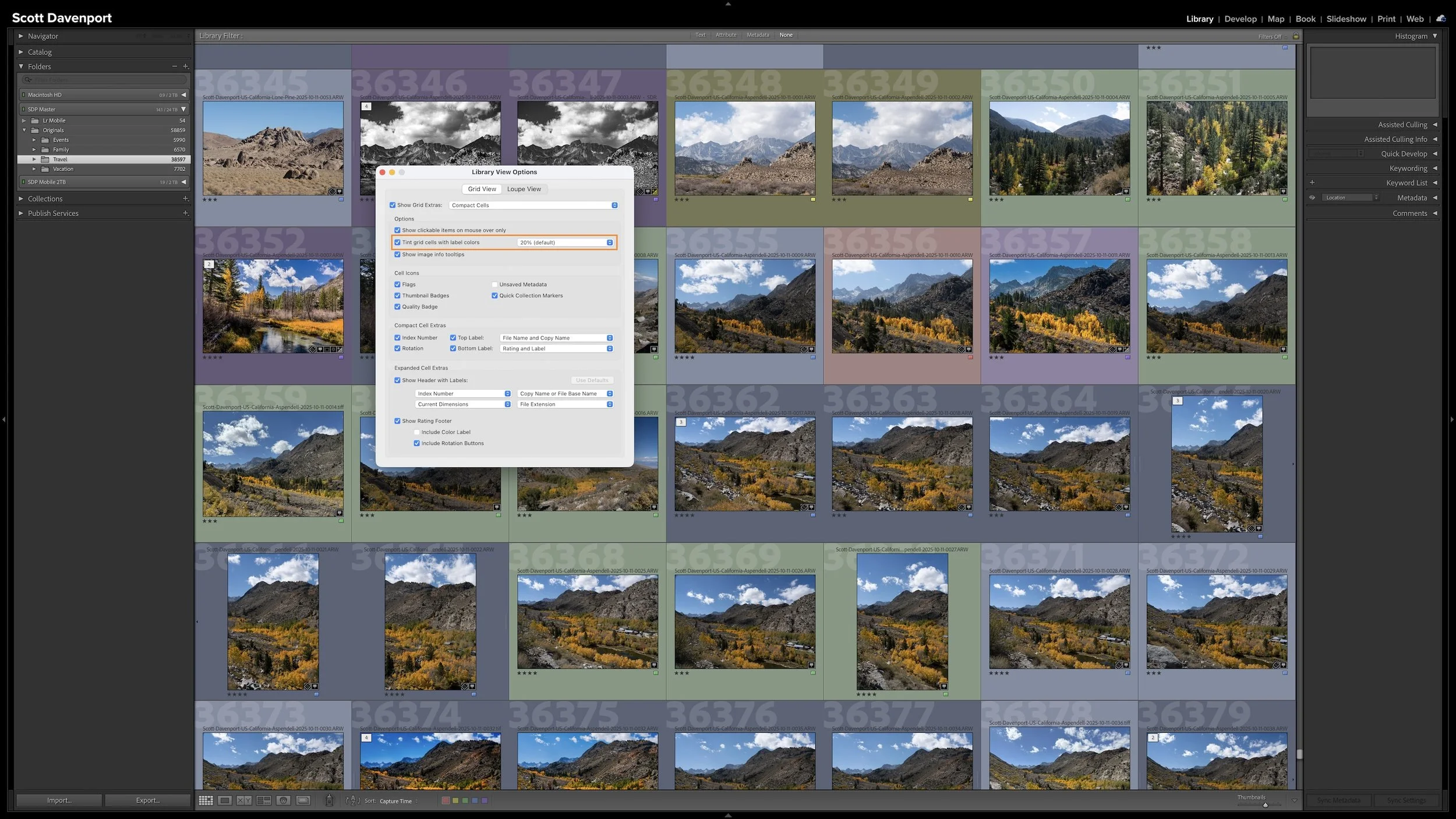
My six-step Lightroom Classic workflow uses color labels to give every photograph a clear next action. Whether a photo needs rating, location information, keywords, developing, or sharing, I can see where I left off and continue without retracing my steps.
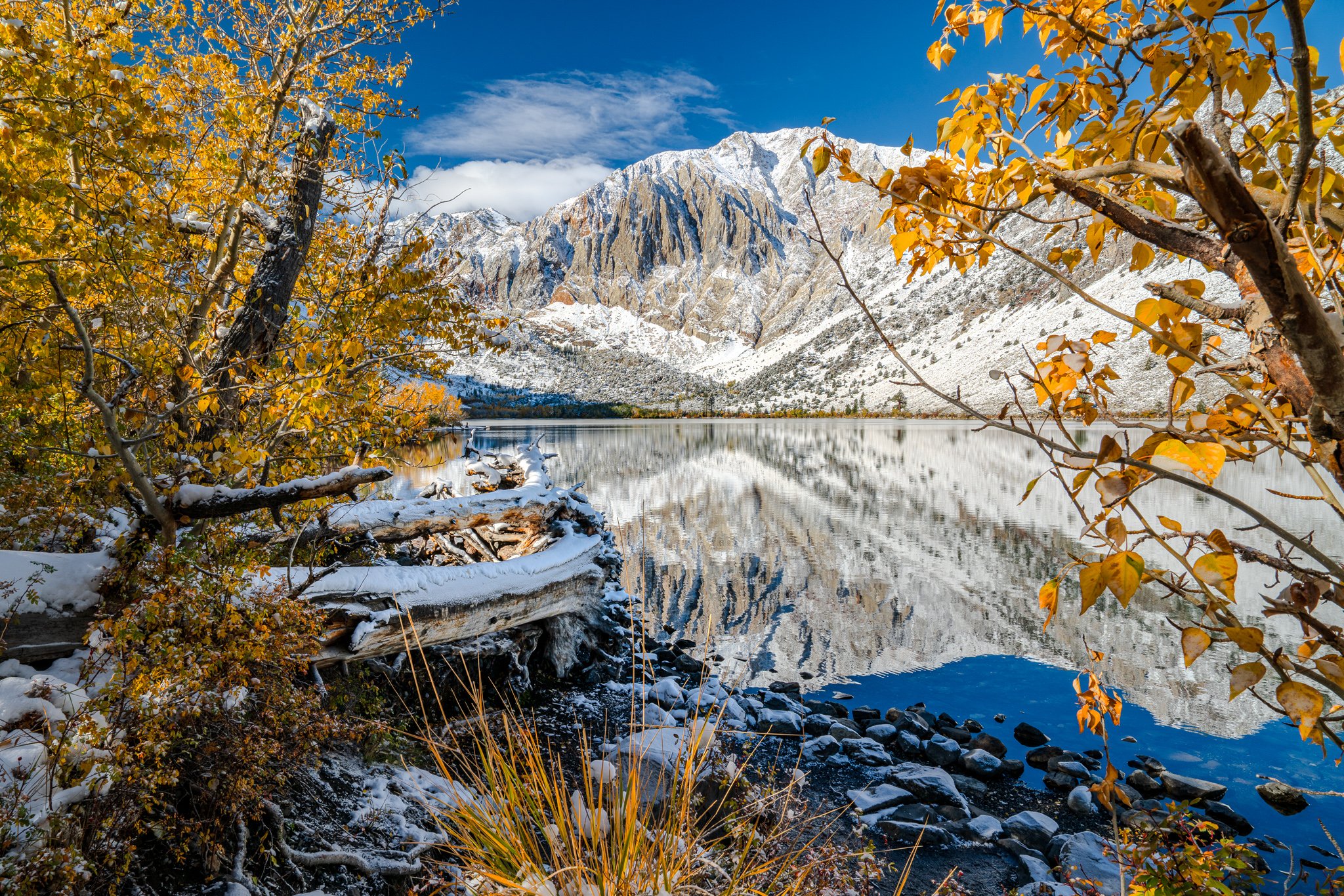
California’s Eastern Sierra brings together high desert, alpine lakes, historic places, and one of the most dramatic mountain walls in the West. In October 2025, fresh snow arrived while autumn color still held in the lower country, creating a useful study in how weather and changing light can reshape familiar landscapes.
This guide looks at six broader areas—from Mono Lake and Bodie to Convict Lake and the June Lake Loop—and the photographic ideas each one invites. The emphasis is on timing, composition, safe access, and staying flexible when mountain weather changes the plan.
A little glow can bring atmosphere to a landscape photo, but spreading it everywhere can weaken the scene. How do you give that light a direction while keeping the shadows quiet and the brightest details intact?
Using the Sunshine filter in ON1 Effects, I shape a soft glow through a forest scene toward the water. The approach builds on an editing vision and shows how a few complementary masking tools can help you follow through on it.
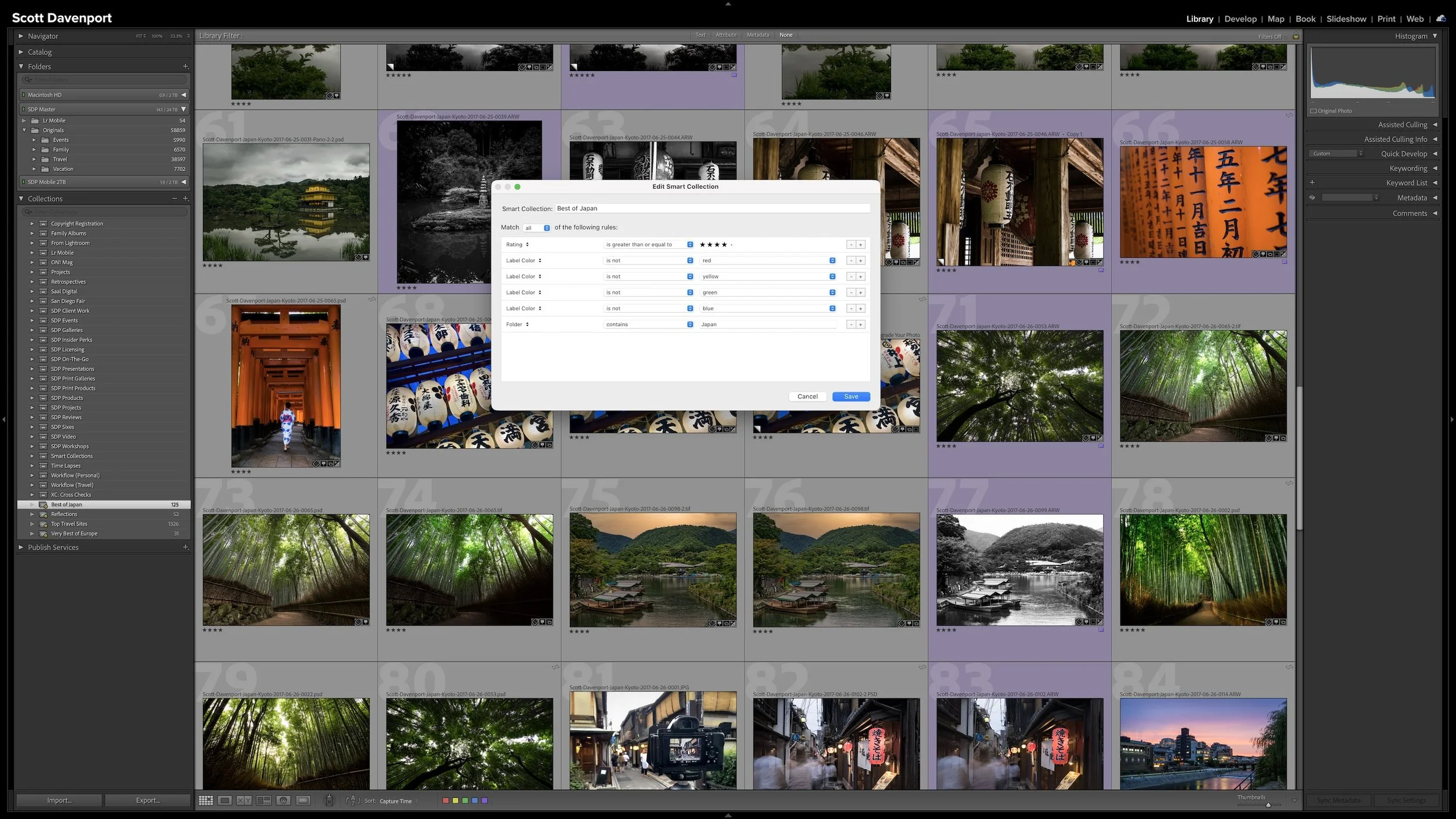
A regular Collection lets you choose which photographs you want to see together. A Smart Collection works differently. You describe the photographs using criteria such as ratings, keywords, location information, or camera metadata, and Lightroom Classic gathers the photographs that match.
The real advantage is that the group isn't static. As photographs enter the catalog or their metadata changes, they can automatically appear in or disappear from a Smart Collection. The rules keep working as the catalog changes.
Big Sur and the Monterey Peninsula are often treated as one photography destination, but the coast changes character from Pacific Grove to McWay Falls. Some areas reward an early start, others need a patient evening, and several are at their best when you slow down and work with the light you have.
This guide covers ten broader areas from the Monterey Peninsula south through Big Sur, with practical ideas for timing, composition, access, and safety. It is based on spring and early-summer visits across several years, so the emphasis is on how I approached these places rather than a promise of perfect conditions.
Right after a shoot, you know where you made the photographs. A few years later, that may not be nearly as obvious. Adding location information while the shoot is still fresh gives you another durable way to find photographs and understand where they were made.
You don't need to type city, state, and country into every photograph. If the camera records GPS coordinates, much of the work is already done. A GPX track log or, when necessary, Lightroom Classic's Map module provides other ways to add the location. The goal isn't exhaustive geographic metadata. It's enough useful information that you won't have to reconstruct it later.