
Lightroom Classic gives you plenty of ways to organize photographs: catalogs, folders, collections, ratings, keywords, color labels, location data, and more. The challenge is not finding enough organizational tools. It is deciding which ones are worth using.
It is tempting to begin by creating an elaborate folder hierarchy or compiling a long list of keywords. But before doing any of that, I encourage you to step back from Lightroom and ask a larger question:
What do you want to do with your photographs?
Your answer gives the organizational tools a purpose. Rather than building a system around everything Lightroom can do, you can build one around what you actually need.
The Catalog Isn’t the Goal
A well-organized catalog can feel satisfying, but organization by itself is not the objective. The catalog should help you use and enjoy your photographs.
Think about where your photography may be three or five years from now. Perhaps you want to find your strongest photographs of the ocean. Maybe you want to assemble a collection of doors, mountains, or city streets. You may want to look back at family vacations or gather photographs of your children through the years.
Those goals lead to different organizational choices.
If you want to find your best photographs, ratings become useful. If you want to study recurring subjects in your work, keywords can help. If remembering where you made a photograph matters, location data becomes important. The tool follows the goal.
Without that connection, metadata becomes busywork. You spend time adding information without knowing whether you will ever use it.
Think About How You Remember Your Photographs
There is no single correct way to think about a photo library.
For my professional landscape and travel work, geography makes sense. I often remember photographs by the country, state, or region where I made them. For family photographs, time may be more meaningful. I am more likely to think about a particular year, vacation, birthday, or school event.
Those two parts of my library do not need identical folder structures. They need structures that match how I naturally look for the photographs.
That is an important distinction. A consistent workflow does not mean forcing every type of photography into the same organizational model. It means making deliberate choices and applying them predictably.
Different types of photography can use different organizational structures while still living together in a single Lightroom catalog
Lightroom Classic gives you enough flexibility to organize different areas of your library differently while keeping everything accessible from one place. For me, a single catalog works well because I want one home for all my photographs. Within that catalog, folders and metadata provide the separation I need.
Your goals may be different, and that is perfectly fine. Treat my approach as a starting point. Keep the parts that make sense for you and change the parts that do not.
The Five Goals Behind My Workflow
My Lightroom workflow is designed around five top-level goals.
Organization: I want one place where I can manage my professional and personal photographs without scattering them across unrelated catalogs and storage locations.
Location: I do not like looking at an older photograph and wondering where I made it. Location information also lets me browse past trips on a map, which is a pleasant form of armchair travel.
Searching: I want to find photographs using whatever information I remember. That might be a date, folder, location, camera setting, rating, or keyword.
Retrospectives: I may want to gather my best photographs from a particular year, revisit one subject across many years, or assemble a collection for a book or gallery. That becomes much easier when useful information has been added consistently.
A self-documenting workflow: I cannot always take an entire shoot from import through completion in one sitting. I want to stop at any point, return later, and know exactly what each photograph needs next.
These goals are the foundation. Catalogs, folders, ratings, keywords, locations, and color labels are simply the tools I use to achieve them.
Ratings, keywords, location data, and color labels each serve a specific purpose in my Lightroom workflow.
Add Only Metadata That Earns Its Keep
I like metadata because it gives me many ways to search and sort my photographs. I am also generally lazy, so I try not to create more metadata work than necessary.
Digital photographs already contain a great deal of information. The camera records details such as the date, orientation, lens, focal length, shutter speed, aperture, and ISO. If Lightroom can already retrieve something from that information, I usually do not add it again as a keyword.
For example, I do not need keywords for the orientation of a photo. The camera has already recorded that information, and Lightroom can filter for it.
The same principle applies to metadata you add manually. A keyword is worthwhile when it gives you a useful way to find or understand a photograph that is not already available elsewhere. The subject of the photograph, a person in the scene, or a particular mood may be useful. Repeating information already stored in the file generally is not.
The goal is not to attach every possible fact to every photograph. It is to add the smallest amount of information that still supports what you want to do.
Start With the Photographs Coming In
If you already have years of photographs in Lightroom, adopting a new workflow can feel daunting. You may see an enormous backlog that needs ratings, keywords, locations, and other metadata before the system feels complete.
You do not have to solve all of that first.
Begin with the next photographs you import. Put those through the new workflow and let the process become familiar. You can return to older photographs as time permits, concentrating first on the work that matters most.
A workflow should reduce friction, not create another reason to avoid your catalog. Starting with new photographs gives you the benefits immediately without turning years of older work into a prerequisite.
From there, the workflow can grow with you. Your goals may change. Your photography may shift toward different subjects. You may discover that some metadata is useful and some is not. The system should be flexible enough to change with you.
Final Thoughts
Before choosing folders, ratings, keywords, or color labels, decide what you want those tools to accomplish.
Think about the photographs you will want to find several years from now. Consider how you naturally remember your work and what kinds of collections or retrospectives you may want to create. Then use Lightroom Classic to support those goals with as little unnecessary effort as possible.
A good workflow does not ask you to organize photographs for the sake of organization. It helps you take ownership of your catalog so your photographs remain useful, accessible, and enjoyable long after you import them.
Article 07 – My Six-Step Lightroom Workflow From Import to Sharing
This article is part of my Lightroom Photo Organization series.
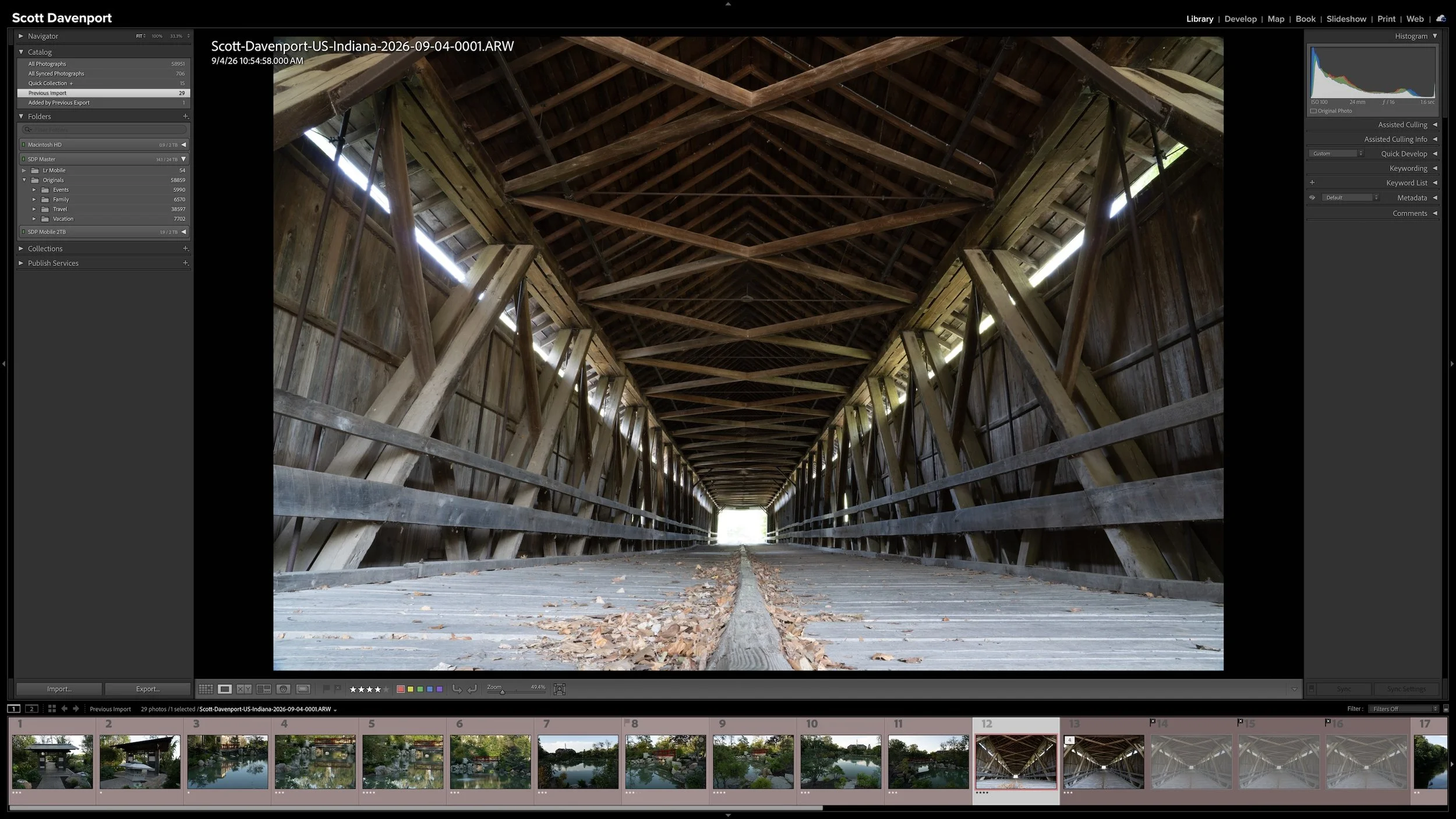
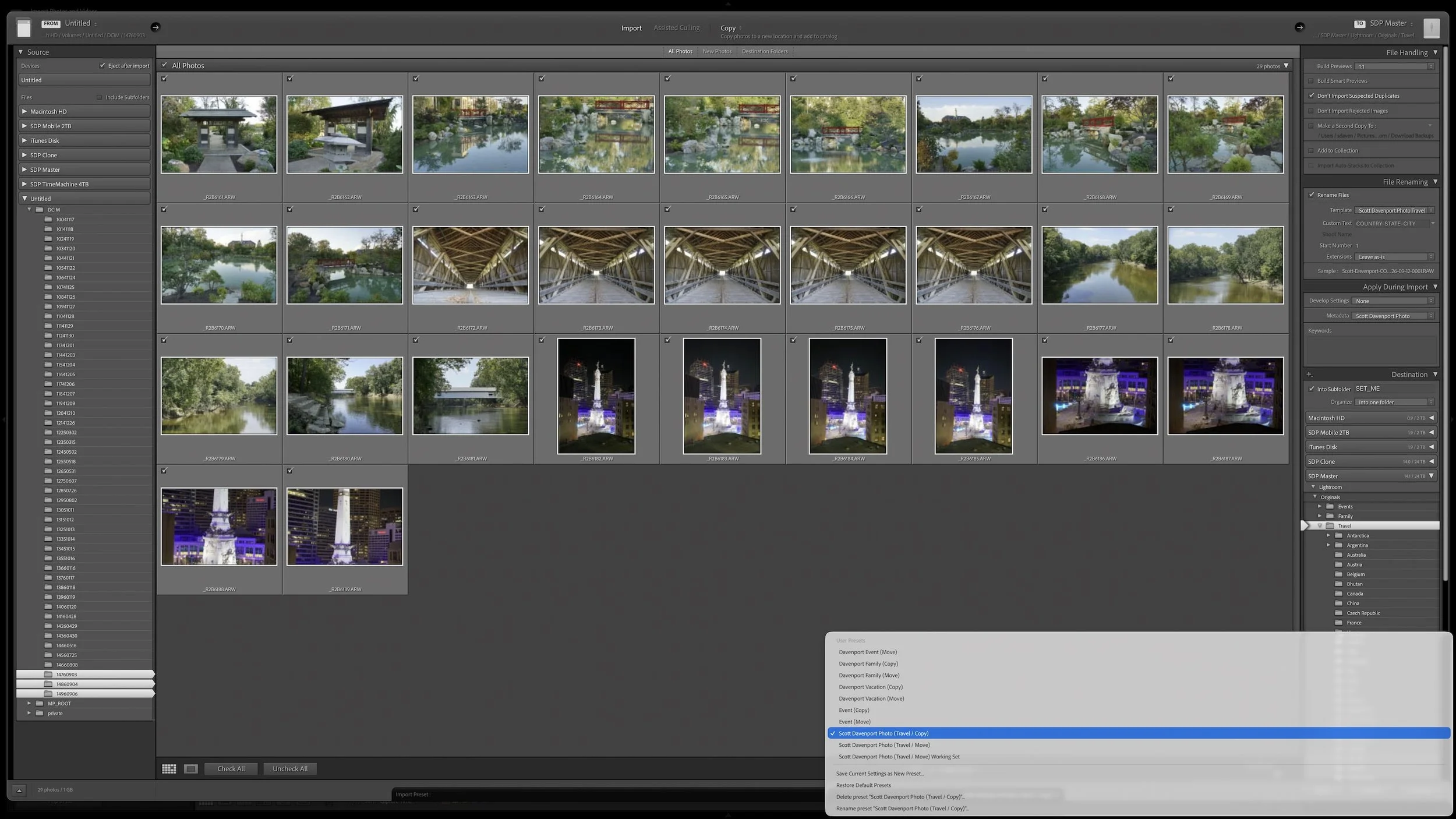

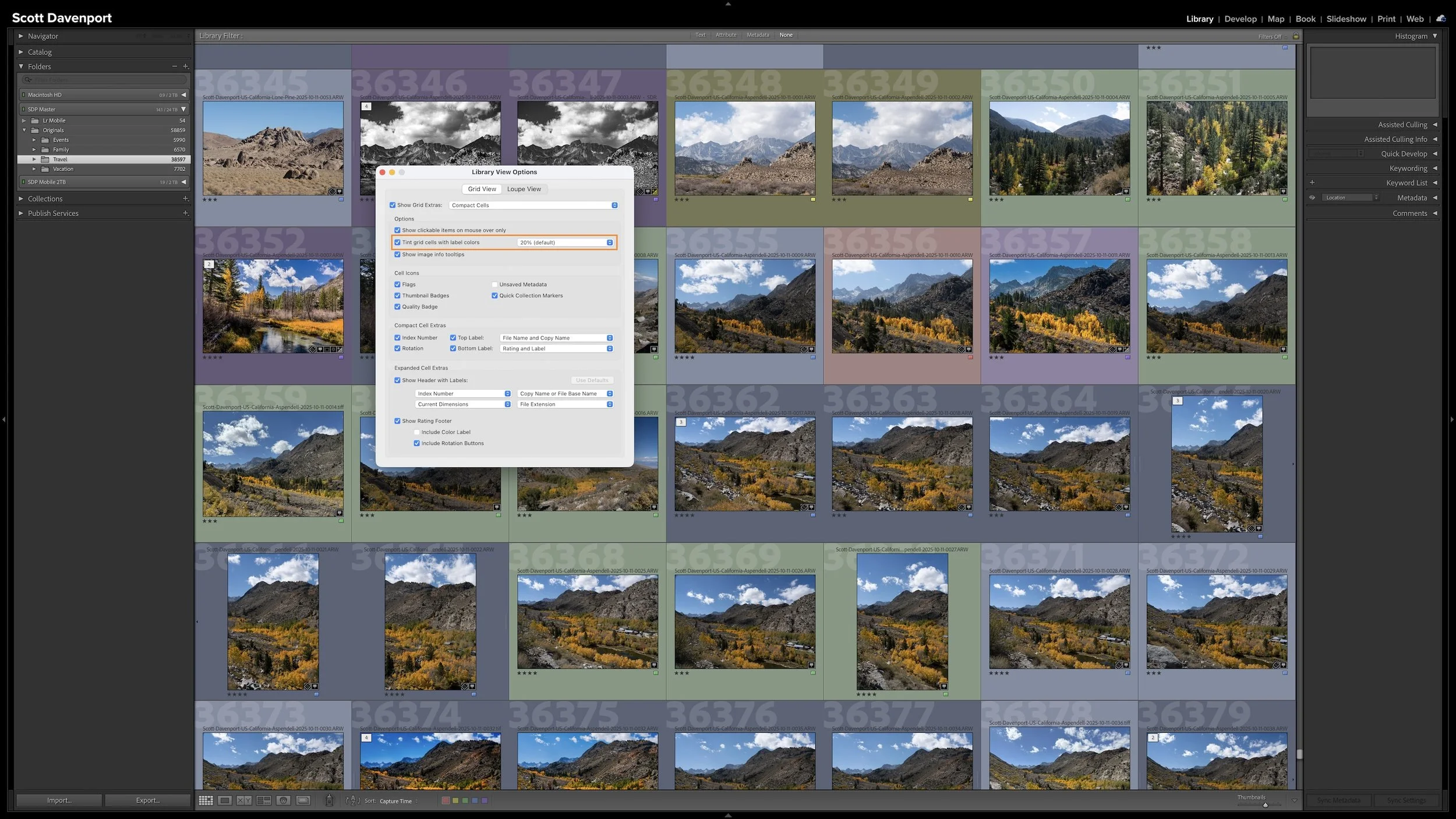
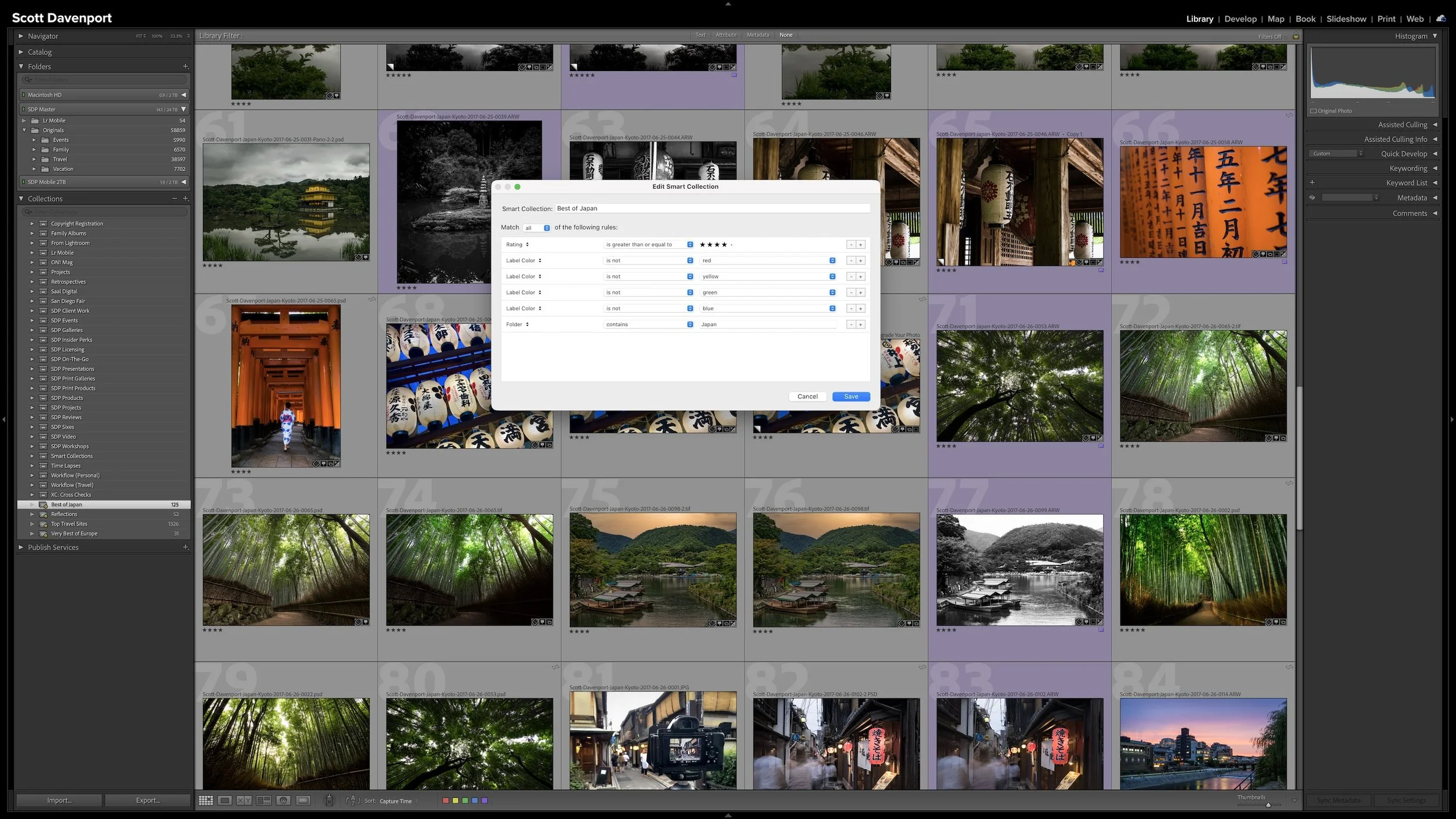
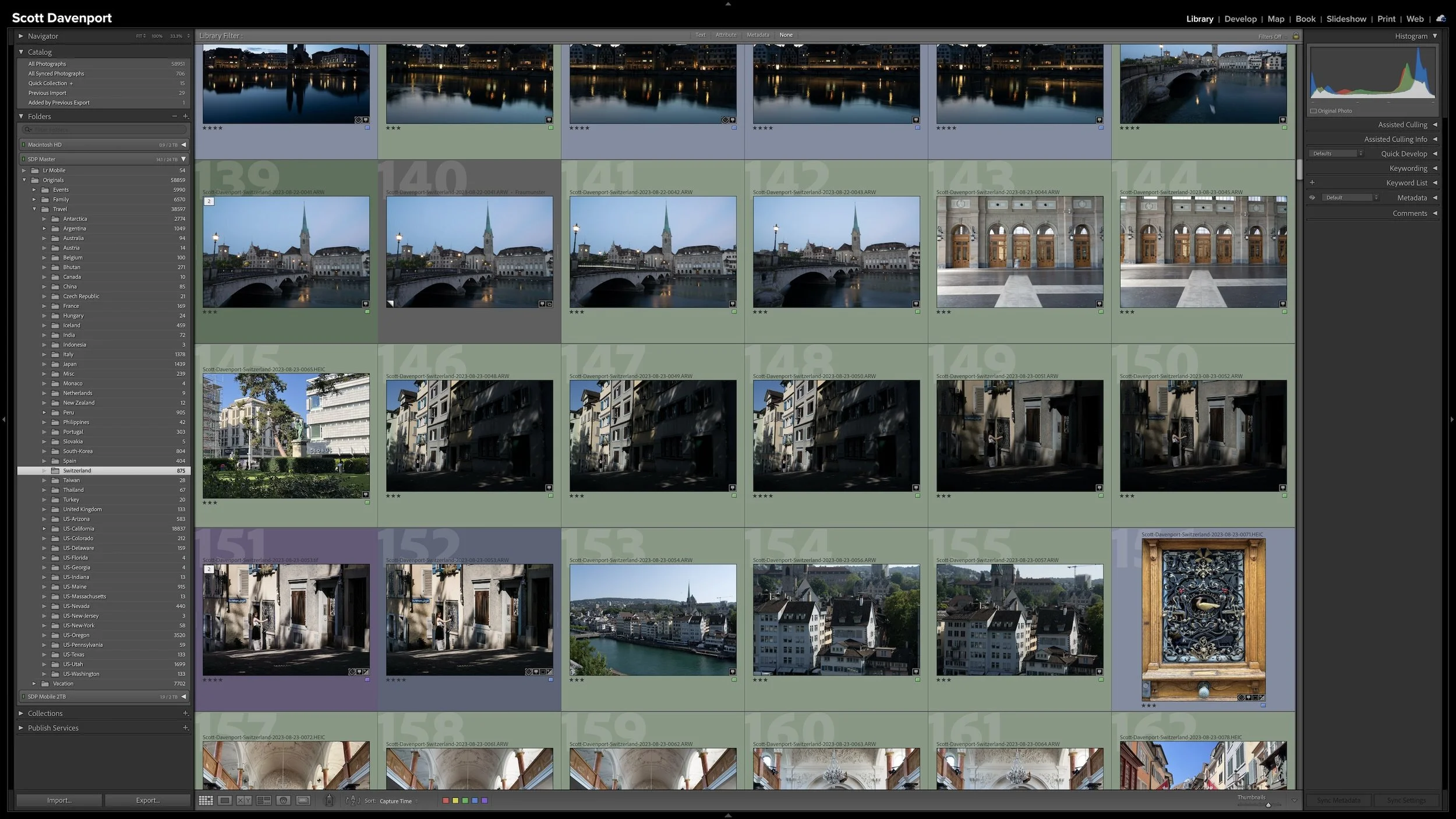
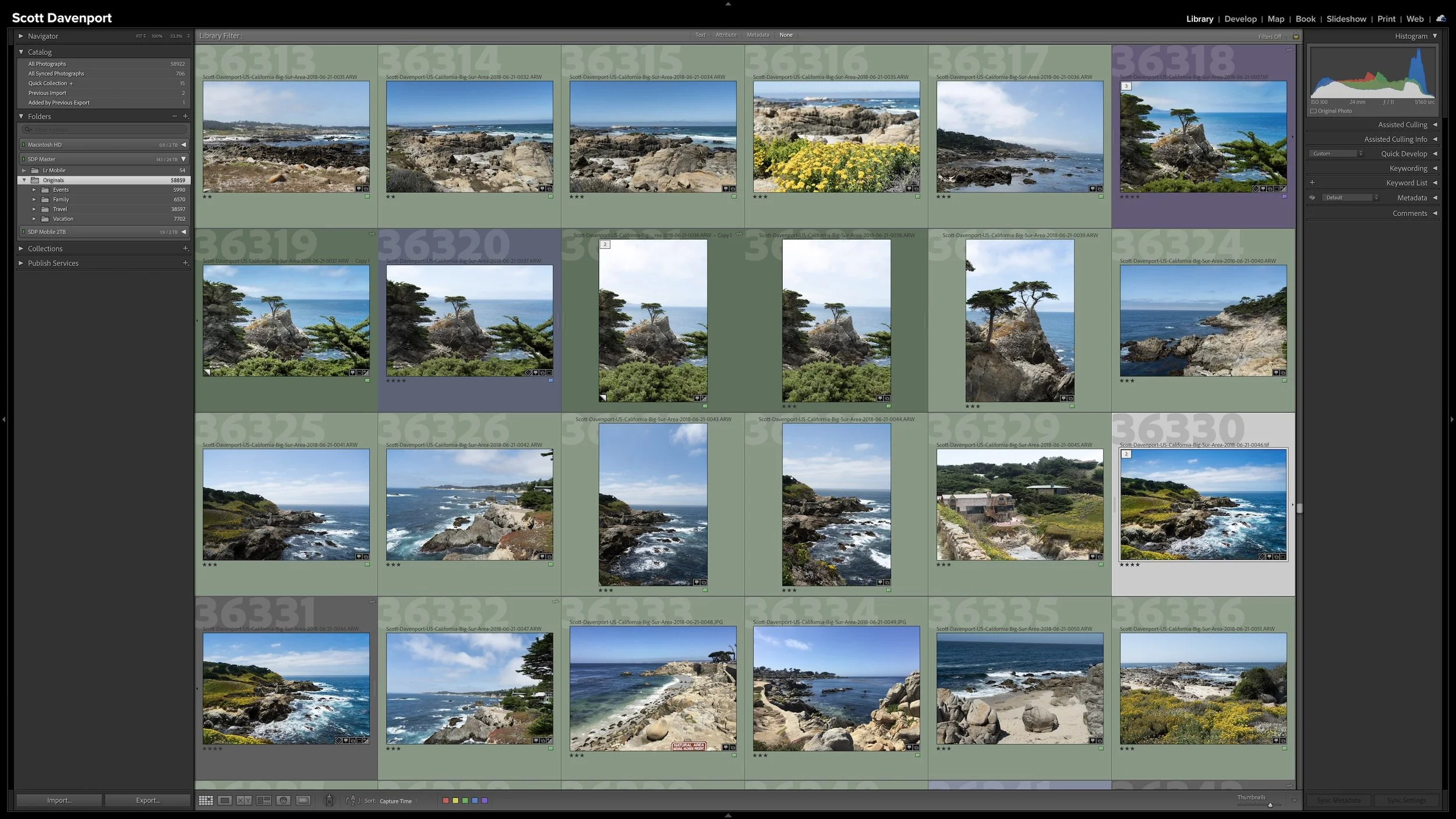

A group of photographs can belong together without every frame needing equal space in Lightroom Classic. Several variations of the same composition, panorama segments, exposure brackets, or a rapid burst can quickly fill Grid view with photographs you don't need to see individually all the time.
Stacks keep those related photographs together while letting one useful photograph represent the group. I use them so the other photographs remain available when I need them without adding unnecessary visual clutter to my catalog.