
A new import may contain dozens or hundreds of photographs. You need enough initial information to understand what you have, but that doesn't mean every frame needs complete keywording, developing, and sharing work.
If you give every imported photograph the same amount of attention, the workflow can become too time-consuming to maintain. I avoid that problem by beginning broadly and narrowing as the work becomes more judgment-intensive. Quick, useful work applies to much of the import. Creative and publishing effort becomes concentrated on the best photographs from the shoot.
This is the funnel behind my six-step workflow. The stages remain consistent, but the amount of time I spend on each photograph changes as it progresses.
Article 07 — My Six-Step Lightroom Workflow From Import to Sharing
Begin Broadly Because Every Photograph Needs a Starting Point
My first pass through an import gives every photograph an initial quality assessment. I rate every photo because I want that rating to tell me something useful when I return to the shoot tomorrow, next month, or several years from now.
Rating is also intentionally quick. I look at the composition, color, general exposure, and the potential I see in the photograph. I am not trying to make a permanent decision or mentally develop every RAW file. I am giving myself enough information to decide where I want to concentrate my attention next.
Article 10 — A Lightroom Star-Rating System You Can Use Consistently
Stacking fits naturally into this broad pass. I am already visiting every photograph in the import, so it is a convenient time to group exposure brackets, panorama segments, and variations of the same photographic idea. Rating and stacking together help me understand what I have without requiring a large investment of time in every frame.
Location information can also be applied broadly. Photographs made during the same outing may share a general location, and I can often add that information to a group instead of handling each photograph individually. Quick, useful metadata does not need to be reserved only for portfolio photographs. If I can apply information efficiently and it will help me understand or find the photographs later, it can earn its keep across a larger part of the library.
Early workflow stages give every photograph useful information without requiring a large investment of time in every frame.
More Judgment Naturally Means Fewer Photographs
Keywording asks more of me than assigning a rating or applying shared location information. I need to look at what is in the photograph, consider what it means to me, and decide which words might help me find or use it later.
After I complete the Locate stage, I filter the Grid view to show photographs rated four stars or higher. Those are the strongest photographs from the shoot and the ones I want to concentrate on first as I move into keywording.
That four-star filter is part of my workflow, not a rule every photographer needs to adopt. It also isn't a permanent barrier. My three-star photographs are still in the catalog, and I may return to them after the higher-rated photographs have moved through the complete workflow.
Several similar photographs can sometimes receive shared keywords as a group. Even then, I need to confirm that every selected photograph genuinely deserves those terms. A location may apply to an entire shoot, while a subject, mood, or photographic idea may apply to only a few frames.
Article 13 goes into more detail about choosing keywords that earn their keep. Within the larger workflow, the important point is that keywording requires enough judgment that I concentrate first on the photographs most likely to benefit from that effort.
Article 13 — A Keyword Strategy That Doesn’t Become a Second Job
As the work requires more judgment, I concentrate first on the stronger photographs I expect to carry farther through the workflow.
Creative Work Concentrates the Funnel Further
The four-star-or-higher filter remains in place as I move into the Develop stage. However, being visible in that filtered group does not guarantee that I will develop every photograph in it.
Developing requires substantially more time than giving a photograph an initial rating. Once I begin working on color, tone, contrast, cropping, masking, and the other creative decisions that bring a photograph to life, I may spend several minutes or much longer on a single image.
I select the photographs that give me the strongest reason to invest that time. They may have the best compositions, the most promising light, the greatest personal meaning, or simply an idea I am curious to explore. Other four-star photographs can wait until I am ready to reconsider them.
Sharing applies to a smaller group of completed photographs. Not everything I develop needs to appear on my website, social media, or somewhere else in public. I decide which finished photographs I want to place in front of an audience and prepare them for that destination.
Article 16 — Where Editing and Export Fit Into an Asset-Management Workflow — COMING SOON
The funnel protects my creative time. If I treated every imported frame as though it required equal keywording, developing, and sharing effort, the administrative side of photography would quickly overwhelm the creative side. Narrowing lets me spend more time on each photograph precisely when that additional time becomes worthwhile.
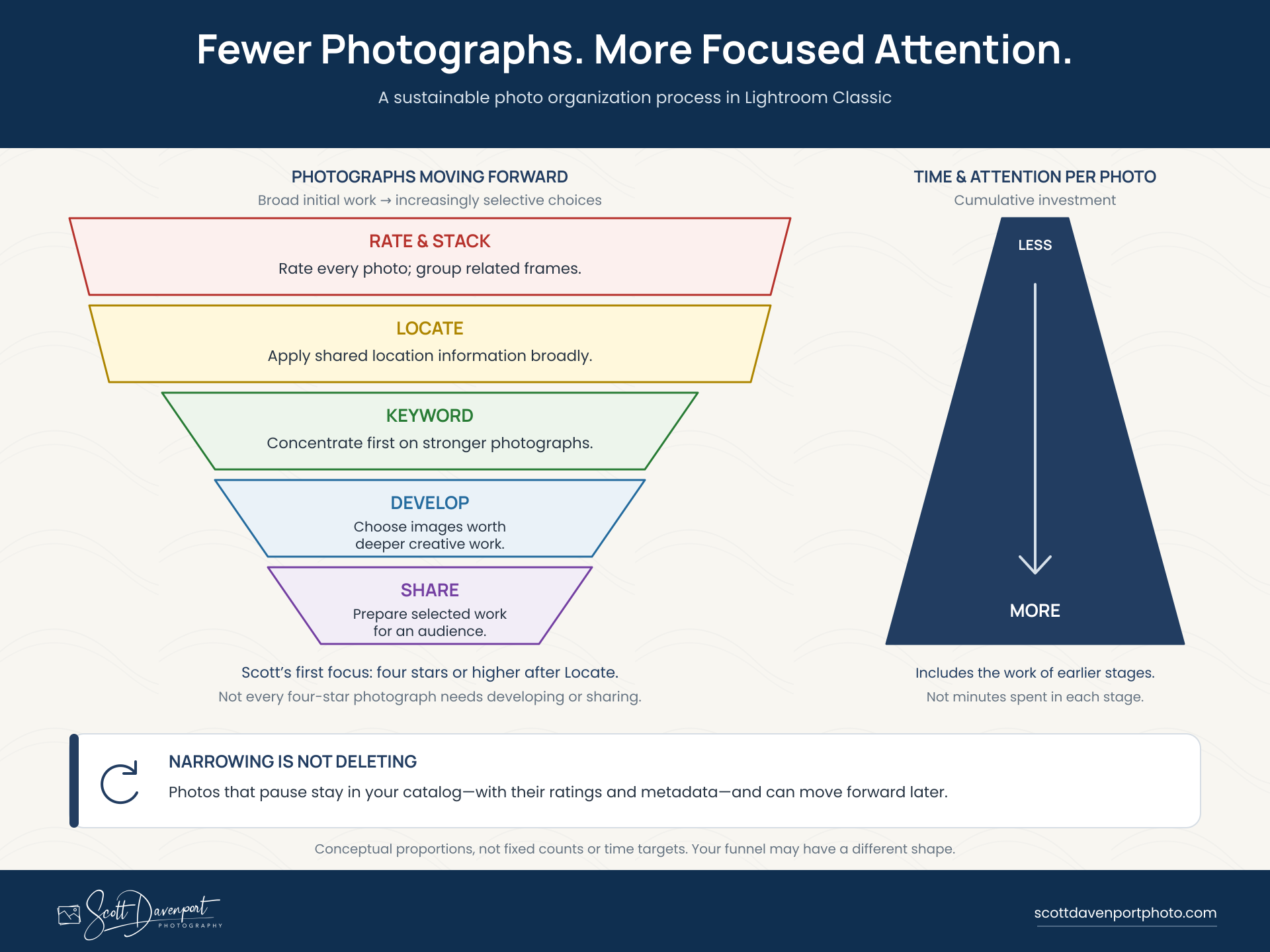
As fewer photographs move forward, I invest more time and attention in each one. Photographs that pause remain in the catalog, ready to reconsider later.
The Funnel Is Not a Permanent Gate
A photograph that doesn't move forward today has not been expelled from the workflow. It remains in the catalog with its rating and any other information I applied broadly.
Those ratings give me a healthy backlog of possibilities. After I have moved my four- and five-star photographs through the complete workflow, I can return to the three-star photographs and look for another candidate to develop. That can be especially useful when I want to work on an image and I am not out capturing something new.
The four-star filter helps me decide where to put my attention now. It is a working guideline, not a rigid gate that says every lower-rated photograph must stop permanently.
My assessment can also change. A photograph I rated quickly during the first pass may reveal potential I didn't notice at the time. I can raise its rating and carry it farther through the workflow. The reverse is also possible: a photograph that initially looked strong may not come together when I develop it, and I can lower its rating.
The meaning of my rating system remains consistent, but my judgment about an individual photograph is allowed to evolve.
Narrowing a workflow is not the same as neglecting photographs. It matches your effort to the value you are most likely to receive while preserving the option to reconsider earlier choices. In my workflow, ratings keep those possibilities visible even when I don't carry them forward immediately.
One Shoot Can Contain Several Levels of Progress
Photographs imported together do not need to move through Lightroom together. After rating a shoot, I may keyword several promising photographs, develop two of them, and prepare one for sharing. Other photographs from that import may remain at an earlier stage.
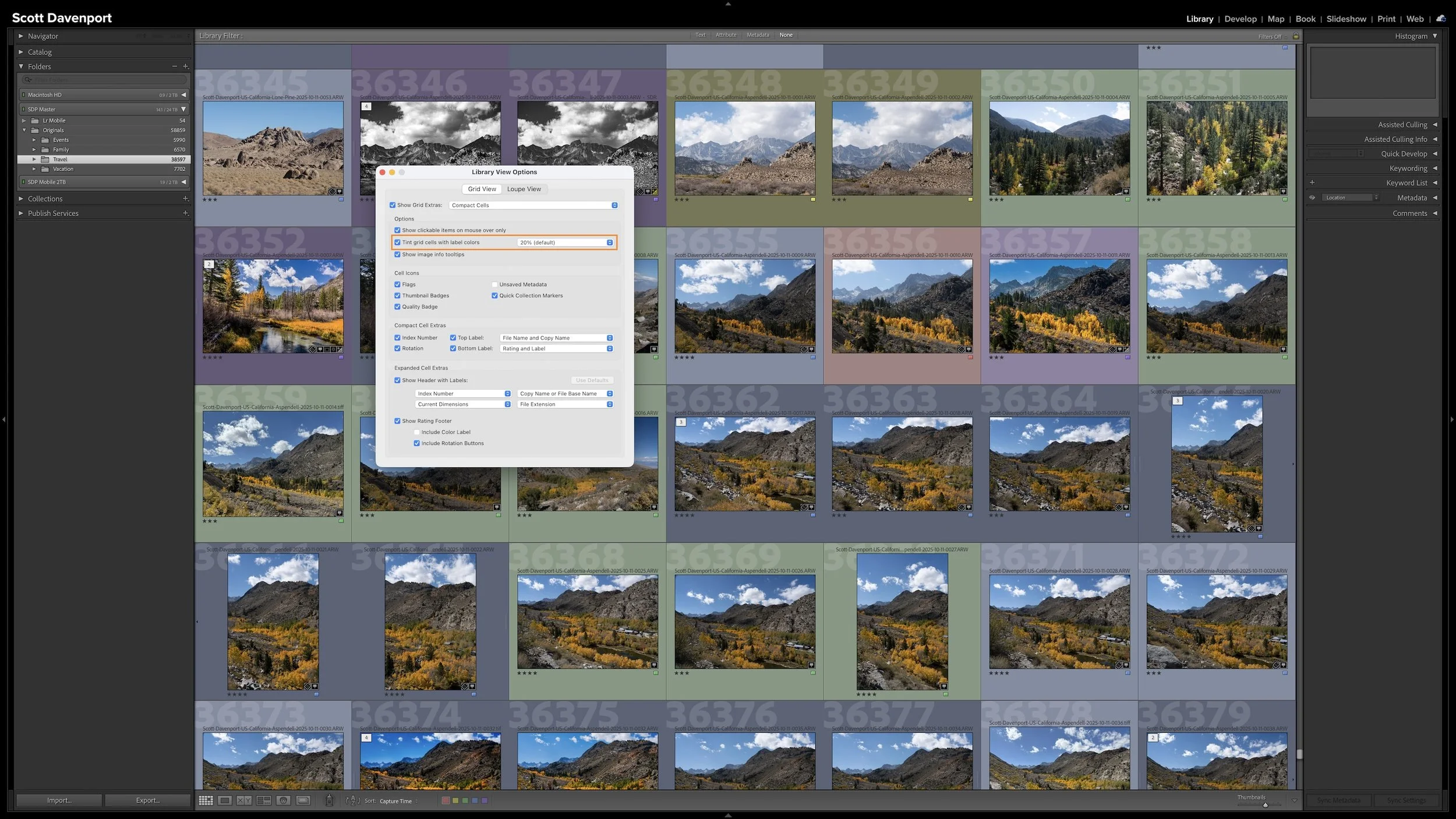
That variation is expected. My color labels track the next action for each photograph, not the status of the shoot as a whole. One photograph may need keywords while the photo beside it is ready to develop. Another may already be developed and waiting to be shared.
Each photograph can pause wherever I decide to stop investing effort for now. If I recognize more potential later, I can continue from that point without requiring the rest of the shoot to come along with it.
I don't photograph for clients, so my workflow doesn't revolve around a delivery deadline for an entire shoot. A photographer doing client work may need to carry a defined set of photographs through developing and delivery by a specific date. That kind of deadline should be part of the workflow rather than treated as an exception to it.
This is why a workflow needs to reflect the photography it supports. My photographs can move independently and wait when necessary. Your work may require a deadline-based path for client images while personal photographs move at a different pace. Account for those differences as you design and refine your own workflow.
Your Funnel May Have a Different Shape
The number of photographs carried into each stage will depend on the photographer and the work.
An event photographer may need to add useful metadata and develop a relatively large portion of a shoot because many photographs must be delivered to a client. A portrait photographer may begin with many variations and narrow toward a smaller set of finished selections. A wildlife photographer may keep numerous frames of a behavior while developing only those with the strongest gesture or cleanest view. My landscape workflow may narrow more quickly because I am often looking for a smaller number of finished photographs from an outing.
There is no percentage of an import that must reach a particular stage. I don't have a prescribed number of photographs that must survive each step, and the shape of the funnel can change from one shoot to another.
The durable principle is the relationship between effort and selectivity. Information that is quick to apply and useful later can be added broadly. Work that requires more judgment can concentrate on the strongest photographs. Creative and publishing effort can focus even more tightly on the best photographs from the shoot.
Your funnel does not need to look exactly like mine. It only needs to protect your time while supporting what you eventually want to do with your photographs.
Final Thoughts
Every imported photograph enters my workflow, but every photograph does not demand the same amount of attention.
I rate every photo and take advantage of efficient opportunities to stack related frames or apply shared location information. After the Locate stage, I filter for photographs rated four stars or higher and concentrate my keywording effort on those stronger images. Developing and sharing receive an even narrower focus because not every photograph in that filtered group will warrant the same creative or publishing effort.
The photographs that don't move forward immediately remain useful members of the catalog. Their ratings and metadata help me understand what they are, find them again, and reconsider them when I am ready. A lower-rated photograph can become part of a healthy backlog rather than a forgotten or permanently excluded frame.
The funnel makes the workflow sustainable. It prevents me from spending equal time on every photograph while keeping worthwhile possibilities available for the future.
I am not trying to give every photograph everything. I give each photograph enough attention to understand its potential, then concentrate my greatest effort on the best photographs from the shoot.
This article is part of my Lightroom Photo Organization series.
Next: Where Editing and Export Fit Into Your Lightroom Organization →
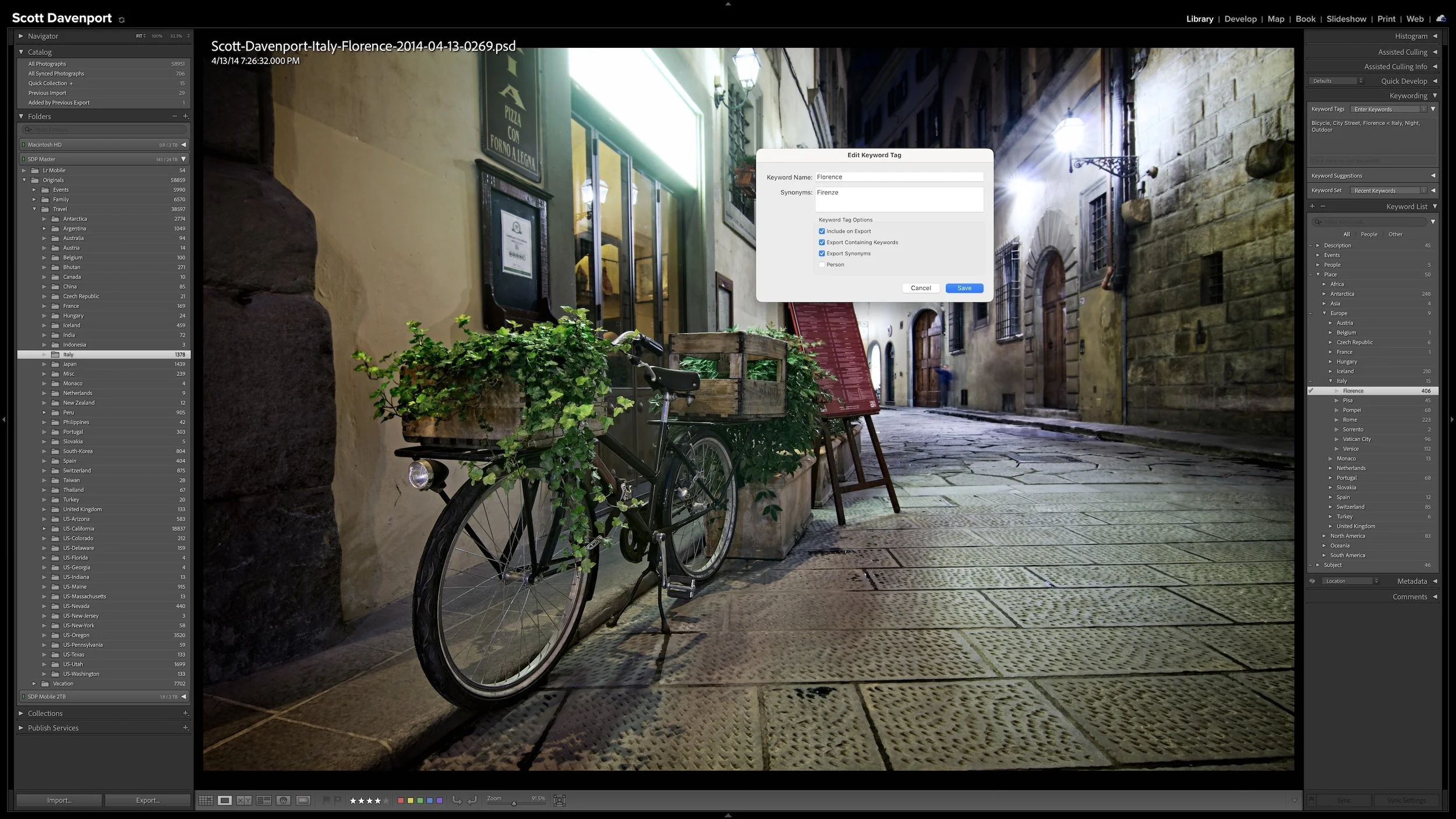
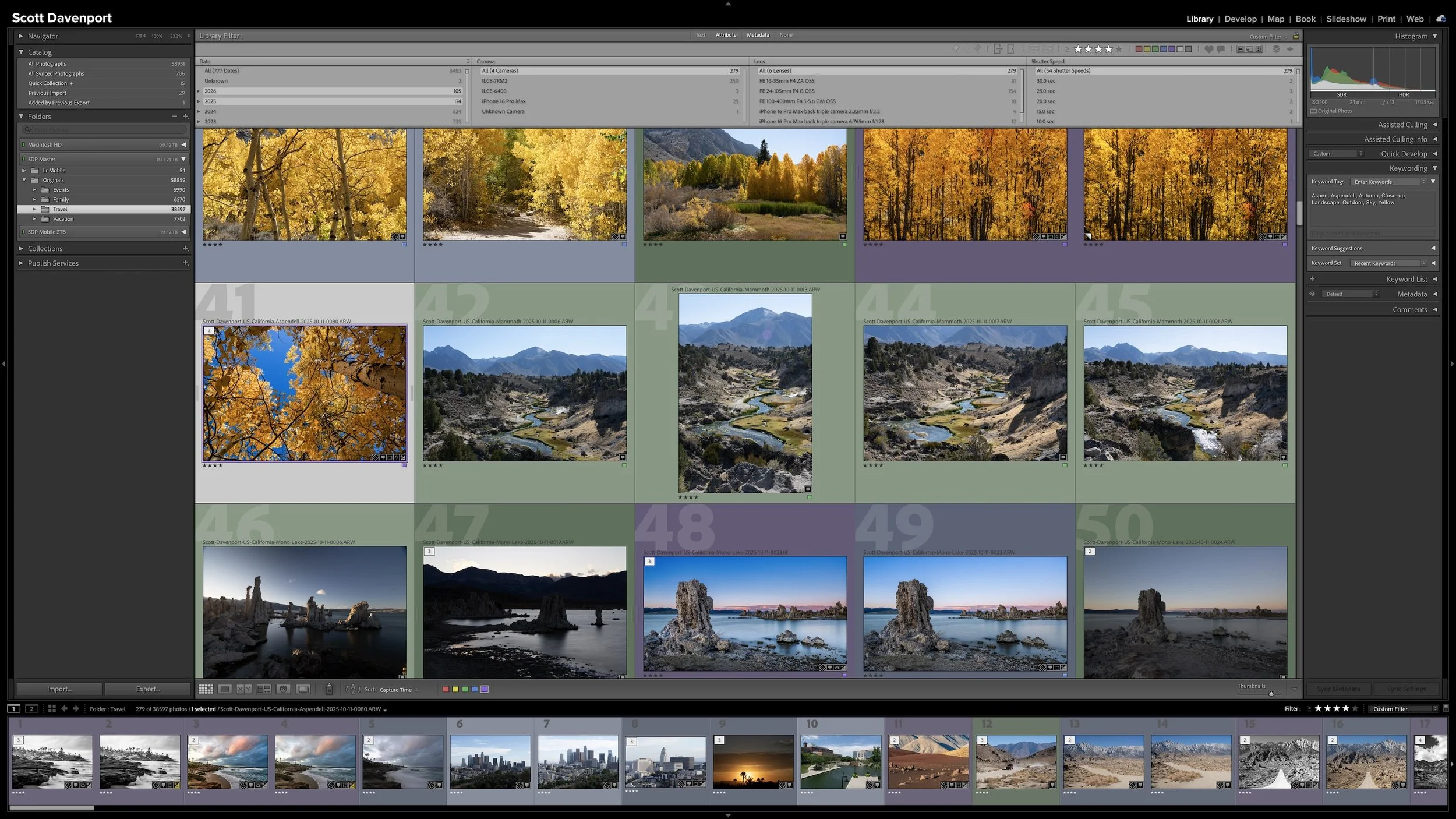
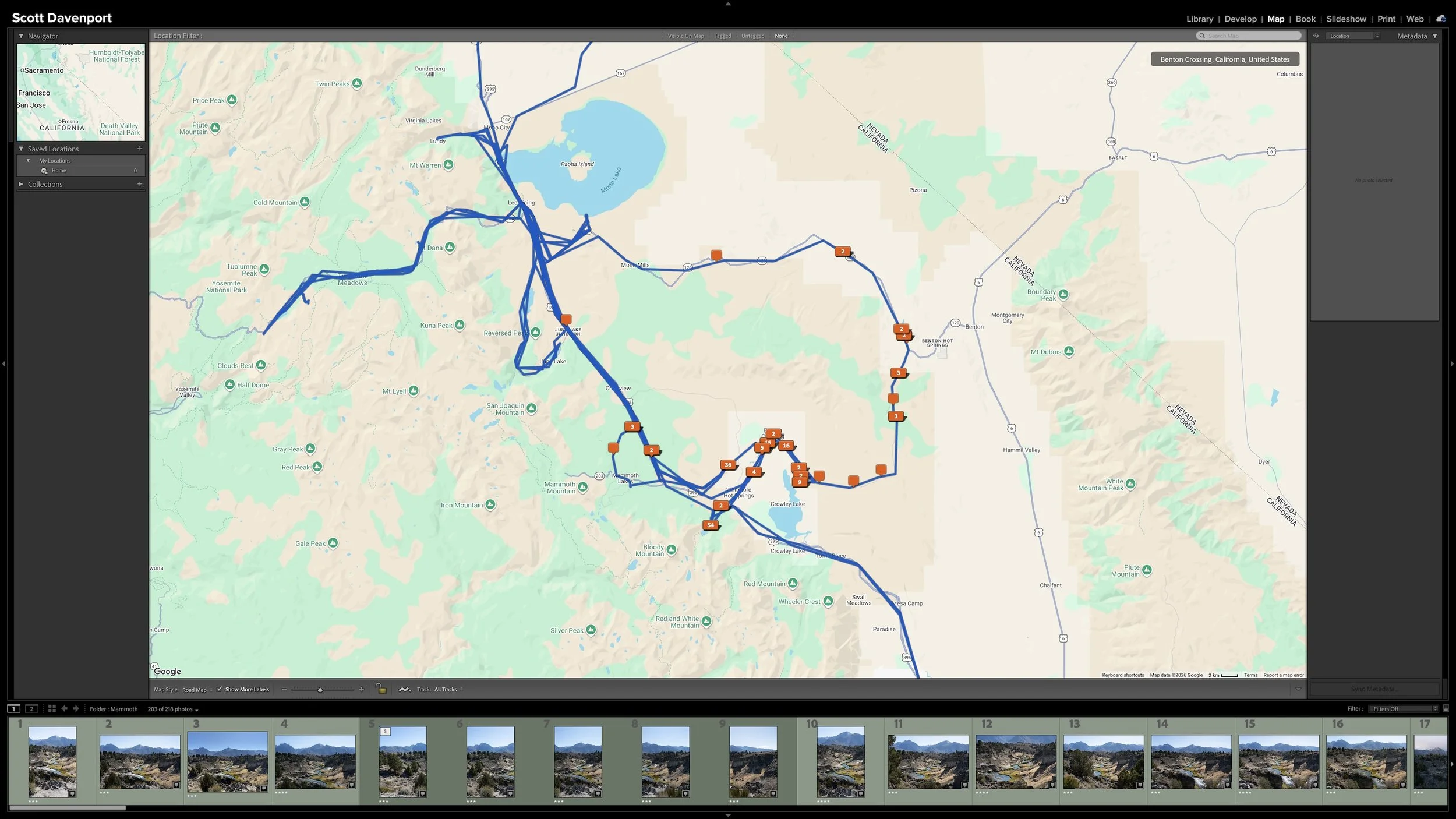
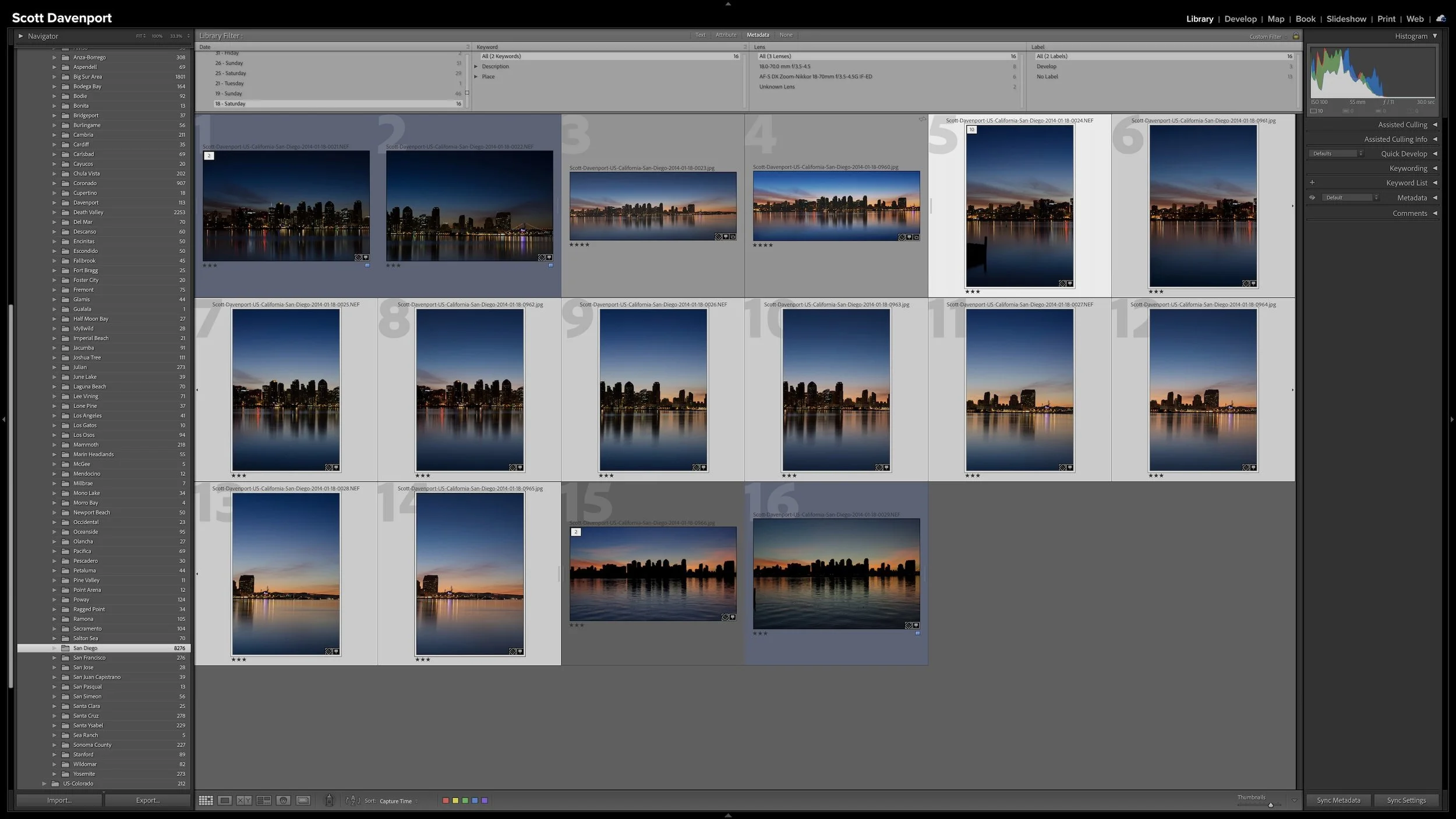
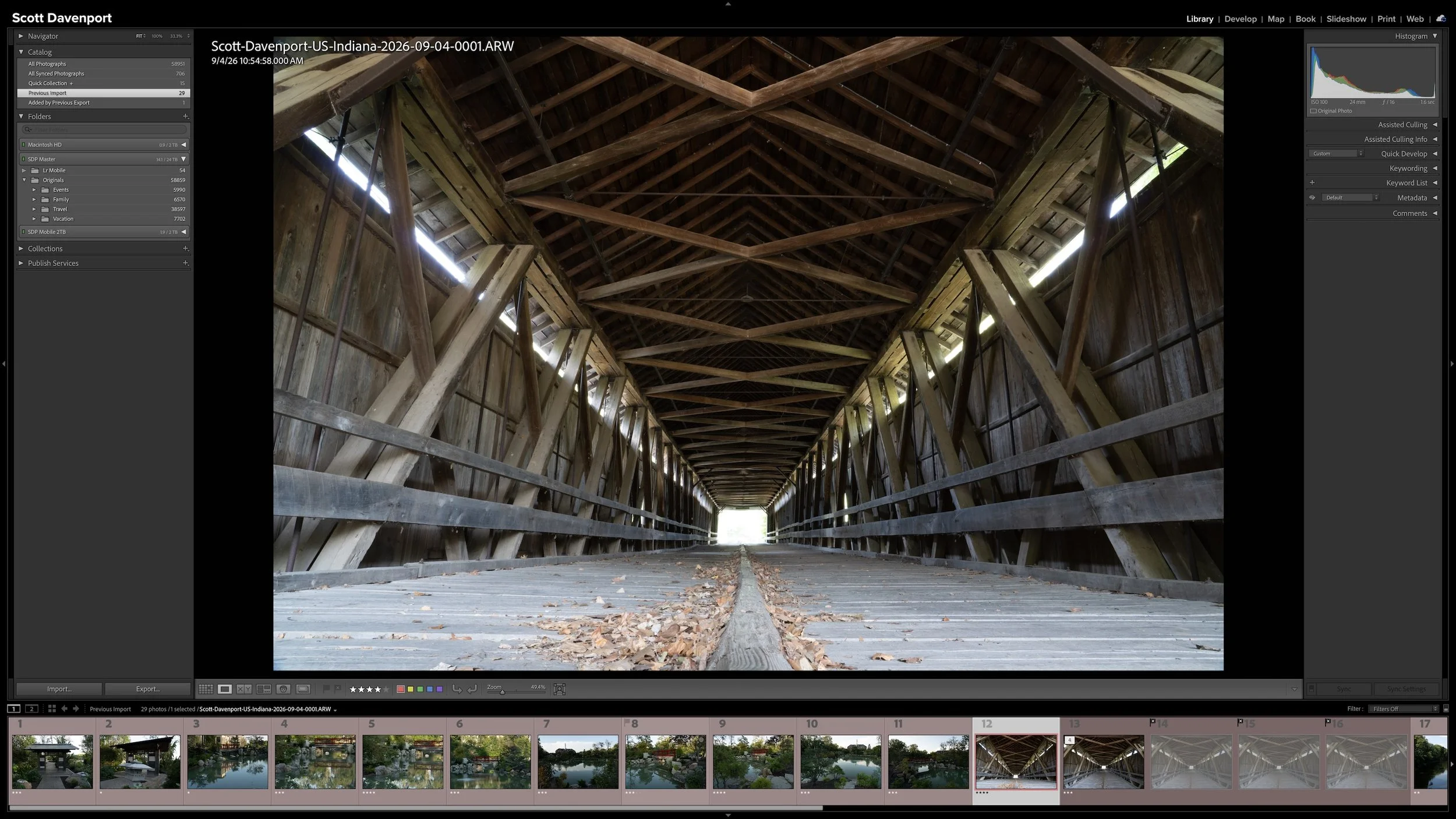
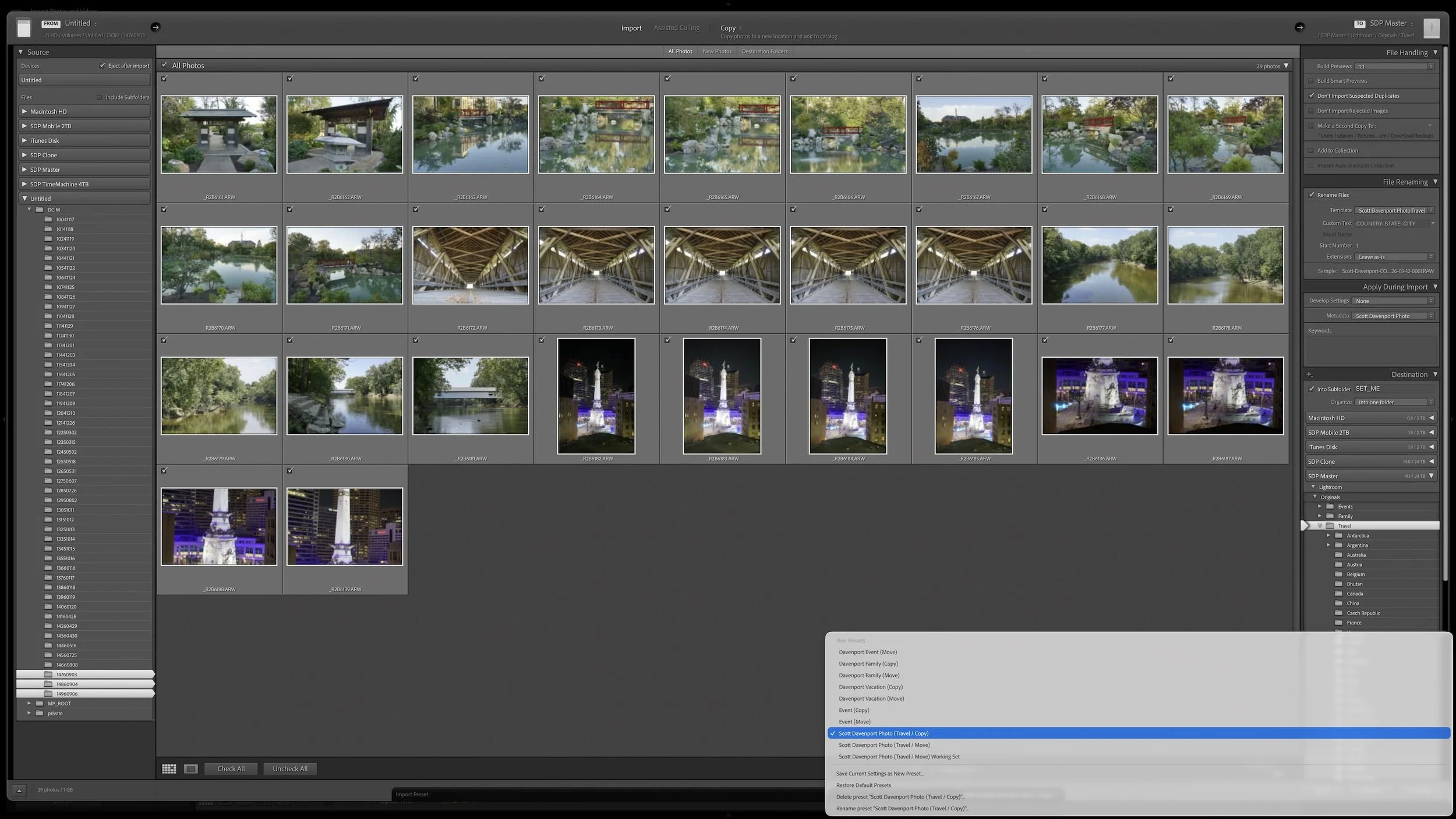
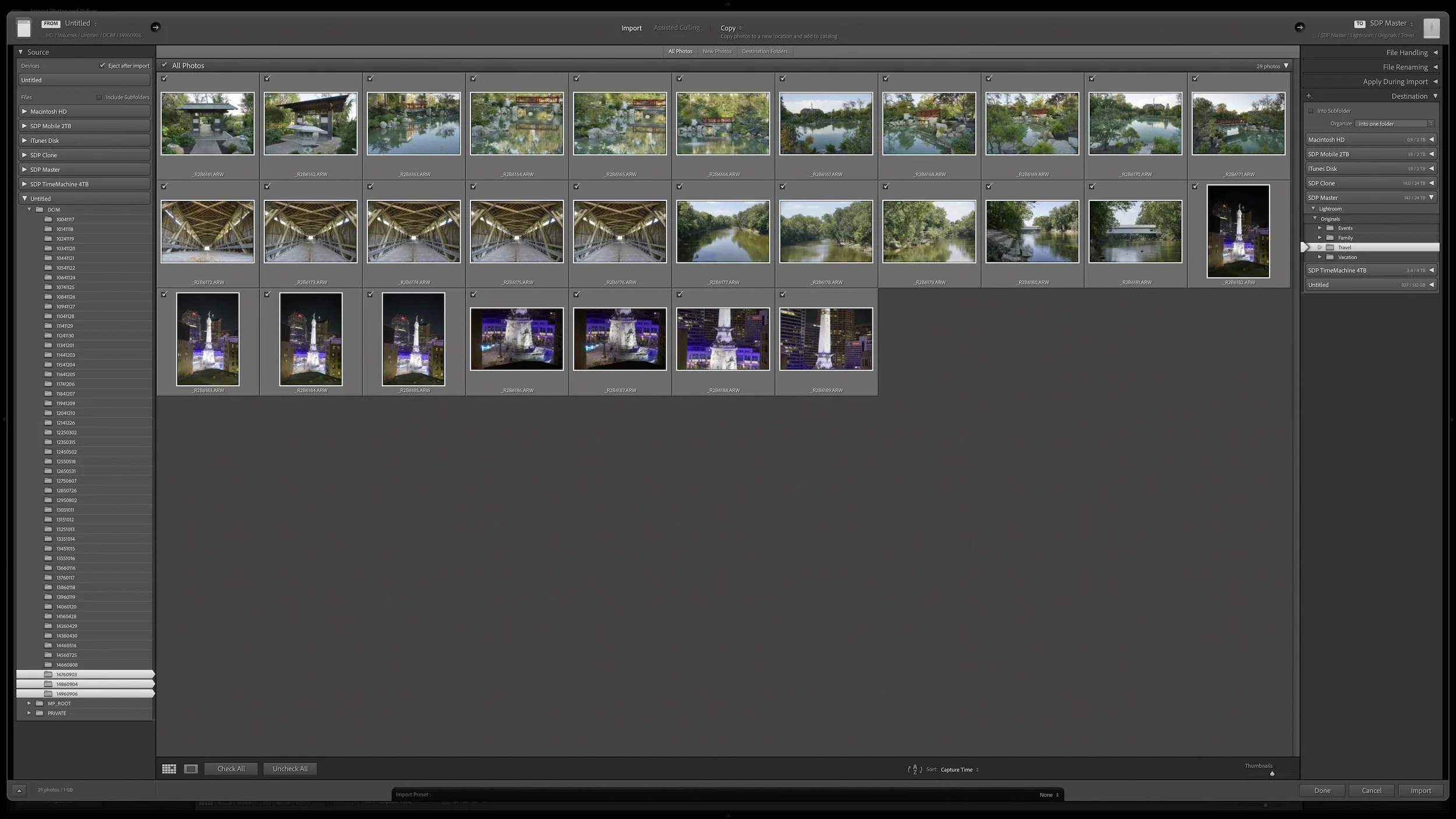

Every photograph I import receives some initial attention, but that doesn't mean every photograph needs the same amount of work. Rating, stacking, and adding shared location information can happen broadly and efficiently across a shoot.
As my workflow moves into keywording, developing, and sharing, I concentrate more effort on the best photographs from the shoot. This narrowing protects my time without deleting photographs, closing doors, or preventing me from reconsidering an image later.