

My Lightroom Classic Photo Organization Workflow
A practical system for importing, organizing, finding, and managing your photographs in Lightroom Classic.
Over the years, I've developed a Lightroom Classic workflow that helps me keep a growing photo library organized without turning photo management into a job of its own. This series walks through that system—from catalogs, folders, and importing to ratings, location information, keywords, searching, and the workflow I use to move photographs from import to finished work.
These are guidelines, not rules. My goal is to show you the system I use, explain why I make the choices I do, and help you build an organization workflow that works for your photography.
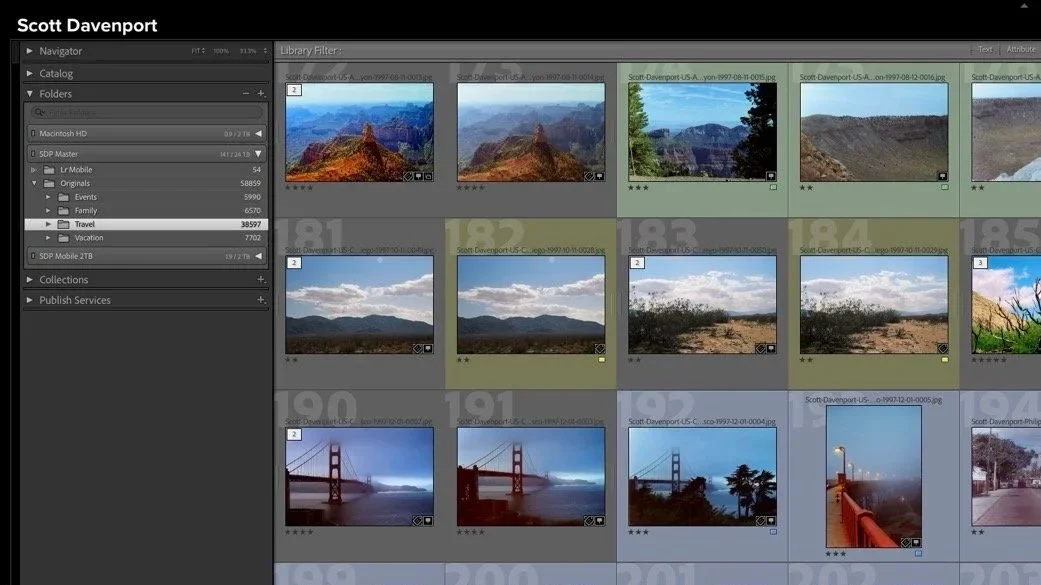
Article 01
Start Your Lightroom Photo Organization With the End in Mind
Start with what you want to do with your photographs, then build a Lightroom organization system that supports those goals.
The Workflow at a Glance
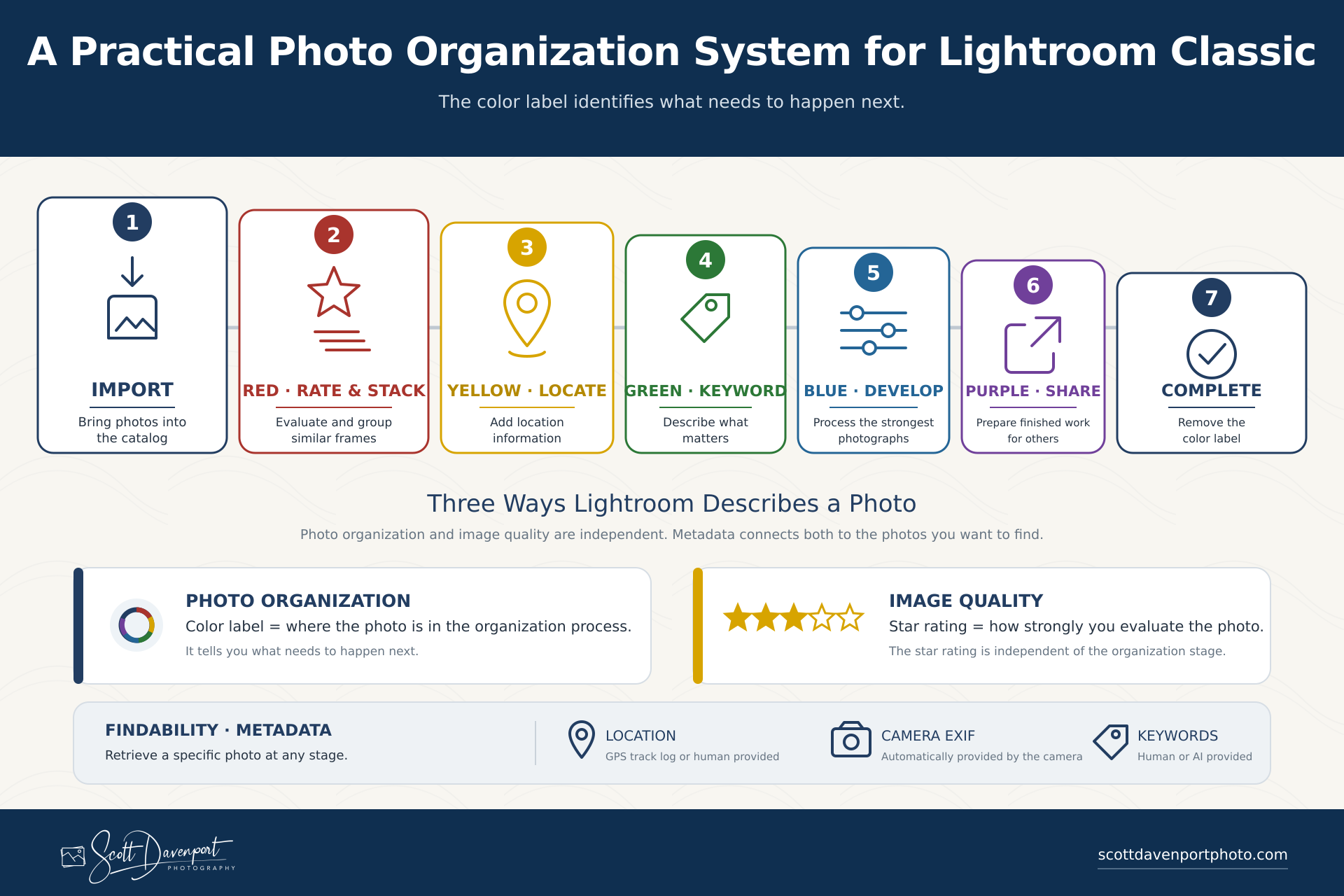
My workflow uses Lightroom's color labels to show where a photograph is in the process, while star ratings describe the quality or potential I see in the image. The articles below explain both the overall system and the Lightroom tools that support it.
Build the Foundation
Article 01
Start Your Lightroom Photo Organization With the End in Mind
Start with what you want to do with your photographs, then build a Lightroom organization system that supports those goals.
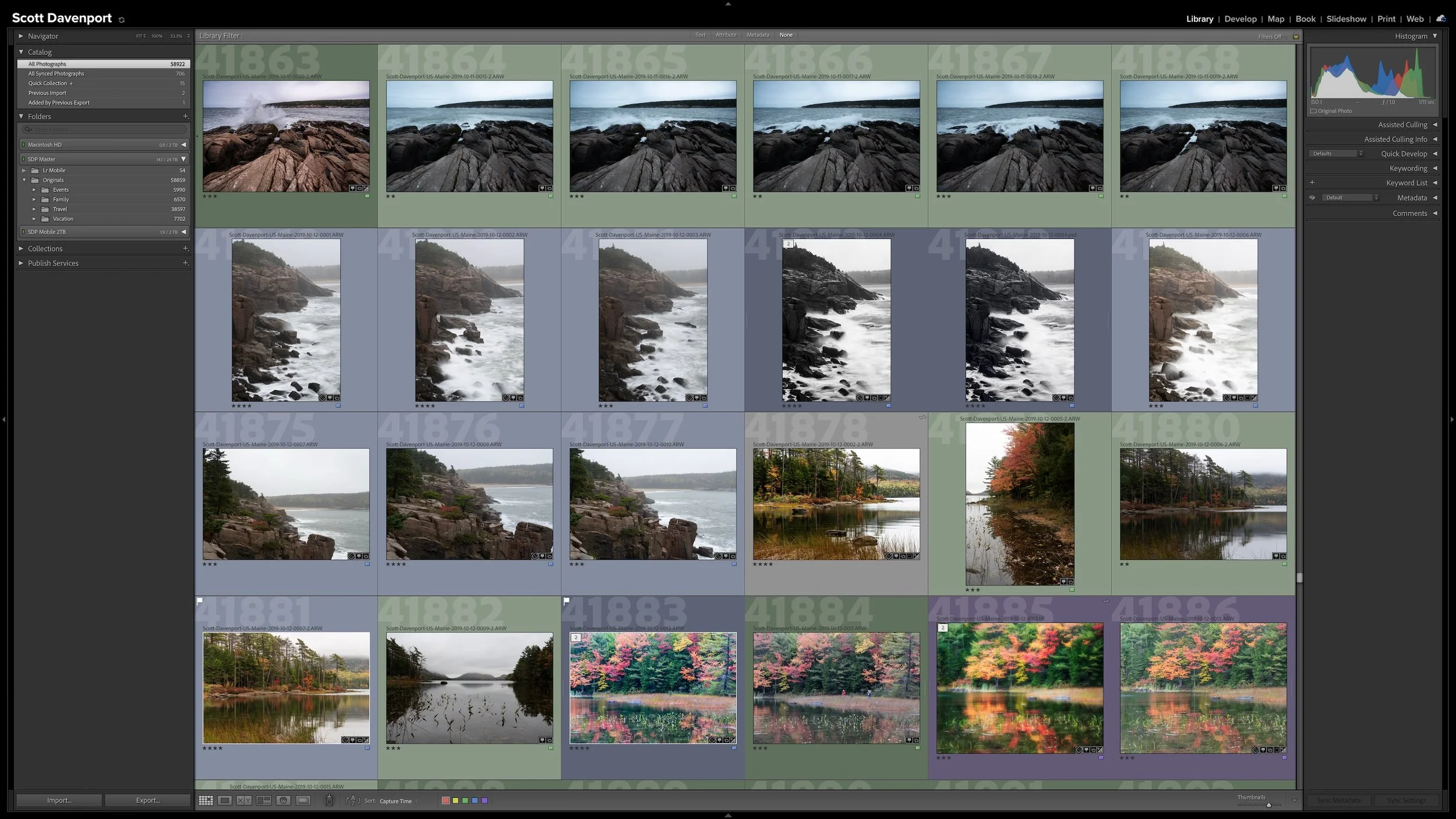
Article 02
One Lightroom Catalog or Several? How to Decide
One catalog or several? Choose the structure that best supports how you manage, organize, and find your photographs.
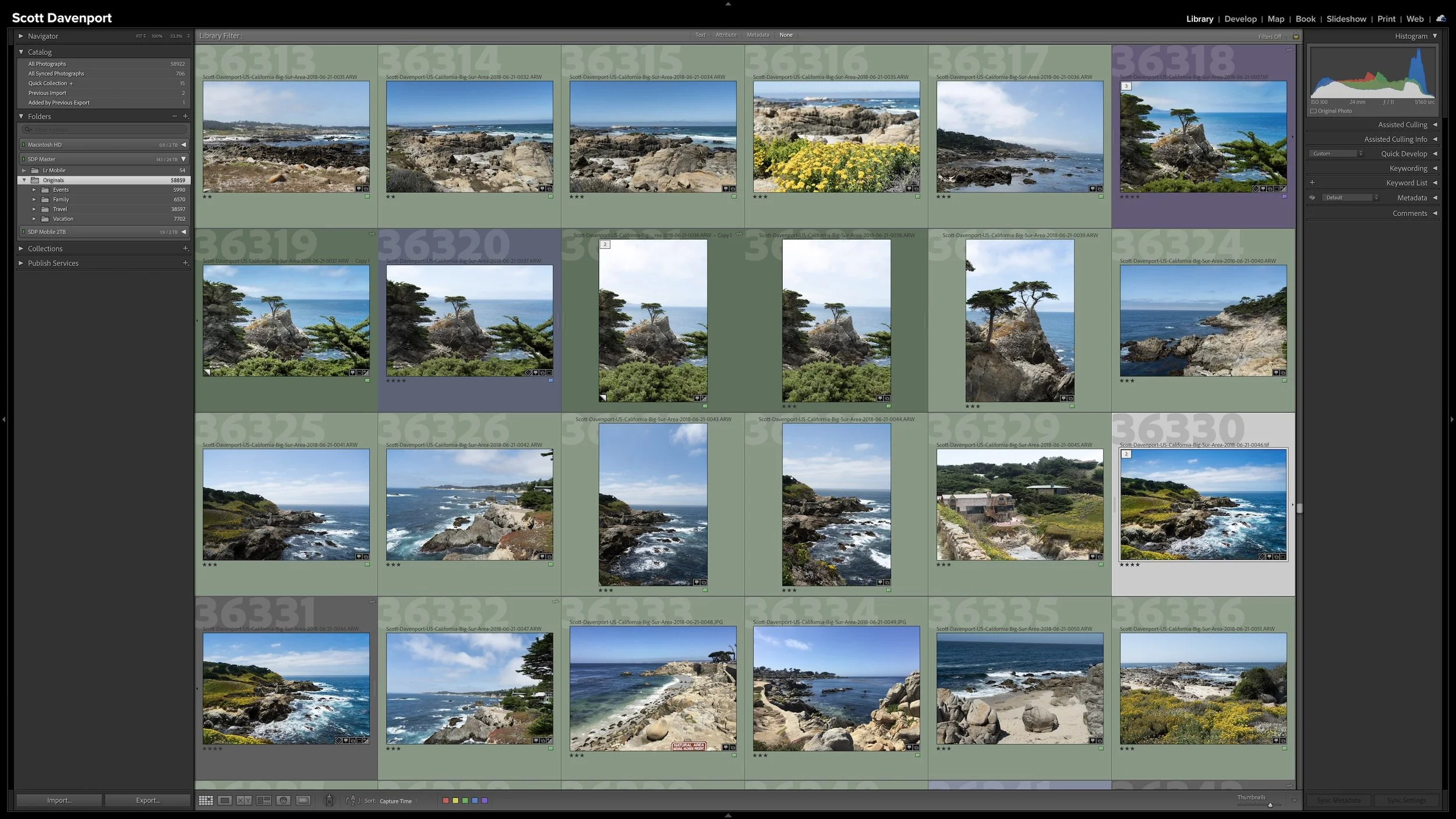
Article 03
A Simple Lightroom Folder Structure That Can Grow With You
Keep your folder structure simple and organize photographs in a way that matches how you naturally think about and look for them.
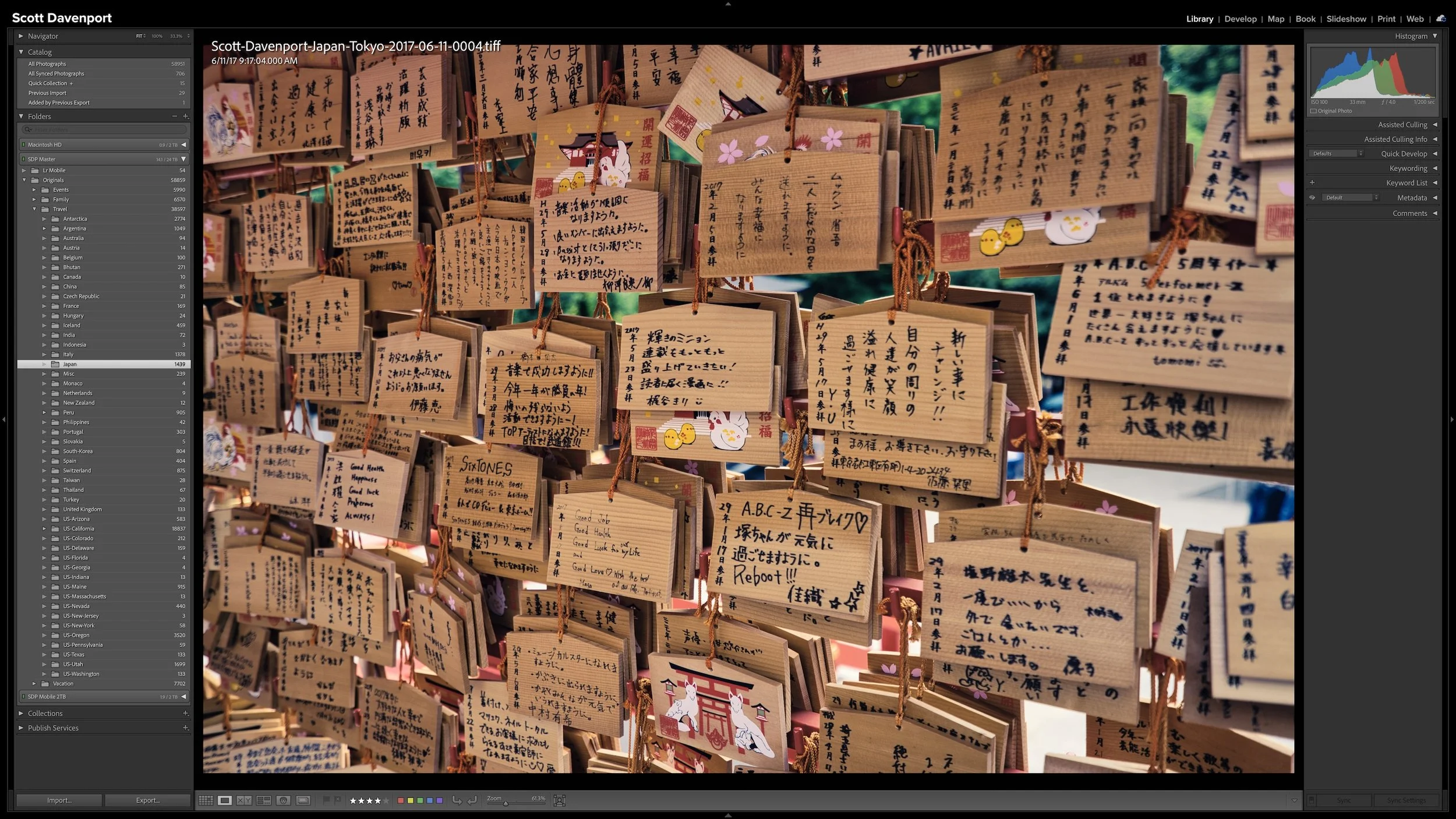
Article 04
Should You Rename Your Photos When You Import Them?
A consistent filename can give your photographs useful identity outside Lightroom and provide valuable clues when a file becomes misplaced.
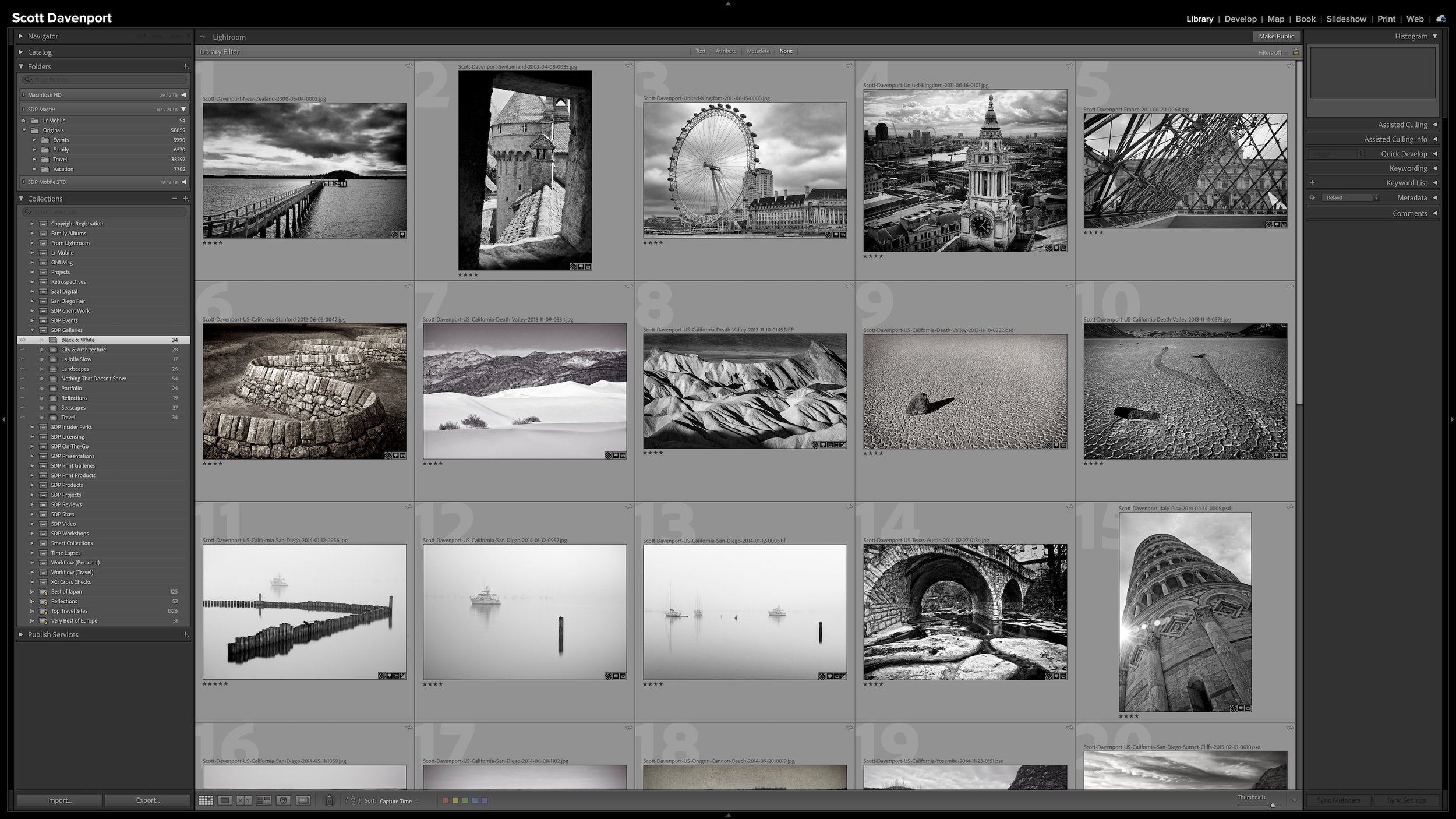
Article 05
Lightroom Folders and Collections Solve Different Problems
Folders describe where your original files live. Collections let you bring photographs together without changing that physical organization.
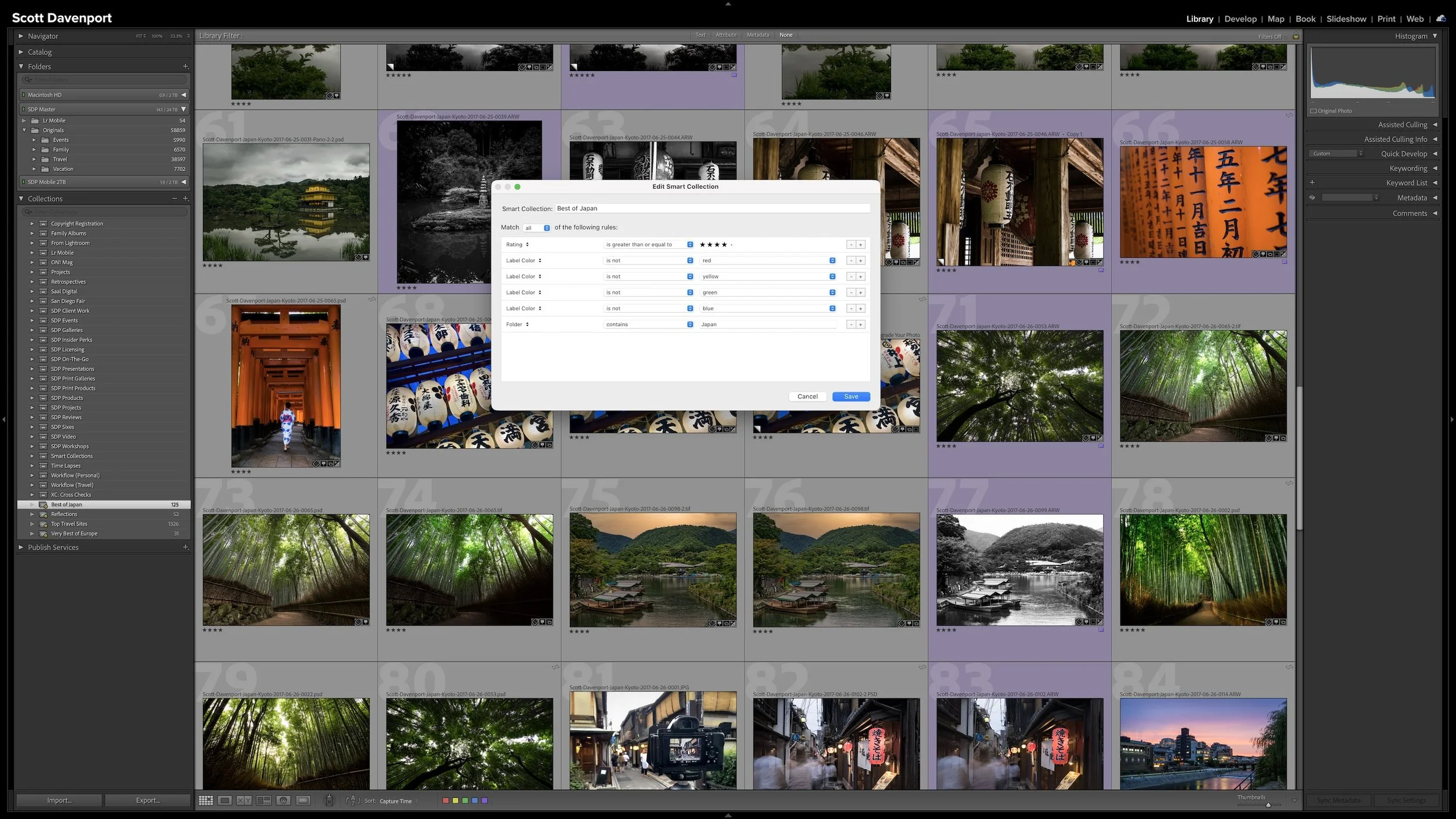
Article 06
Smart Collections: Let Lightroom Organize Photos for You
Give Lightroom a set of criteria and Smart Collections automatically gather matching photographs as your catalog changes.
Organize Your Photos
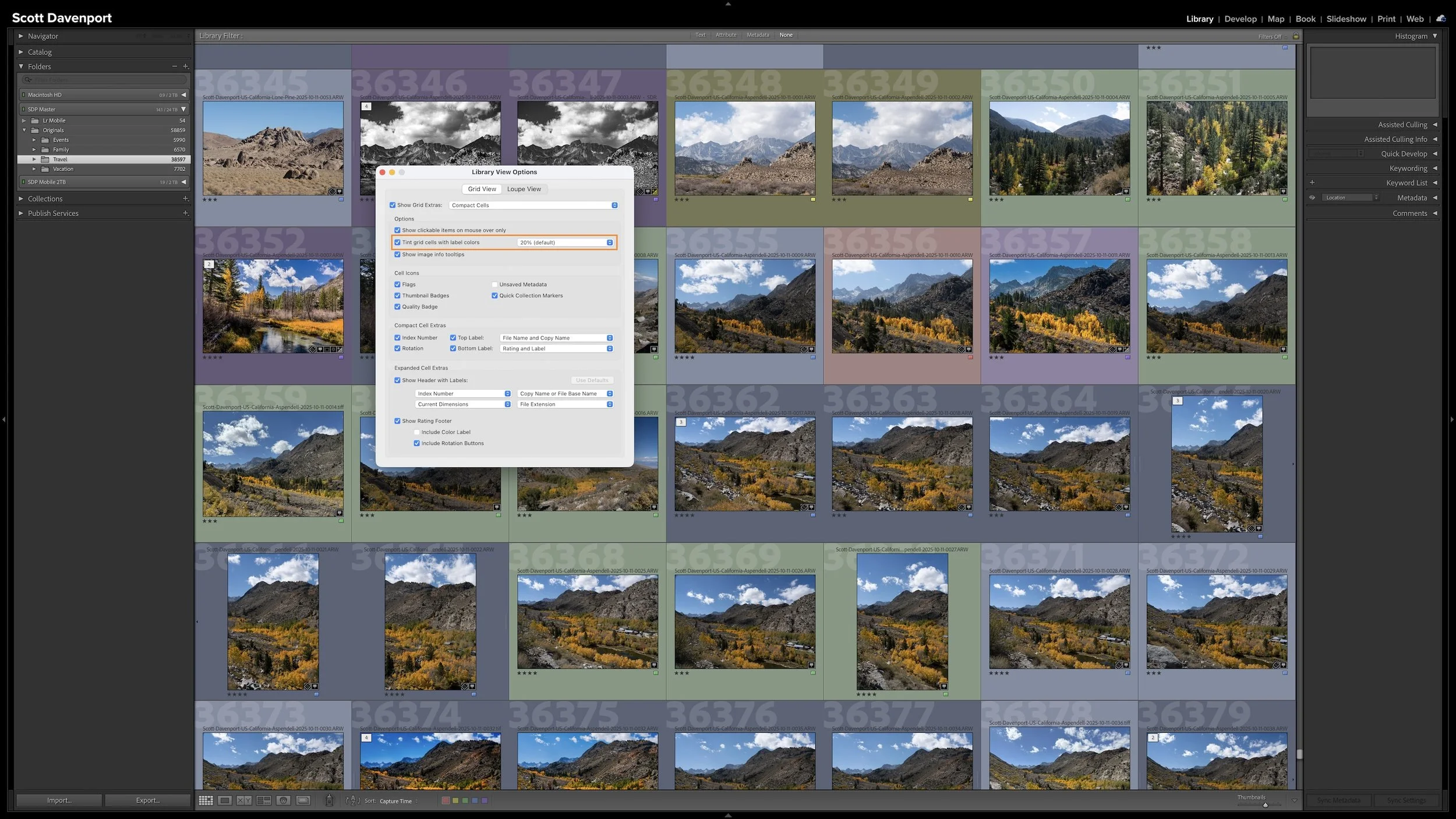
Article 07
My Six-Step Lightroom Workflow From Import to Sharing
Use color labels to give every photograph a clear next action, from rating and location information through developing and sharing.
Article 08
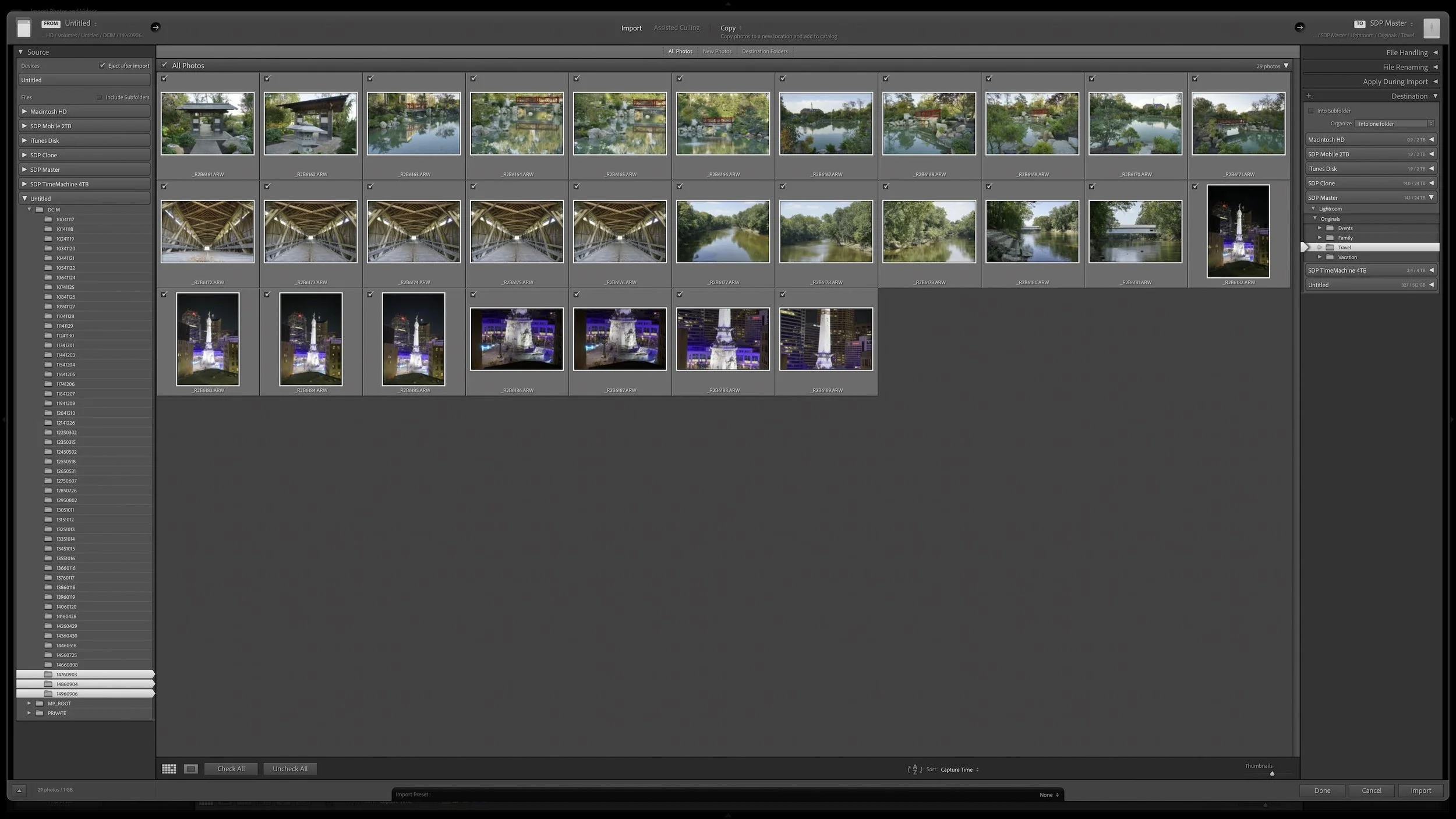
What Copy, Move, and Add Actually Mean When Importing into Lightroom
Understand what Copy, Move, and Add do to your original files so you can choose the right Lightroom import method with confidence.
Article 09
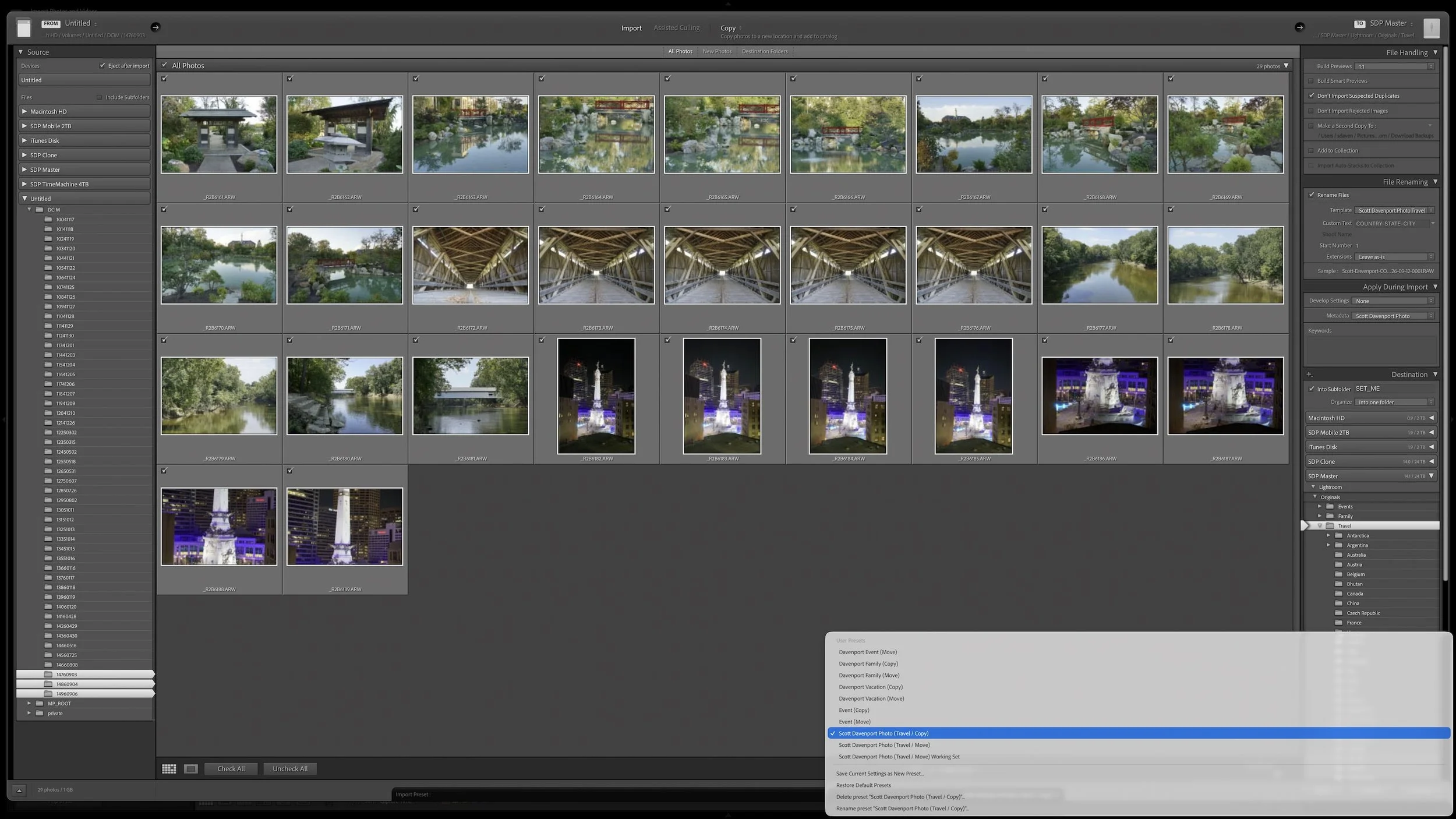
Build a Lightroom Import Preset That Does the Repetitive Work for You
Save your repeatable import settings in a preset so you can concentrate on the choices that actually change from shoot to shoot.
Article 10
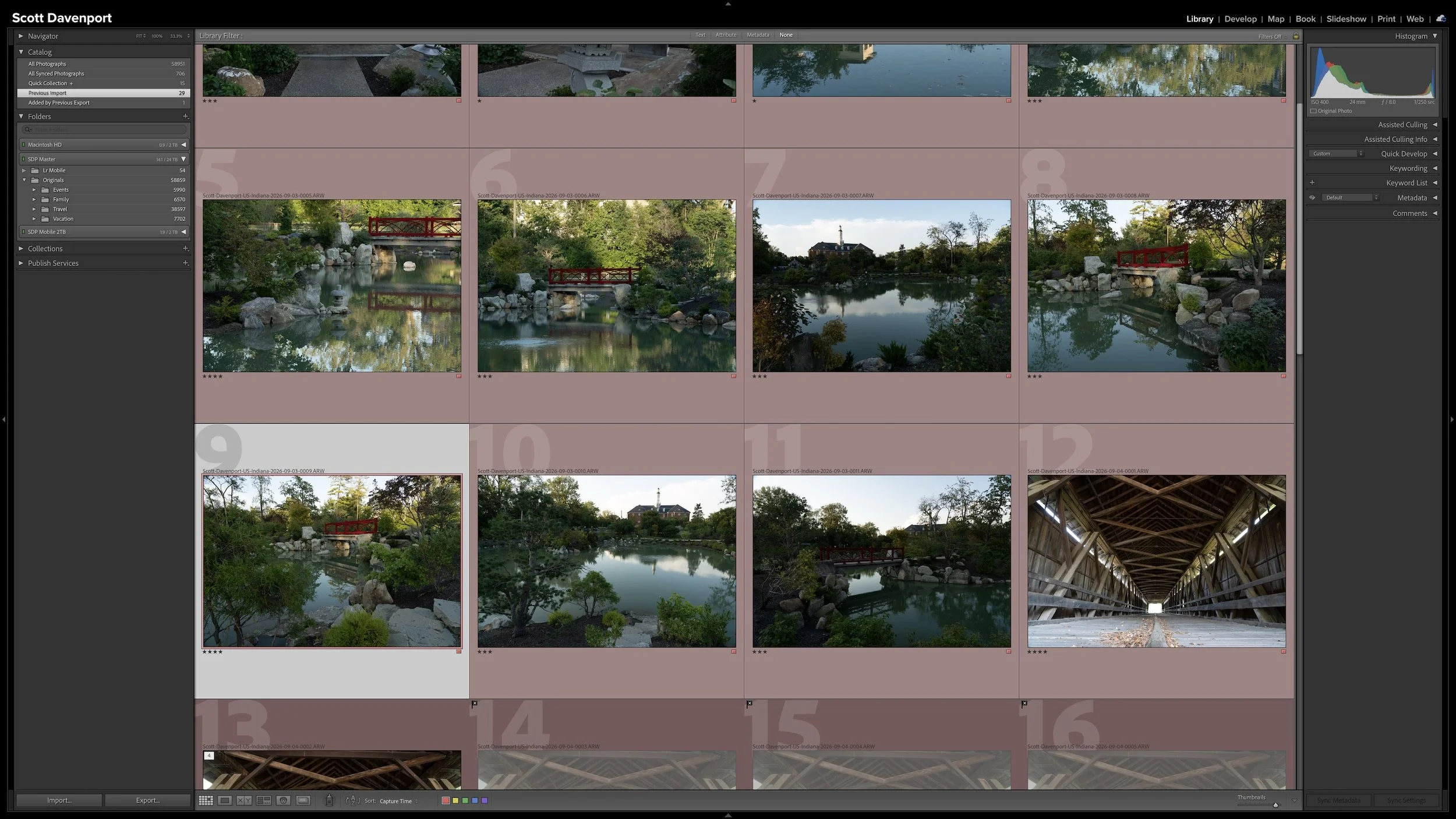
A Lightroom Star-Rating System You Can Use Consistently
Give Lightroom's star ratings stable meanings so a three-star or four-star photograph means the same thing from one shoot to the next.
Article 11
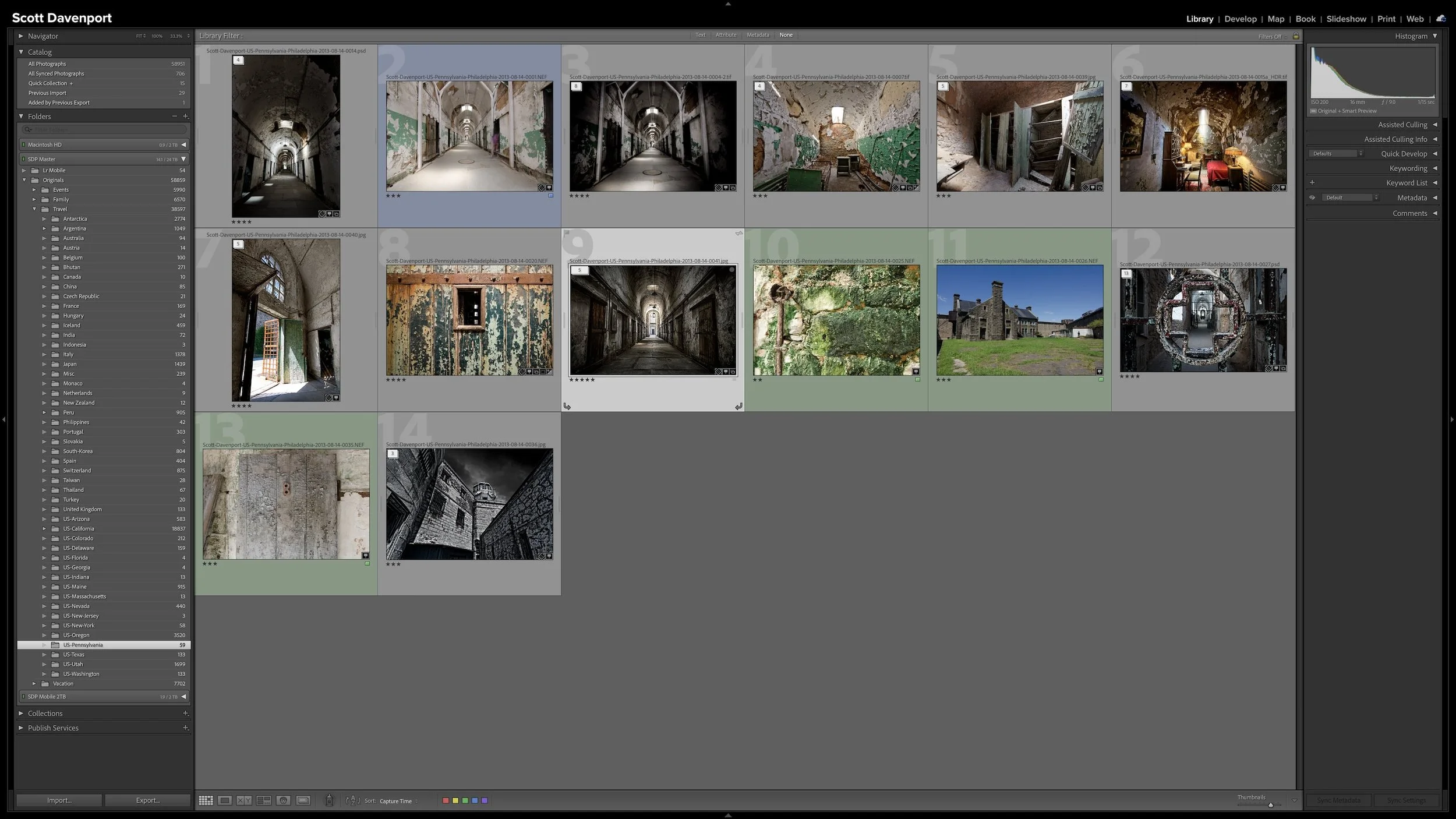
Use Lightroom Stacks to Organize Similar Photos and Exposure Sets
Use stacks to keep related photographs together while reducing the visual clutter created by brackets, bursts, panoramas, and similar frames.
Article 12 - COMING SOON
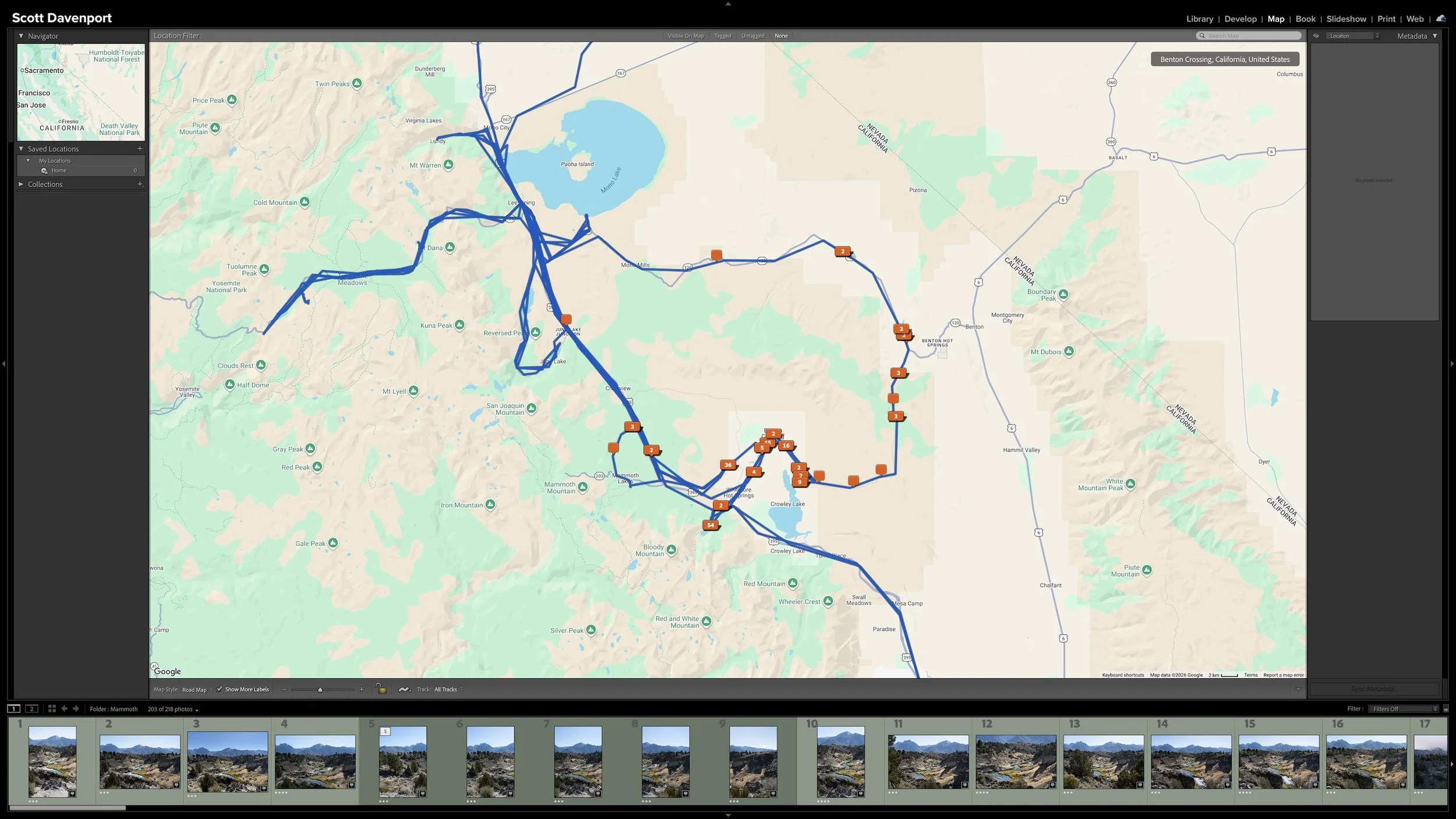
Add Location Information Before You Forget Where You Were
Add useful location information while a shoot is still fresh so you can find photographs by where they were made years later.
Article 13 - COMING SOON
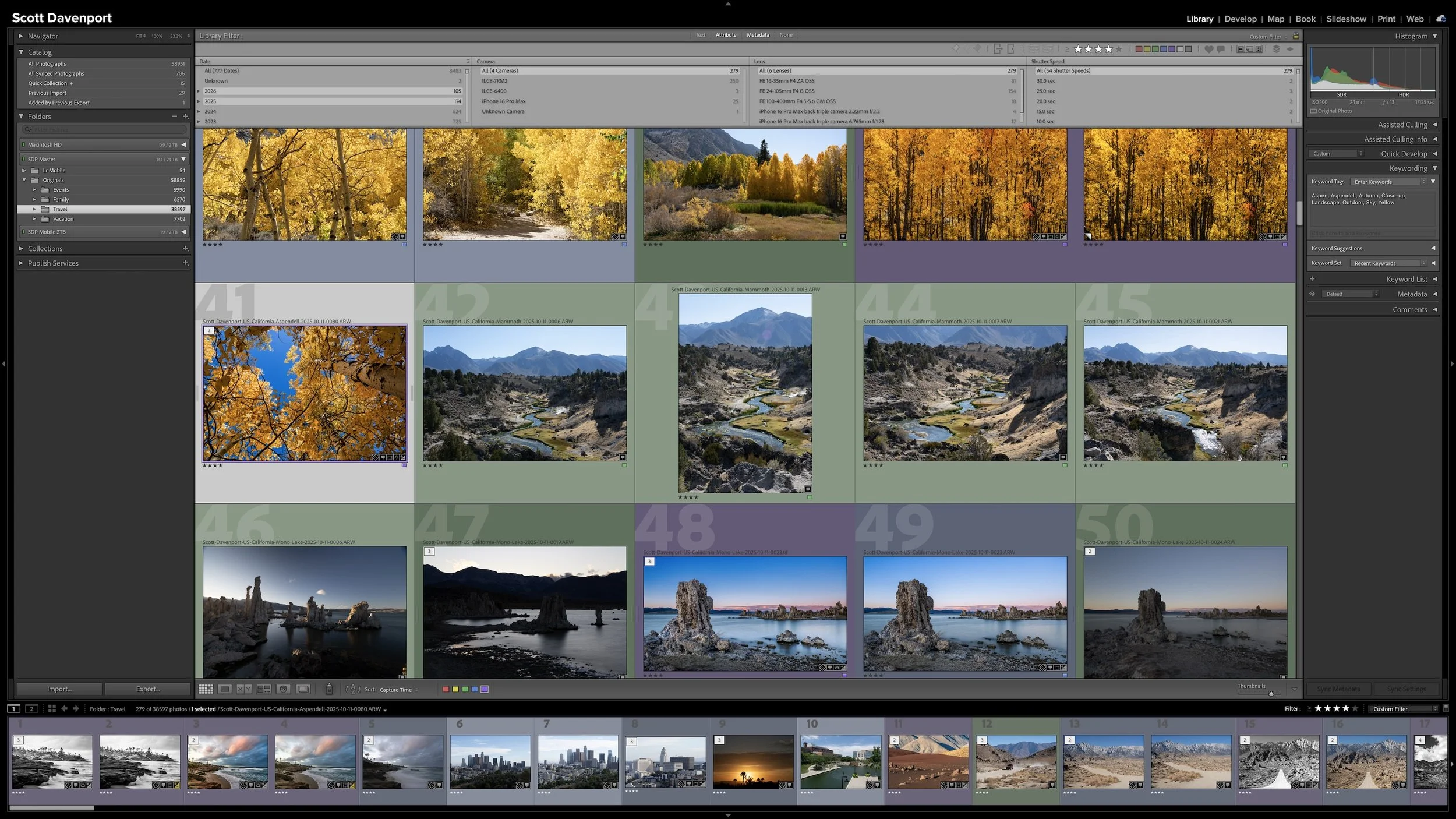
A Keyword Strategy That Doesn’t Become a Second Job
Add keywords that provide useful information Lightroom doesn't already know instead of trying to describe everything in every photograph.
Article 14 - COMING SOON
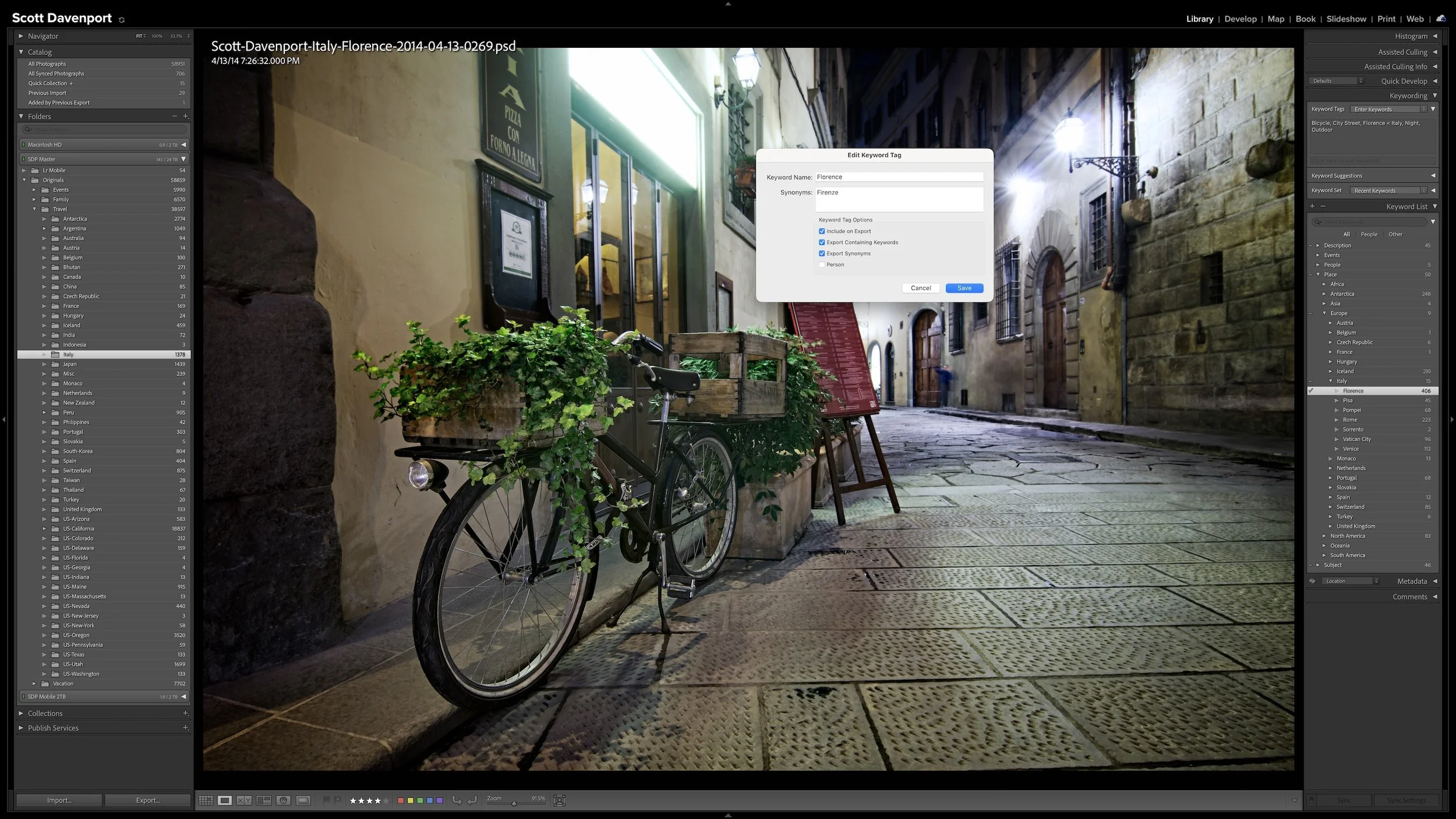
Use Nested Keywords and Synonyms to Work Faster in Lightroom
Use keyword hierarchies and synonyms to connect specific subjects and places with broader ideas and alternate ways of finding them.
Put Your Organization to Work
Article 15 - COMING SOON
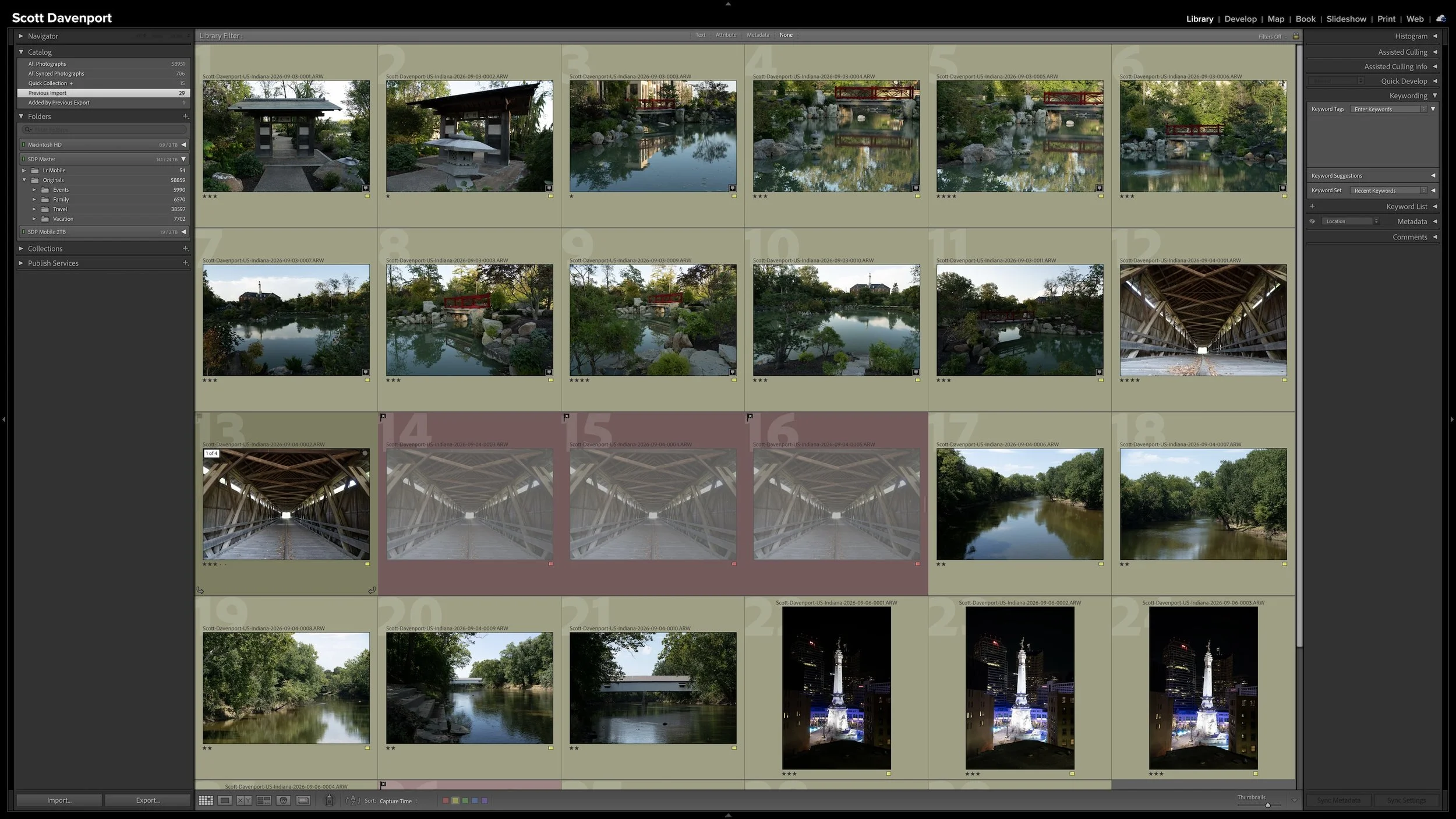
Why My Lightroom Photo Organization Narrows as It Moves Forward
Give every photograph some initial attention, then concentrate keywording, developing, and sharing effort on the strongest images from the shoot.
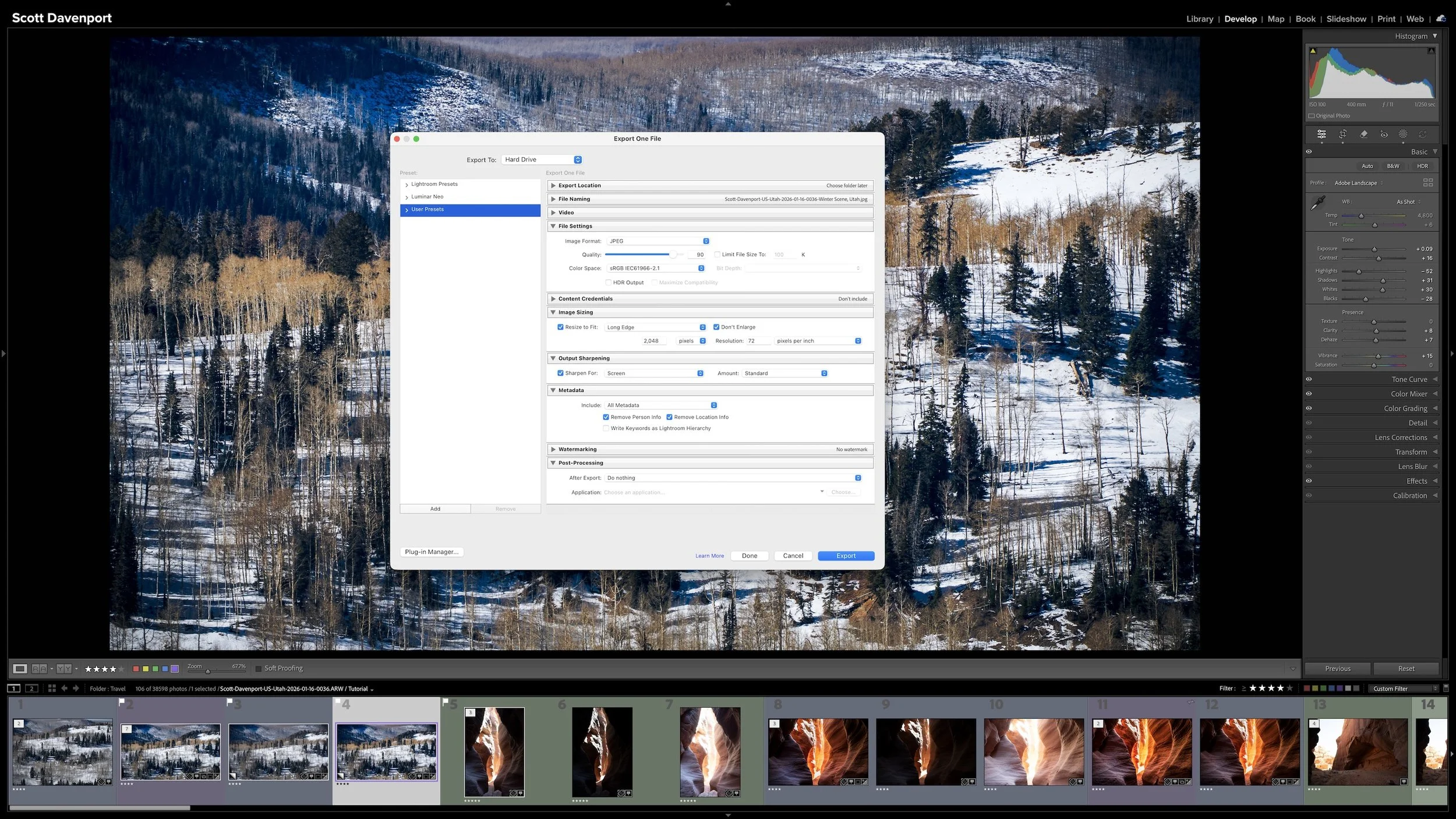
Article 16 - COMING SOON
Where Editing and Export Fit Into Your Lightroom Organization
Keep developing, preparing an output, sharing, and completing the work as distinct steps so you always know what a photograph needs next.
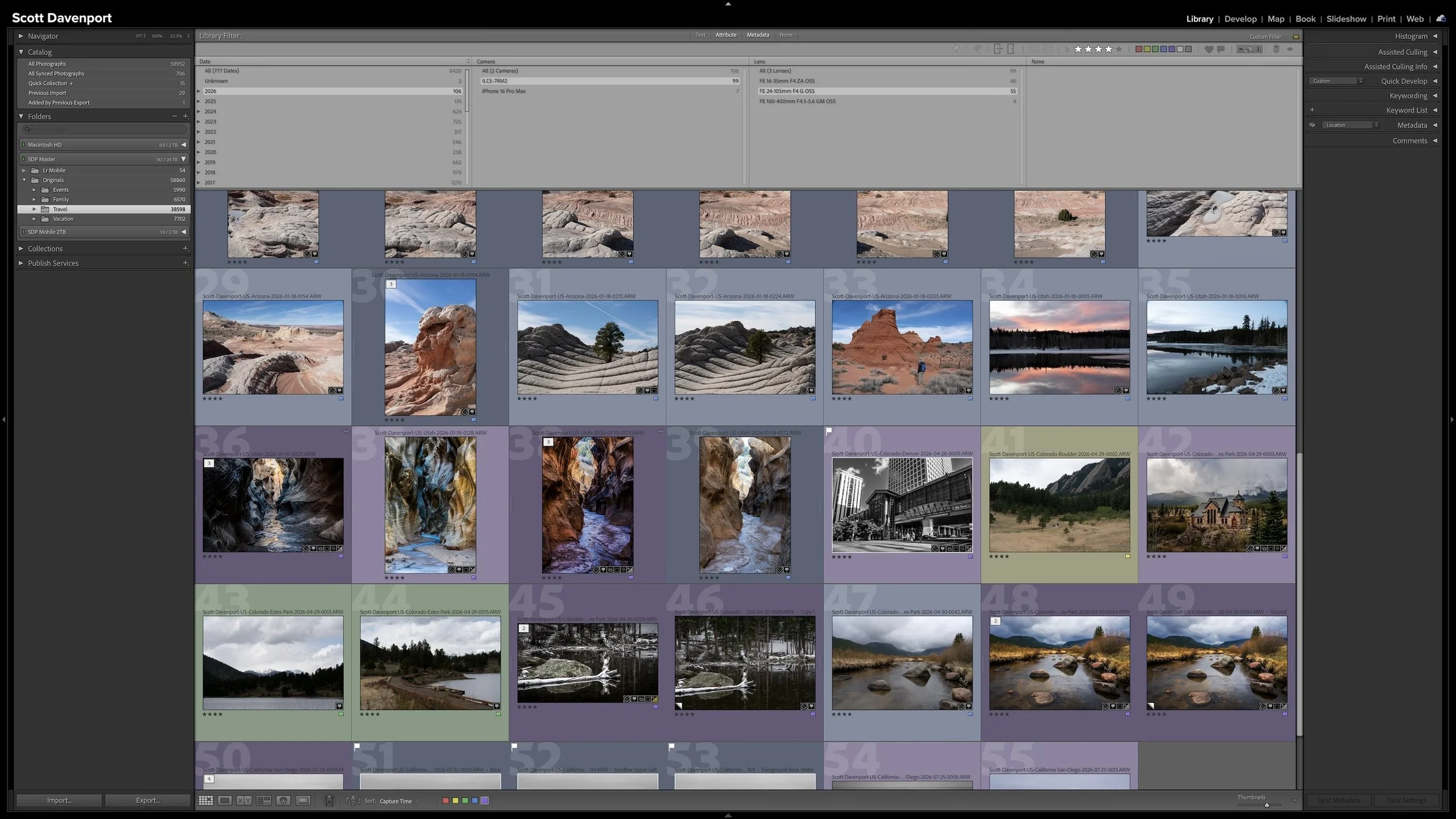
Article 17 - COMING SOON
How to Find Almost Any Photo With Lightroom’s Library Filter
Combine the clues you remember—location, subject, rating, camera metadata, and more—to progressively narrow your catalog and find a photograph.
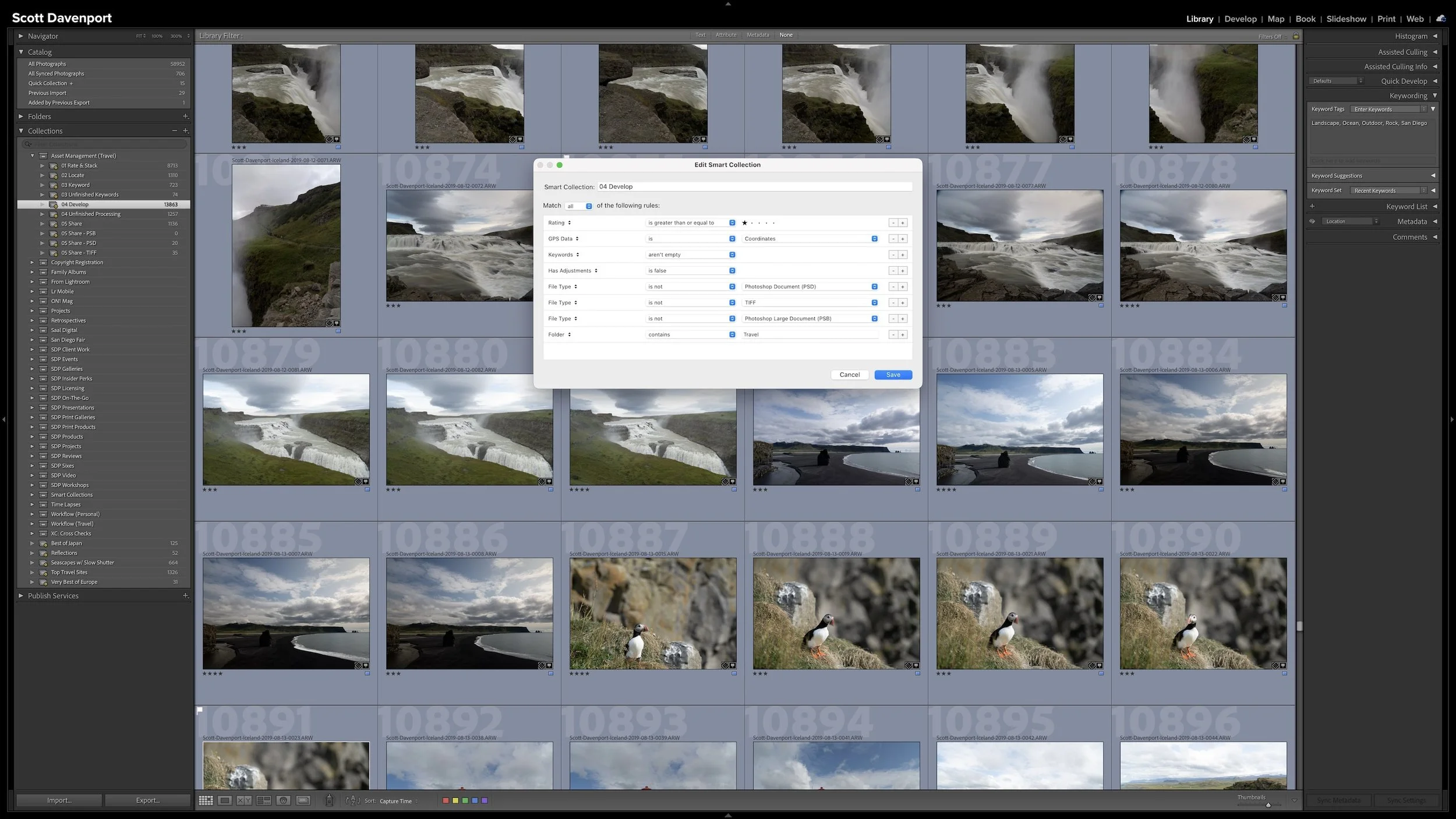
Article 18 - COMING SOON
Build a Self-Documenting Lightroom System With Smart Collections
Use Smart Collections to find unfinished work and reveal places where a photograph's metadata and expected workflow stage don't agree.
You Don't Have to Work Through Everything at Once
The articles are arranged in a sequence because the ideas build on one another, but you don't have to read all 18 from beginning to end. If you're trying to solve a particular problem—folder organization, ratings, GPS information, keywords, Smart Collections, or searching—jump directly to that topic.
If you're building or rebuilding your Lightroom organization system, start with Article 01 and work through the series in order.
Keep Learning Lightroom
Photo organization is one part of working effectively in Lightroom Classic. Visit my Lightroom Learning Center for more tutorials on editing, masking, workflow, and getting more from your photographs.