
A photograph can be rated, located, keyworded, and easy to find without being finished. Those earlier stages organize the photograph and help you decide whether it deserves more creative attention. In my workflow, they prepare it for the work that motivated me to press the shutter in the first place.
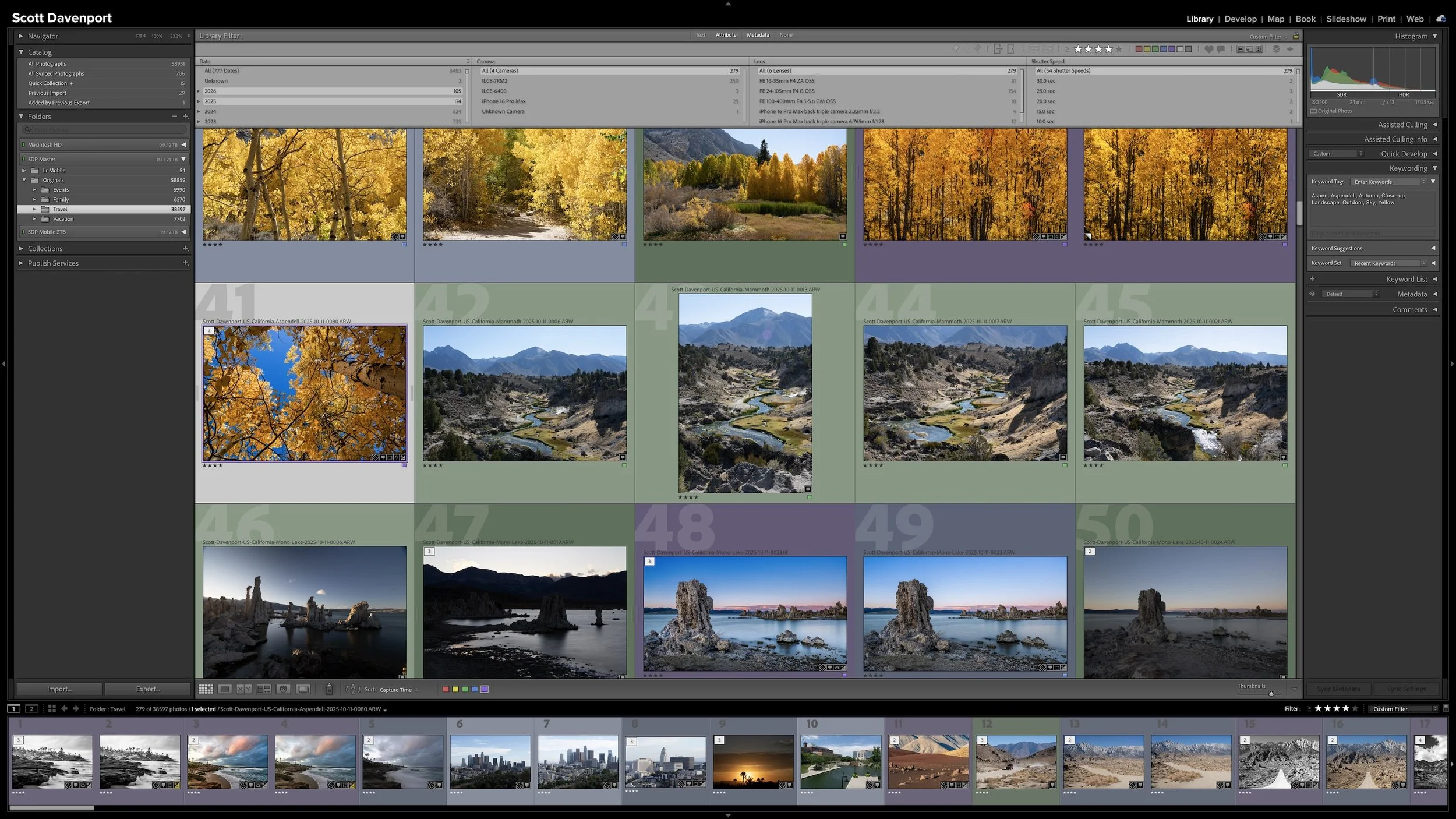
After the Locate stage, I filter the Grid view to show photographs rated four stars or higher. Even within that stronger group, I may not develop every image. Developing and sharing require more time, so I concentrate that effort on the photographs from the shoot that I most want to carry forward.
Article 15 — Why My Lightroom Workflow Narrows as It Moves Forward
Develop Is the Creative Reward
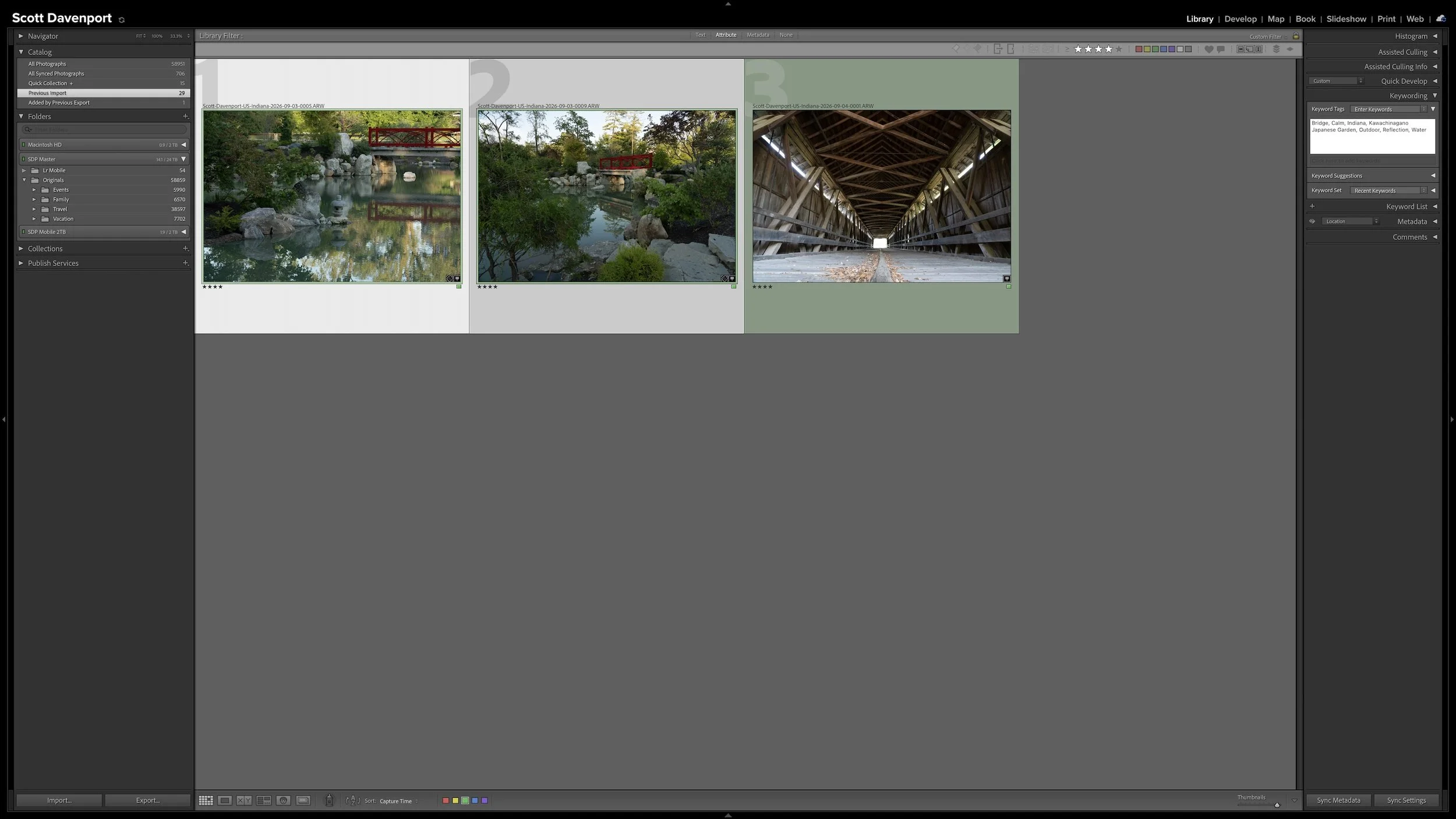
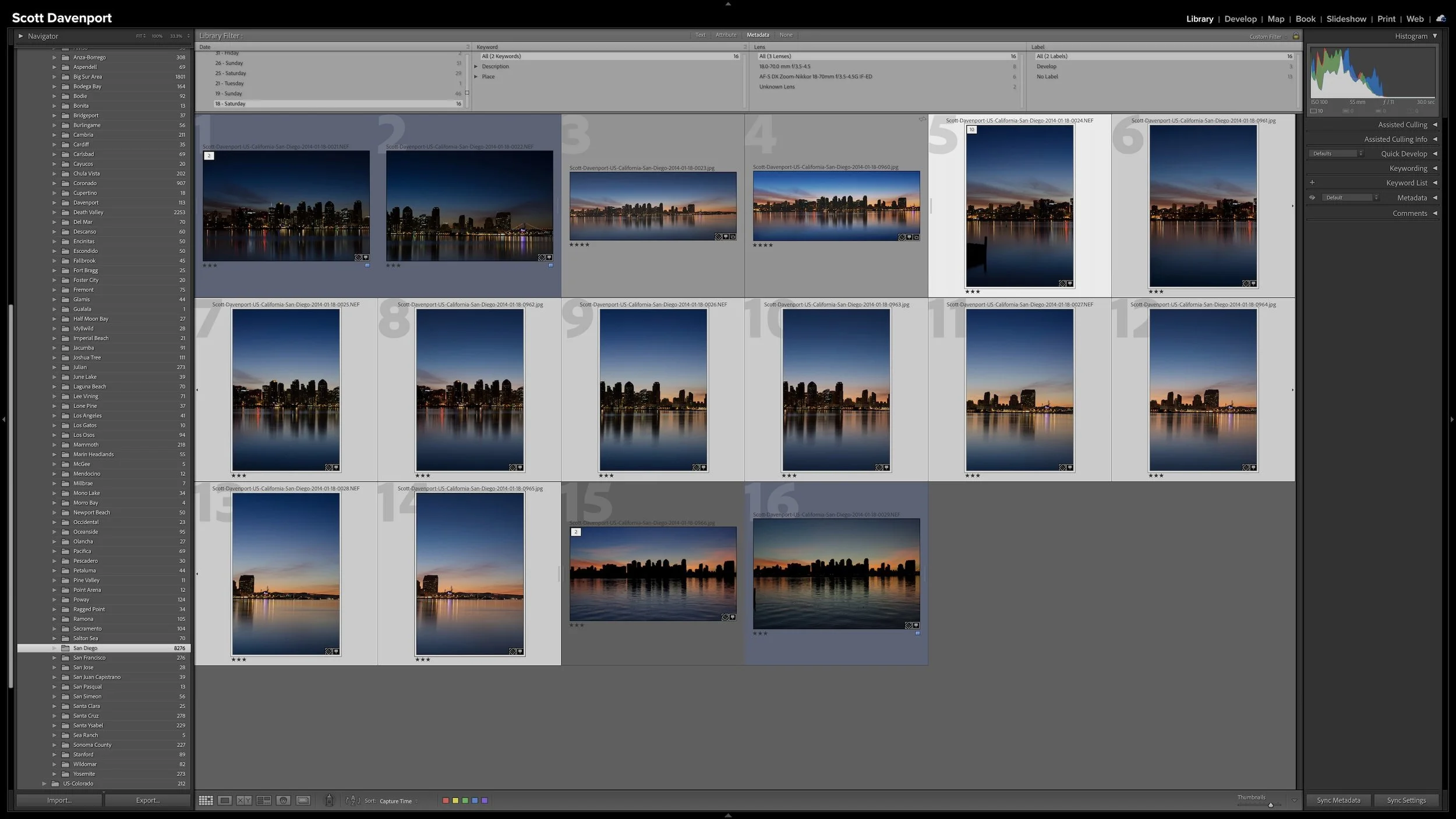
A blue color label tells me that Develop is the next action for a photograph. By this point, I have already rated the image and added the location information and keywords I consider useful. I can begin working creatively without wondering whether I completed the necessary organizational work first.
Developing is where I turn the selected RAW photograph into the finished image I envisioned. I make decisions about tone, color, contrast, cropping, and other adjustments that help the photograph express what drew me to the scene. The specifics vary from one image to another, and there is no single sequence of controls that every photograph needs.
This article isn't an editing tutorial. My Lightroom Learning Center has techniques and ideas for developing photographs in Lightroom, and my store includes editing-focused Lightroom courses for photographers who want more structured training. Within this workflow, the important point is that editing isn't separate from asset management. The Develop adjustments become part of the photograph's managed state in the Lightroom Classic catalog.
Developing is also the creative reward after taking care of the administrative work. Rating, location information, and keywords may not be the most exciting parts of photography, but they give me an organized foundation. When I reach a blue-labeled photograph, I am ready to concentrate on bringing that image to life.
The blue label tells me the organizational work is in place and developing is the photograph’s next action.
The Finished Photograph Can Change My Earlier Decisions
A RAW file doesn't always reveal everything I will eventually see in the finished photograph. As I work with color, tone, and contrast, an image may develop a mood or visual direction that I did not recognize during my earlier workflow stages.
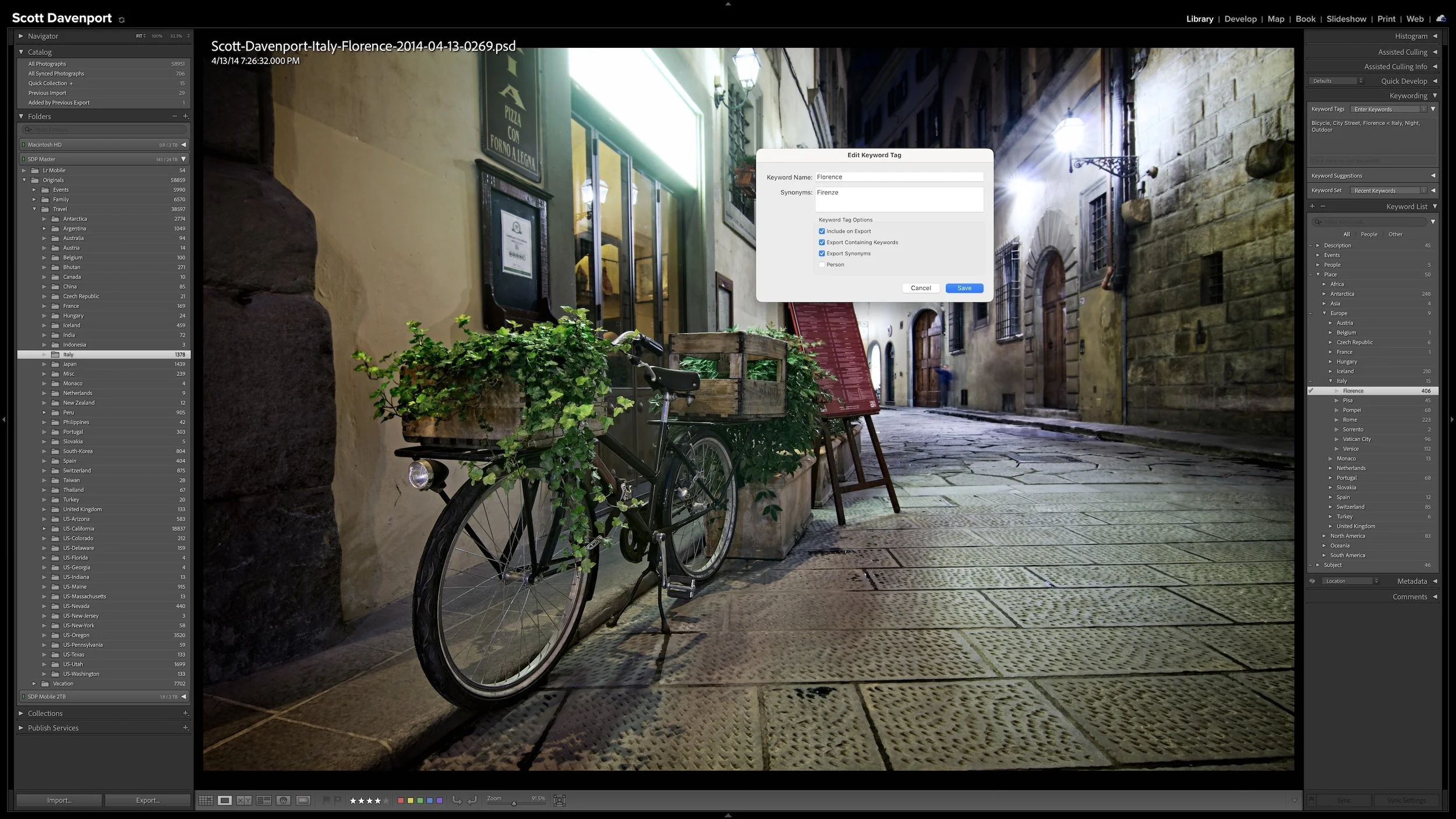
That new understanding can suggest a useful keyword. A color, feeling, or photographic idea that became important during developing may be something I want to search for later. If that information earns its keep, I can add it even though the photograph has already passed through the Keyword stage.
My rating can change as well. A photograph that appeared strong during my initial pass may not come together as I expected. Lowering its rating does not make the workflow inconsistent. The meaning of the rating remains the same; my assessment of that particular photograph has changed now that I understand it better.
The reverse can happen, too. A photograph may respond to developing better than I anticipated and earn a higher rating. Ratings and metadata remain useful because they can reflect a revised judgment based on new information rather than locking me into an assessment made earlier in the workflow.
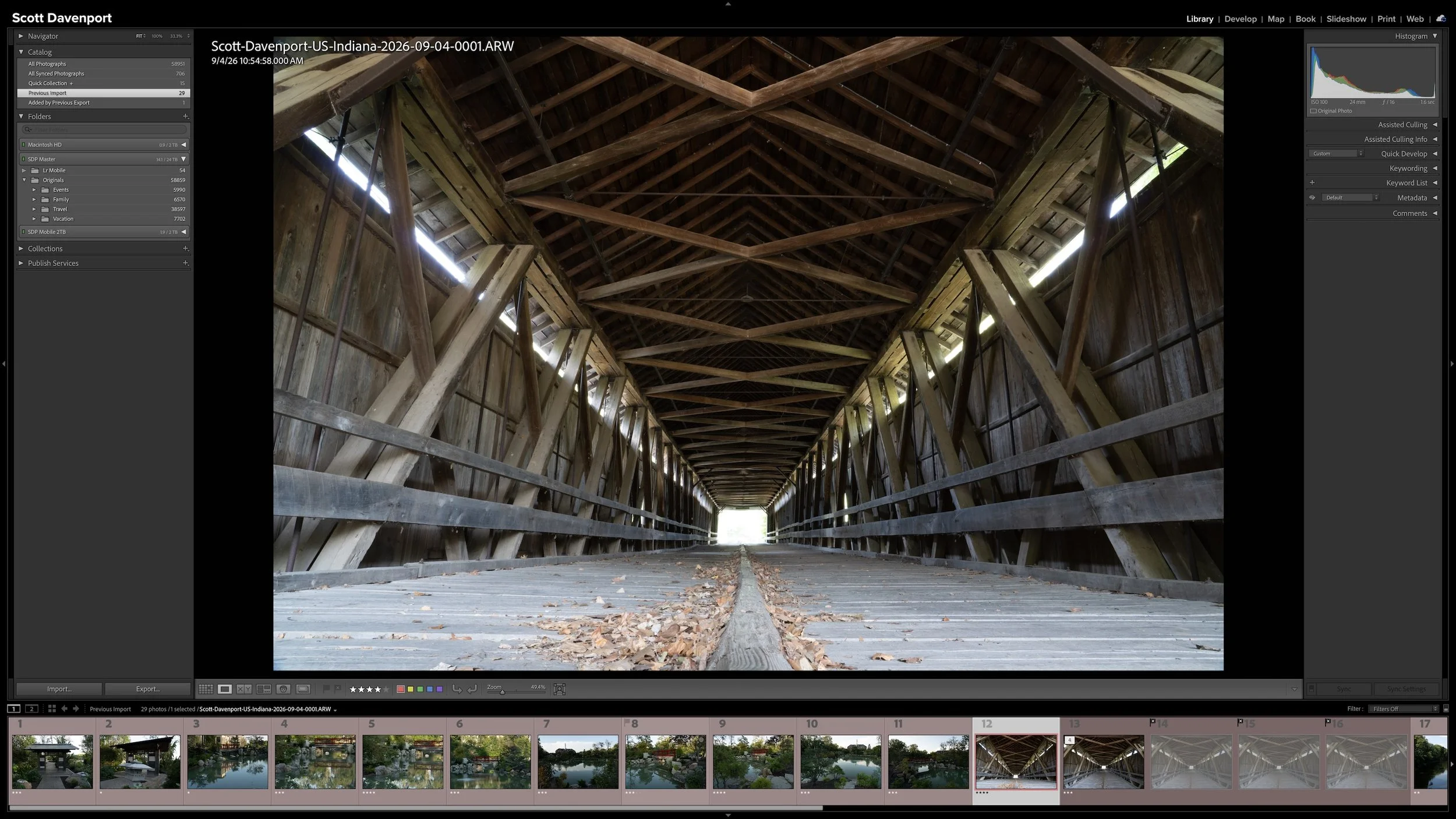
When I consider the creative work finished, I change the color label from blue to purple. Purple does not mean that I just shared the photograph. It means that Share is its next action.
When I finish developing a photograph, the purple label tells me that sharing—not editing—is its next action.
Finishing the Photograph and Sharing It Are Different Decisions
Developing completes the creative interpretation, but several decisions remain before the photograph reaches an audience. I think of the final part of the workflow as four related but distinct actions:
Develop the photograph: Make the creative decisions that produce the finished image.
Prepare the output: Choose settings appropriate for a particular destination.
Share or deliver it: Place the finished photograph in front of its intended audience.
Mark the workflow complete: Remove the purple label after that sharing action is finished.
Keeping these decisions separate prevents Share from becoming shorthand for everything that happens after developing. A finished photograph may still need an exported file prepared for my website, a print lab, a gallery, friends and family, or another destination. Each destination can have different needs.
Sharing also does not mean publishing every developed photograph everywhere. I may develop a photograph because it has personal meaning, because I am curious about where I can take it creatively, or because I want to practice an editing technique.
Photography is a creative and expressive pursuit. Trying different approaches helps me improve my technique and discover the choices that contribute to my personal style. That exploration can make developing worthwhile even when I don't intend to share the finished photograph publicly.
Article 7 explains the complete six-stage workflow and the color labels I use to identify each photograph's next action.
Article 7 — My Six-Step Lightroom Workflow From Import to Sharing
Let the Destination Shape the Export
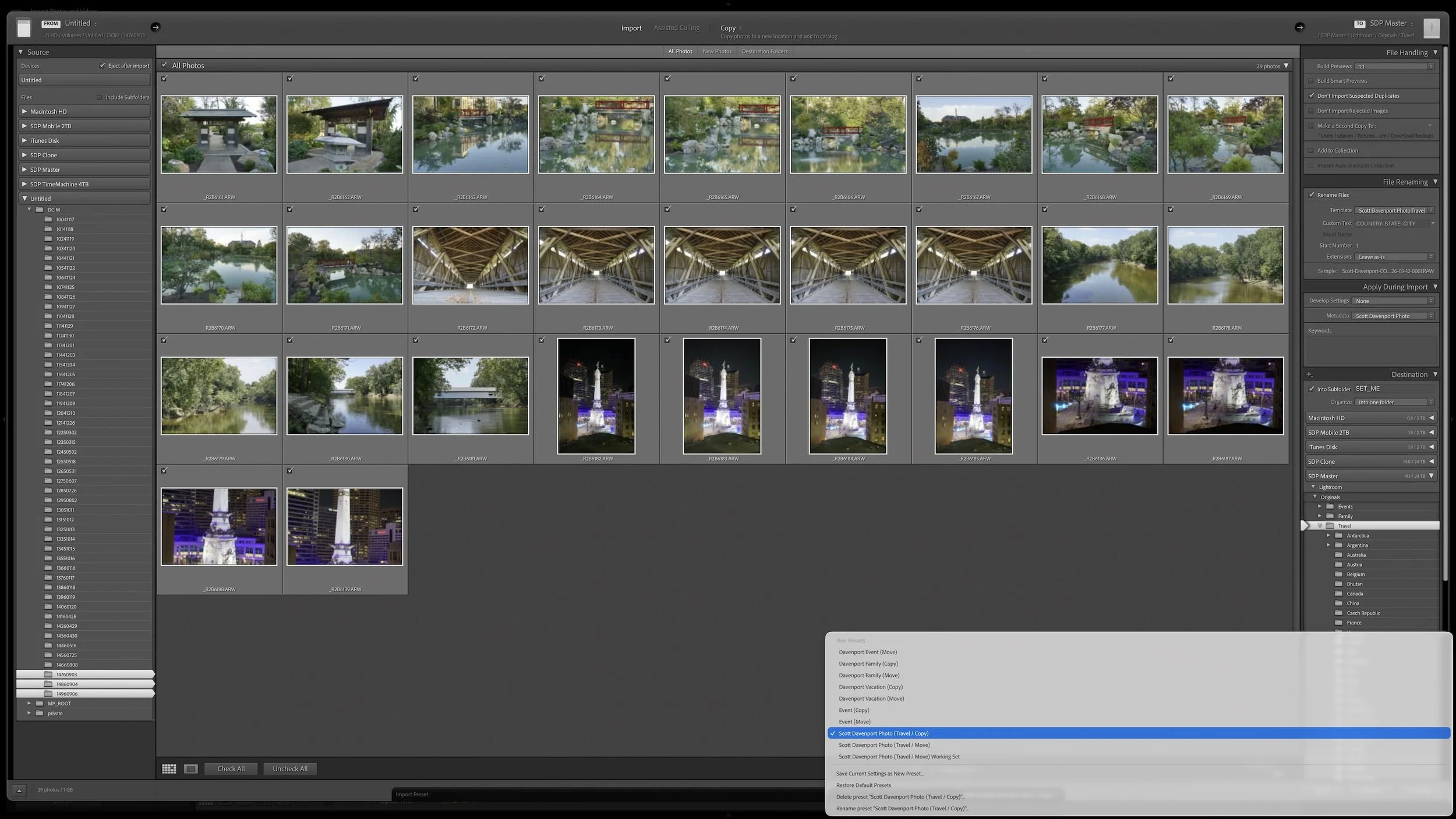
Exporting creates a new derivative file for a particular purpose. Lightroom Classic uses the Develop adjustments and the export choices you make to produce that file, while the cataloged source photograph remains under Lightroom's management.
Your export choices should follow the destination. A website, print lab, or individual recipient may require different pixel dimensions, formats, color spaces, quality, output sharpening, and metadata. A recipient may also provide specifications that determine several of those choices for you.
Display capabilities can also change the output. A photograph intended for a standard dynamic range display may need a different color space and file preparation than one edited for an HDR-capable display. Lightroom Classic supports HDR output in formats such as JPEG with additional compatibility information and AVIF, but the destination still needs to support what I send it. I explain those choices in more detail in Lightroom's HDR Editing Explained – Export Options.
The details will continue to evolve. Social platforms change their requirements, print labs have their own specifications, and newer formats gain support over time. One export preset is therefore unlikely to suit every destination. I use presets when I repeatedly prepare files for the same purpose, but the purpose defines the preset.
Metadata deserves the same destination-driven review. Location information can reveal where a photograph was made, including places you may not want to disclose publicly. Person metadata and other identifying information may also be inappropriate for a file that will travel beyond your catalog. Lightroom Classic's Export dialog provides controls for excluding location and person information, but the right choice depends on the photograph and its audience.
Export settings should follow the destination, including decisions about file preparation and what metadata is appropriate to share.
Completion Does Not End the Photograph's Usefulness
Once I have completed the intended sharing action, I remove the purple color label. In my workflow, no label means the photograph has no outstanding action. Your definition of completion may include different steps, particularly when approval or delivery is involved.
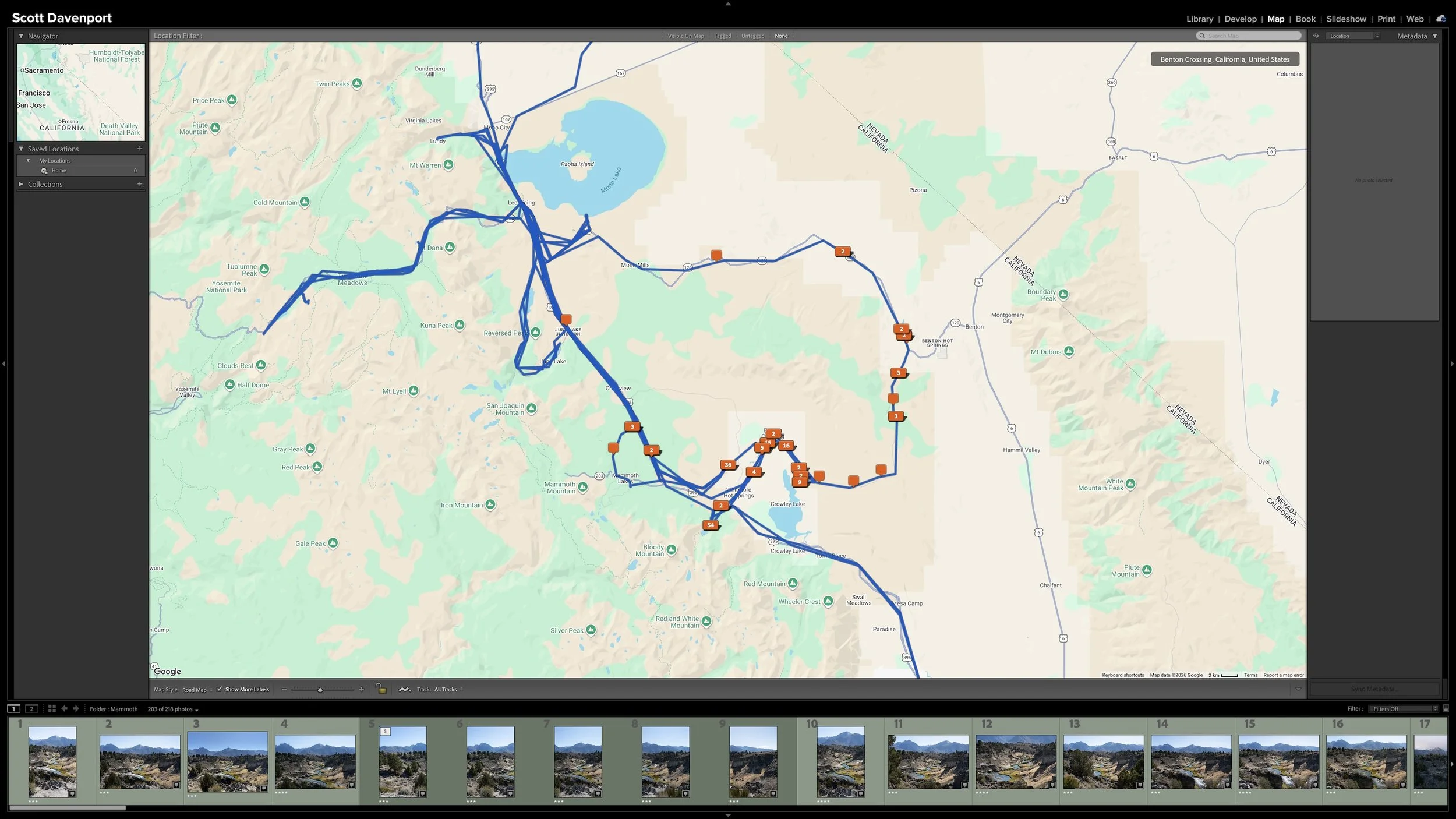
Removing that label does not erase the photograph's rating, keywords, GPS information, Develop adjustments, or other catalog information. The photograph also remains in any manually curated Collections where I placed it. It can continue to appear in Smart Collections whose rules do not depend on the color label.
The exported derivative does not replace the cataloged source photograph. It serves one purpose, while Lightroom Classic continues managing the source, its metadata, and its adjustments. If I later need the photograph for a different destination, I can return to it and create another derivative with settings appropriate for that new use.
Completion is therefore a managed state, not the end of the photograph's usefulness. It tells me that I completed the sharing action I had in mind. It does not prevent the photograph from being found, reconsidered, developed differently, printed, or shared again later.
Photographs from one shoot can also occupy different states at the same time. One may still carry a blue label because I am developing it. Another may be purple and waiting to be shared. A third may have no color label because its intended sharing action is complete. The photographs began together, but they do not need to finish together.
Final Thoughts
Asset management is not finished merely because a photograph is organized and searchable. Ratings, location information, and keywords prepare the photograph for later use and help me decide where to concentrate my creative attention. Developing turns a selected RAW file into the finished photograph I envisioned. Preparing and sharing an appropriate output gives that photograph somewhere to go.
Once that sharing action is complete, removing the purple label tells me there is nothing else I need to do right now. All of the useful work that came before it remains intact, and the photograph stays available for another purpose in the future.
I don't photograph for clients, so this ending suits my work. A client photographer may need additional stages for selection, approval, revision, delivery, or deadlines. Those steps should become part of the workflow rather than being managed outside it.
The exact final stages may differ from one photographer to another. The durable principle is that developing, preparing, sharing, and completion each represent a distinct part of the photograph's managed lifecycle.
This article is part of my Lightroom Photo Organization series.
Next: How to Find Almost Any Photo With Lightroom's Library Filter →
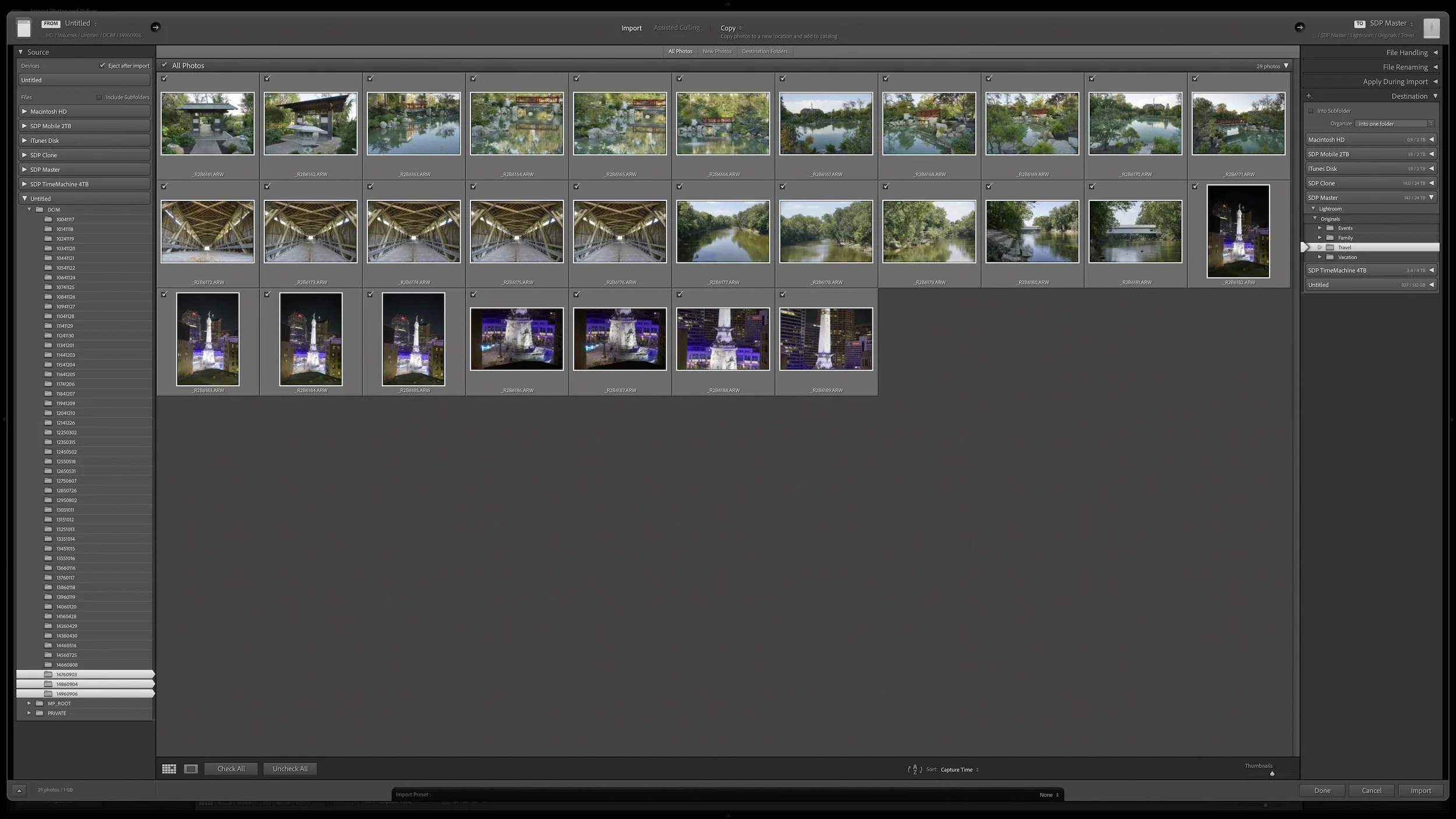
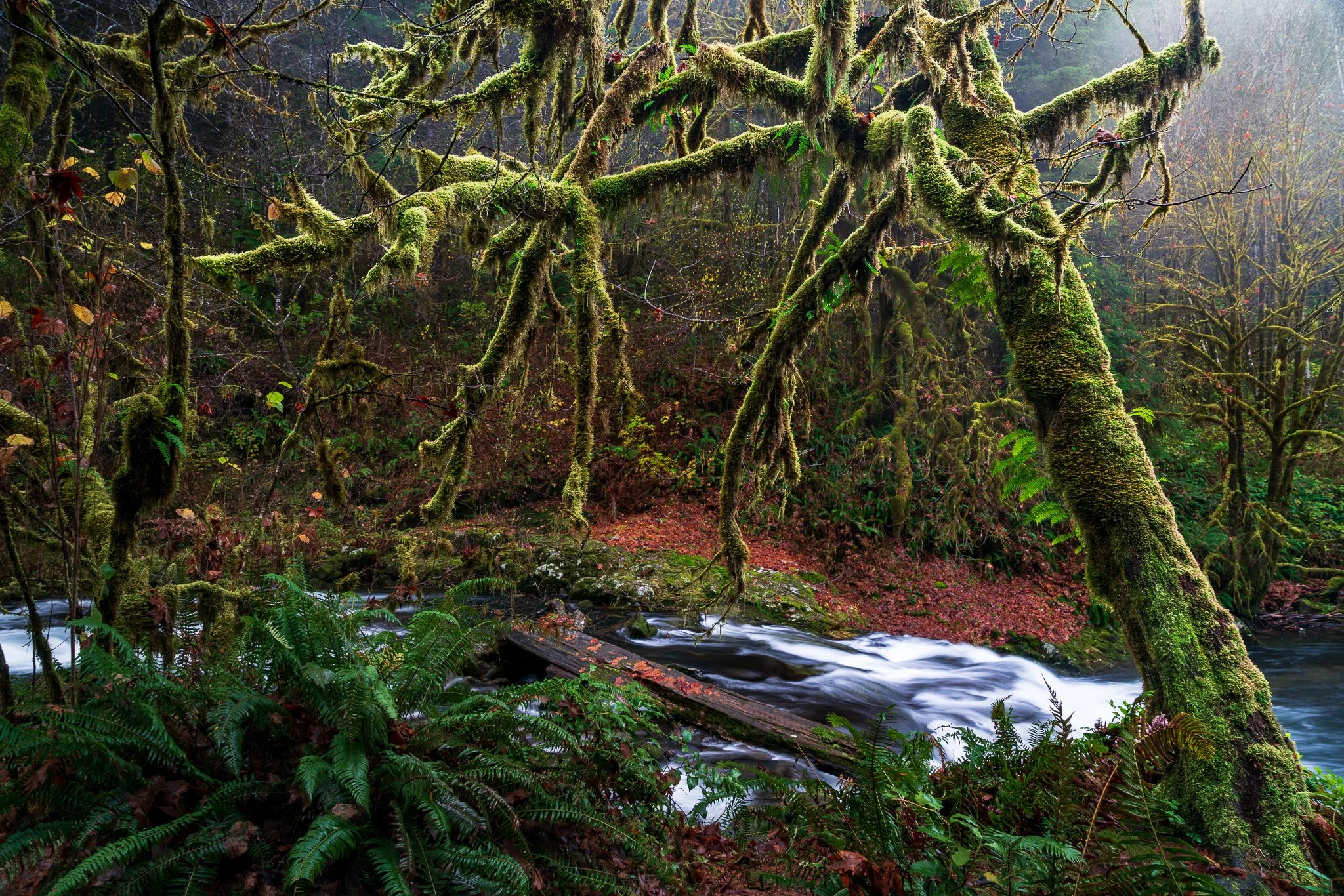

Organizing a photograph and making it searchable are important parts of asset management, but they aren't the end of the photograph's journey. The strongest images still need the creative attention that turns a RAW file into a finished photograph and prepares it for an audience.
Developing, preparing an output, sharing, and marking the work complete are four distinct decisions. Keeping those decisions inside the workflow helps you know what each photograph needs next without treating an exported file as a replacement for the original.