
Lightroom’s HDR Editing Explained – Export Options
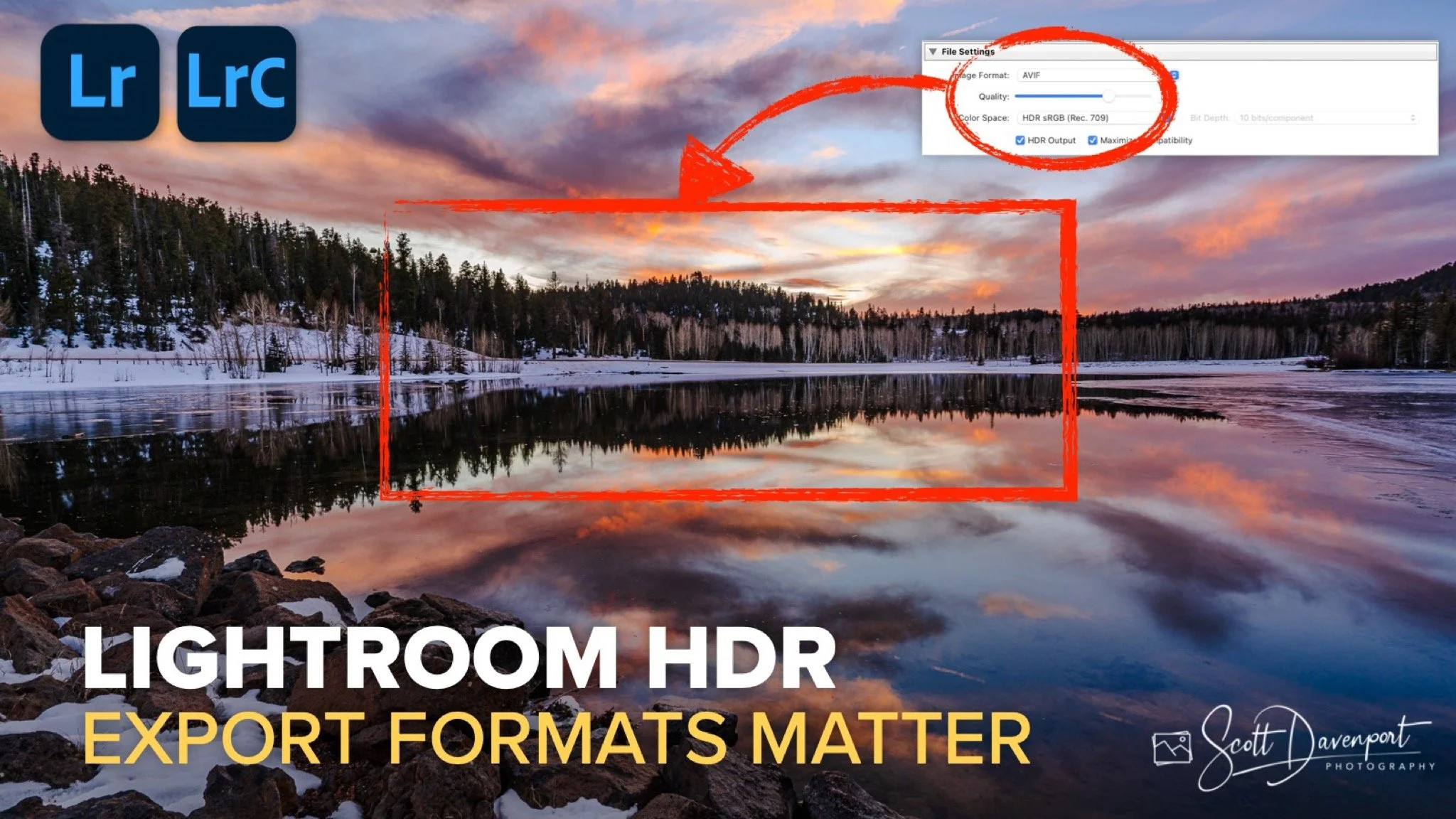
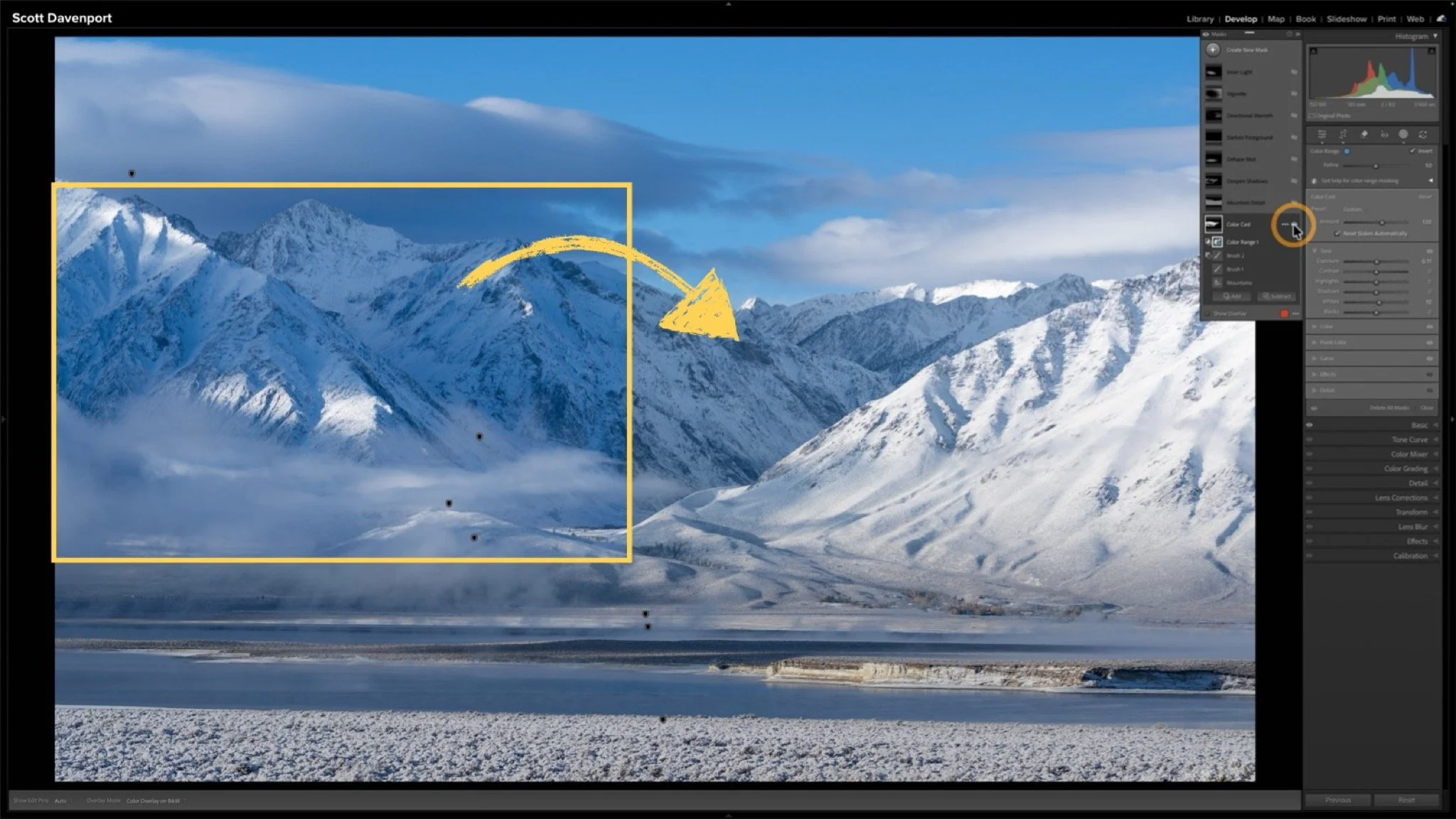
HDR editing in Lightroom opens up a broader range of light to work with, especially in the brightest tones. But once the editing is done, there’s one more step that matters just as much — export.
Because if the export isn’t handled correctly, all that extra dynamic range never makes it beyond Lightroom.
In this tutorial, I walk through the Export panel and focus on the two decisions that determine how your HDR image will be seen: file format and where the image will be displayed. Lightroom gives you several options — JPEG, JPEG XL, and AVIF — and each comes with different levels of HDR support depending on the platform or application.
The good news is that many modern web browsers are ready for HDR content, and some platforms are catching up as well. Others are still limited. If you’re publishing to your own website, it’s worth taking a moment to confirm what your provider supports before choosing a format.
Enabling HDR output itself is straightforward — just check the box. The real question is choosing a format that matches your intended use so your image displays the way you expect.
This video breaks it down in practical terms so you can move from edit to export with confidence — and make sure the light you worked to bring out is actually what your audience sees.
Duck Creek Lake, Utah
Contact Scott to commission a print or license this image.
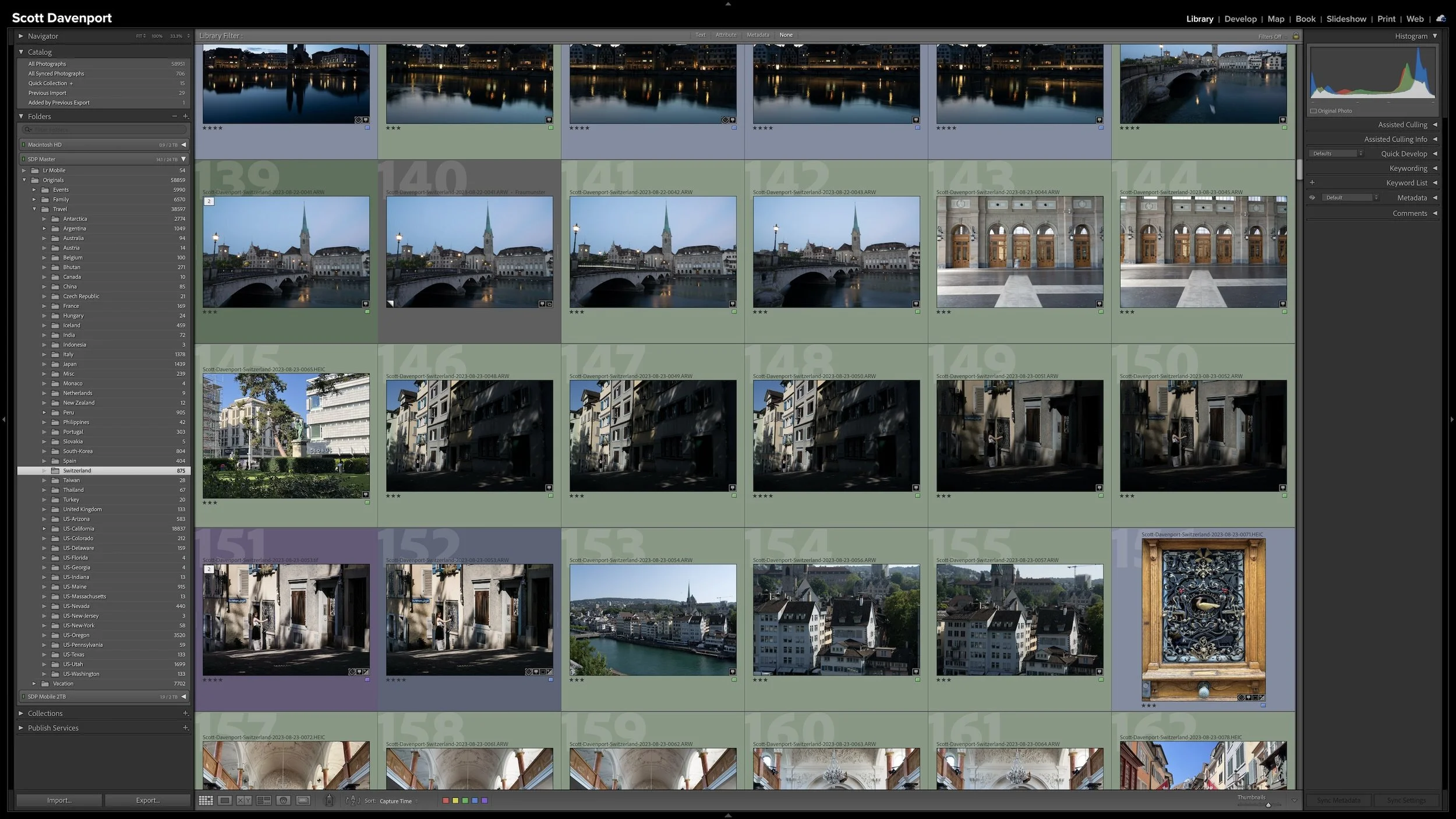
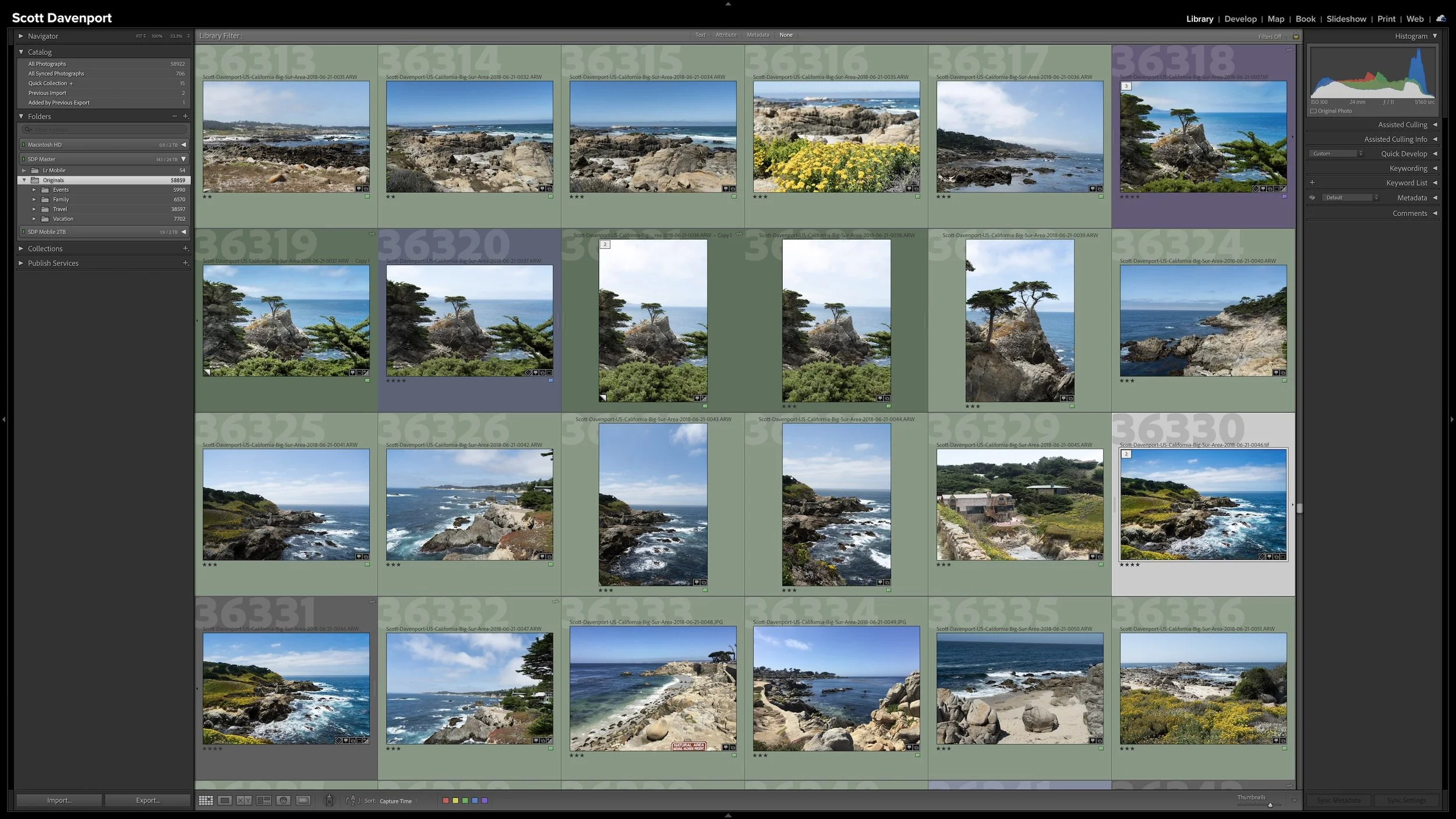
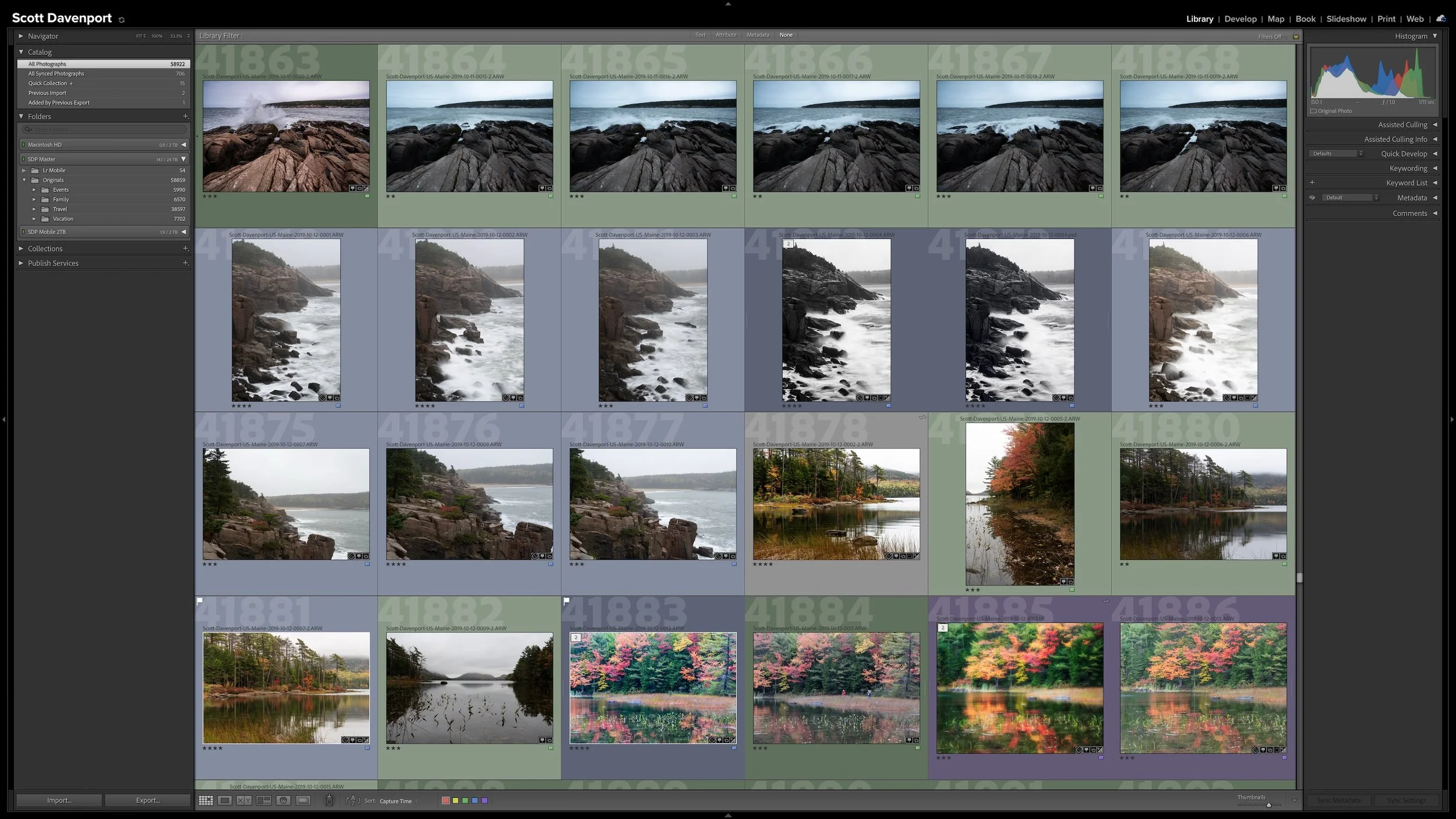
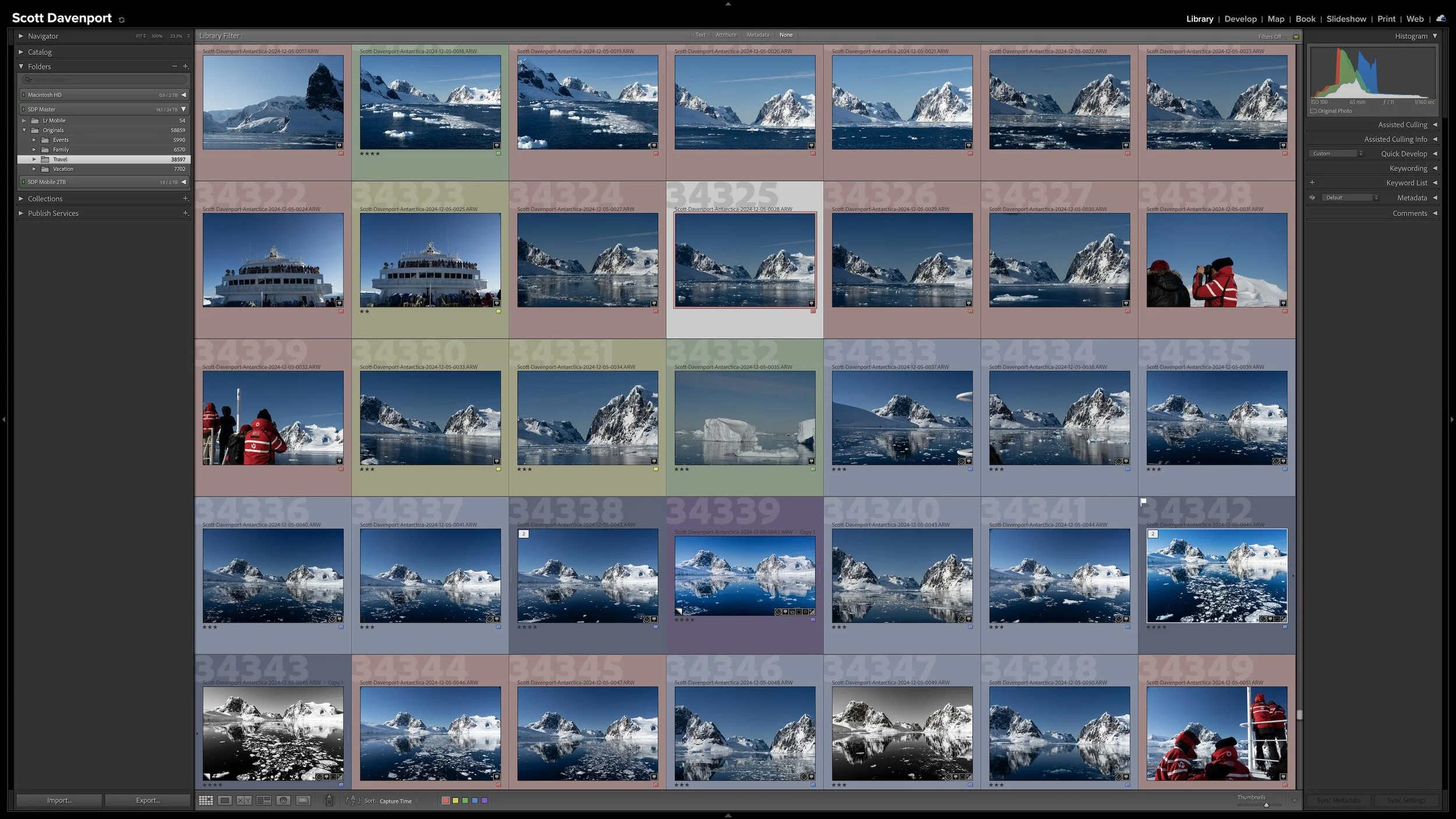

Lightroom Classic's Import dialog presents plenty of choices, but one of the most important decisions is straightforward: where are your photos now, and where do you want the original files to live after the import?
Copy, Move, and Add each handle the original files differently. Once you understand what happens to the physical files and what happens in the Lightroom catalog, choosing the right import method becomes much easier.