
Masking Gets Easier When You Think in Segments
If you enjoy posts like this, please support my work and support independent photography tutorials like this.
Masking gets a lot easier once you stop thinking about masking tools first.
That sounds a little backwards, I know, because most of the software we use pushes us immediately toward the tools. Brush. Linear gradient. AI sky mask. Color range. Subject detection. All useful things, certainly. Yet I find that the quality of the mask usually comes down to how I’m thinking about the photograph before I create anything at all.
When I approach an image, I like to think about it in segments. Not just objects in the scene, but several different dimensions of the photograph layered together. Once you start working this way, you spend less time fighting with masks and more time making useful adjustments.
And honestly, that’s the whole point.
Looking Beyond “What’s in the Photo?”
The most obvious way to think about segmentation is simply identifying the things in the scene. Sky. Water. Trees. Snow. Mountains. Buildings. Foreground subjects. If you’re using Lightroom, ON1, or any modern editor with AI masking, those categories are probably already sitting there waiting for you.
That’s the easy starting point, and there’s nothing wrong with it. In fact, for many photos, it’s enough.
But the real power comes when you start thinking beyond objects and begin considering tonal and color relationships as well.
In black and white work especially, luminosity becomes an incredibly useful way to think about masking. Instead of asking yourself what something is, ask where it lives tonally. Are you dealing with deep shadows? Midtones? Highlights? Bright isolated areas? Sometimes the tonal structure of a scene is more important than the actual objects themselves.
Color can work the same way. Warm tones versus cool tones. Greens against blues. Earth tones against brighter accents. Even subtle color separation can become a fast way to isolate portions of a photograph without complicated masking work.
And then there’s subject emphasis, which is really where all of this starts to come together. At some point the question stops being “what can I select?” and becomes “what actually matters in this image?” That shift changes how you build masks entirely.
Building a Mask With Broad Strokes First
I was editing a black and white forest scene recently where this segmented approach made the masking process much simpler than I expected.
The image had a fallen log extending over the water, with a dense group of trees on the right side of the frame. What I wanted to do was fairly modest: add some texture and clarity to the trees, the shoreline, and the foreground subject while leaving the background, water and sky untouched.
The obvious approach would have been to start with AI selections for vegetation and snow, then clean up the leftover areas with brushwork. That certainly would have worked. But once I stepped back and thought about the image in segments, another option became much faster.
Instead of starting with object selections, I started with broad spatial areas of the frame.
The first mask component was a linear gradient pulled in from the right side of the photograph. I intentionally let it overlap into the sky because precision didn’t matter yet. I was simply establishing the general region I wanted to work within.
The second step was to add another linear gradient, this time coming upward from the bottom of the frame. That helped target the shoreline area and the fallen log extending over the water. Again, the goal wasn’t accuracy at this stage. The goal was coverage.
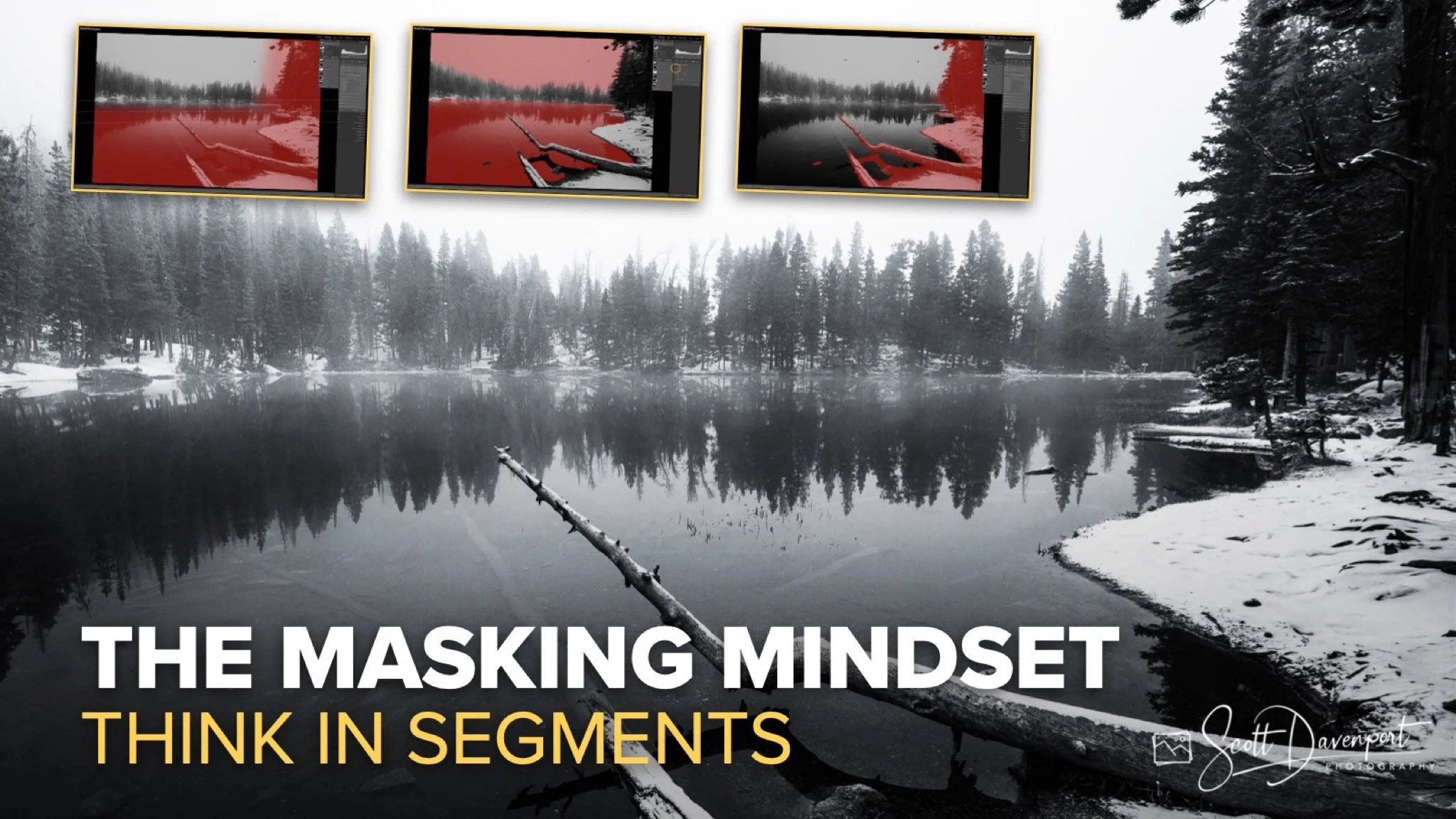
The first linear gradient to affect the trees and shoreline on the right side.
Adding a second linear gradient to encompass the subject log and remaining parts of the foreground shoreline.
At that point the mask was technically selecting far too much of the image, but that’s exactly where the segmentation approach becomes useful.
Rather than refining with tedious brushwork, I simply subtracted the water and subtracted the sky using AI masking tools. In just a few clicks, the oversized gradients collapsed into a mask that isolated the trees on the right side of the frame along with the foreground shoreline and subject.
The entire process took far less effort than trying to build the mask piece by piece from the start. I was done in 15 seconds or less.
Subtracting the sky and water removes the areas I don’t want affected by the mask.
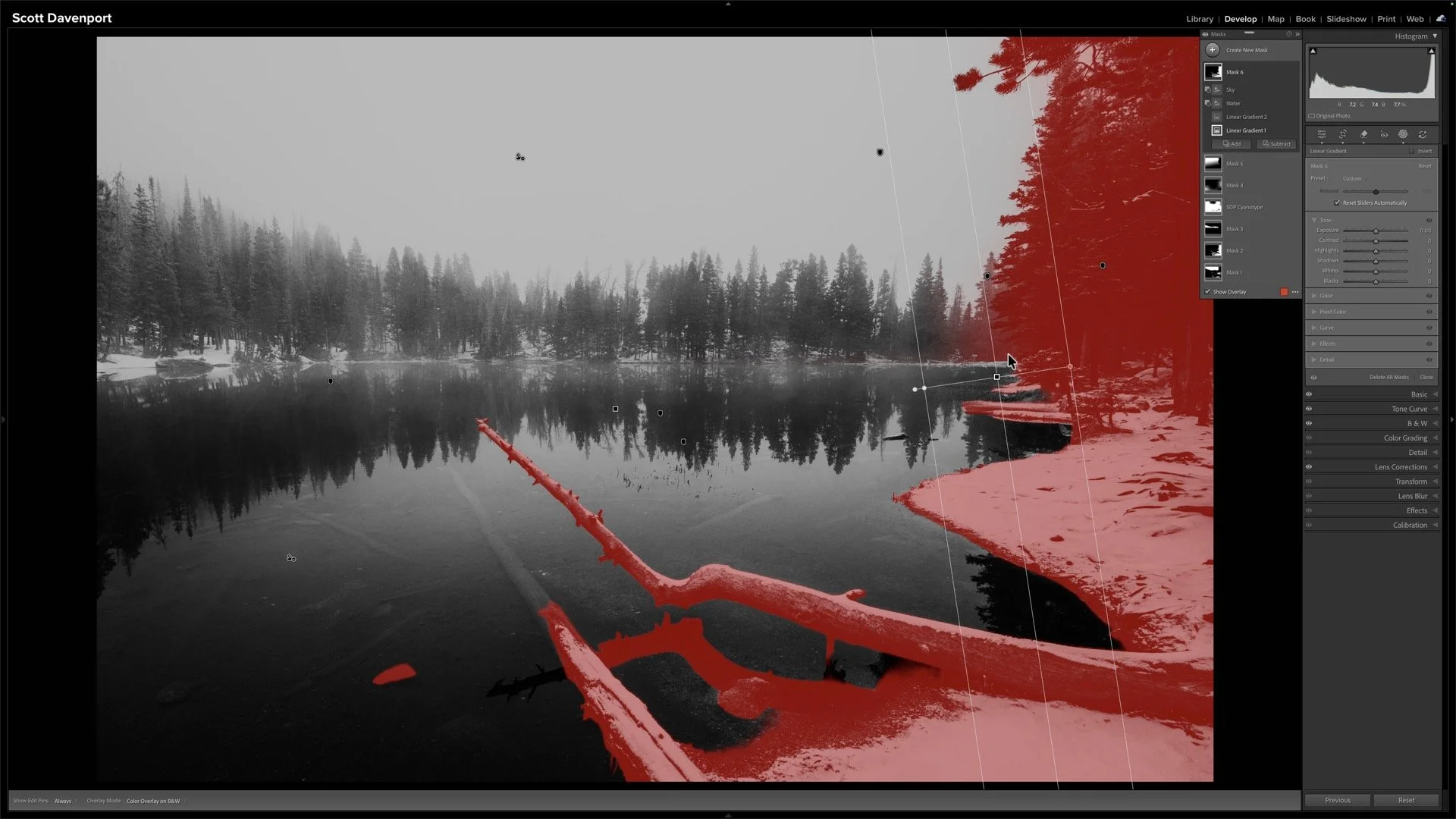
The finished mask. Two gradients and an AI-assisted subtract. Done in 15 seconds or less.
Why Perfect Masks Usually Don’t Matter
One of the traps photographers fall into with masking is chasing perfection too early in the process. We zoom in to 300%, obsess over tiny transitions, and spend several minutes fixing areas that may never even be visible in the final image. I know I’m guilty of that!
Yet often it’s the adjustment itself determines how precise the mask actually needs to be.
In this case, I was applying moderate texture and clarity adjustments. A few tiny imperfections hidden in deep shadow areas simply didn’t matter visually. Had I been making a dramatic tonal shift or strong color change, then perhaps additional cleanup would have been necessary. But for this edit, the broad segmented approach was more than sufficient.
That’s one of the reasons I like working this way. It keeps the focus on the photograph rather than the mechanics of the software.
A Smarter Masking Mindset
The takeaway here is not the exact mask combination I used. It’s the mindset behind it.
When you start thinking about a photograph in layers of objects, luminosity, color, and subject emphasis, masking becomes much more flexible. You stop relying on a single tool to solve everything and instead start combining simple selections in smarter ways.
Quite often, the fastest path to a good mask is starting broad and refining later rather than trying to be surgically precise from the very beginning.
That shift alone can dramatically speed up your editing workflow while producing better results at the same time.

Winter, Nymph Lake, Rocky Mountain National Park
Contact Scott to commission a print or license this image
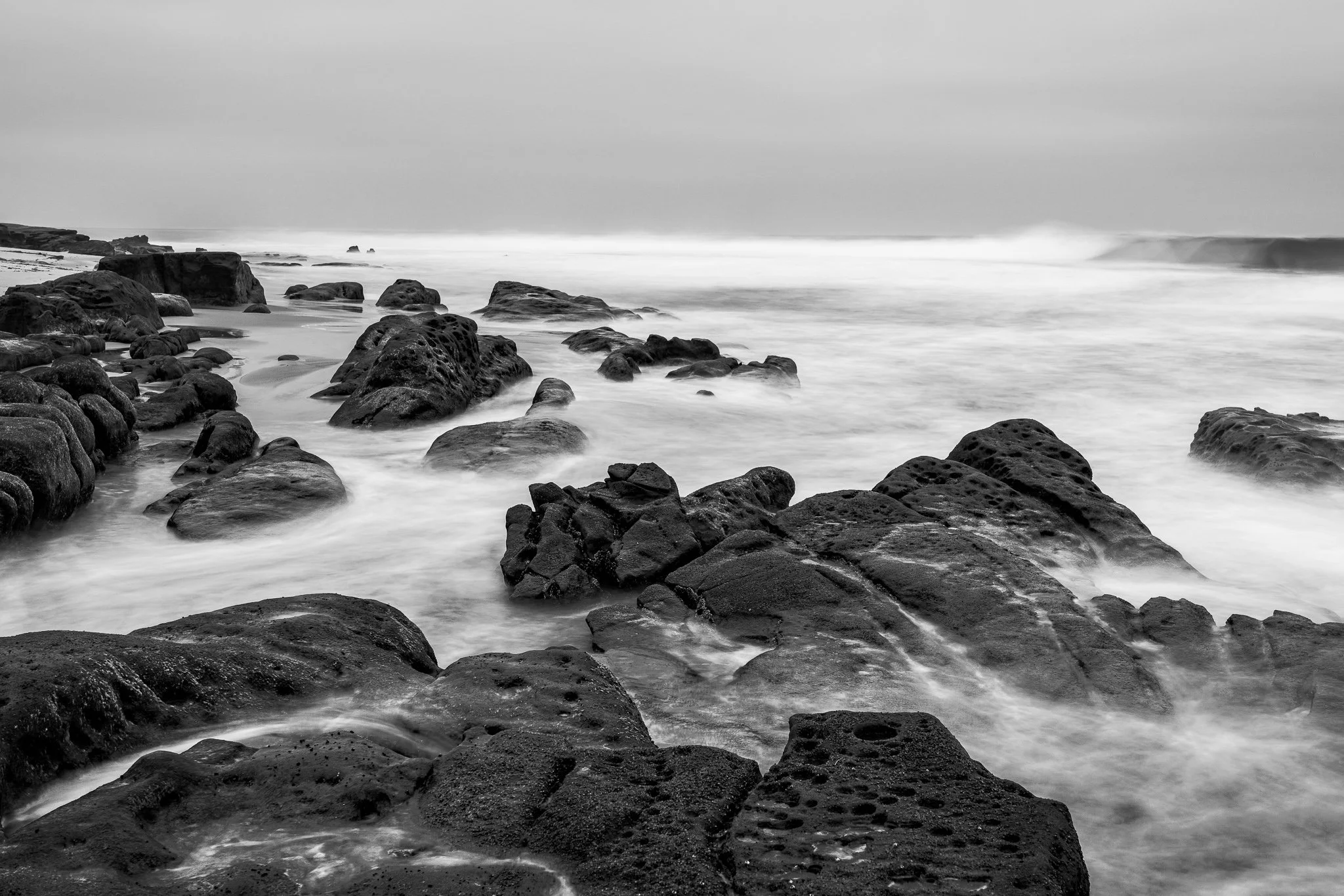
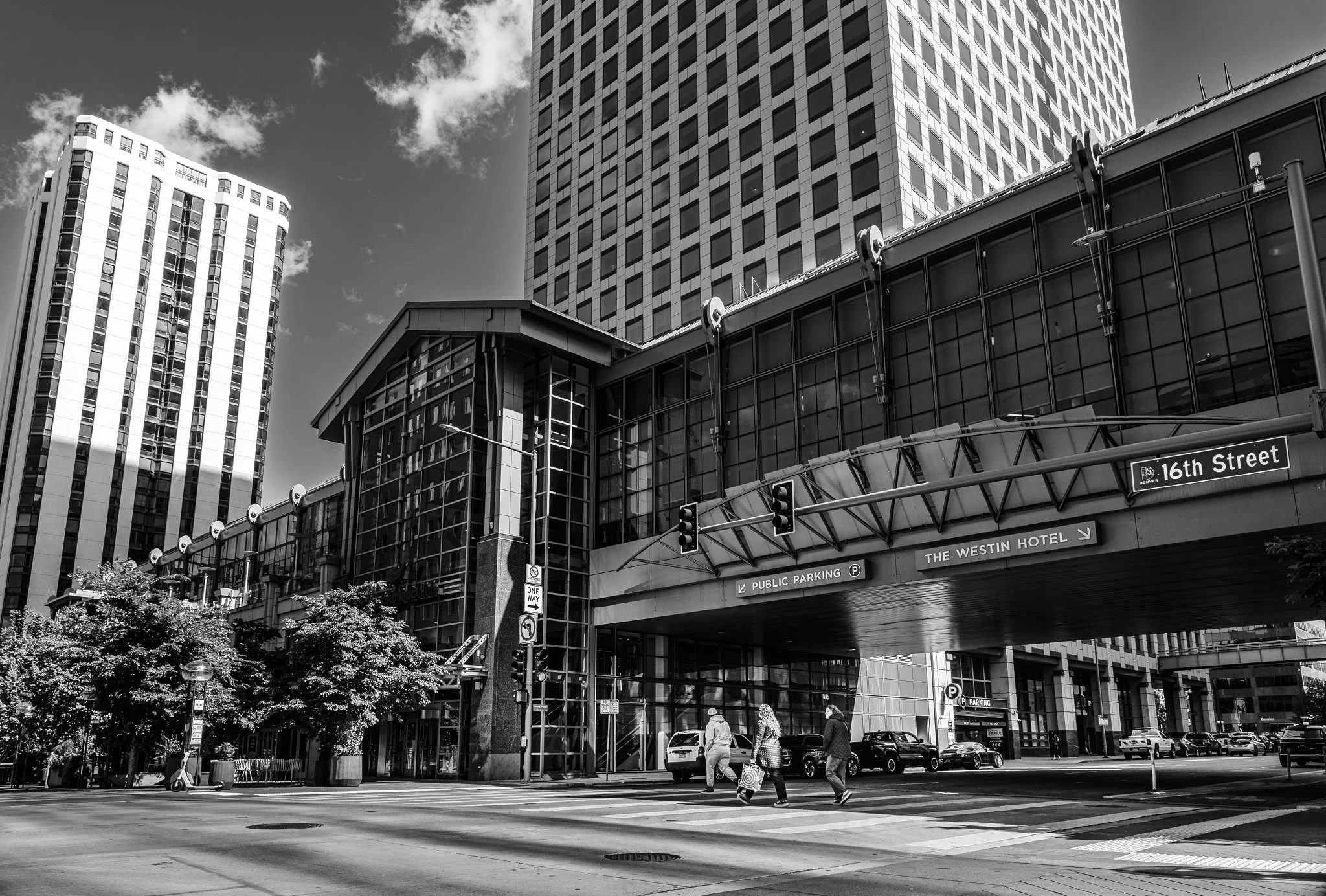



A vignette can help guide the viewer toward your subject, but lowering exposure around the edges of a black and white photo can quickly bury important shadow detail.
In this quick tutorial, I’ll show you a more controlled approach using a radial gradient and the Whites or Highlights slider. You’ll still get that visual nudge toward the subject without making already-dark areas disappear.