
If you enjoy posts like this, please support my work and support independent photography tutorials like this.
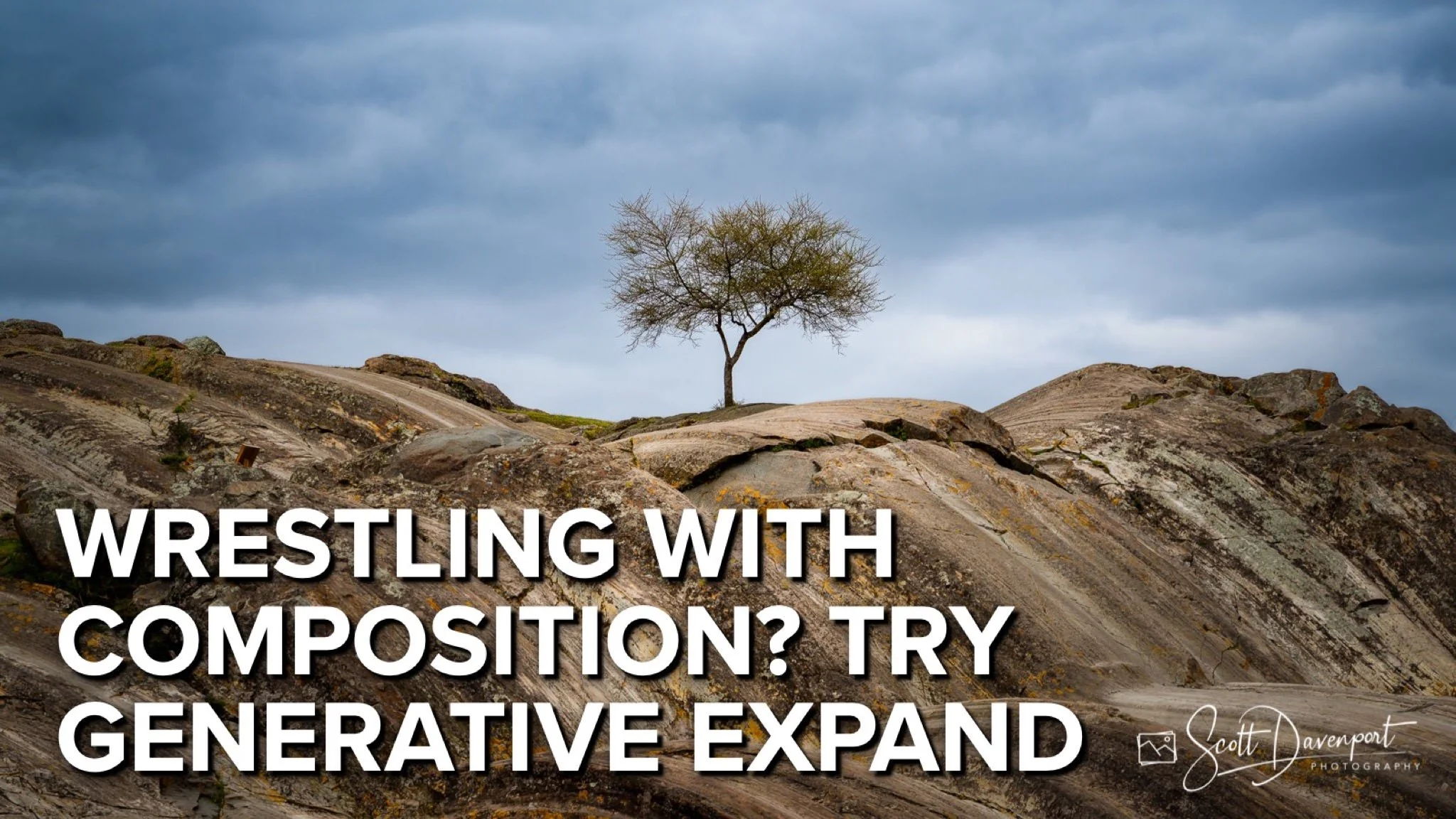
Struggling to get the perfect composition even after you've taken the shot? In this video, we dive into how Generative Expand can be a game-changer for your post-processing workflow. Whether you misframed slightly in the field or just want to enhance your image’s balance and storytelling, this tool gives you the flexibility to reframe without compromise. I’ll walk you through my process using a real-world example, showing how a few strategic expansions can lead to a stronger, more impactful composition—without having to crop away important elements.
As always, it starts with getting it right in-camera, but sometimes we just need a little help in post. I’ll show you how to use Generative Expand tastefully and effectively, keeping the integrity of the original scene while elevating the final result. If you’ve ever felt limited by your crop or wished you had just a little more space around your subject, this is a technique worth exploring. So grab a coffee, pull up a chair, and let’s get into it.
Tree In Sacsaywaman, Cusco, Peru
Contact Scott to commission a print or license this image.
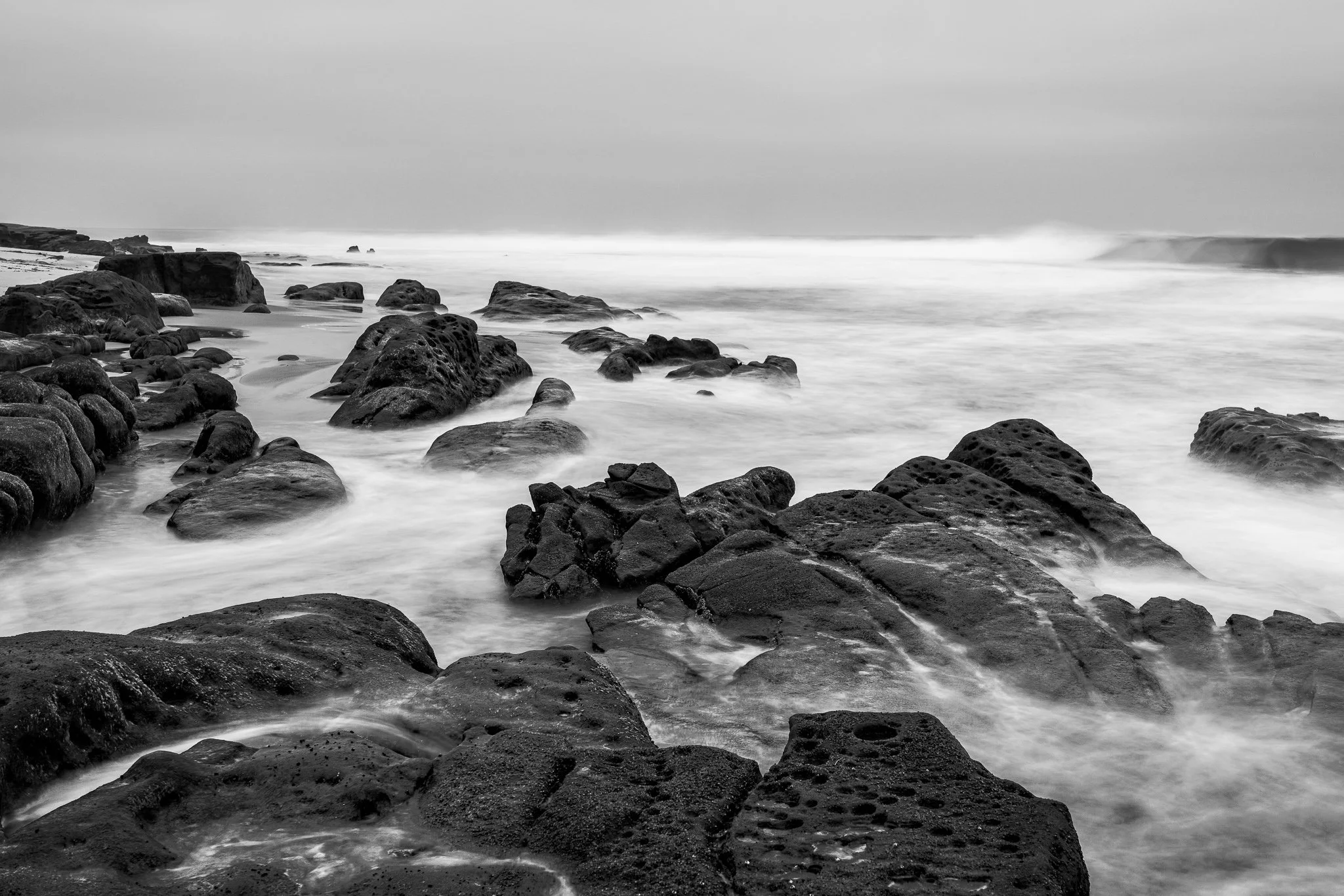
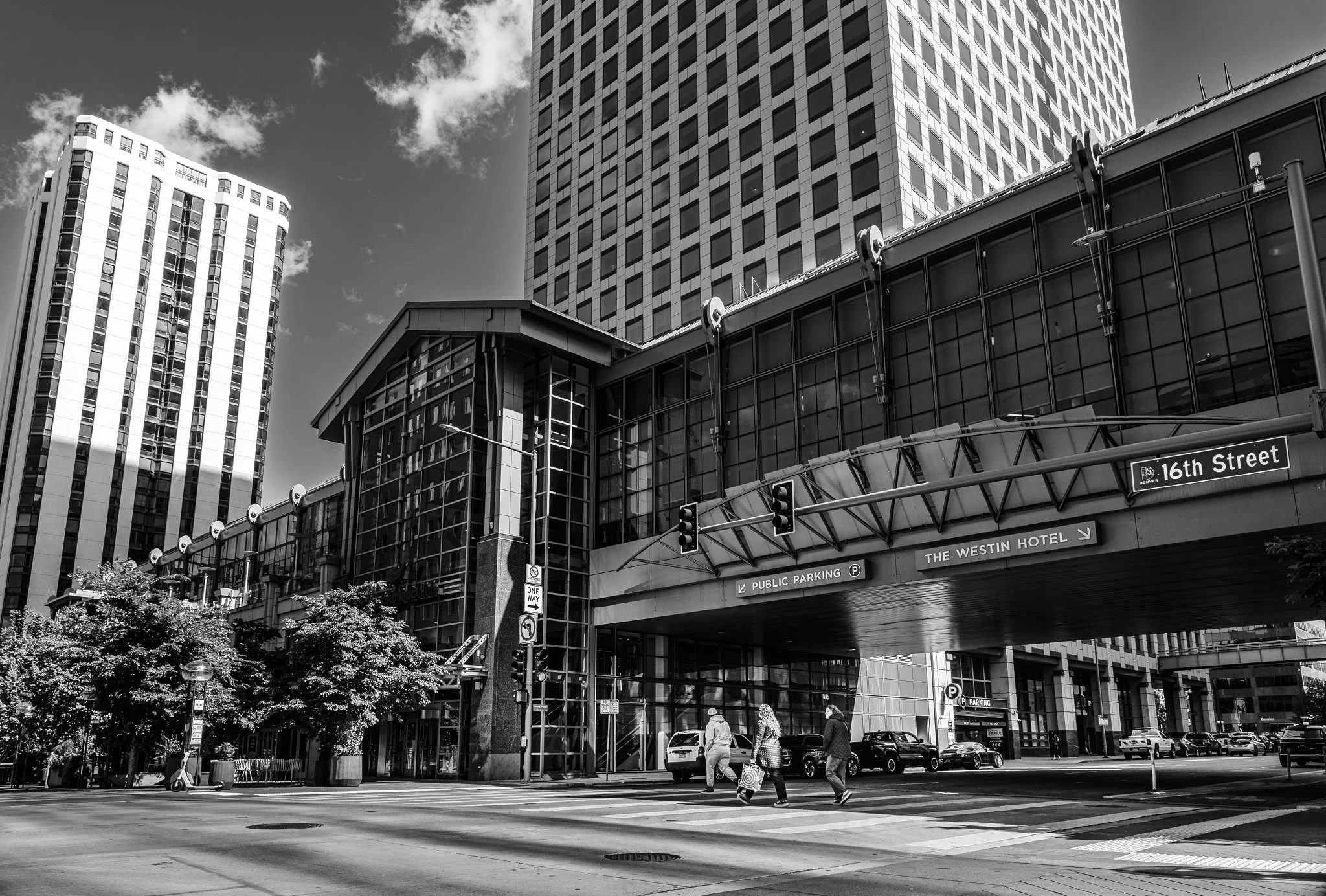



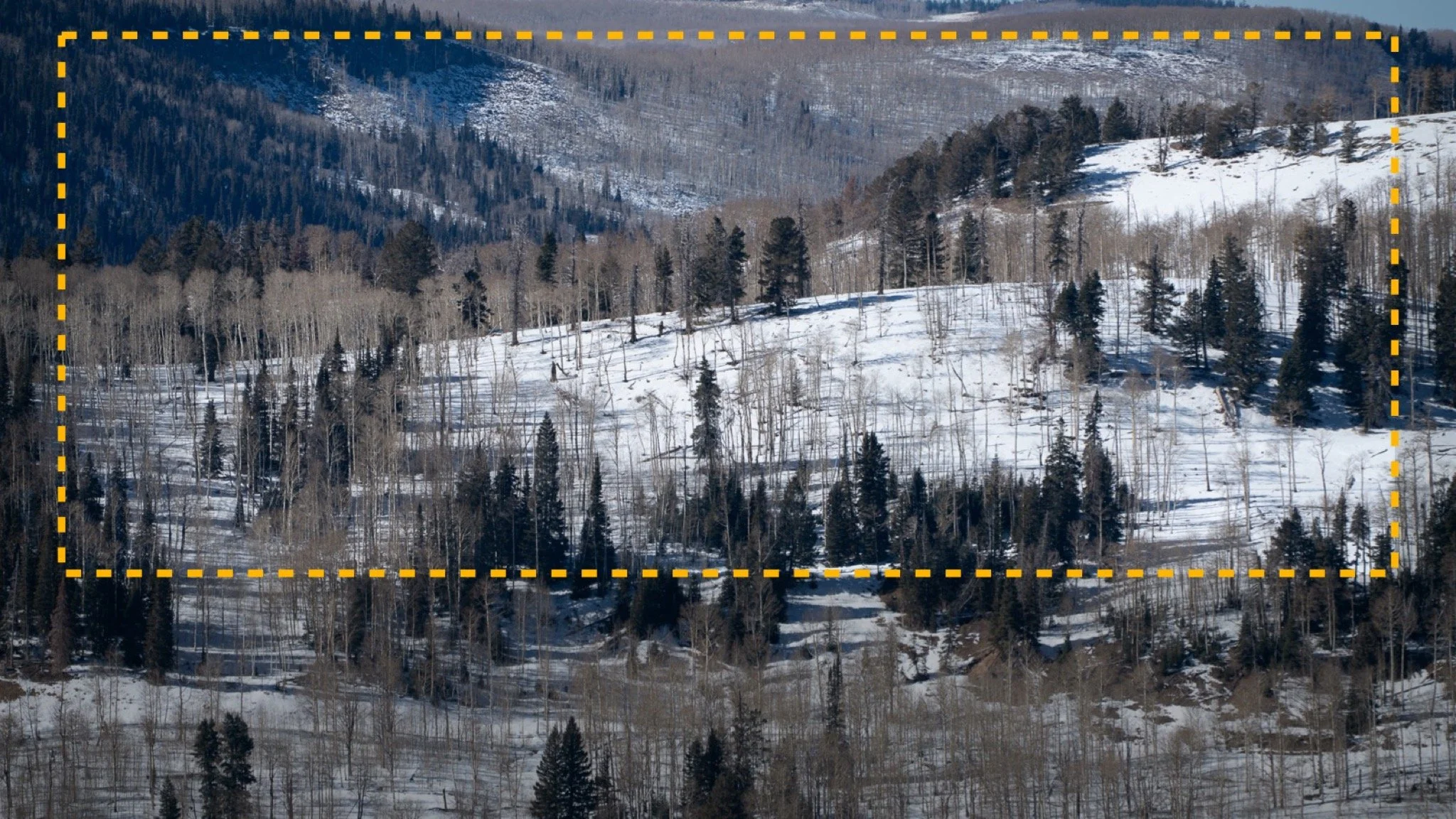
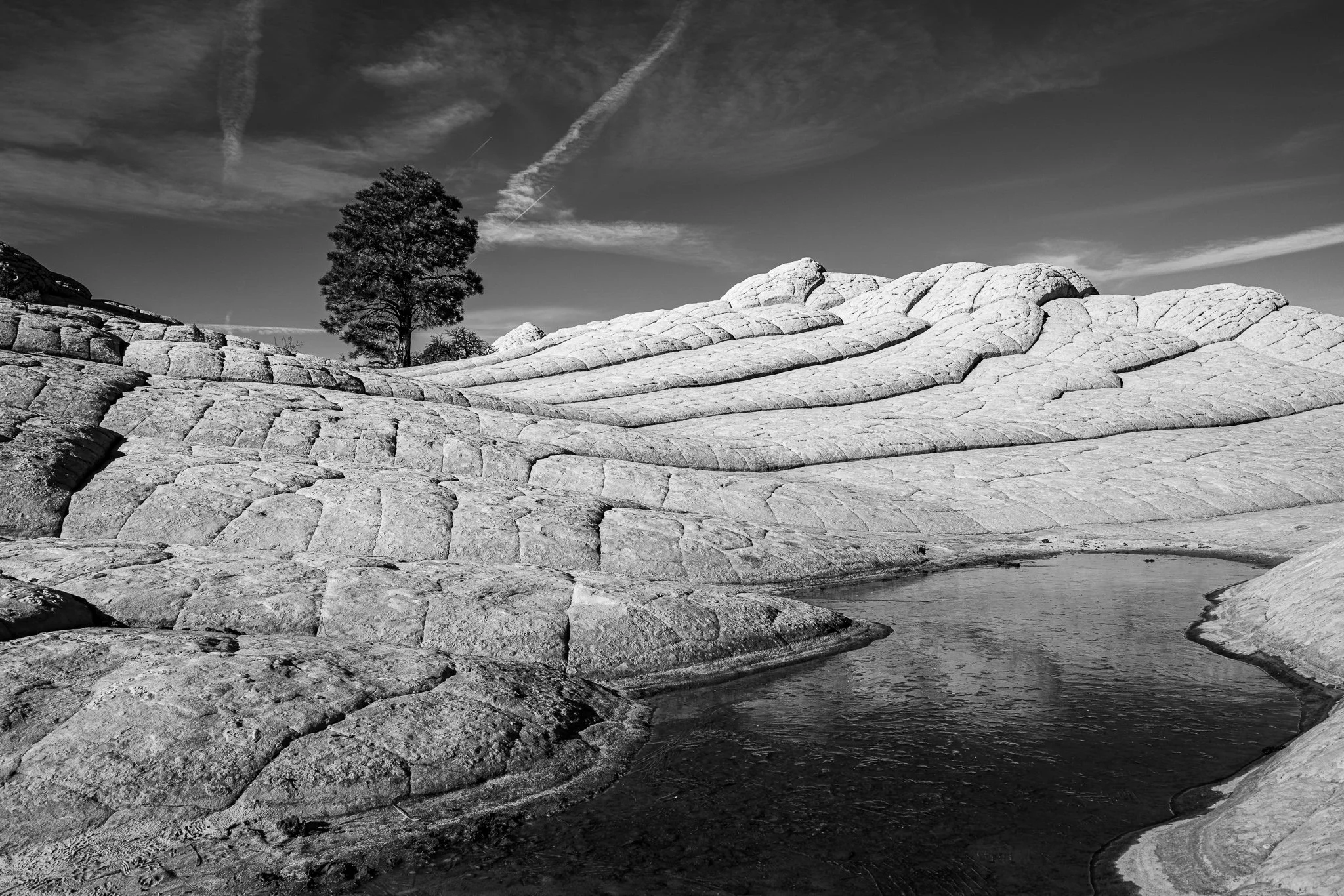
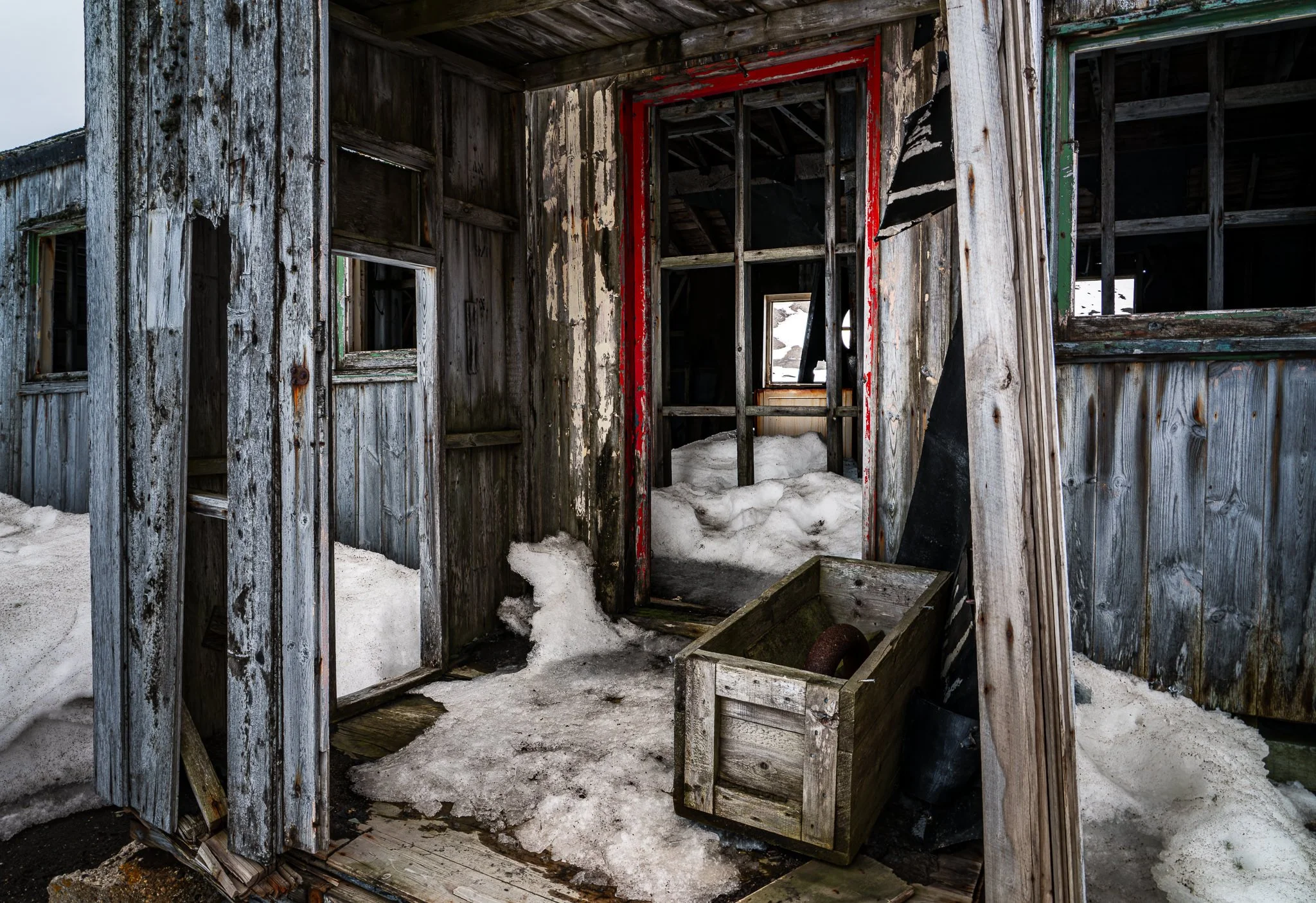


A vignette can help guide the viewer toward your subject, but lowering exposure around the edges of a black and white photo can quickly bury important shadow detail.
In this quick tutorial, I’ll show you a more controlled approach using a radial gradient and the Whites or Highlights slider. You’ll still get that visual nudge toward the subject without making already-dark areas disappear.