
Soften Water To Make Your Subject Stand Out
If you enjoy posts like this, please support my work and support independent photography tutorials like this.
When we photograph landscapes, water often becomes an automatic point of attention. Reflections, highlights, and texture can naturally draw the eye. Sometimes that's exactly what we want. Other times, the water is simply part of the scene, and the real subject is something else entirely.
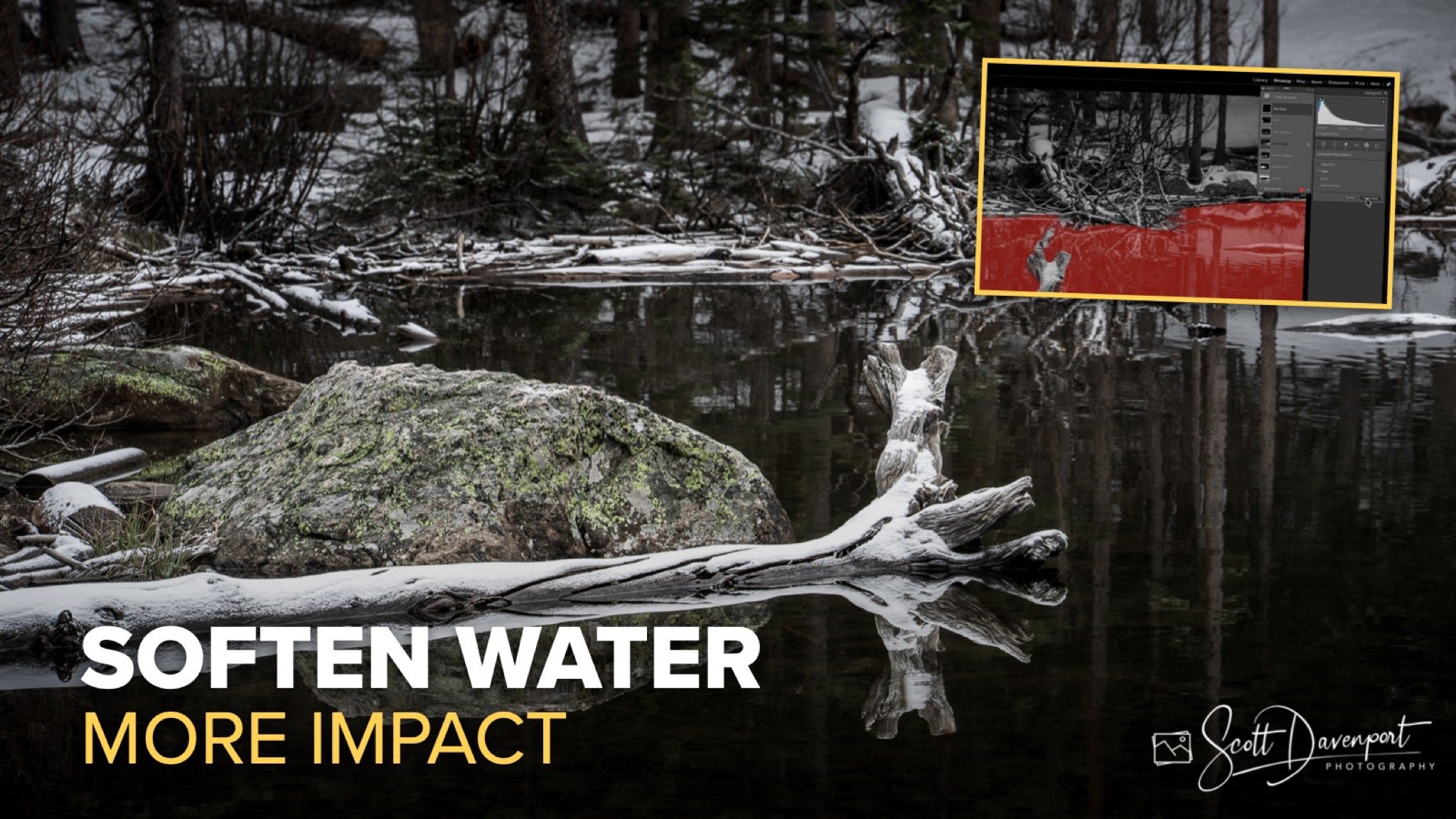
In the photo I'm working on here, the subject isn't the lake. It's the snow-covered log and rock in the foreground. The water serves as context, but it doesn't deserve equal visual weight. By softening and downplaying the water, I can guide the viewer's attention toward the elements that matter most. The technique is simple and can be accomplished in Lightroom or any editor that offers masking tools and local contrast controls.
Create a Mask for the Water
The first step is to isolate the water so adjustments only affect that portion of the image. Modern editing tools make this remarkably easy. In Lightroom, I can use the AI-powered masking tools to automatically select the water. Other applications such as Luminar and ON1 Photo RAW offer similar capabilities.
The automatic selection usually gets me most of the way there, but I rarely accept the mask exactly as generated. I'll spend a few moments cleaning up the edges and removing areas that shouldn't be included in the adjustment. Taking the time to refine the mask ensures that the edits remain natural and don't accidentally affect important foreground elements.
Once the mask is complete, I have a dedicated selection that allows me to shape the visual importance of the water independently from the rest of the photograph.
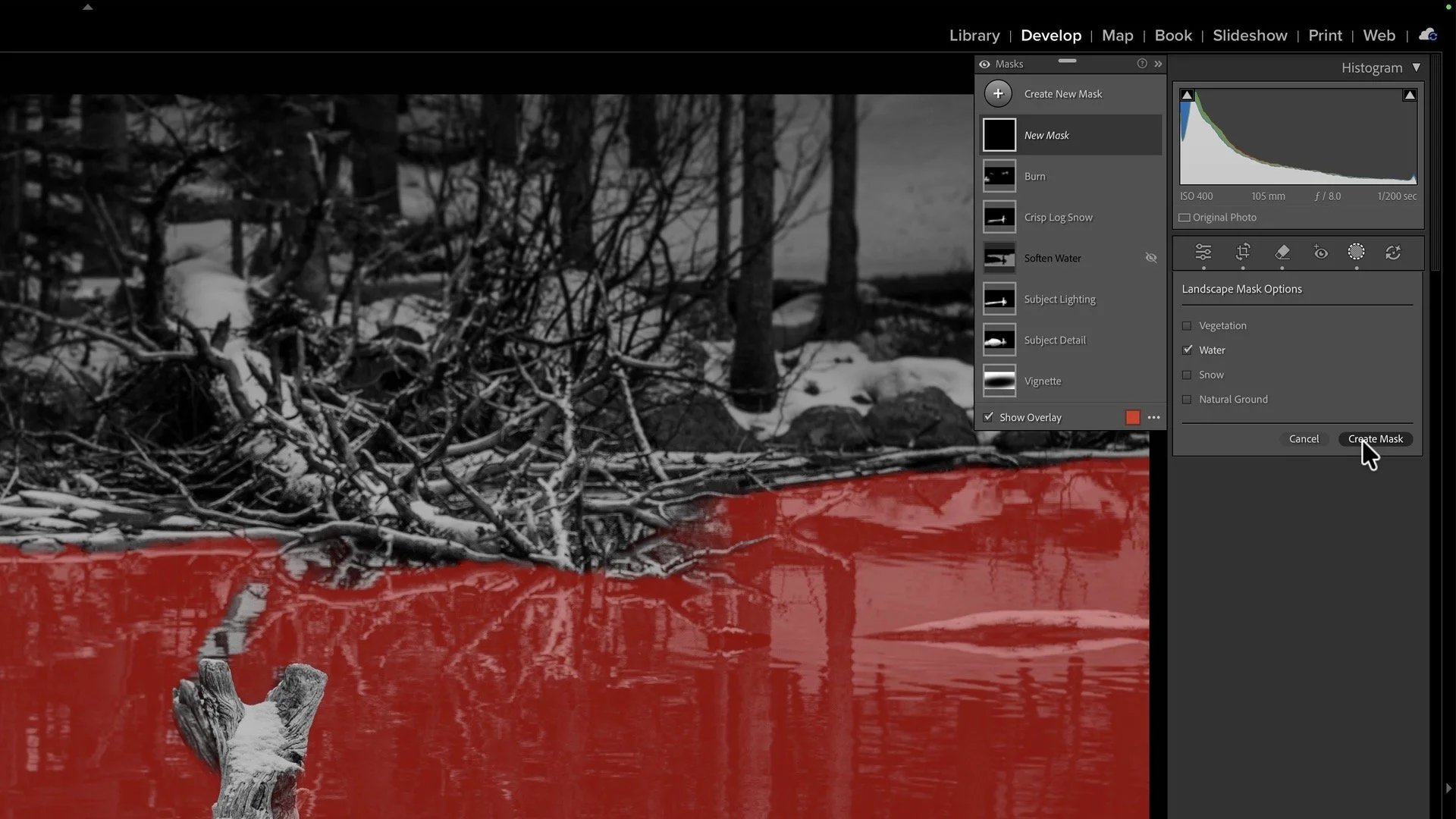
Create a mask for the water. AI-masking tools make this easy in modern software.
Reduce Local Contrast
With the water isolated, I turn my attention to local contrast. In Lightroom, this means the Clarity and Texture sliders. Other software packages may call it Structure or Dynamic Contrast, but the goal is the same.
Water often contains countless small details, ripples, reflections, and edges that attract attention. By reducing local contrast, those details become softer and less prominent. The water begins to recede into the scene rather than competing with the subject.
I typically push these controls farther than I might during a global adjustment. Since the effect is confined to the water mask, I can be more aggressive without negatively affecting the rest of the image. As the local contrast decreases, the water becomes smoother and visually quieter, allowing the viewer's attention to settle elsewhere.
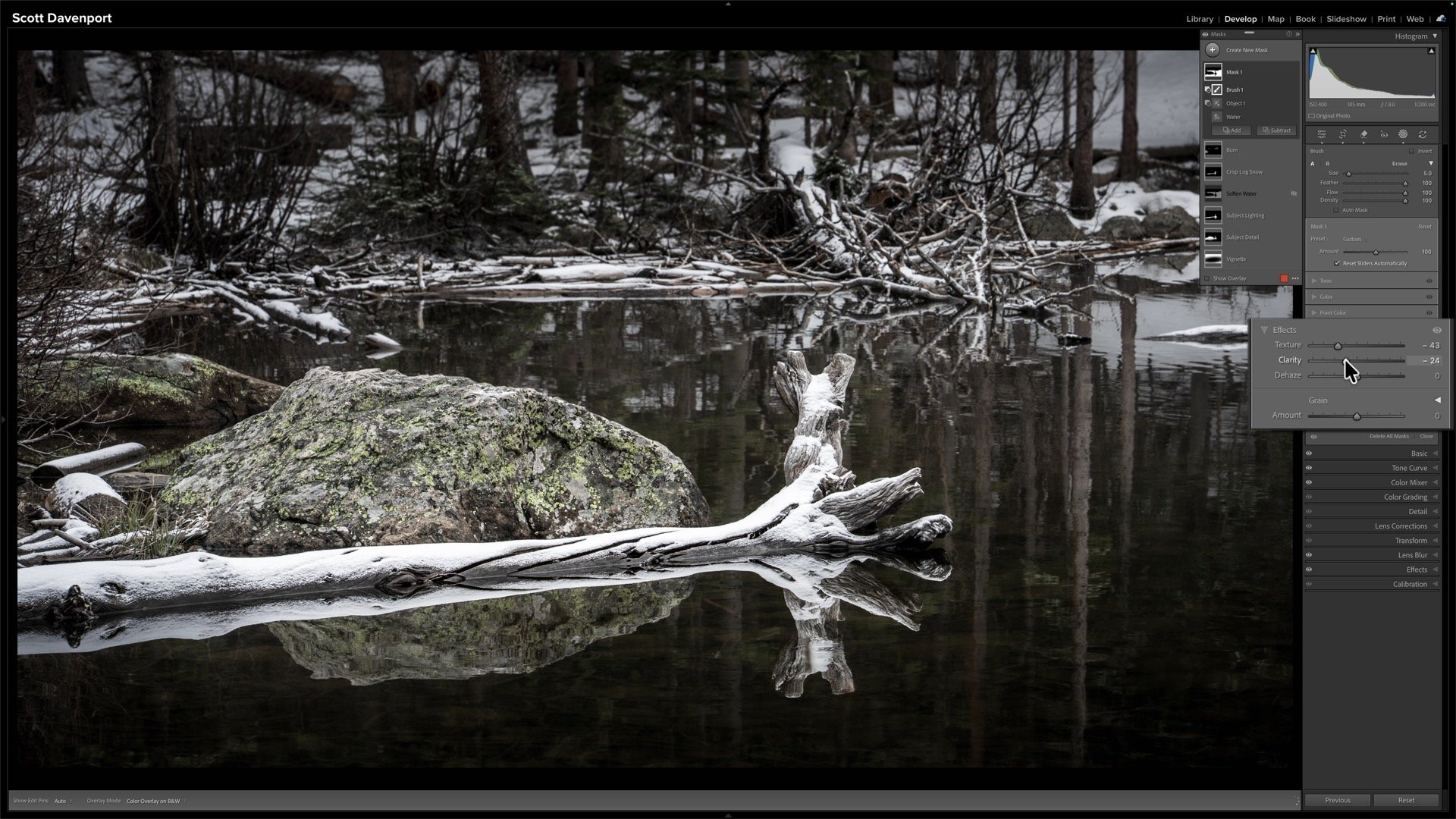
Reducing local contrast softens the water and lets the subject pop
Lower the Exposure
After softening the water, I often make a subtle exposure adjustment. Lowering exposure effectively burns down the selected area, reducing its visual brightness and helping it play a supporting role within the composition.
Brightness naturally attracts attention. If the water is brighter than the subject, it can become a distraction even after reducing local contrast. A modest exposure reduction helps restore balance and creates separation between the subject and its surroundings.
In this image, darkening the water not only reduced distractions but also enhanced the perception of depth. The foreground log and rock gained more visual prominence, while the lake receded into the middle ground. The result is a stronger sense of three-dimensionality and a clearer visual hierarchy.
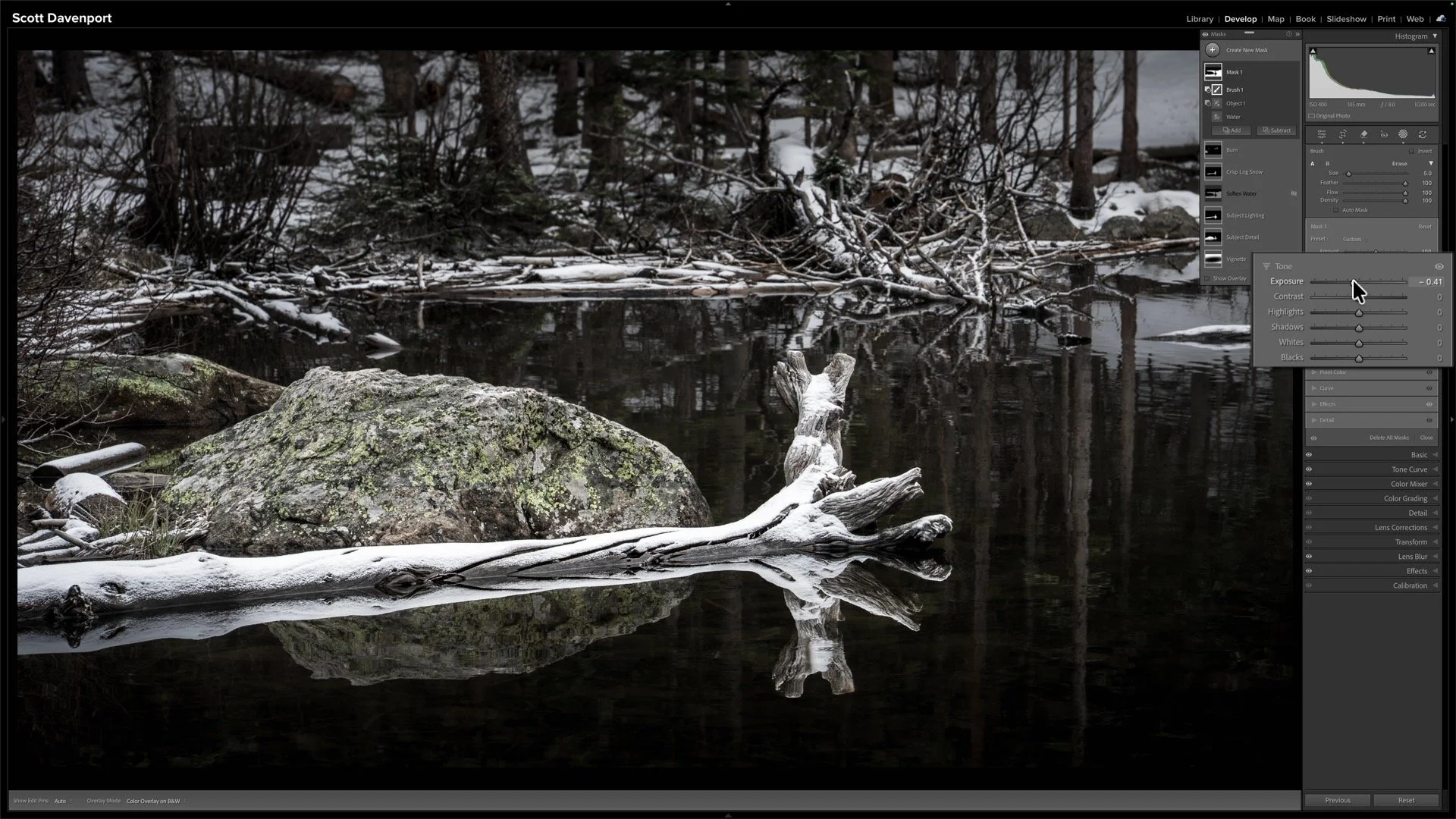
For this image, an extra touch. Reducing exposure further de-emphasizes the water, adding depth and dimension to the scene.
Final Thoughts
This technique is less about editing water and more about directing attention. Whenever you have a landscape where water isn't the primary subject, consider whether it's competing for attention that should belong elsewhere. By creating a water mask, reducing local contrast, and lowering exposure, you can simplify the scene and strengthen your composition.
The goal is always the same: make it easier for viewers to see what attracted you to the photograph in the first place. In this case, that snow-dusted fallen log becomes the clear focal point, and the water settles into its proper supporting role.
Log, Bear Lake, Rocky Mountain National Park
Contact Scott to commission a print or license this image.
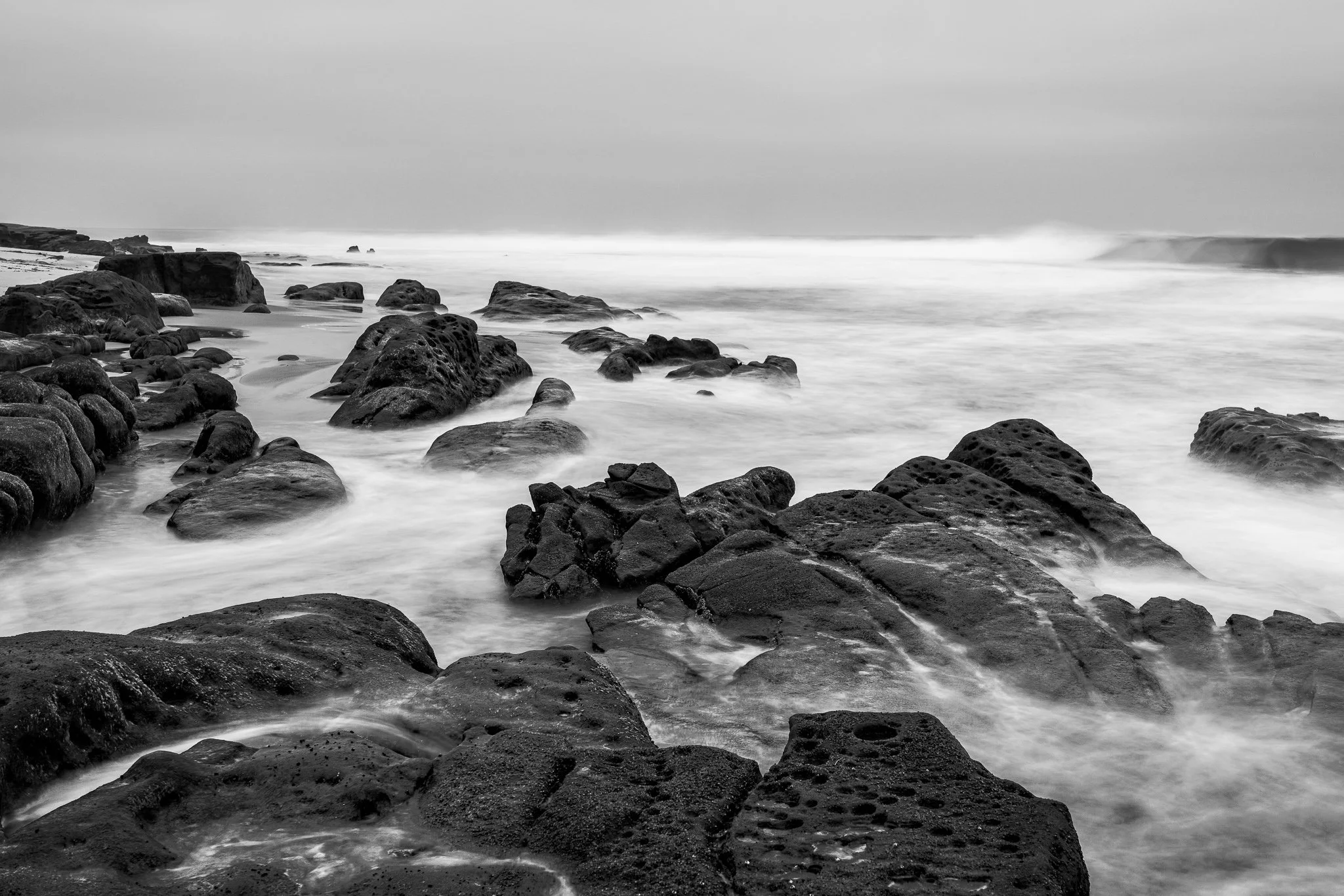
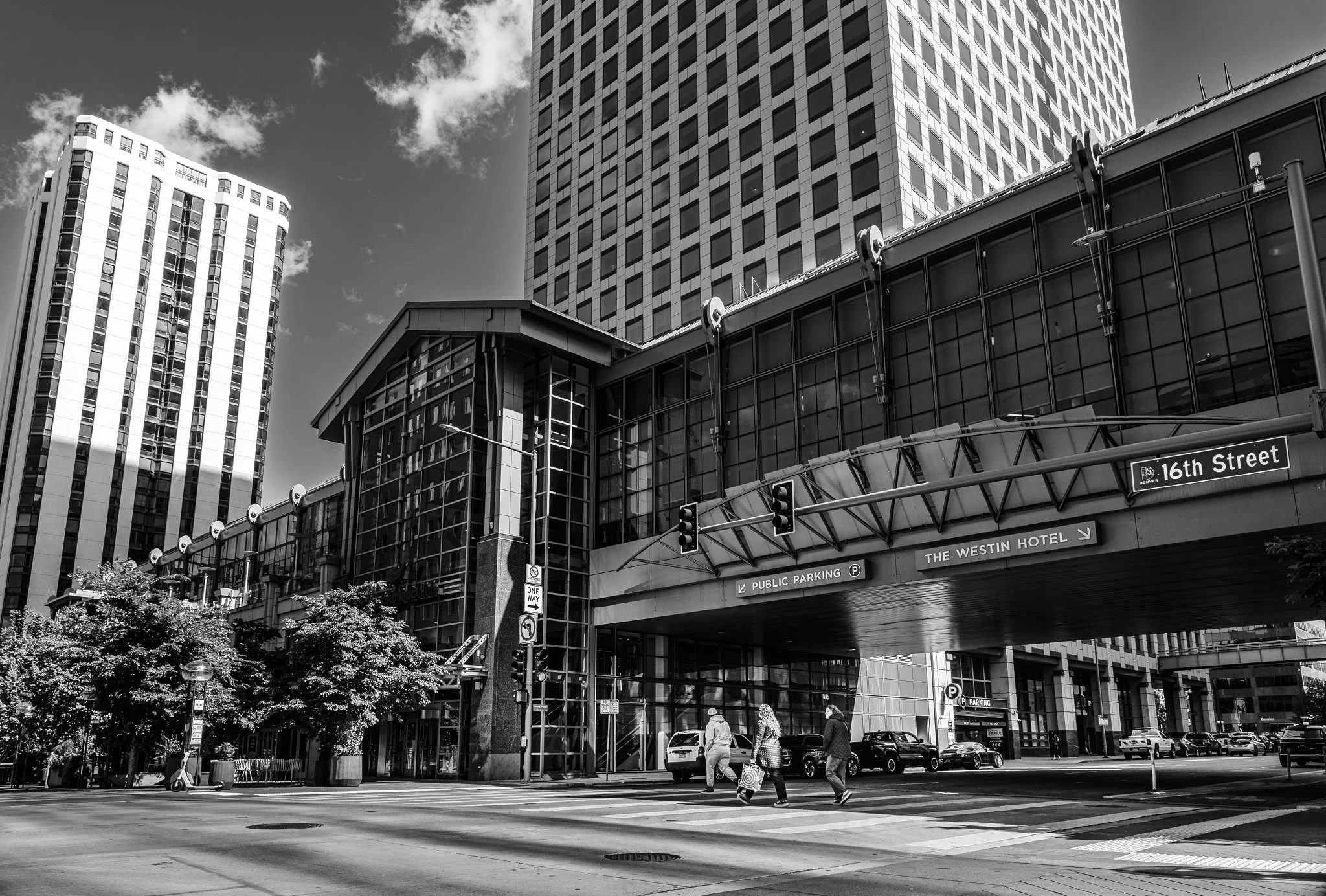
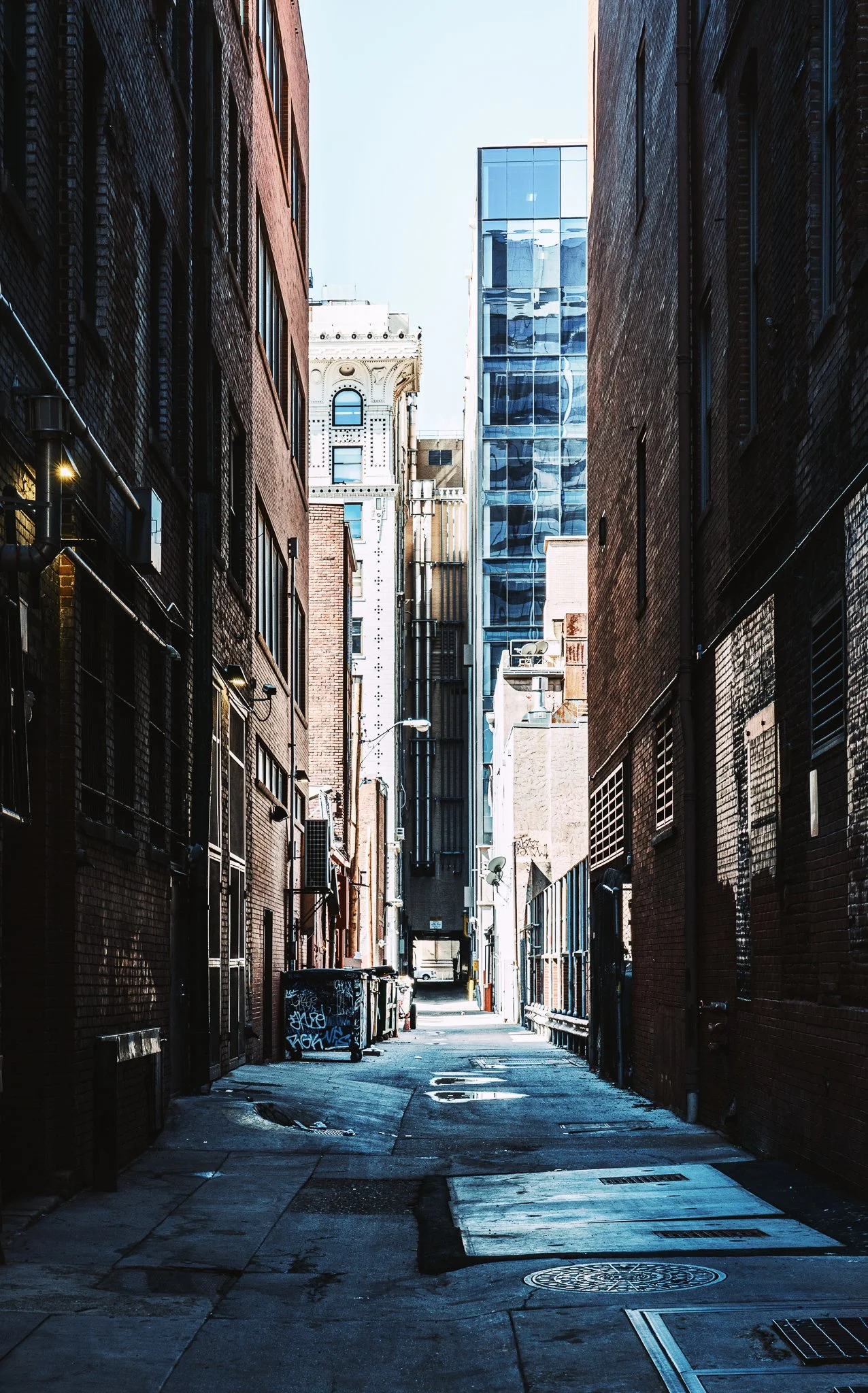


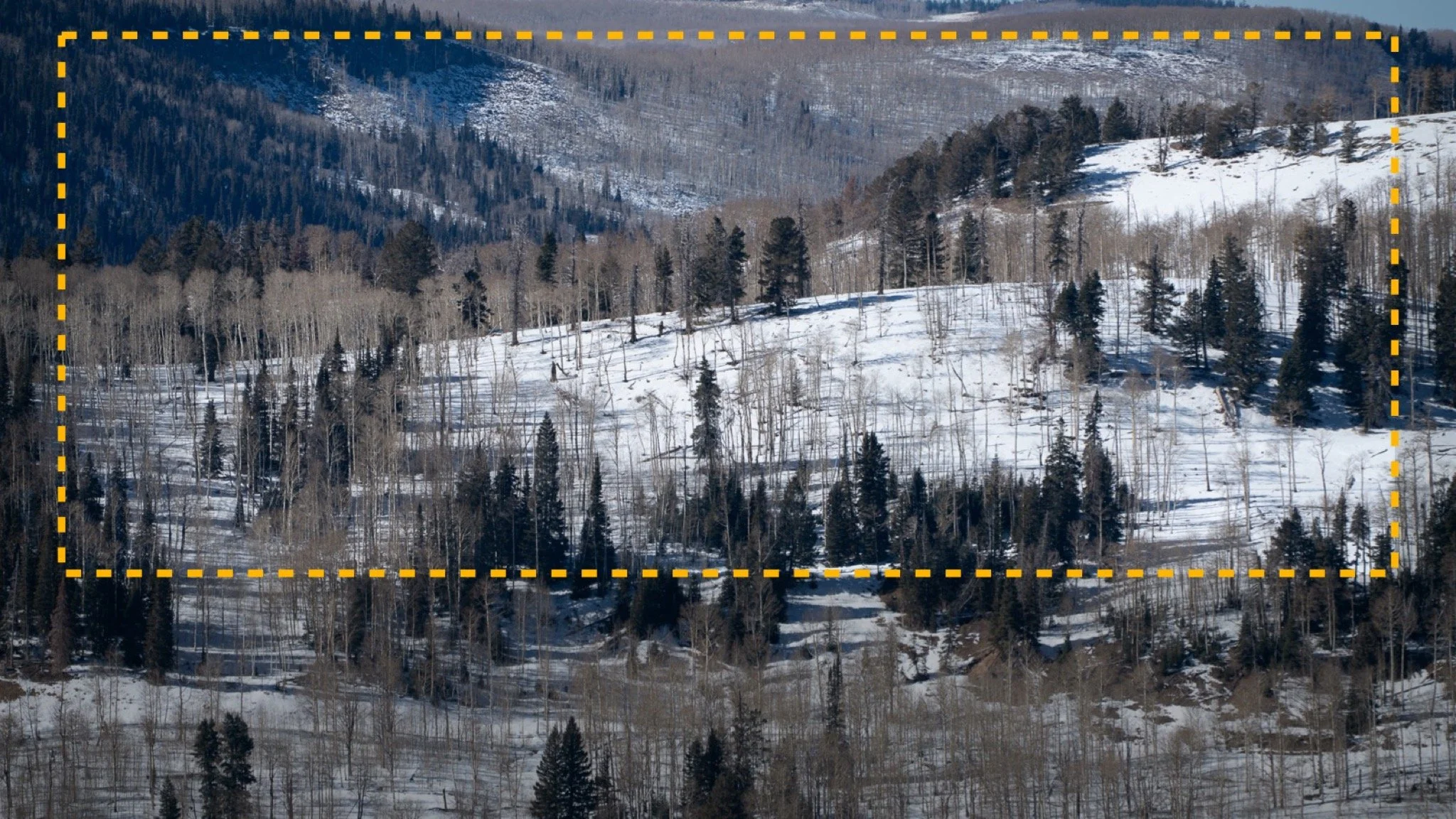
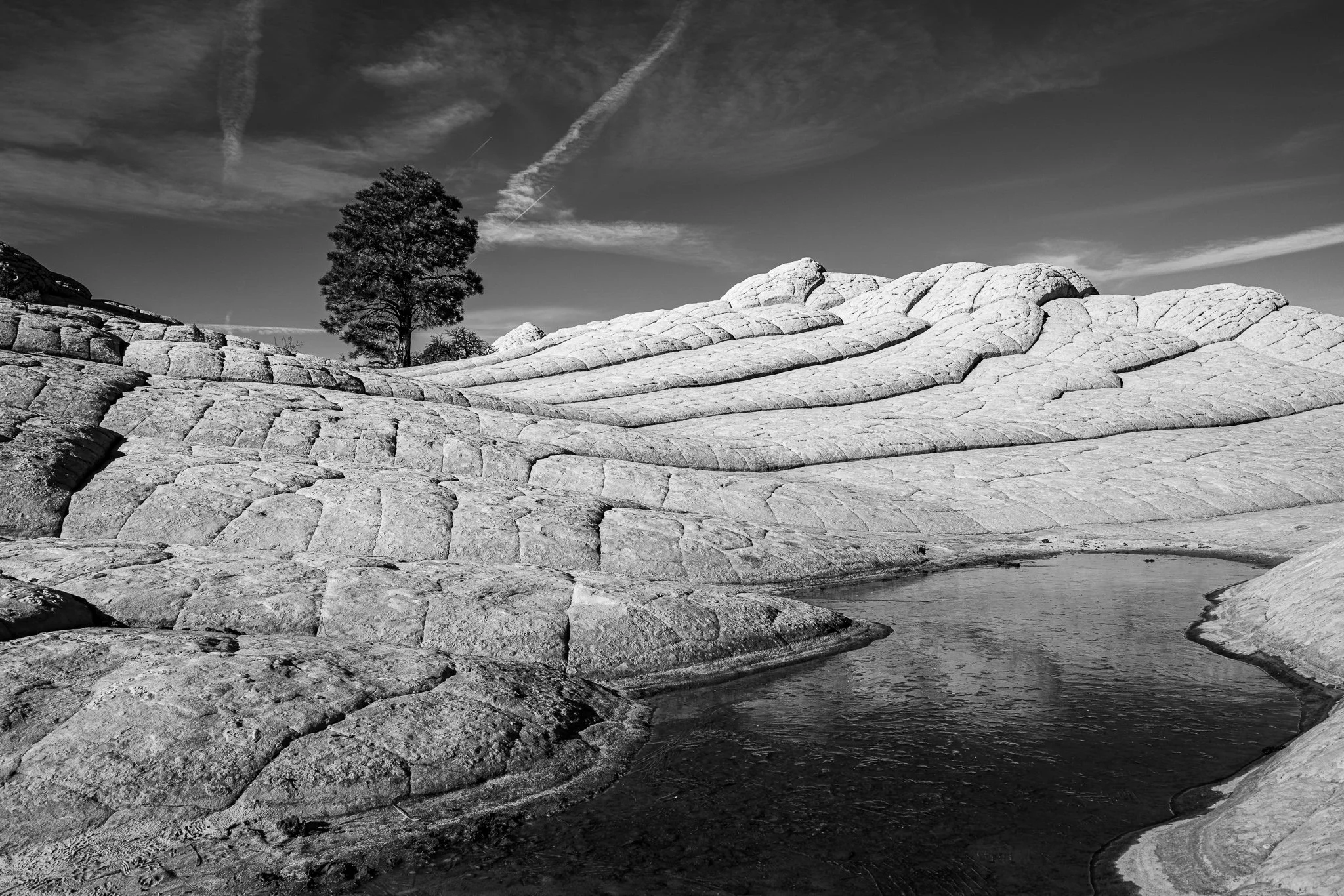


A vignette can help guide the viewer toward your subject, but lowering exposure around the edges of a black and white photo can quickly bury important shadow detail.
In this quick tutorial, I’ll show you a more controlled approach using a radial gradient and the Whites or Highlights slider. You’ll still get that visual nudge toward the subject without making already-dark areas disappear.