

Videos And Articles
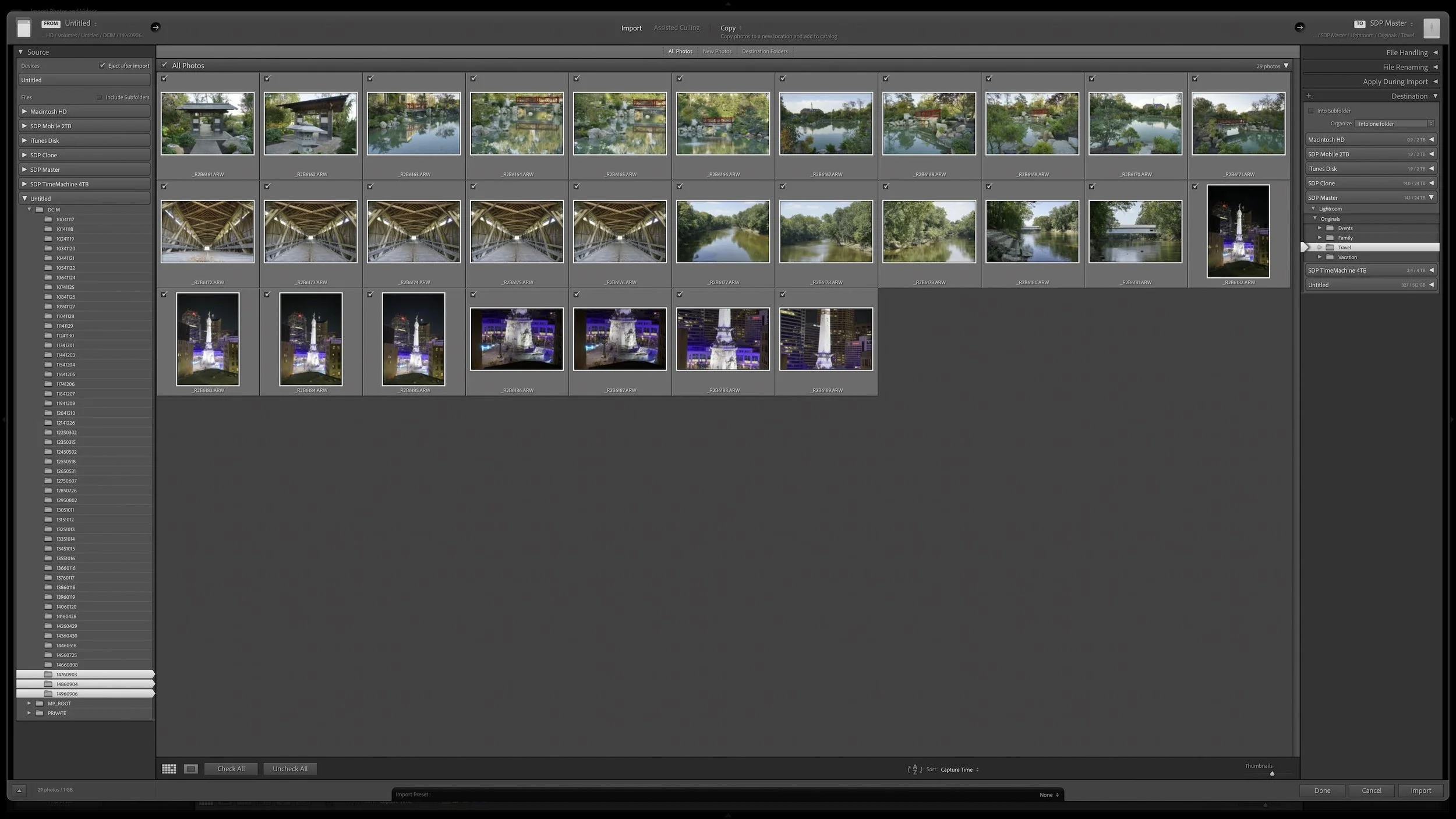
What Copy, Move, and Add Actually Mean When Importing Into Lightroom
Lightroom Classic's Import dialog presents plenty of choices, but one of the most important decisions is straightforward: where are your photos now, and where do you want the original files to live after the import?
Copy, Move, and Add each handle the original files differently. Once you understand what happens to the physical files and what happens in the Lightroom catalog, choosing the right import method becomes much easier.
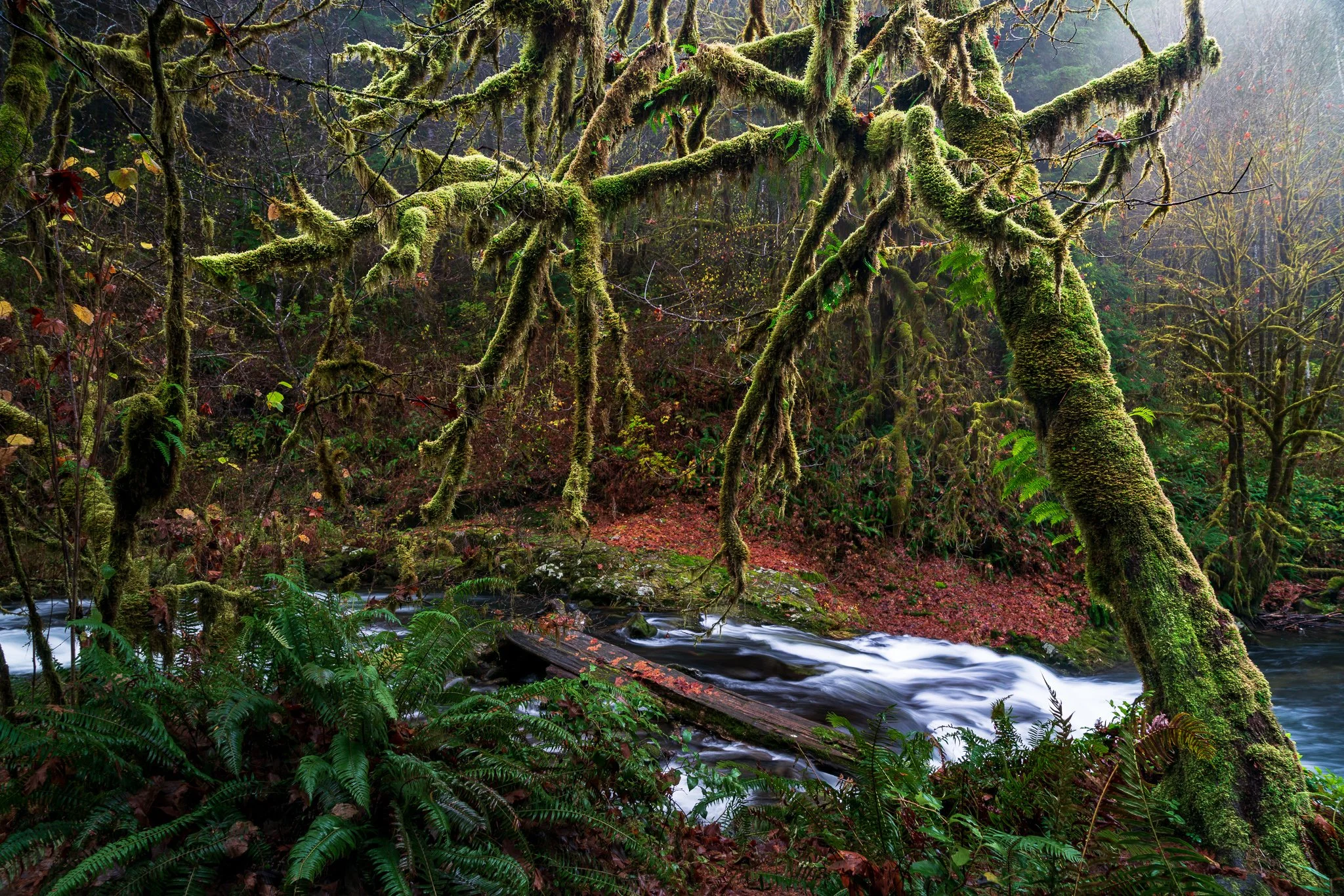
Create Depth in Lightroom with Duplicate and Invert
A complicated subject can take a little work to mask well. Once you've made that selection, what else can you do with it? Quite a bit, especially when you want to give your subject more separation from a busy background.
Using a mossy tree as an example, I explain how Lightroom's Duplicate and Invert lets you build several adjustments from one refined mask. You can shape the background and guide the eye while protecting the light on your foreground subject.
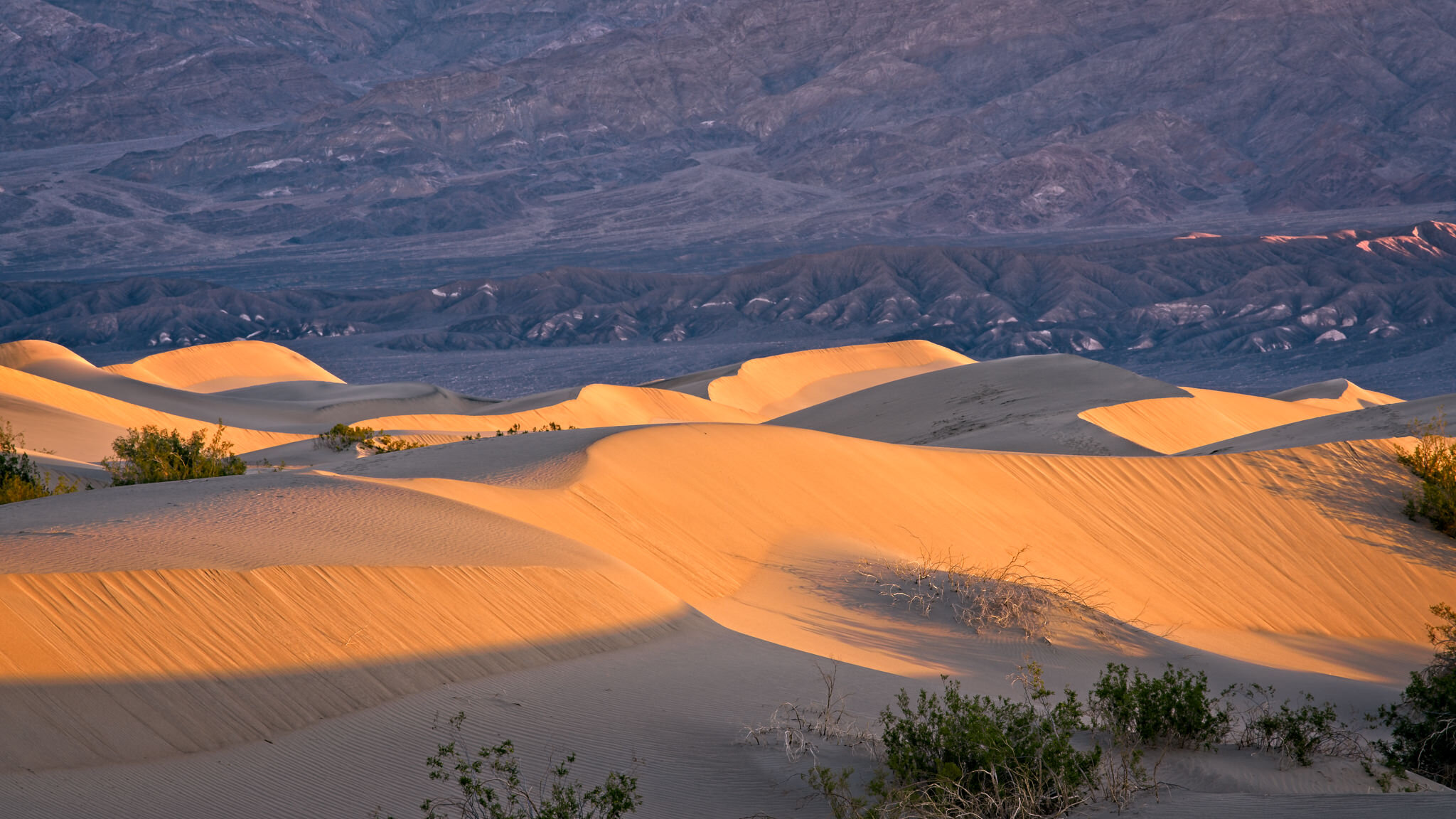
Reading Light in Landscape Photography
Great landscape photographs begin with recognizing what the light is doing. Front light can emphasize color, side light can reveal texture and form, and backlight can transform mist, foliage, and silhouettes. Once you understand those relationships, you can choose compositions that work with the conditions instead of waiting for supposedly perfect light.
Learn how to identify directional, overcast, midday, and nighttime light in the landscape—and how to adjust your viewpoint, subject, and exposure accordingly. These practical examples will help you use highlights, shadows, atmosphere, and natural layers to create clearer, more deliberate photographs.
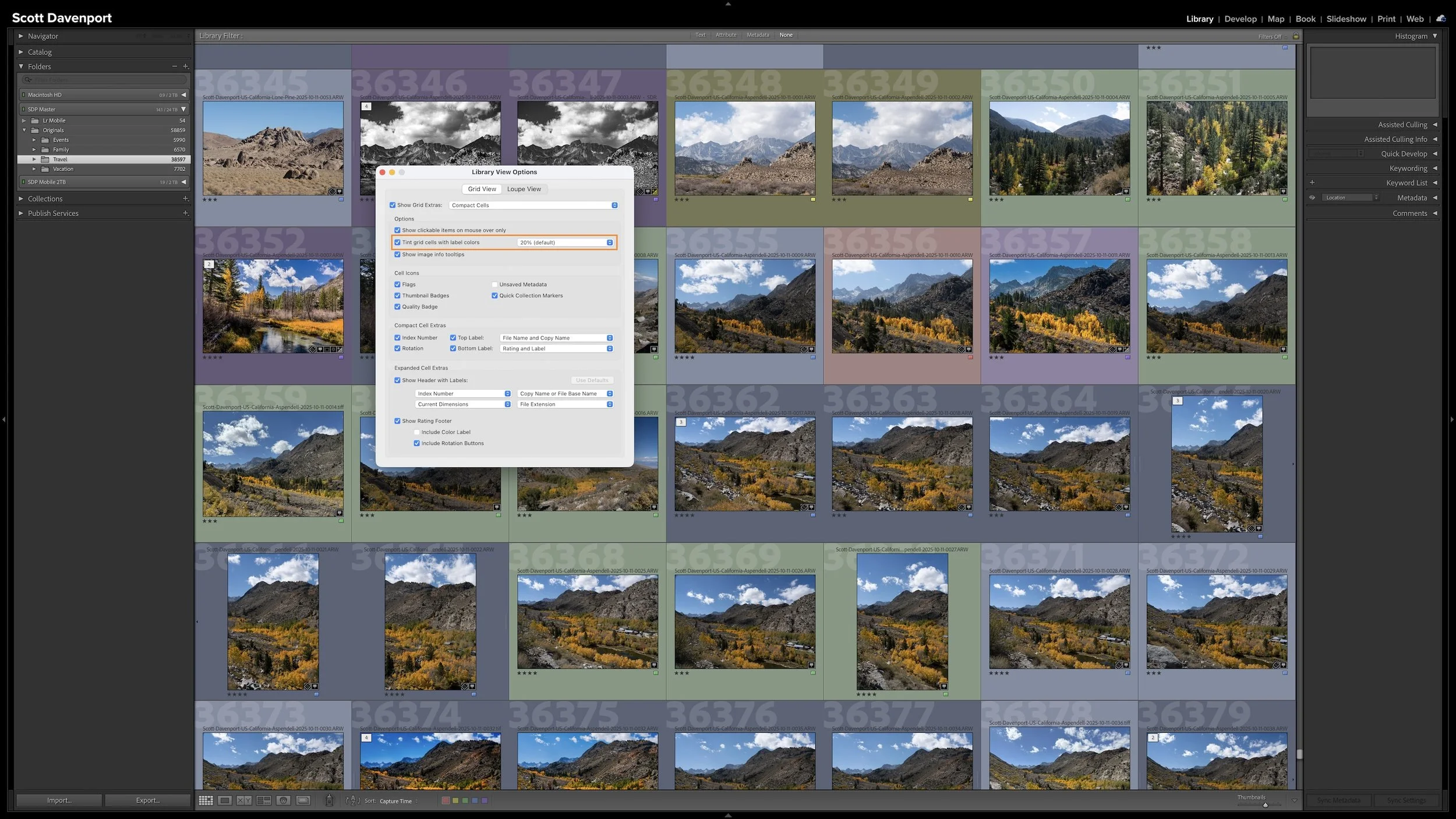
My Six-Step Lightroom Workflow From Import to Sharing
A photo workflow can fall apart when you cannot tell what has been finished and what still needs attention. That becomes especially frustrating when photographs from the same shoot are at different stages.
My six-step Lightroom Classic workflow uses color labels to give every photograph a clear next action. Whether a photo needs rating, location information, keywords, developing, or sharing, I can see where I left off and continue without retracing my steps.
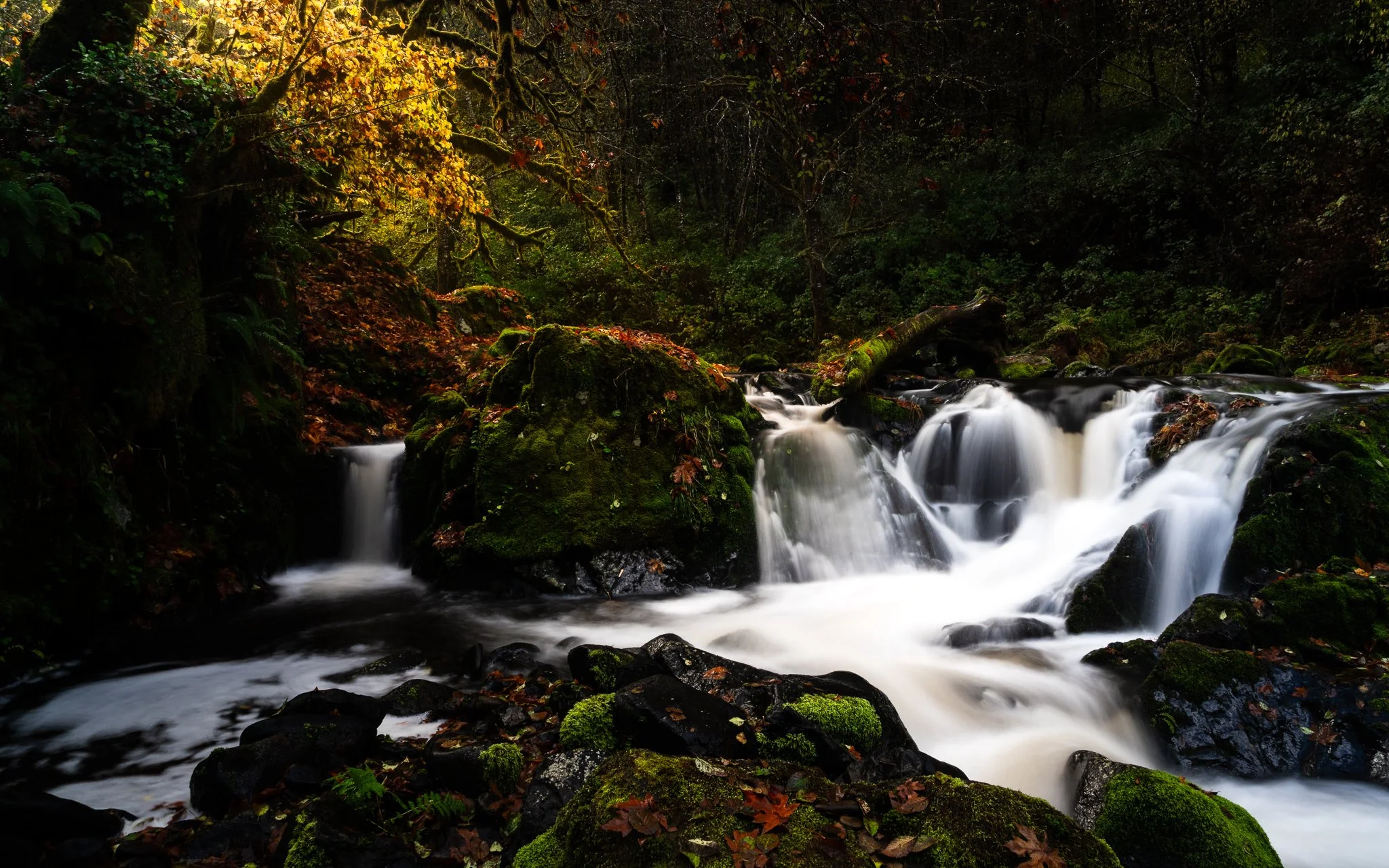
Add Soft Directional Light in ON1 Effects
A little glow can bring atmosphere to a landscape photo, but spreading it everywhere can weaken the scene. How do you give that light a direction while keeping the shadows quiet and the brightest details intact?
Using the Sunshine filter in ON1 Effects, I shape a soft glow through a forest scene toward the water. The approach builds on an editing vision and shows how a few complementary masking tools can help you follow through on it.
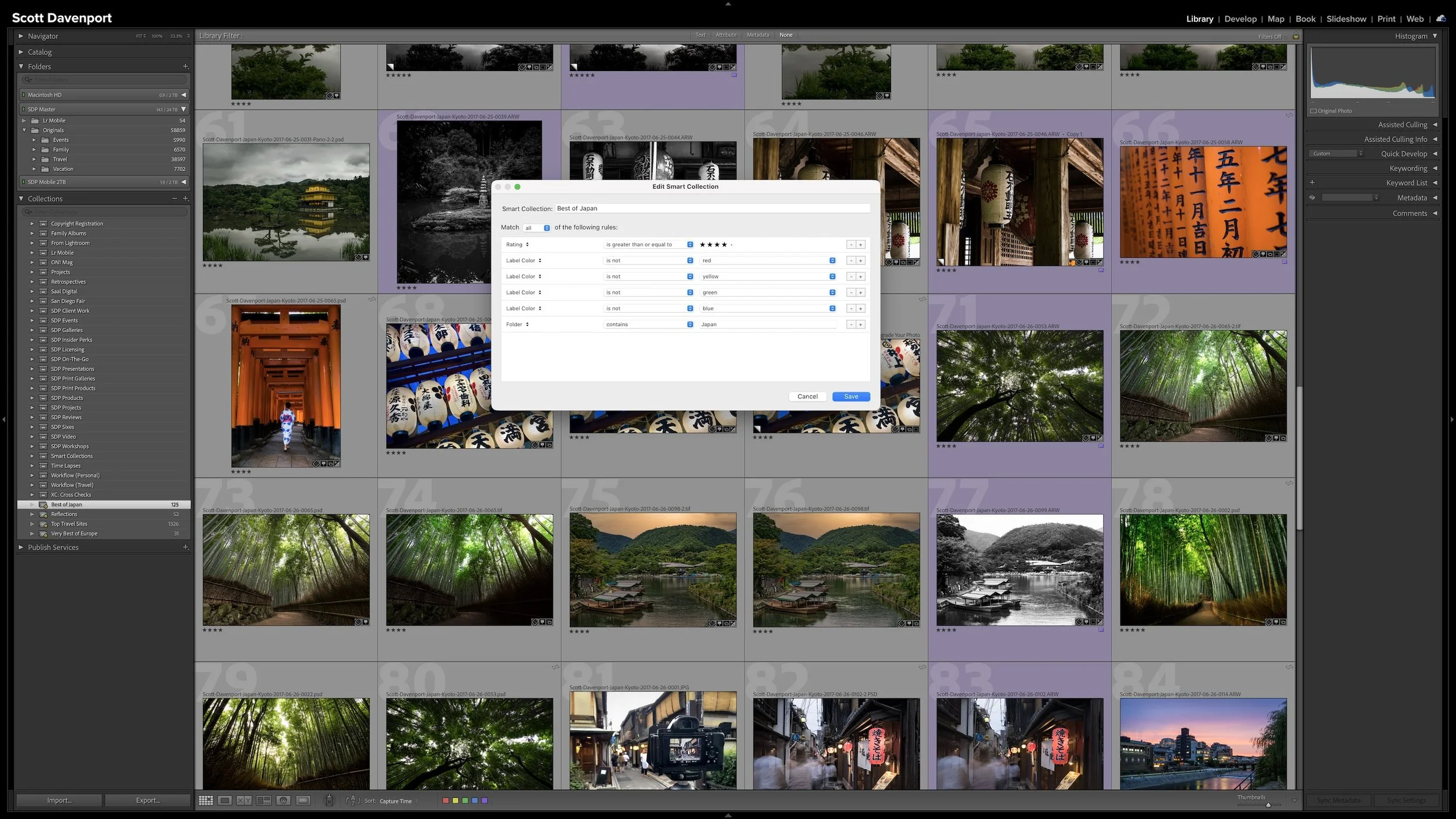
Smart Collections: Let Lightroom Organize Photos for You
A regular Collection lets you choose which photographs you want to see together. A Smart Collection works differently. You describe the photographs using criteria such as ratings, keywords, location information, or camera metadata, and Lightroom Classic gathers the photographs that match.
The real advantage is that the group isn't static. As photographs enter the catalog or their metadata changes, they can automatically appear in or disappear from a Smart Collection. The rules keep working as the catalog changes.
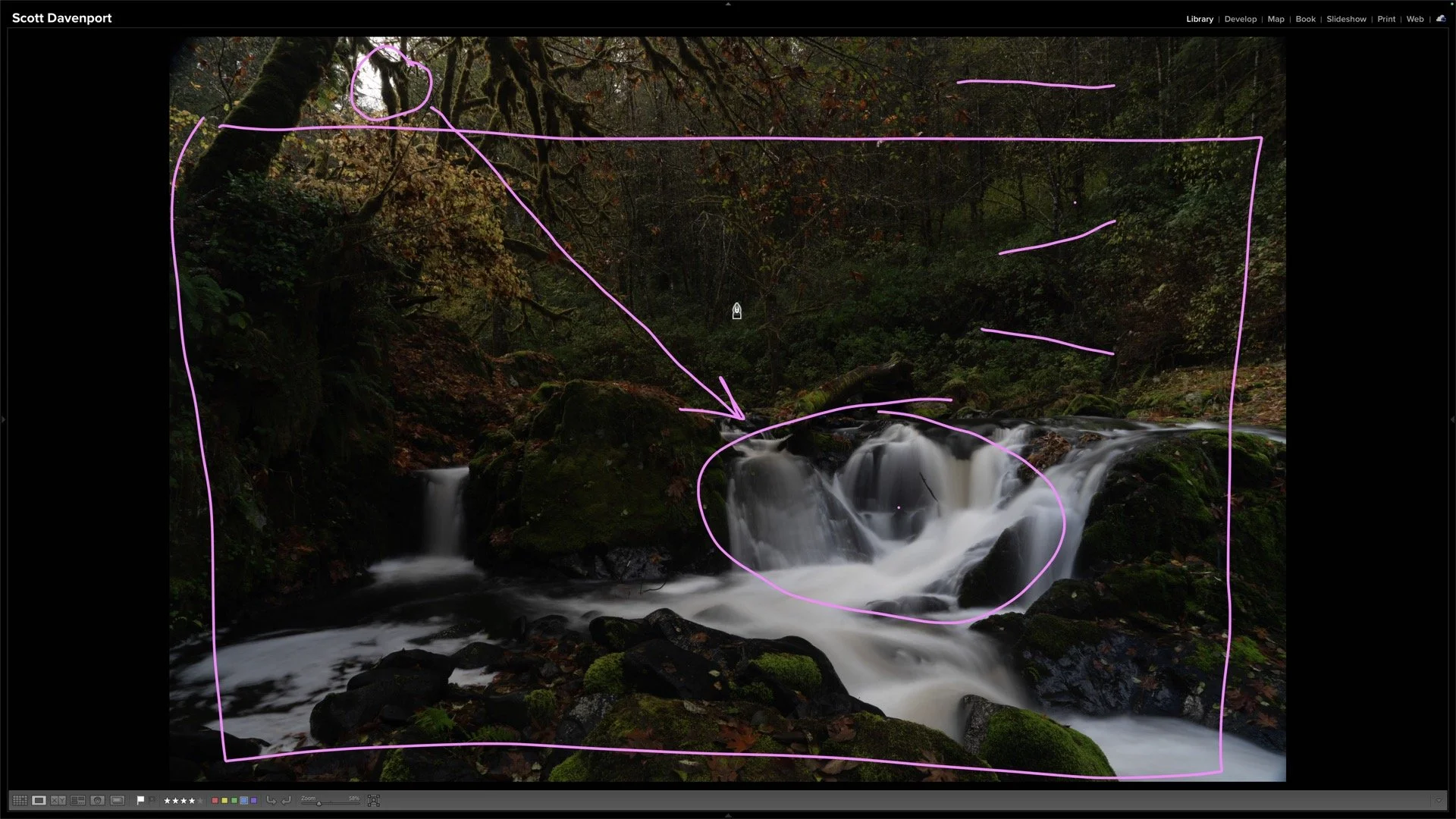
How I Decide What a Landscape Photo Needs Before Editing
You open a raw landscape photo and see plenty of things you could adjust. How do you decide what the photograph actually needs?
Using an unprocessed Sweet Creek image, I work through the decisions that come before the sliders: finding the subject, choosing a crop, and deciding how light and contrast can guide the viewer’s eye.
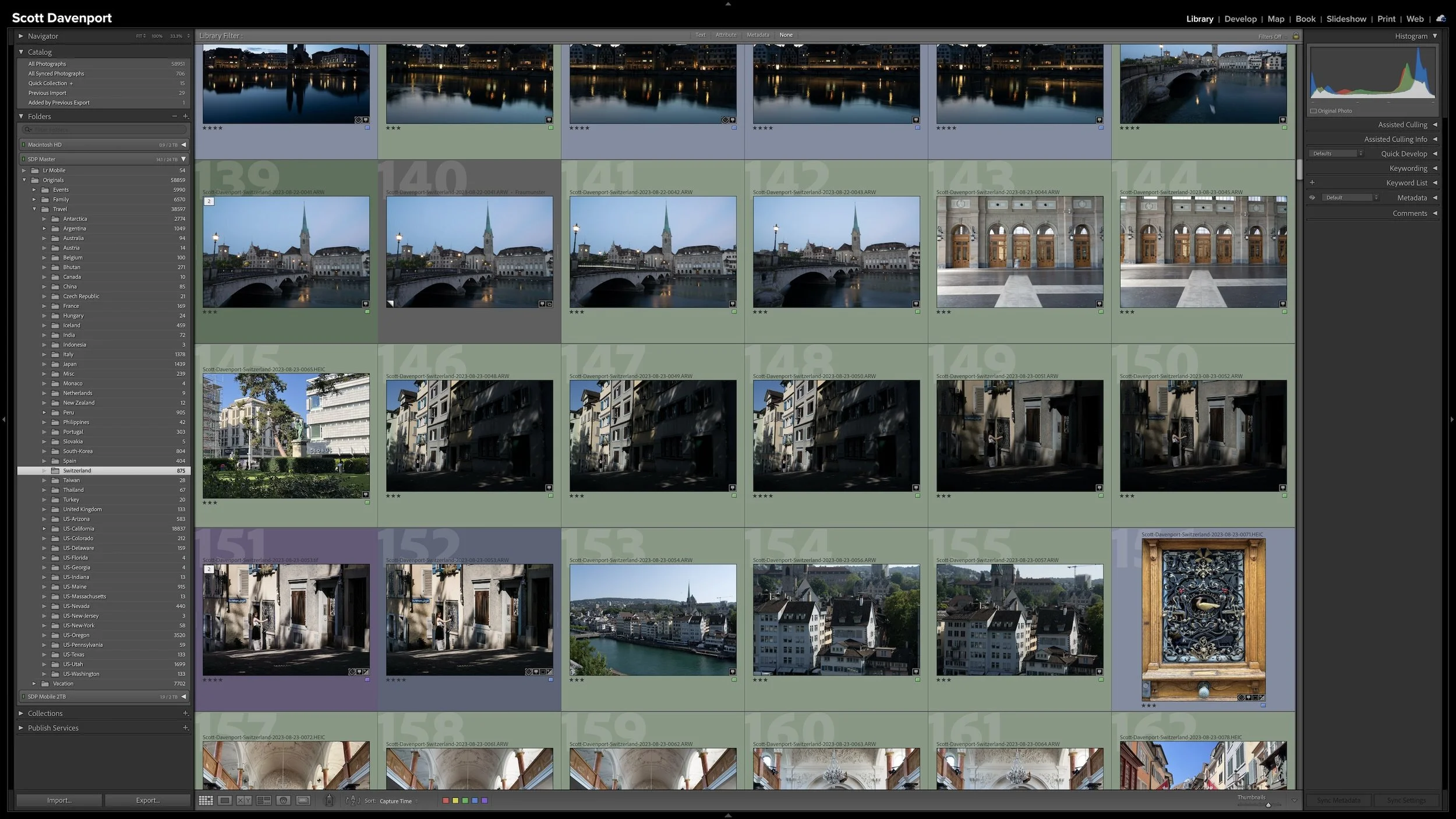
Lightroom Folders and Collections Solve Different Problems
Folders and Collections can both look like ways to organize photographs in Lightroom Classic, but they solve different problems. Folders describe where the original photographs physically live. Collections let you bring photographs together without changing that physical organization.
That becomes especially useful when a gallery, project, subject, or other body of work includes photographs stored in many different folders. Collections give you another way to see those photographs together while leaving the originals exactly where they belong.

Make Artificial Lights Glow Naturally in Luminar
A cityscape can have plenty of bright lamps and still feel a little flat. Luminar Magic Light tool can bring more atmosphere to those artificial light sources, but applying the same glow everywhere may pull attention away from the parts of the photograph that matter most.
The useful decision is where to let the light shine and where to hold it back. A modest starting adjustment, followed by a few selective changes, can give the scene more life while keeping its lighting believable.
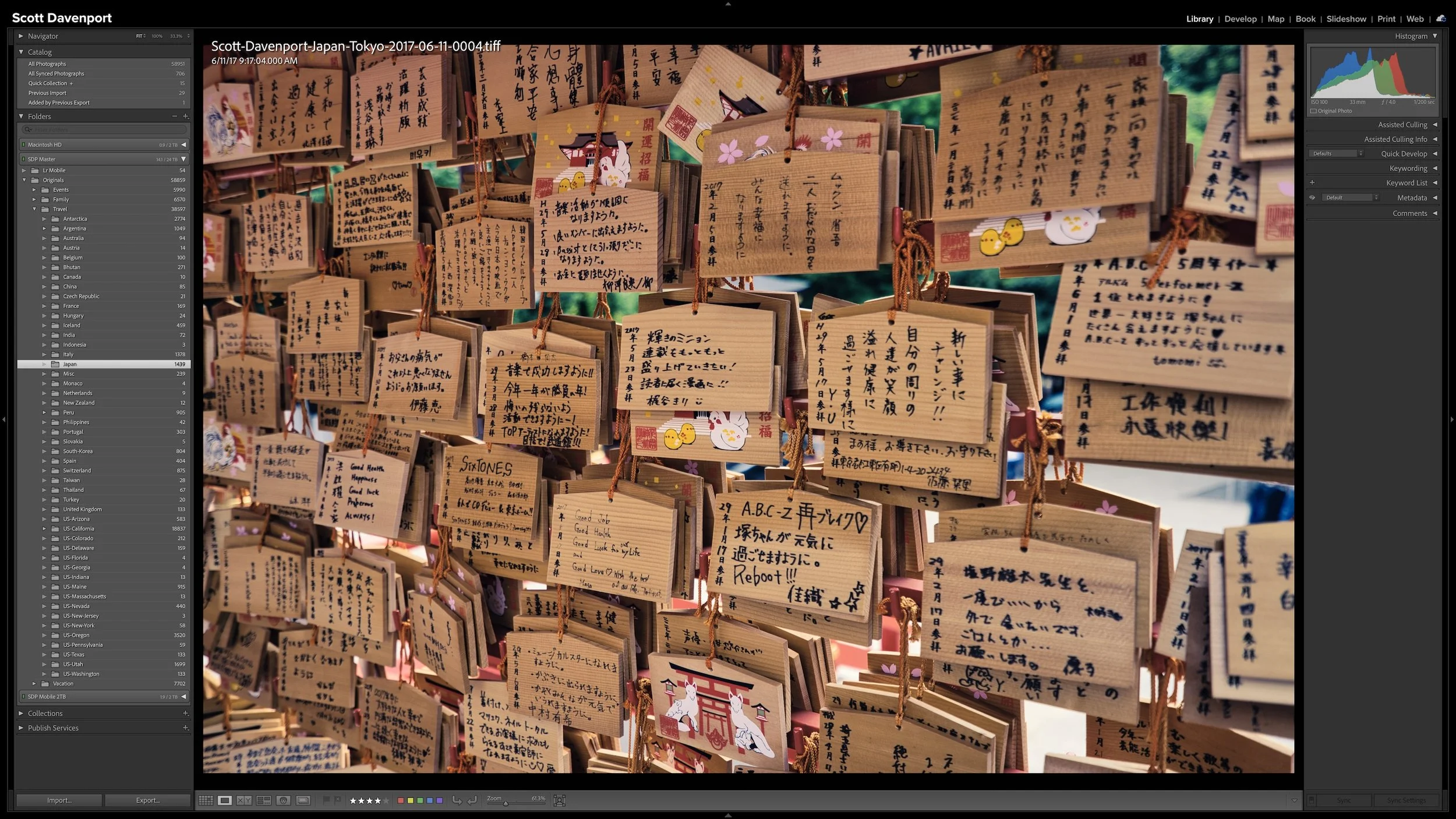
Should You Rename Your Photos When You Import Them?
A Lightroom folder structure doesn't need to account for every date, location, subject, or shoot with another level of folders. Organizing photographs into dated folders is especially common, but unless dates are how you naturally look for your photographs, that extra structure may not be helping you. Too much structure can make a photo library harder to understand rather than easier.
I keep all of my photographs beneath one top-level folder, then use a relatively shallow hierarchy underneath it. Different types of photography can follow different organizational logic. The important thing is that the structure matches how you naturally think about and look for your photographs.
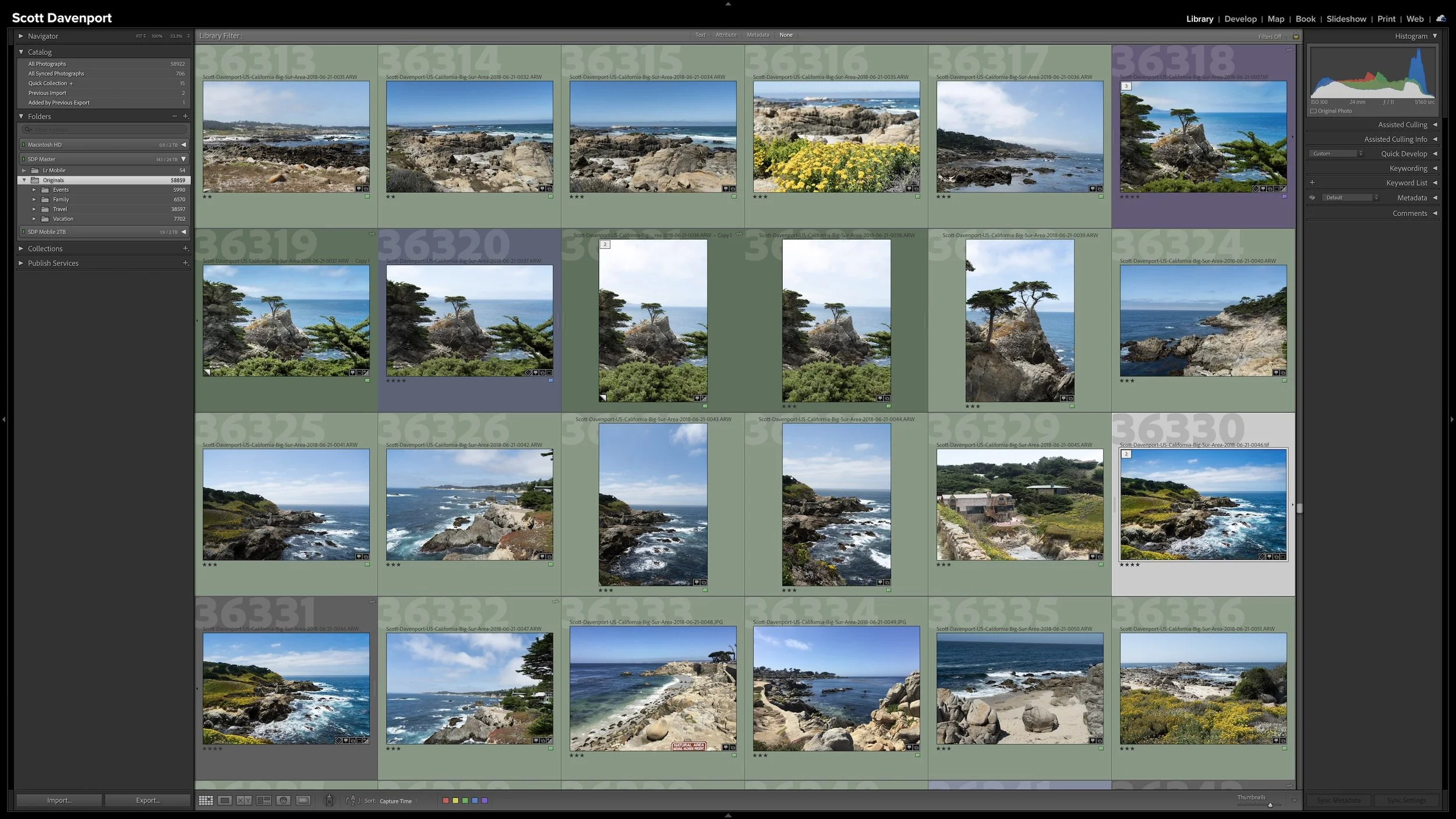
A Simple Lightroom Folder Structure That Can Grow With You
A Lightroom folder structure doesn't need to account for every date, location, subject, or shoot with another level of folders. Organizing photographs into dated folders is especially common, but unless dates are how you naturally look for your photographs, that extra structure may not be helping you. Too much structure can make a photo library harder to understand rather than easier.
I keep all of my photographs beneath one top-level folder, then use a relatively shallow hierarchy underneath it. Different types of photography can follow different organizational logic. The important thing is that the structure matches how you naturally think about and look for your photographs.
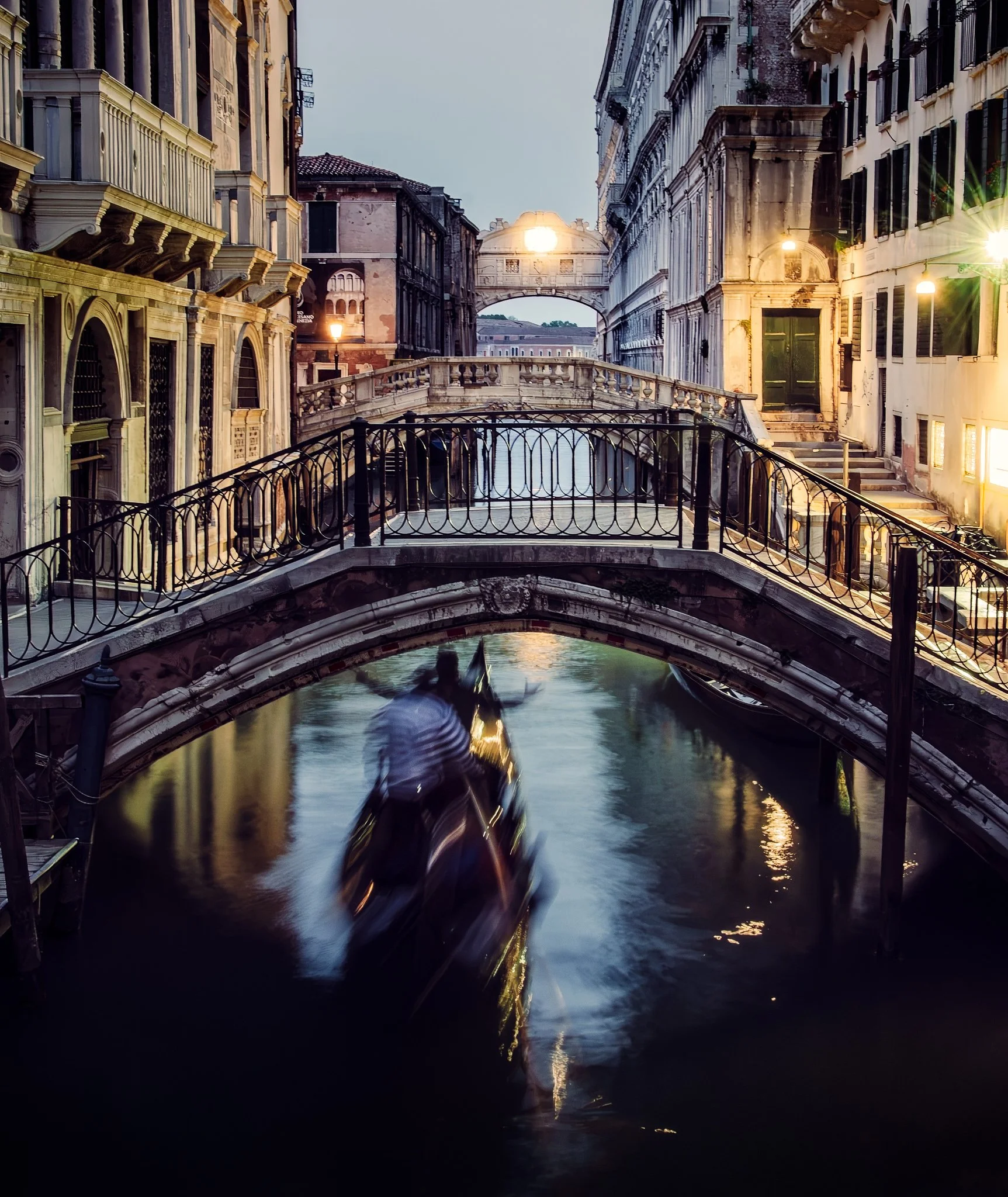
How to Apply Tack Sharp Selectively in ON1 Photo RAW
Tack Sharp can correct camera shake remarkably well, but applying it across an entire photograph can sharpen areas you intentionally want to keep soft. Water, reflections, and moving subjects can quickly lose their natural character.
By combining Tack Sharp with layers and masks in ON1 Photo RAW, you can correct softness selectively. This approach preserves intentional motion while sharpening the stationary parts of the scene that need help.