
If you enjoy posts like this, please support my work and support independent photography tutorials like this.
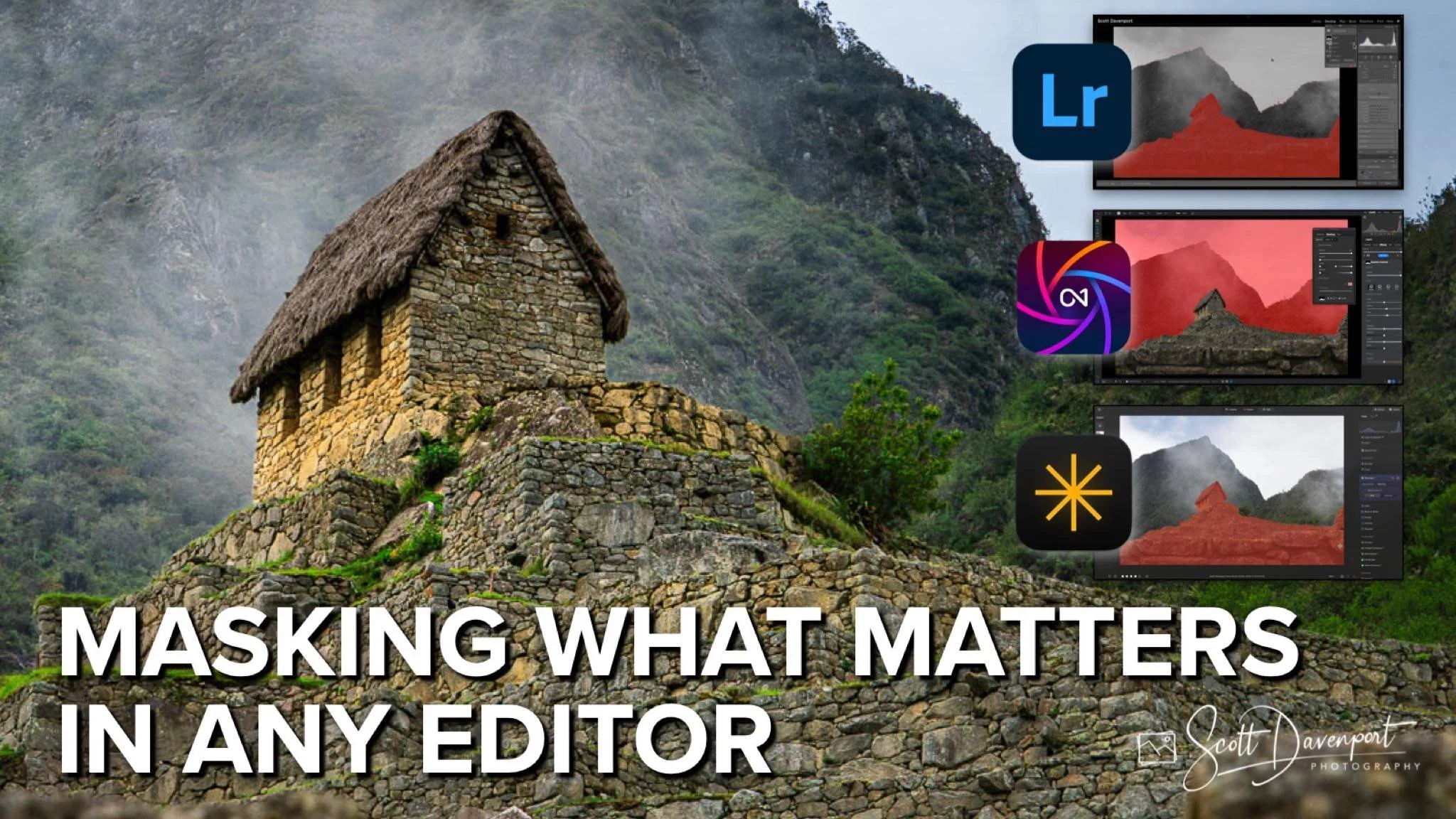
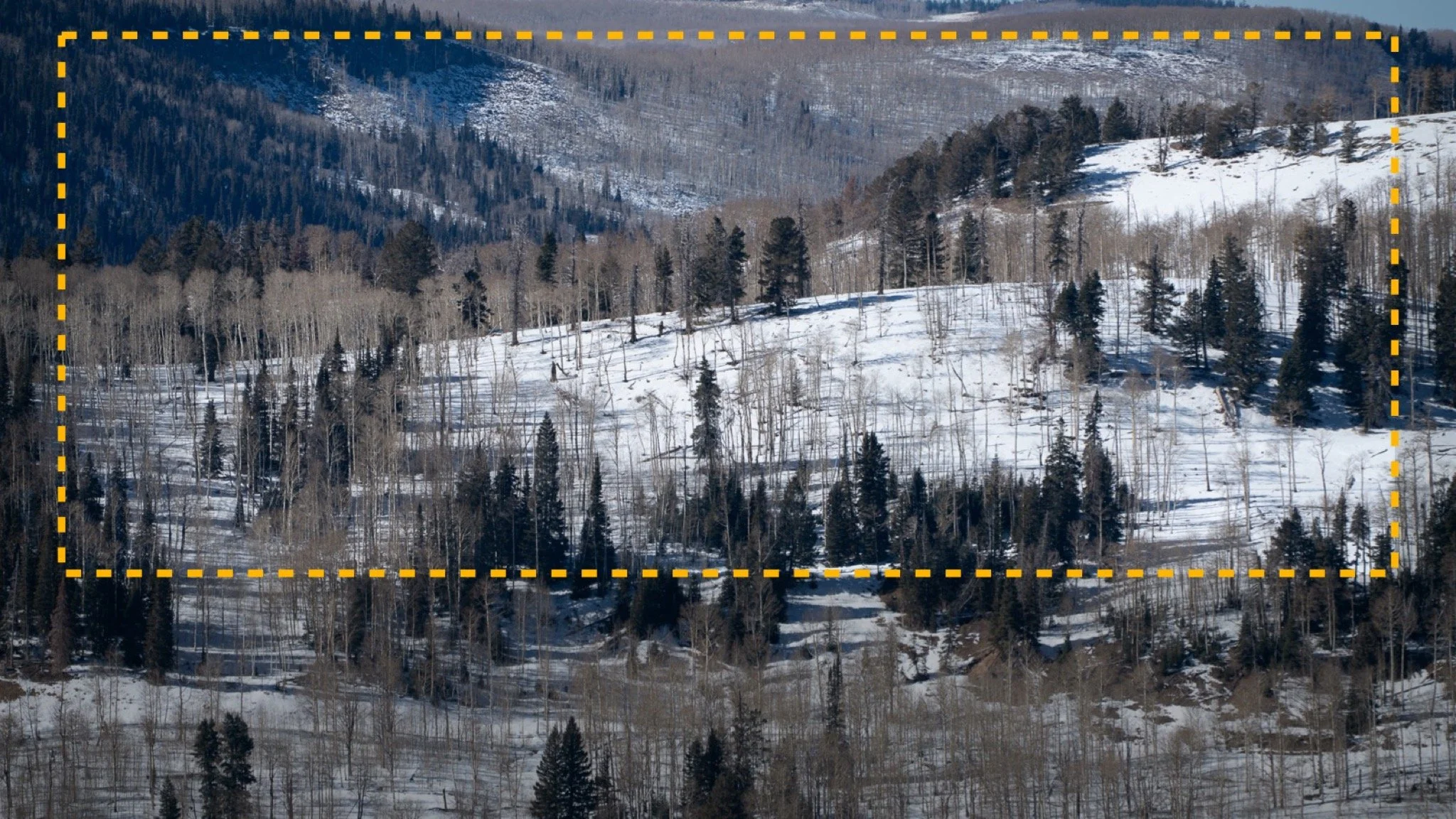
No matter what photo editing software you use—Lightroom, ON1 Photo RAW, Luminar—it all comes down to one thing: knowing your tools. If you understand the masking options available to you, you can select and refine any part of your photo. Whether it's a sky, a subject, or a subtle edge, each program gives you the power to isolate what matters. It's not about which software is better—it's about how well you know the tools at your fingertips. In this video, I’ll show you how I accomplish the same selection in multiple photo editors.
Selection in Lightroom
Selection in ON1 Photo RAW
Selection in Luminar Neo
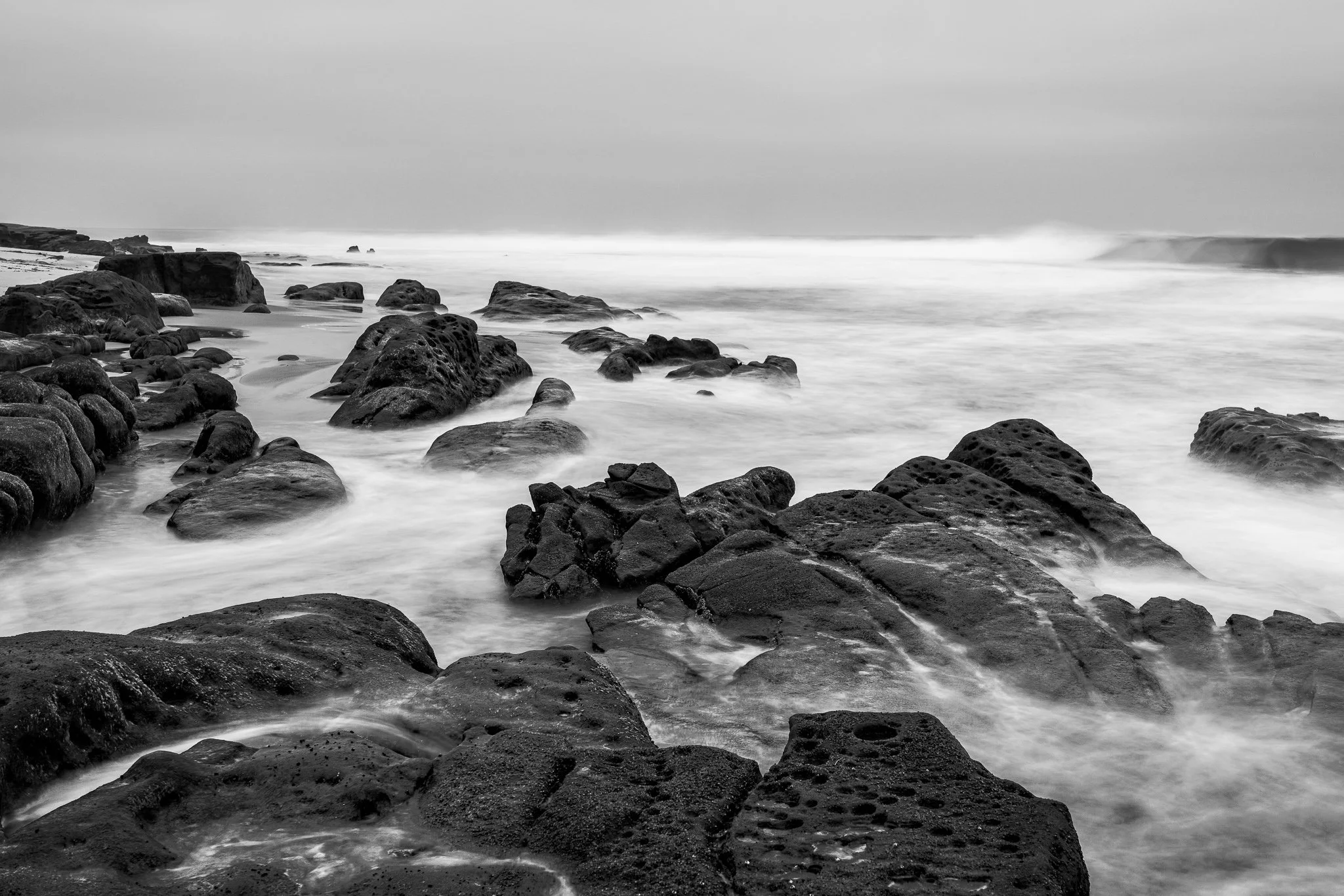
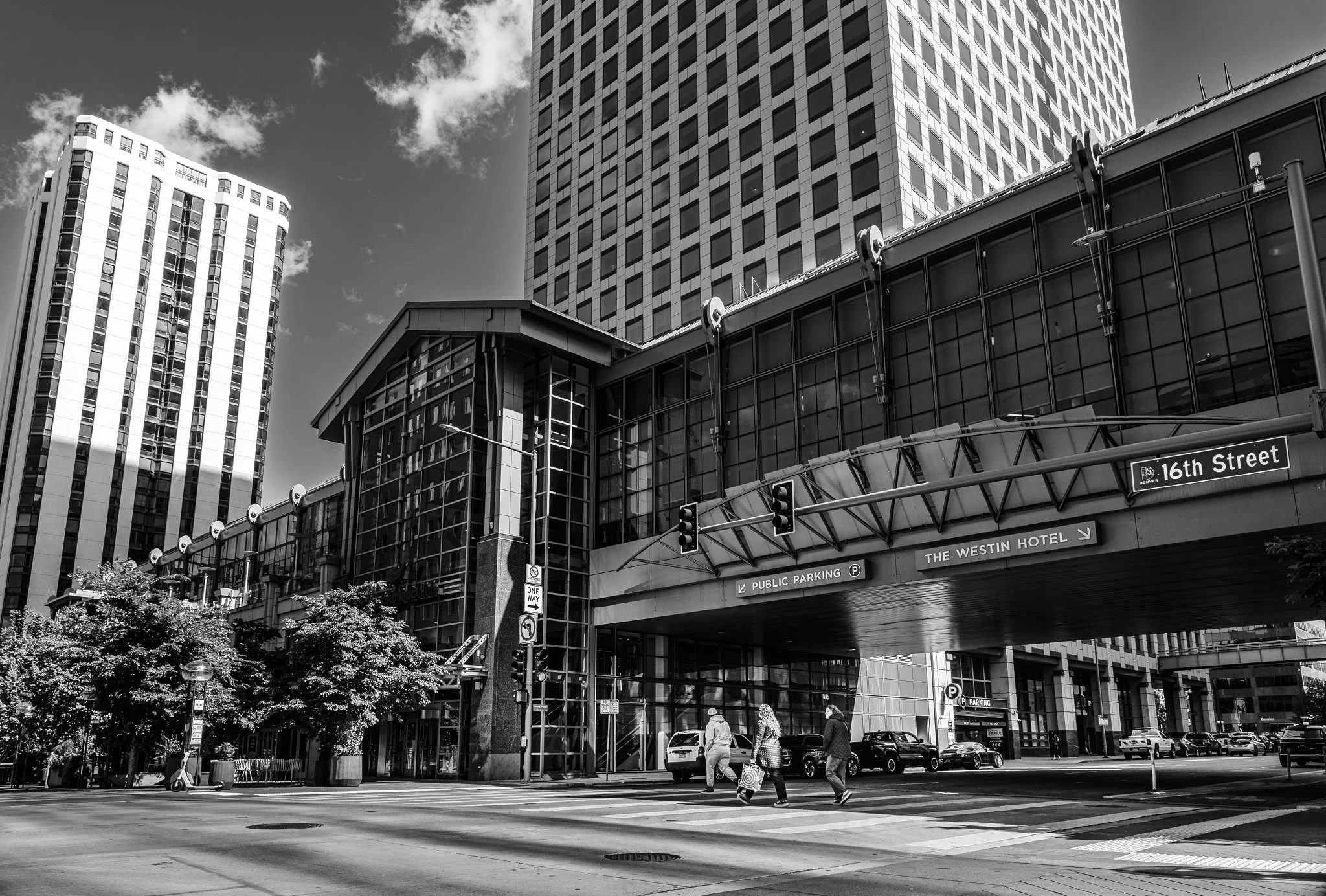


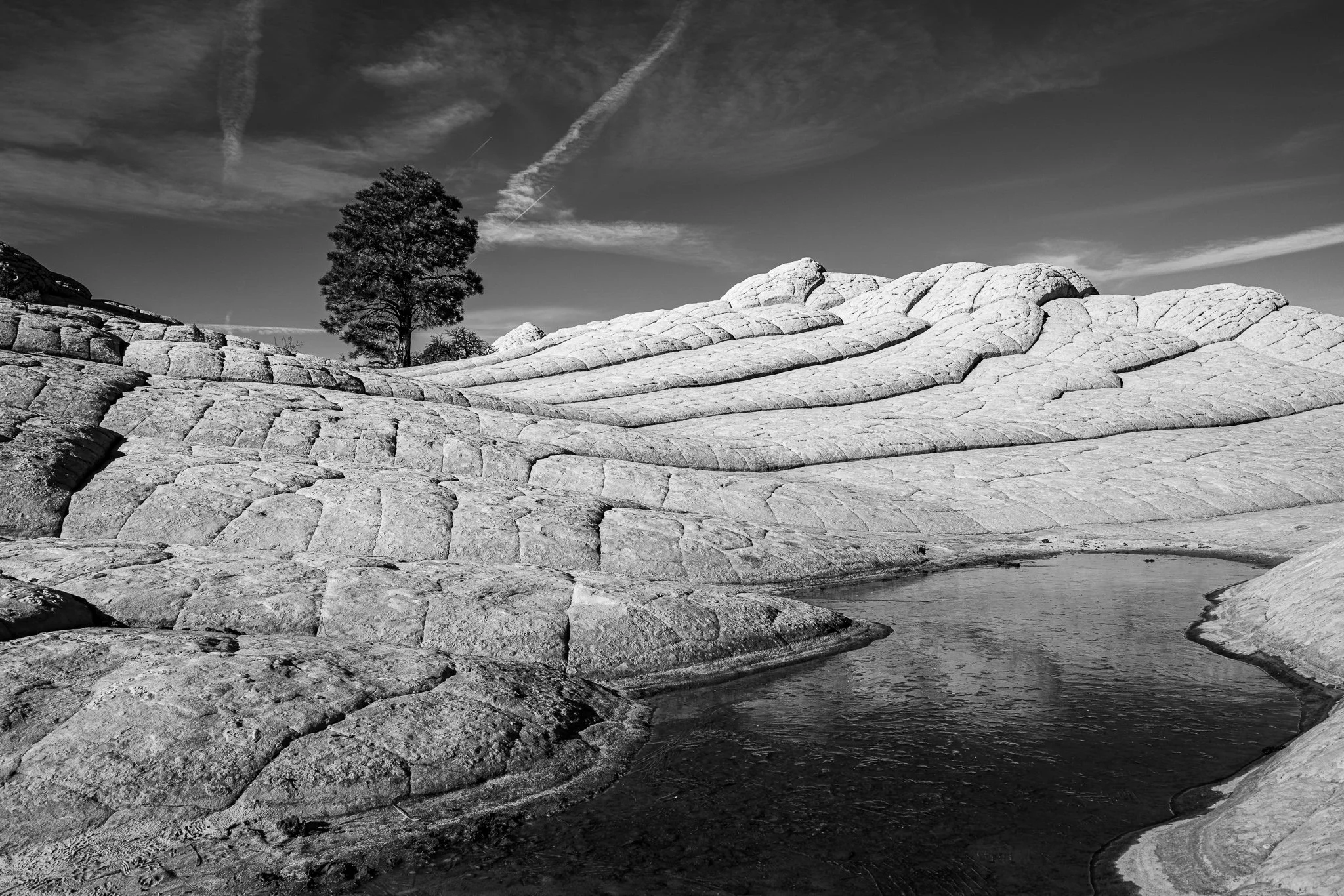


A vignette can help guide the viewer toward your subject, but lowering exposure around the edges of a black and white photo can quickly bury important shadow detail.
In this quick tutorial, I’ll show you a more controlled approach using a radial gradient and the Whites or Highlights slider. You’ll still get that visual nudge toward the subject without making already-dark areas disappear.