
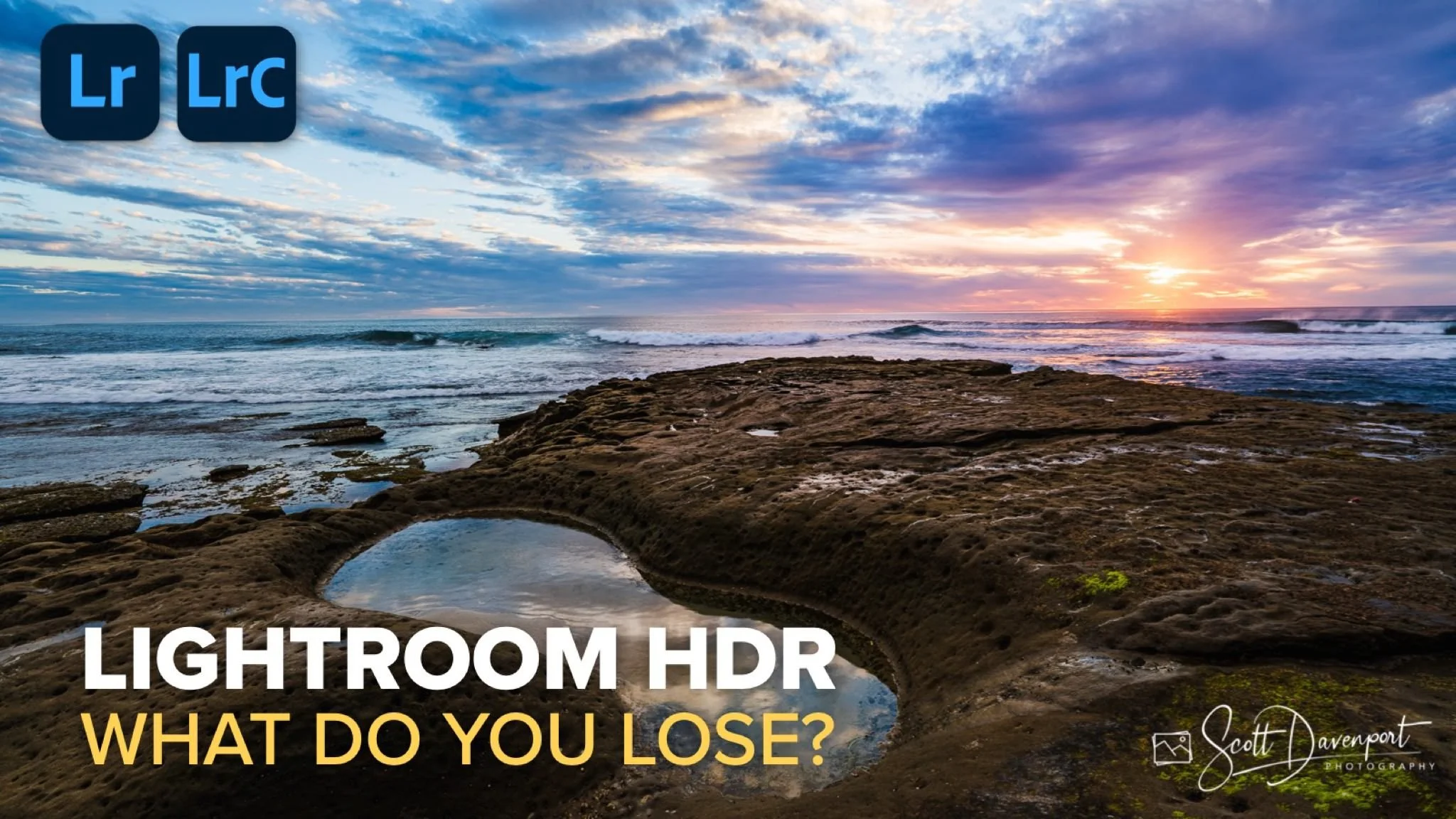
In my last several posts, I’ve explored how Lightroom’s HDR editing tools work, how to export HDR images, how the HDR Limit slider behaves, and how Lightroom maps those brighter tones for HDR-capable displays. Those tools open up some interesting possibilities, especially in scenes with bright highlights that benefit from greater tonal separation. But after learning the mechanics, the more practical question is whether HDR editing is always worth using.
The answer is no.
HDR editing can produce beautiful results, but it is not automatically the best choice for every image or every workflow. Like any editing tool, its value depends on the image in front of you and the final result you want to create. Sometimes HDR brings an image to life in a way SDR simply cannot. Other times, the HDR version adds brightness without adding anything meaningful to the photograph. That is why the real question is not whether HDR is available, but whether it improves the image enough to justify the trade-offs that come with it.
Not Every Image Needs HDR
One of the first lessons that comes with using HDR editing is that brighter highlights do not automatically make for a better photograph. Some scenes genuinely benefit from the expanded range. Sunlight filtering through clouds, bright reflections on water, glowing snow, or other naturally luminous subjects can take on an added sense of realism when those highlights are given more room to breathe.
But not every image gains something from that extra brightness. In some cases, the SDR version preserves the mood of the scene more effectively. A softer sky or more restrained highlights can feel more natural and more aligned with the intent of the photograph, while the HDR version, despite technically showing a wider range, may pull too much attention to the brightest areas.
That’s why HDR editing works best when it serves the image rather than when it is applied as a default. The presence of additional dynamic range is not itself the goal. The goal is to create the strongest version of the photograph, and sometimes that means the SDR edit is the better choice. HDR editing is another creative option, but like any option, it should be used deliberately.
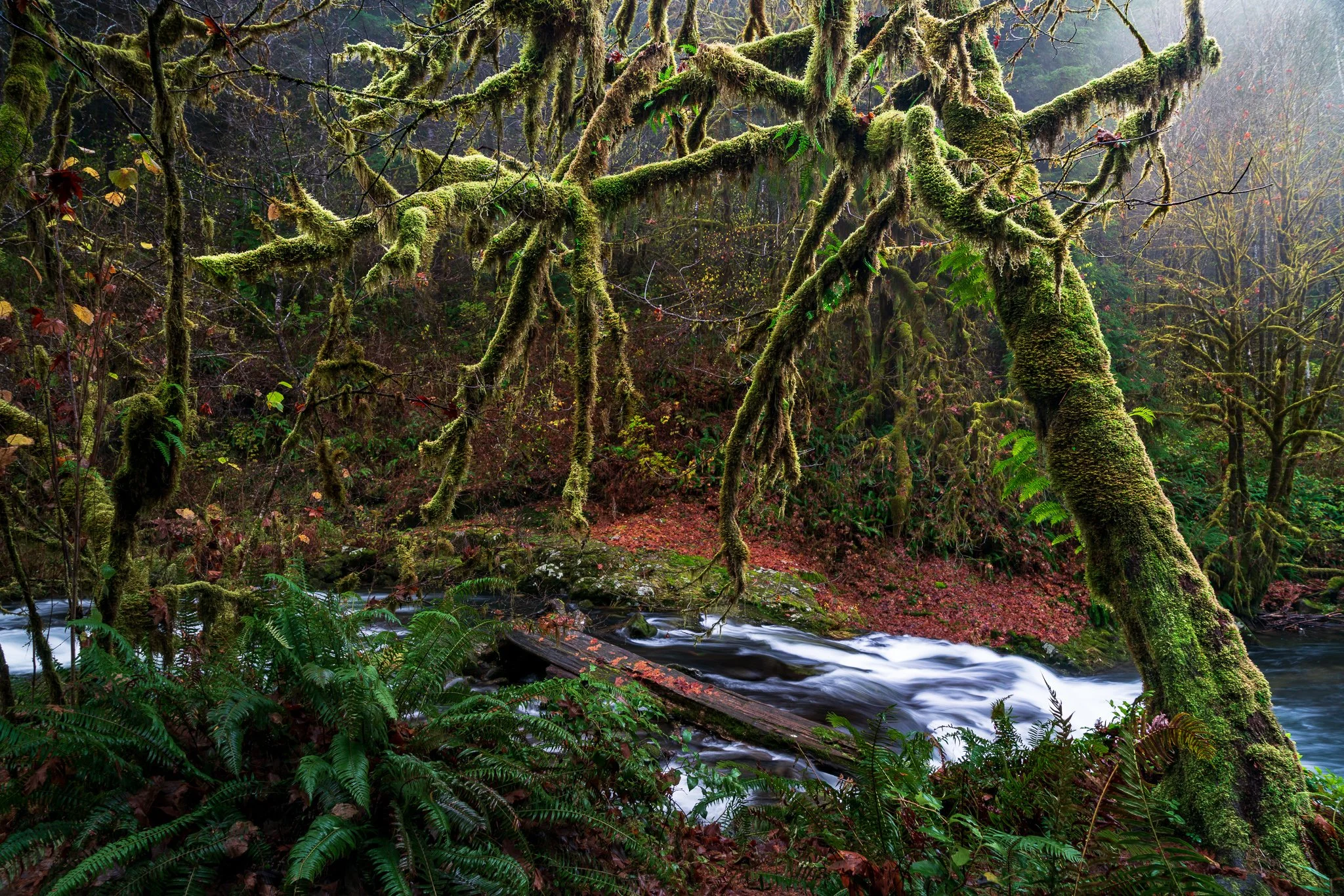
Sunset At Hogans Beach, La Jolla, California
Contact Scott to commission a print or license this image.
Printing and Plugins Add Complexity
Even when HDR improves the image on screen, there are still practical considerations that affect the workflow. The most obvious is printing.
An HDR display can reproduce brightness values well beyond what paper can render, so when an HDR-edited image is prepared for print, that expanded tonal range has to be compressed back into SDR. Lightroom’s SDR rendition controls help manage that transition, but they do not eliminate the extra work involved. Highlights that look luminous and separated on an HDR monitor need to be mapped carefully into a much smaller tonal range for print, which means more time spent soft proofing and refining how those tones translate to paper.
That does not mean HDR-edited images cannot print well. They can. But it does mean that printing from an HDR workflow often requires more attention and more adjustments than starting with an SDR edit designed for print from the beginning. If the final destination is paper, an SDR workflow may be simpler and more predictable.
A similar limitation appears when HDR images leave Adobe’s ecosystem. Lightroom and Photoshop preserve HDR information, but many third-party plugins do not. When an HDR-edited image is sent to one of those plugins, the expanded HDR range is often reduced back to SDR. The image still moves through the workflow, but the HDR highlight detail you created may be lost in the process.
For photographers who rely on external tools, this matters. It means HDR editing is not always seamless in a mixed workflow, and the benefits of HDR may disappear as soon as the image leaves Lightroom or Photoshop. That does not make plugins unusable, but it does make HDR less flexible when your process depends on software that does not yet support it.
Use HDR When It Adds Value
All of this leads back to a simple conclusion: HDR editing is a useful tool, but it comes with trade-offs. It can improve certain images in meaningful ways, particularly on HDR-capable displays where brighter highlights can add realism and presence. At the same time, it can complicate printing workflows and create compatibility issues when external plugins are part of the process.
None of that diminishes the value of HDR editing. It simply means it should be used intentionally. The goal is not to edit every image in HDR just because the option exists. The goal is to recognize when HDR adds something worthwhile to the image and when an SDR workflow is the better fit.
That is really the larger takeaway from this series. HDR editing is not about chasing brighter highlights for the sake of brightness. It is about understanding the tools well enough to know when they help, when they create unnecessary complexity, and how they fit into the broader process of making photographs.
Once you approach HDR that way, it becomes what it should be: another creative option in the toolkit, useful when it serves the image and easy to leave aside when it does not.
And in the end, that is what matters most — not whether an image was edited in HDR or SDR, but whether the editing choices support the photograph.
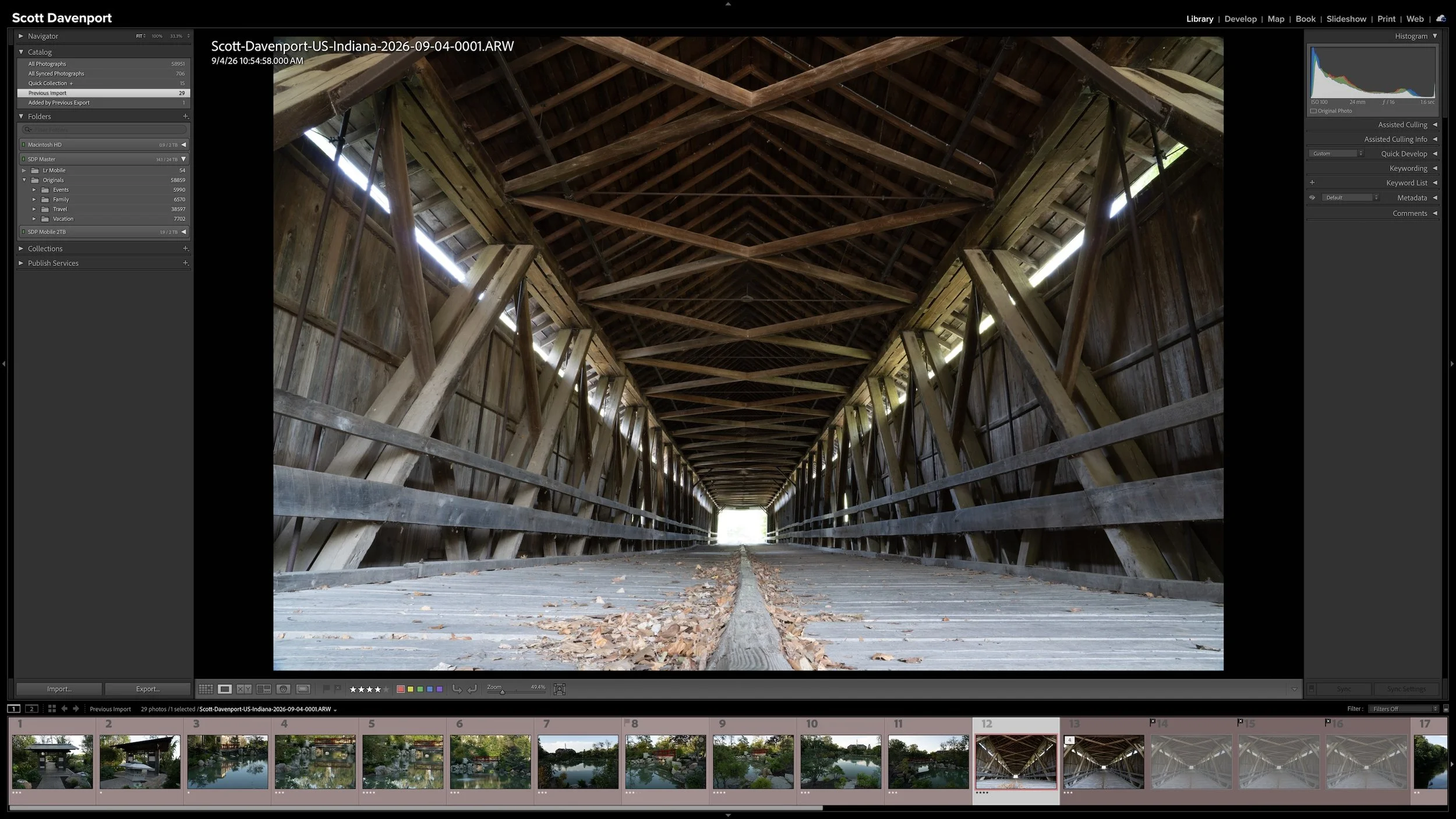
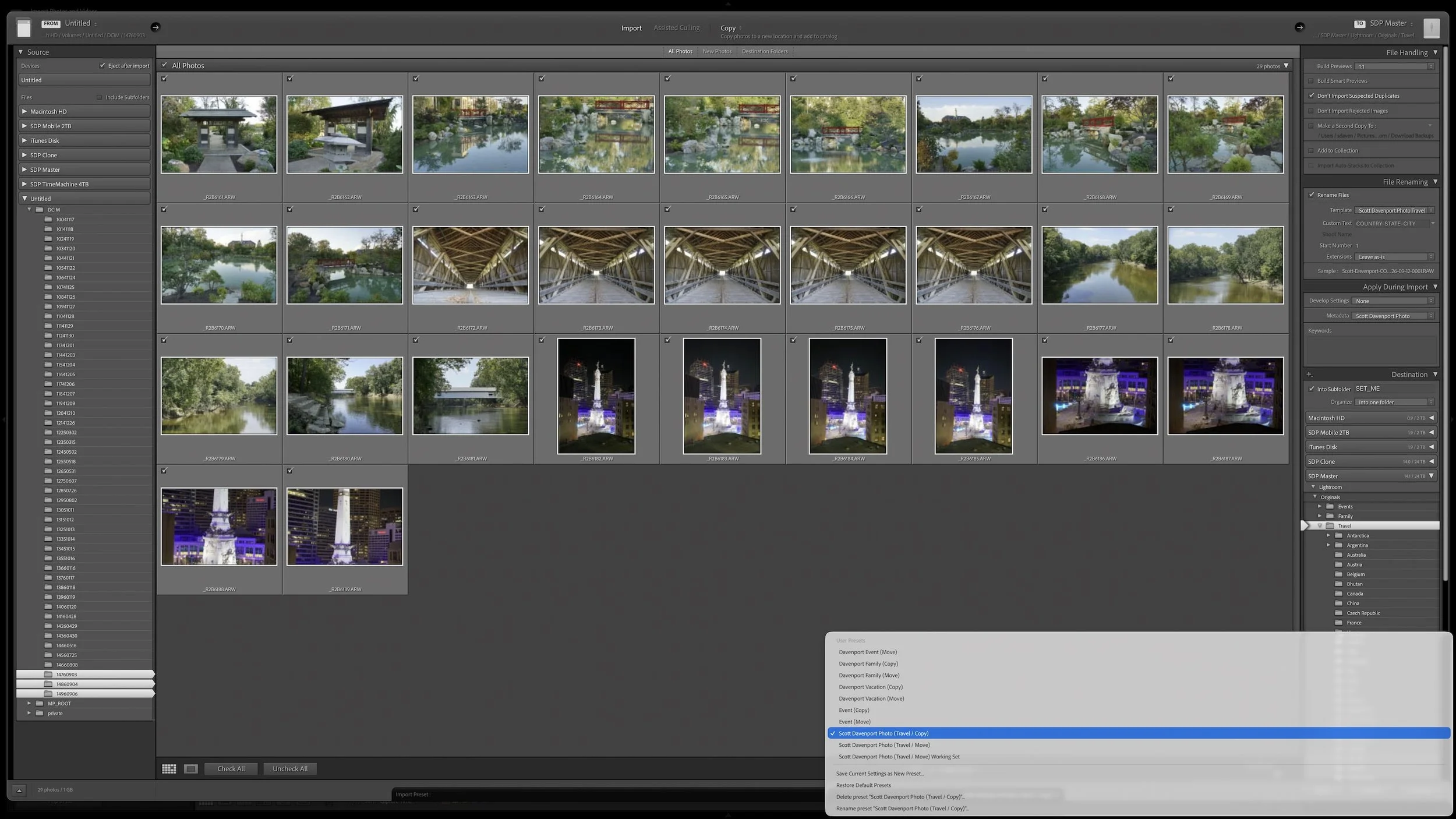
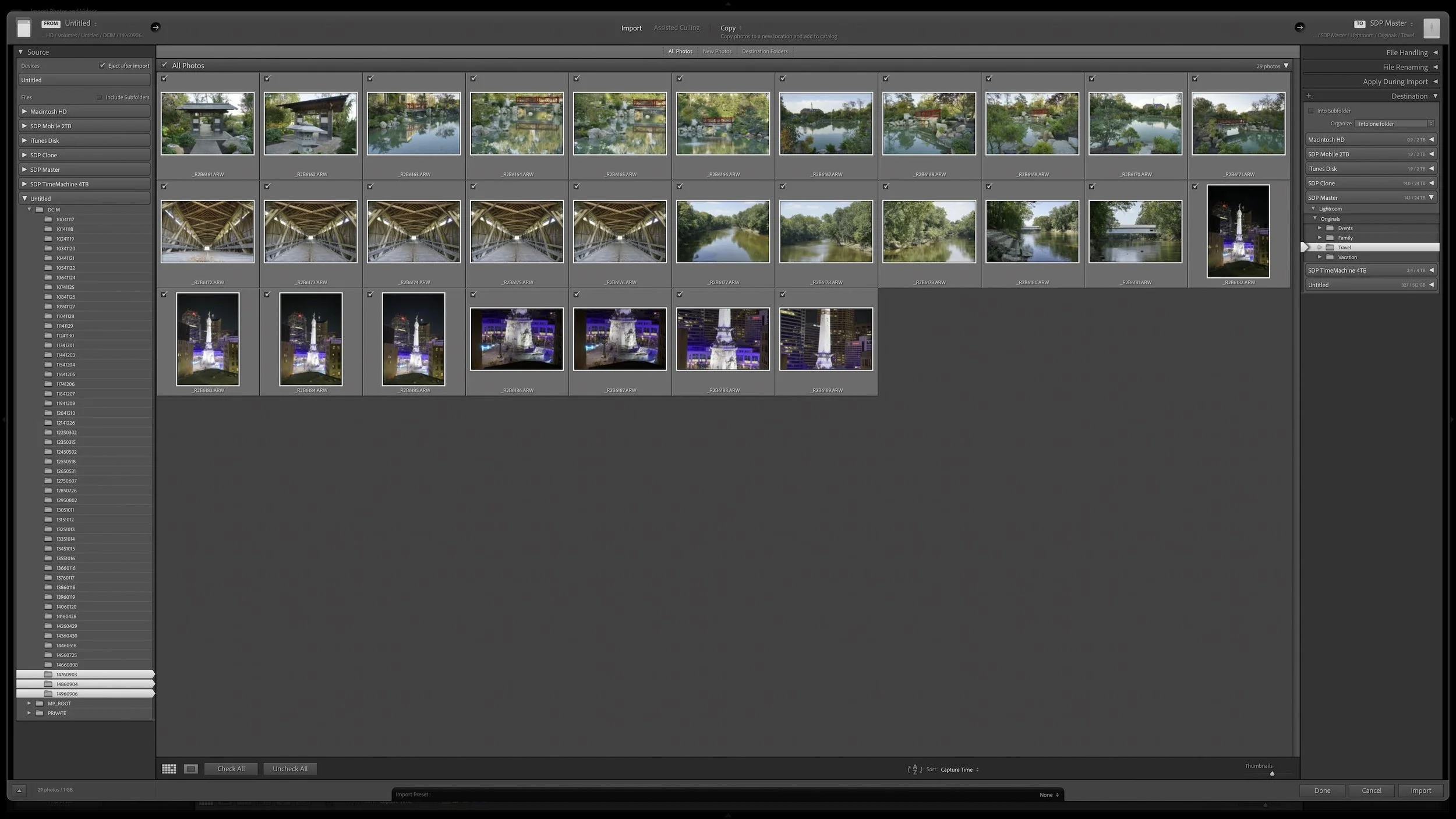
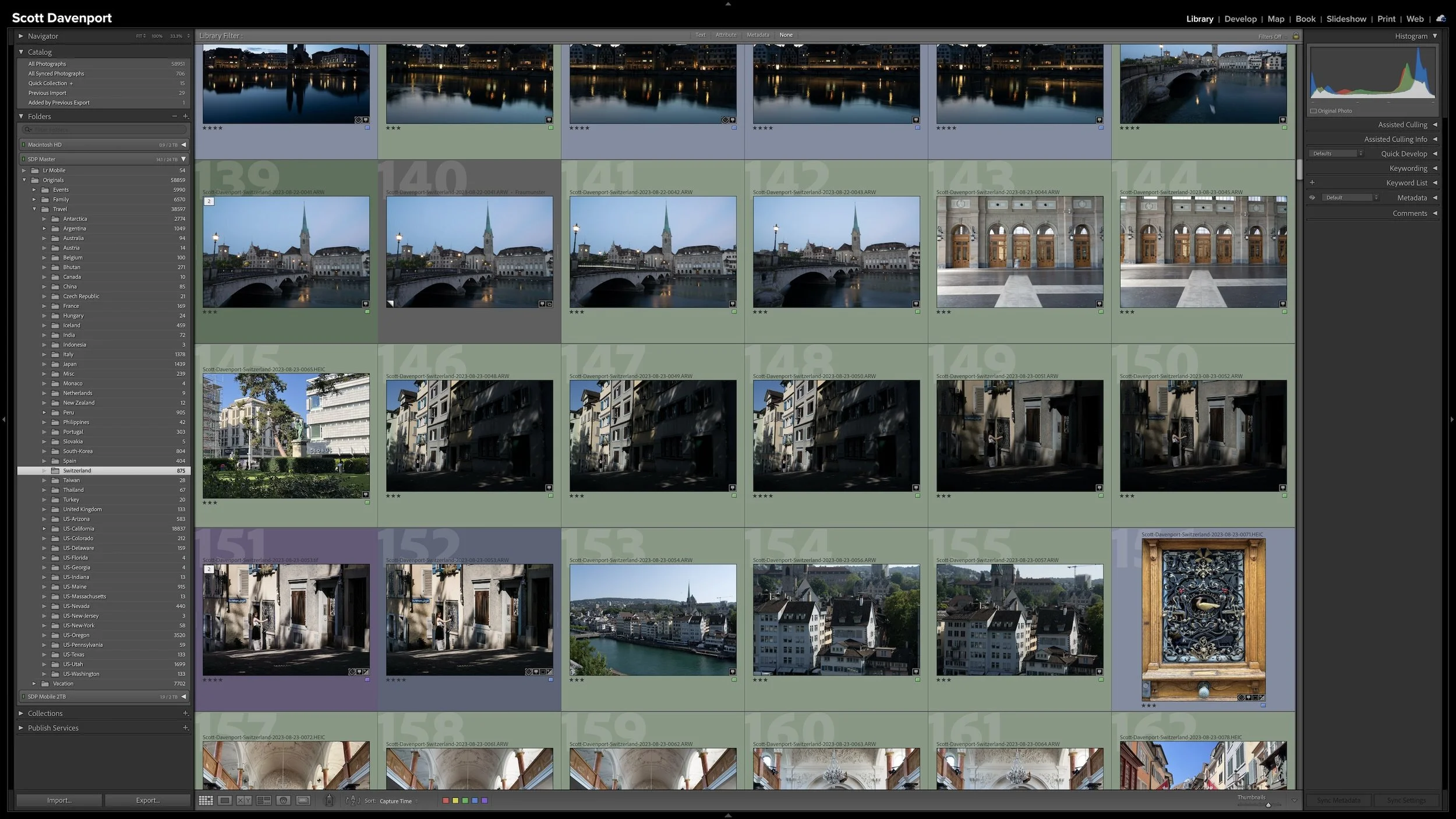
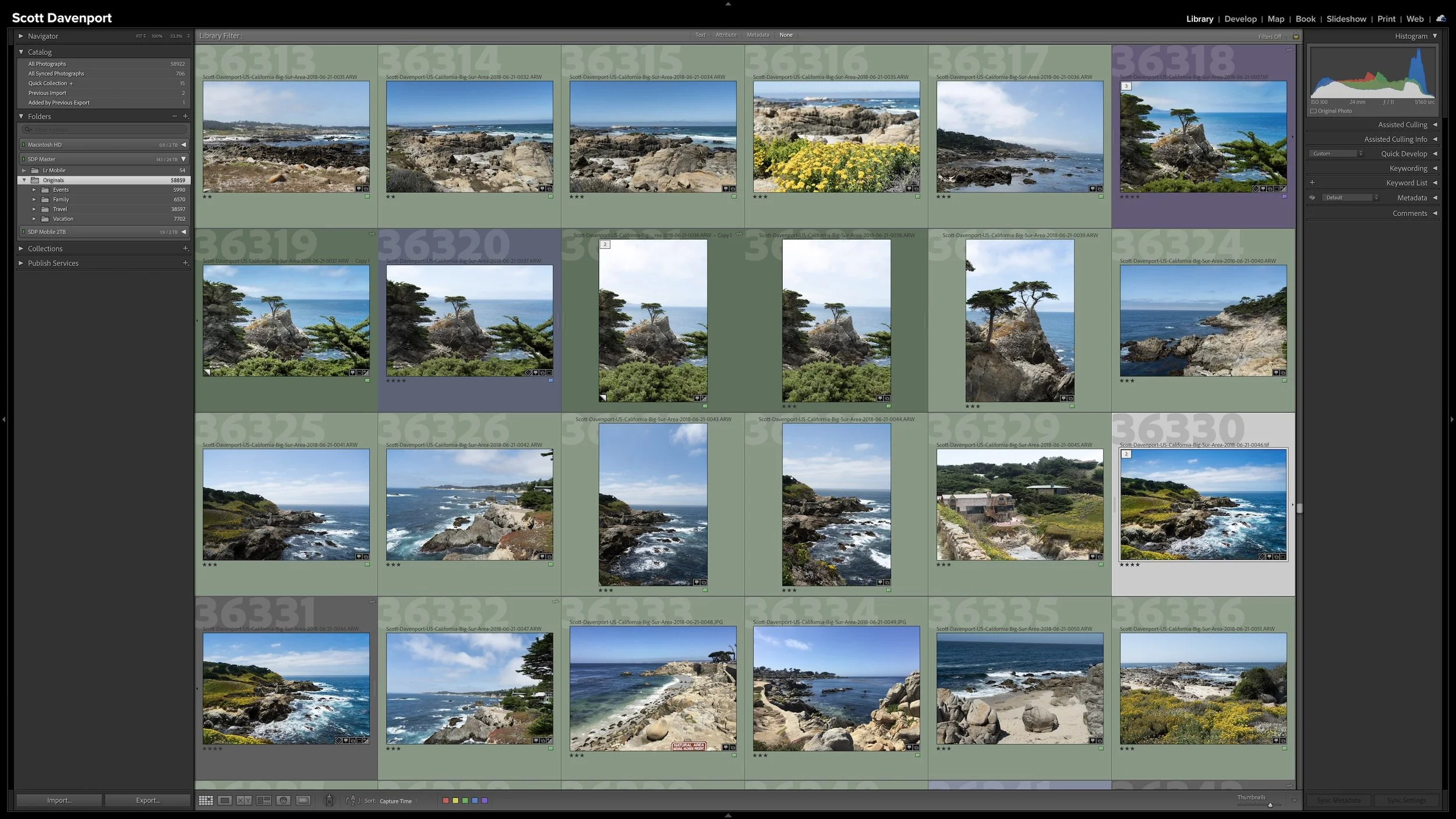

A group of photographs can belong together without every frame needing equal space in Lightroom Classic. Several variations of the same composition, panorama segments, exposure brackets, or a rapid burst can quickly fill Grid view with photographs you don't need to see individually all the time.
Stacks keep those related photographs together while letting one useful photograph represent the group. I use them so the other photographs remain available when I need them without adding unnecessary visual clutter to my catalog.