
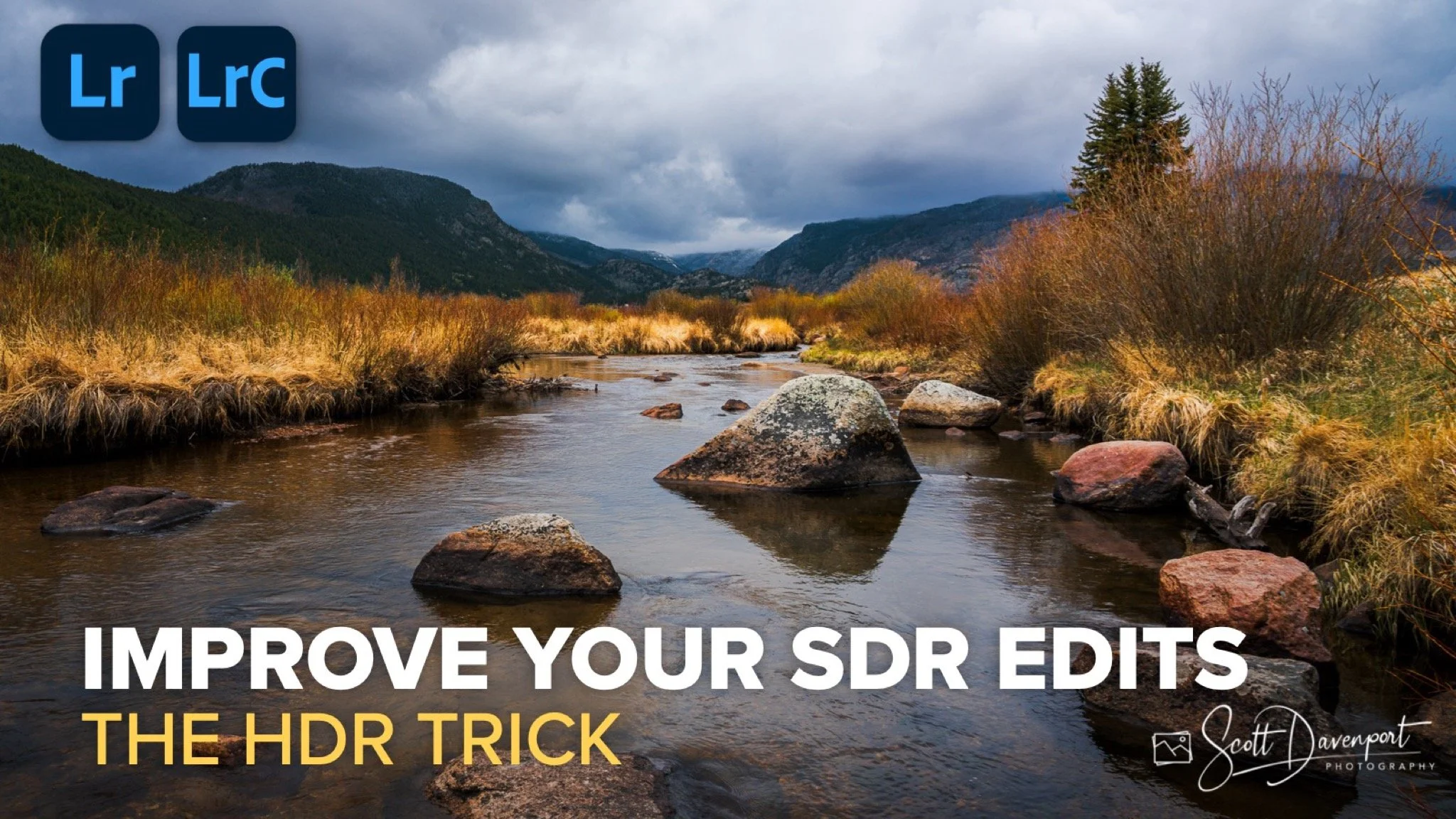
Sometimes the most useful Lightroom tools are the ones hiding in plain sight. HDR editing mode is a good example. Most photographers think of it strictly as an HDR workflow feature, but there’s a practical benefit even if you’re creating a standard SDR image. The trick is using the Visualize HDR option to reveal exactly where the brightest highlights in your photo live. Instead of guessing where your brightest brights are supposed to land, Lightroom gives you a clear visual map of those peak highlight areas.
Visualize HDR shows you where your brightest areas in your photo are
That becomes incredibly useful when shaping light and balancing tone. In the example from the video, the SDR histogram still had room to stretch farther to the right, but simply pushing Whites globally wasn’t the right answer. Visualize HDR made it obvious that the brightest cloud formations and reflections were the areas that needed attention. From there, it was a matter of using a luminance range mask to selectively target those highlights and guide the eye naturally through the frame. A small exposure boost, a little extra white point, and even a touch of reduced saturation helped those brightest areas feel luminous without looking forced.
Using a luminance range mask to target the brightest areas in SDR editing mode
That becomes incredibly useful when shaping light and balancing tone. In the example from the video, the SDR histogram still had room to stretch farther to the right, but simply pushing Whites globally wasn’t the right answer. Visualize HDR made it obvious that the brightest cloud formations and reflections were the areas that needed attention. From there, it was a matter of using a luminance range mask to selectively target those highlights and guide the eye naturally through the frame. A small exposure boost, a little extra white point, and even a touch of reduced saturation helped those brightest areas feel luminous without looking forced.
What I like most about this technique is that it works whether you edit HDR photos or not. Even on an SDR monitor, the HDR visualization tools can give you better feedback about your tonal structure and help you make smarter masking decisions. It’s less about creating an HDR image and more about understanding where the light should live in your photograph. And when you can see that clearly, the rest of the edit tends to fall into place much more naturally.
Moraine Park, Rocky Mountain National Park, Colorado
Contact Scott to commission a print or license this image.
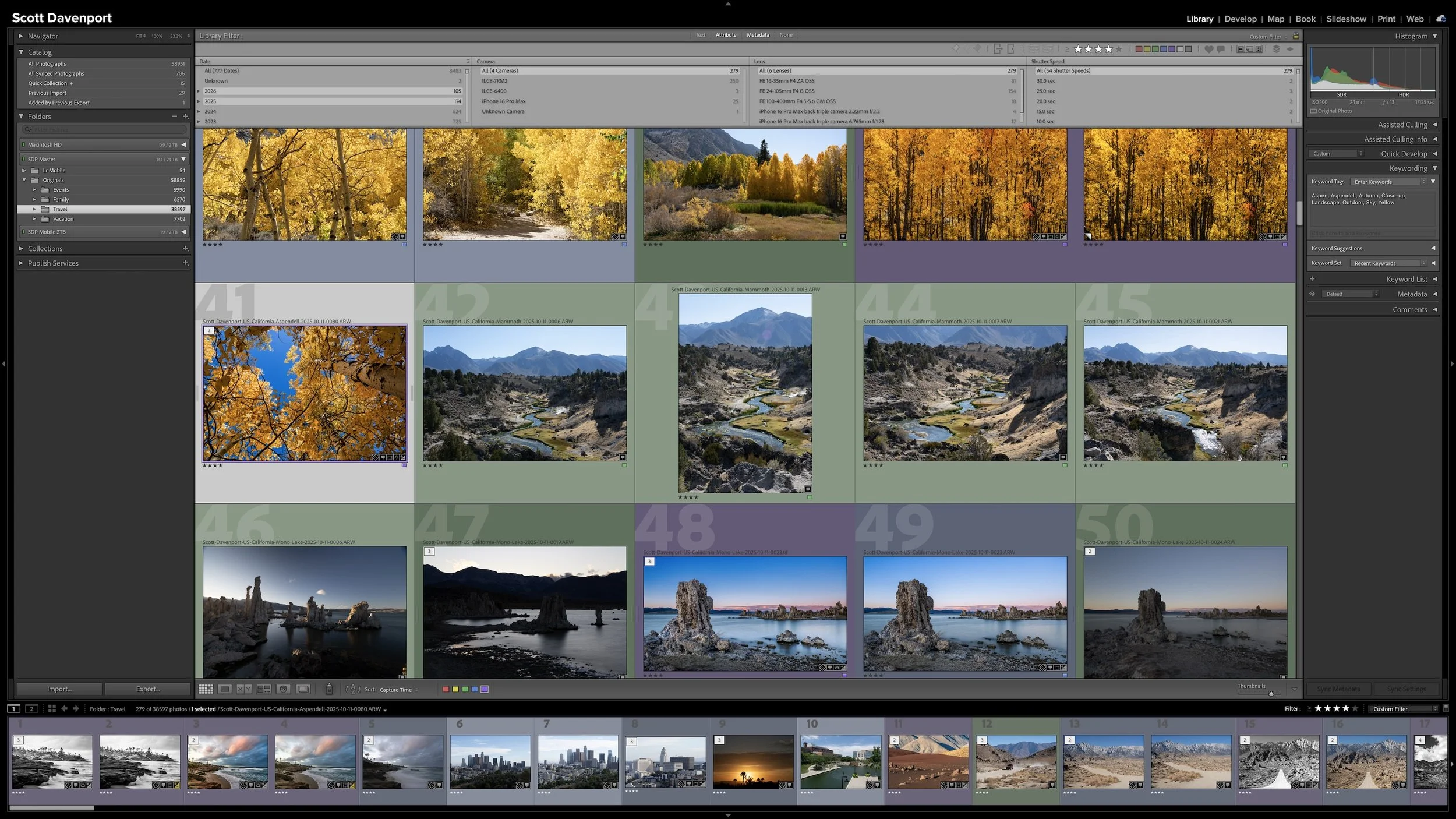
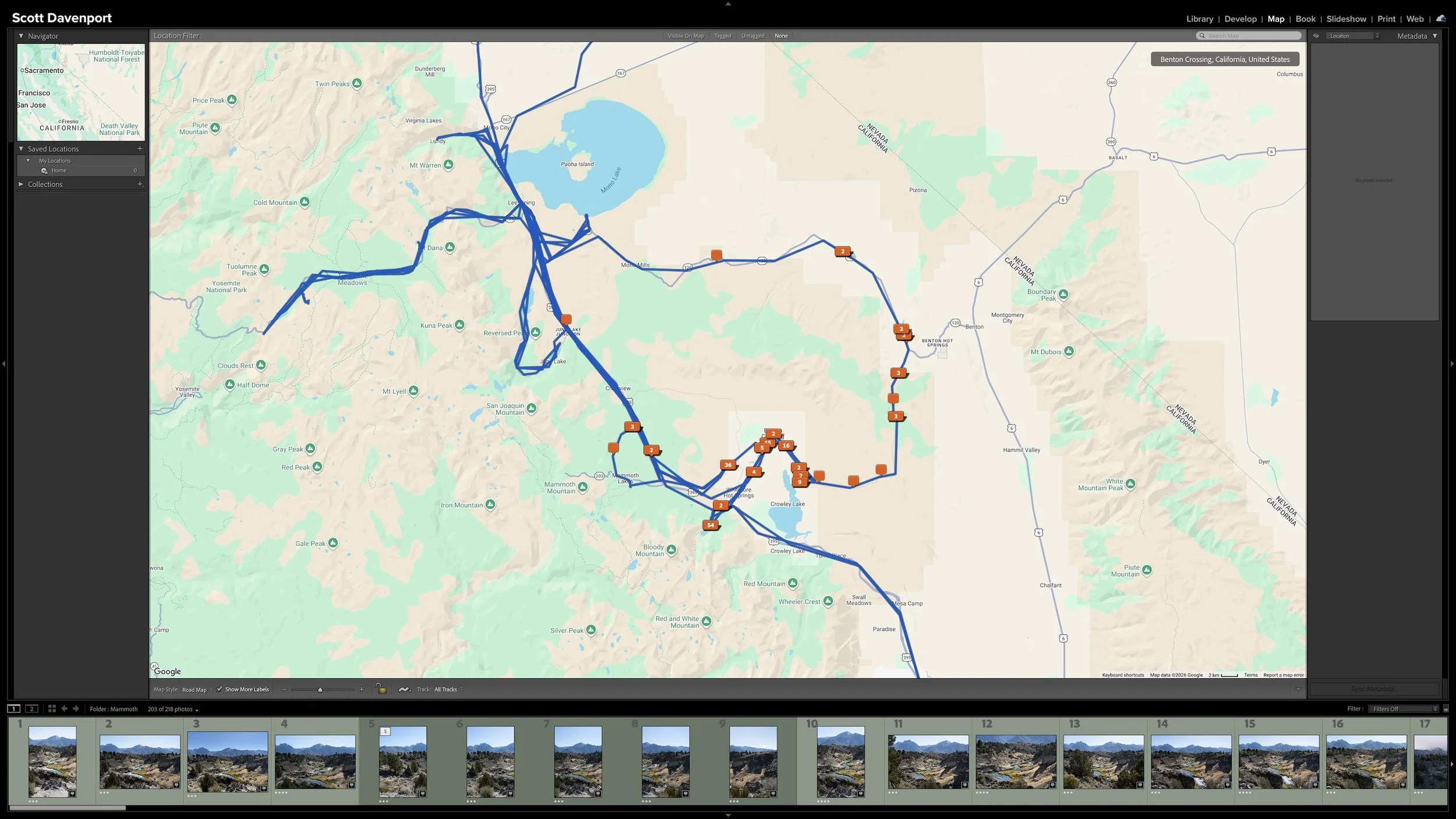
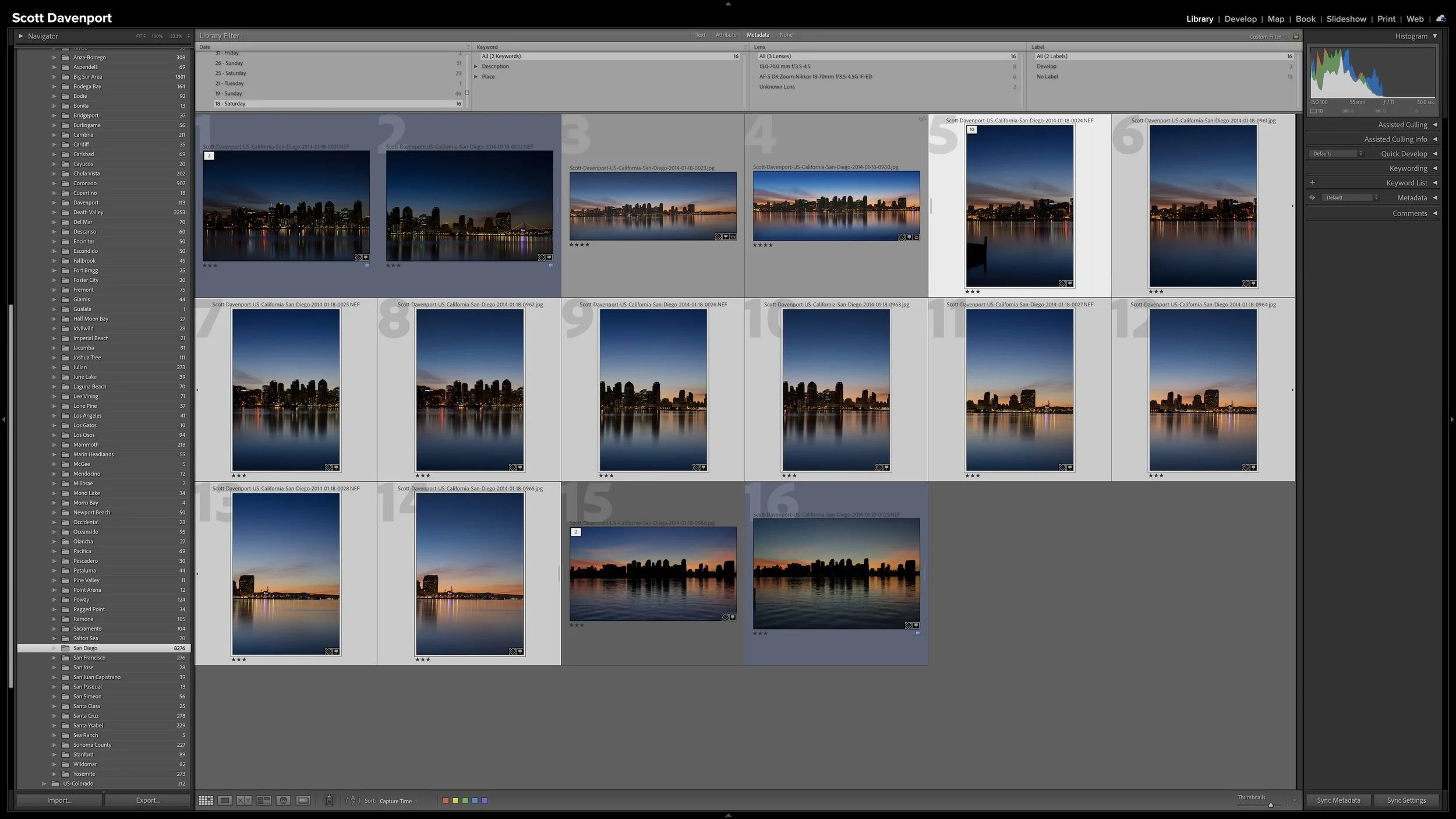

A useful keyword hierarchy connects specific details to broader ideas. When you apply a keyword for a specific location, a particular lighthouse, or a birthday celebration, Lightroom Classic can also associate the photograph with the broader places, subjects, or events that contain it.
Synonyms extend that efficiency by connecting one keyword to alternate names, related terms, or other languages. A hierarchy can give you broader and narrower ways to search your own library. I use synonyms primarily to help other people and search engines find exported photographs without requiring me to enter every variation separately.