
Once you have a folder structure that makes sense for your photography, there's another organizational decision to make: What should you call the individual files?
Your camera has already made that decision for you. Depending on the camera, you may have filenames such as IMG_2017, DSC_4128, or something similar. Those names work. Lightroom Classic has no problem managing photographs with camera-generated filenames.
The question is whether those filenames are useful to you.
I rename my photographs when I import them into Lightroom. I don't do it because Lightroom requires it, and I don't try to encode everything I know about a photograph into its filename. I do it because a consistent filename gives each photograph a small amount of useful identity that stays with the file.
As with the folder structure I described in Article 03 — A Simple Lightroom Folder Structure That Can Grow With You, this is a system that supports the way I work. Your needs may be different.
Camera Filenames Don't Tell Me Much
A filename such as IMG_2017 does its basic job. It distinguishes that photograph from another photograph named IMG_2018.
At least for a while.
Eventually, the camera's numbering will wrap around. Take enough photographs and you'll get another IMG_0001. Reset the file-number counter and the same thing can happen. Buy a new camera, and now you may have another camera generating the same filenames.
So not only does IMG_2017 tell me very little about the photograph, I can't count on that filename being unique across my entire photo library.
When a camera-generated file turns up outside Lightroom Classic, its filename may give you almost no context. You can't tell from IMG_2017 who made the photograph, where it was made, or when it was made. It's essentially a numbering scheme created by the camera.
Camera-generated filenames distinguish one photograph from another, but provide little useful information about the photograph itself.
Inside Lightroom Classic, that's not necessarily a problem. Lightroom has much richer ways to find and identify photographs using all of the information stored in the catalog. A filename doesn't need to compete with ratings, location information, keywords, camera metadata, or any of the other information available to Lightroom.
The value of a descriptive filename becomes more apparent when a photograph leaves Lightroom. That is one reason I prefer a name that carries a small amount of identity.
I share my work online. I export photographs. Files get copied and moved to other places. When I encounter one of those photographs outside Lightroom, I'd rather see a filename that tells me something about the photograph than one that contains only the number my camera assigned to it.
I Give My Files a Small Amount of Identity
I use consistent filename templates for the different types of photography in my library.
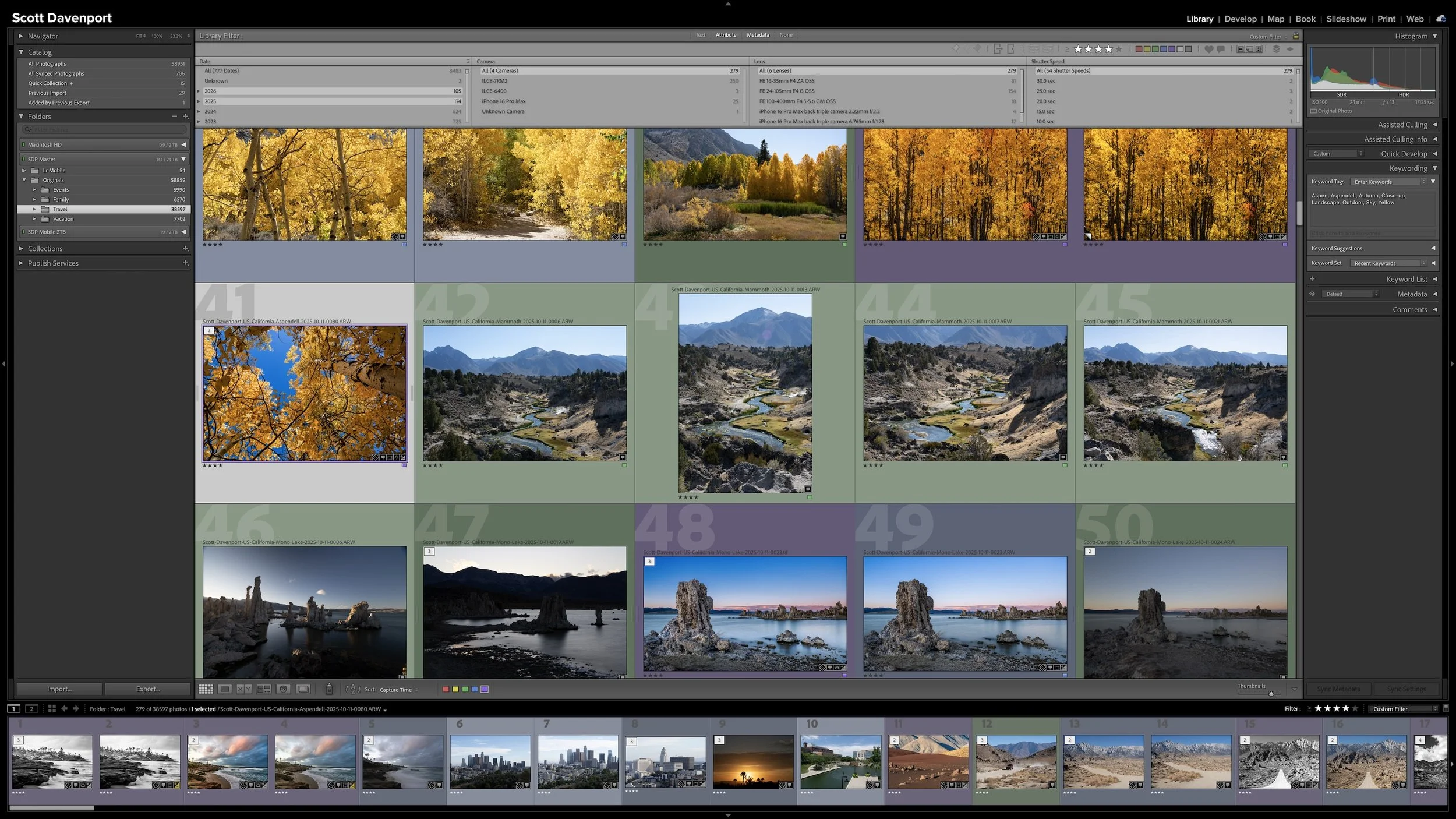
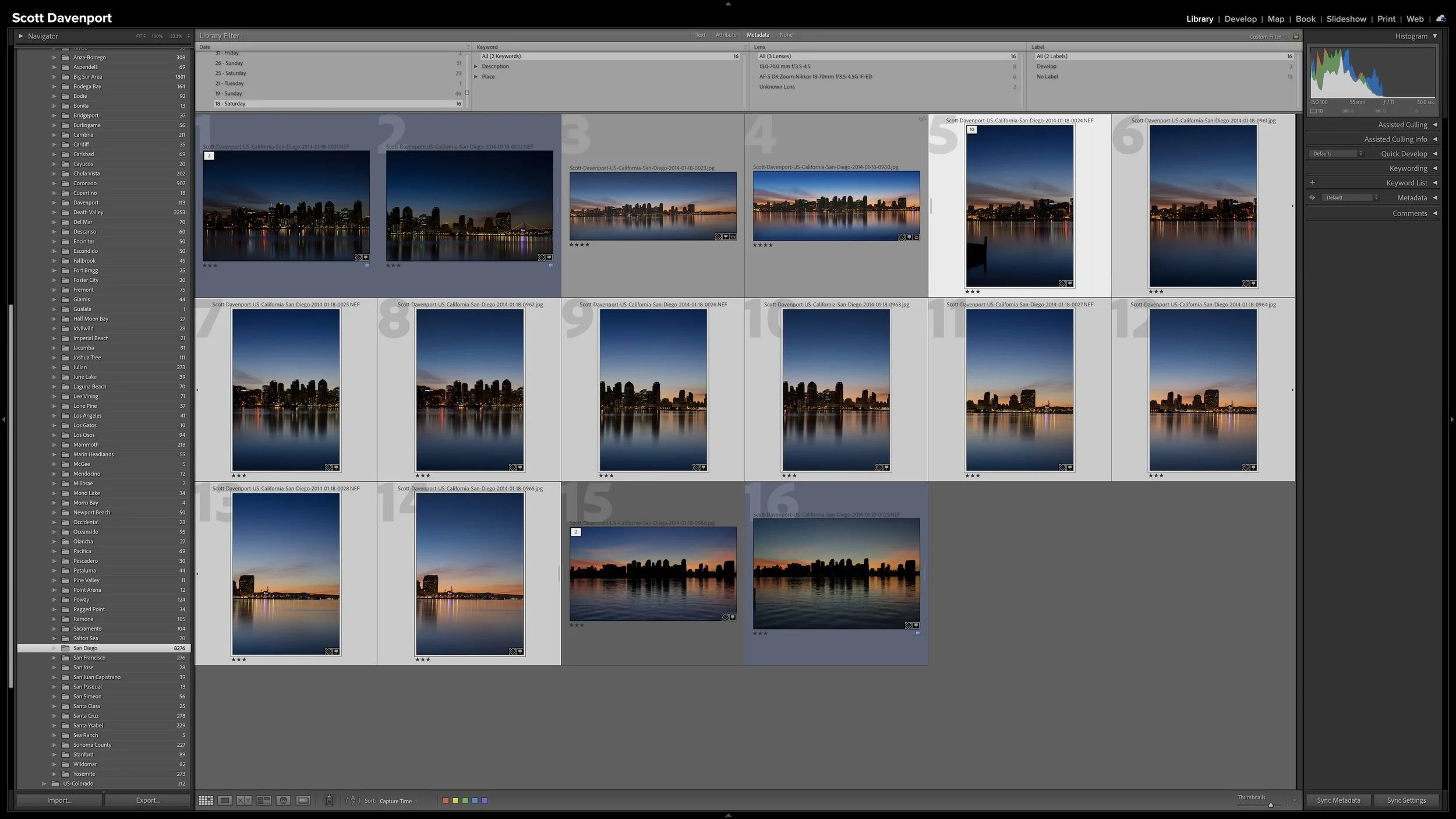
That doesn't mean every photograph I own follows exactly the same naming pattern. My library contains professional travel photography, family photographs, vacations, and events. Just as I organize those types of photography differently in my folder structure, I can use naming conventions that make sense for each one.
For my professional photography, my filename includes a few pieces of information:
My name + location + date + sequence number
For example, a photograph I made in Spain can have my name, the country, the date, and a sequence number that distinguishes it from the other photographs in that import.
That's not a tremendous amount of information. That's intentional.
A simple naming pattern adds useful identity to a photograph without trying to put everything into the filename.
If that photograph turns up somewhere outside my Lightroom catalog, the filename immediately tells me more than IMG_2017 ever could. At the very least, I know who made the photograph and what country it came from. The date provides another piece of context, and the sequence number keeps each filename unique within the group.
The important part isn't the particular fields I've chosen. It's that the filename carries a small amount of information that is useful to me.
You don't need to copy my template. Your useful information may be different.
A Filename Isn't a Metadata Database
It's tempting to keep adding information once you start creating descriptive filenames.
If the location is useful, maybe the city should be there too. Maybe the subject. Maybe the camera. Maybe a keyword or two.
Pretty soon, the filename is trying to do a job that Lightroom Classic already does much better.
One of the principles behind my Lightroom workflow is to add information when it helps me accomplish something. I don't want to maintain metadata simply for the sake of having more metadata. I discussed that idea in Article 01 — Start Your Lightroom Workflow With the End in Mind.
The same principle applies to filenames.
My filename doesn't need to tell me everything about the photograph. Lightroom already knows the camera and lens I used. It knows the capture date. I can add location information, ratings, keywords, and other metadata as the photograph moves through my workflow.
A filename serves a much smaller purpose.
I want it to provide enough durable information to help identify the photograph when I encounter the file on its own.
That's also how I think about searchability. A descriptive filename gives me something meaningful to recognize or search for outside Lightroom, but I'm not trying to turn the filename into Lightroom's search system. Inside the catalog, Lightroom has far better tools for finding photographs based on their metadata.
Article 17 —How to Find Almost Any Photo With Lightroom's Library Filter — COMING SOON
Filenames Can Help When Something Goes Wrong
There's another reason I rename my files, and this one is partly my own paranoia.
I want a filename to give me a clue about where a photograph belongs if I ever put it somewhere it shouldn't be.
Maybe I accidentally move a file outside Lightroom. Maybe I make a mistake while organizing something and a photograph winds up in the wrong place. If the filename is nothing more than DSC_4128, I haven't learned much from looking at it.
A descriptive filename gives me more to work with.
If the filename tells me the photograph came from Spain, for example, I have a pretty good clue about which part of my folder structure it belongs in. I don't have to open the photograph and start investigating before I can begin figuring out where it came from.
A descriptive filename can provide useful clues about where a photograph belongs if the file becomes misplaced.
I've never had to rebuild my library because I fat-fingered something and scattered photographs into the wrong folders. Hopefully I never will.
However, my filename gives me another piece of information I can use if I ever need to recover from a mistake.
That's useful enough for me to keep doing it.
Do You Need to Rename Your Photos?
Camera-generated filenames may work perfectly well for your photography. If you've never encountered a practical reason to change them, there isn't much value in renaming photographs simply because I do it.
Instead, ask yourself what you want the filename to accomplish.
A useful question is:
What information would help me if I encountered this file by itself?
Maybe knowing the photographer, location, and date would be helpful. Maybe some other small amount of context makes more sense for your photography.
Or maybe the answer is that you don't need anything beyond the filename your camera provides.
That's perfectly fine.
If you do decide that renaming is useful, consistency matters more than copying someone else's naming formula. Choose a simple pattern that gives you the information you need and use it consistently.
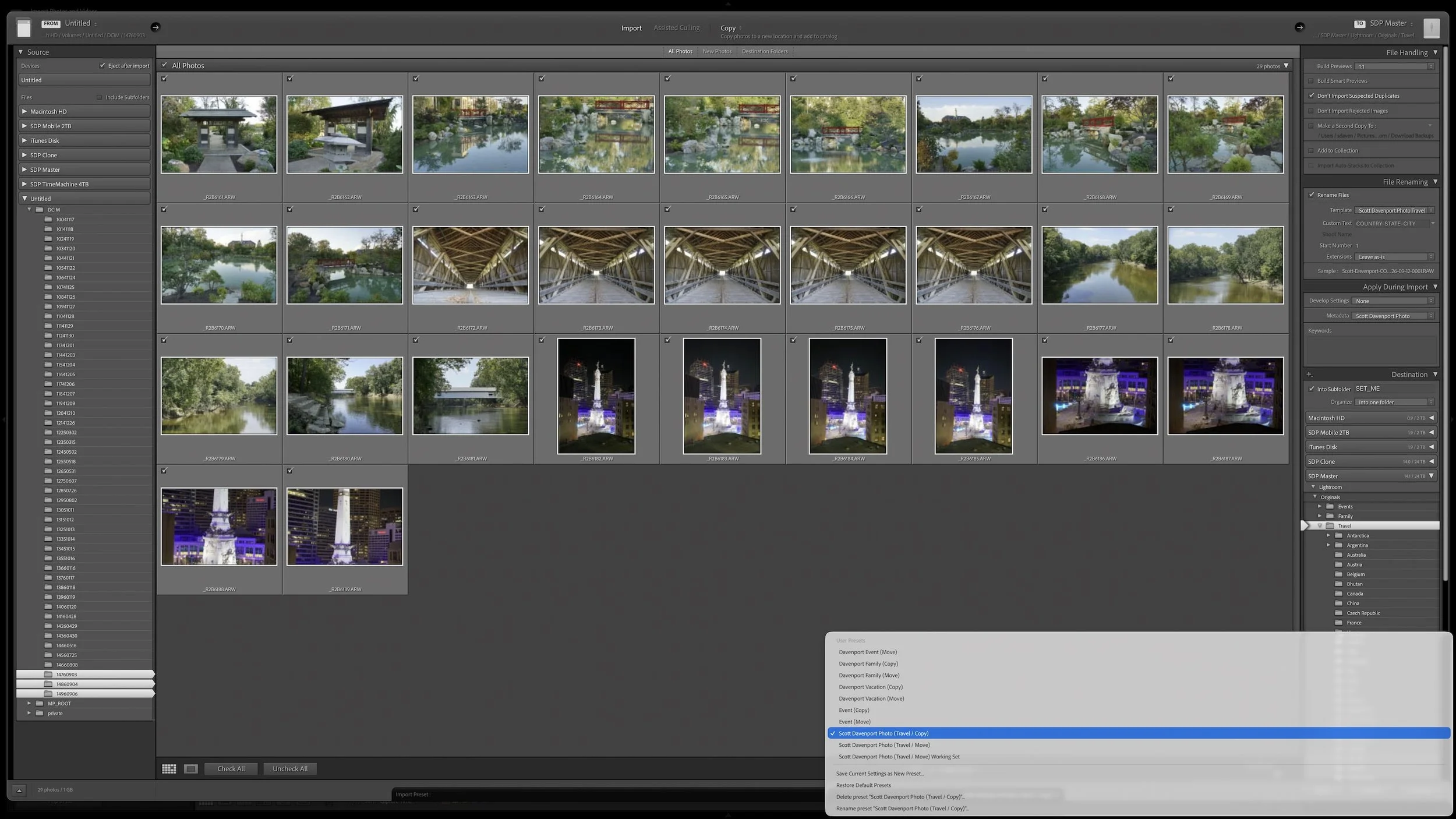
Lightroom Classic can take care of that renaming as part of the import process. I don't want to turn this discussion into a walkthrough of the File Renaming controls, though. The larger goal is to make the repetitive parts of importing happen automatically, which I'll cover in Article 09 — Build a Lightroom Import Preset That Does the Repetitive Work for You.
Final Thoughts
A useful filename doesn't need to describe everything about a photograph. That's what Lightroom Classic's catalog and metadata tools are for.
I rename my photographs because camera-generated filenames don't give me much useful information. My naming templates add a small amount of durable context that stays with the file. That helps me identify a photograph when I encounter it outside Lightroom, and it gives me another clue about where a file belongs if something ever goes wrong.
My particular naming scheme isn't the important part. It's simply one example of the principle.
Decide whether a more descriptive filename solves a real problem for you. If it does, include the small amount of information that earns its place there and keep the naming consistent.
If it doesn't, don't rename your photographs merely for the sake of having a naming system.
This article is part of my Lightroom Photo Organization series.

A useful keyword hierarchy connects specific details to broader ideas. When you apply a keyword for a specific location, a particular lighthouse, or a birthday celebration, Lightroom Classic can also associate the photograph with the broader places, subjects, or events that contain it.
Synonyms extend that efficiency by connecting one keyword to alternate names, related terms, or other languages. A hierarchy can give you broader and narrower ways to search your own library. I use synonyms primarily to help other people and search engines find exported photographs without requiring me to enter every variation separately.