
Rating is only half of my Rate and Stack stage. As I work through a newly imported group of photographs, I'm also looking for photos that make more sense as a group than as a row of individual thumbnails. I'm already visiting every photograph to give it a rating, so this is a natural time to recognize similar photographs and stack them together.
The two tasks serve different purposes. A rating evaluates a photograph according to my rating system. A stack groups photographs that belong together. I often do both as I move through an import, but I don't want stacking to change what the rating means.
Article 10 — A Lightroom Star-Rating System You Can Use Consistently
Group Photographs That Function as a Set
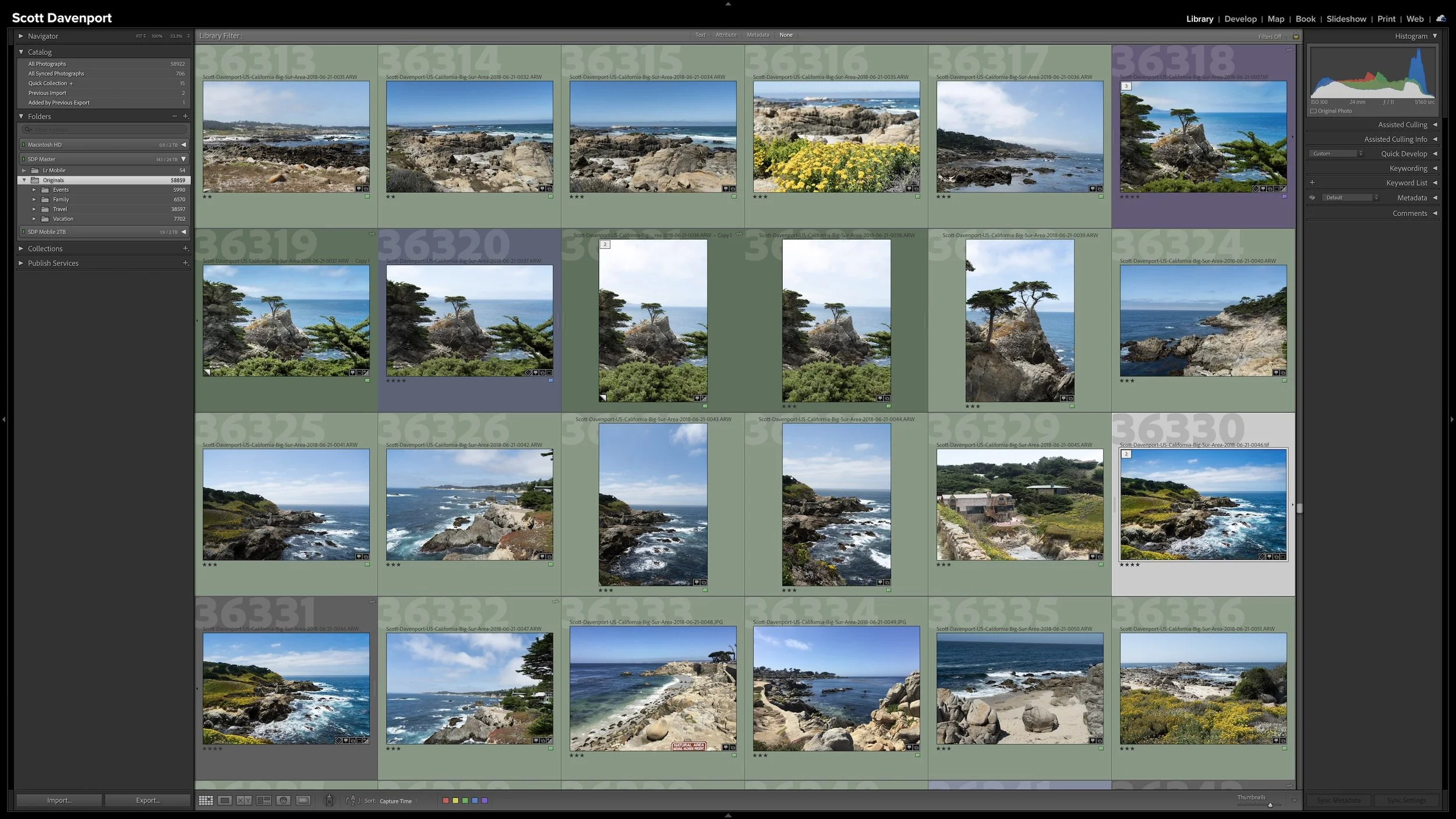
Several frames of roughly the same composition are probably my most common reason for creating a stack.
Suppose I'm working a landscape and make several photographs without substantially changing the composition. The light might change a little. The water may look different from one frame to the next. I might adjust something small between exposures. I want to keep those photographs, but I don't necessarily want every one of them taking up equal visual space in Grid view.
They don't have to be identical for me to consider them part of the same group. I'm looking for photographs that feel like variations of the same photographic idea. A meaningful change can be enough for me to start another group. If the horizon level changes noticeably, for example, I may decide the next photographs no longer feel similar enough to belong in the same stack.
There isn't a formula for this. I'm simply asking whether I think of the photographs as a group when I look at them.
In Lightroom Classic, I can select the related photographs in Grid view or the Filmstrip and choose Photo > Stacking > Group Into Stack. I normally use the keyboard shortcut—Command-G on macOS or Ctrl-G on Windows—because it's faster when I'm already moving through photographs with my hands on the keyboard.
Photographs can belong in the same stack when they feel like variations of the same photographic idea.
Some Photographs Naturally Belong Together
Other groups don't require much thought because I made the photographs to function together.
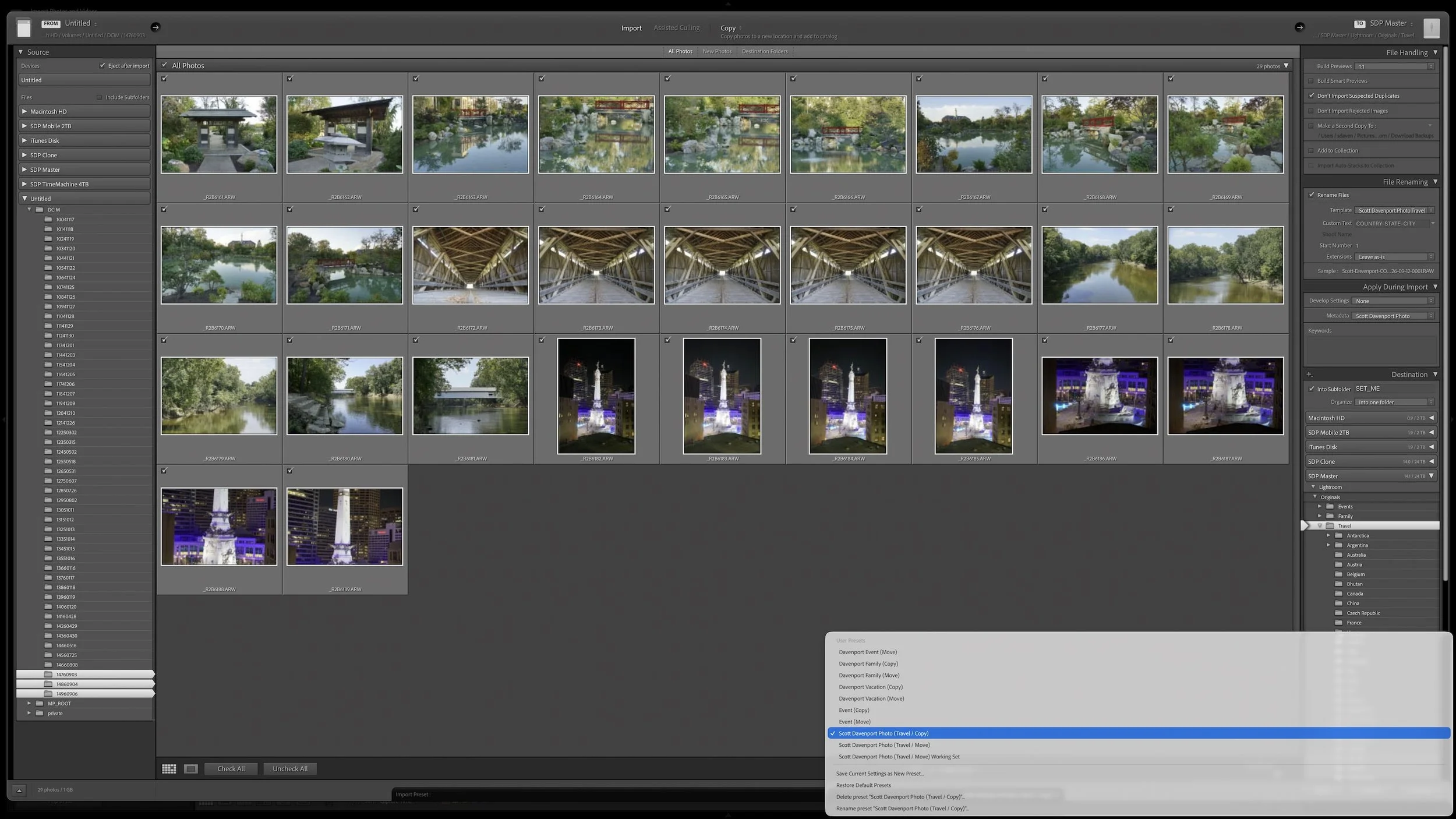
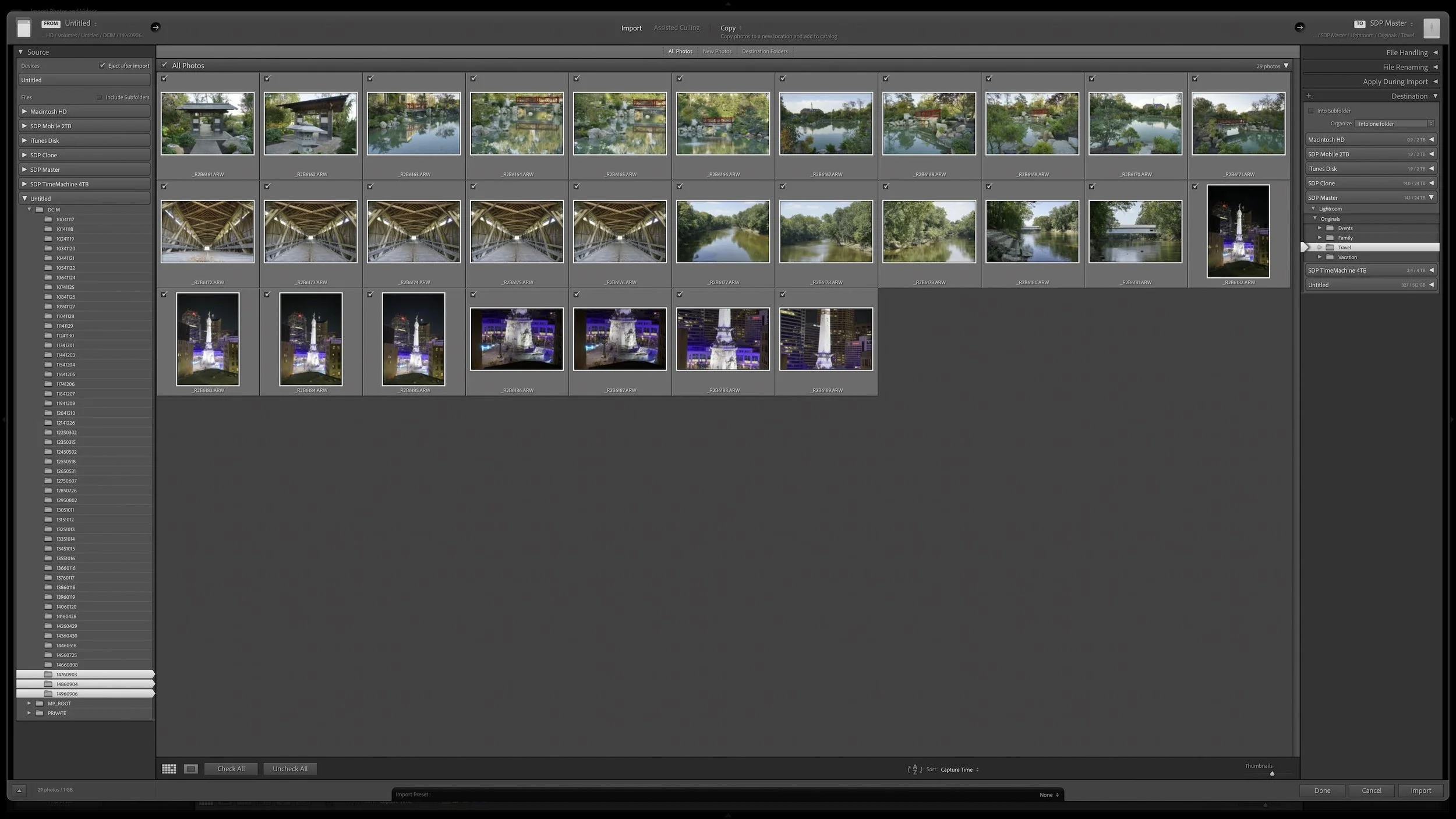
Panorama segments are an obvious example. I may have several frames that I intend to merge into one panorama. The individual photographs are useful because they're components of that panorama, so keeping them together in a stack makes sense.
Exposure brackets are another example. If I've made an underexposed frame, a nominal exposure, and an overexposed frame for an HDR merge, those photographs form a natural set. I can keep the bracket together rather than having three separate thumbnails competing for my attention every time I browse that part of the catalog.
The same idea applies outside landscape photography. If you photograph sports, for example, a rapid burst of 10, 15, or 20 frames may represent one sequence of action. Grouping the burst into a stack keeps the sequence together without filling Grid view with every moment of it.
Some photographs naturally function as a set, making panorama segments and exposure brackets good candidates for stacking.
Your reasons for stacking may be different from mine. The useful question is whether several photographs function as a group. If they do, I probably don't need to look at every member of that group every time I browse the catalog.
A Stack Doesn't Give Every Photograph the Same Rating
Grouping photographs together doesn't mean I've evaluated all of them the same way.
With an exposure bracket or the segments of a panorama, giving every photograph in the stack the same rating can make sense. The individual frames are working together toward the same result. I don't necessarily think of one segment of a panorama as a stronger photograph than another.
A stack of variations is different. If I've made six photographs of roughly the same composition, one variation may be noticeably stronger than the others. Perhaps the water looks better in one frame, the light changed at just the right moment, or some distracting element is missing. Those photographs can belong in the same stack and still have different ratings.
That distinction is important. The rating evaluates the individual photograph. The stack describes the relationship among a group of photographs. One doesn't replace the other.
This also gives me a natural choice for the photograph at the top of the stack. I generally put my strongest or most useful photograph there so it represents the group when the stack is collapsed.
Put a Useful Photograph at the Top
Collapsing a stack is where I get the organizational benefit.
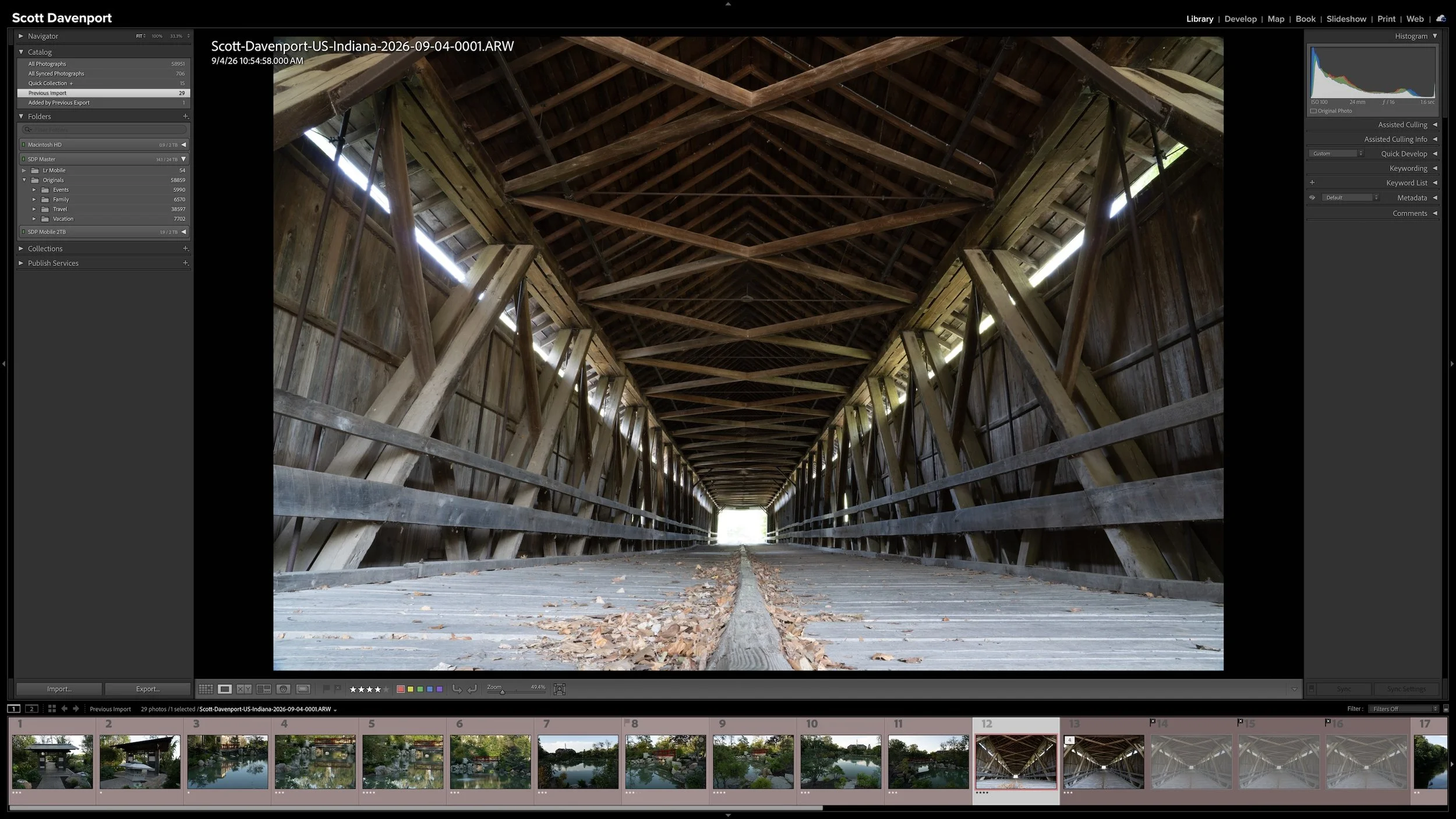
Lightroom Classic displays the photograph at the top of the stack along with a number showing how many photographs are in the stack. You can click that number to expand the stack and see everything inside it, then collapse it again when you're finished.
Collapsing a stack does not delete or move the other photographs. You can expand the stack whenever you need to see the complete group. In my workflow, I choose a useful photograph to represent the group while it is collapsed.
That can make a substantial difference when I'm looking across a shoot. Instead of seeing eight variations of one composition followed by six variations of another, I may see one photograph representing each group. The catalog becomes easier to scan because I'm looking primarily at the photographs I've chosen to keep visible.
A useful photograph at the top can represent the entire stack, reducing visual clutter until I need to see the complete group.
There is one behavior worth knowing about when working with collapsed stacks. If you apply a rating, flag, color label, or Develop adjustment to a collapsed stack, Lightroom Classic applies that change only to the photograph at the top. It does not automatically apply the change to every hidden photograph in the stack. Be aware of whether you're working with the representative photograph or the entire expanded group.
Rating and Stacking Can Happen Together
My rating and stacking aren't necessarily two completely separate passes through the photographs.
When I'm rating, I like to keep the Filmstrip visible so I can see what's coming next. I'm already moving through every photograph in the import, and that makes rating time a convenient opportunity to notice groups as they appear. I may rate one photograph, move to the next, and see that several similar frames are coming up.
Sometimes I'll backtrack a few photographs, select the similar frames, and stack them before continuing. Other groups, such as panorama segments or exposure brackets, are obvious enough that I already know they belong together.
This is why I think of Rate and Stack as one workflow stage even though ratings and stacks store different kinds of information. Rating tells me something about an individual photograph. Stacking tells me that several photographs belong together.
Article 07 — My Six-Step Lightroom Workflow From Import to Sharing
Stacking itself doesn't decide which photographs deserve more of my attention later. My ratings and the decisions I make as I move through the workflow do that. Stacks simply make the group easier to manage while those decisions unfold.
Once I've finished rating and stacking the photographs, I change them to the yellow Locate label. That tells me I'm ready for the next stage without changing the ratings or the stacks I've already created.
Article 12 — Add Location Information Before You Forget Where You Were — COMING SOON
I Prefer to Build My Stacks Myself
Lightroom Classic can also create stacks automatically, although I prefer to decide for myself which photographs belong together.
The traditional Photo > Stacking > Auto-Stack By Capture Time command groups photographs according to the time between exposures. I can adjust that interval to produce more or fewer stacks. That approach can make sense for photography where related photographs are consistently made close together.
It doesn't fit my style of photography particularly well. Two photographs made several seconds apart aren't necessarily related, while photographs I consider part of the same group may not always fit neatly into a particular time interval.
There is also an important caution with Auto-Stack By Capture Time. Lightroom Classic applies the command to all photographs in the selected folder or collection, not merely the photographs currently selected in Grid view or the Filmstrip.
That can have much larger consequences than you might expect. I use relatively large folders, and one of those folders can contain thousands of photographs made over a long period of time. Changing the Auto-Stack By Capture Time setting can therefore affect thousands of photographs, including older photographs whose stacks I organized years ago. I could unintentionally alter or undo stacking work that has nothing to do with the photographs I'm reviewing today.
Lightroom Classic also has newer Auto Stacking tools through Assisted Culling that can group photographs based on capture time or visual similarity. Those tools may suit photographers who routinely return with large numbers of closely related frames. I still prefer making my own stacking decisions because that fits the way I photograph and review my images.
There's one bit of automatic stacking I do find useful. When I send a photograph to an external editor, I like the returned edited photograph to stay with the original. Lightroom Classic has a Stack With Original option in its External Editing preferences for that purpose. I keep that enabled so the externally edited photograph comes back into Lightroom stacked with the original rather than becoming another unrelated thumbnail in the catalog.
Final Thoughts
Stacks aren't another way of rating photographs. They solve a different organizational problem.
I use them when several photographs make more sense as a group: variations of a composition, panorama segments, exposure brackets, and other closely related frames. The photographs within a stack can have different ratings because each photograph still receives its own evaluation. A photographer working with different subjects may find completely different reasons to create stacks.
The benefit is the same. I can keep all of those photographs without having to look at every one of them all the time. I put a useful photograph at the top, collapse the stack, and let that photograph represent the group until I need to see what's inside.
Stacks give me less visual clutter without separating photographs that belong together.
This article is part of my Lightroom Photo Organization series.
Next: Add Location Information Before You Forget Where You Were →


A group of photographs can belong together without every frame needing equal space in Lightroom Classic. Several variations of the same composition, panorama segments, exposure brackets, or a rapid burst can quickly fill Grid view with photographs you don't need to see individually all the time.
Stacks keep those related photographs together while letting one useful photograph represent the group. I use them so the other photographs remain available when I need them without adding unnecessary visual clutter to my catalog.