
A Lightroom Star-Rating System You Can Use Consistently
The photos have been imported into Lightroom Classic, and my import preset has already given them the red Rate and Stack label. That's my signal that it's time to make an initial decision about every photograph.
Article 09 — Build a Lightroom Import Preset That Does the Repetitive Work for You
Lightroom gives me five stars to work with, but it doesn't tell me what those stars should mean. I need to decide that for myself. More importantly, I need definitions that are simple and consistent enough that I can use the same system from one group of photographs to another.
Give Every Star a Meaning
A star rating becomes useful when you can look at the number and know what it means without reconstructing the decision. If three stars means "pretty good" during one shoot and "probably going to delete this" during another, the rating won't tell you much when you return to those photographs years later.
In my system, I don't invent a rating for each photograph based on how enthusiastic I happen to feel at that moment. I give each rating a practical meaning and use those definitions every time I work through a new group of photos.
Star ratings also serve a different purpose from my color labels. The stars describe the photograph according to my rating system. The color label tells me what I need to do next. A photograph can keep the same star rating as it moves through the workflow while its color changes to identify the next action.
Article 07 — My Six-Step Lightroom Workflow From Import to Sharing
What My One-Through-Five-Star Ratings Mean
My definitions are based partly on the strength of the photograph and partly on what I expect to do with it.
Five stars — something I want to print. This is definitely a portfolio photograph and something I may want to print and put on a wall. Five stars are reserved for the photographs I consider my very best.
Four stars — something I want to share online. It's a strong photograph that I want other people to see.
Three stars — a good photograph I want to process. There's something worthwhile here, and I want to spend time developing the photograph.
Two stars — a photograph with sentimental value. It may not be a particularly strong photograph, but it has a personal meaning that makes it worth keeping.
One star — rarely used. For me, one star is almost a transitional state on the way toward deletion. I may also keep a failed photograph at one star when it has another useful purpose. As an educator, for example, a photograph that didn't work can be valuable for showing what went wrong or illustrating something I want to teach.
That two-star category is an important part of my system. I have plenty of photographs from events with my kids that aren't especially good photographs. Maybe I'm shooting a school orchestra concert through a crowd in terrible lighting. It's not going into my portfolio, but it may be the only photograph I have of that event. It has a special place in my heart, so I'm keeping it.
An outright bad photograph is different. If I know I don't want it and it doesn't serve another purpose, I use Lightroom Classic's Reject flag rather than trying to make one star mean "bad." I can periodically review those rejected photographs and remove the ones I no longer want in the catalog.
The specific rating definitions are mine; what makes the ratings useful is applying those meanings consistently from one photograph to another.
These definitions work for me, but they're not a standard every photographer needs to follow. You might have no interest in printing photographs, for example, so my five-star definition wouldn't make much sense for you. Treat my system as a starting point. The important part is deciding what your ratings mean and keeping those meanings stable.
Rate Quickly, Then Keep Moving
When I sit down with a newly imported group of photographs, I work through the entire set and give every photograph a rating.
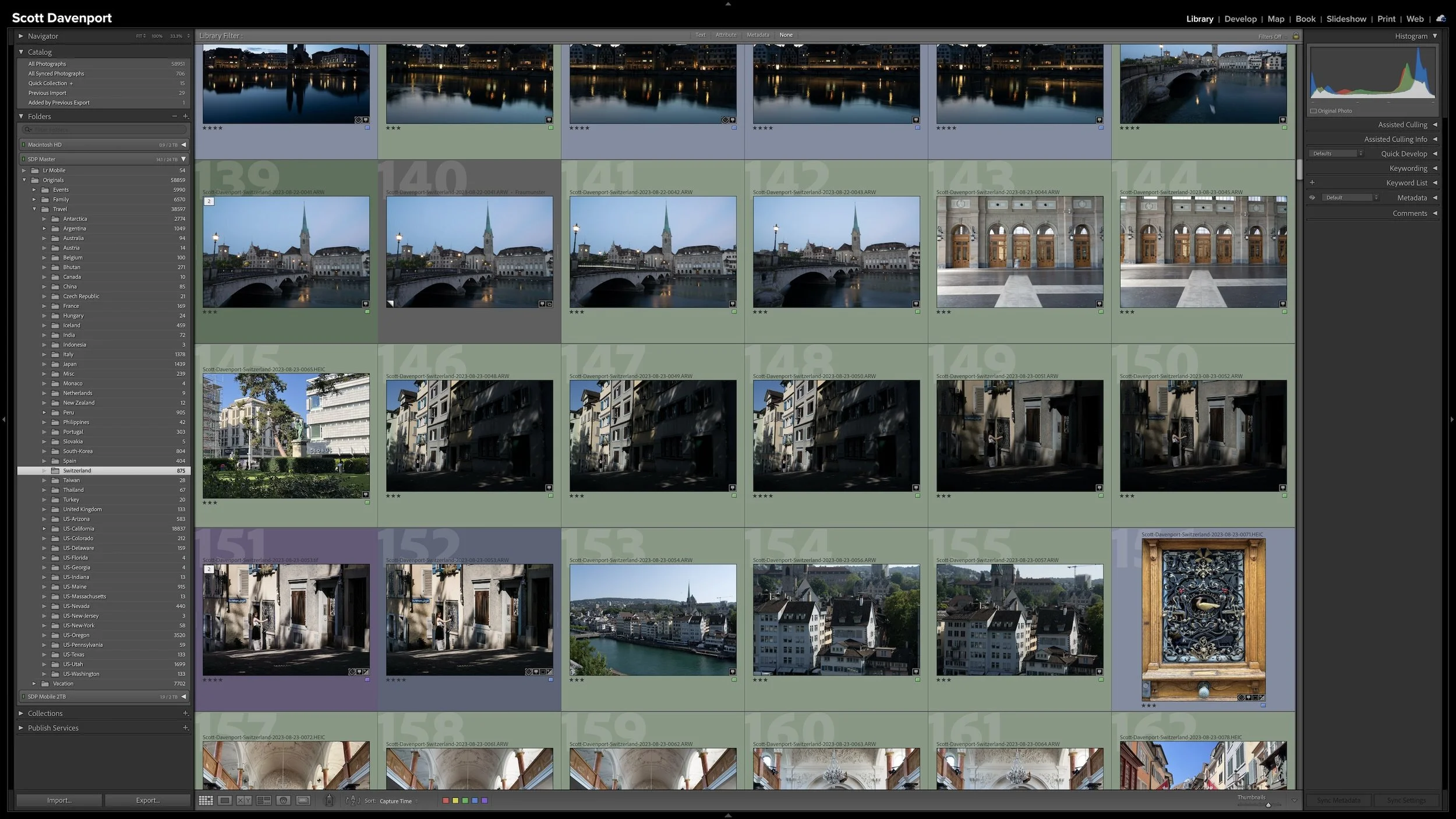
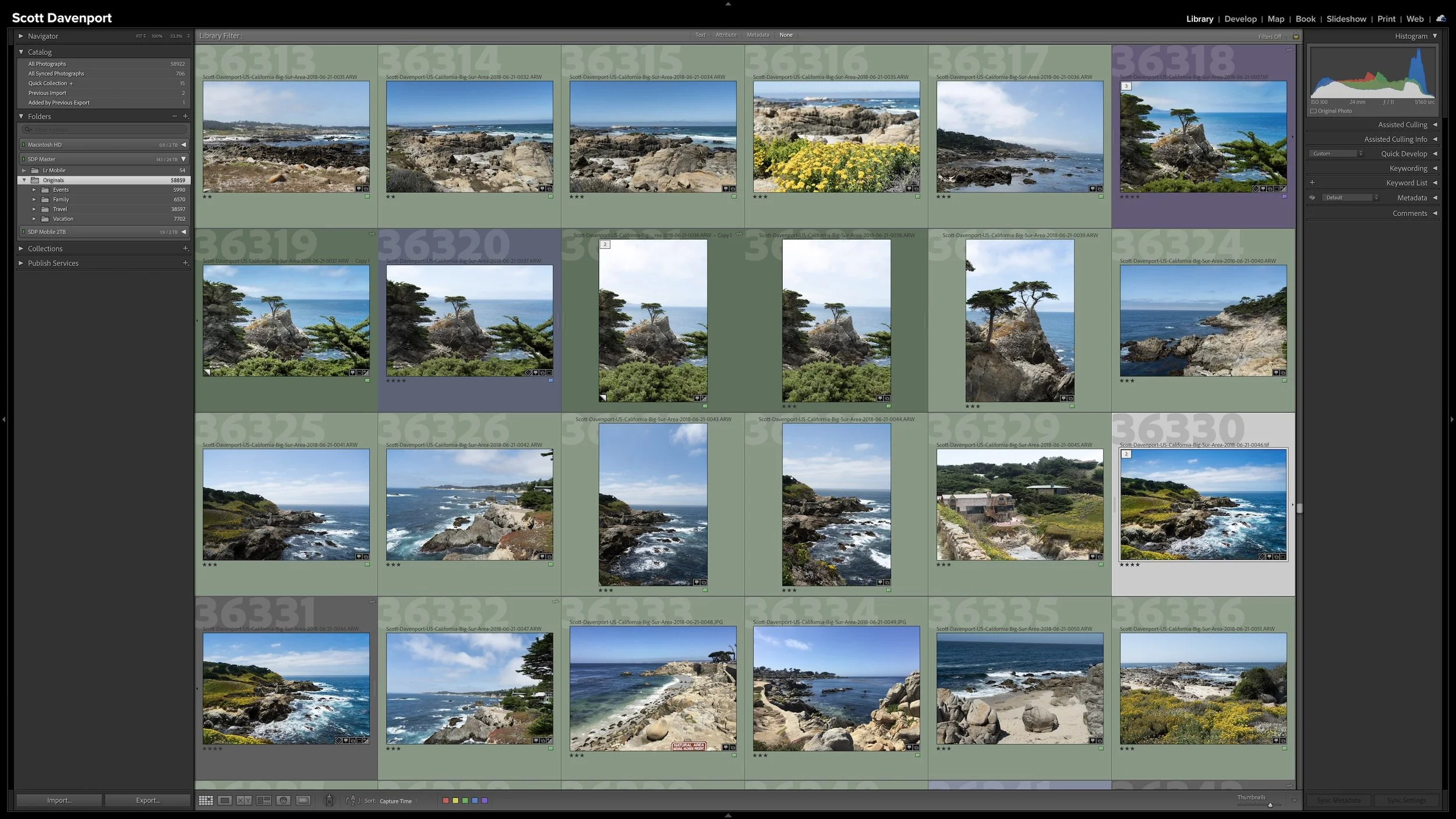
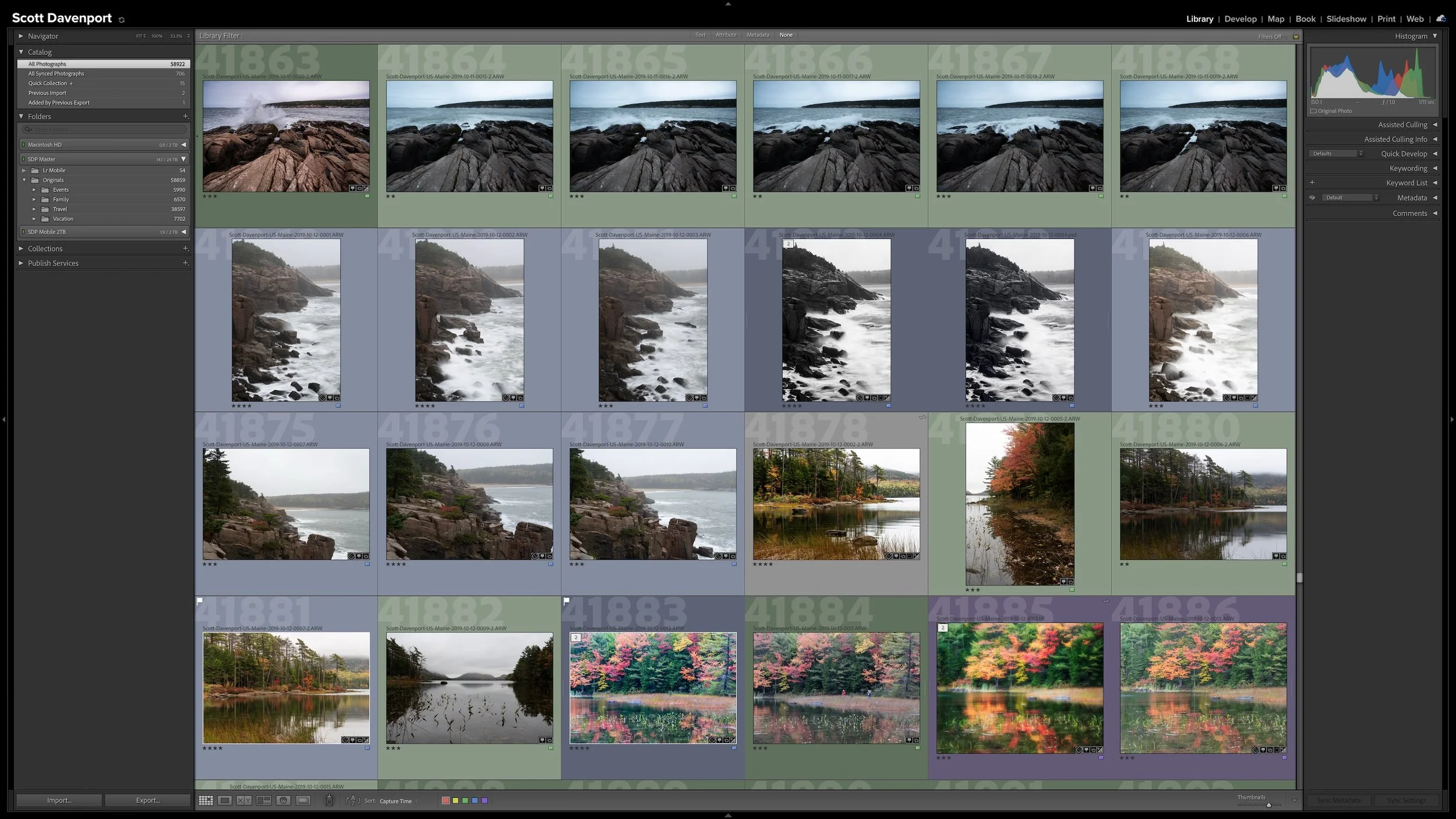
I like to see the photograph relatively large while keeping the Filmstrip visible. That lets me concentrate on the current image while still seeing what's coming next. Lightroom Classic's keyboard shortcuts make this especially quick: the number keys 1 through 5 assign the corresponding star rating, and the arrow keys move me from one photograph to the next. I can keep one hand near the number keys and the other near the arrow keys and work through the photographs without reaching for the mouse.
This is a quick first pass. I'm spending a second or two on a photograph, not several minutes trying to decide whether it's a three or a four. I'm mainly looking at the composition, color, general exposure, and my initial feeling about the photograph.
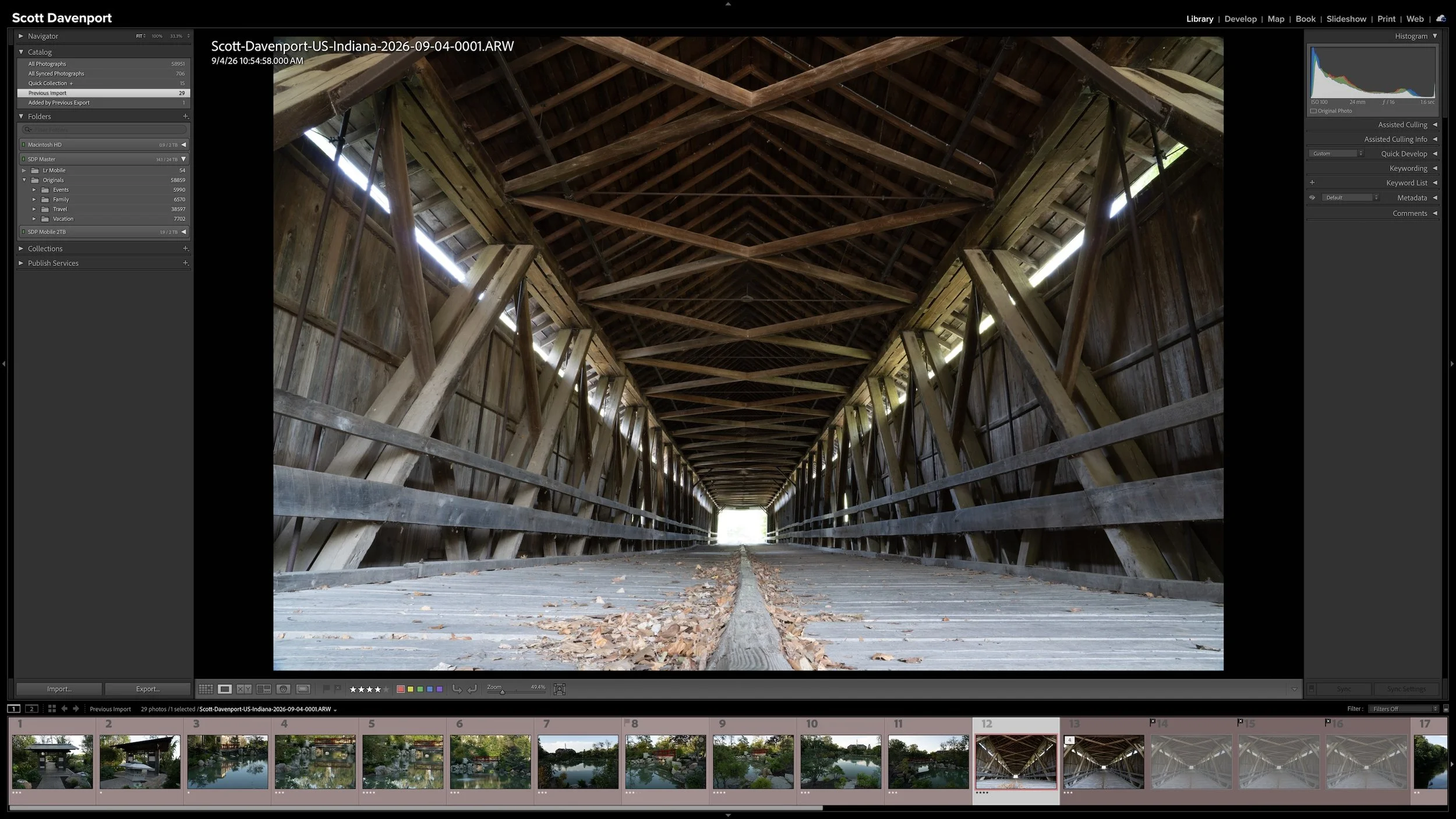
A large view of the photograph, the Filmstrip, and keyboard shortcuts let me move quickly through an initial rating pass.
I don't even need the histogram open for this. I'm looking at the photograph rather than conducting a technical inspection of it.
The stable rating definitions are what make that pace possible. I already know what three stars means. I already know what four stars means. I don't need to recreate the rating system while I'm trying to use it.
Look Beyond the RAW Photograph
A photograph doesn't need to be technically perfect before I can decide what rating it deserves. More importantly, the RAW file I'm looking at isn't necessarily the finished photograph. It's the bones of the photograph—the foundation I'll have to work with when I reach the Develop stage.
That means some knowledge of what I can do in editing matters when I'm rating. I may notice dust spots or a slightly tilted horizon. The photograph may need changes to color, contrast, or exposure before it looks the way I envision it. If I know those things are within reach during developing, I don't need to penalize an otherwise strong photograph simply because the RAW file doesn't look finished.
I'm looking beyond the unfinished file and asking what the photograph can become. How strong is the composition? What do I think about the color and general exposure? Is there a good foundation here for a photograph I want to process, share, or perhaps print?
That doesn't mean I spend several minutes mentally developing every photograph. This is still a quick first pass. Knowing what's possible in editing simply helps me distinguish between a photograph with a strong foundation that needs work and one that doesn't give me much to work with at all.
The Meaning Stays Consistent, Not Necessarily the Rating
My first rating isn't a promise that the photograph will keep that number forever.
A photograph I initially rate four stars may not come together the way I expected when I develop it. If it no longer meets my definition of a four-star photograph, I can demote it to three stars. The reverse can happen, too. A photograph I initially considered a three may reveal more potential as I work with it and eventually become a four or even a five.
That doesn't make the rating system inconsistent. The definition of the rating stays consistent; my assessment of the photograph can change.
In fact, that's another reason I want the definitions to have practical meanings. As a photograph progresses through the workflow, I can ask whether it still meets the same standard. I'm not locked into a judgment I made during a one- or two-second first pass.
Not every photograph will deserve the same amount of attention as it moves through my workflow. Rating is one of the first places where that funnel begins to take shape. Stronger photographs naturally become candidates for more of my time, while other photographs can wait.
That doesn't require a universal rule such as "everything below four stars stops here." Once I've moved the higher-rated photographs through the workflow, I can return to my three-star photographs and look for other candidates worth developing. Those photographs become a healthy backlog of possibilities—images I can revisit when I want to work on something and I'm not out making new photographs.
The ratings help me decide where to put my attention now without closing the door on photographs I may want to reconsider later.
Consistency Makes Ratings Useful Later
The real payoff from a rating system comes after I've been using it for a while.
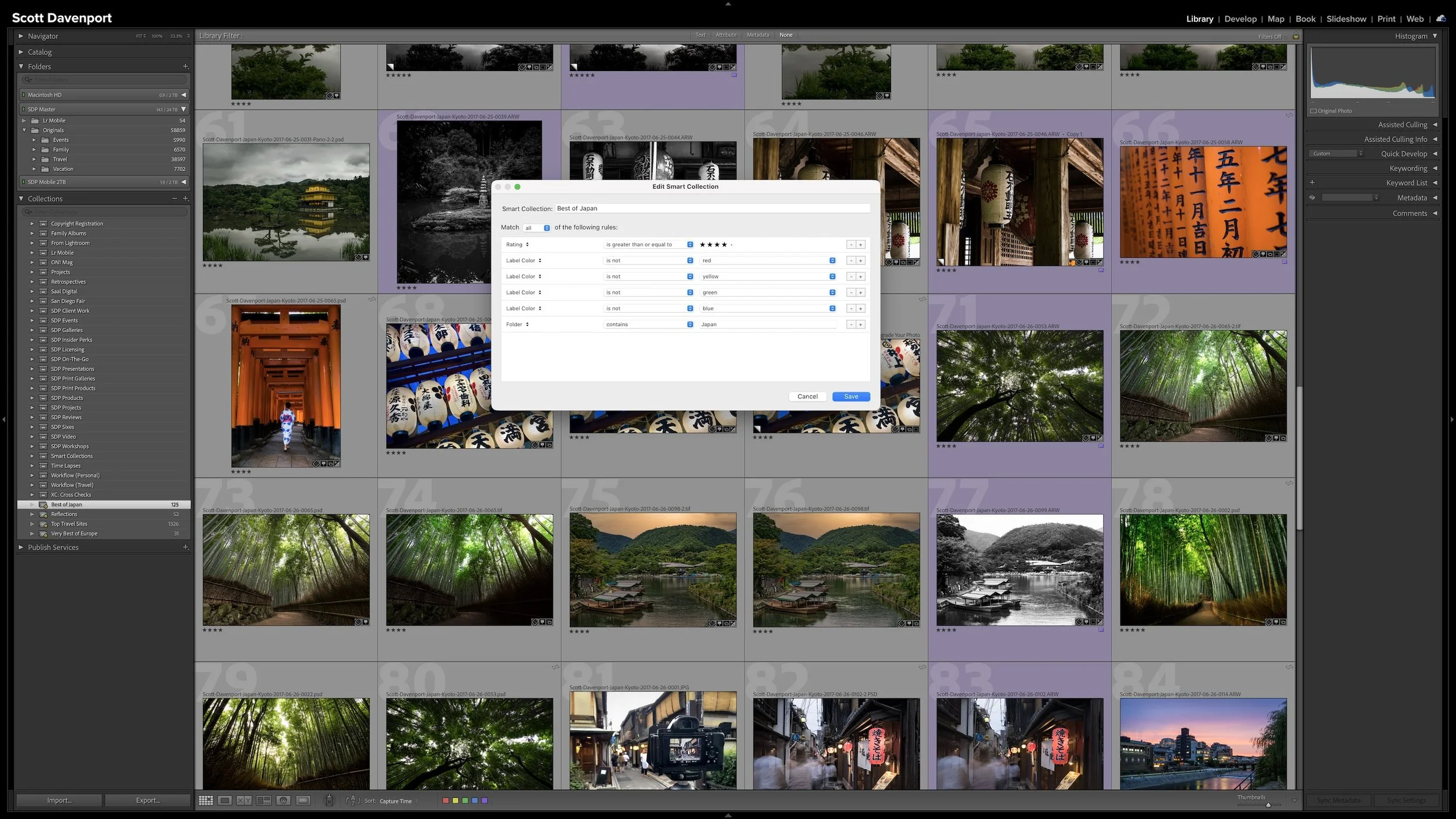
Suppose I want to revisit stronger photographs from several different shoots. If four stars has had the same basic meaning every time I've rated my photos, I can use that rating to narrow the catalog and know what kind of photographs I'm likely to find.
The same applies to the other ratings. A three-star photograph tells me something different from a two-star photograph because I have consistently treated those ratings differently. Years after I made the original decision, the number still carries useful information.
Lightroom Classic gives me tools for filtering the catalog by ratings and combining ratings with other information. I'll get into those searching tools later in this series. The important part here is that filtering only becomes useful when the metadata I'm filtering has a dependable meaning.
Your definitions can be different from mine. You might use five stars for something other than photographs you want to print, or you might find little reason to use one or two stars at all. That's perfectly fine. Build a system around the distinctions that matter to your photography, then apply it consistently.
Rating and Stacking Share the Same Stage
As I move through a newly imported group, I tend to intersperse rating and stacking. Seeing upcoming photographs in the Filmstrip helps me notice when several similar frames belong together. Other groups are naturally related from the moment I make them, such as the individual segments of a panorama or exposure brackets I'll eventually merge into an HDR image.
They solve different problems, though. Ratings describe the photographs according to the system I've established. Stacks help me group closely related photographs and reduce visual clutter. I'll cover how and why I use stacks separately. [LINK: Article 11 – Use Lightroom Stacks to Control Similar Photos and Exposure Sets]
Once I've finished rating and stacking the group, I change the color label to yellow. The star ratings remain exactly where they are; yellow simply tells me that adding location information is the next action.
Final Thoughts
There's nothing universal about what a three-star, four-star, or five-star photograph has to mean. Lightroom Classic gives us the rating system. We get to decide what the ratings represent.
My definitions work because I don't have to reinvent them for every shoot. I can move quickly through a new group of photographs, make an initial decision about every one, and trust that those ratings will still mean something when I return to the catalog later. The rating itself can change as I learn more about the photograph; the meaning behind that rating stays consistent.
Choose definitions that fit what you want to do with your photographs and keep them simple enough to use without hesitation. A rating you can understand years from now is far more valuable than one that only made sense when you pressed the number key.
This article is part of my Lightroom Photo Organization series.
Next: Use Lightroom Stacks to Organize Similar Photos and Exposure Sets →
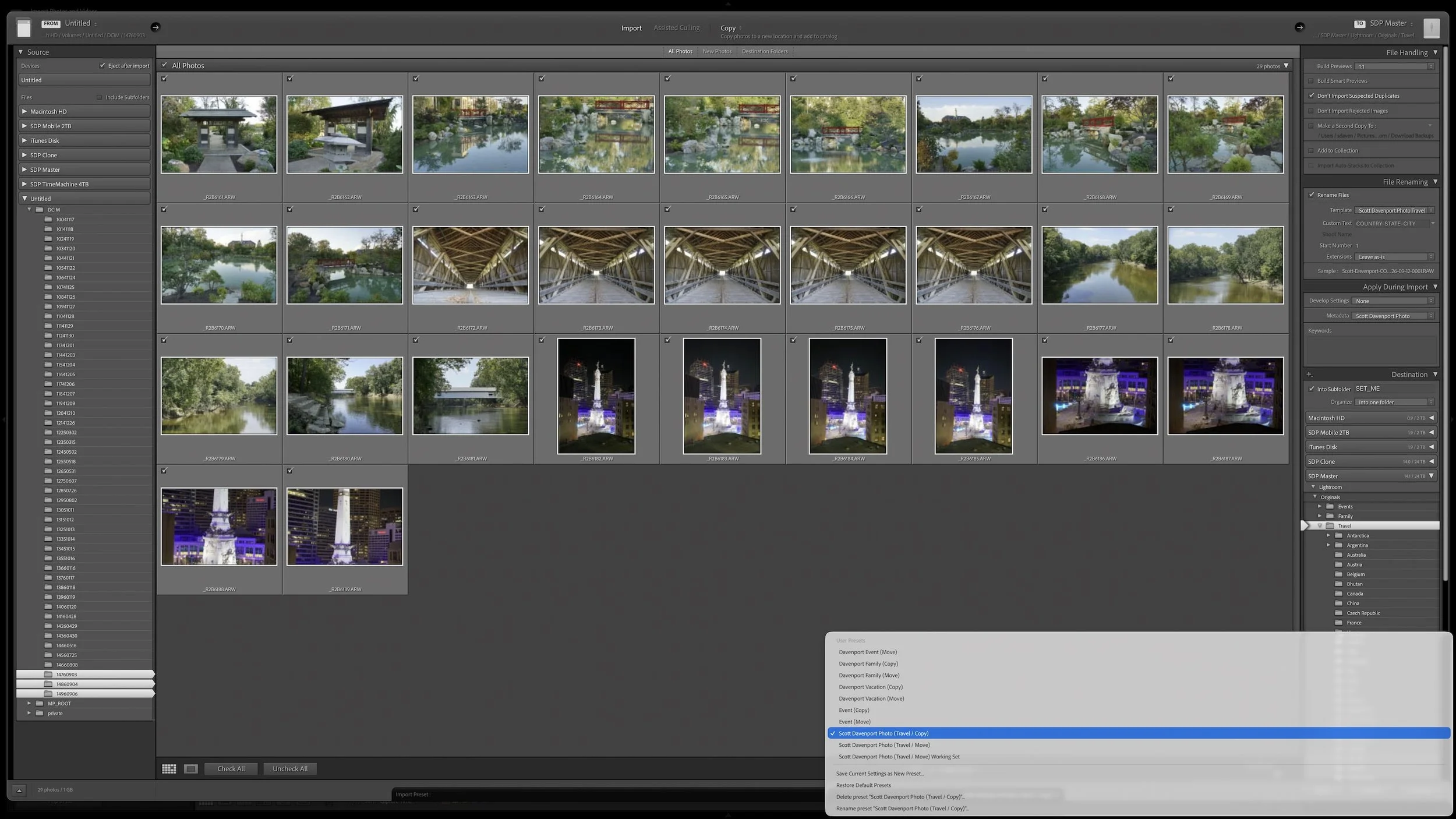
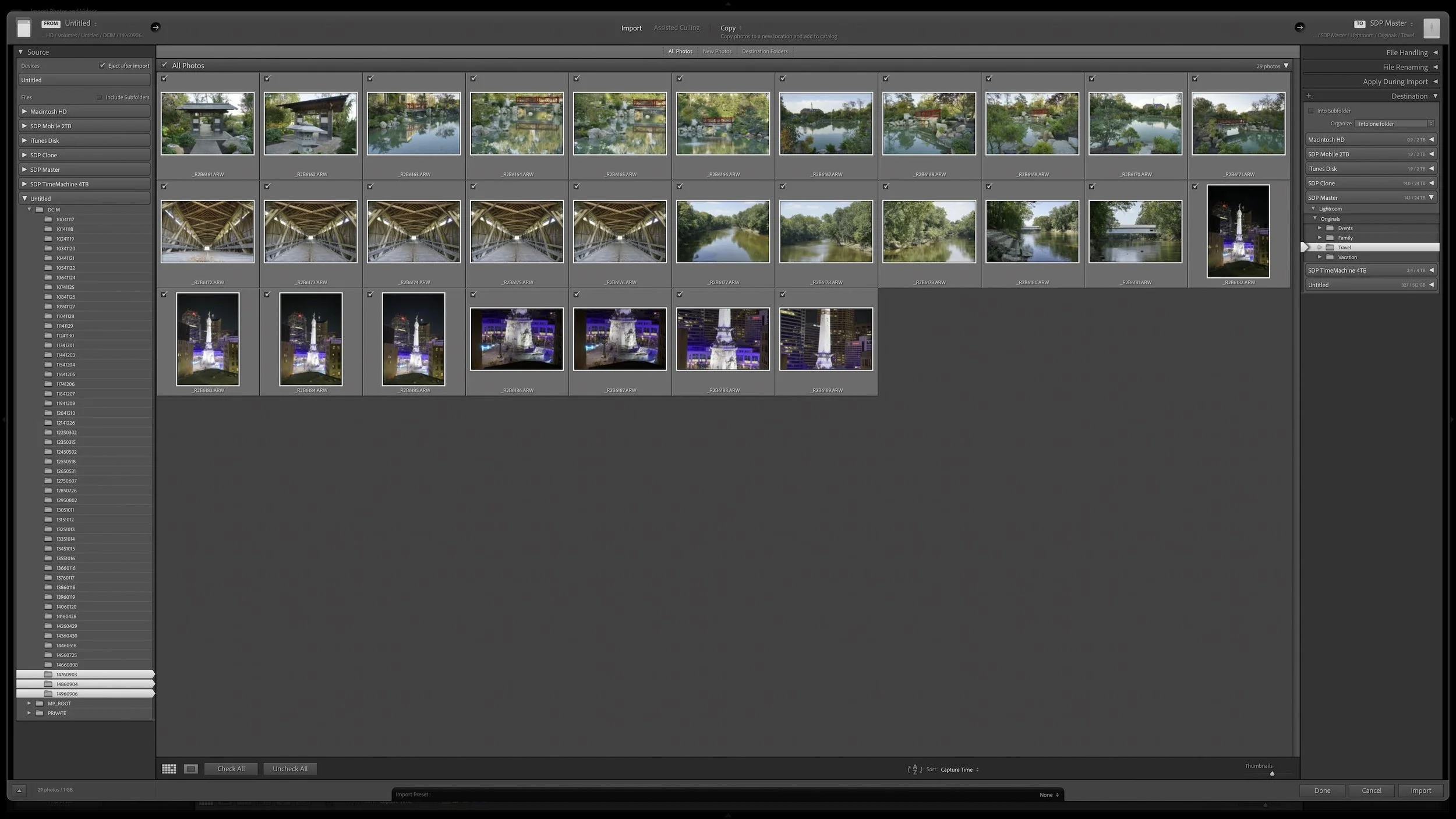

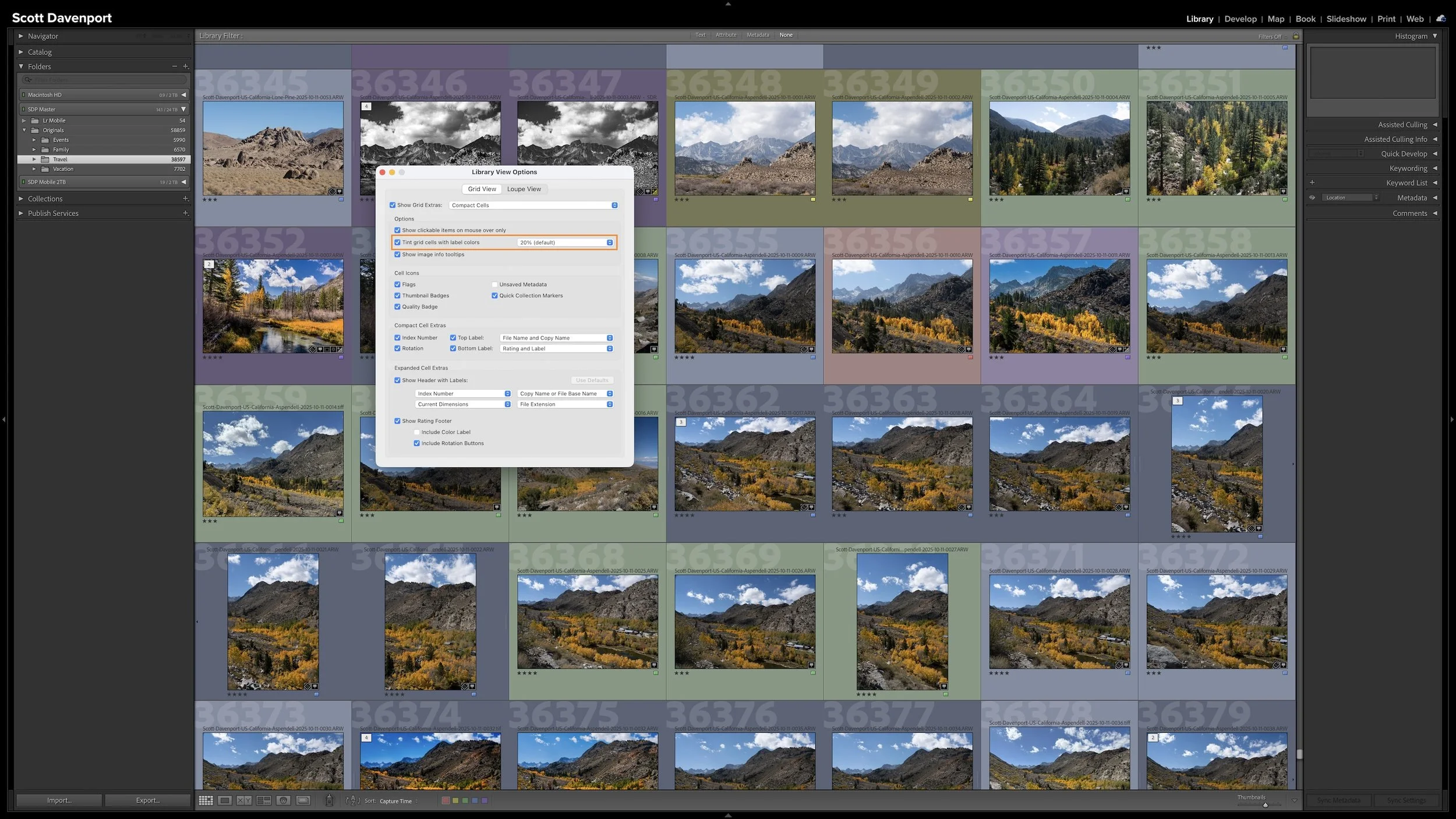


Lightroom Classic gives you five stars for rating photographs, but those stars aren't very useful if their meanings change from one shoot to another. A consistent system lets you know what a three-star or four-star photograph means without rethinking the definitions every time you rate a new group of photos.
My rating system ranges from photographs I keep primarily for sentimental reasons to photographs I consider strong enough to print. You don't need to use the same definitions I do. The important part is giving your ratings stable meanings you can apply consistently over time.