Luminar Learning Center
Luminar Neo
Luminar Neo is the latest product in Skylum’s Luminar family of products. It is a photo editor that leverages AI smarts to make complex tasks faster and simpler.
If you are trying Luminar Neo or other Skylum products, please consider using my affiliate link. There is no extra cost to you and it helps support Luminar tutorials like these. Use offer code SDP10 at checkout and SAVE $10.
Recent Tutorials
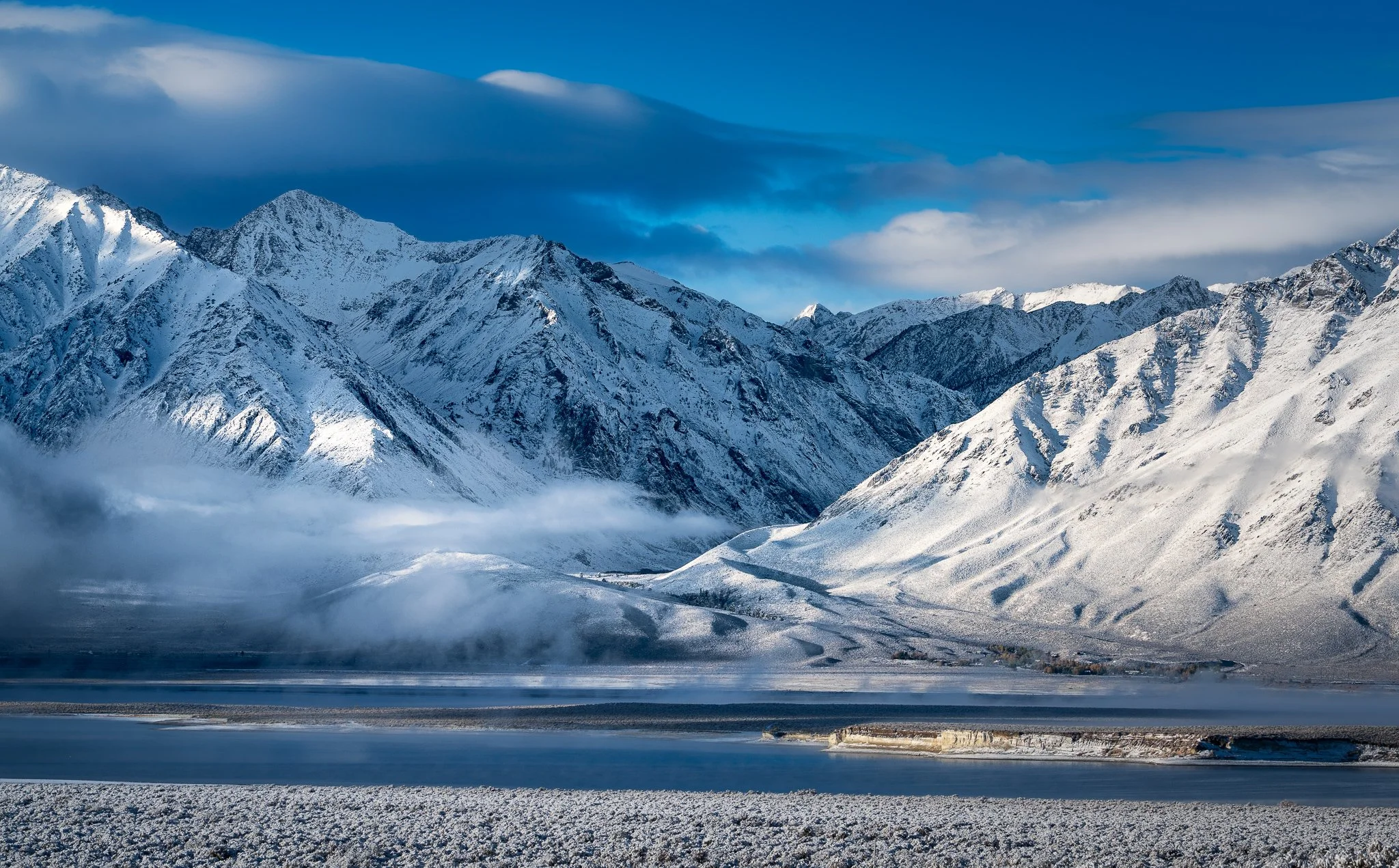
A dreamy, soft look can be a beautiful way to finish a landscape photograph, but applying that softness everywhere can work against the image. The challenge is deciding where you want the viewer to feel softness and where you want them to see texture and detail.
In this article, I look at a practical way to use Luminar's Mystical tool selectively, keeping the mist and sky soft while preserving the crisp, textured character of the mountains. The result is more than a softer photograph—it creates another kind of contrast that can help direct attention through the image.
Lightroom gets me most of the way there — Luminar Neo helps me finish the photo. Here are the three tools I use when a landscape needs just a little extra drama or dreaminess.
The AI Assistant in Luminar Neo can be a powerful starting point—but it’s not the finish line. In this video, I show where the AI assistant ends and you, the photographer, begin.
Luminar Neo’s new Light Depth tool puts AI-powered depth masks and intuitive sliders in your hands, making it easier than ever to create realistic dimension, mood, and focus in your landscapes.
Got 3 minutes? I’ll show you why I use Luminar Neo to finish off my black & white images.
Luminar Neo has been in my photo editing toolkit for years. I’m rediscovering how great it is as a finishing tool for my images.
Luminar Neo remains part of my photo toolkit because it delivers looks that I like quickly. I use it regularly to apply finishing touches to certain types of images.
Skylum continues to add features to Luminar Neo. The latest feature is Mask AI - and it will simplify masking and speed up your workflow.
I have long been a fan of the glow looks in Luminar. The Soft Focus glow is a surprisingly great choice for certain landscape scenes.
Remove Power Lines in Luminar Neo is a solid start, although the AI has room for improvement.
Relight AI lets you quickly balance exposure and temperature in your photo, using AI smarts. It’s slick.
A cityscape can have plenty of bright lamps and still feel a little flat. Luminar Magic Light tool can bring more atmosphere to those artificial light sources, but applying the same glow everywhere may pull attention away from the parts of the photograph that matter most.
The useful decision is where to let the light shine and where to hold it back. A modest starting adjustment, followed by a few selective changes, can give the scene more life while keeping its lighting believable.