
If you are trying Luminar or upgrading from a prior version, please consider using my affiliate link. There is no extra cost to you and it helps support Luminar tutorials like this one. Ready to buy? Use the offer code SDP10 at checkout and Save US$10!
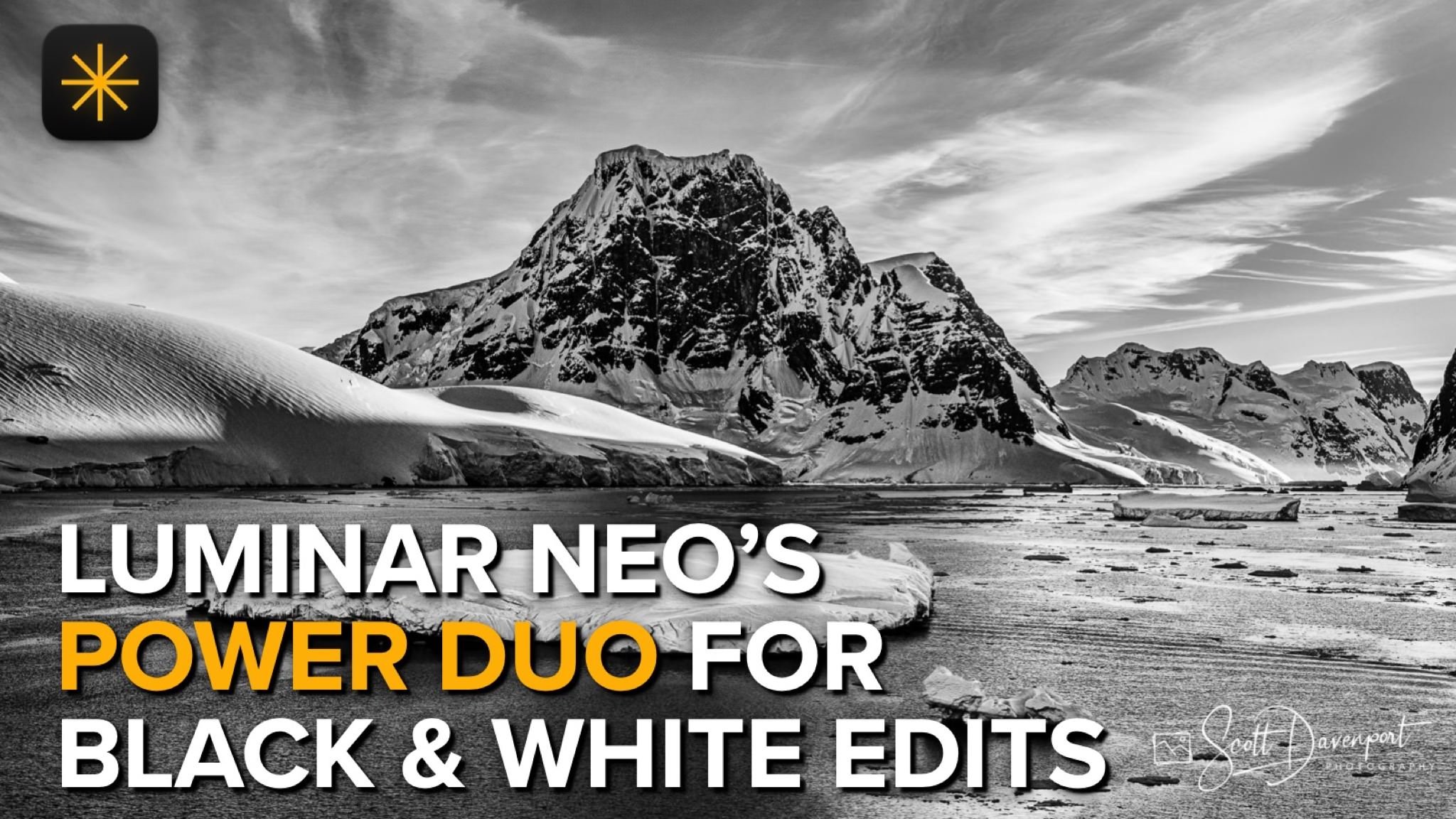
Unlock the full potential of your black and white photos with Luminar Neo. In this video, I’ll show you how to take your monochrome edits and level them up using Enhance AI and Structure AI. The Enhance AI filter intelligently analyzes your image and enhances contrast, exposure, and details with just one slider—making your black and white edits pop effortlessly. An instant boost to drama and depth. Next, use Structure AI to add crispness and texture to your key subjects and elements image without over-sharpening. Target just the important details with Luminar’s masking tools.
A few of the black & white images I’ve finished in Luminar Neo:
Mountain Snow, Antarctica
Contact Scott to commission a print or license this image.
Icebergs, Antarctica
Contact Scott to commission a print or license this image.
Antarctica Coastline
Contact Scott to commission a print or license this image.





A cityscape can have plenty of bright lamps and still feel a little flat. Luminar Magic Light tool can bring more atmosphere to those artificial light sources, but applying the same glow everywhere may pull attention away from the parts of the photograph that matter most.
The useful decision is where to let the light shine and where to hold it back. A modest starting adjustment, followed by a few selective changes, can give the scene more life while keeping its lighting believable.