
SAVE $10 on Luminar AI! Use offer code SDP10 at checkout.
The Light Tool in the Essentials group adjusts the fundamentals for your photo. Often, the AI tools like Enhance AI take care of the basics of exposure, highlights, and shadows. Yet there are controls in the Light tool you should know about because they can and do accent your images with more refinement.
Smart Contrast is a slider you should always visit, especially for landscape photos. I’ll also share how to access the histogram and use it to fine-tune your black and white points.
Go deeper into the Light tool. Watch Part 2 and learn Curves.
Subscribe and share!


Add a two-toned look to your images with the Toning Tool. It’s a great finishing touch for many photos.
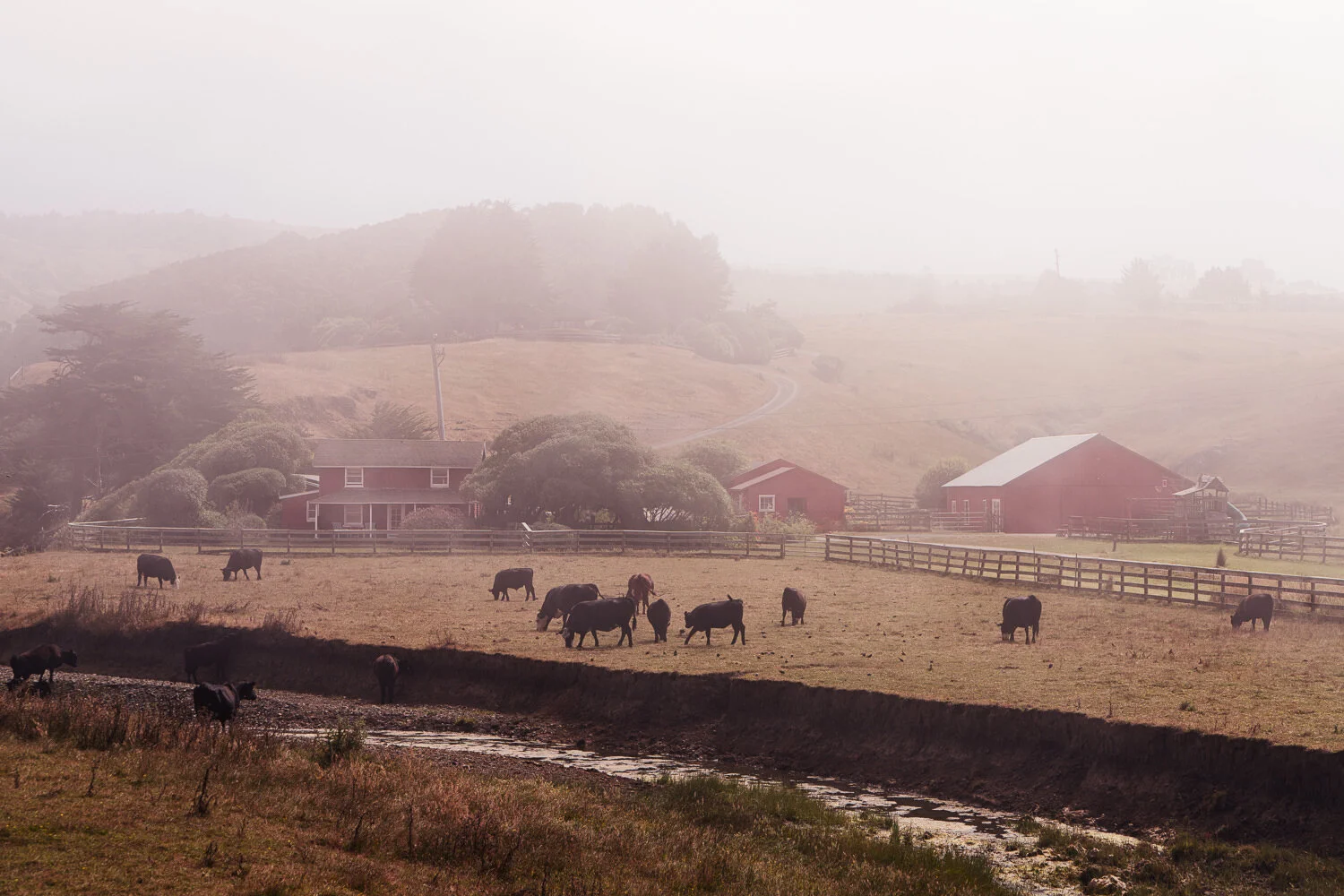

The Dramatic Tool in Luminar AI adds a cinematic feel to your images. Great for urban landscapes!

Skylum made several enhancements to the sky replacement engine and Sky AI controls in Luminar AI Update 3.

Sky replacement improvements, Windows supports HEIC, and a few more features are in Luminar AI Update 3.

Skylum unveiled Luminar Neo, a new creative editor for your photos. Some things we know, some things we don’t. I have a video for you that shares what I know about Luminar Neo and how I’m thinking about it for my photography.