
If you are trying ON1 Photo RAW, the ON1 plug-ins like ON1 Effects or ON1 HDR, or upgrading your ON1 software to a newer version, please consider using my affiliate link. There is no extra cost to you and it helps support my work and this website.
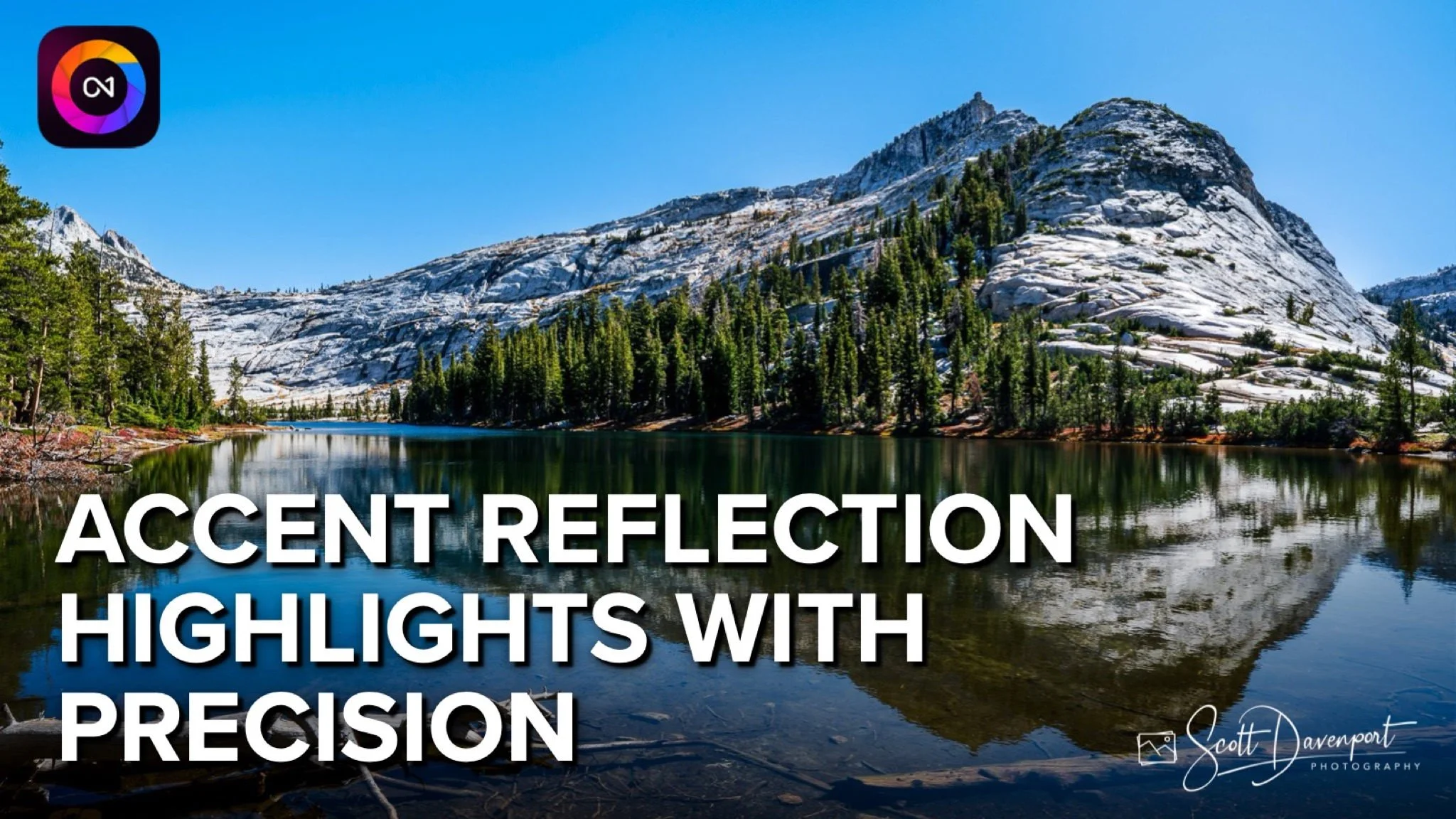
In this ON1 Photo RAW walkthrough, I show you my approach to accenting highlights in a lake reflection without washing out shadows or muddying midtones. Precision is everything — so I combine a Luminanosity Mask with a Brush in the intersect mode to target only the reflected highlights and keep the rest of the scene untouched.
If you’ve ever struggled to control reflections or wondered how to push brightness exactly where you want it, this tutorial is for you. Clean, natural, believable adjustments — all with ON1’s masking tools. Let’s dive in!
Reflections, Lower Cathedral Lake, Yosemite National Park
Contact Scott to commission a print or license this image.

Tell compelling stories. Become a better photographer.
Story And Vision will help you be a stronger visual storyteller and a better photographer. This 12 chapter video course guides you on how to examine your unprocessed photos more critically and understand the story the subjects tell. Then, pivot your post-processing approach to accentuate, emphasize, and reinforce that story.
11th Edition - Revised for ON1 Photo RAW 2024
Organize, edit, and share your photos with ON1 Photo RAW. This well-illustrated, no-nonsense book explains everything you need to learn ON1 Photo RAW. It is the most comprehensive book on Photo RAW out there.
ON1 Photo RAW Essentials: The Photographer’s Guide To Learning ON1 Photo RAW 2024

ON1 Effects and its 30+ filters make it easy to add style and create the mood you want for your images. The 10 learn-by-example tutorials show you how to get more pop with contrast, audition and blend LUTs, correct color casts, and more.
Adding Style With ON1 Effects will help you craft your signature style and tell your story.
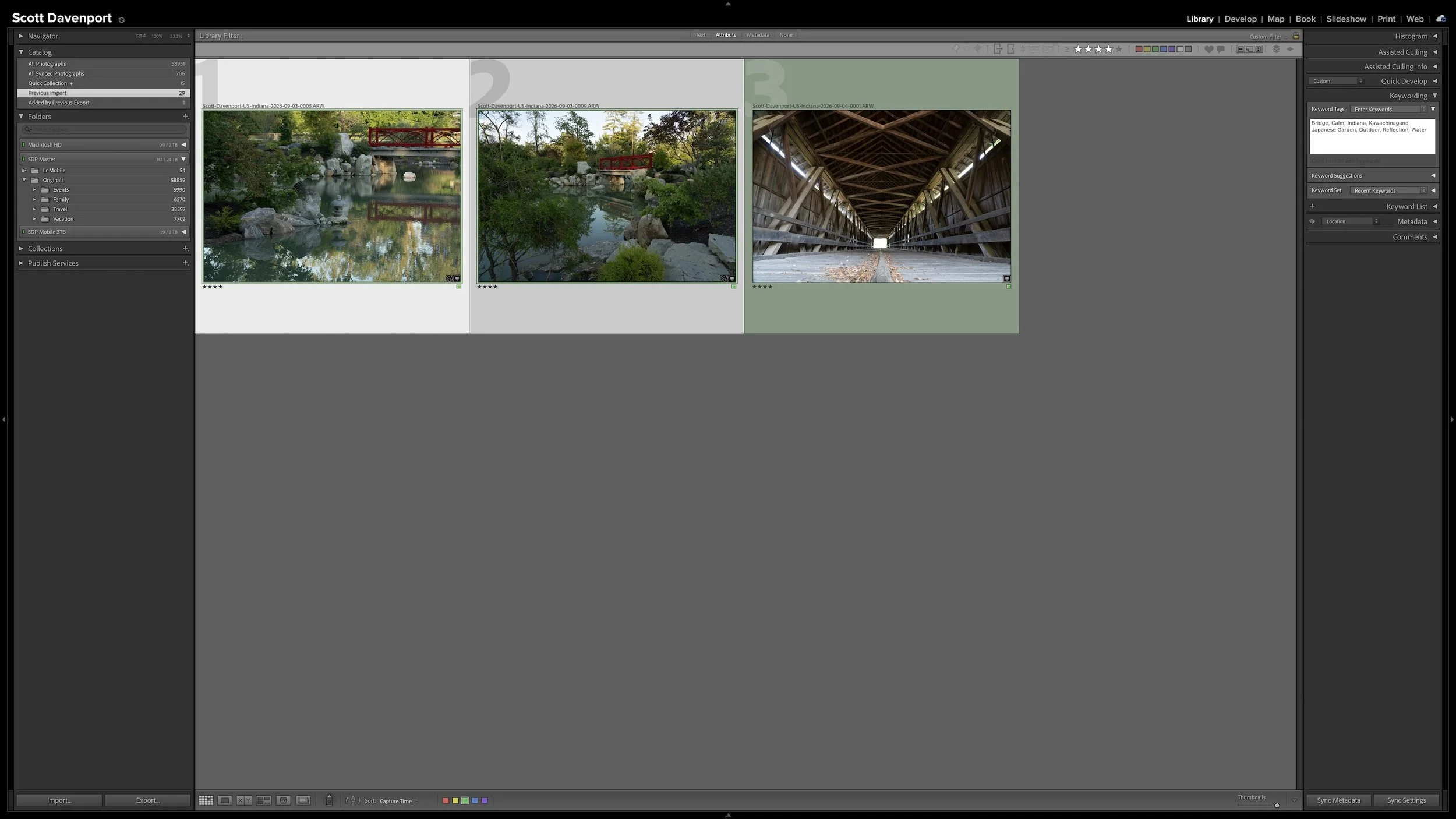
Every photograph I import receives some initial attention, but that doesn't mean every photograph needs the same amount of work. Rating, stacking, and adding shared location information can happen broadly and efficiently across a shoot.
As my workflow moves into keywording, developing, and sharing, I concentrate more effort on the best photographs from the shoot. This narrowing protects my time without deleting photographs, closing doors, or preventing me from reconsidering an image later.
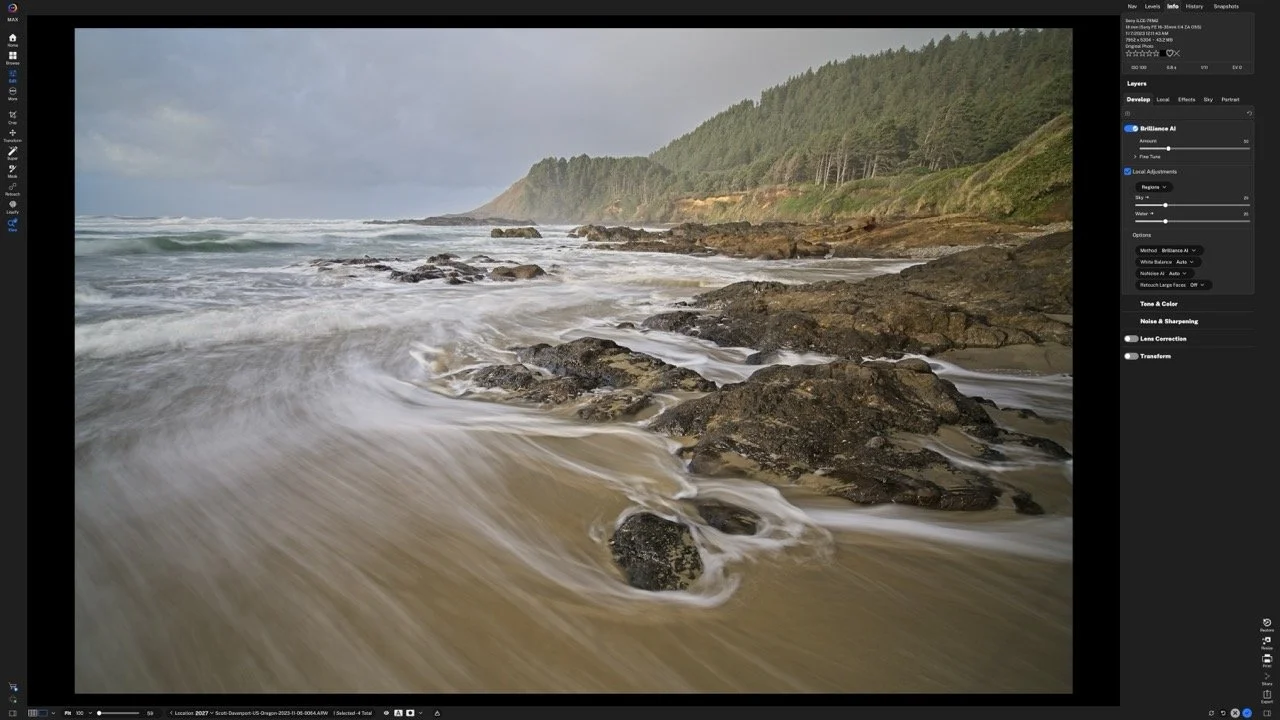
Does a new RAW processing engine make a practical difference to your editing? My comparisons in ON1 Photo RAW 2027 show a welcome improvement in the starting image, with richer color and contrast before I move a slider.
That stronger foundation also has me taking another look at Brilliance AI. Here’s how to compare the RAW engines on your own photos, what I’m seeing in my results, and why existing edits deserve a little care.
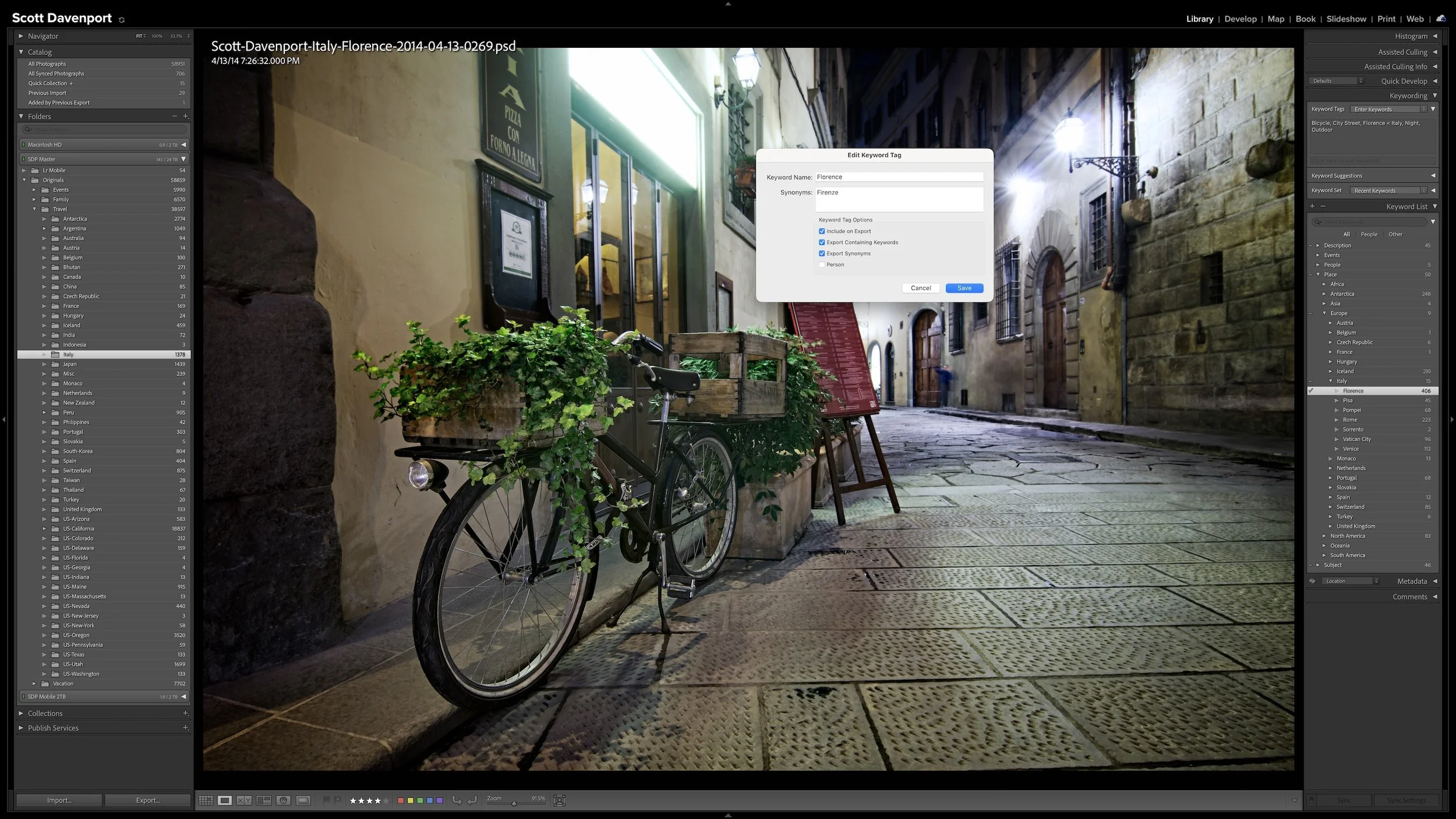
A useful keyword hierarchy connects specific details to broader ideas. When you apply a keyword for a specific location, a particular lighthouse, or a birthday celebration, Lightroom Classic can also associate the photograph with the broader places, subjects, or events that contain it.
Synonyms extend that efficiency by connecting one keyword to alternate names, related terms, or other languages. A hierarchy can give you broader and narrower ways to search your own library. I use synonyms primarily to help other people and search engines find exported photographs without requiring me to enter every variation separately.
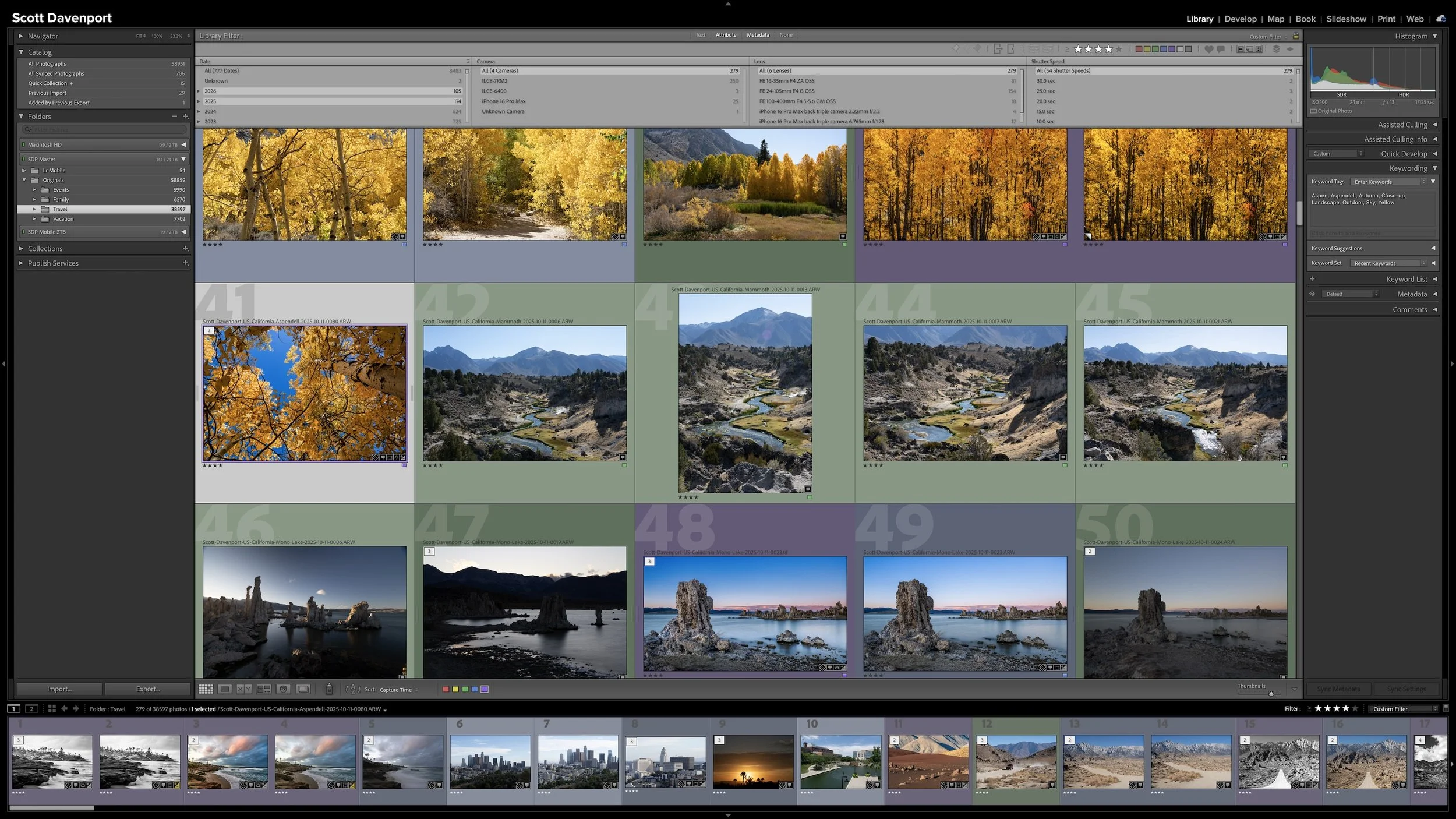
Keywording can make photographs easier to find, but it can also become an endless exercise in describing everything visible in every frame. You can keep the work manageable by asking one question: could Lightroom already find this photograph without the keyword?
The most useful keywords add information you cannot recover from capture data, ratings, location fields, or other existing metadata. That may be a subject, a familiar place name, a mood, a dominant color, or another idea you expect to search for later. The goal isn't to build the largest vocabulary possible. It is to add metadata that earns its keep.
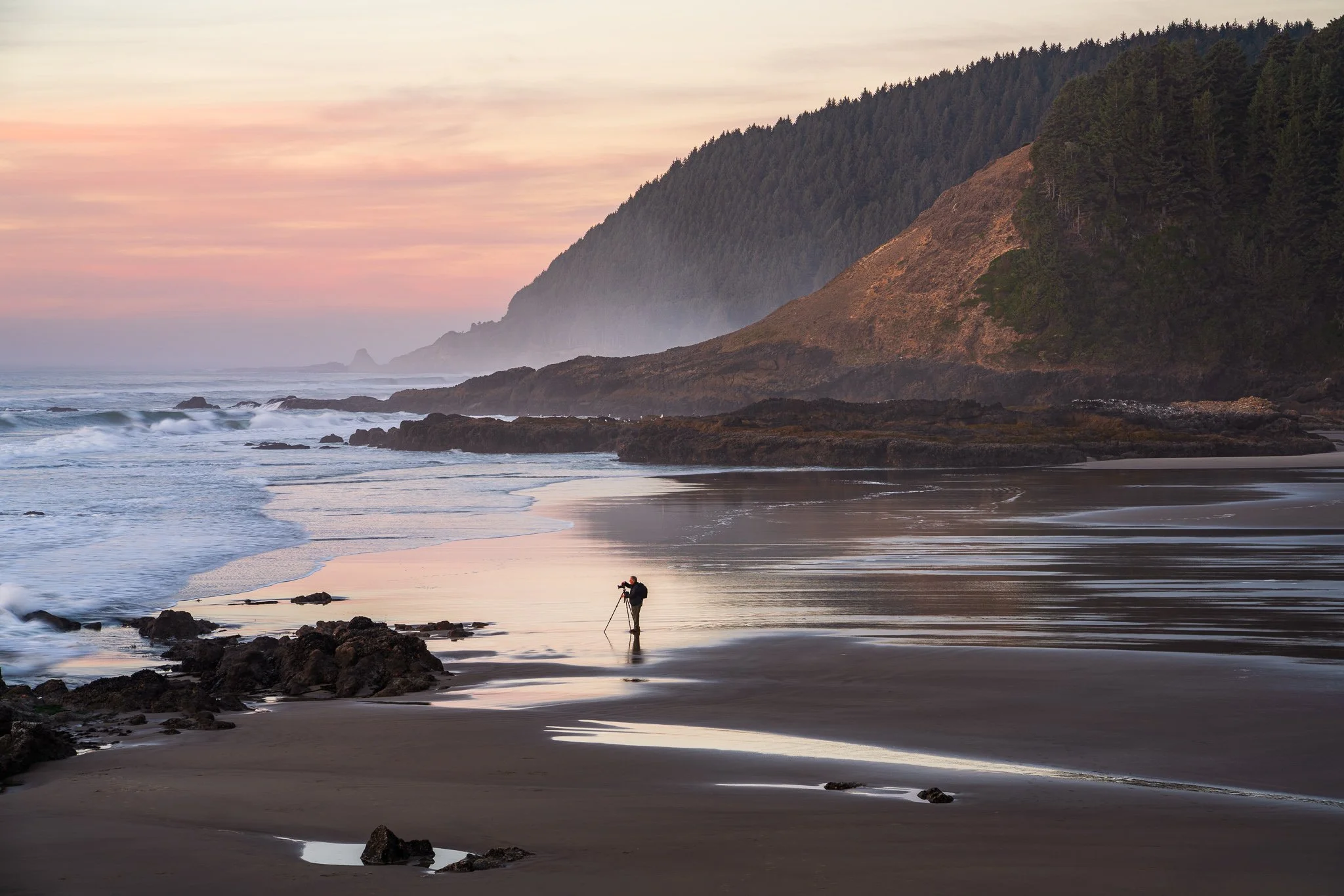
You’ve found a composition you like and settled in for sunset. Then the foreground falls into shadow, or a person steps into the scene. How do you decide whether to stay with your original frame or look for something different?
An evening on the Oregon Coast offers a useful example of how a photograph can evolve. Follow the decisions that turned a view of sunlit grasses into a quieter story about a photographer among rocks and misty headlands.
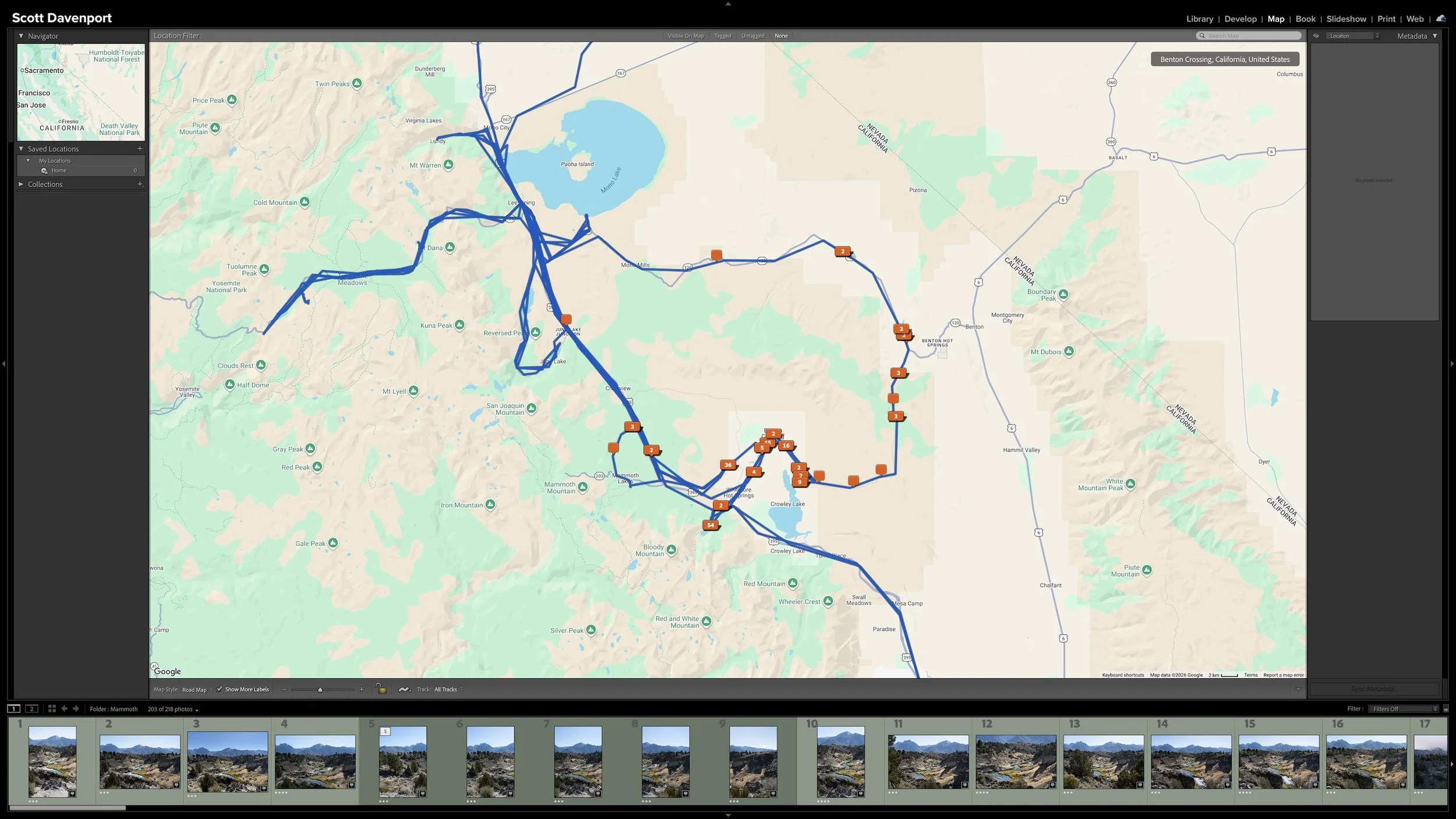
Right after a shoot, you know where you made the photographs. A few years later, that may not be nearly as obvious. Adding location information while the shoot is still fresh gives you another durable way to find photographs and understand where they were made.
You don't need to type city, state, and country into every photograph. If the camera records GPS coordinates, much of the work is already done. A GPX track log or, when necessary, Lightroom Classic's Map module provides other ways to add the location. The goal isn't exhaustive geographic metadata. It's enough useful information that you won't have to reconstruct it later.
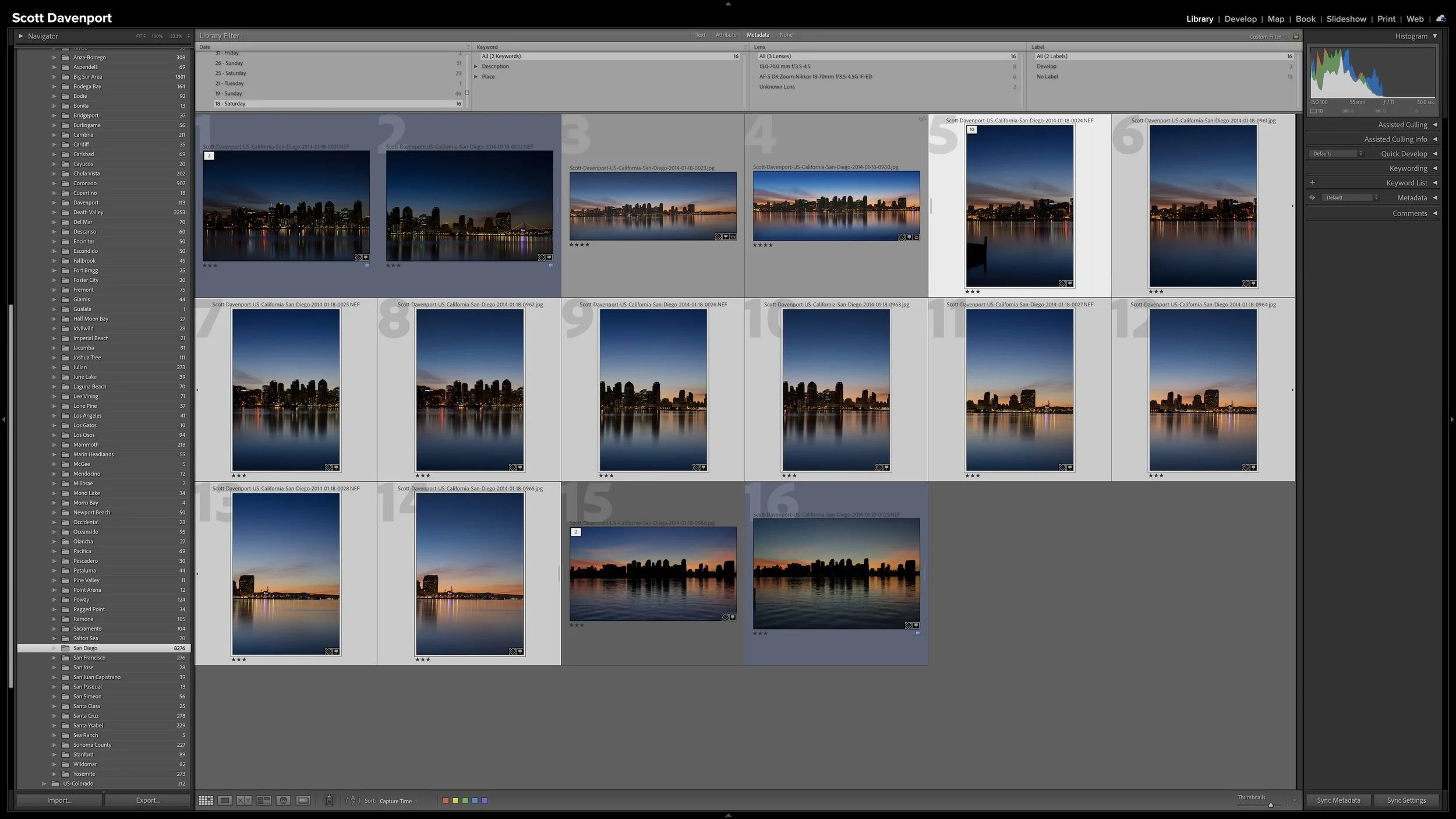
A group of photographs can belong together without every frame needing equal space in Lightroom Classic. Several variations of the same composition, panorama segments, exposure brackets, or a rapid burst can quickly fill Grid view with photographs you don't need to see individually all the time.
Stacks keep those related photographs together while letting one useful photograph represent the group. I use them so the other photographs remain available when I need them without adding unnecessary visual clutter to my catalog.
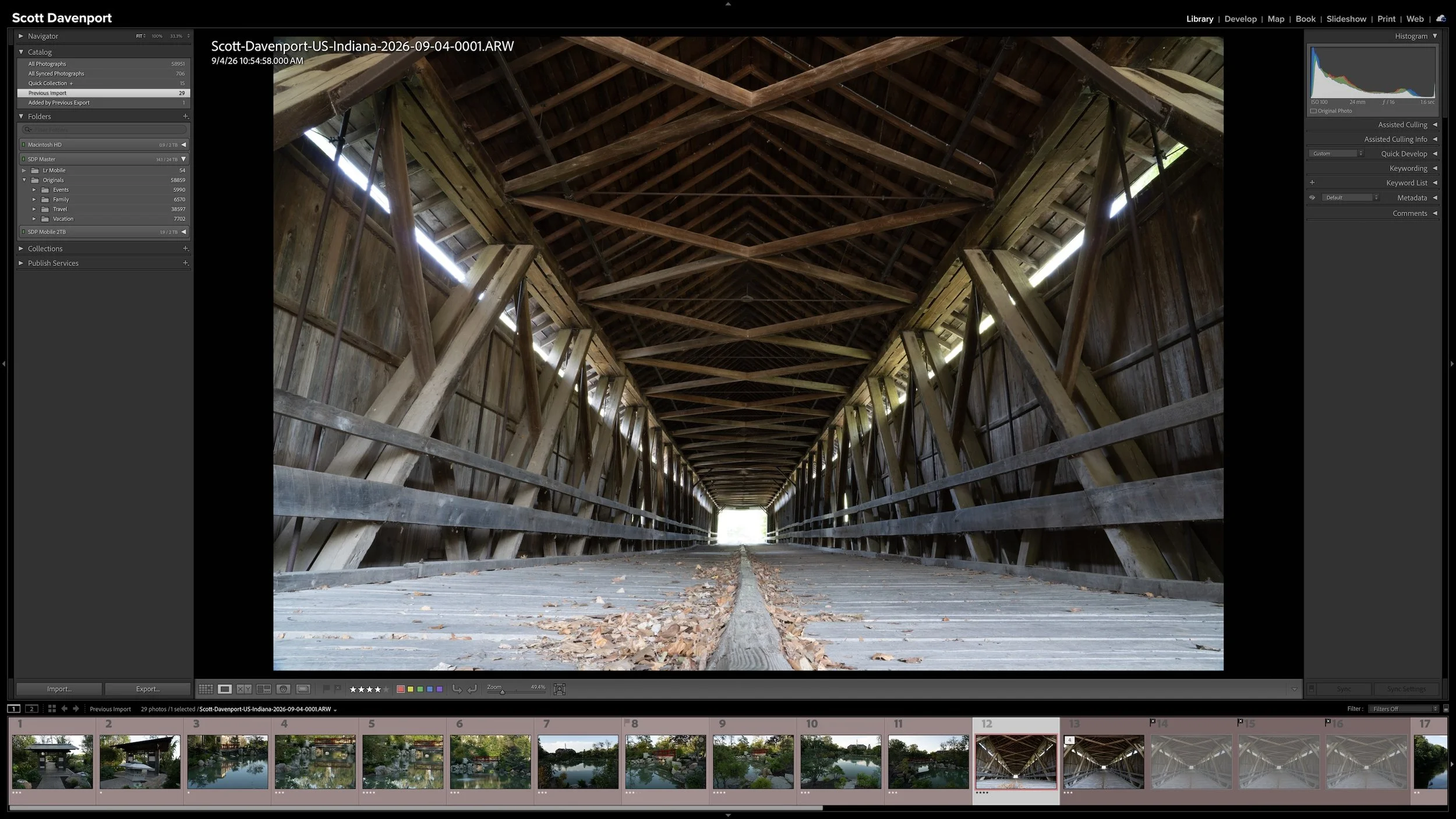
Lightroom Classic gives you five stars for rating photographs, but those stars aren't very useful if their meanings change from one shoot to another. A consistent system lets you know what a three-star or four-star photograph means without rethinking the definitions every time you rate a new group of photos.
My rating system ranges from photographs I keep primarily for sentimental reasons to photographs I consider strong enough to print. You don't need to use the same definitions I do. The important part is giving your ratings stable meanings you can apply consistently over time.
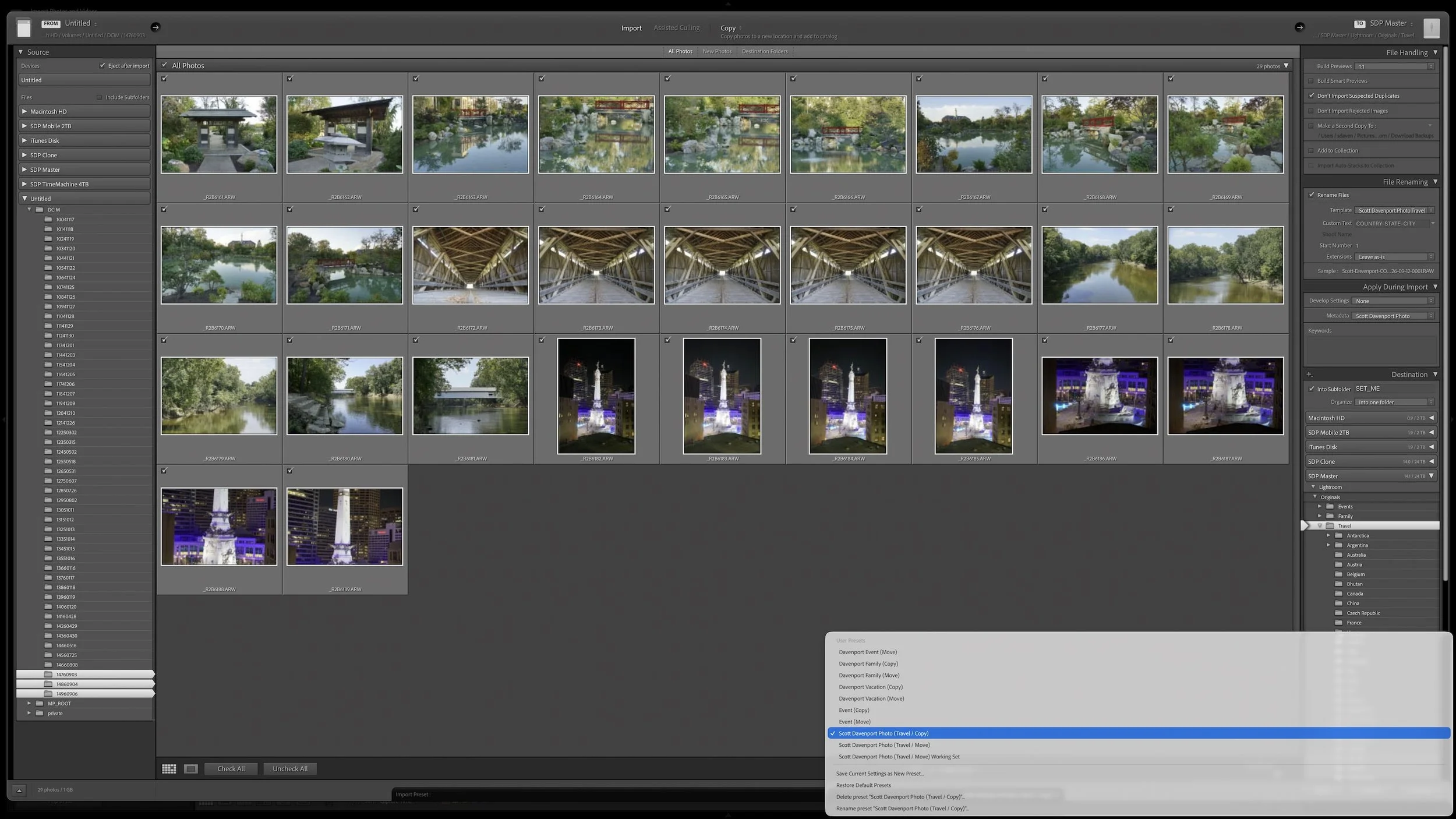
Lightroom Classic's Import dialog asks many of the same questions every time you bring in photos. Rather than rebuilding those settings for every import, you can save the choices that stay consistent in an import preset.
The preset doesn't eliminate the decisions that change from shoot to shoot. It gives you a reliable starting point, so you can concentrate on the source, destination, and other details that actually need your attention.
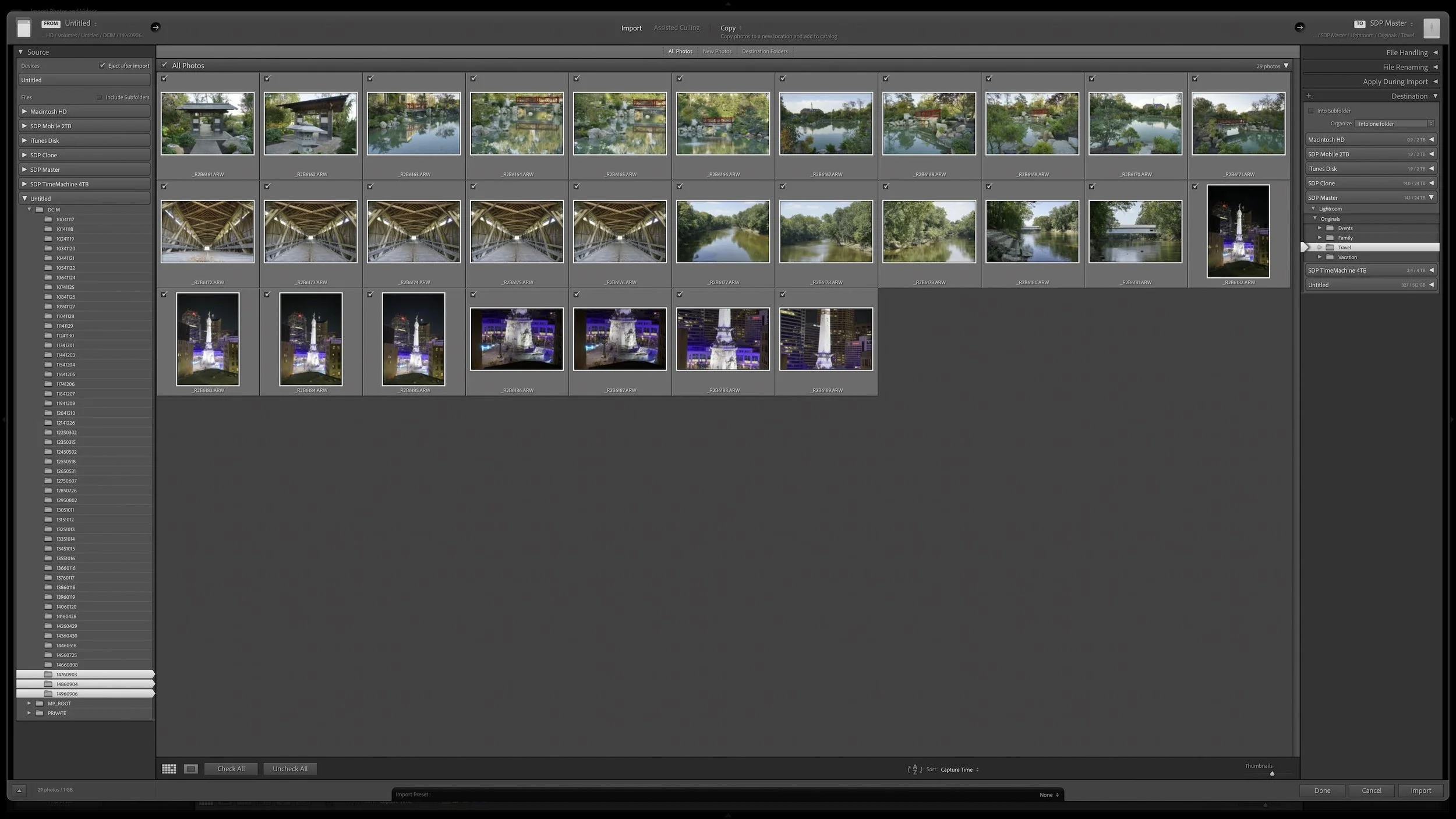
Lightroom Classic's Import dialog presents plenty of choices, but one of the most important decisions is straightforward: where are your photos now, and where do you want the original files to live after the import?
Copy, Move, and Add each handle the original files differently. Once you understand what happens to the physical files and what happens in the Lightroom catalog, choosing the right import method becomes much easier.

Shape The Light – Tell Your Story
Light shapes your story, and Lightroom gives you the tools to mold it. In Mastering Light & Shadow, we’ll dive into how to read the light in your photos, control it with intention, and shape it to match the story you want to tell. You’ll walk away with practical techniques, clear workflows, and the confidence to interpret your photos and bring your creative vision to life.