
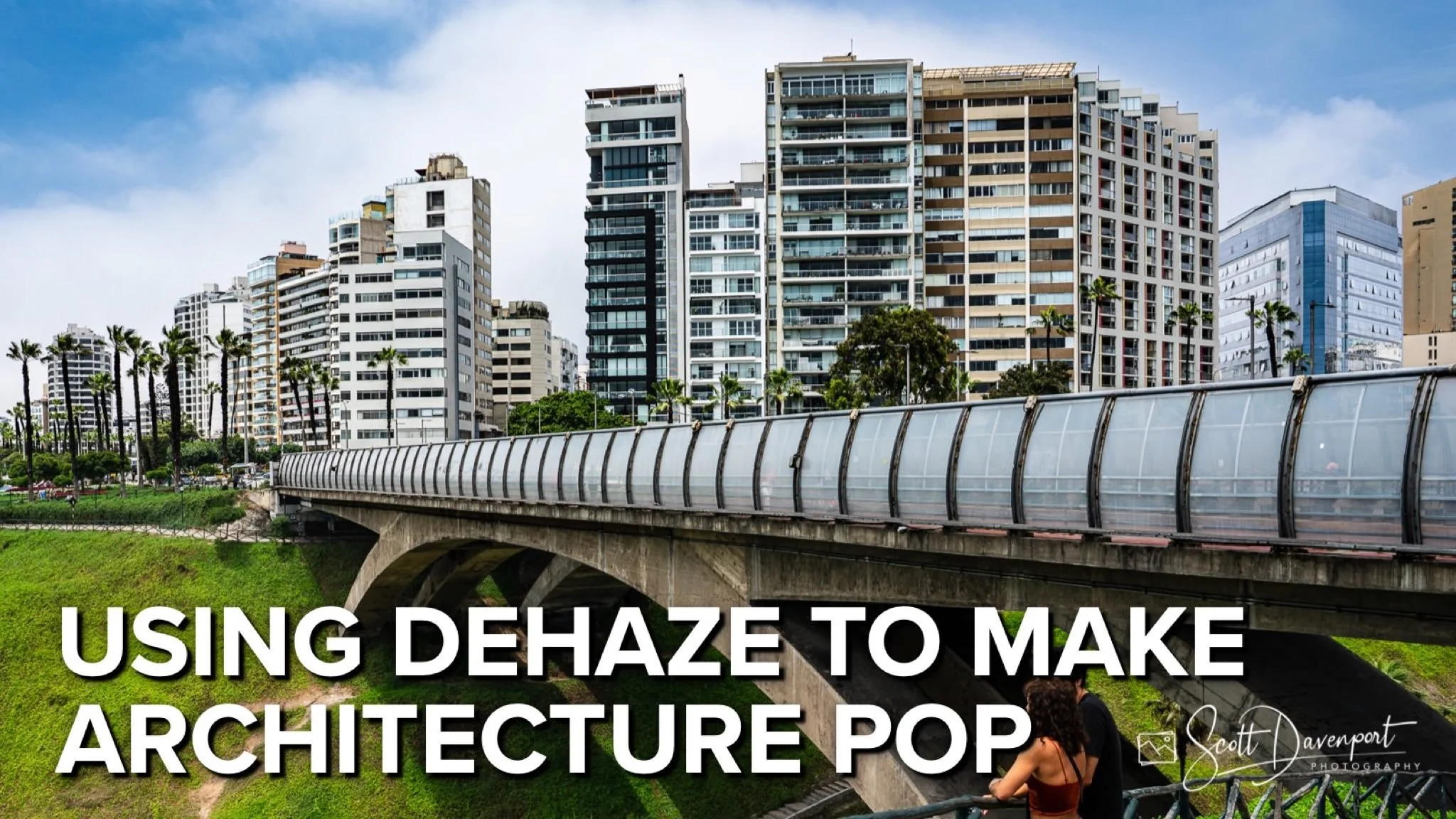
If you enjoy posts like this, please support my work and support independent photography tutorials like this.
Whatever editing tool you use - Lightroom, ON1 Photo RAW, Luminar Neo - you have a dehaze slider. It’s immensely useful for architecture and cityscape images.
In this tutorial, I’ll show you how your dehaze tool transforms flat, dull architecture and cityscape photos into vivid, dynamic images. You'll learn how haze — often caused by atmospheric conditions or pollution — tends to wash out important details and reduce contrast, especially in the midtones. I’ll show you how selective use of dehaze not only increases clarity but strategically reduces the abundance of middle grays, making buildings and structures pop with more dimensionality and depth.
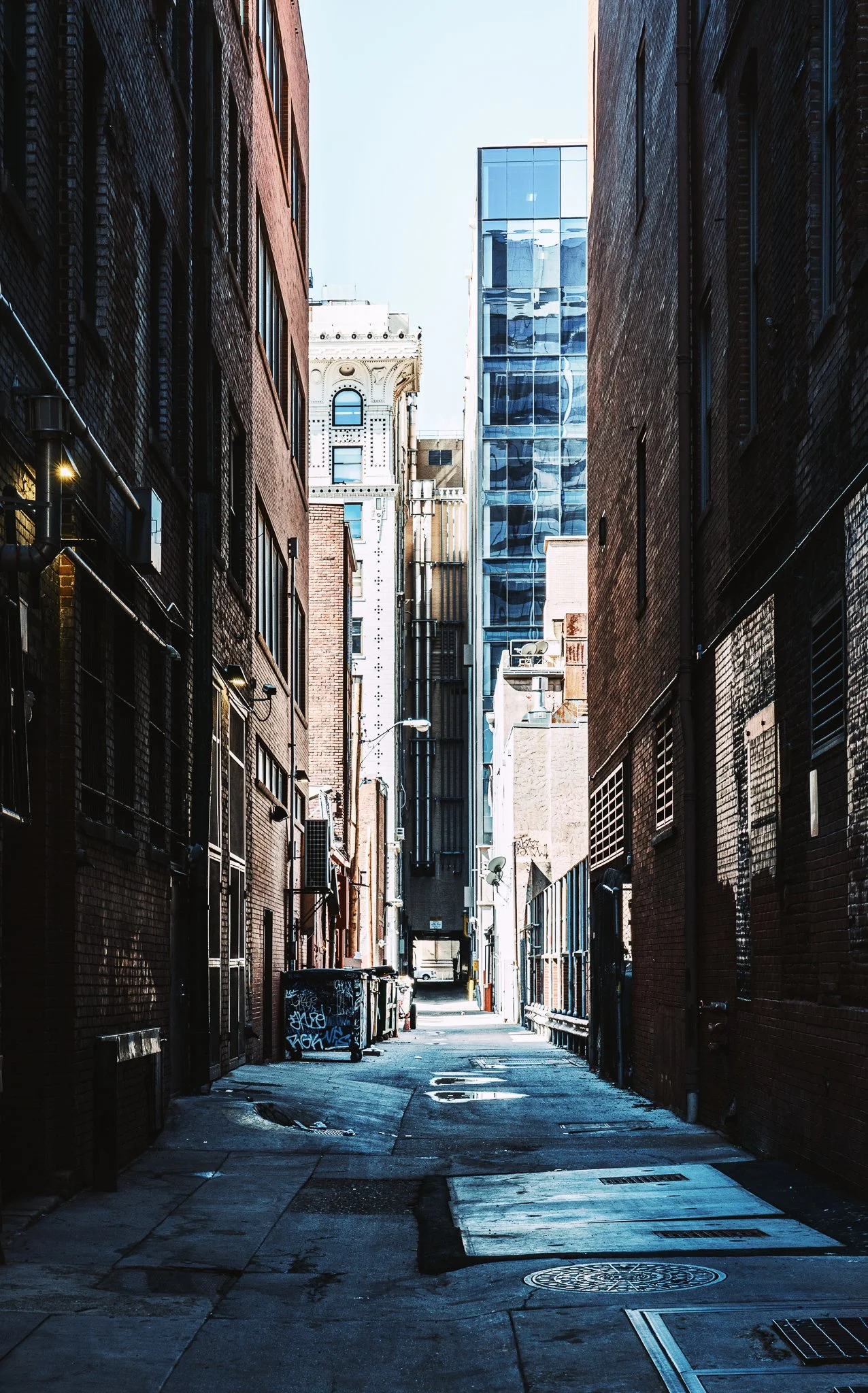
Bonus tip: When dehaze is not enough, double down on reducing middle grays with Curves. You can also use Curves to address midtone-heavy images to deepen shadows and have textures reemerge. Bring out the intricate lines and forms of urban environments with just a few thoughtful adjustments.
Bridge In Miraflores, Lima, Peru
Contact Scott to commission a print or license this image.
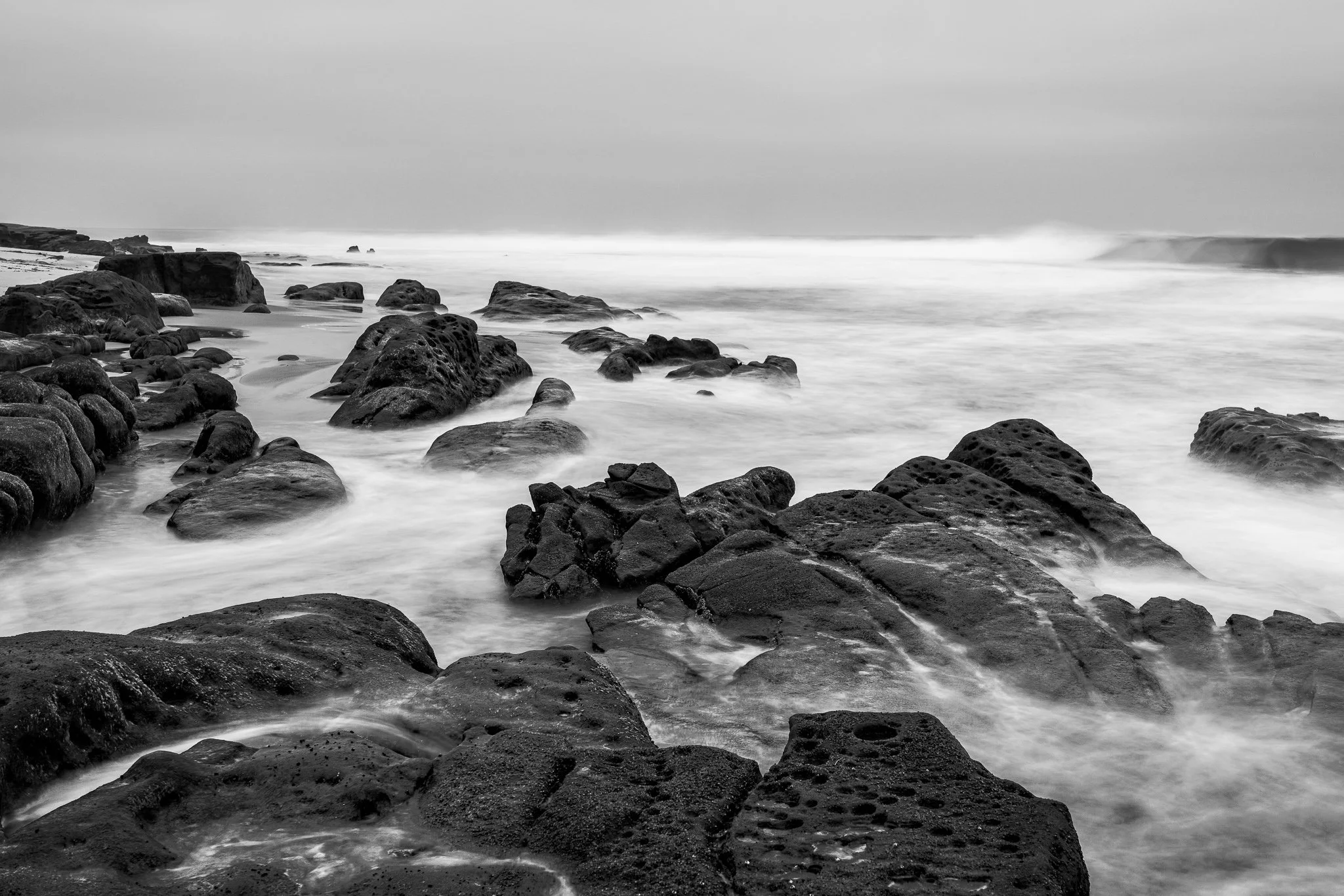
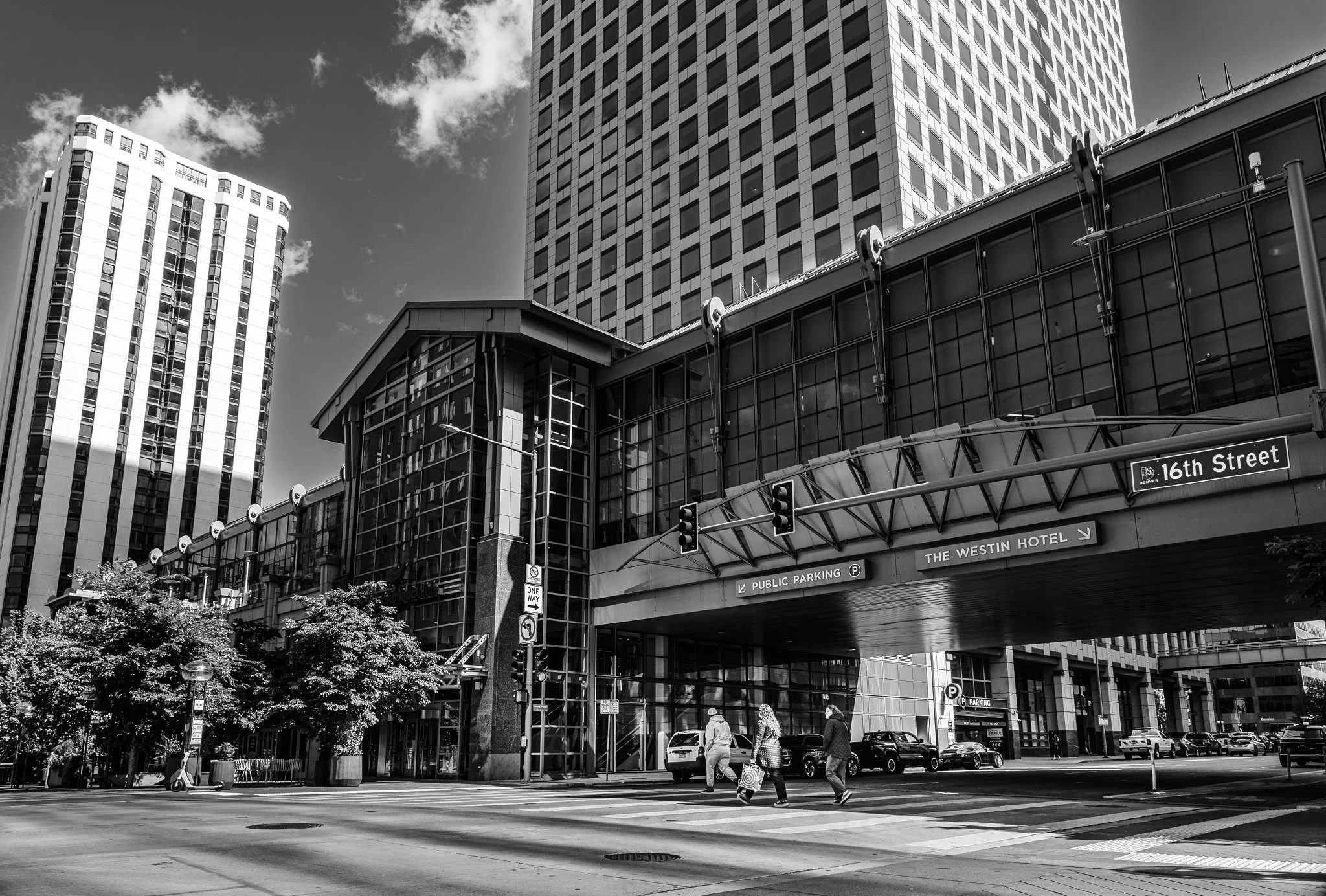


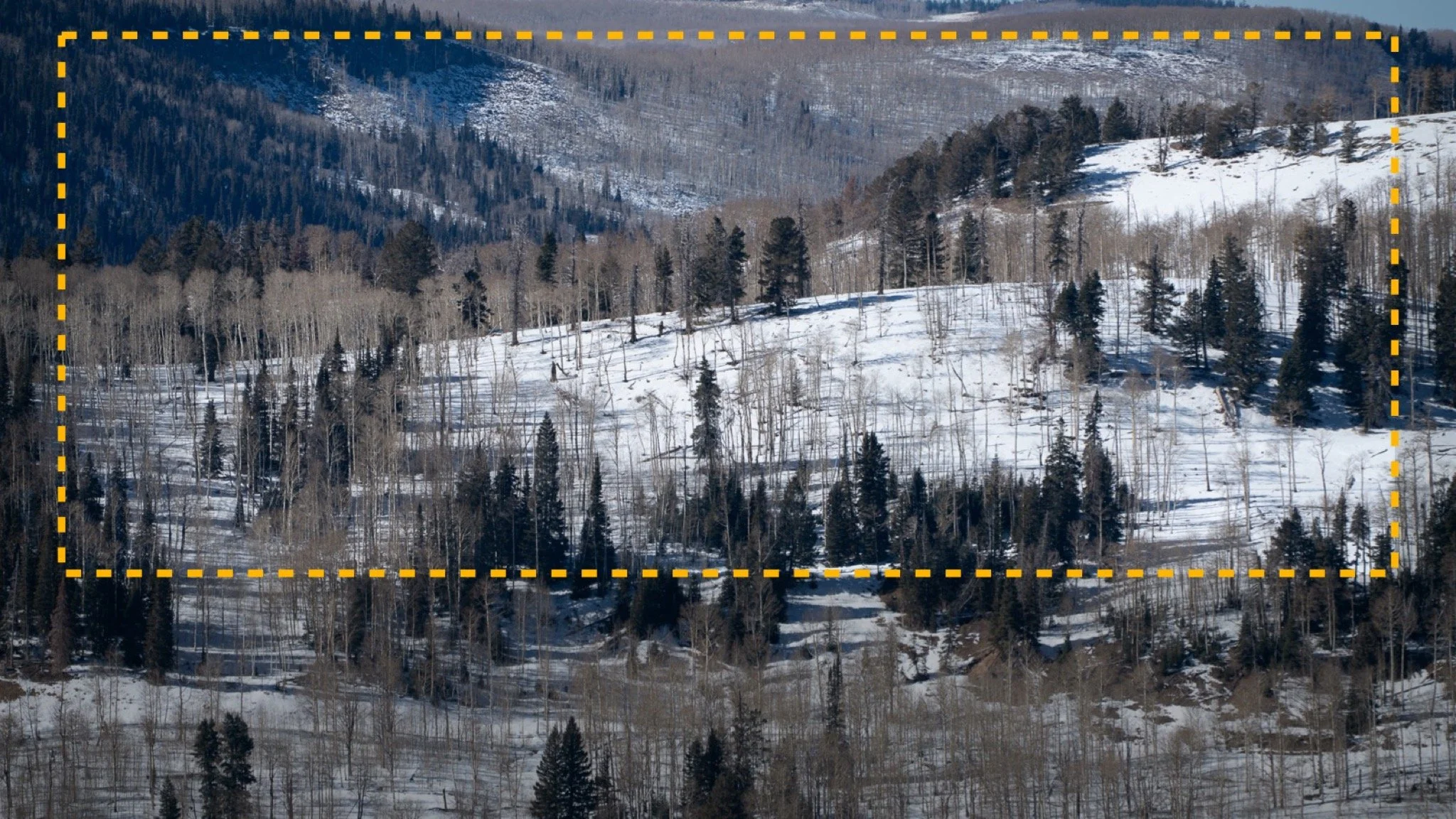
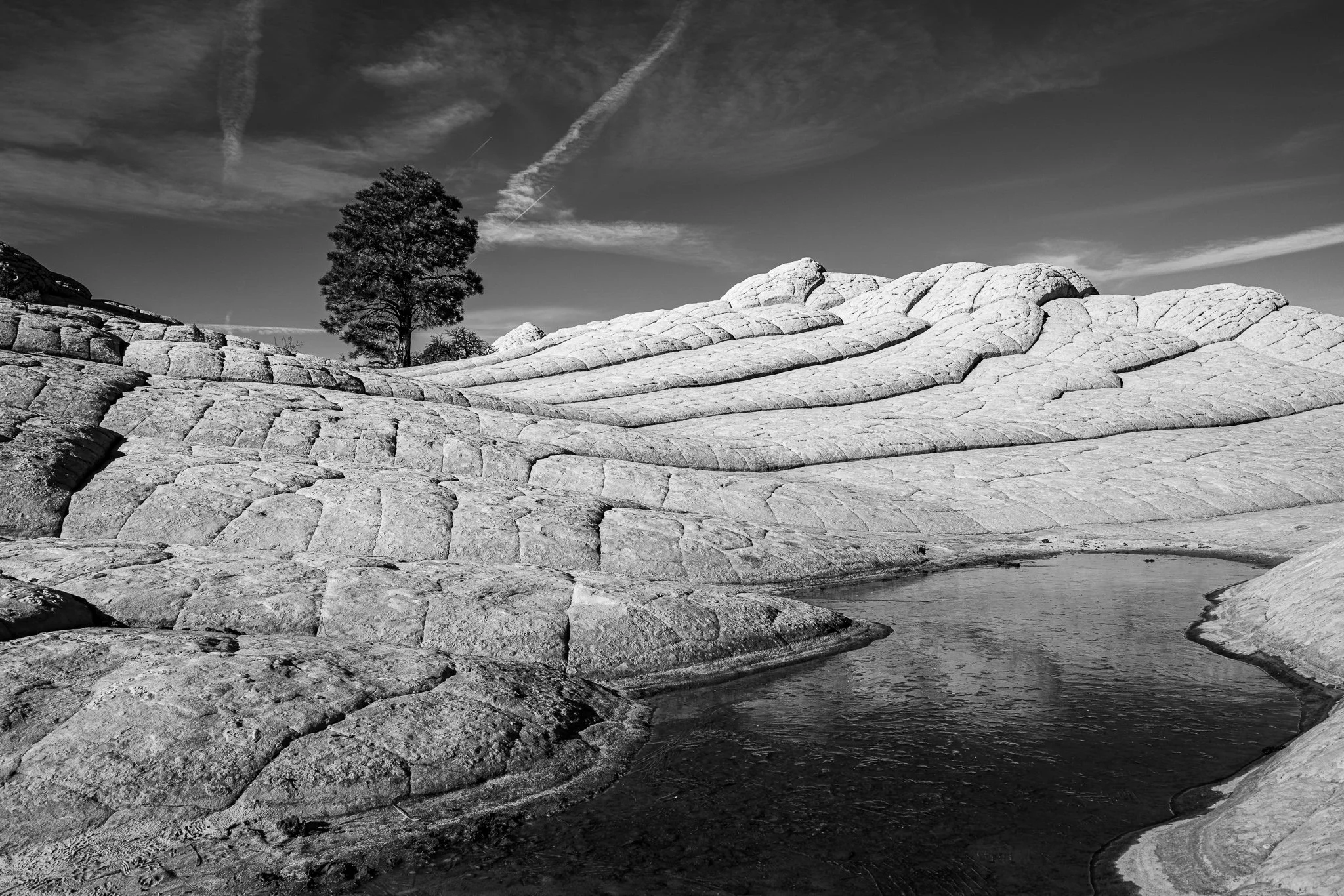
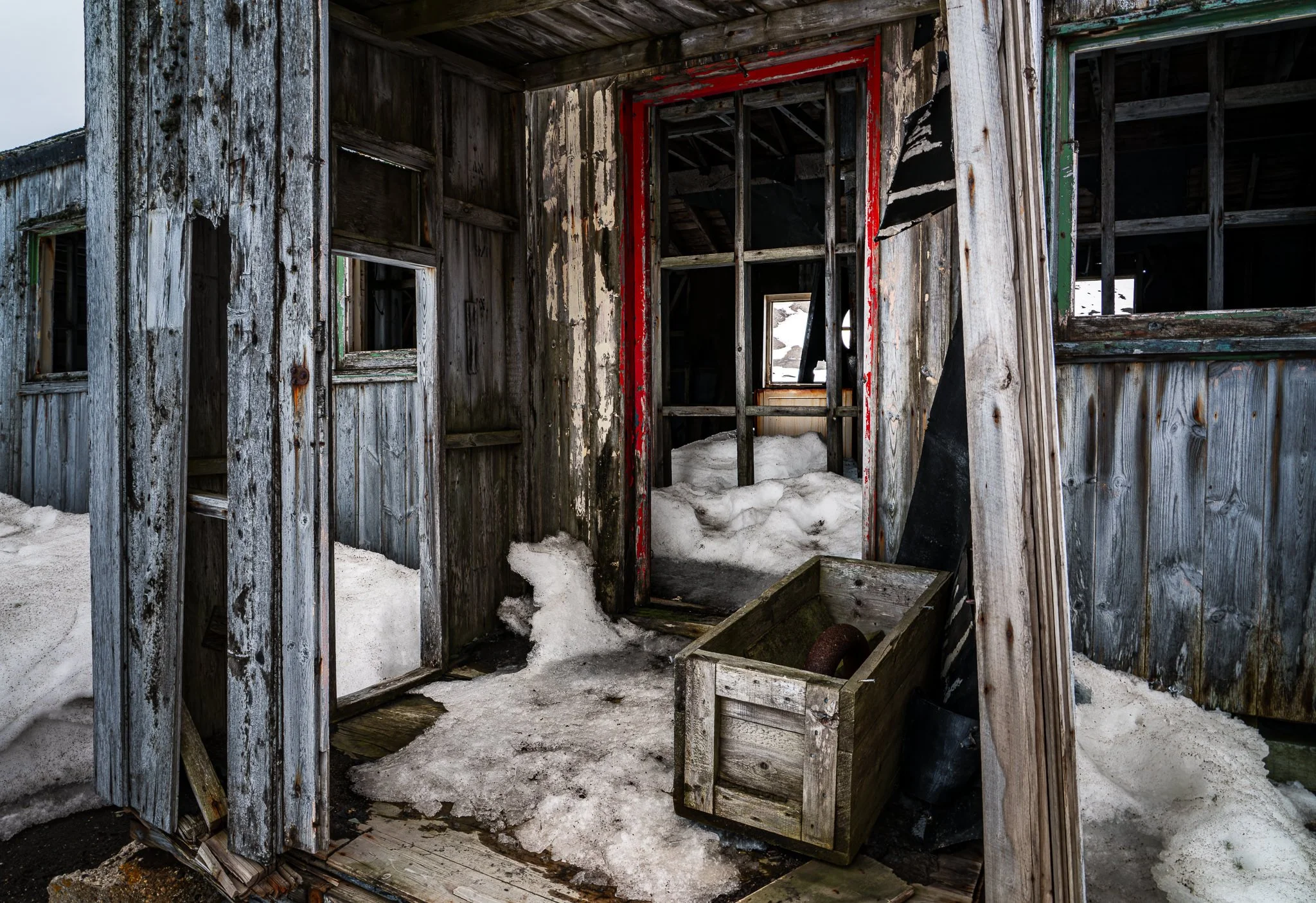


A vignette can help guide the viewer toward your subject, but lowering exposure around the edges of a black and white photo can quickly bury important shadow detail.
In this quick tutorial, I’ll show you a more controlled approach using a radial gradient and the Whites or Highlights slider. You’ll still get that visual nudge toward the subject without making already-dark areas disappear.