
If you enjoy posts like this, please support my work and support independent photography tutorials like this.
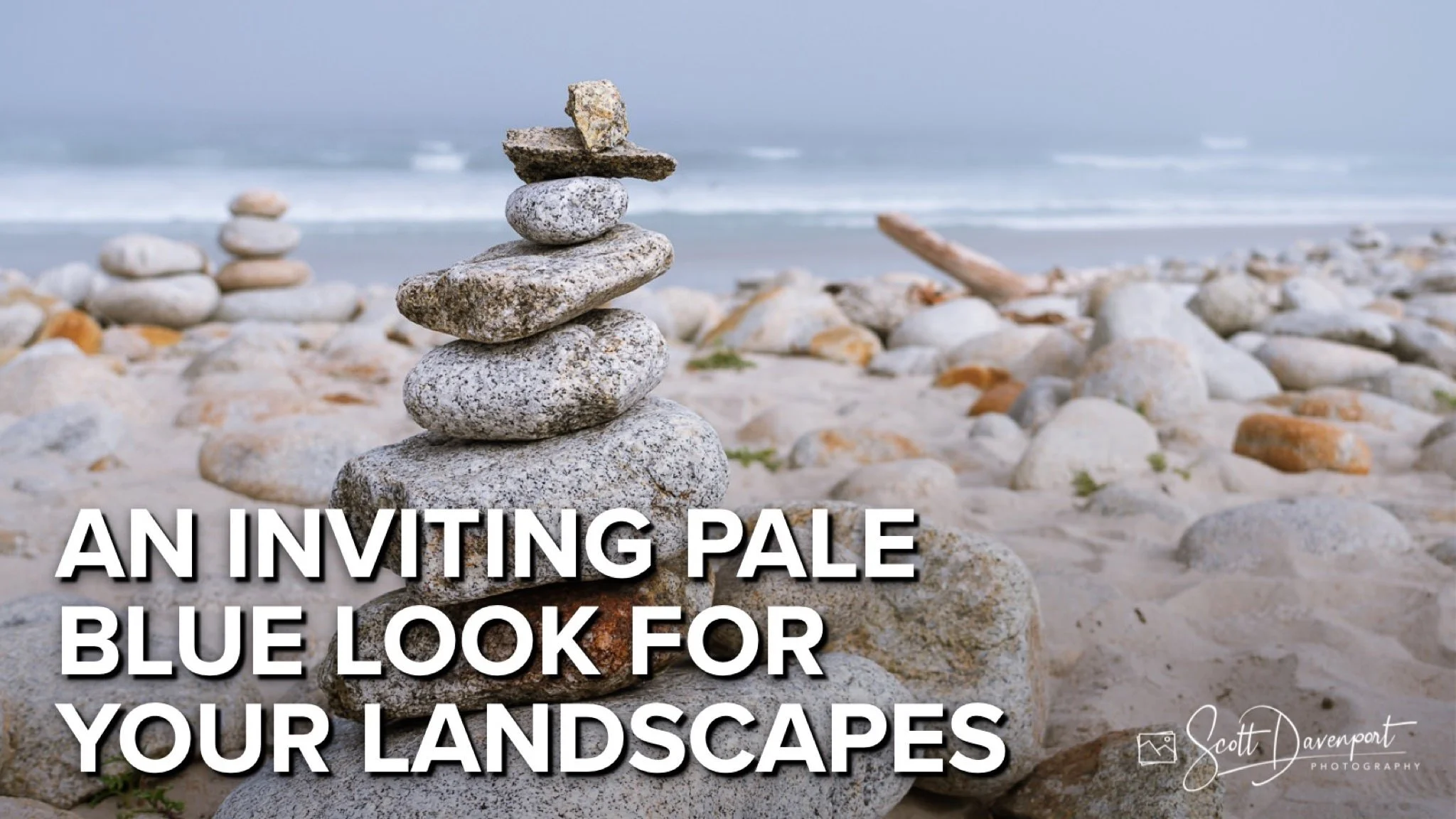
Landscape photographers know that overcast skies happen. Those blue/gray tones permeate the scene… and you can embrace and bolster the look. A pale blue cast to a photo adds an amount of calmness, even a bit of a vintage feel.
You can use a curves adjustment to create a pale blue look to your photo. This technique works in any software that has a curves control.
Open your curves tool.
Switch to the blue channel
About 2/3rds of the way up the curve, click and drag upward slightly
(Optional) Flatten the curve toward the lower left to leave shadows unaffected
What this adjustment does is add blue (and remove yellow) to brighter parts of the image. The darker areas are less affected. Only small adjustments are needed - less is more with curves.
Before: The soft blues of the scene is lost to initial processing.
After: A small curves adjustment restores the inviting, pale blue look.
Cairn On Moss Beach, Monterey, California
Contact Scott to commission a print or license this image.
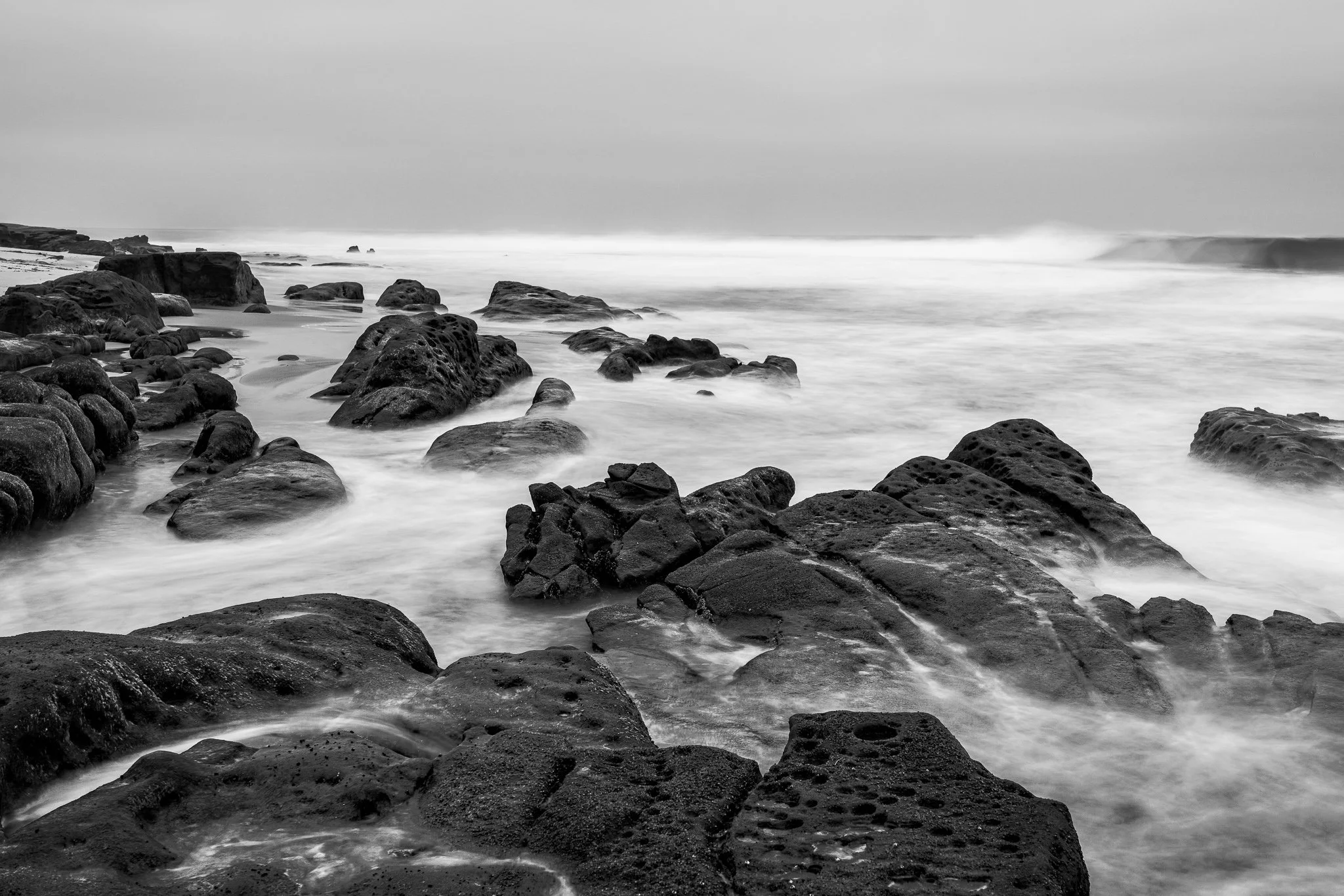
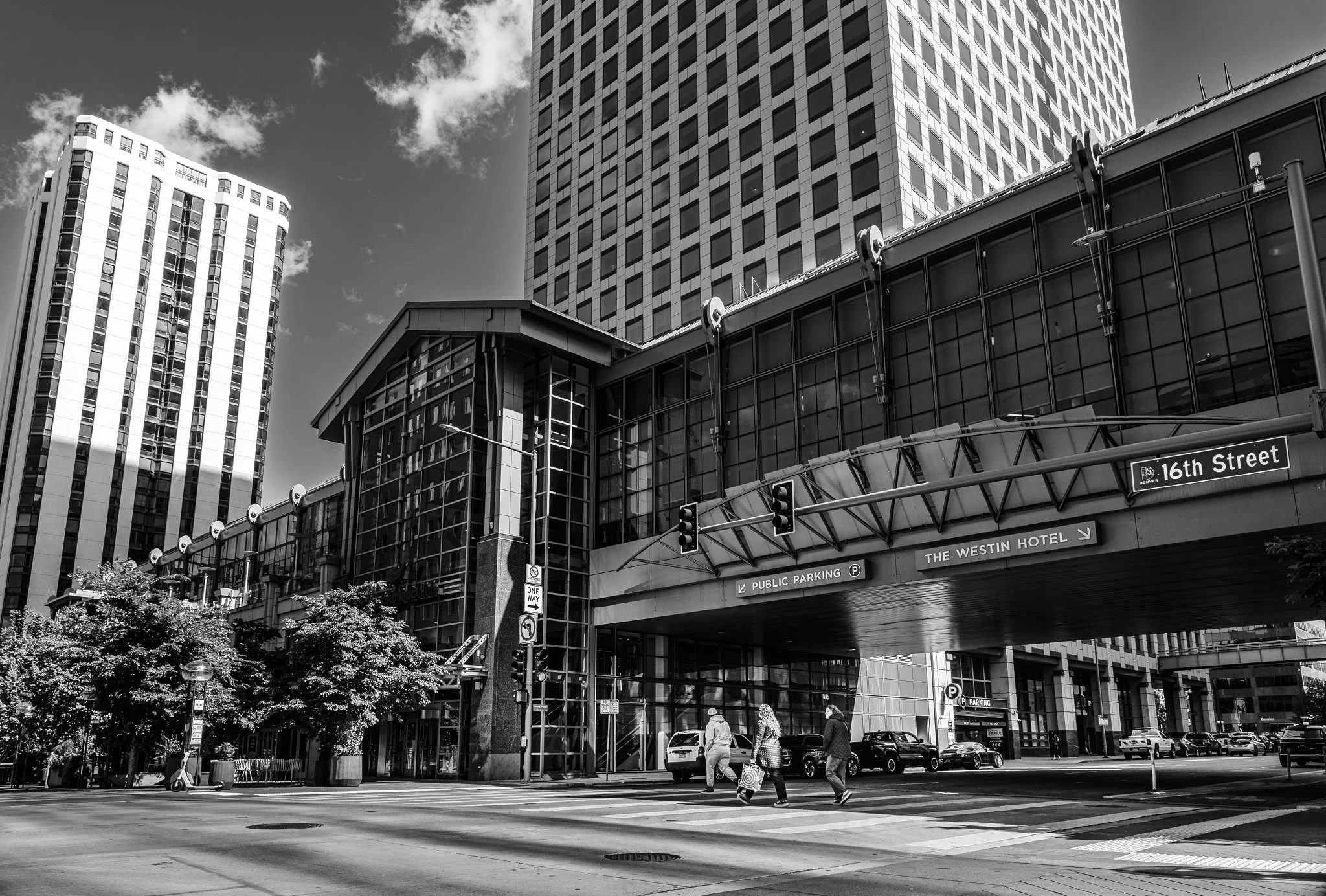
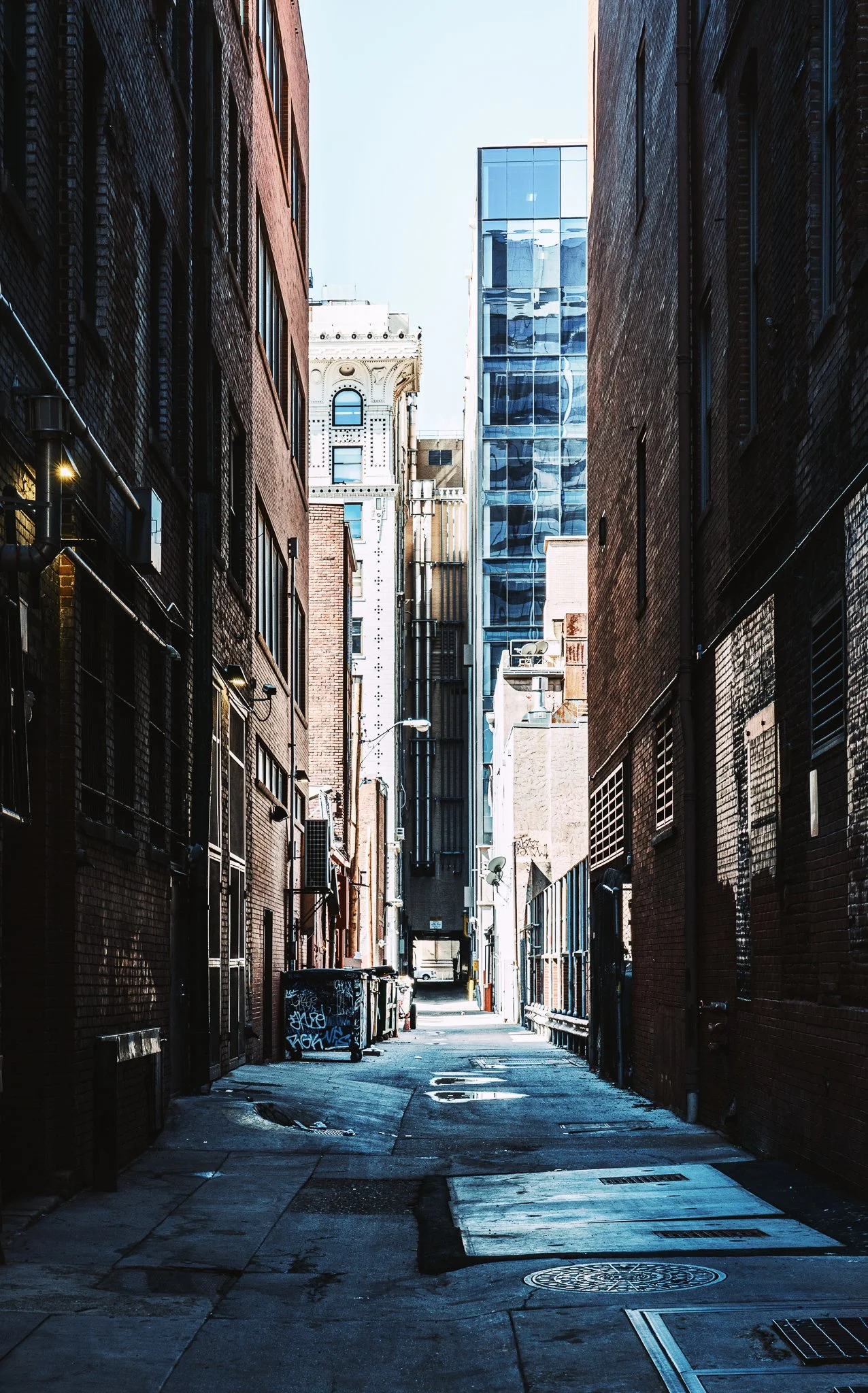


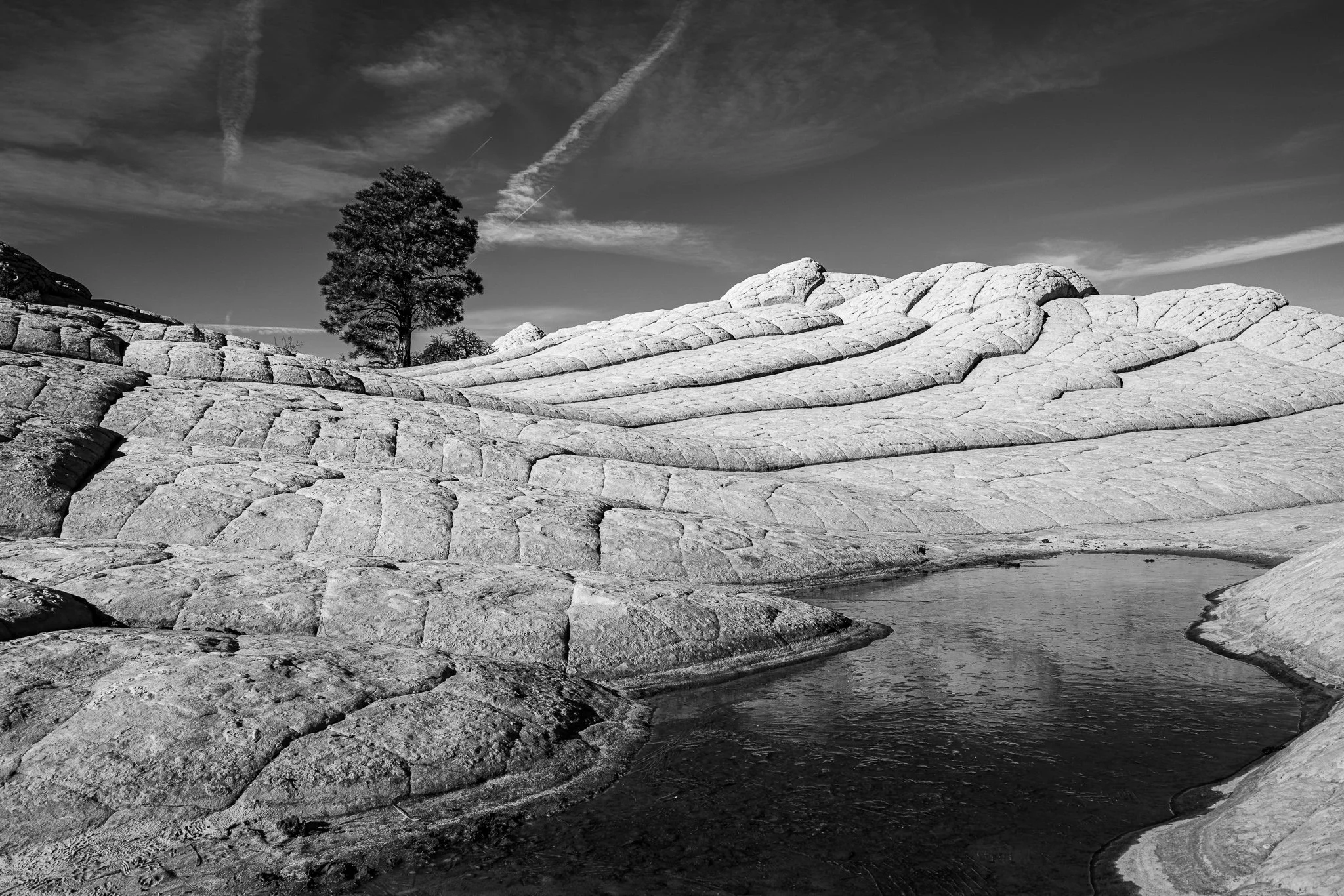


A vignette can help guide the viewer toward your subject, but lowering exposure around the edges of a black and white photo can quickly bury important shadow detail.
In this quick tutorial, I’ll show you a more controlled approach using a radial gradient and the Whites or Highlights slider. You’ll still get that visual nudge toward the subject without making already-dark areas disappear.