

Videos And Articles
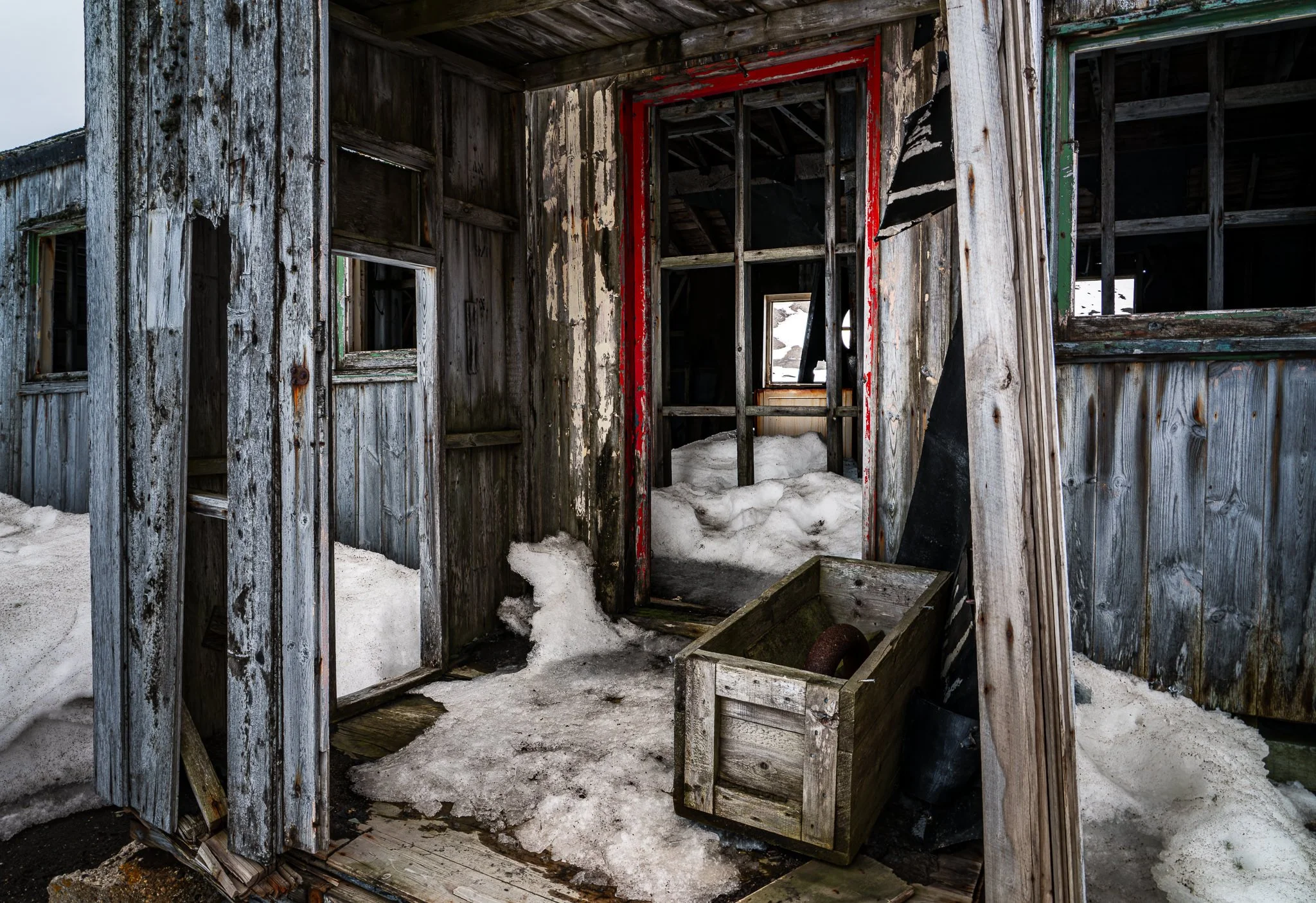
The Journey of a Photo: Shaping Light & Shadow
A handful of local adjustments seemed enough to guide the eye toward a forgotten doorway—until curiosity pushed the edit further. Join me as I shape light and shadow, exploring “what if” moments that transformed the mood of this abandoned whaling station.

Shaping the Story: Controlling Light & Shadow with Lightroom
When you use a series of masks to shape light and shadow, you control the visual narrative of your photo. In this quick tutorial, I’ll show a the series of small changes that guides the viewer to a village at the valley floor of Sacred Valley, Peru.

Control The Light, Own The Narrative
When you take command of light in your edits, you take command of the story your image tells.
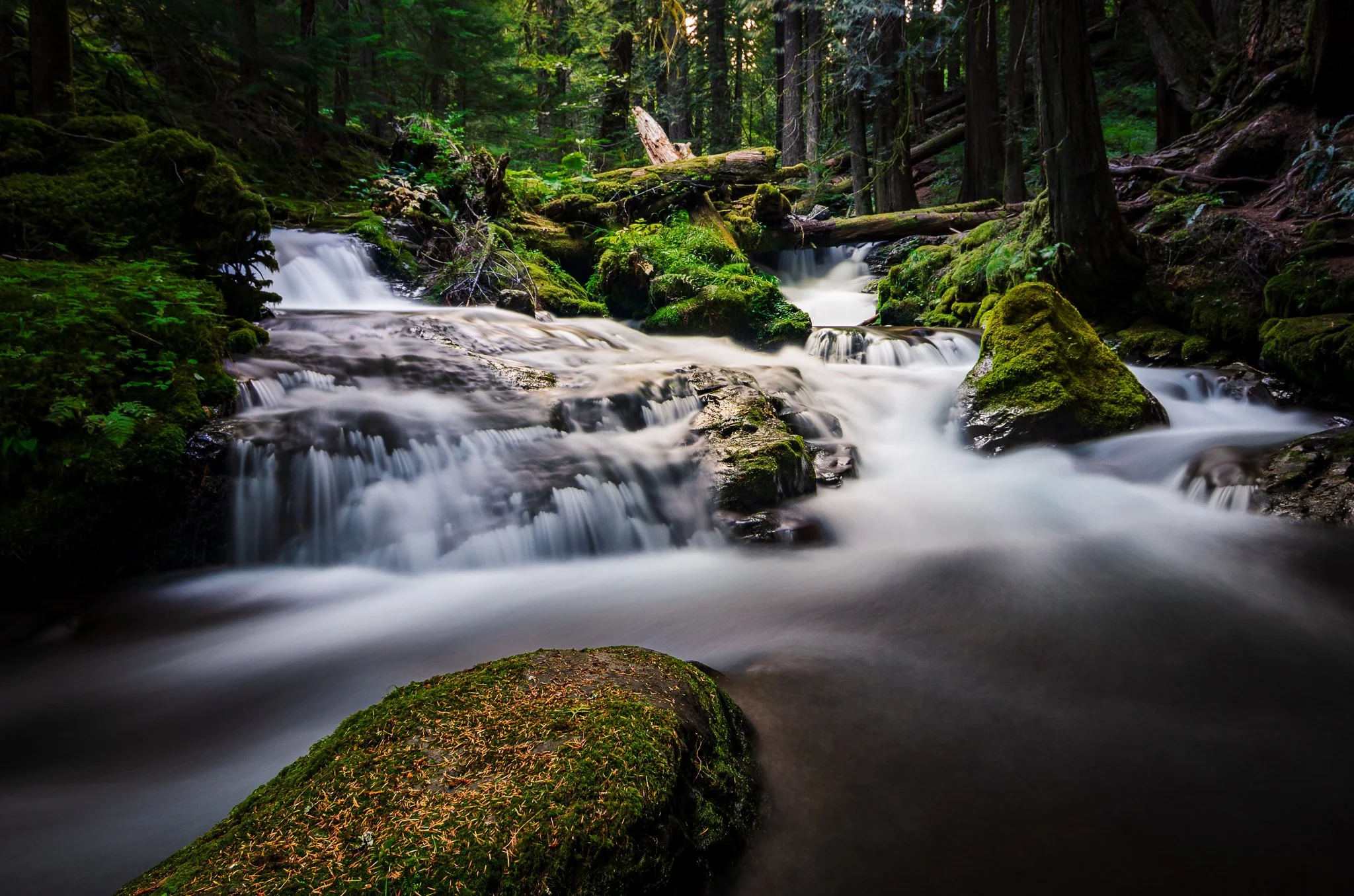
Revisiting a 10-Year Old Photo: How My Editing Evolved
Revisit a 10-year-old photo with me and see how much can change when you focus on visual storytelling over time. By reshaping light and refining tone, you’ll see how an image becomes more natural, stronger, and more compelling with a more mature vision.

Live Edit: High Key Black & White
An unscripted black and white edit, shaping a foggy morning of boats into a high key, dreamlike scene. From raw frame to final image, it’s all about light, mood, and letting the photograph lead the way.

Twilight Glow with Color Curves
Add a soft twilight glow across your mountain scenes using targeted color curves and a precise gradient band in Lightroom.

Shaping Light With Curves
Master the tone curve to shape light, enhance contrast, and bring intentional depth to your black and white photos.

Lightroom Distraction Removal - When It Works (and When It Doesn’t)
The new Distraction Removal tool in Lightroom is a nice addition and a great timesaver for a lot of images - but not all of them. I have a few tips for you to get the most out of removing people from your photos and recognizing when you’ll want to guide generative AI with your own hand.

Lightroom’s Select Landscape Didn’t Work? Don’t Give Up!
When Lightroom's Select Landscape misses the mark, don't give up—use it as a starting point, then layer in tools like Brush, Duplicate, and Invert to take full control of your mask.

Lightroom's AI Landscape Masking Is Excellent
The April 2025 release of Lightroom introduced a significant enhancement to its AI masking capabilities with the new Select Landscape feature. This tool intelligently identifies and creates separate masks for various landscape elements within a photo, such as sky, vegetation, water, mountains, natural ground, artificial ground, and architecture.
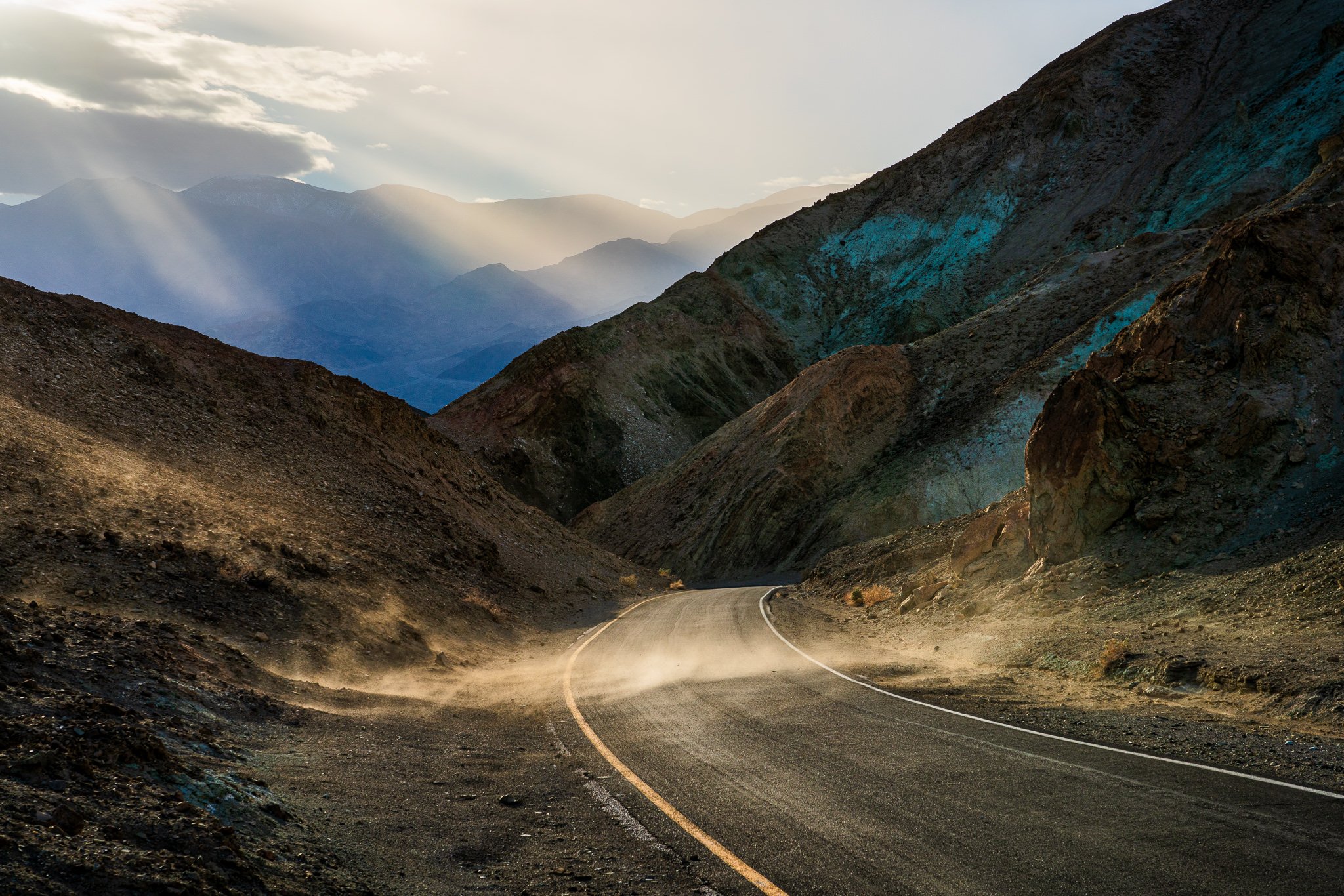
Precision Edits Using Intersects In Lightroom
A masking tool “recipe” I use again and again in Lightroom is to Intersect a mask selection with a brush. Let me show you how you can take advantage of this for your photography.

Straighten Wonky Angles Like A Pro
The Transform tool in Lightroom has the controls to correct lines in your photos and achieve professional-looking results.