

Videos And Articles
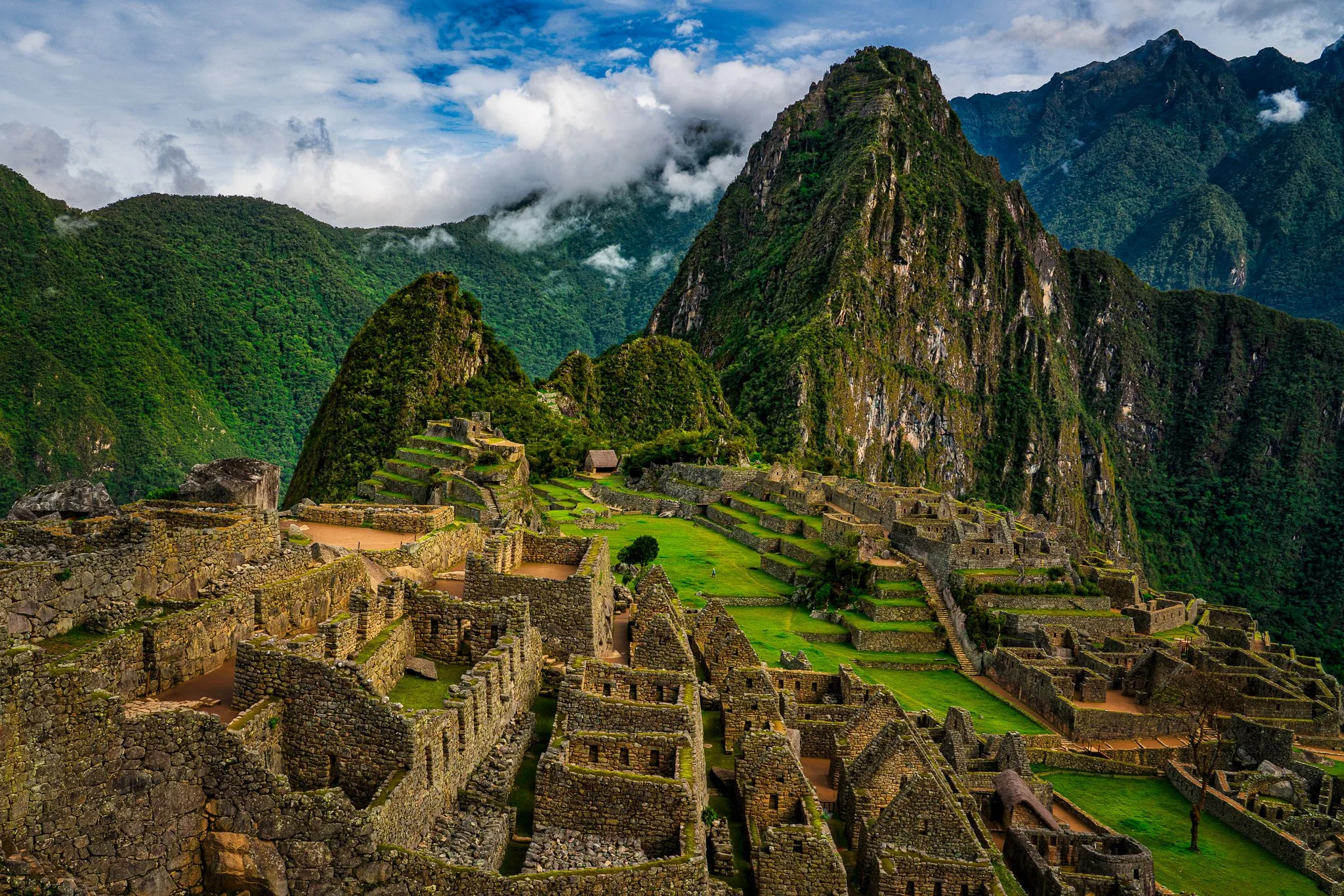
3 Great Landscape Finishers in Luminar Neo
Lightroom gets me most of the way there — Luminar Neo helps me finish the photo. Here are the three tools I use when a landscape needs just a little extra drama or dreaminess.
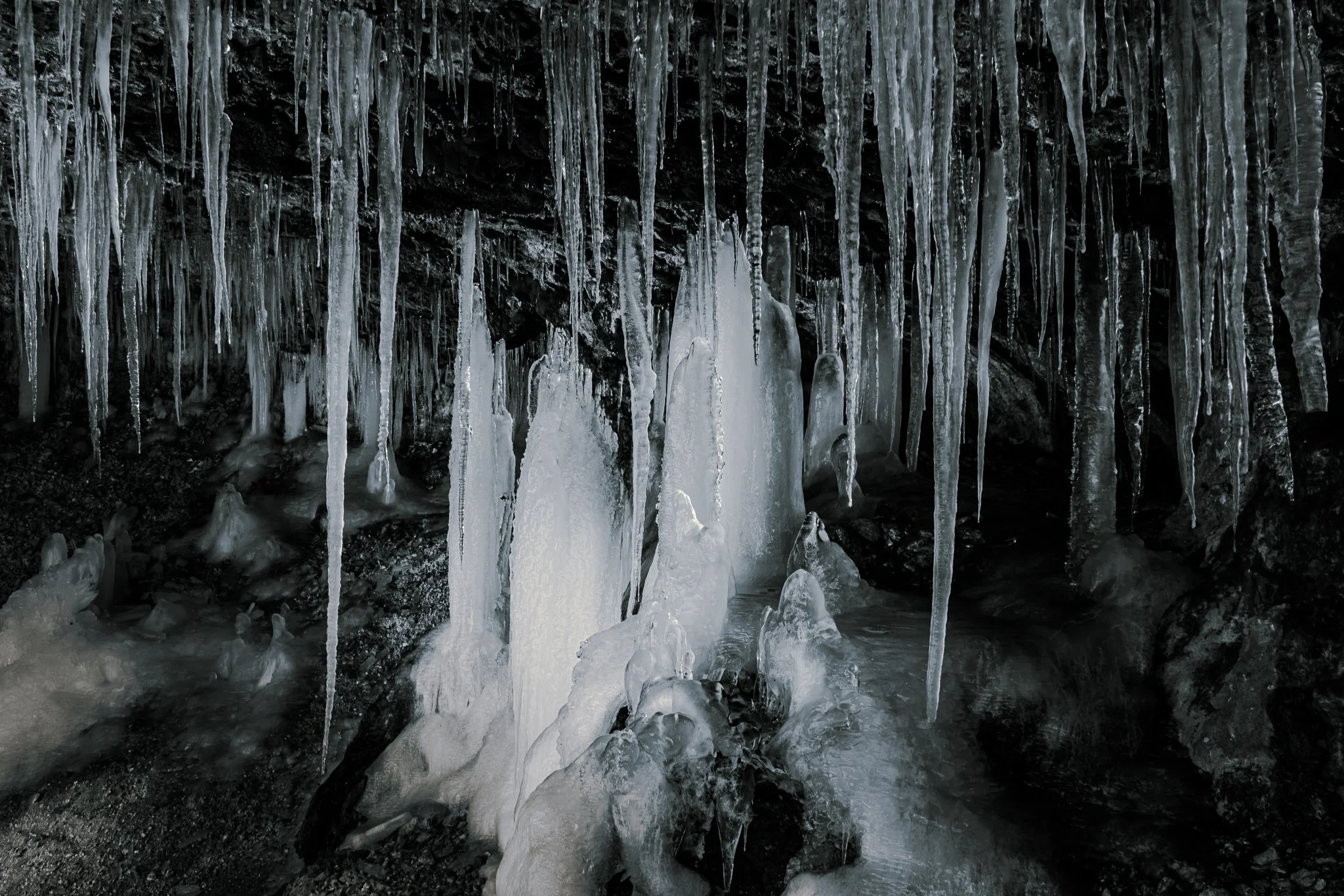
Why I Use Luminance Masks Instead of Color Grading for Black & White Toning in Lightroom
Most photographers use Color Grading to tint black and white photos—I don’t. In this video, I show how luminance range masks give you far more control (and reusable presets) for selenium, cyanotype, and other classic B&W looks.
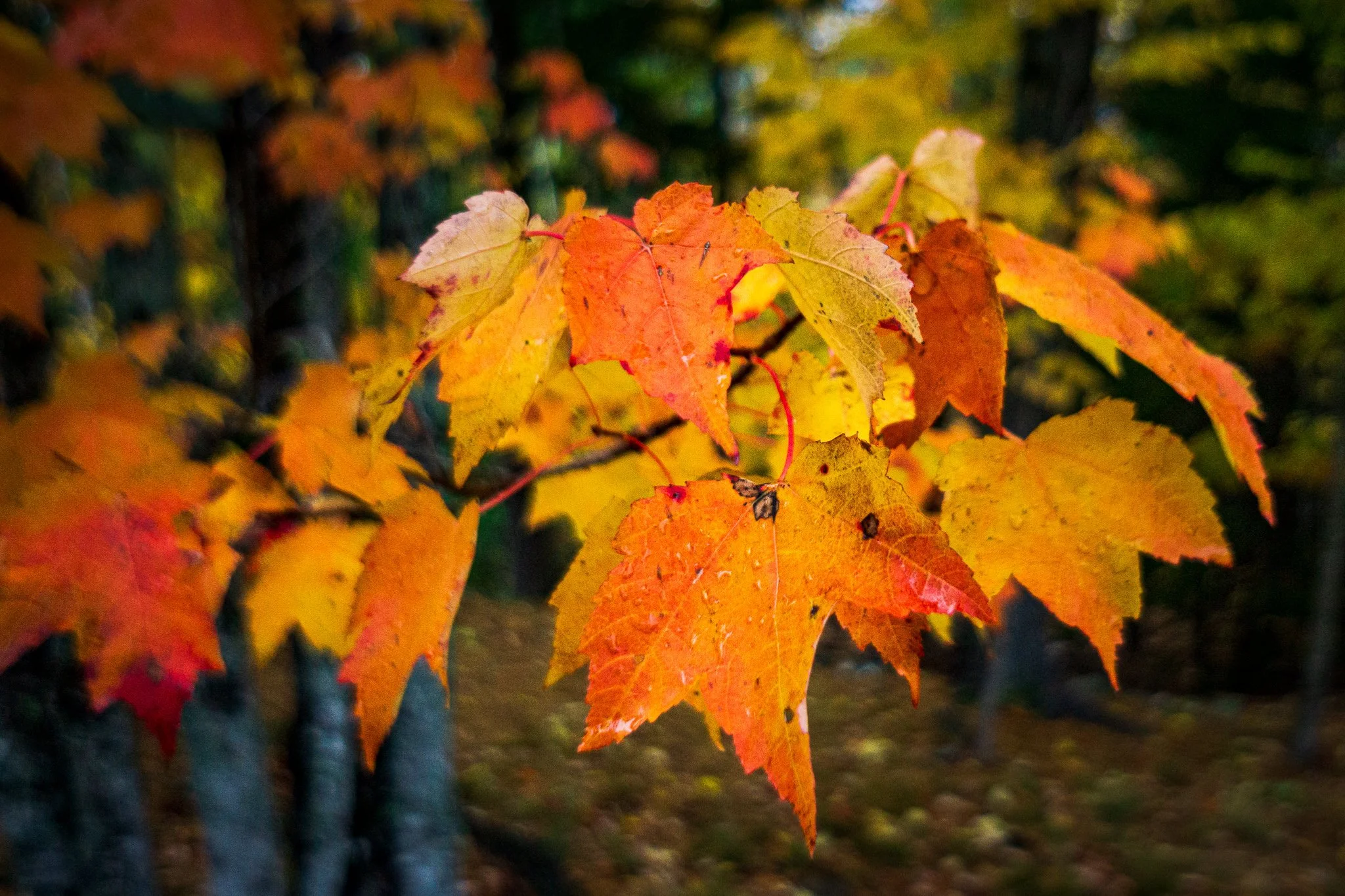
A Lightroom Pet Peeve (That Actually Matters)
Lightroom has a tiny pet peeve baked right into the Basic panel — and it’s all about timing. Give Auto a moment, pick your Camera Profile first, and you’ll get better results with less fuss.

Luminar Neo AI Assistant: Where the AI Ends and You Begin
The AI Assistant in Luminar Neo can be a powerful starting point—but it’s not the finish line. In this video, I show where the AI assistant ends and you, the photographer, begin.
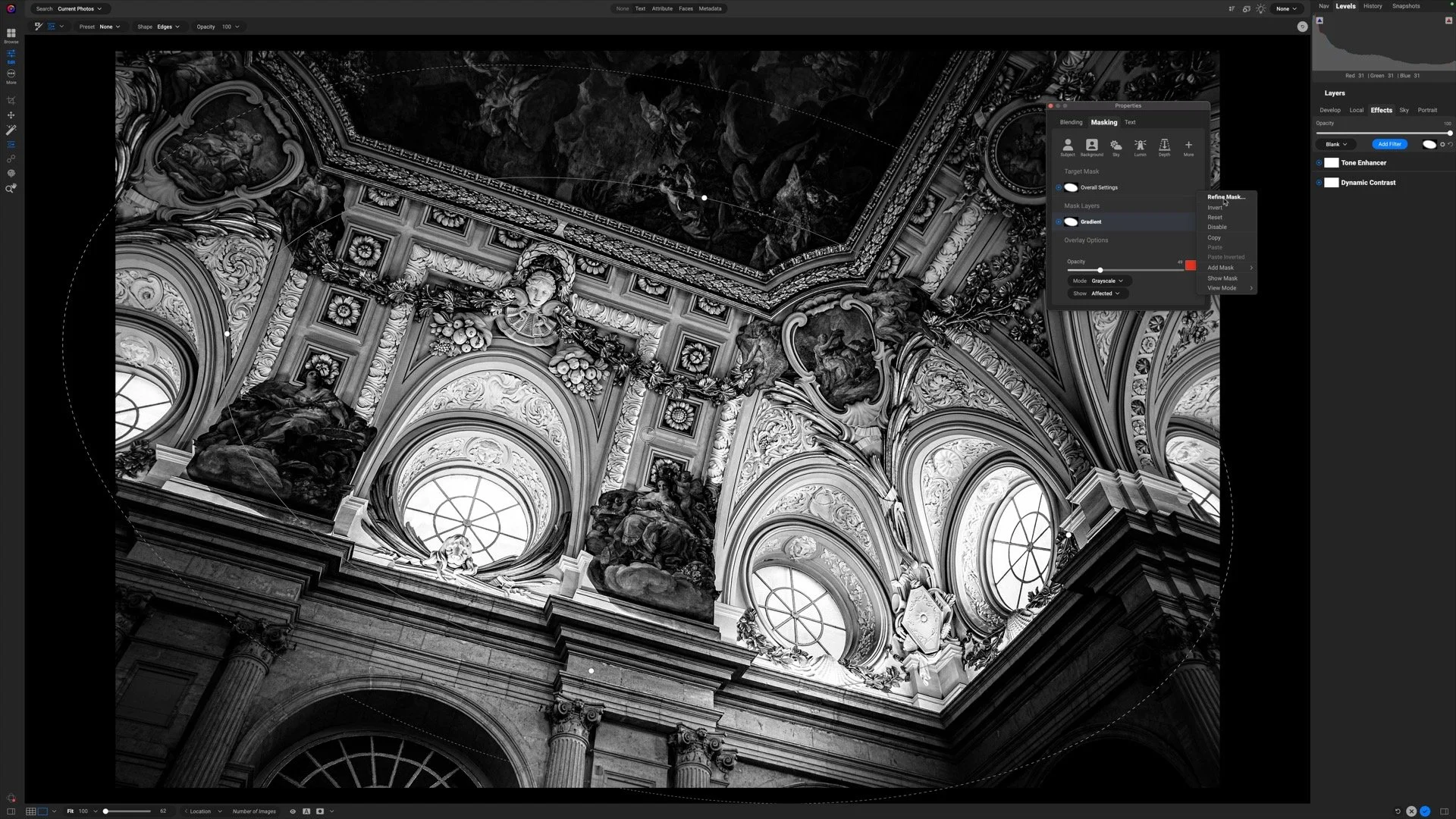
Selective Detail Control - ON1 Filter Stack Masking
Selective detail can make or break a black and white photograph. In this video, I show how to focus attention where it matters most while keeping the rest of the image soft and cohesive.
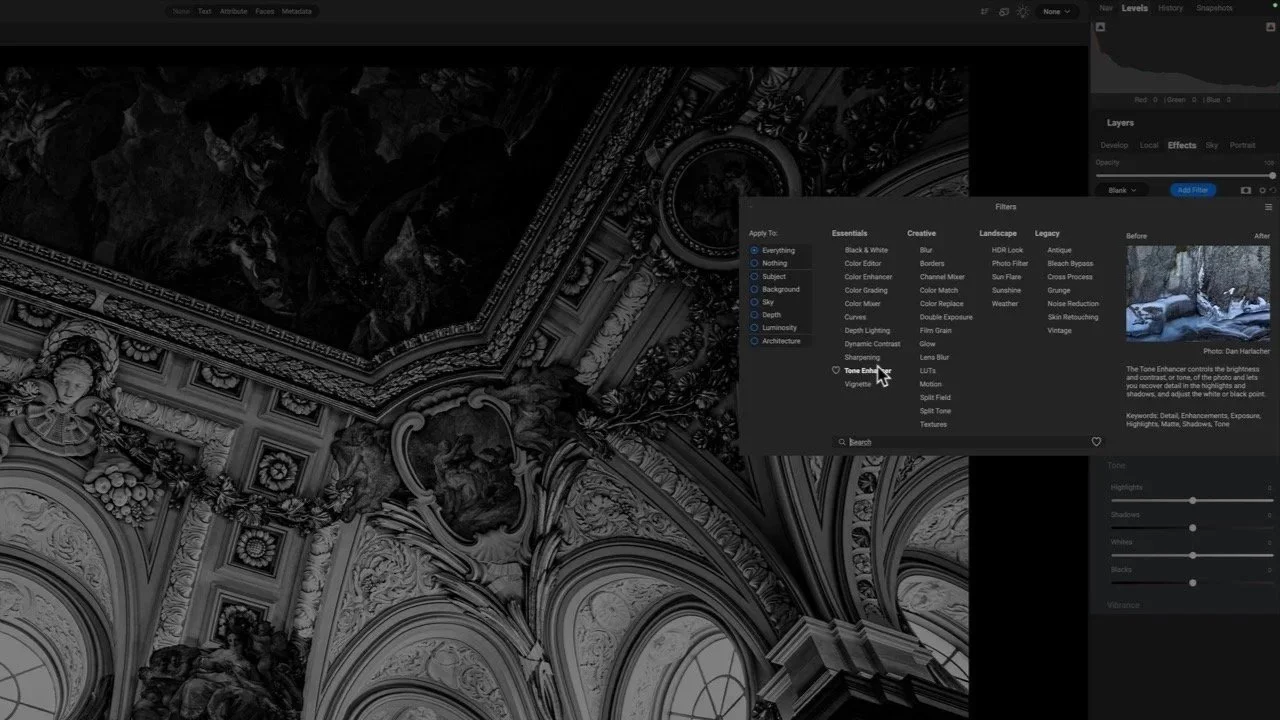
Enhancing Architectural Detail - Ultimate Contrast in ON1
This image is packed with beautiful detail—but it needs a thoughtful touch to shine. I’ll show how Dynamic Contrast and Tone Enhancer in ON1 bring out texture and structure without pushing the photo too far.
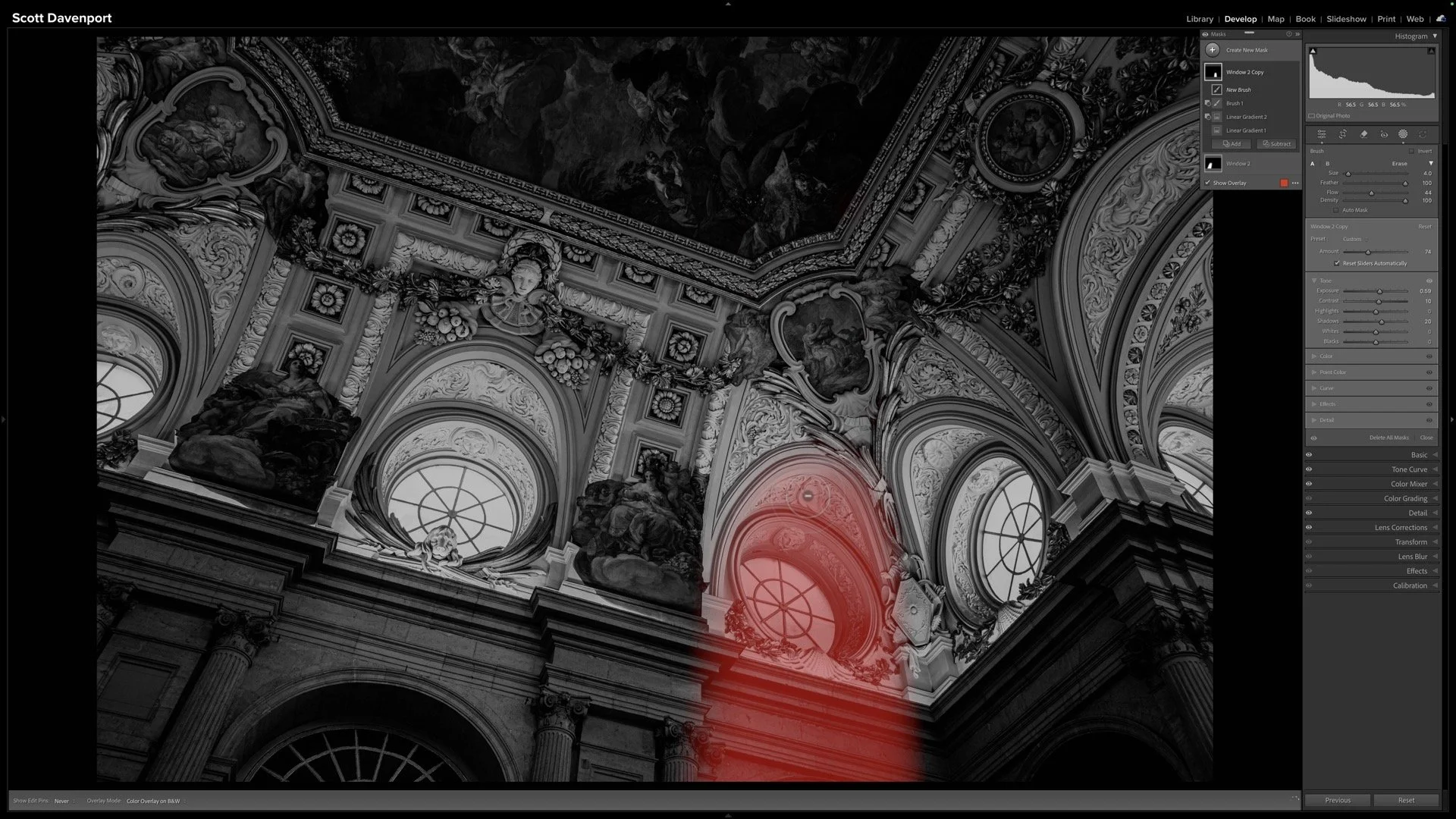
Sculpting Light in Black & White Architecture - Lightroom Masks
Light gives this image its emotional weight. In this video, I use Lightroom masks to create subtle shafts of light that add depth, direction, and atmosphere to an architectural black and white.
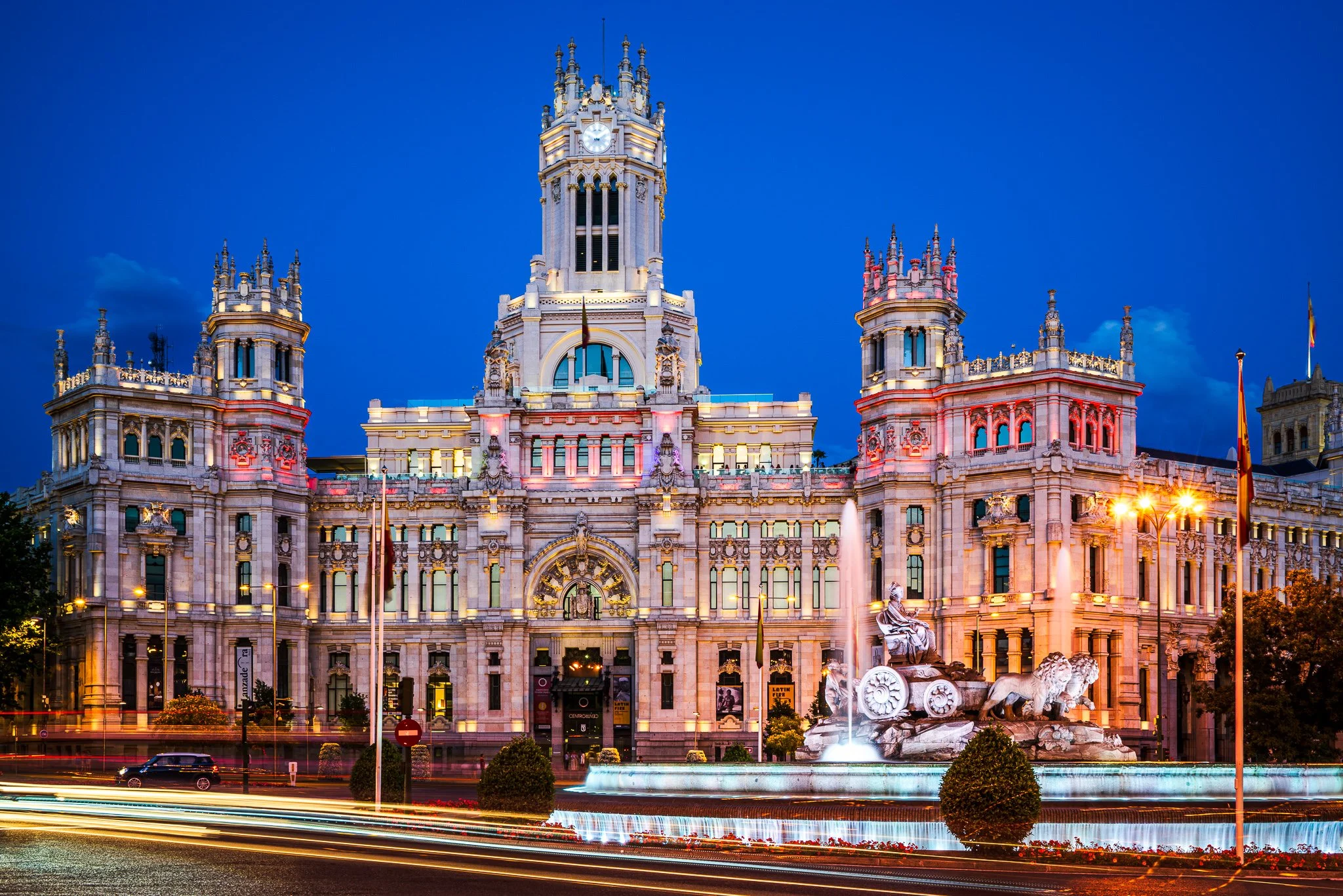
A Clean Sky Vignette In 2 Minutes
A clean sky vignette shouldn’t affect anything else in your photo. In this quick Lightroom tutorial, I’ll show you how intersecting a radial gradient with a Sky mask gives you precise, natural results in just a few clicks.

Sculpt Light, Keep Detail - 3 Lightroom Masks for Architectural Photos
Light is the story here. In this Lightroom edit, I use three precise masks to turn harsh directional light into something soft, glowy, and intentional—while guiding the eye through the corridor and protecting every bit of architectural detail.
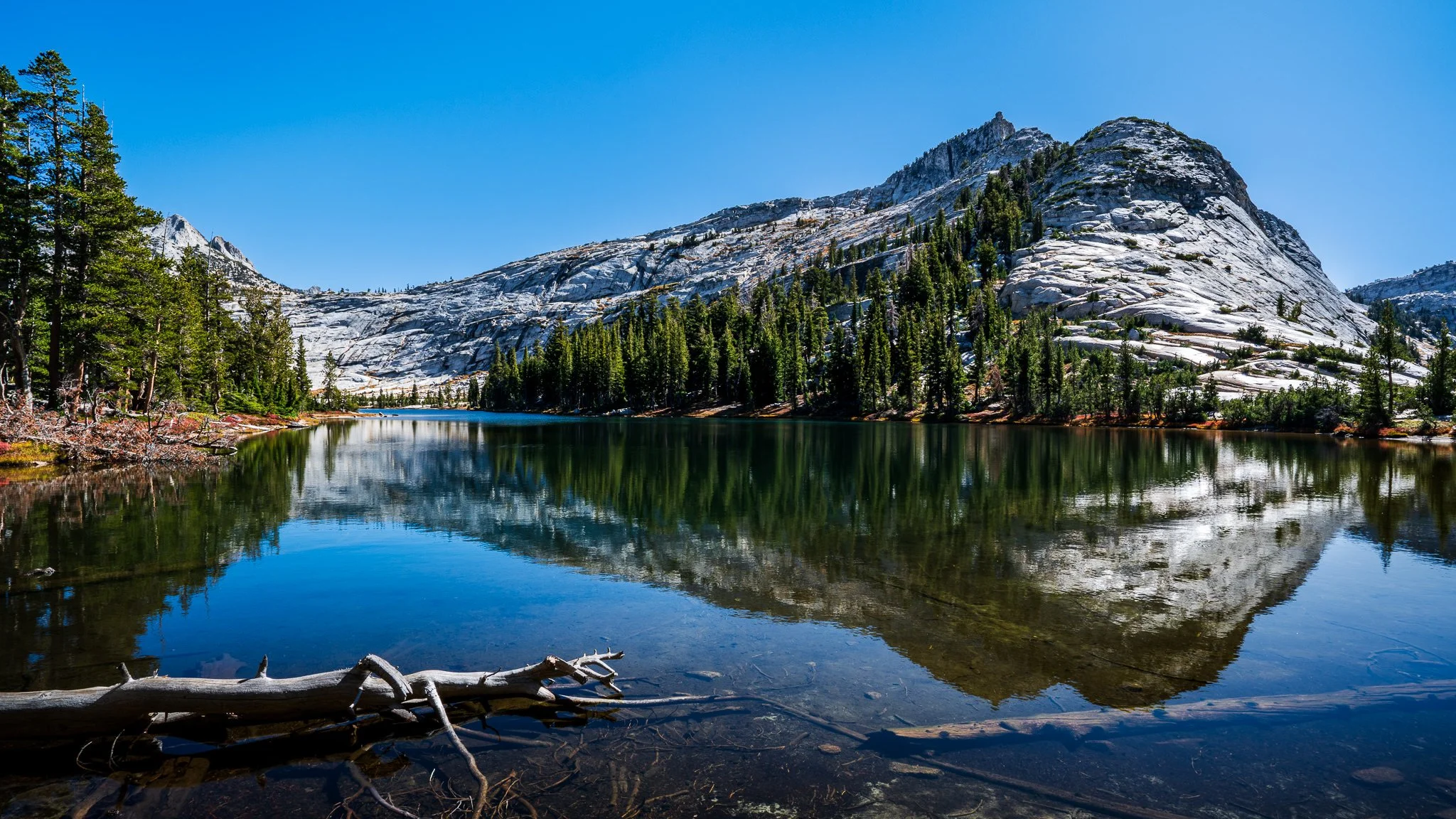
How I Brighten Highlights in Reflections With ON1’s Masking Tools
Learn how to brighten highlights in reflections without affecting the shadows or midtones. In this tutorial, I walk through a precise masking approach using a luminosity mask and a brush tool to keep the adjustment clean and natural.
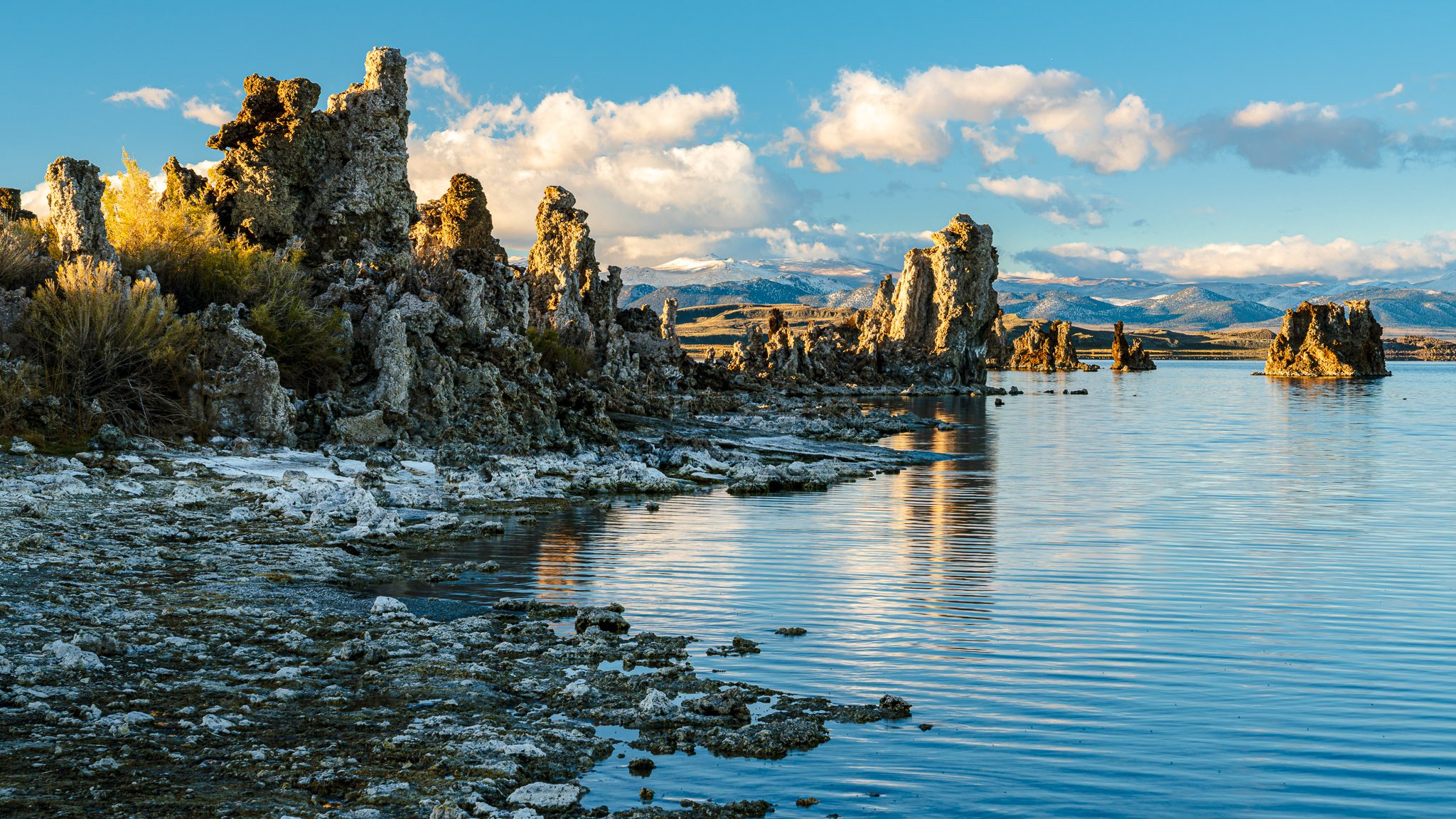
How I Brighten Highlights in Reflections Using Lightroom’s Advanced Masks
Learn how to brighten highlights in a lake reflection without affecting the shadows, midtones, or the blues in the water. In this tutorial, I walk through a precise masking approach using color, luminance, and brush tools to keep the adjustment clean and natural.
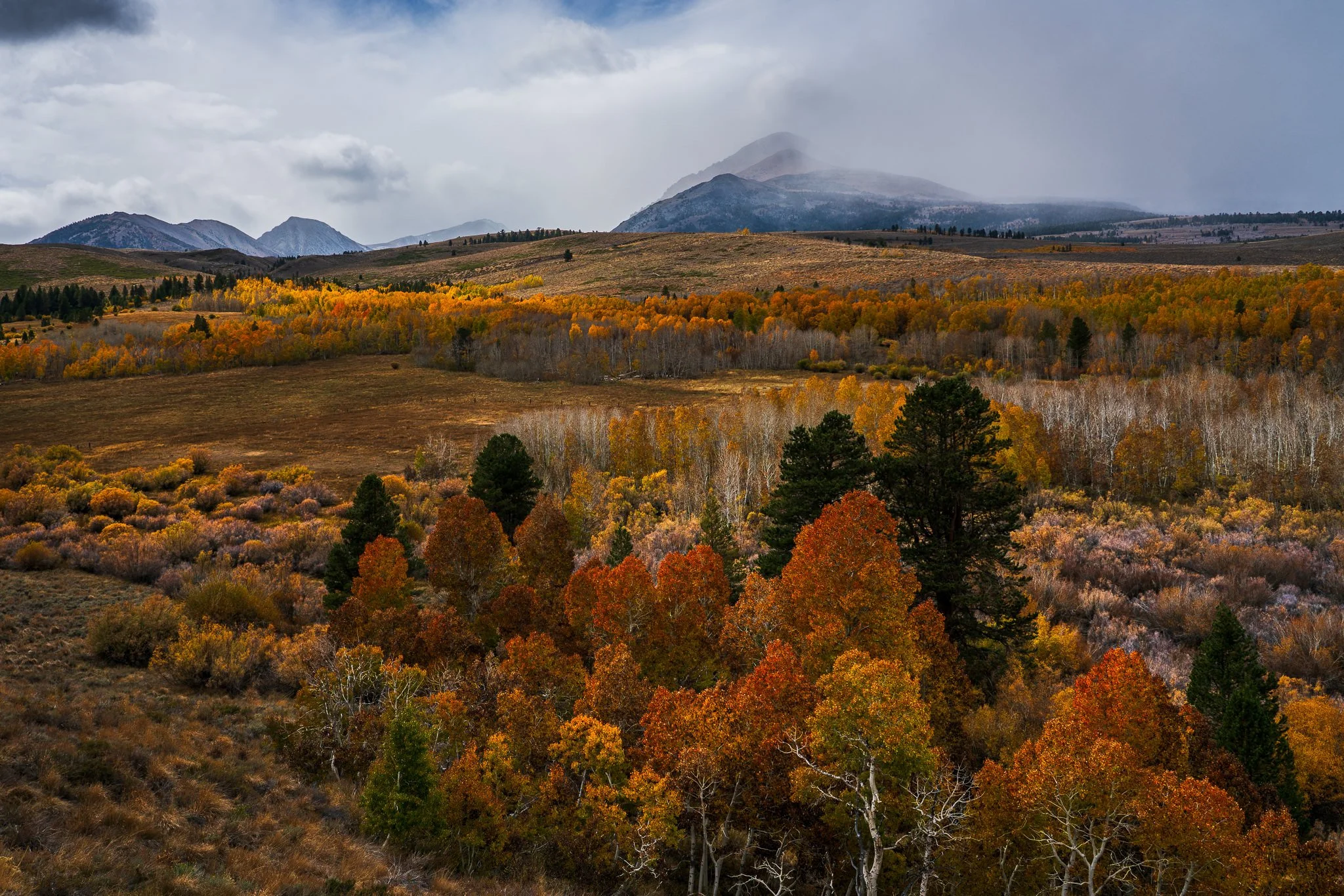
Unscripted Live Edit! Autumn Hills & Mist
In this uncut, unscripted edit, I take you straight into an autumn landscape where the color tells the story. Watch as subtle light and shadow adjustments bring the fall hills to life, while the misty mountains fade into the background, letting the season shine.