

Videos And Articles

The Visual Storyteller Bundle - Makes Images That Resonate
The real magic of editing — the kind that pulls viewers into the frame and keeps them there — comes from shaping light and shadow with intention. My Visual Storyteller Bundle will help you make stronger photos that resonate with your viewers.
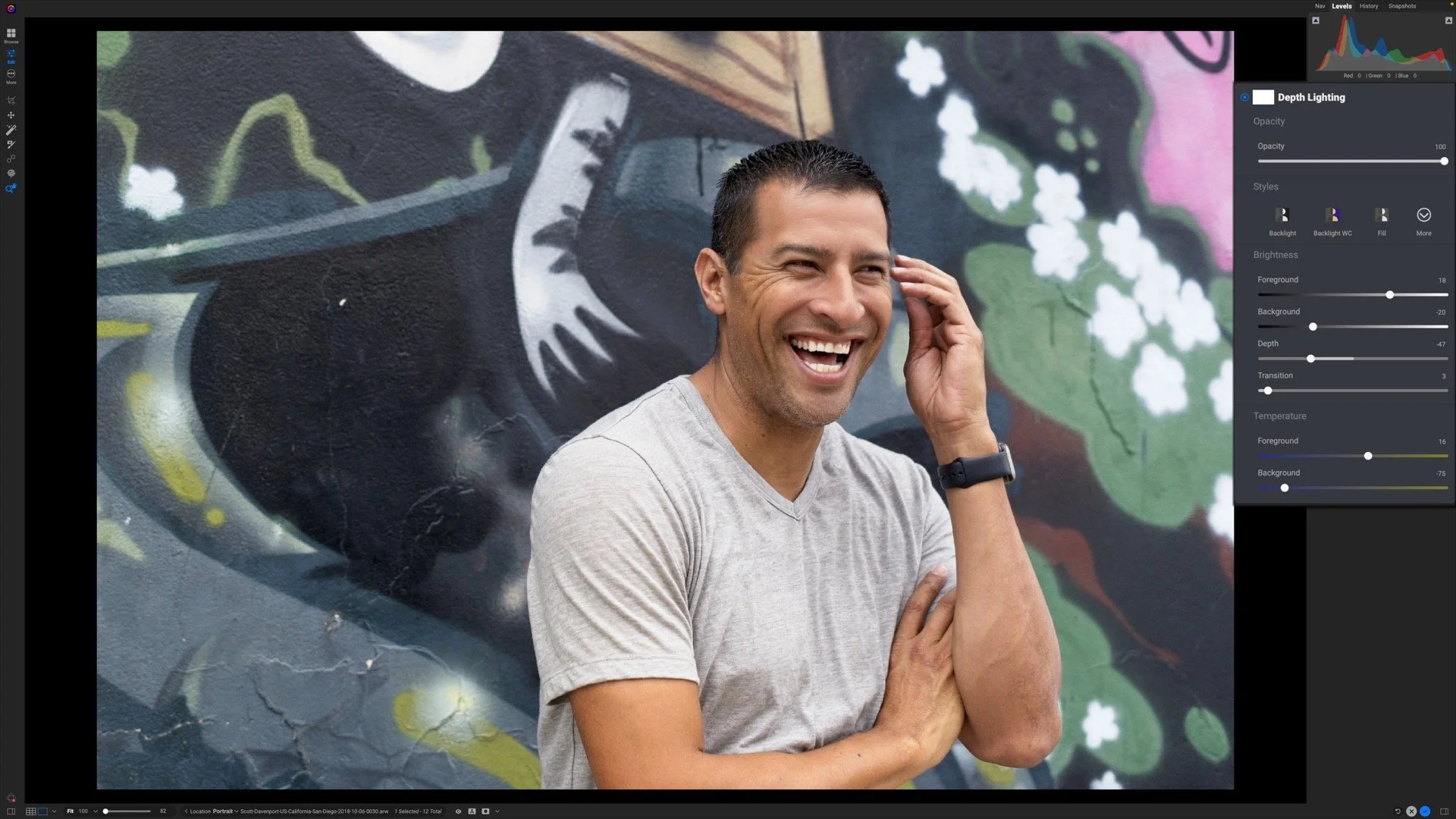
The Depth Lighting Filter - ON1 Photo RAW 2026
The new Depth Lighting filter in ON1 Photo RAW 2026 lets you shape light with incredible realism — no manual masking required.
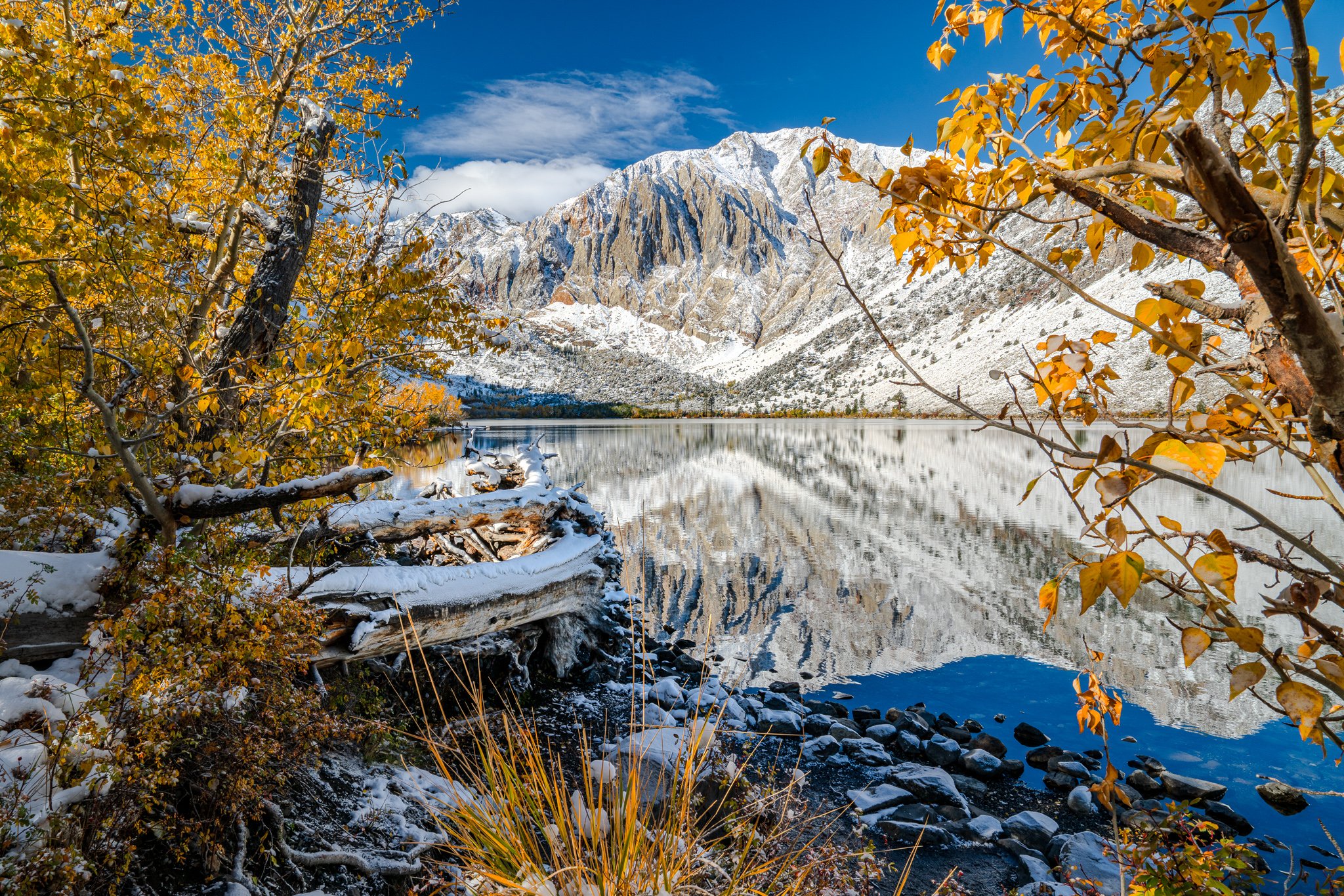
Seeing Light in a Whole New Way: Lightroom’s HDR Editing
Seeing my images on a true HDR display with Lightroom’s HDR editing has completely changed how light and detail come alive—highlights, shadows, and tonal depth finally match what my eyes saw in the moment. Color or black and white, this workflow makes on-screen editing feel like discovering details I didn’t know I’d been missing.

Easily Shape Light In Luminar Neo With The Light Depth Tool
Luminar Neo’s new Light Depth tool puts AI-powered depth masks and intuitive sliders in your hands, making it easier than ever to create realistic dimension, mood, and focus in your landscapes.

Lightroom Trick - Use Global Sliders to Find Your Local Edits
Stop guessing where to mask in Lightroom. In this video, I use global sliders like Texture, Clarity, and Dehaze to reveal where the image wants to be edited—then reset them and start the real work with precision.

Master Color Contrast in Your Landscapes With The Variance Slider
The new Variance slider in Lightroom Classic gives you precision control over how far your color edits reach. In my latest video, I show how to use it to shape color contrast in your landscapes with a controlled, refined touch.

Lightroom’s Dust Removal - Fast, Smart, and Almost Perfect
Lightroom’s new Dust Distraction Removal does a great job cleaning up sensor spots automatically — but it’s not foolproof. In my latest tutorial, I show how to use it effectively and make sure every last blemish is gone.

My Go-To Technique For Perfect Light Control In Lightroom
Dodging and burning gets a major boost when you combine a brush with a luminosity mask. Learn how I uses this precision technique.

The Intersect Masking Mode Explained - ON1 Photo RAW 2026
The new Intersect mode in ON1 Photo RAW 2026 makes it simple to craft precise, detailed masks in seconds. Learn how to combine multiple selections to isolate exactly where your adjustments apply — with total control and minimal effort.

Next-Level Masking in ON1 Photo RAW 2026
ON1 Photo RAW 2026 takes masking to the next level with the all-new Mask Layers. Learn how to combine, refine, and control each mask component independently for precise, creative adjustments in your landscapes.

The Motion Filter - ON1 Photo RAW 2026
Add energy and flow to your photos with the new Motion filter in ON1 Photo RAW 2026. With Pan, Zoom, and Twist modes, you can simulate dynamic camera movements and blend motion beautifully into your still images — all with precise control over what stays sharp and what moves.
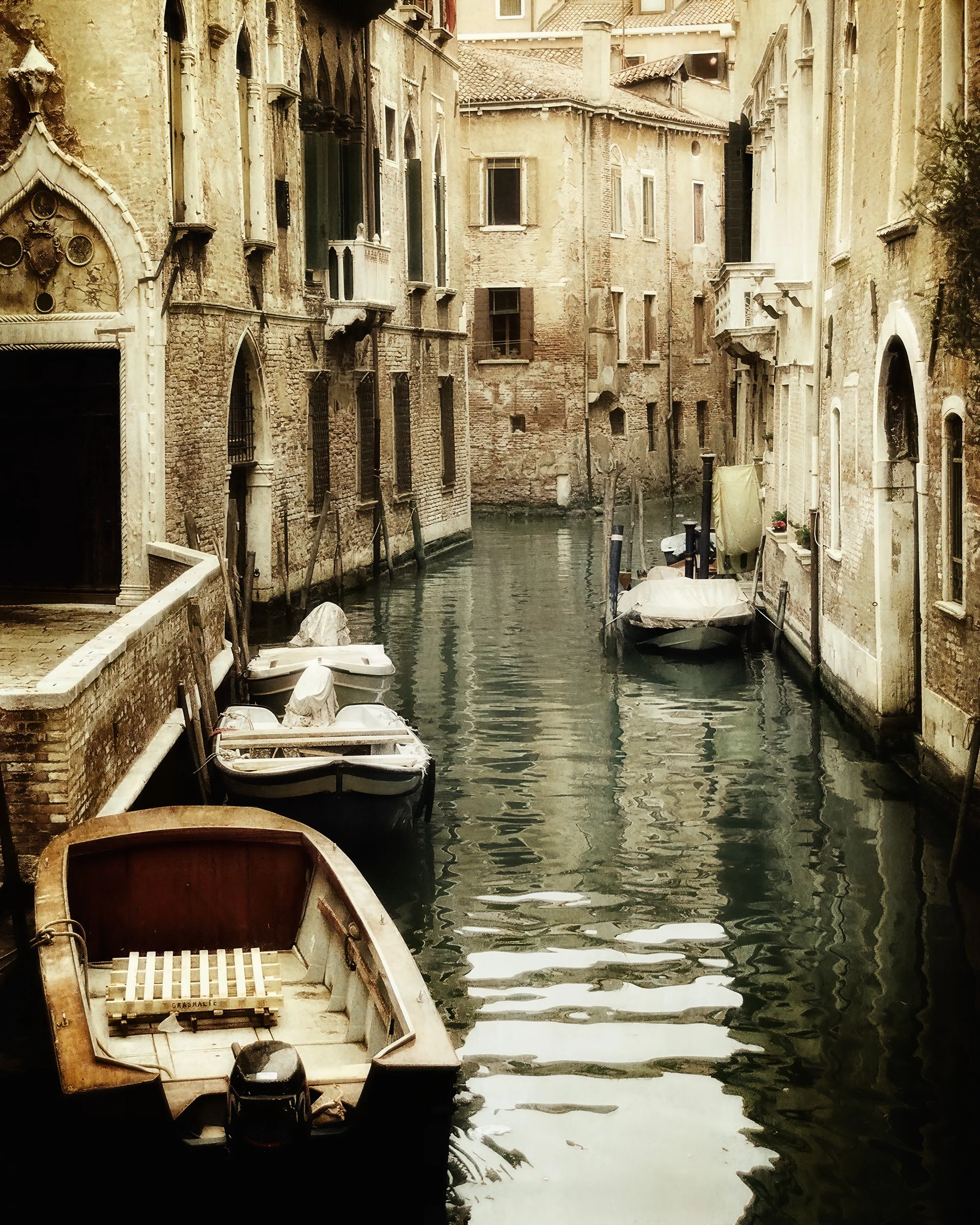
Standard vs High Quality in ON1 Resize 2026
ON1 added a new High Quality mode to Resize 2026, and I wanted to see how much of a difference it really makes. I ran it against the Standard mode on several images—and the results were eye-opening.