

Videos And Articles
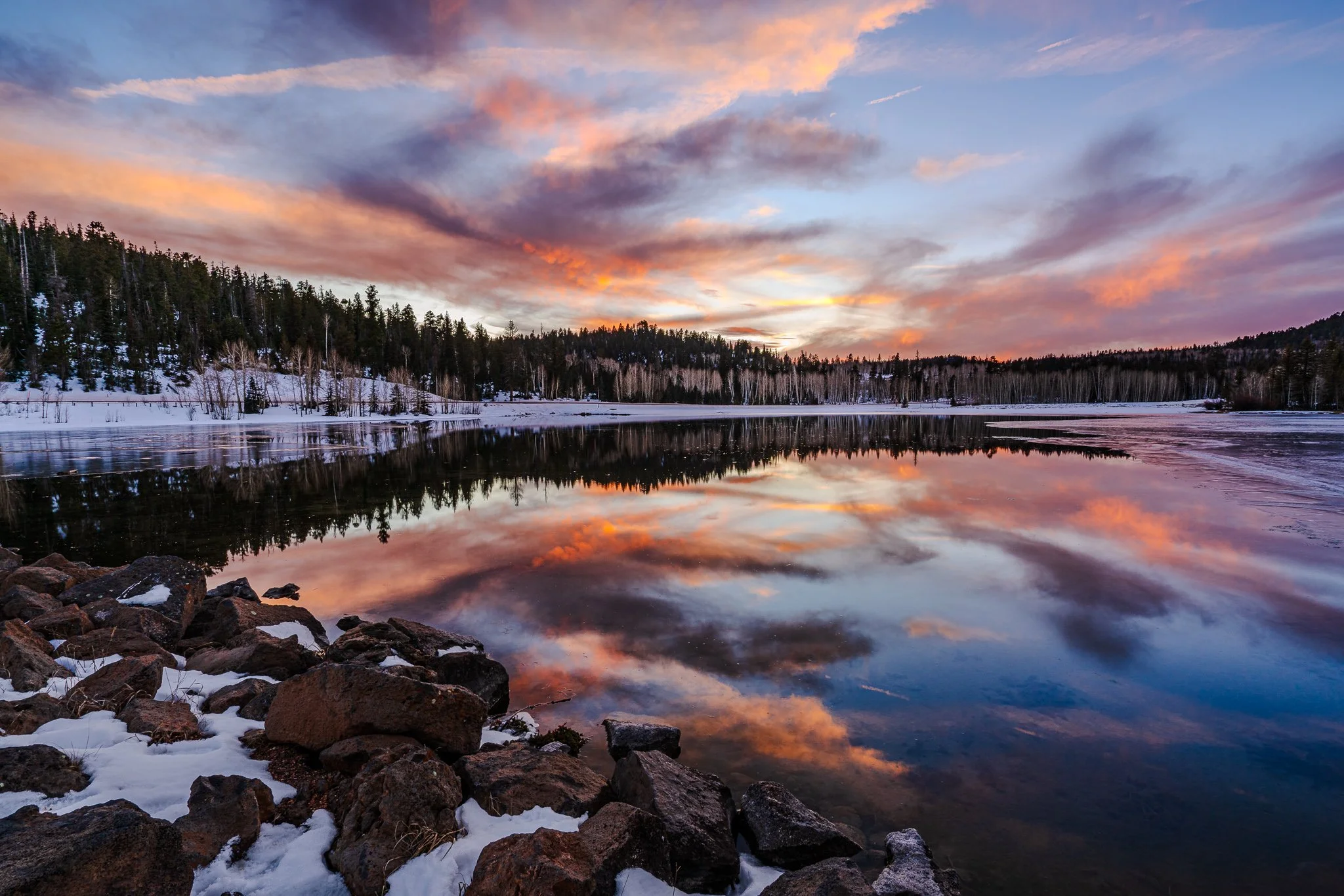
Lightroom’s HDR Editing Explained – Export Options
Editing in HDR is only half the story — exporting correctly is what determines whether anyone else sees it. This video breaks down file formats and platform support so your HDR images actually show up as intended.
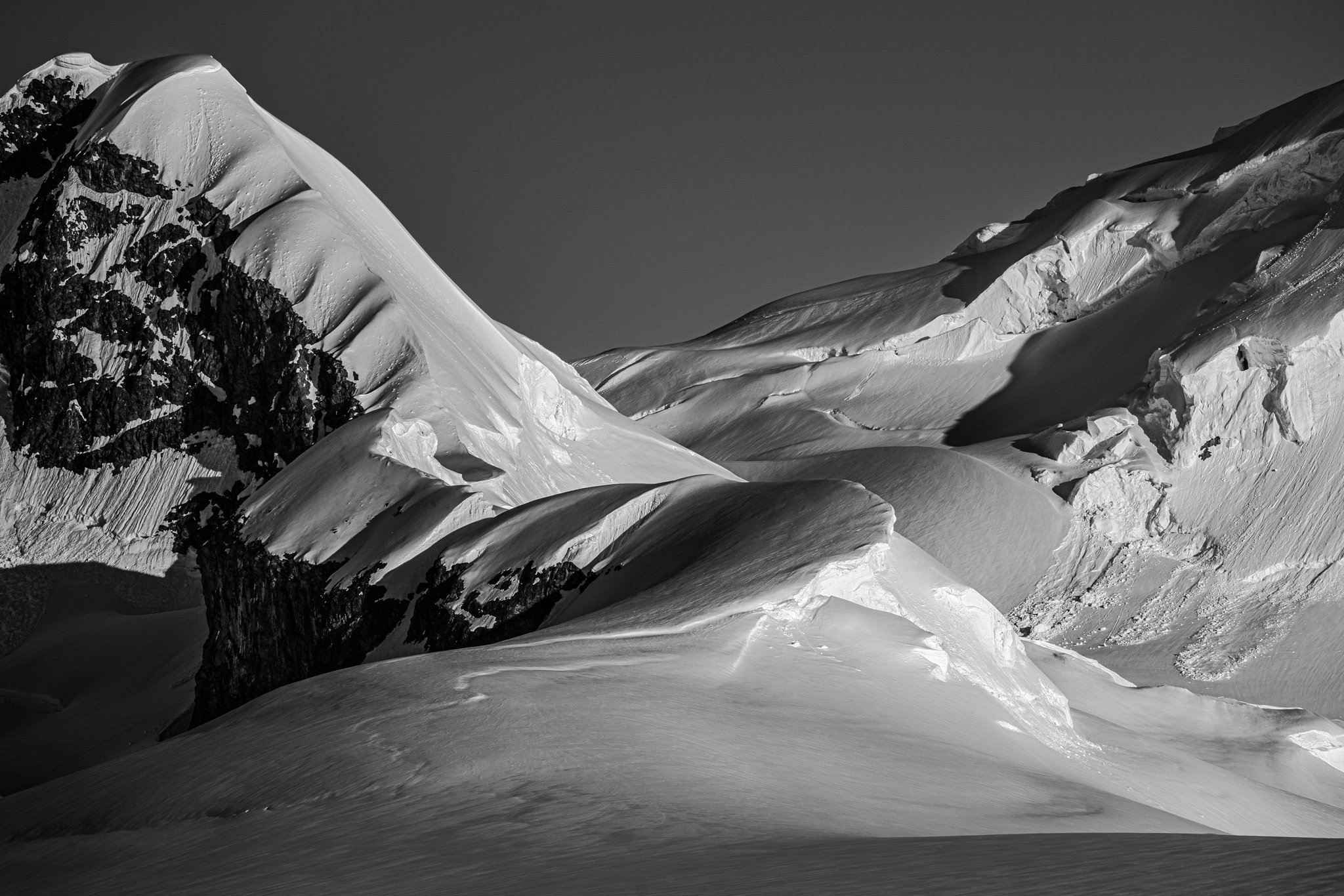
Lightroom’s HDR Editing Explained – Curves & Luminance Range Masks
Do Curves and Luminosity Masks behave differently with Lightroom HDR editing? In this post I explain the differences and the similarities to SDR editing.
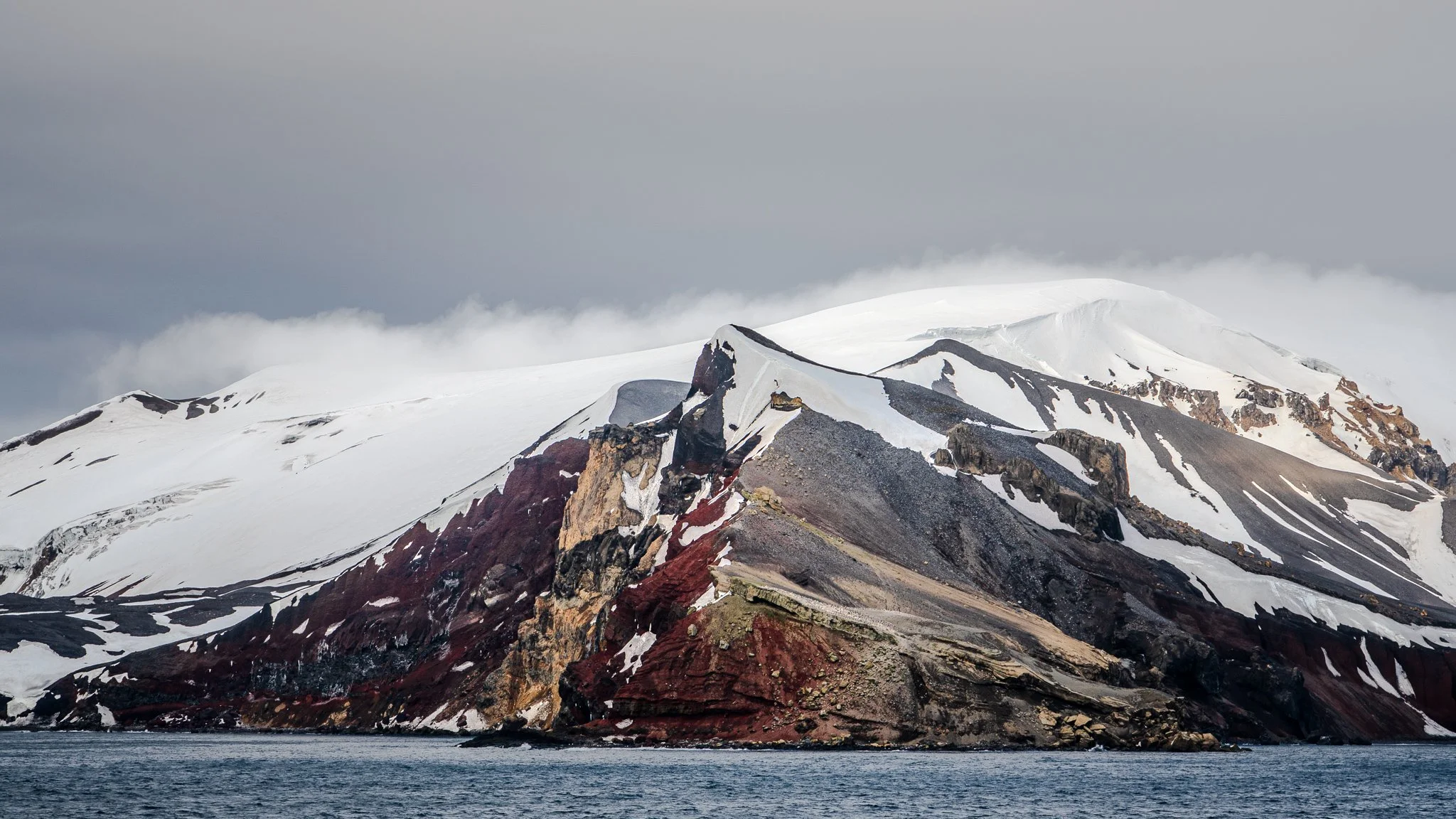
Lightroom’s HDR Editing Explained - The Essentials
This video is the first in a series on HDR editing in Lightroom. No hype, just useful knowledge to help you make the most of the light your camera recorded.
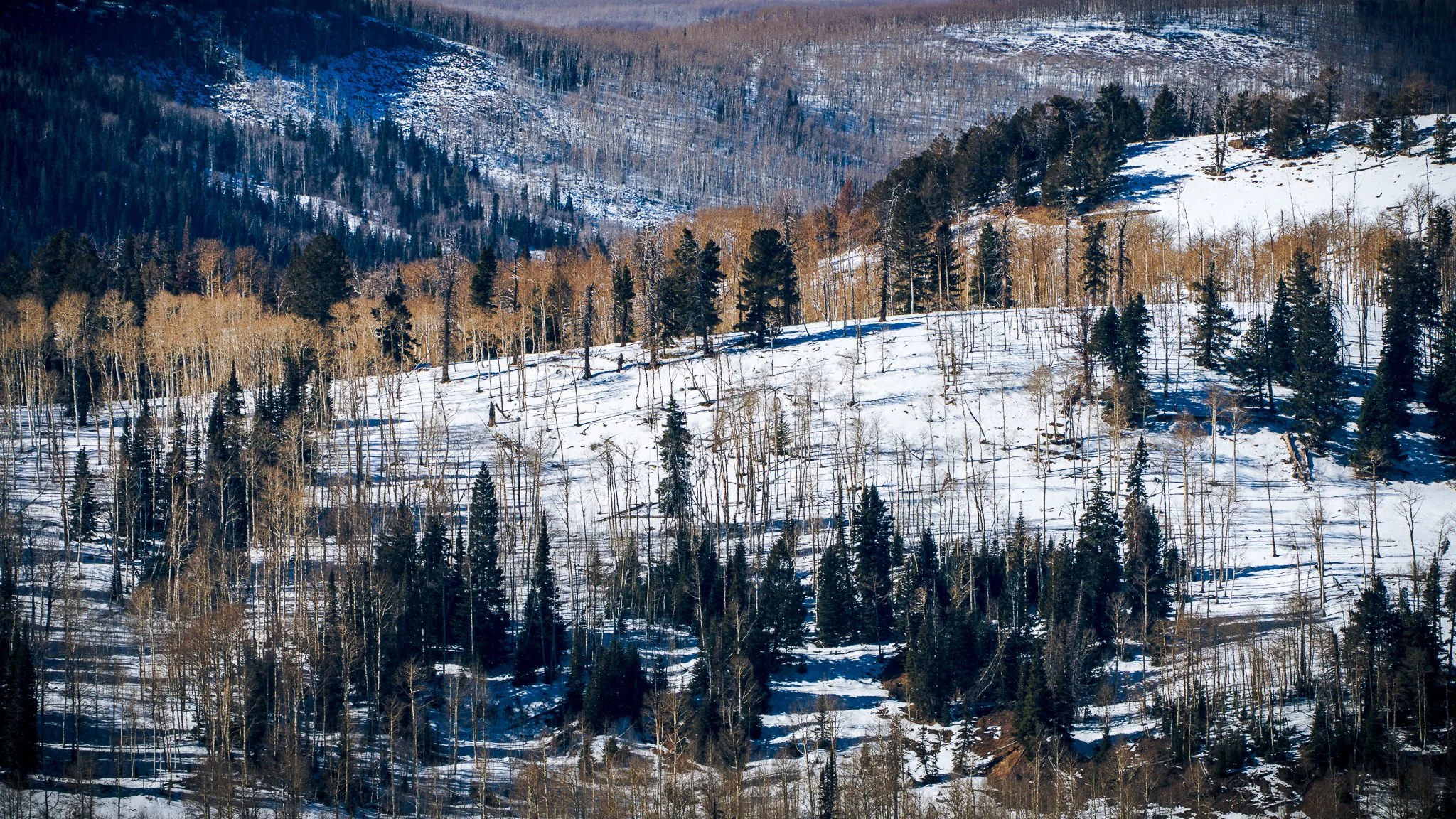
If You’re Not Using Intersect in Lightroom, You’re Missing Out
If you’re not using Intersect in Lightroom masking, you’re probably making editing harder than it needs to be. This quick tutorial shows how combining luminance, color range, and brush intersects creates incredibly precise masks.
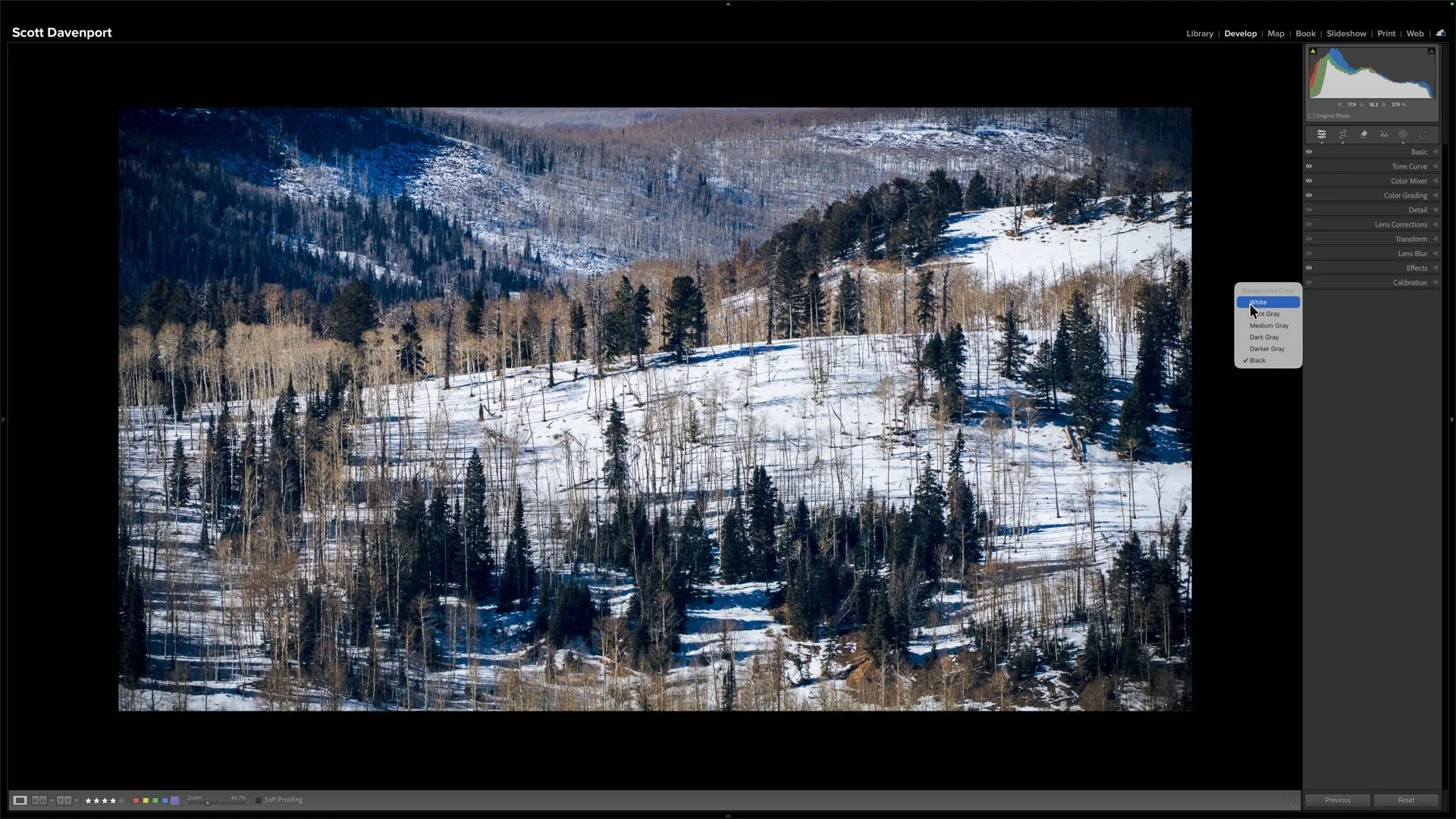
Your Snow Isn’t White - Fix It Fast In Lightroom
Snow should be white… but Lightroom can trick your eyes. This quick tip shows a simple visual trick that makes fixing dull or tinted snow incredibly easy.

Lightroom Point Color: See EXACTLY What You're Editing
Struggling to see which colors are being affected by Lightroom’s Point Color tool? This quick tip shows a simple trick to instantly visualize and refine your selections.
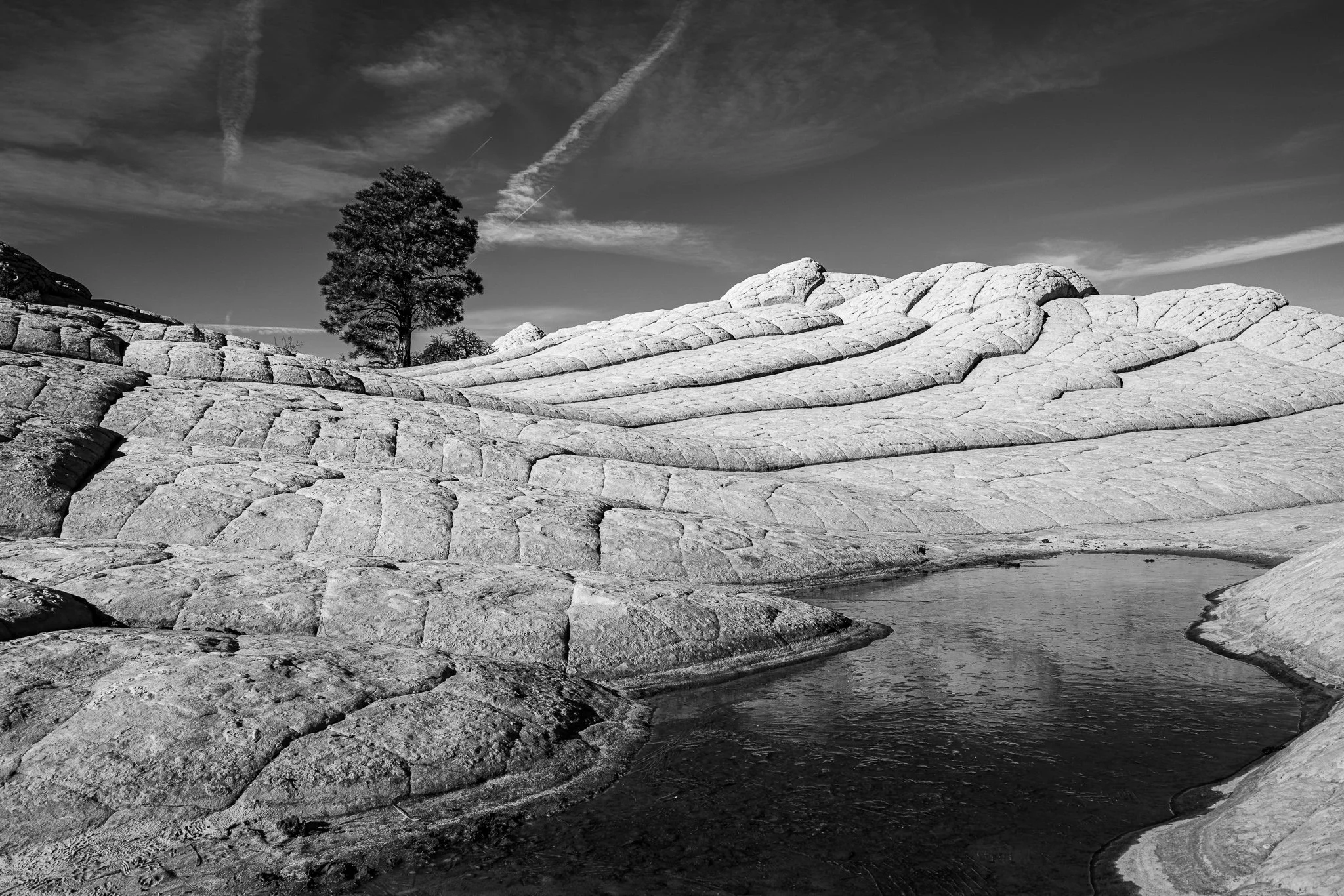
This One Small Adjustment Brought My Black & White Photo to Life
Brightness isn’t always your friend—sometimes it flattens depth and makes part of your photo feel visually “heavy.” In this tutorial, I show how a simple burn adjustment restores dimension and balance in a black-and-white scene.
Why I’ve Been Quiet Lately: True HDR Editing in Lightroom
I’ve been quiet on YouTube lately because I’ve been tackling Lightroom’s true HDR editing mode. Here’s a peek at how HDR is changing my workflow—and the challenges of capturing it in a video tutorial.
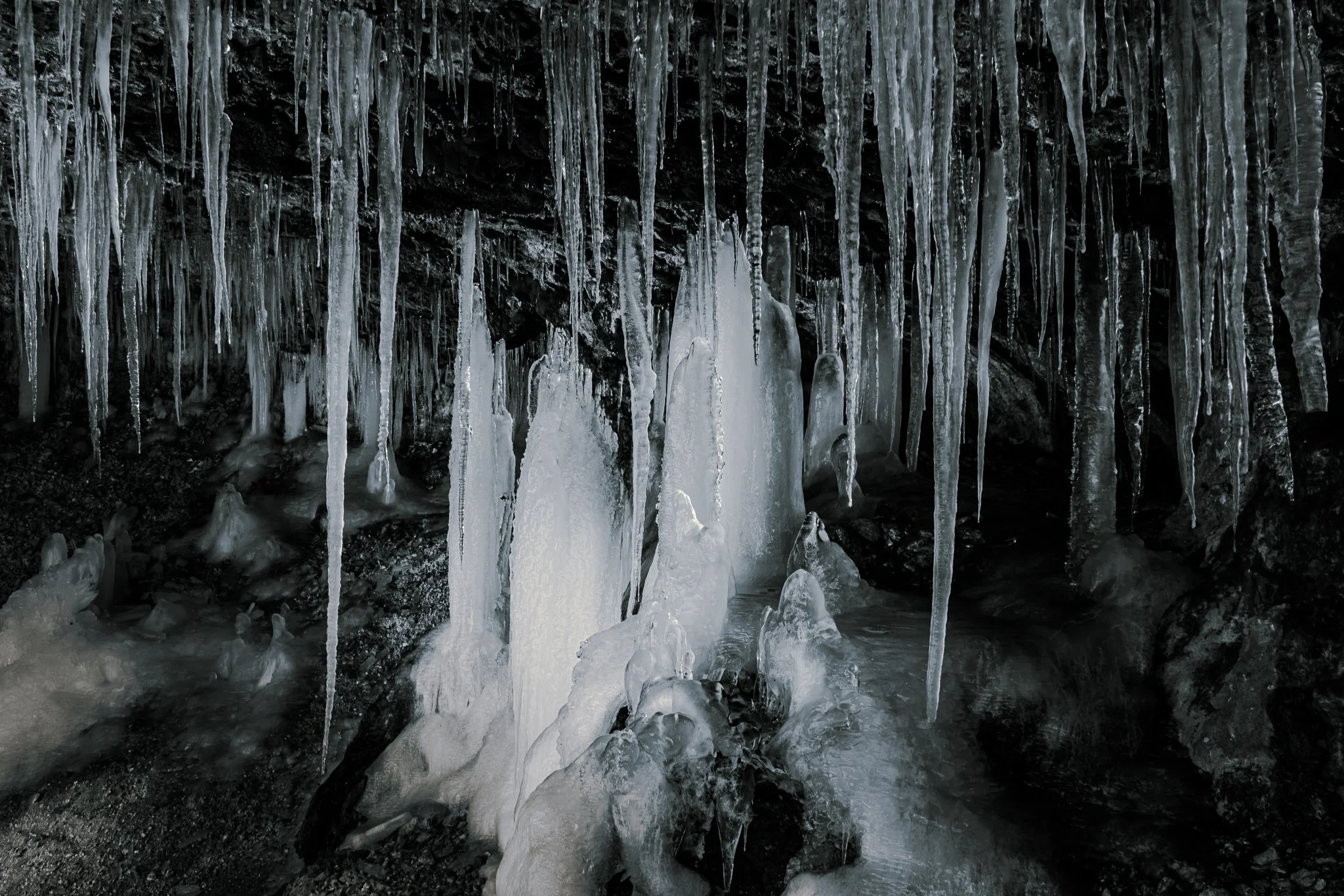
Why I Use Luminance Masks Instead of Color Grading for Black & White Toning in Lightroom
Most photographers use Color Grading to tint black and white photos—I don’t. In this video, I show how luminance range masks give you far more control (and reusable presets) for selenium, cyanotype, and other classic B&W looks.
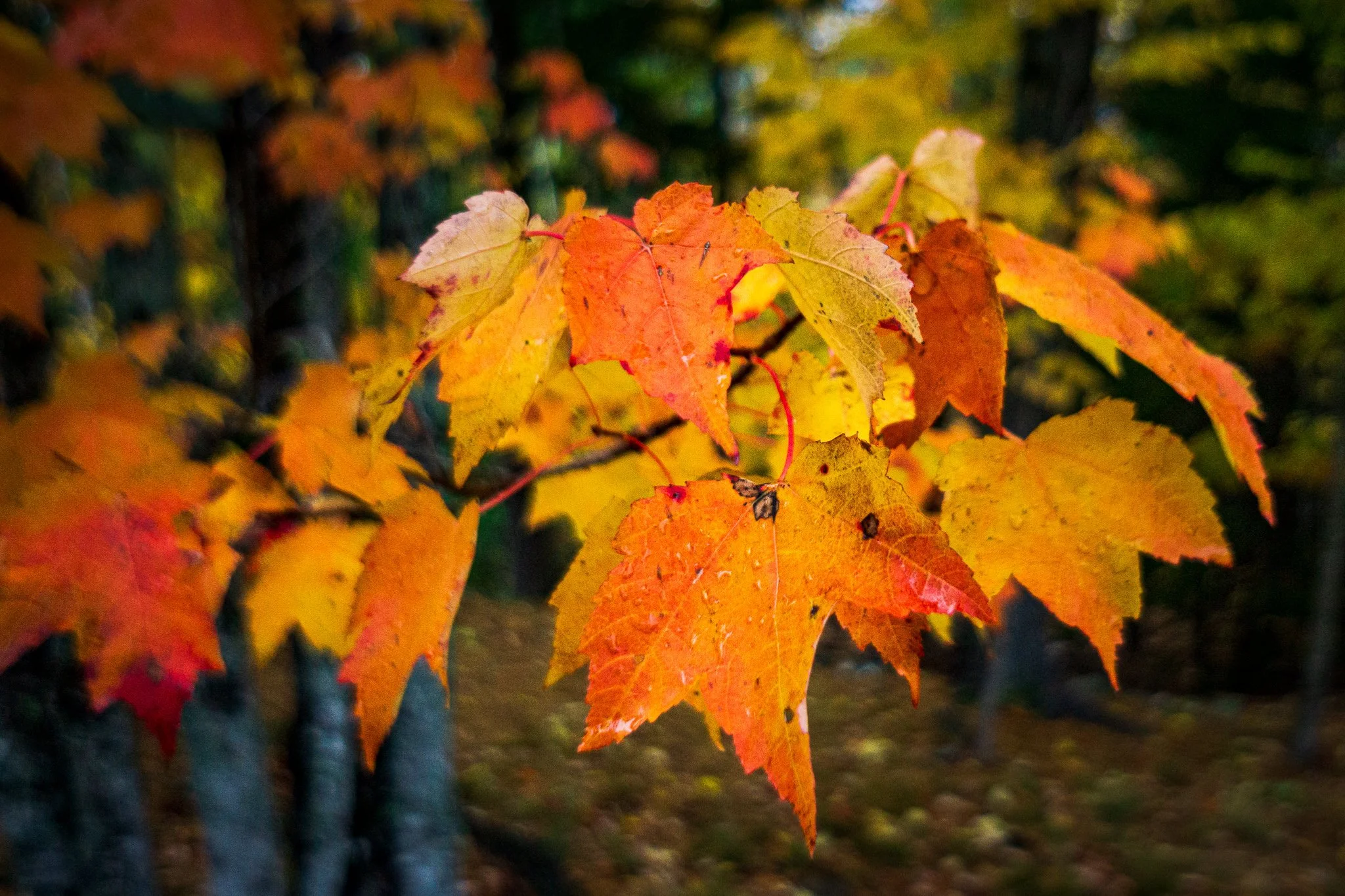
A Lightroom Pet Peeve (That Actually Matters)
Lightroom has a tiny pet peeve baked right into the Basic panel — and it’s all about timing. Give Auto a moment, pick your Camera Profile first, and you’ll get better results with less fuss.
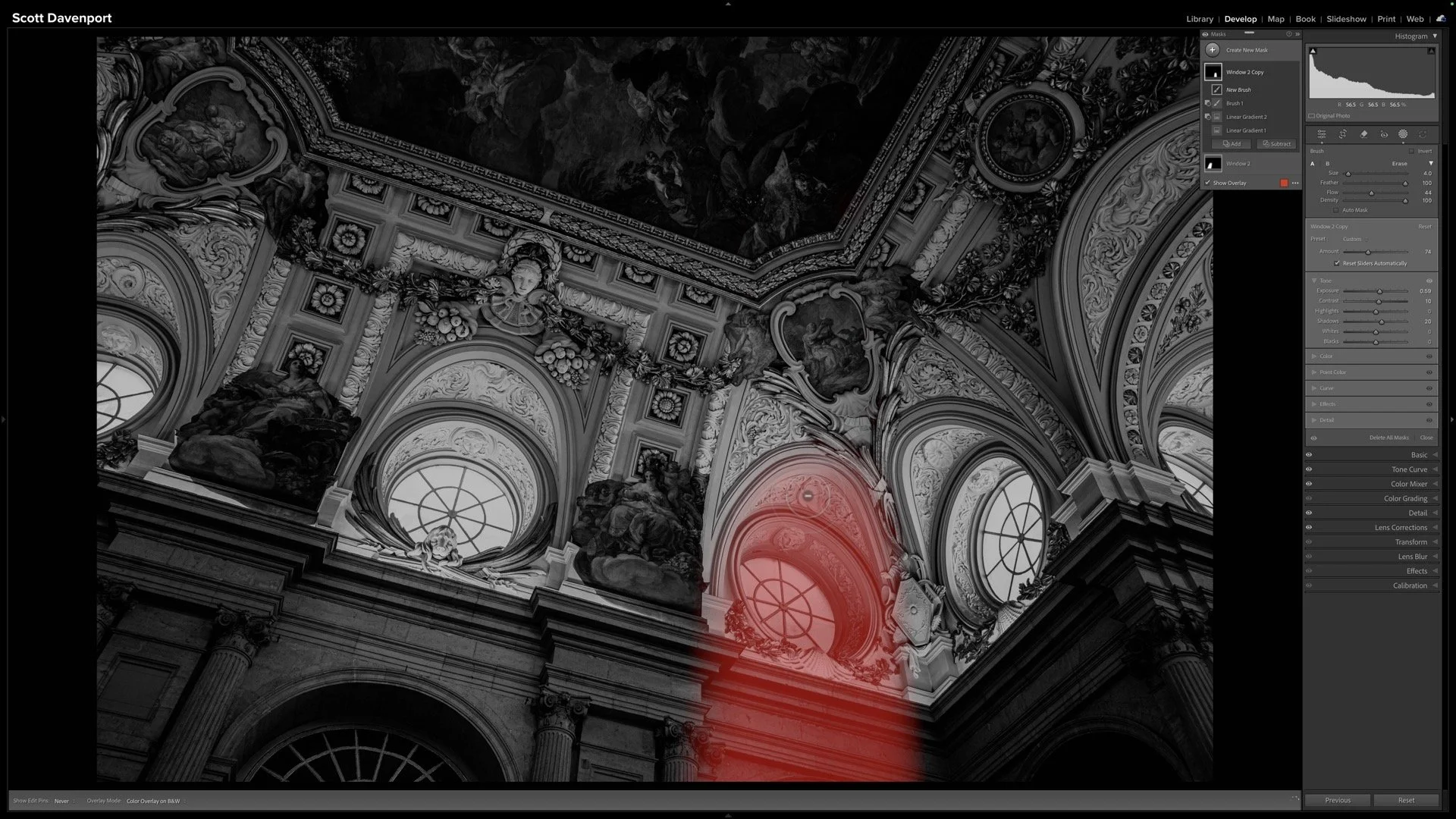
Sculpting Light in Black & White Architecture - Lightroom Masks
Light gives this image its emotional weight. In this video, I use Lightroom masks to create subtle shafts of light that add depth, direction, and atmosphere to an architectural black and white.
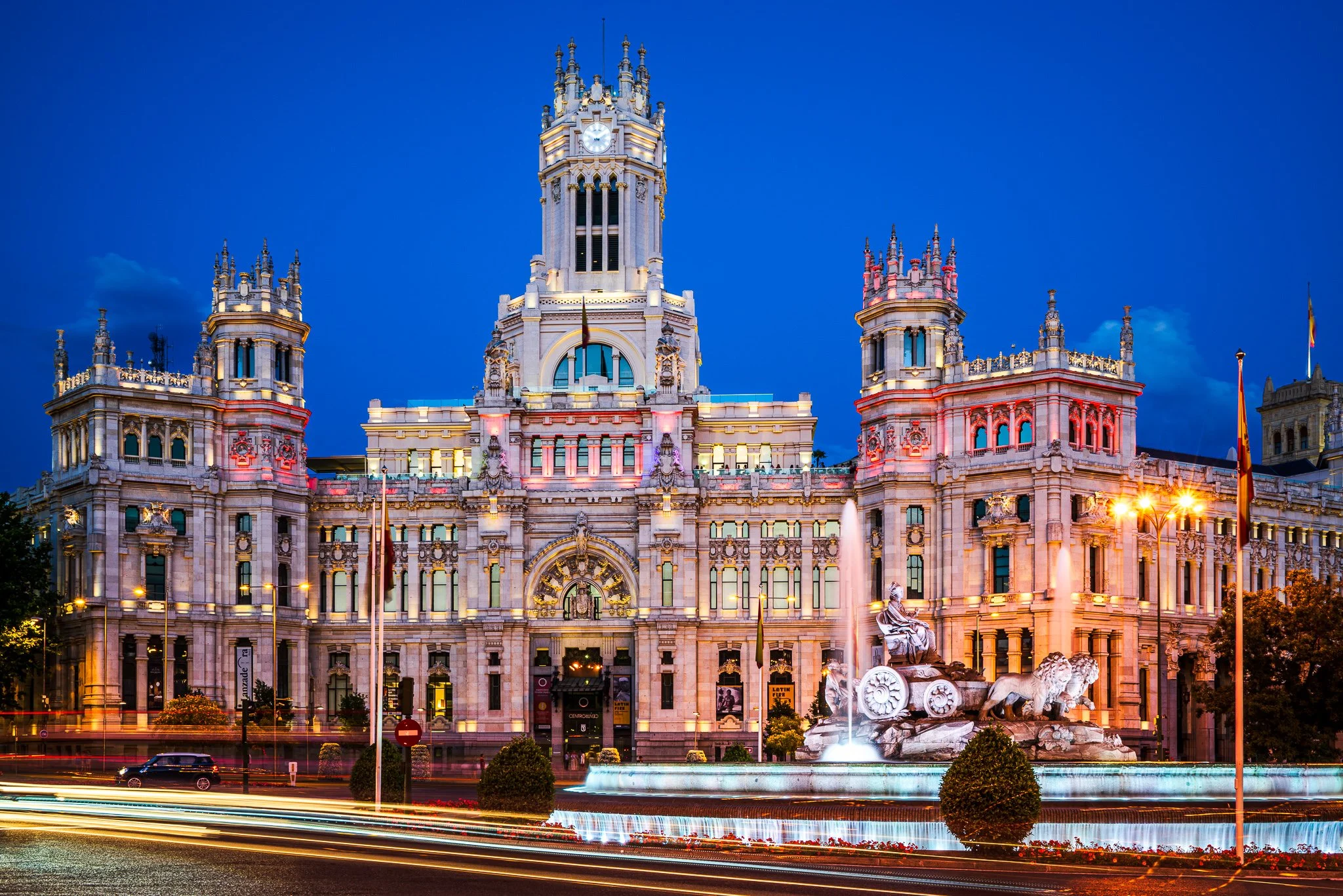
A Clean Sky Vignette In 2 Minutes
A clean sky vignette shouldn’t affect anything else in your photo. In this quick Lightroom tutorial, I’ll show you how intersecting a radial gradient with a Sky mask gives you precise, natural results in just a few clicks.