

Videos And Articles

Lightroom Distraction Removal - When It Works (and When It Doesn’t)
The new Distraction Removal tool in Lightroom is a nice addition and a great timesaver for a lot of images - but not all of them. I have a few tips for you to get the most out of removing people from your photos and recognizing when you’ll want to guide generative AI with your own hand.

Lightroom’s Select Landscape Didn’t Work? Don’t Give Up!
When Lightroom's Select Landscape misses the mark, don't give up—use it as a starting point, then layer in tools like Brush, Duplicate, and Invert to take full control of your mask.

Lightroom's AI Landscape Masking Is Excellent
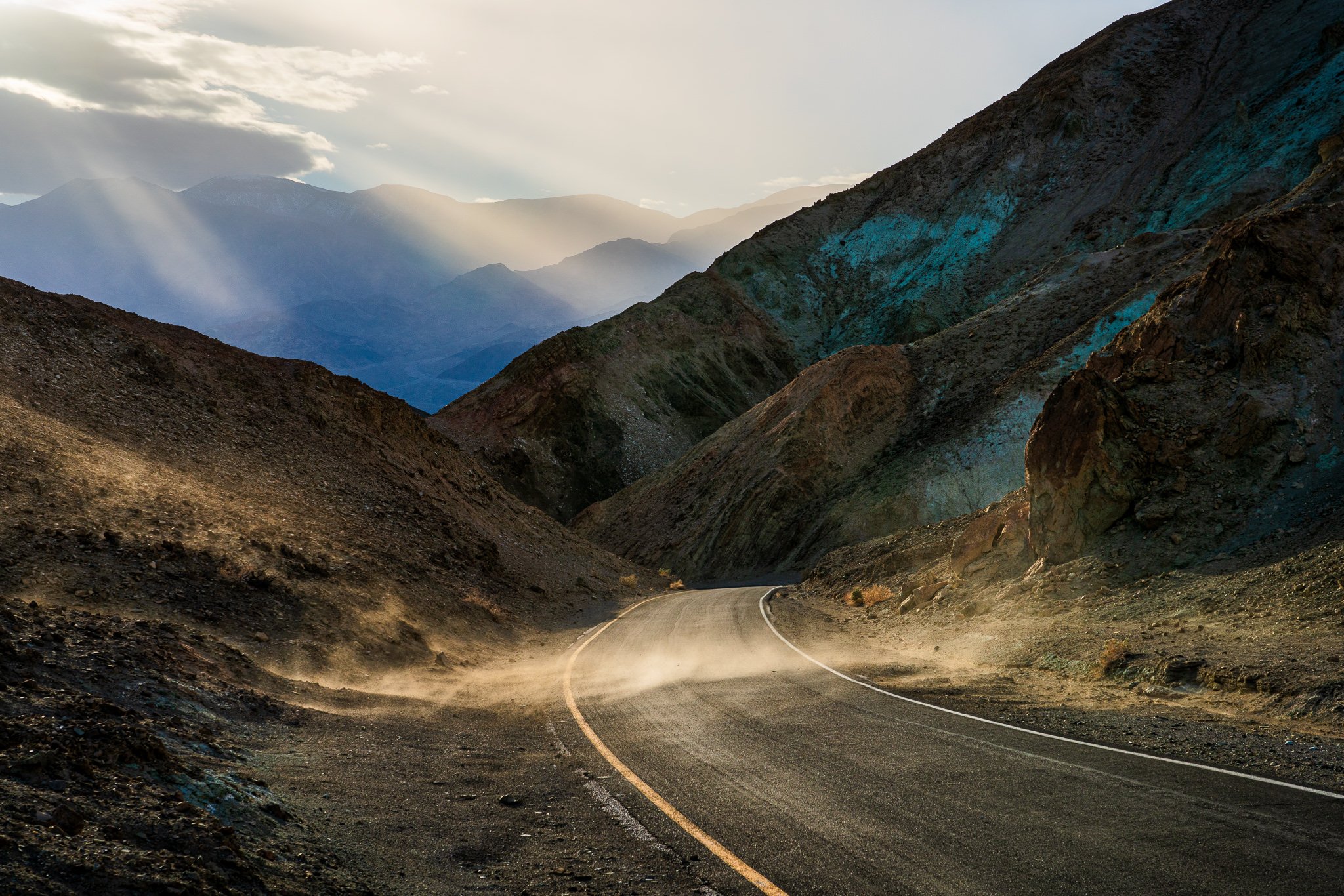
The April 2025 release of Lightroom introduced a significant enhancement to its AI masking capabilities with the new Select Landscape feature. This tool intelligently identifies and creates separate masks for various landscape elements within a photo, such as sky, vegetation, water, mountains, natural ground, artificial ground, and architecture.
Precision Edits Using Intersects In Lightroom
A masking tool “recipe” I use again and again in Lightroom is to Intersect a mask selection with a brush. Let me show you how you can take advantage of this for your photography.

Straighten Wonky Angles Like A Pro
The Transform tool in Lightroom has the controls to correct lines in your photos and achieve professional-looking results.

Enhance Your Photos with Selective Detail
Boost the quality of your images with selective detail. Draw your viewer’s eye to the important subjects and elements in your photo.

Black & White Refinements With The Color Mixer
Lightroom’s Color Mixer is powerful. And… for certain black & white conversions, you can use its power. The Color Mixer gives you another level of control to refine your monochrome photos.

How To Convert A LUT To A Lightroom Camera Profile
Did you know you can convert a LUT to a Lightroom camera profile? Organize your favorite LUTs into at-the-ready camera profiles in Lightroom.

Become a Color Mixing Pro with the Color Mixer in Lightroom
Got 5 minutes? I have an easy trick in Lightroom to adjust colors using the Point Color part of the Color Mixer.

Goodbye Photoshop! Generative AI Is Now In Lightroom
Say goodbye to Photoshop because Lightroom's Generative AI feature is here! Retouching directly in Lightroom is easier than ever.

Remove Halos Like A Pro In Lightroom
Landscape photographers often have to deal with unattractive or distracting halos. You can easily correct them in Lightroom.

Transform Your Black & White Photos With 3 Sliders
There are 3 sliders I always use with my black and white photography.