
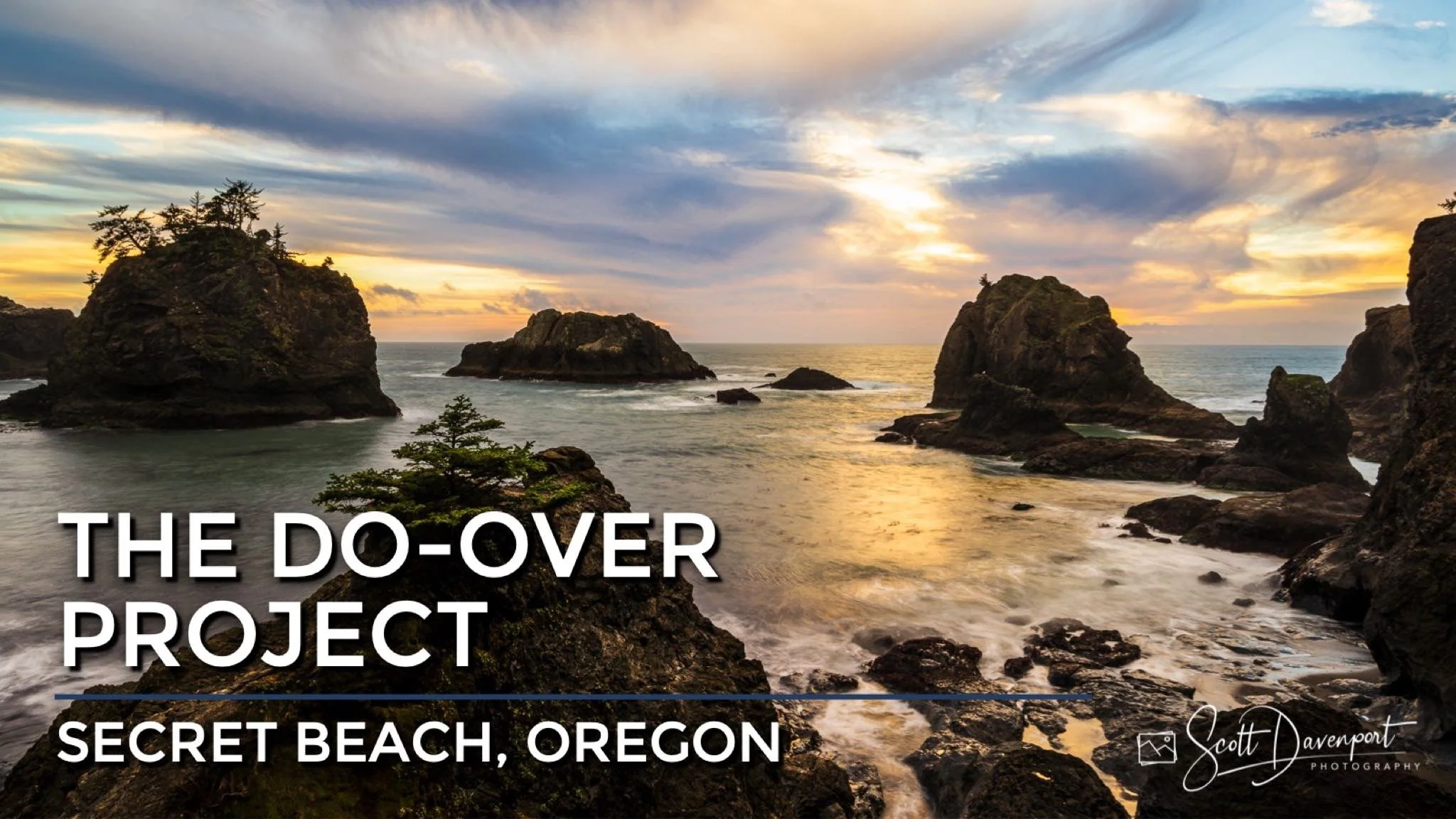
As I prepare for my next landscape photography workshops in Oregon, I have been revisiting photos from my first trip to the southern Oregon Coast, the stretch of coastline from Bandon, Oregon to Brookings, Oregon. The photos bring up fond memories. They are also building my excitement for the workshop, and getting to share these great locations with my fellow photographers.
There are several images that I thought deserved another look, or a fresh look. A do-over. I’ve changed as a photographer, and the processing tools have certainly changed as well.
In this final segment of The Do-Over Project, I show you a late afternoon at Secret Beach, Oregon I captured back in 2016. Then, I share the original RAW image and how I re-processed it in 2023 using Lightroom.
Secret Beach (2016)
Contact Scott to commission a print or license this image.
Secret Beach (2023 Redux)
Contact Scott to commission a print or license this image.
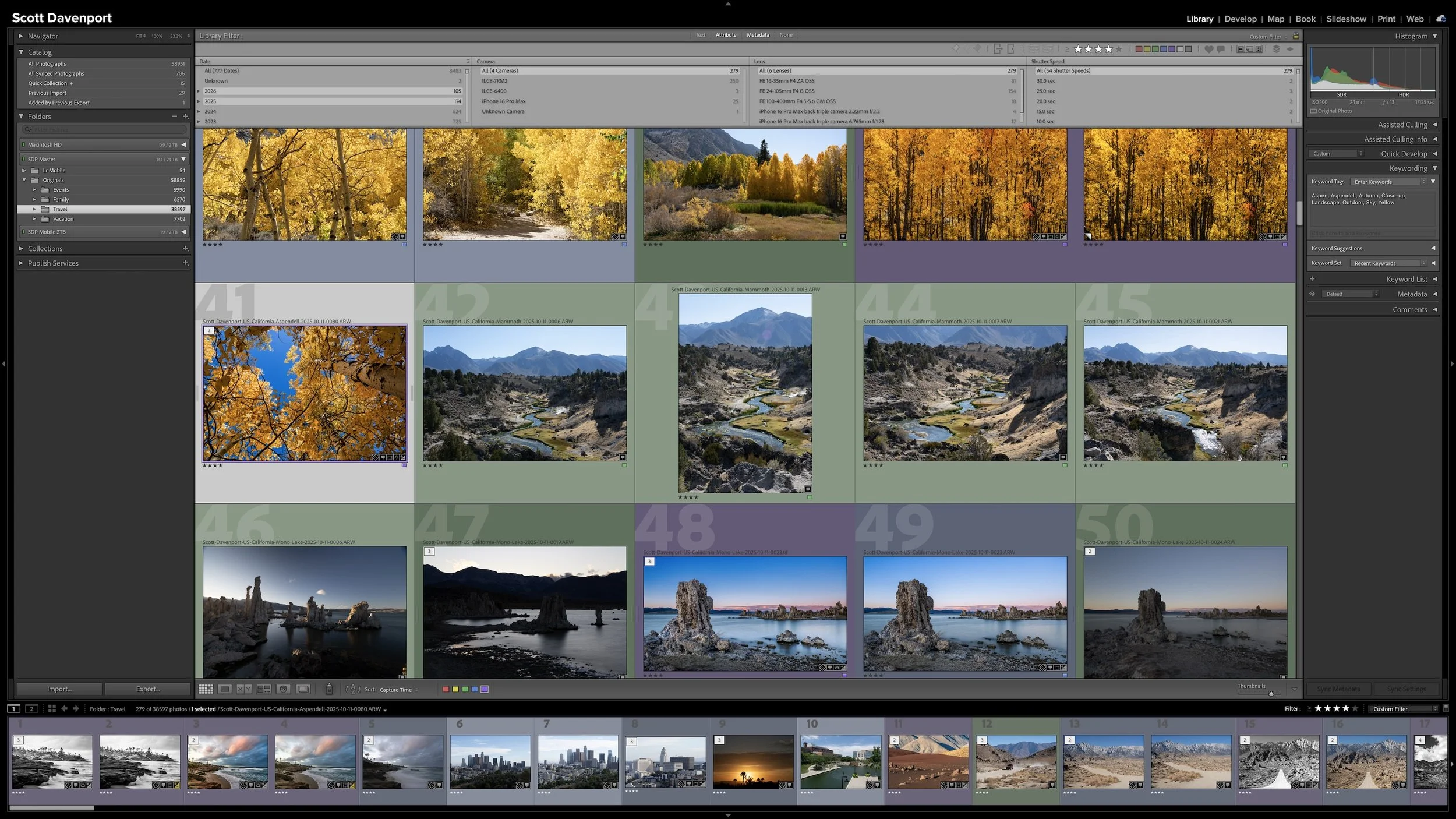
Keywording can make photographs easier to find, but it can also become an endless exercise in describing everything visible in every frame. You can keep the work manageable by asking one question: could Lightroom already find this photograph without the keyword?
The most useful keywords add information you cannot recover from capture data, ratings, location fields, or other existing metadata. That may be a subject, a familiar place name, a mood, a dominant color, or another idea you expect to search for later. The goal isn't to build the largest vocabulary possible. It is to add metadata that earns its keep.
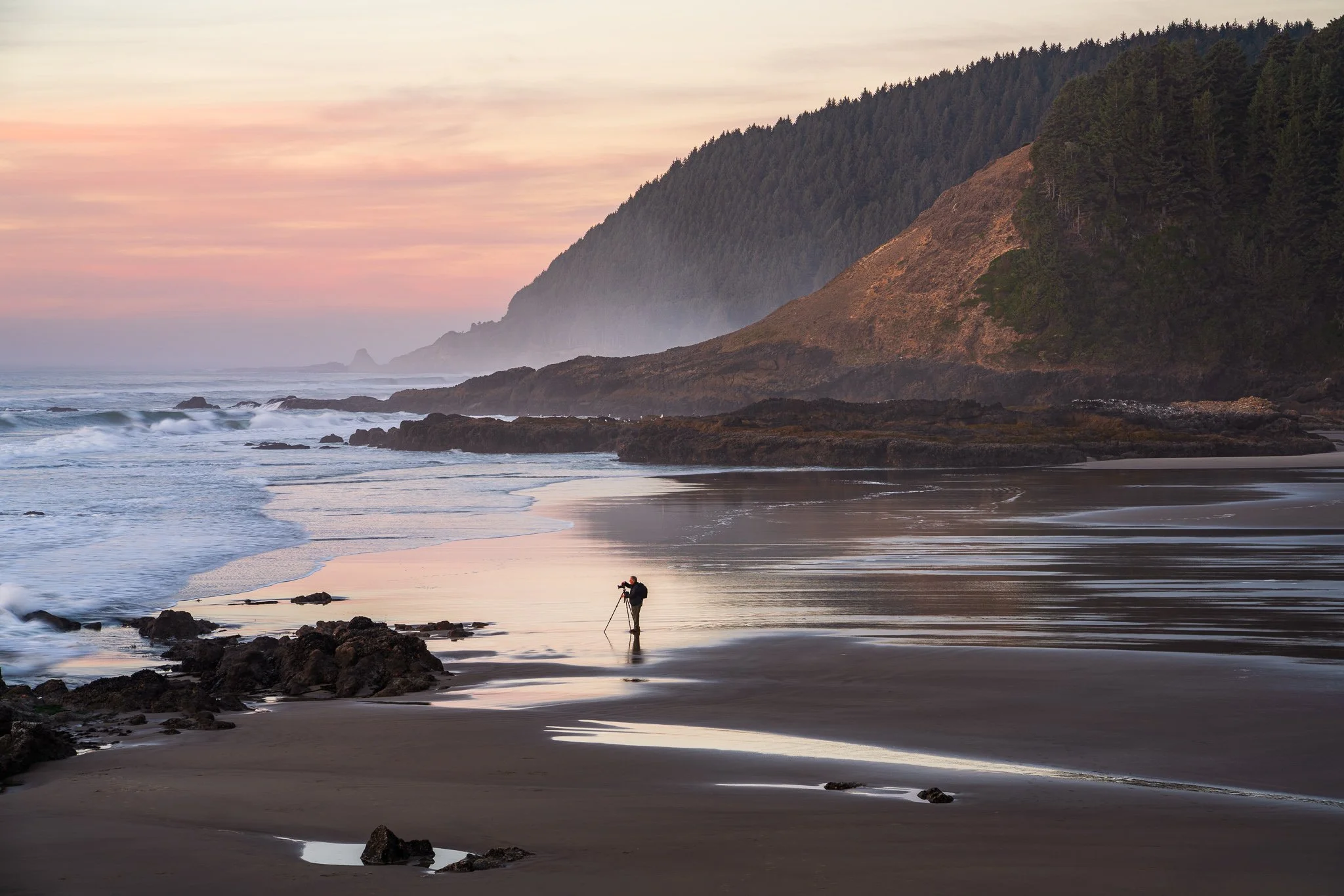
You’ve found a composition you like and settled in for sunset. Then the foreground falls into shadow, or a person steps into the scene. How do you decide whether to stay with your original frame or look for something different?
An evening on the Oregon Coast offers a useful example of how a photograph can evolve. Follow the decisions that turned a view of sunlit grasses into a quieter story about a photographer among rocks and misty headlands.
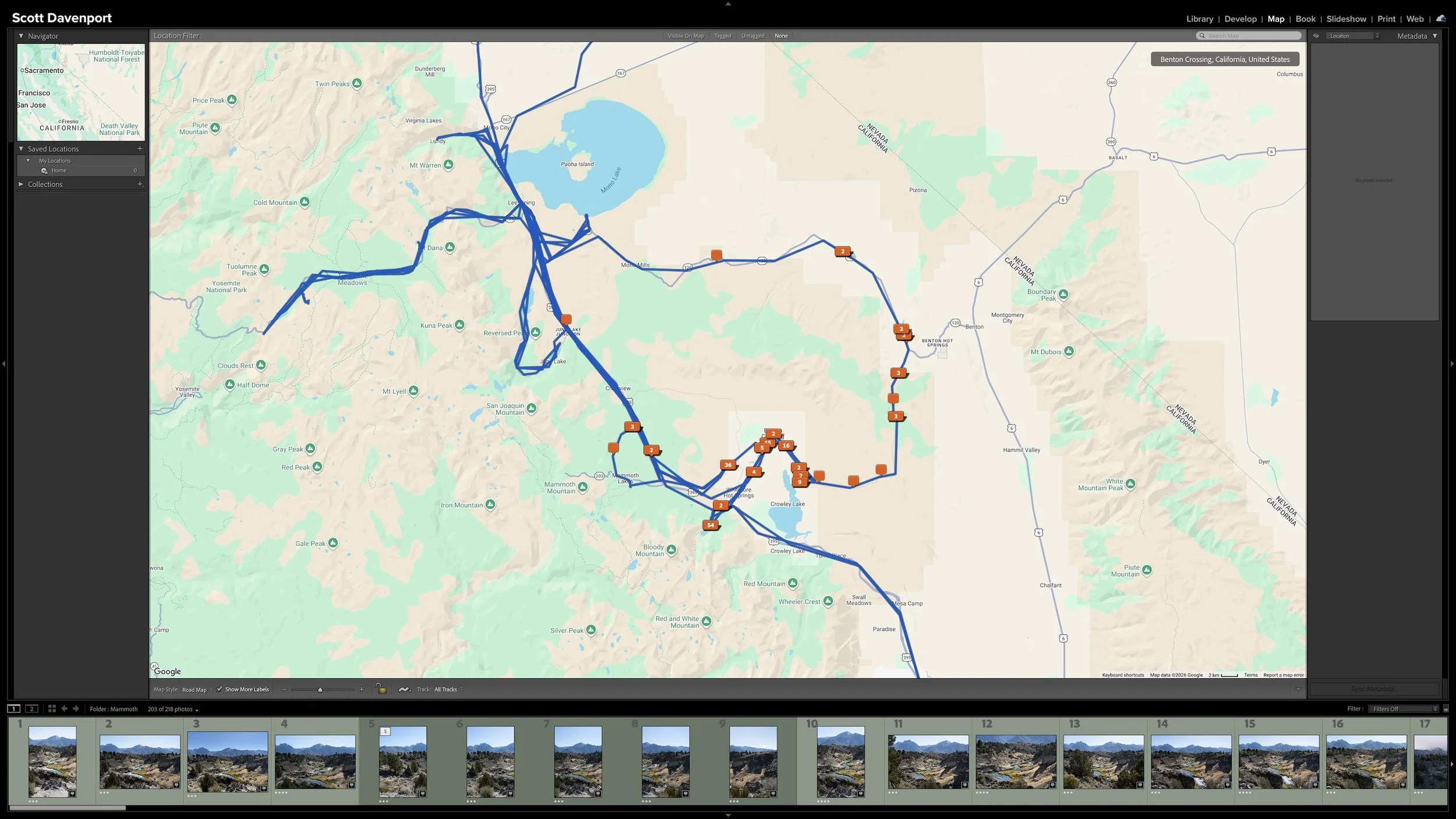
Right after a shoot, you know where you made the photographs. A few years later, that may not be nearly as obvious. Adding location information while the shoot is still fresh gives you another durable way to find photographs and understand where they were made.
You don't need to type city, state, and country into every photograph. If the camera records GPS coordinates, much of the work is already done. A GPX track log or, when necessary, Lightroom Classic's Map module provides other ways to add the location. The goal isn't exhaustive geographic metadata. It's enough useful information that you won't have to reconstruct it later.
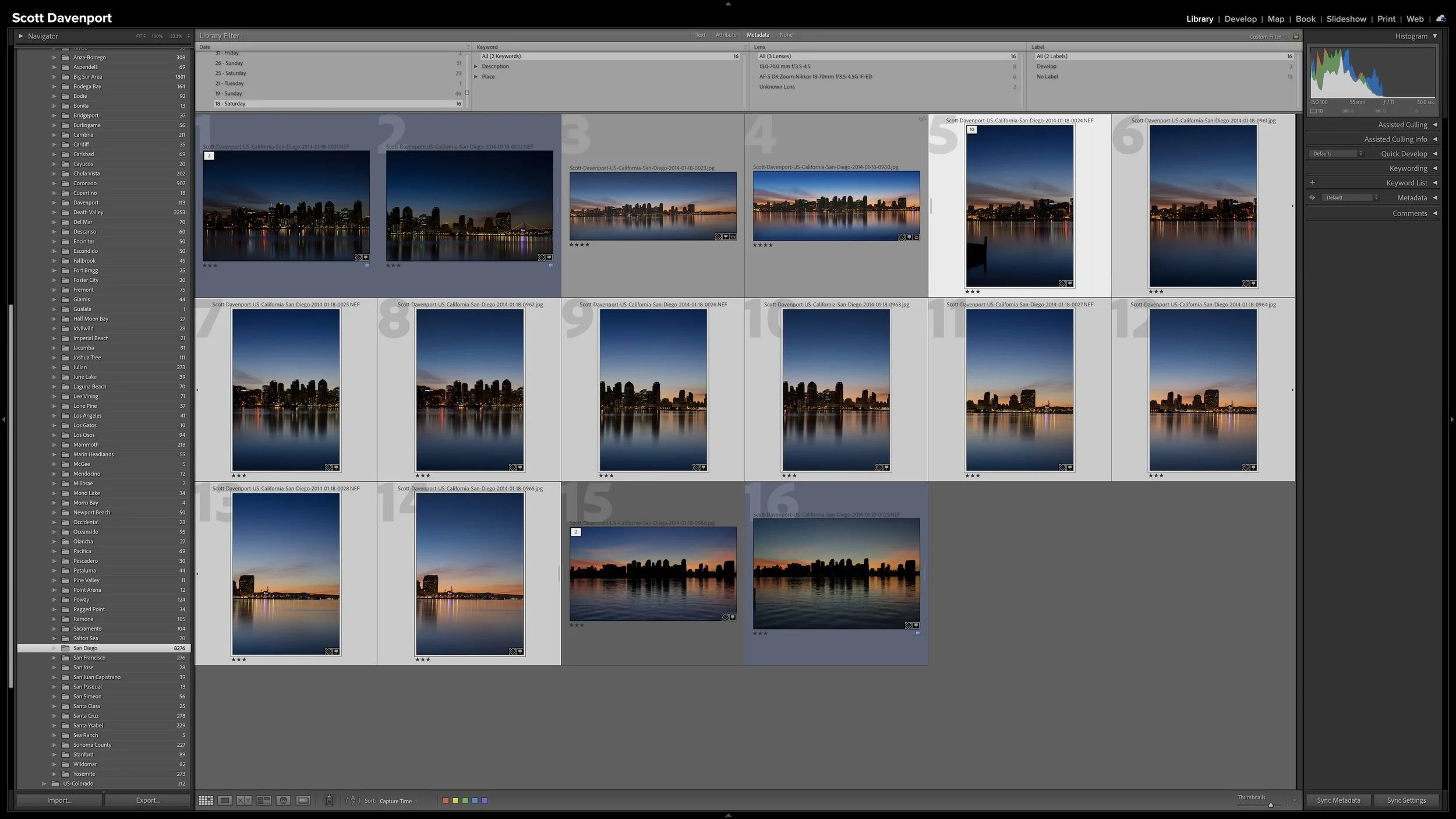
A group of photographs can belong together without every frame needing equal space in Lightroom Classic. Several variations of the same composition, panorama segments, exposure brackets, or a rapid burst can quickly fill Grid view with photographs you don't need to see individually all the time.
Stacks keep those related photographs together while letting one useful photograph represent the group. I use them so the other photographs remain available when I need them without adding unnecessary visual clutter to my catalog.
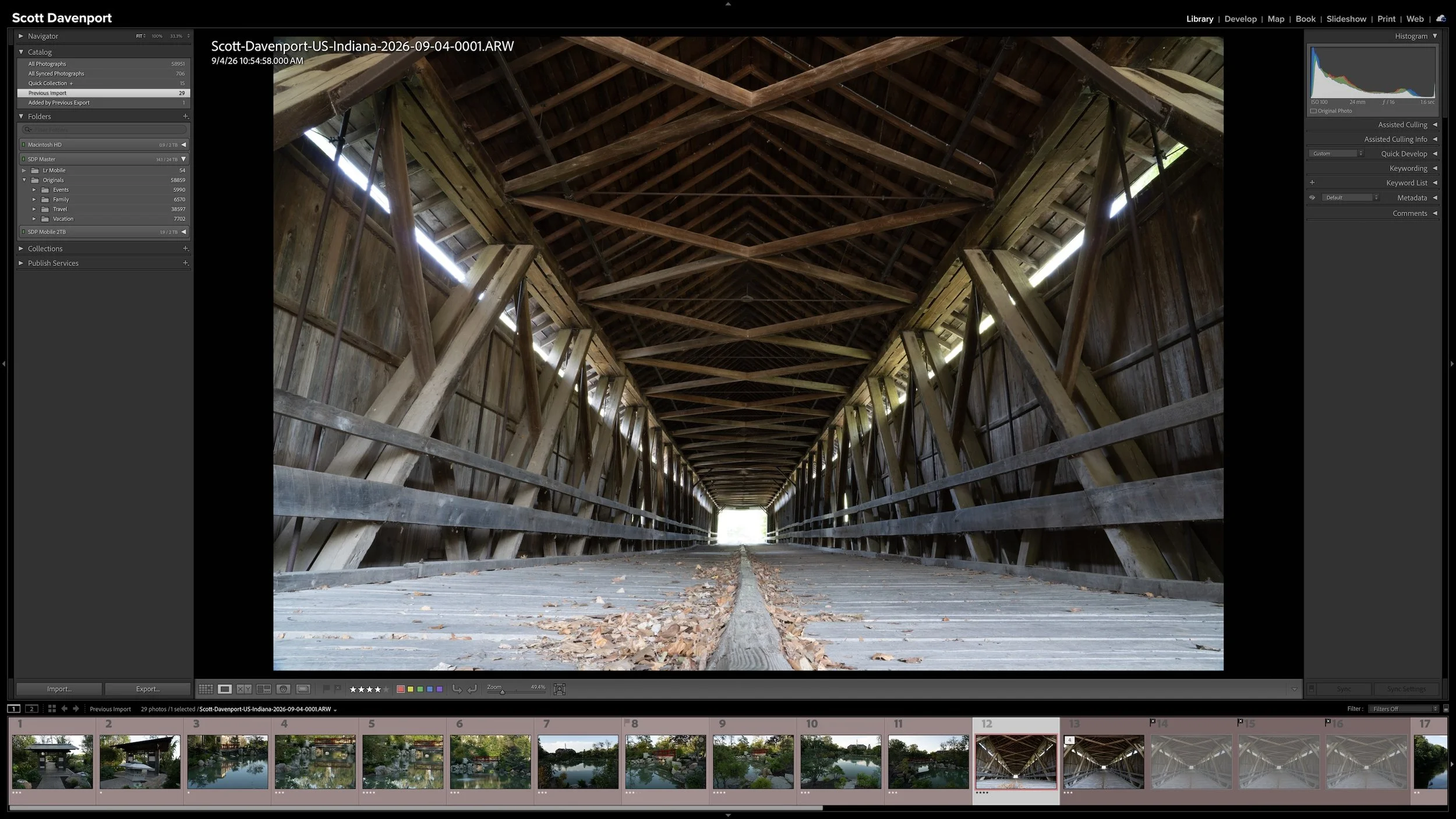
Lightroom Classic gives you five stars for rating photographs, but those stars aren't very useful if their meanings change from one shoot to another. A consistent system lets you know what a three-star or four-star photograph means without rethinking the definitions every time you rate a new group of photos.
My rating system ranges from photographs I keep primarily for sentimental reasons to photographs I consider strong enough to print. You don't need to use the same definitions I do. The important part is giving your ratings stable meanings you can apply consistently over time.
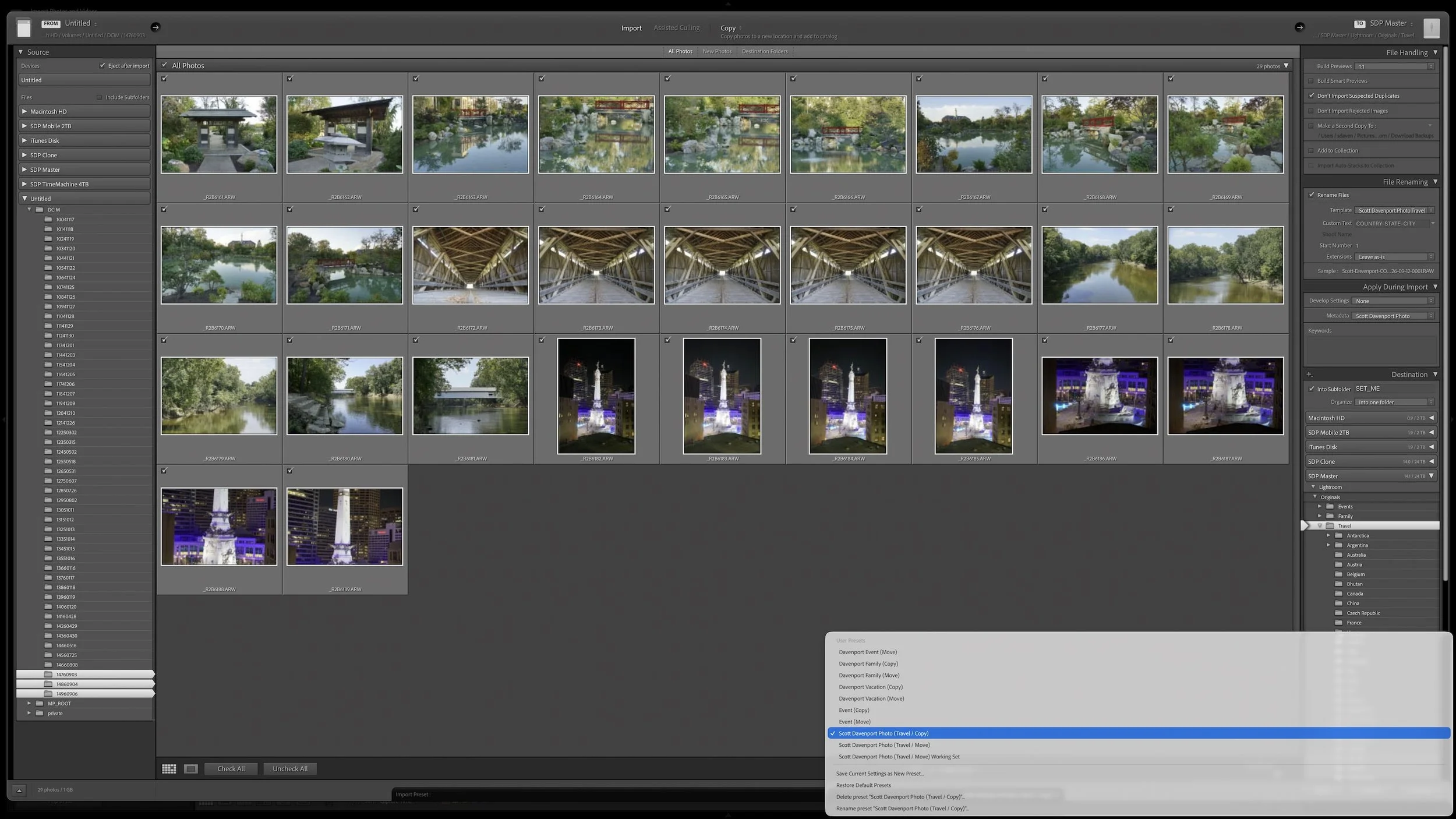
Lightroom Classic's Import dialog asks many of the same questions every time you bring in photos. Rather than rebuilding those settings for every import, you can save the choices that stay consistent in an import preset.
The preset doesn't eliminate the decisions that change from shoot to shoot. It gives you a reliable starting point, so you can concentrate on the source, destination, and other details that actually need your attention.
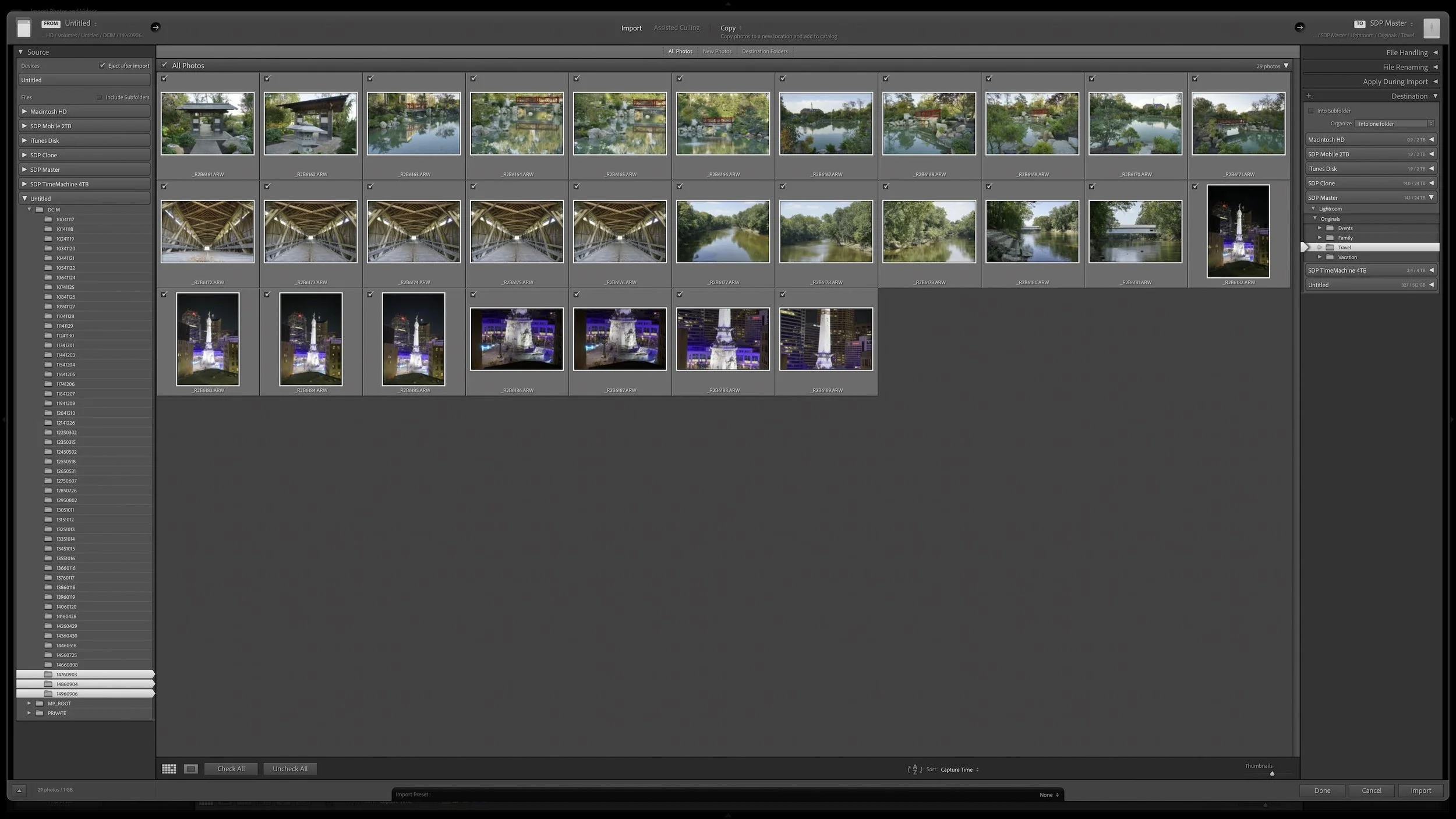
Lightroom Classic's Import dialog presents plenty of choices, but one of the most important decisions is straightforward: where are your photos now, and where do you want the original files to live after the import?
Copy, Move, and Add each handle the original files differently. Once you understand what happens to the physical files and what happens in the Lightroom catalog, choosing the right import method becomes much easier.
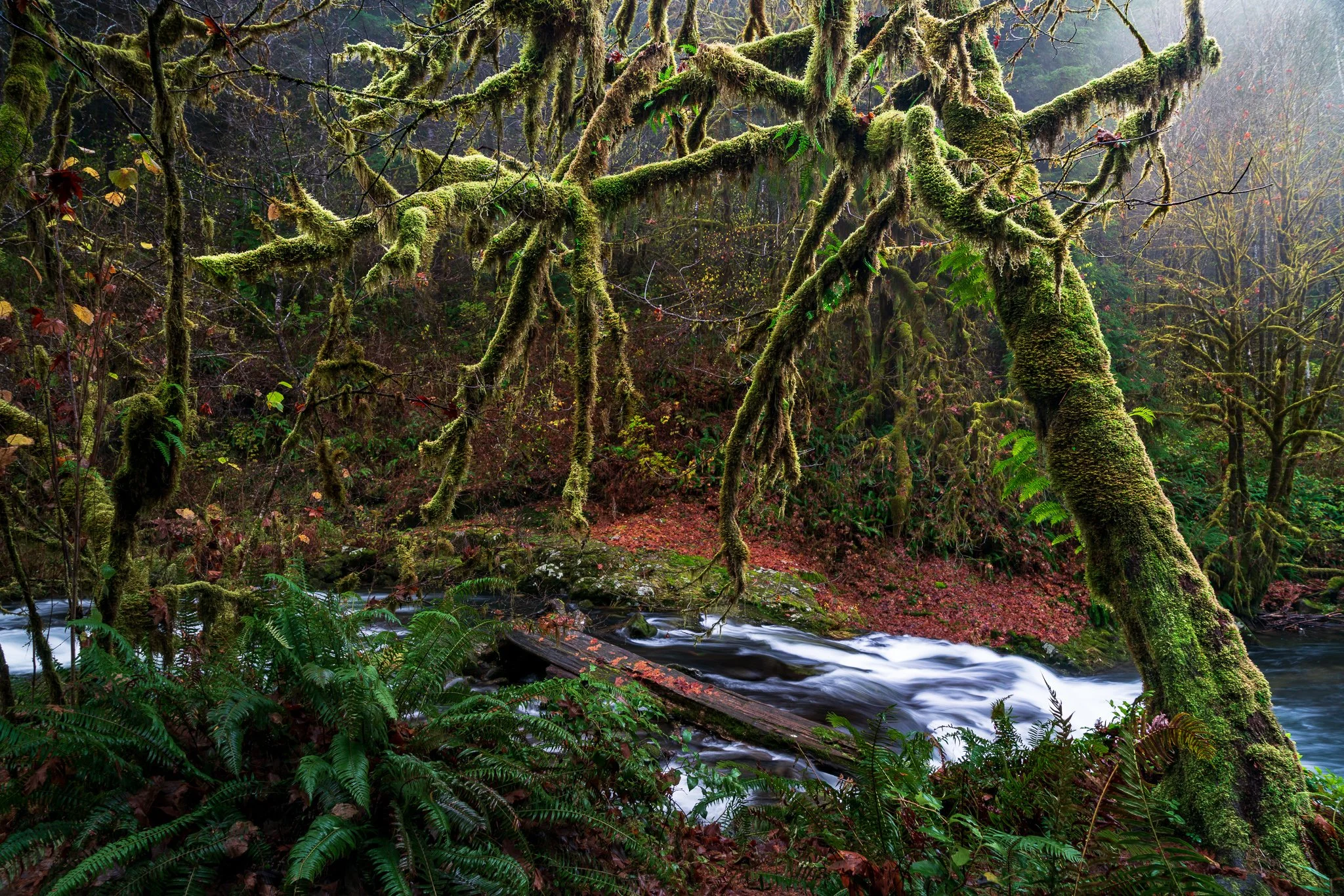
A complicated subject can take a little work to mask well. Once you've made that selection, what else can you do with it? Quite a bit, especially when you want to give your subject more separation from a busy background.
Using a mossy tree as an example, I explain how Lightroom's Duplicate and Invert lets you build several adjustments from one refined mask. You can shape the background and guide the eye while protecting the light on your foreground subject.

Great landscape photographs begin with recognizing what the light is doing. Front light can emphasize color, side light can reveal texture and form, and backlight can transform mist, foliage, and silhouettes. Once you understand those relationships, you can choose compositions that work with the conditions instead of waiting for supposedly perfect light.
Learn how to identify directional, overcast, midday, and nighttime light in the landscape—and how to adjust your viewpoint, subject, and exposure accordingly. These practical examples will help you use highlights, shadows, atmosphere, and natural layers to create clearer, more deliberate photographs.

A useful keyword hierarchy connects specific details to broader ideas. When you apply a keyword for a specific location, a particular lighthouse, or a birthday celebration, Lightroom Classic can also associate the photograph with the broader places, subjects, or events that contain it.
Synonyms extend that efficiency by connecting one keyword to alternate names, related terms, or other languages. A hierarchy can give you broader and narrower ways to search your own library. I use synonyms primarily to help other people and search engines find exported photographs without requiring me to enter every variation separately.