

Today ON1 announced their mobile editing and cloud sync offering - ON1 360°. What is ON1 360°? It is a new end-to-end photography workflow solution for capturing, editing, and accessing photos seamlessly between multiple computers and mobile devices. It will be available in late June 2020.
In a nutshell, ON1 360° enables you to sync your photos, albums, metadata, and cataloged folders across macOS, Windows, and mobile devices. Very cool stuff. This opens up a lot of possibilities for ON1 users that work on-the-go or use multiple systems for their photo work.
Rather than repeat the full press release, here are the key takeaways as I see them:
Single Workflow: Use a single application, ON1 Photo RAW, to organize, edit, and and sync your photos.
ON1 Mobile: A new mobile app to capture, edit, and sync photos is coming for both iOS and Android. It will be free to everyone and snap into the ON1 360° ecosystem.
Complete Control: You choose where photos are stored (local or in the cloud) and what photos to sync (some, all, or none). ON1 is also introducing a compressed RAW format to store more photos in the cloud (opt-in, not mandatory).
Photos Stay In Sync: Photos created and edited sync edits and metadata across devices. All non-destructively.
Pricing: The synchronization and cloud storage features are a subscription. ON1 Photo RAW remains available as a perpetual license. Add or remove the 360° service and continue to use ON1 Photo RAW to organize and develop photos.
Got more questions? Check the ON1 360° FAQ for more details.

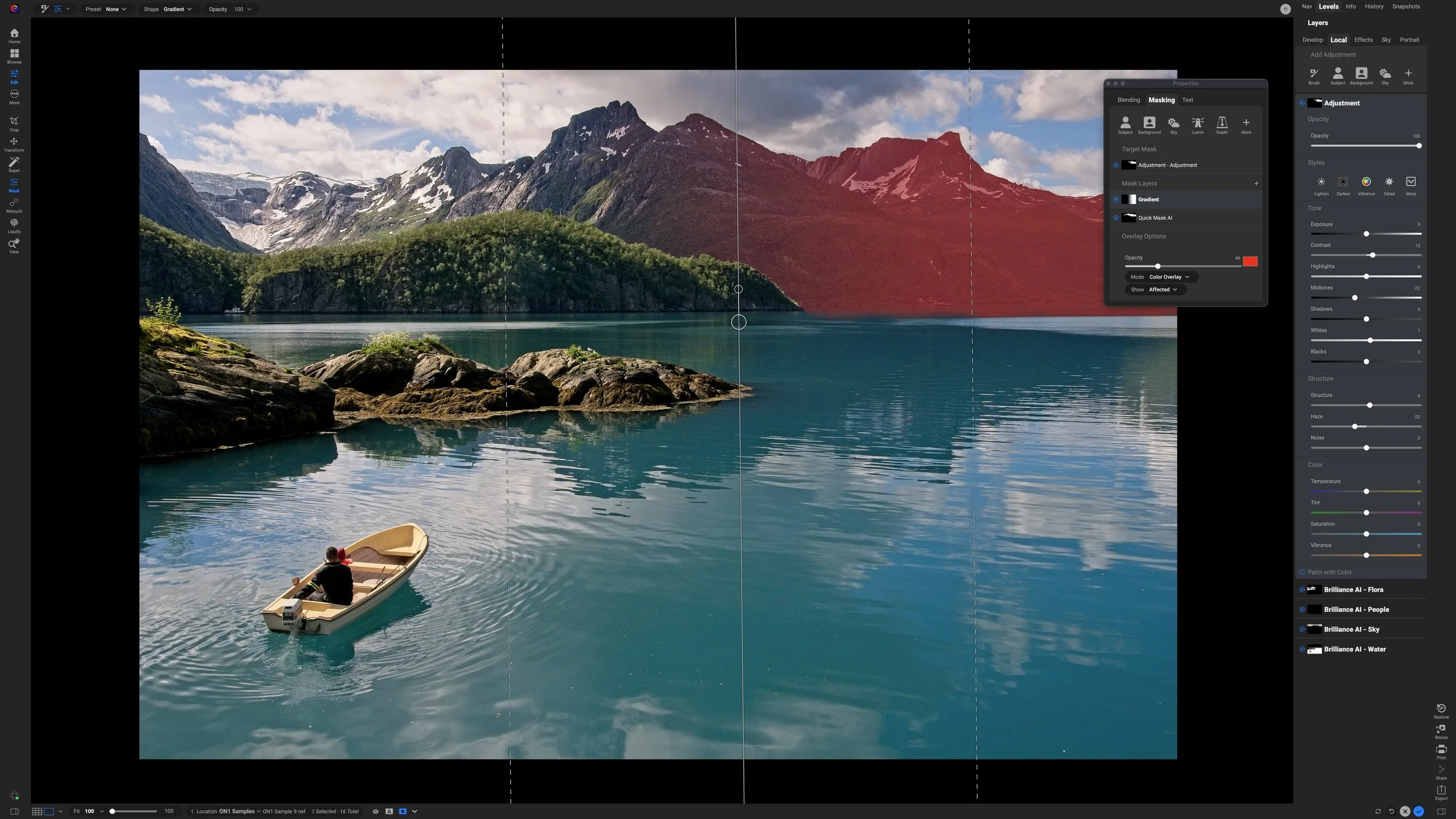


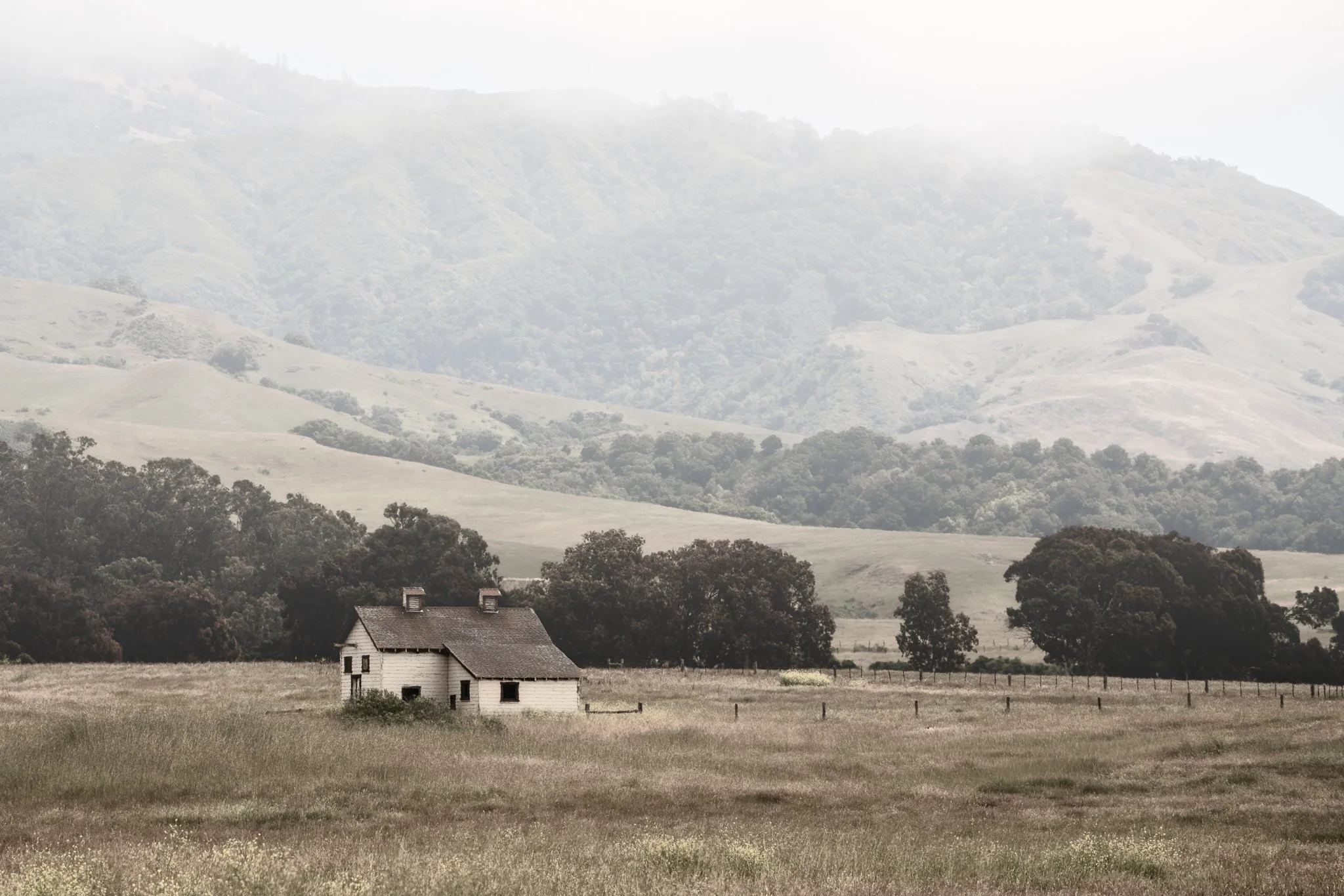
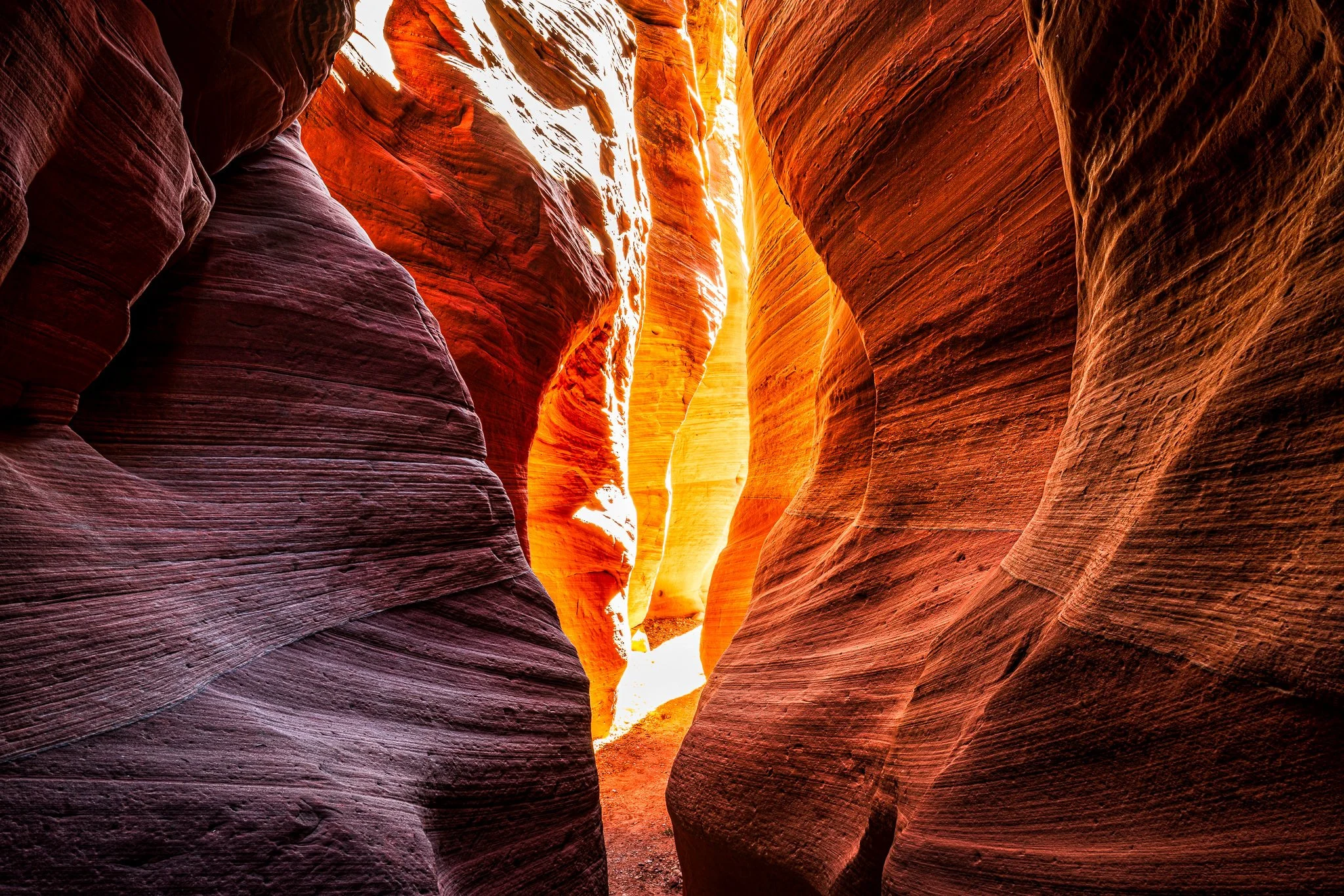
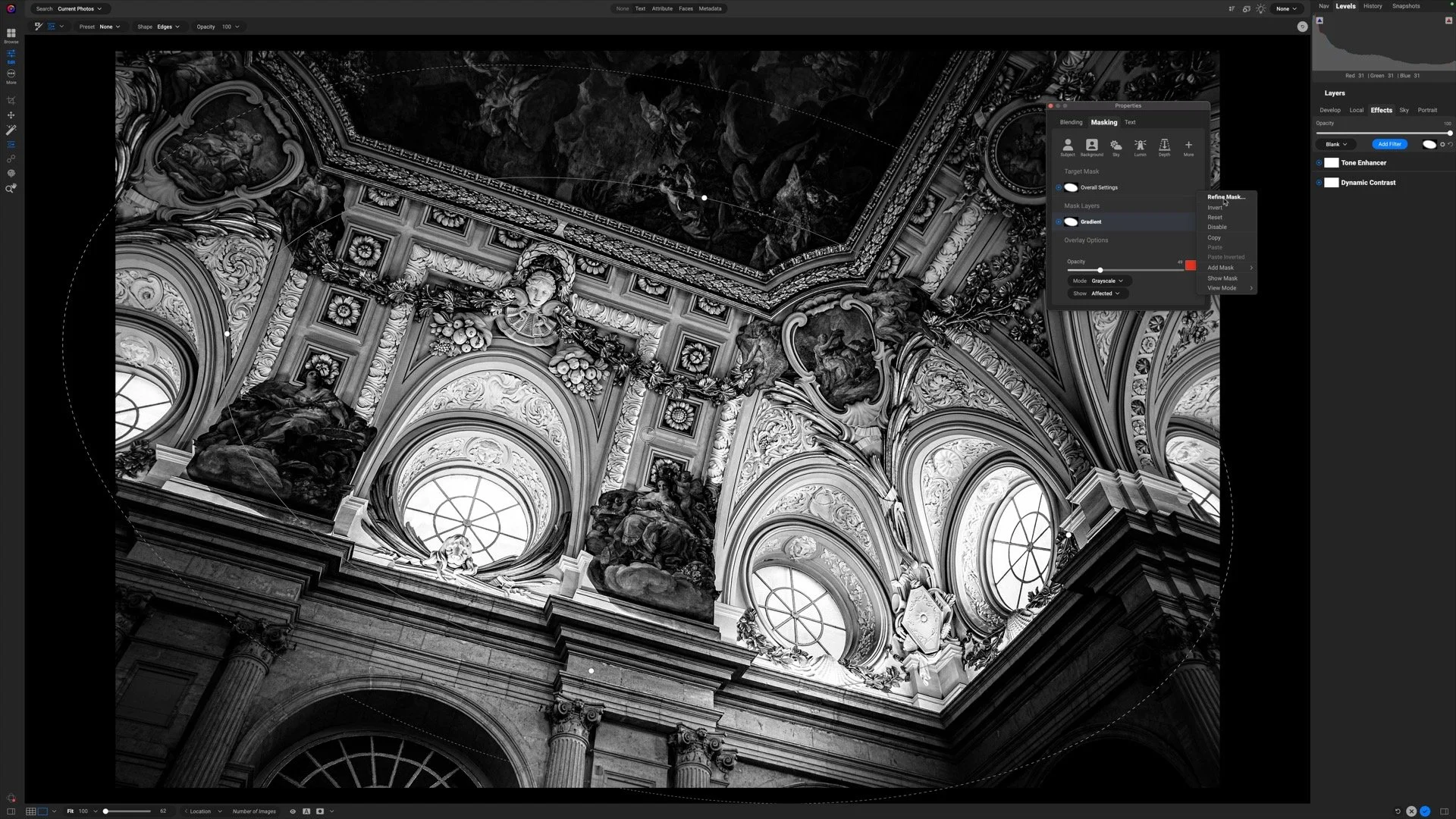


A little glow can bring atmosphere to a landscape photo, but spreading it everywhere can weaken the scene. How do you give that light a direction while keeping the shadows quiet and the brightest details intact?
Using the Sunshine filter in ON1 Effects, I shape a soft glow through a forest scene toward the water. The approach builds on an editing vision and shows how a few complementary masking tools can help you follow through on it.