

Videos And Articles
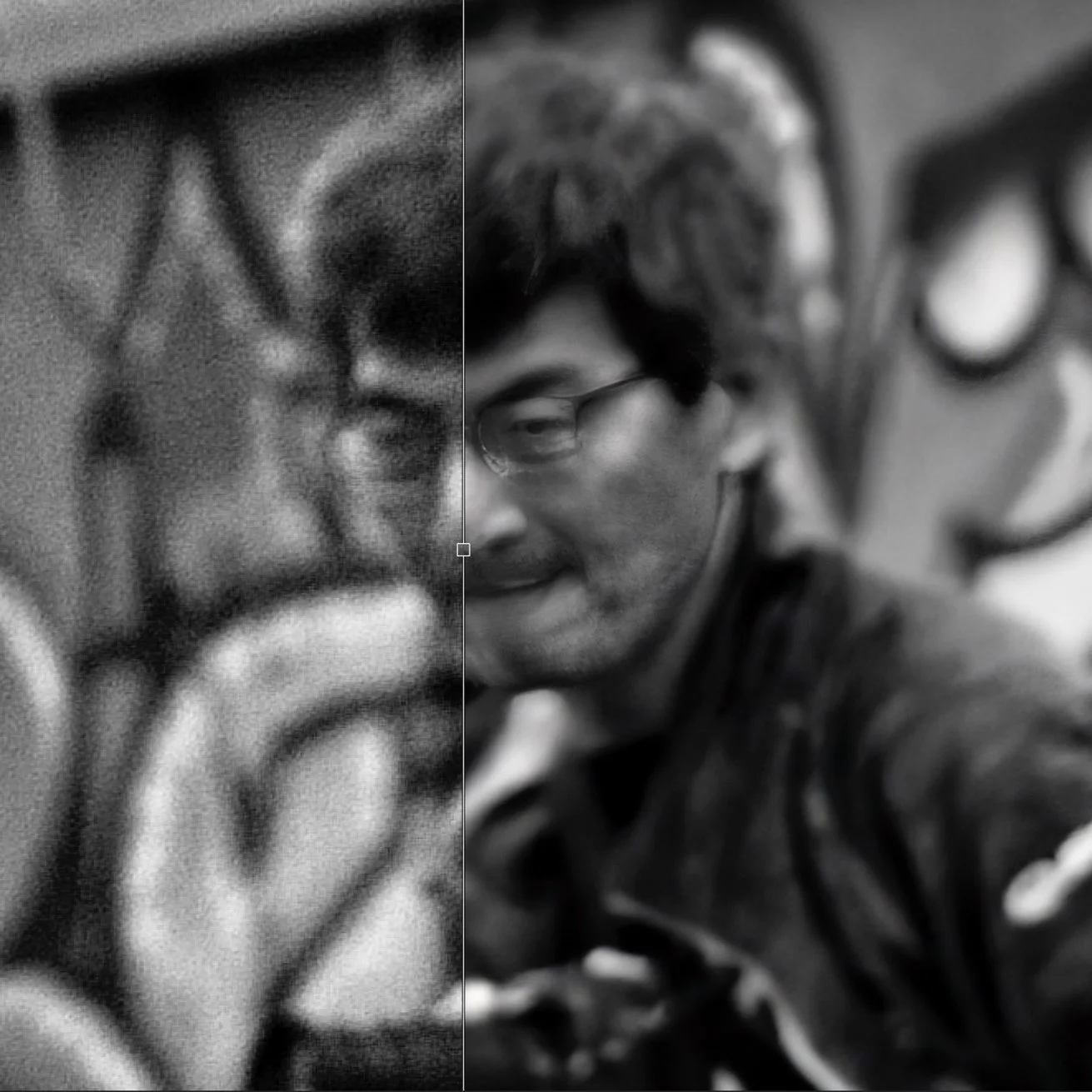
AMAZING Face Recovery In ON1 Resize AI And ON1 Photo RAW
Resize AI got crazy-powerful with new Face Recovery feature. Upscale small, grainy faces in wide-angle photos or scans of old prints. You have to see the results to believe it.

New Features In ON1 Photo RAW 2023.5
My friends at ON1 have released Photo RAW 2023.5, packing in yet another impressive set of features and improvements. Check it out.

A Magic Photo Pop Using Curves In Lightroom Masks
Adobe finally added Curves to the set of adjustments available with masks. And it’s great. I’ll show you a magic recipe to add a finishing pop to your photos - with a single click.

Enrich Black And White Photos In ON1 With The Edges Mask
Use an Edges shaped mask with a Local Adjustment in ON1 Effects and ON1 Photo RAW for a a flexible, targeted editing tool. It’s great for black and whites!

Shaping Light & Depth With Masks In Lightroom
As powerful as AI masking tools are, you the photographer still need to bring your smarts to your editing to shape light and depth in a natural way.

Cropping? Know Your Subject - In Post #542
Cropping is a fundamental tool for photographers and will strengthen a photo. When you’re cropping, know your subject. Your crop should support and emphasize it.

Mossy Cave Trail, Utah - In The Field #541
The hike up Mossy Cave Trail is a short one, yet a rewarding one, both photographically and mentally.
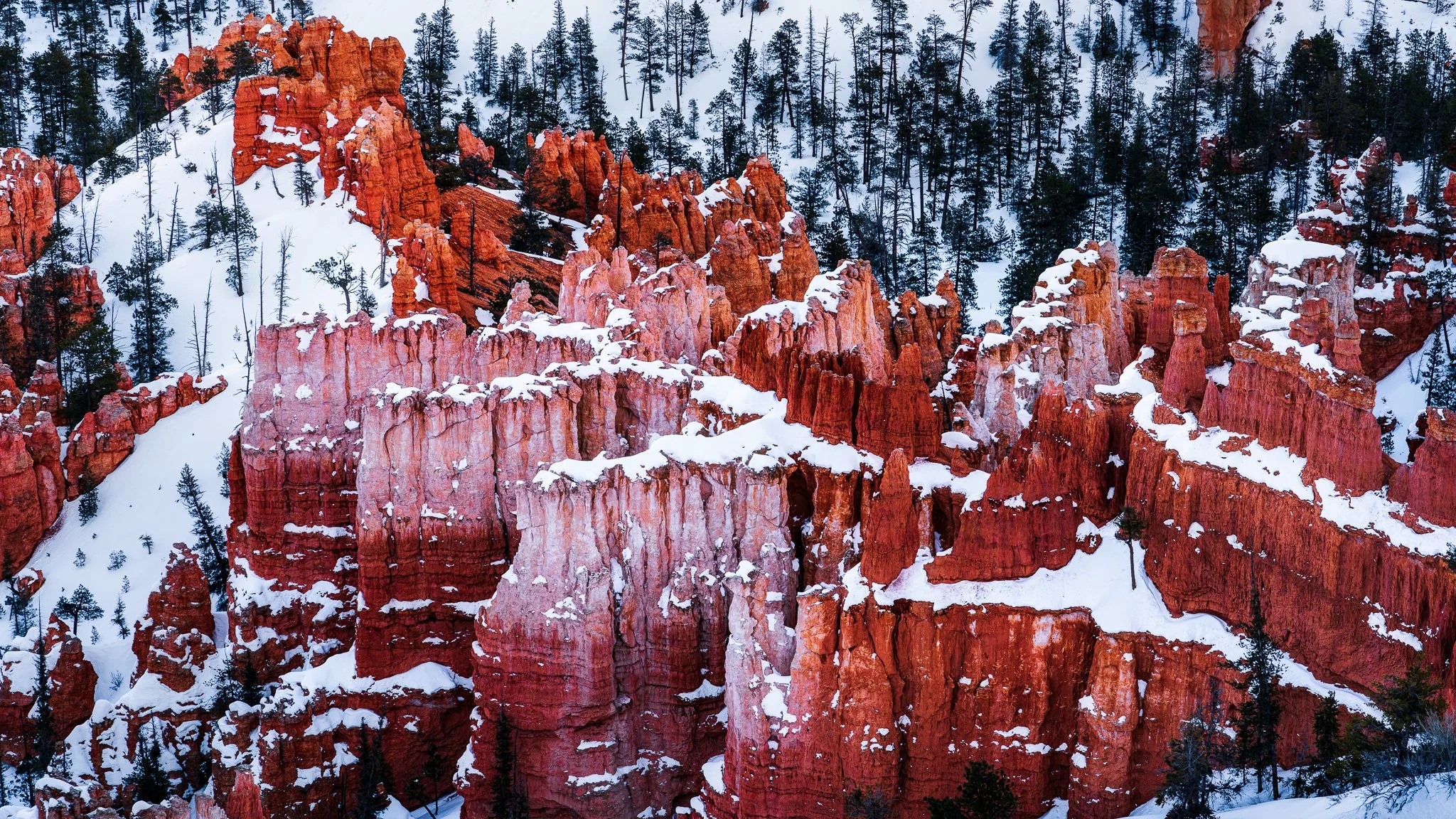
Hoodoos From Inspiration Point, Bryce Canyon
My favorite view of the hoodoos in Bryce Canyon is from Inspiration Point.
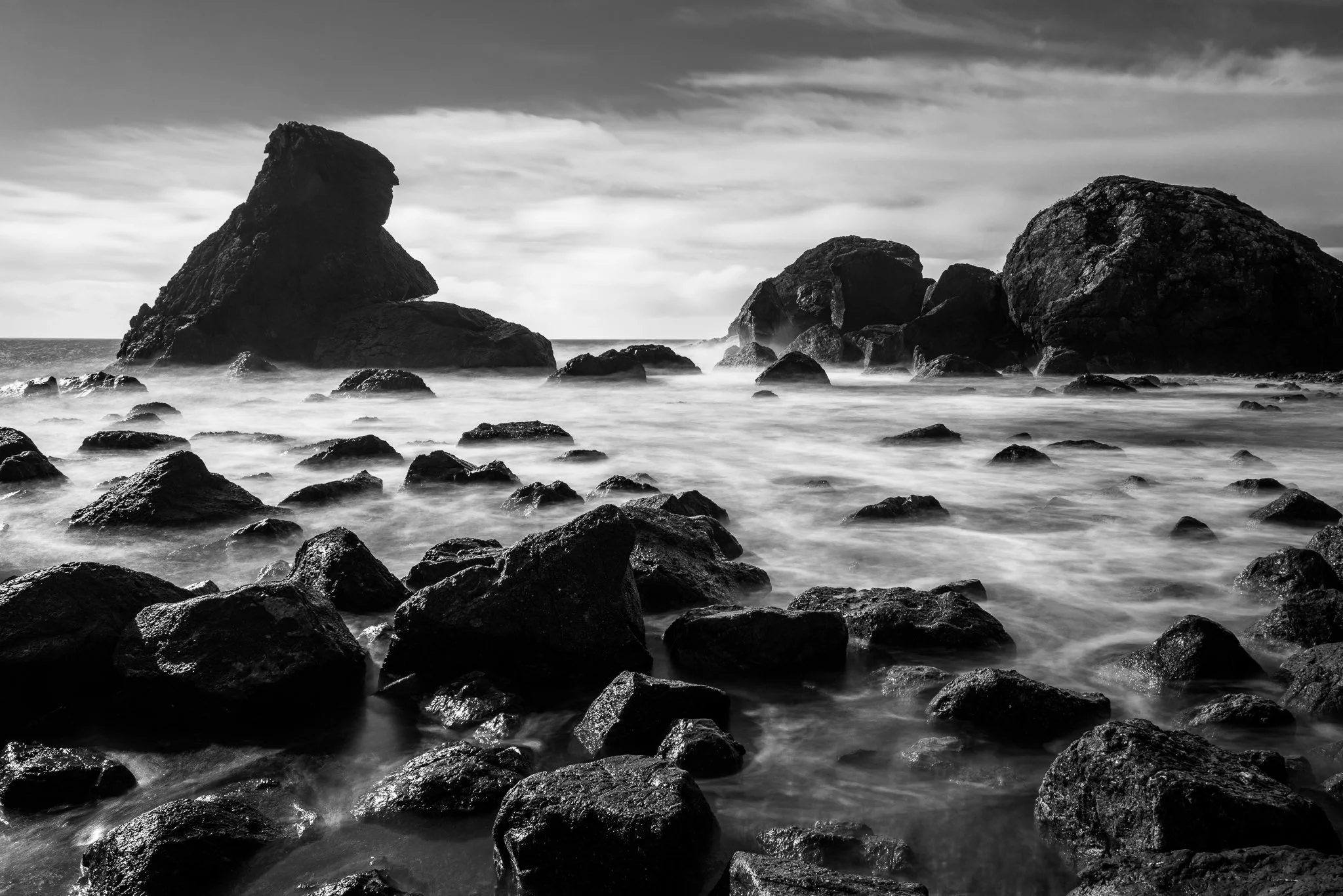

Patterns At Zabriskie Point
The rolling hills of Zabriskie Point offer a unique combination of colors, shapes, and textures.

Thor's Hammer, Bryce Canyon
No trip to Bryce Canyon is complete without a photo of Thor’s Hammer.

Complex Masks Made Easy - In Post #540
A common theme with my photos from Utah is color correcting and brightening snow in shadowy areas. The masking tools in Lightroom make complex masking selections much easier.