
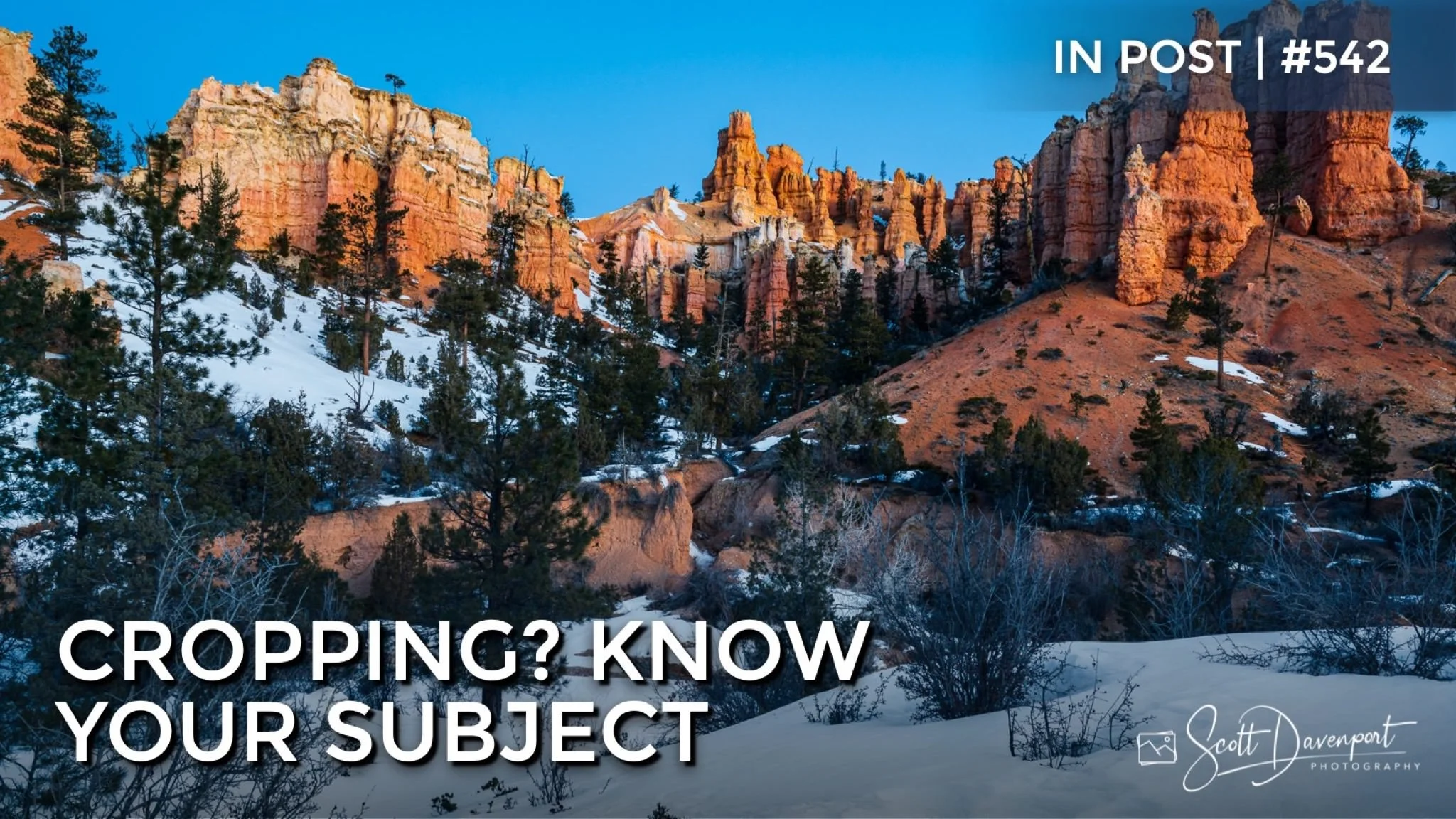
The humble crop tool is and will continue to be a fundamental tool for photographers. Most images can be improved with a crop, sometimes small, sometimes large. For landscape photographers, cropping can help reduce and eliminate distracting elements at the borders of our images. However, in a chaotic landscape, trying to crop your way to tidy border may be a fool’s errand.
When I crop my landscape images, I keep two things in mind:
Know the subject. The crop needs to enforce and emphasize the subject. Never forget the reason you took the photo. Something caught your eye and compelled you to capture it.
Check the borders. Scan the edges of your frame and look for opportunities to crop away distractions. A small adjustment on a crop can simplify your frame and remove distractions that pull your viewer’s eye away from your subject.
When you have conflict between these two items, always bias toward your subject. Do not sacrifice your subject because of a distraction. You have retouching tools in your toolkit and can turn to those for border cleanup.
View Along Mossy Cave Trail, Utah
Contact Scott to commission a print or license this image.


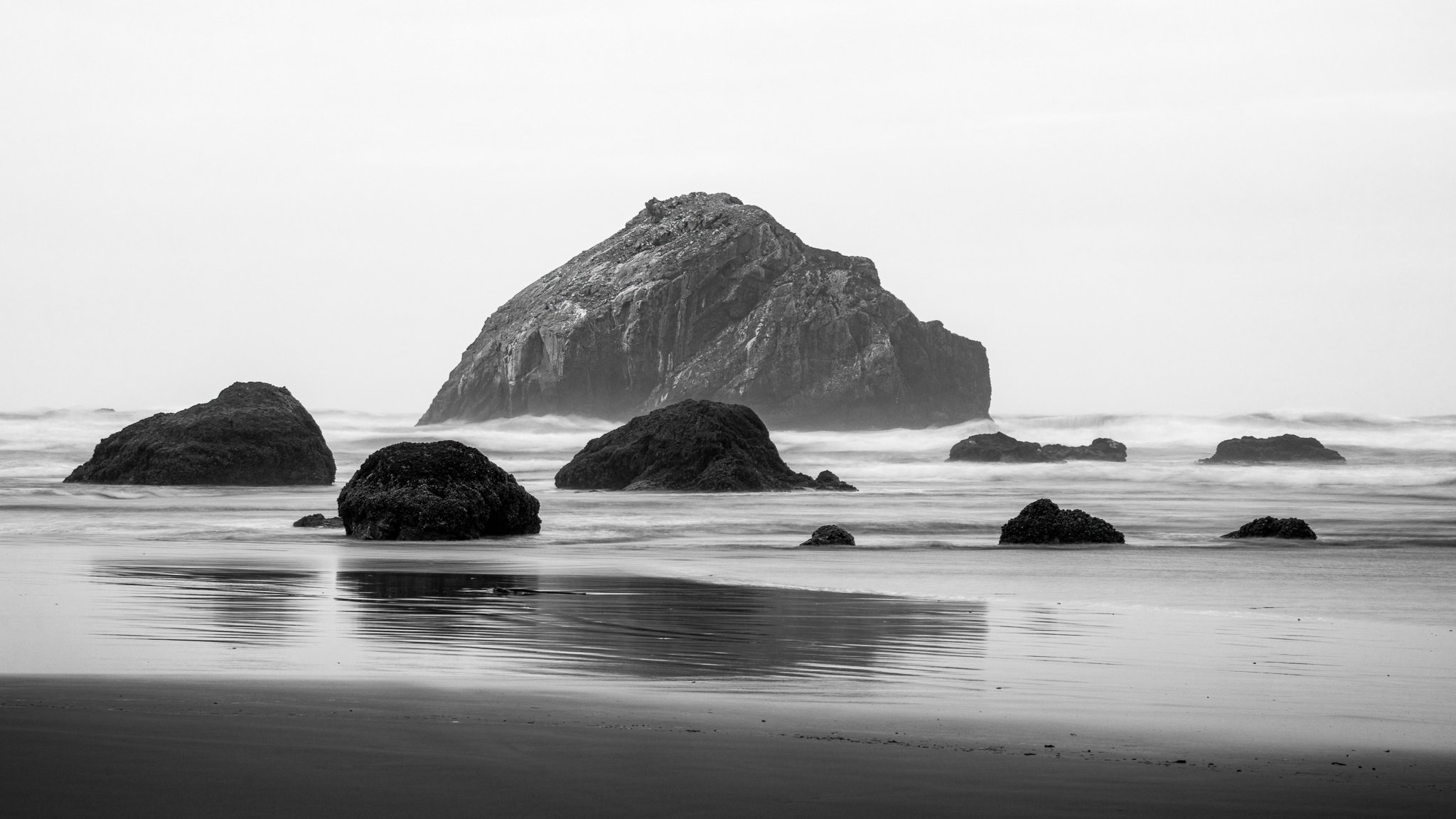


Supercharge your dodging and burning by intersecting a luminance range mask with a brush. Get professional-grade results with minimal effort.