
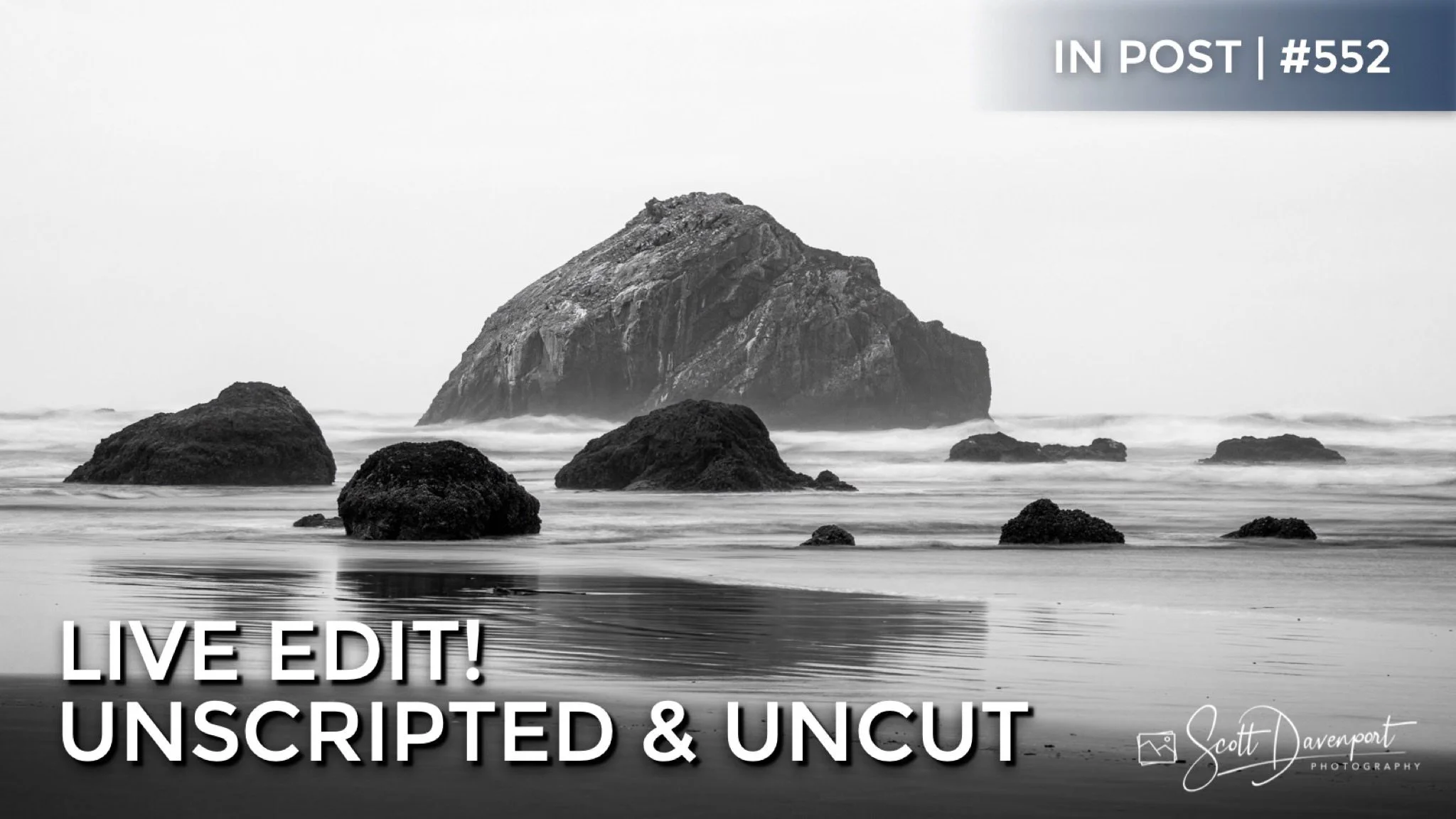
In my Live Edit videos, I share my entire start-to-finish workflow using a photo that I’ve never worked on before. Mistakes, switchbacks, and wrong turns are all part of the video - that’s where the learning happens! Watch over my shoulder as I work on a new image. You’ll hear the thought process and the artistic choices that drive the post-processing adjustments applied.
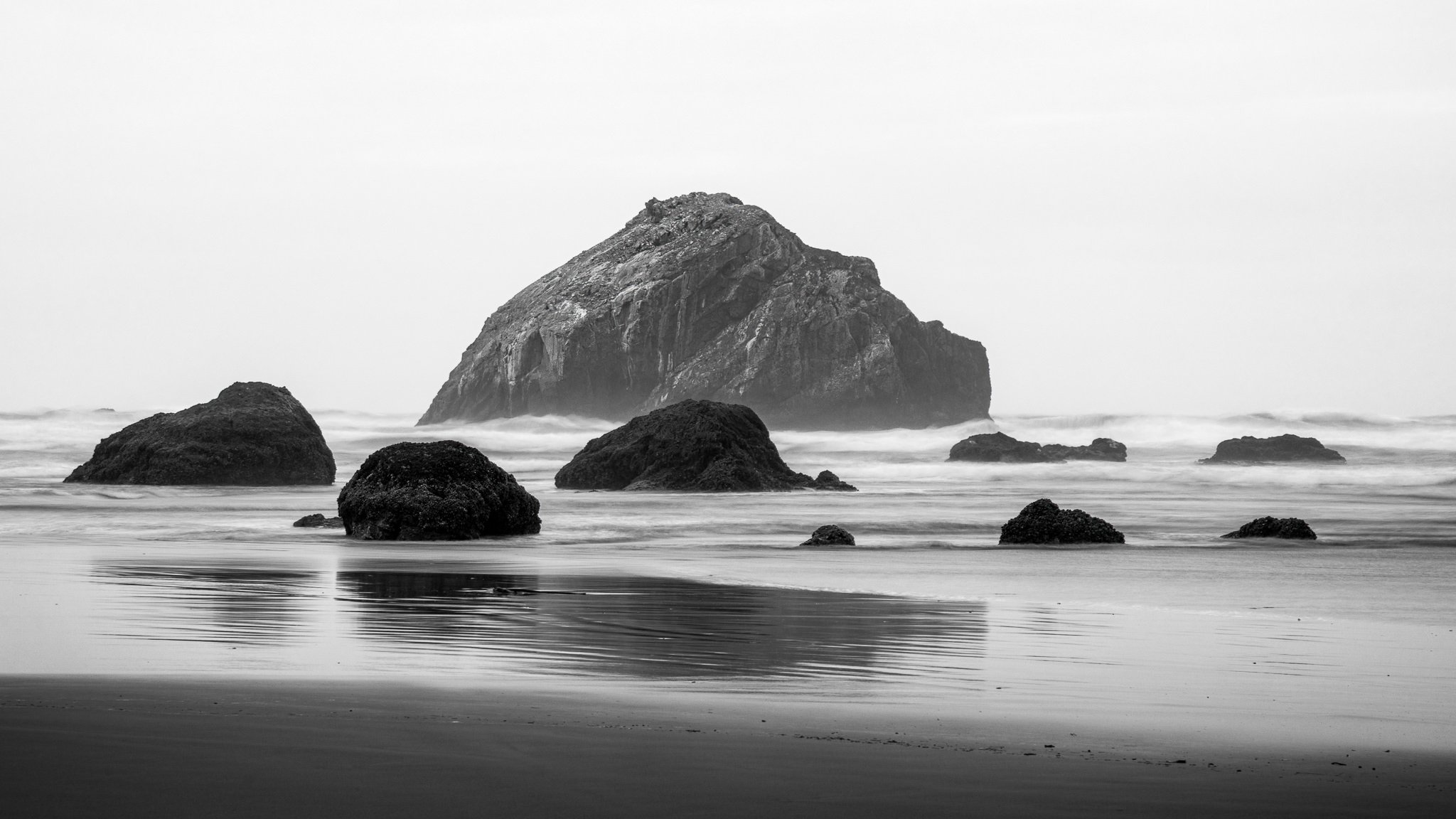
In this live edit, I embrace a monochromatic image of Face Rock on Bandon Beach, Oregon and process it in Black and White. Work starts in Lightroom and then I use ON1 Effects to enrich detail and add a finishing mood. Those little extra steps in Effects really do make a difference.
Original, unedited RAW photo
Black & white treatment in Lightroom
Finishing style in ON1 Effects
Face Rock Black & White
Contact Scott to commission a print or license this image.




Supercharge your dodging and burning by intersecting a luminance range mask with a brush. Get professional-grade results with minimal effort.