

Videos And Articles

The Photo Filter - ON1 Photo RAW 2021
Colored filters and gels change the mood and feel of your images. Digitally add a color tint in ON1 Effects with the Photo Filter.

Ambiance With The Mystical Tool - Luminar AI
The Mystical Tool adds a dreamy quality to a photo. I’ll show you how it works.

I Break My Glow Look Rule - In Post #508
I have this “rule” I follow when I apply glow looks to my landscape photos. I just broke it.

5 Landscape Photography Rules You Should Break f/79
The rules of photography aren’t really rules. You can - and should - break them.
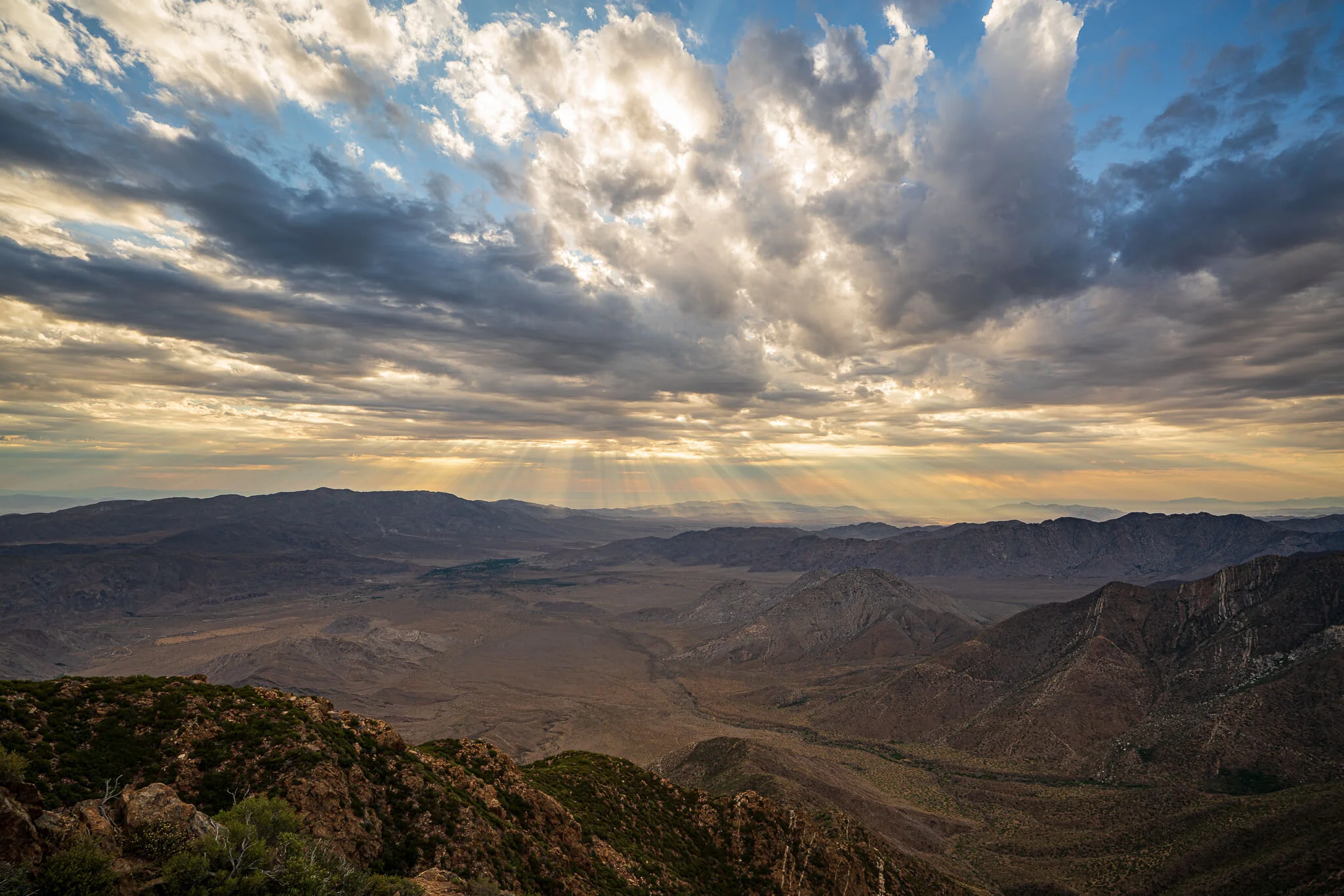
Hikes Don’t Get Better Than This - In The Field #507
This hike to Garnet Peak in the Laguna Mountains is one for the books. Mother Nature knows how to dazzle.
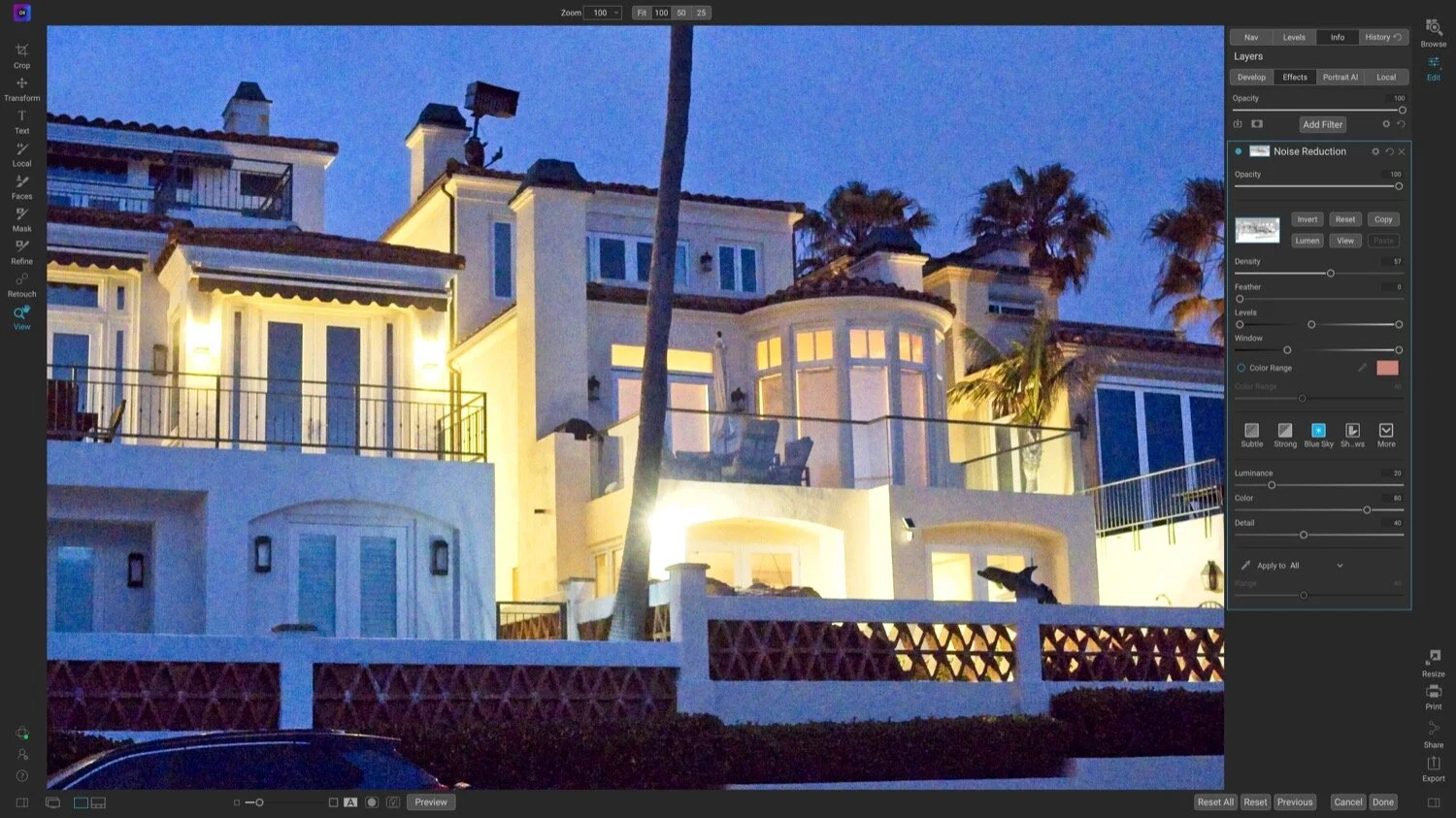
Why Do We Still Have The Noise Reduction Filter? - ON1 Photo RAW 2021
The Noise Reduction filter in ON1 Effects and Photo RAW is older technology. Why is it still here?

Using Contrast To Create Depth In Your Black & White Photos - In Post #506
Make compelling black and white landscape photos with effective use of contrast.
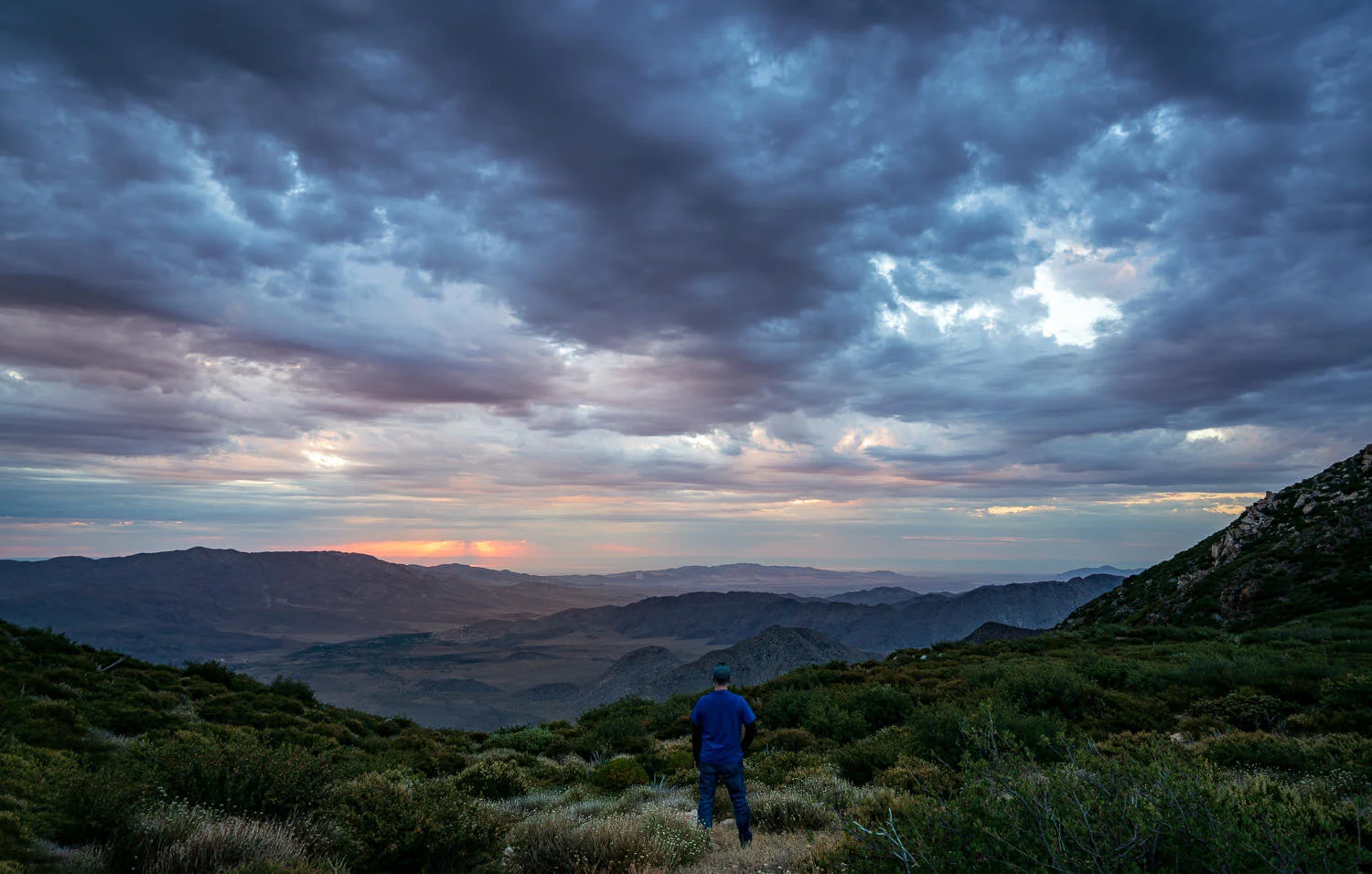
Exploring Longer Focal Lengths Along The Sunrise Highway - In The Field #505
One of my photo goals for 2021 is to explore longer focal lengths. I did just that on a recent hike just off the Sunrise Highway in Southern California.

The Matte Tool - Luminar AI
Create a washed-out, faded look for your images with the Matte Tool in Luminar AI.

FAST Noise Reduction With ON1 NoNoise AI
The new ON1 NoNoise AI intelligently removes noise and maintains detail. It holds its own against other noise reduction products. And it is FAST.

Stay Organized With Virtual Copy Names In Lightroom
Give your virtual copies a unique name and display them in the Grid and Loupe views.

Split Tones With The Toning Tool - Luminar AI
Add a two-toned look to your images with the Toning Tool. It’s a great finishing touch for many photos.