

Videos And Articles

Your Mid-Year Photo Goal Checkpoint f/77
The year is half over. Time to check on progress toward your photo goals.

Explore Your Photo Trends With The Library Filters In Lightroom
Answer questions about your photography and identify trends in your shooting habits with the Library Filter in Lightroom.
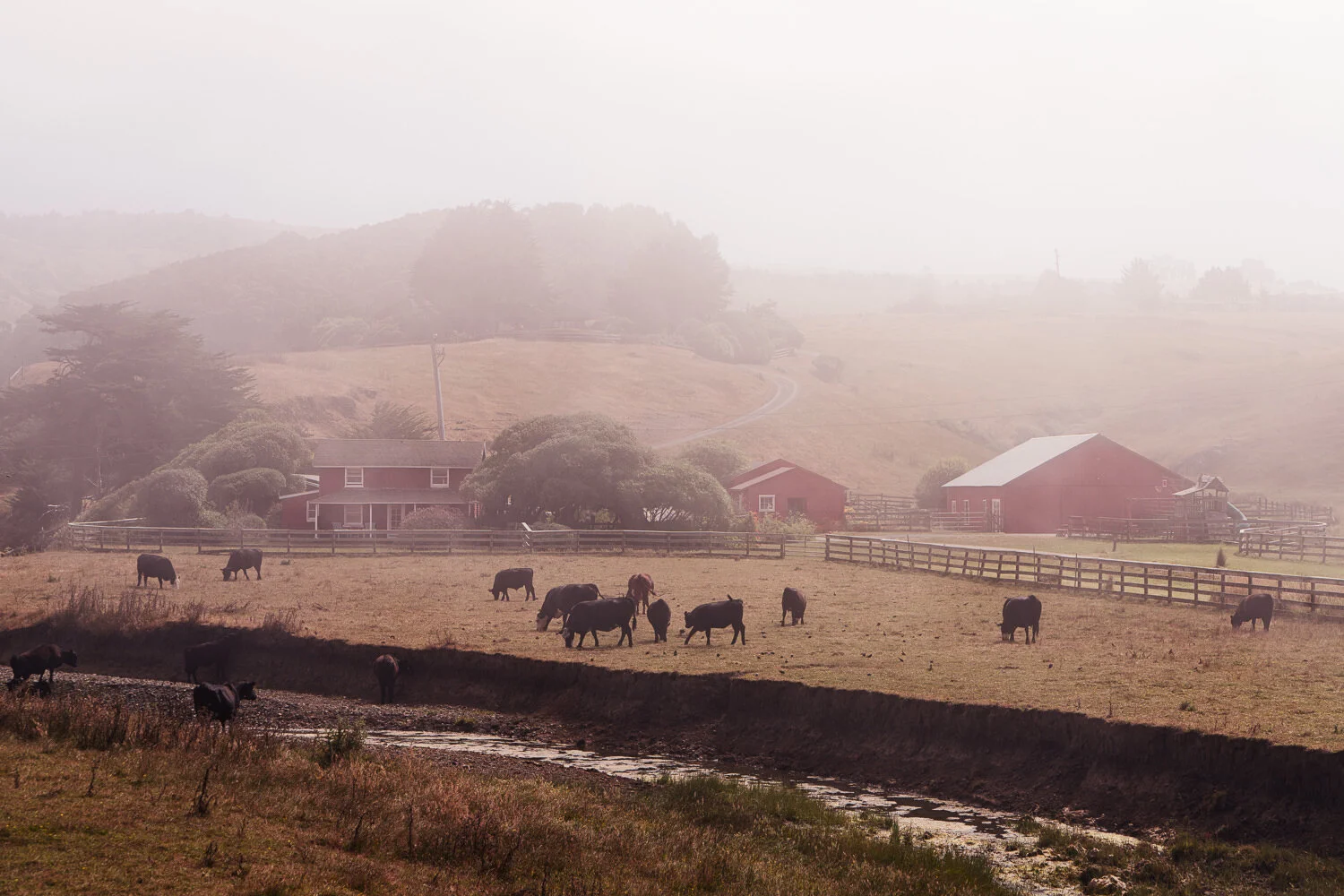
Color Grading With The Mood Tool - Luminar AI
The Mood Tool is a color grading tool that uses LUTs. What’s a LUT? I’ll explain.

Live Edit! Unscripted & Uncut - In Post #504
In my Live Edit videos, I share my entire start-to-finish workflow using a photo that I’ve never worked on before.
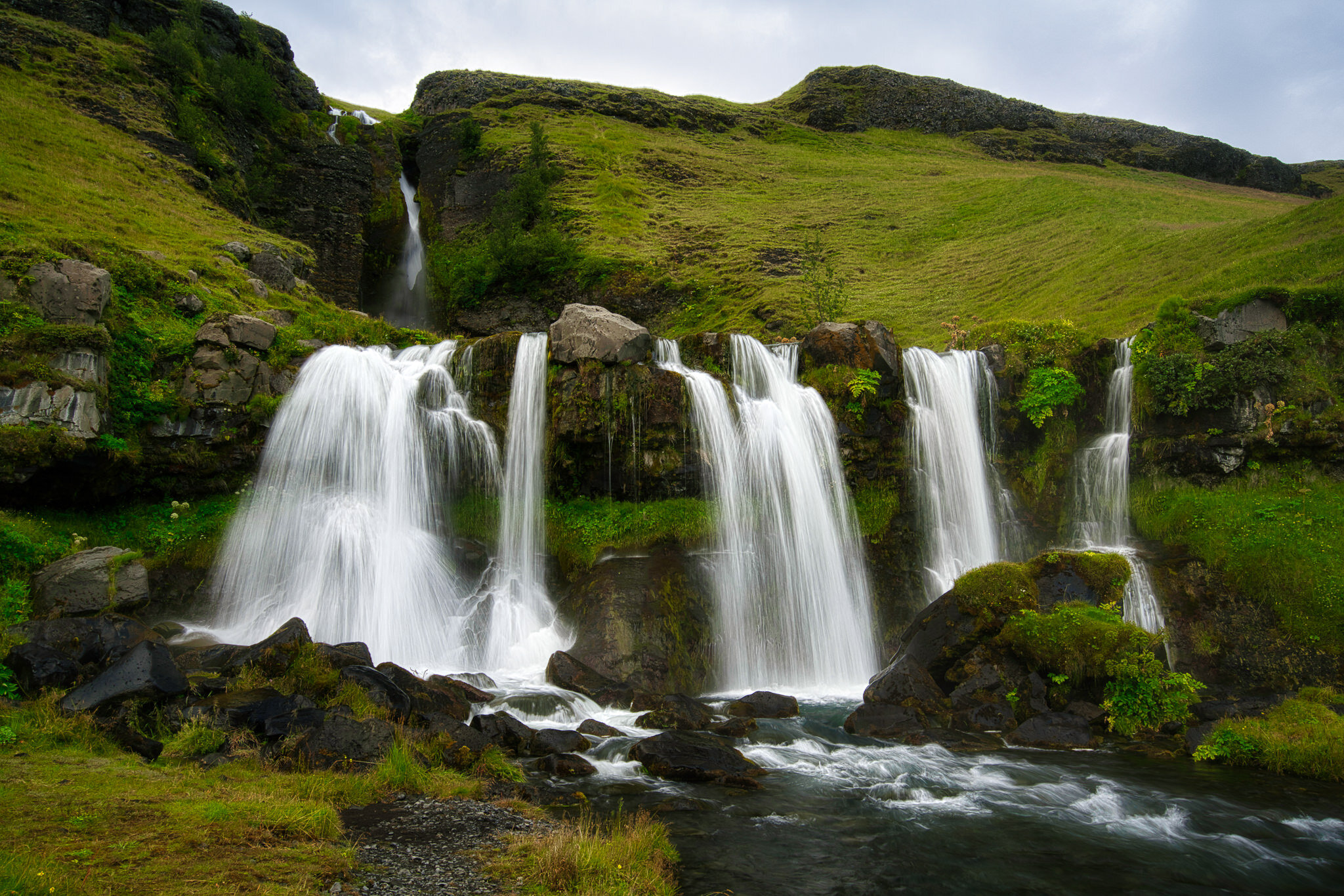
4 Reasons I Use Multiple Photo Apps f/76
I have many photo applications in my toolkit - and there are reasons for that.

Windansea Beach La Jolla - In The Field #503
I didn’t feel much like talking on this outing to La Jolla. So I’ll let the scenery speak for itself.

Color Grading With The LUTs Filter - ON1 Photo RAW 2021
LUTs provide interesting and intricate color grading opportunities. The tools in the ON1 Effects LUTs filter give you the controls to expertly craft your photo’s look at feel.

Local Highlight Correction For Print Prep In Lightroom
Don’t wrestle with your global controls in the Basic panel or the Tone Curve. Use a local brush tool to handle small specs of blown highlights.

A Cinematic Look With The Dramatic Tool - Luminar AI
The Dramatic Tool in Luminar AI adds a cinematic feel to your images. Great for urban landscapes!


The Lens Blur Filter In ON1 Effects
Simulate a shallow depth of field or a tilt-shift lens with the Lens Blur filter in ON1 Effects.

A Happy Mistake In Processing - In Post #502
It’s true that making mistakes is how we learn things. A misclick in Lightroom led to good fortune.