

Videos And Articles

Cut Glare With Dehaze In Lightroom
Too much glare in your landscape photo? Try the Dehaze slider.

Expertly Craft A Perfect Vignette In 5 Steps - Luminar AI
Create the perfect vignette for your photos in 5 simple steps.

5 Types of Contrast That Make Your Photos Strong f/64
Contrast makes for powerful images. Yet there is more to contrast than just light and shadow.

The Curves Filter Explained - ON1 Photo RAW 2021
Light, shadow, contrast, color grading - the Curves filter can do it all.

The Landscape Tool - Luminar AI
The Landscape Tool is in Luminar AI is actually 3 tools in one.

Dodging and Burning With Luminosity Masks - In Post #494
Dodging & burning are tried and true techniques to finish an image. Pair them with luminosity masks and you’ve got a powerful set of tools to shape your images.
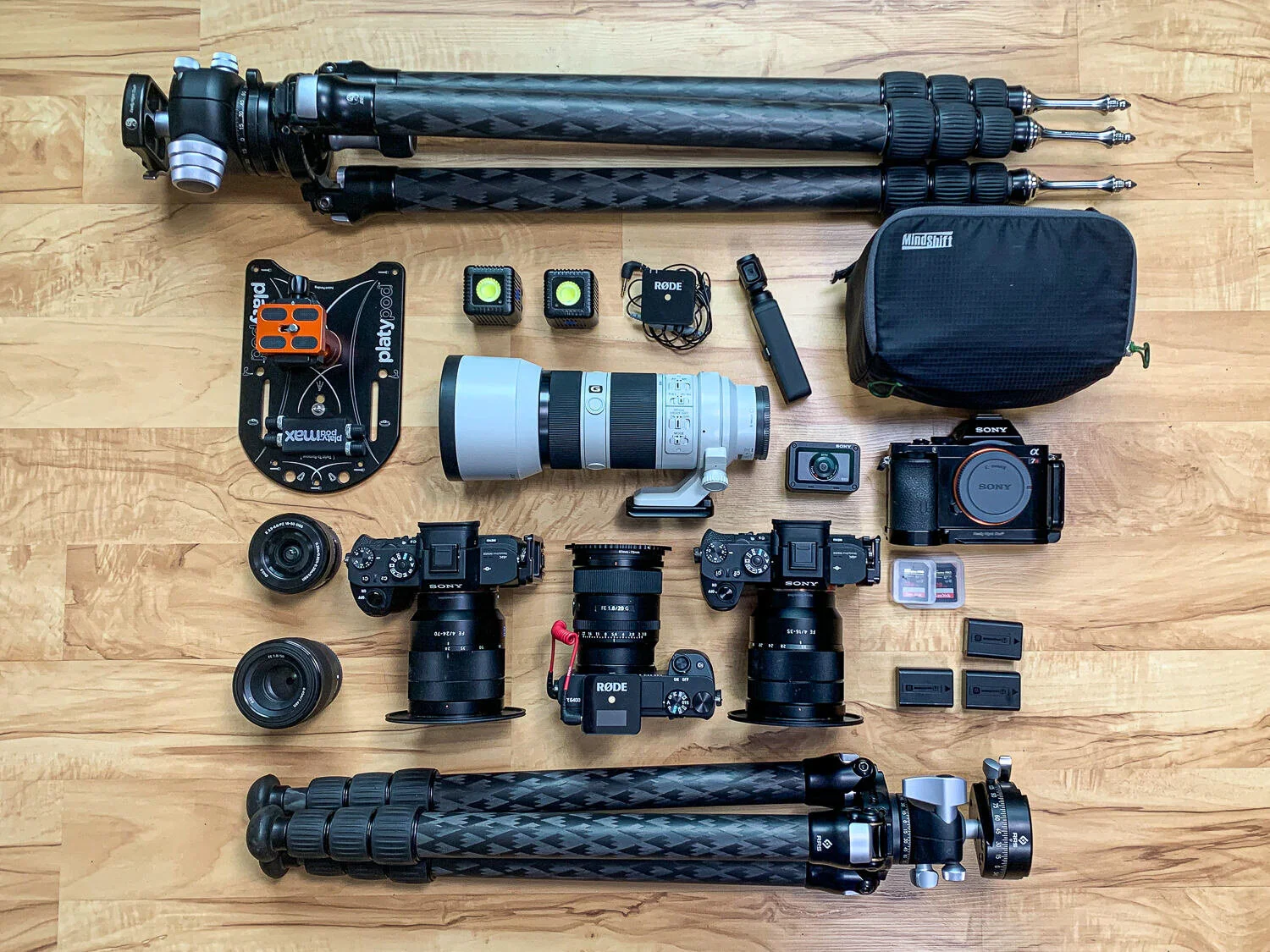
The Story Revealed By Changes The To Your Photo Kit f/63
What do the changes to your photo kit reveal about your artistic pursuit of photography?
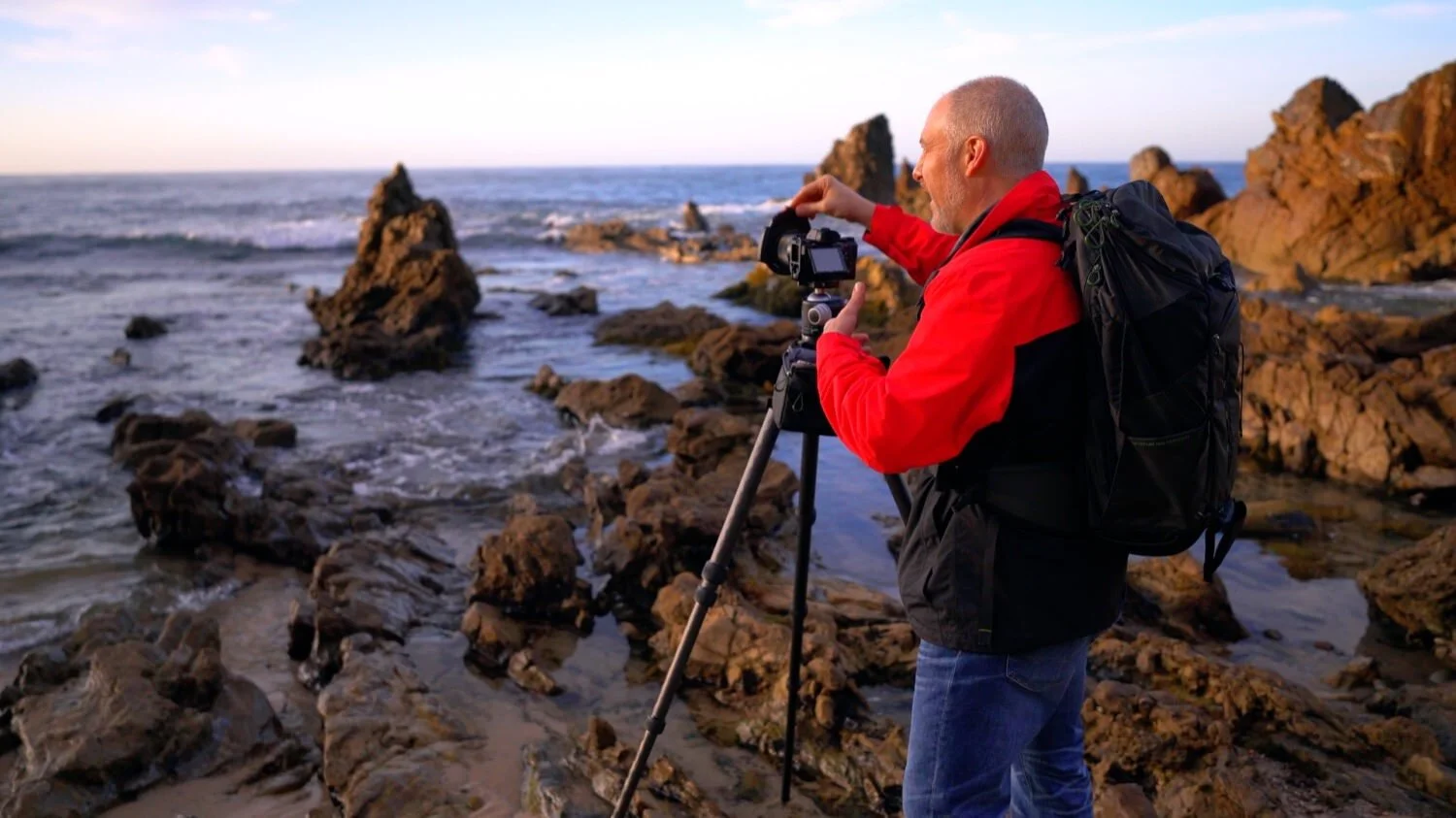
Long Exposures At Little Corona Del Mar Beach - In The Field #493
After golden hour, I stuck around at Little Corona Del Mar beach to take in a few extra-long exposures.

The Cross Process Filter - ON1 Photo RAW 2021
Cross Process isn’t your everyday filter, yet it can be useful for highly stylized images.
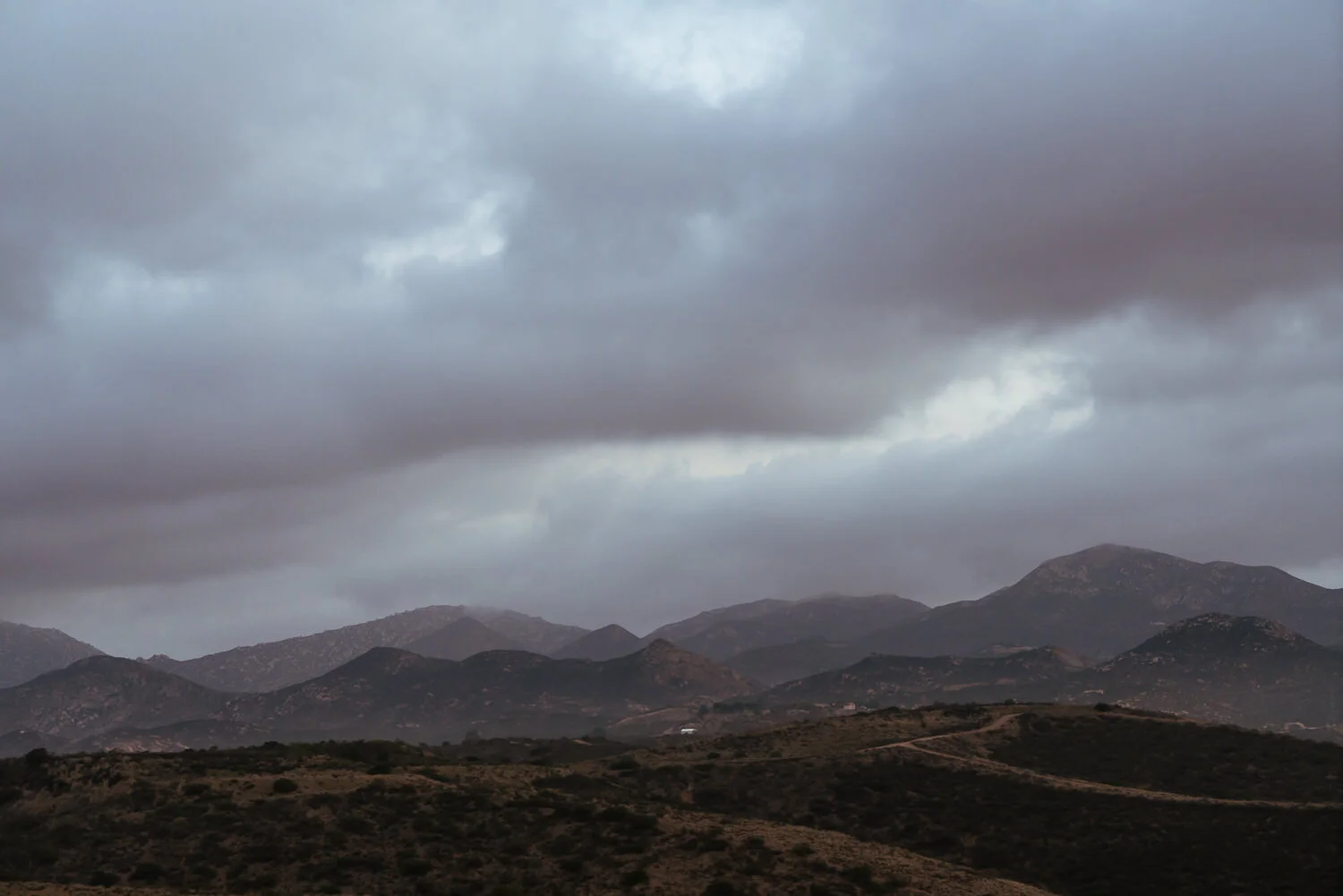
Reduce Color And Luminance Noise With The Denoise Tool - Luminar AI
Noise is a reailty in digital photos. The Denoise Tool in Luminar AI can help.

Why Are The Great Photographers Great? f/62
The great photographers of the past had unique vision and showed us new ways to look at the world.
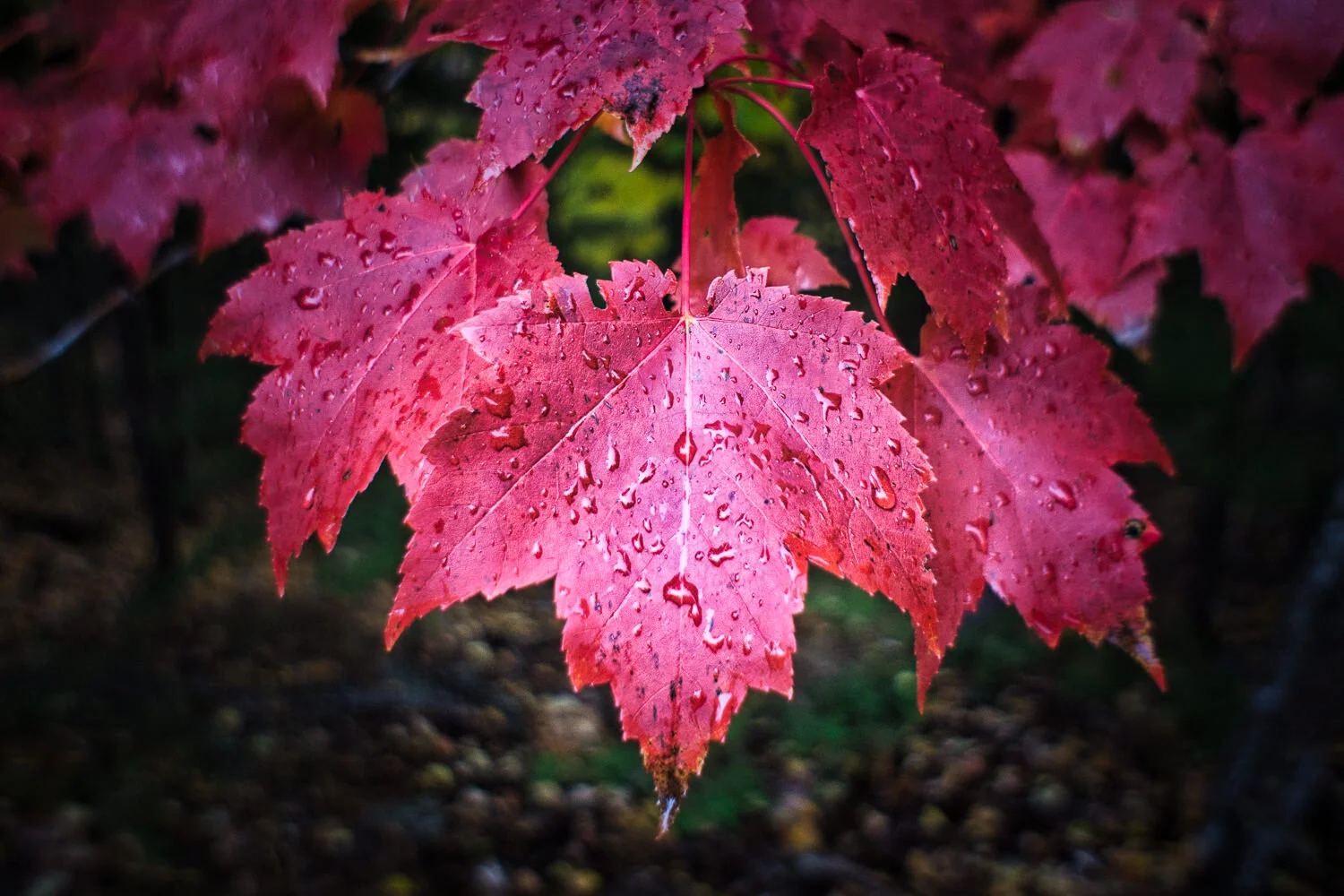
How To Add A Watermark In Luminar AI
You can easily add a watermark to your images in Luminar AI using the Texture tool in the Local Masking area