
I ran a little test in the studio to see how color managed prints looked compared to prints with my printer/paper ICC profiles. I was surprised at how noticeable the differences were. In my setup, the answer to the question “Do I need to calibrate and use printer profiles?” is a resounding yes.
Check out the Printing Your Photos series for more FREE information about printing. I make my prints using Red River Paper.
Subscribe and share!

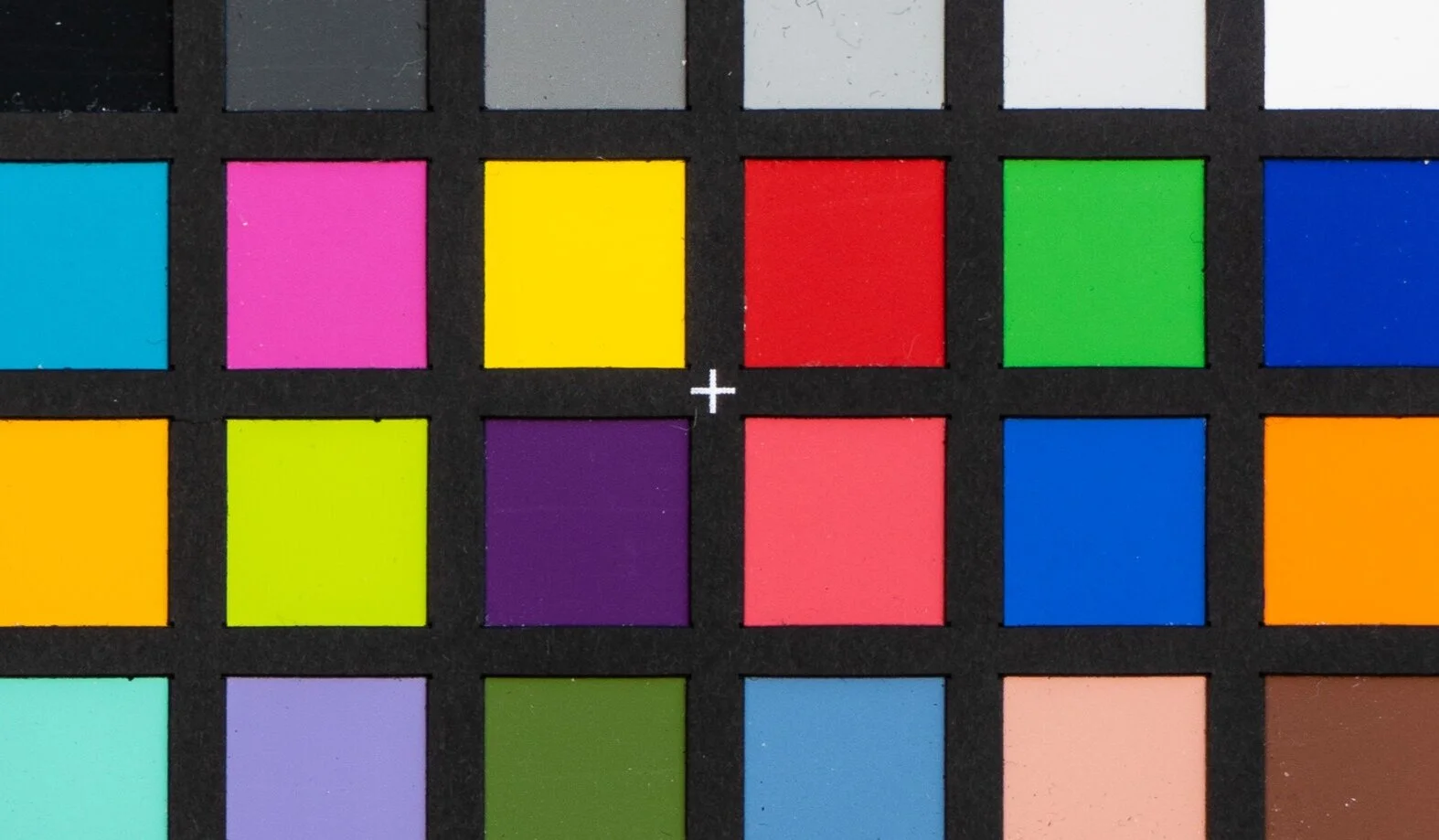
Test your own filters for a color cast. All you need is a reference point and consistent lighting.

I get asked about my tripod spikes all the time. Finally another company is making a set like the ones I have.


Calibrating your monitor and printer can be a bit of a hassle. And you need equipment for it. Is it really necessary?

Not all printer drivers are created equal. You could be missing out on important controls and settings for your photo prints.
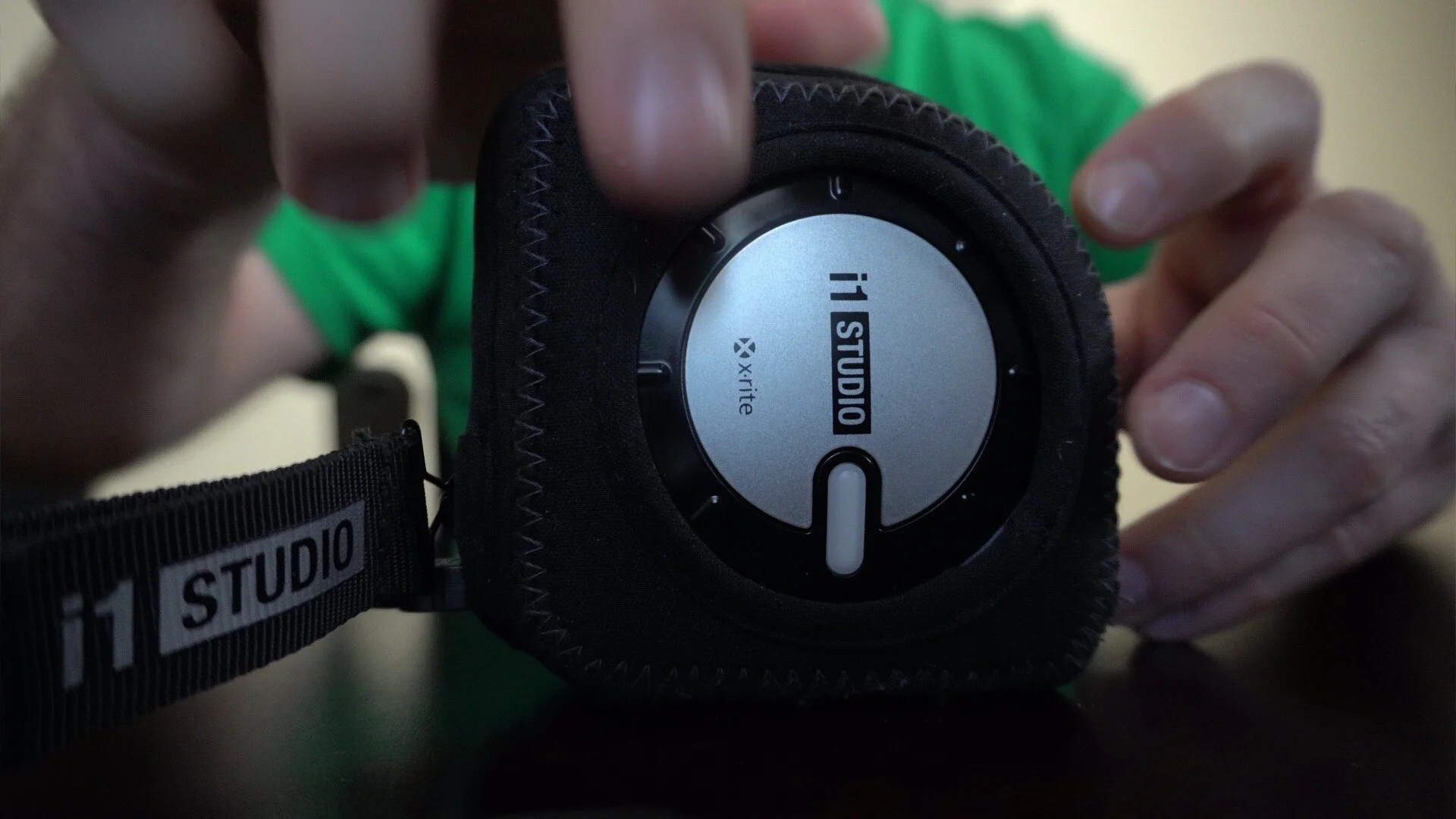
I use the X-Rite i1 Studio to color calibrate my monitor and printer. The dial on the device may be a little difficult to rotate. I’ll show you the simple trick I use to make it easy.
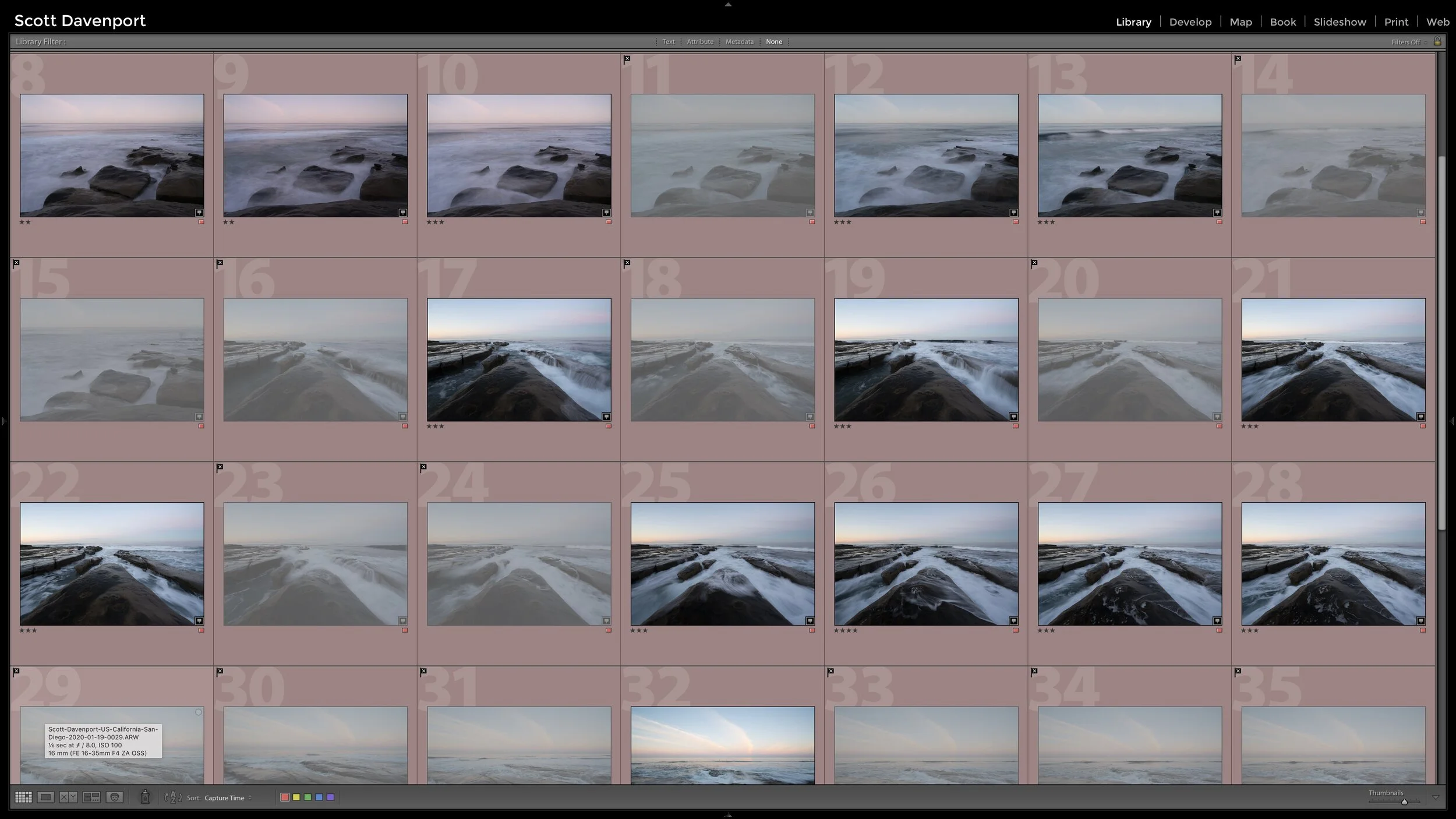
A seascape outing usually results in a lot of photos of a few compositions. Culling is critical to keep the working set of photos manageable.

Image theft happens… and it sucks. I use Pixsy to help me find potential infringements on my work. I’ll show you the basics of what I look for when I review matches found by the service.

Finding several unique images within your existing photo is a great way to grow your eye for composition. You might have new, compelling photos hiding in plain sight.