
If you are trying ON1 Photo RAW, the ON1 plug-ins like ON1 Effects or ON1 HDR, or upgrading your ON1 software to a newer version, please consider using my affiliate link. There is no extra cost to you and it helps support ON1 tutorials like this one. Ready to buy? Use the offer code SDP20 at checkout and SAVE 20%!
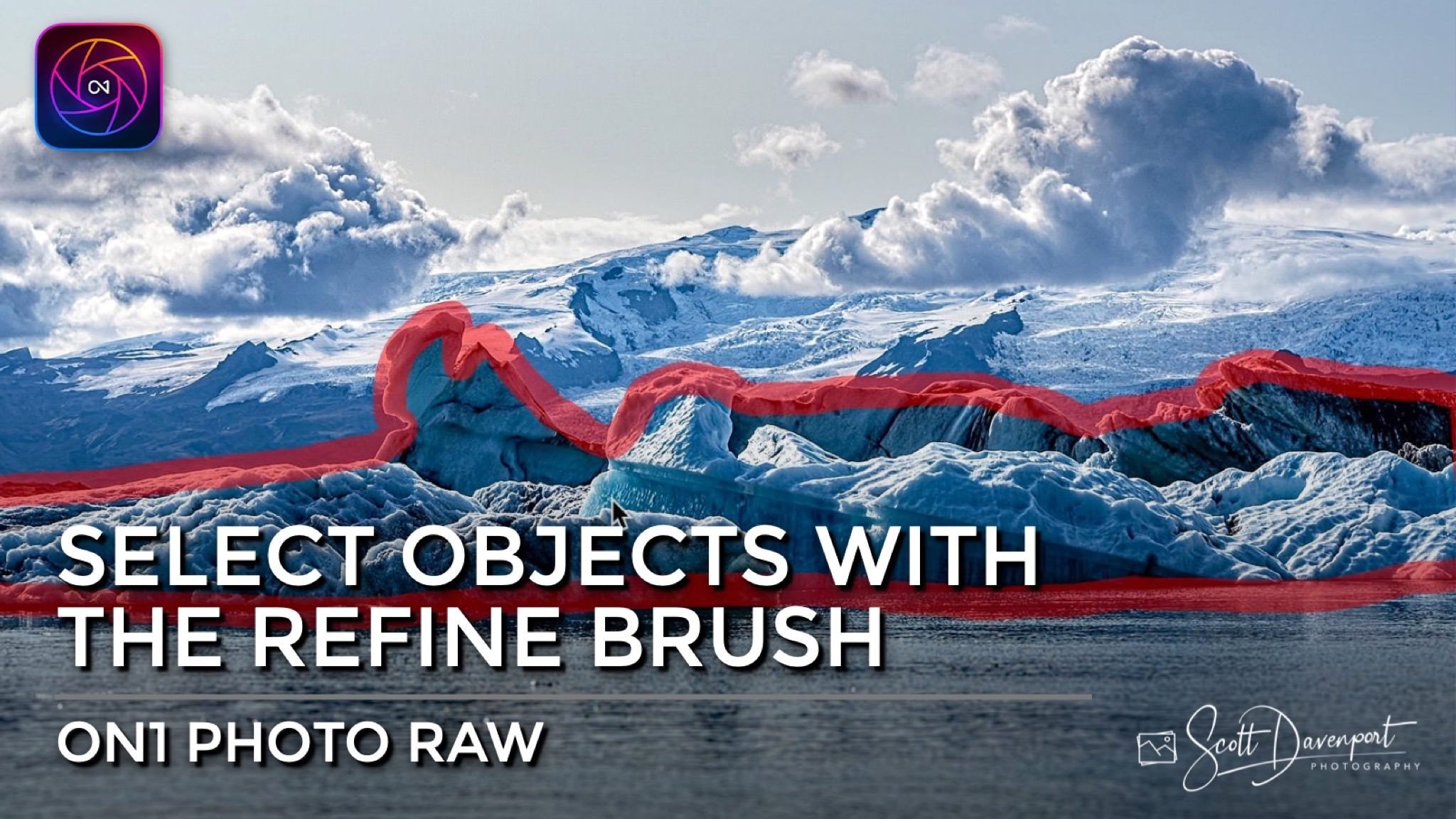
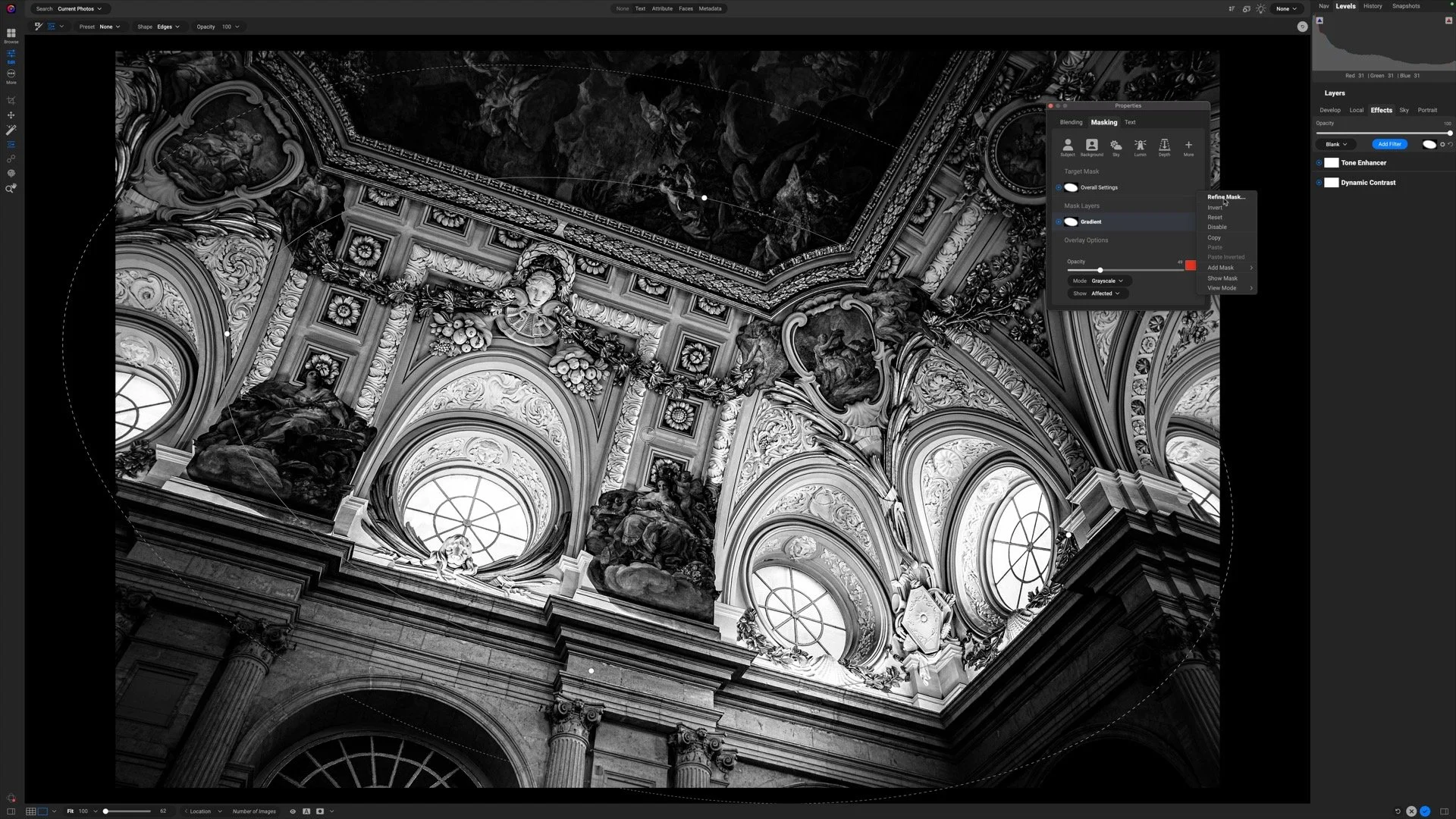
Did you know you can select objects with the Refine Brush in ON1? You can!! The Refine Brush has an “encircle” mode to select elements in your photo. Trace around the edges of the subject or object with the brush and let ON1 find the edges and create a mask for you.
Depending on what you want to mask, change the Refine Brush mode *before* you encircle the object. The method coaches the brush on what type of edges to detect.
Watch this short tutorial and I’ll show you how it works.
Change the method of the Refine Brush to best suit the subject or object you are selecting.
Then draw an outline around the subject or object you want to mask.

Ice, Glacier Lagoon, Iceland
Contact Scott to commission a print or license this image.




11th Edition - Revised for ON1 Photo RAW 2024
Organize, edit, and share your photos with ON1 Photo RAW. This well-illustrated, no-nonsense book explains everything you need to learn ON1 Photo RAW. It is the most comprehensive book on Photo RAW out there.
ON1 Photo RAW Essentials: The Photographer’s Guide To Learning ON1 Photo RAW 2024