
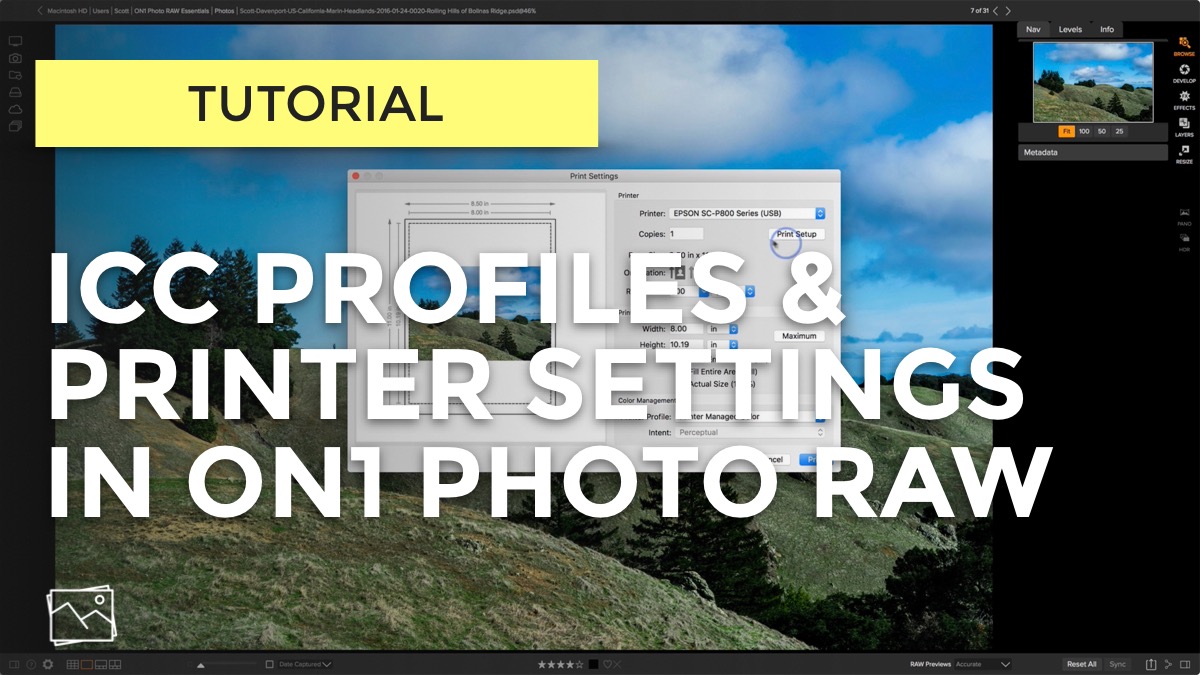
In this video, I show you how to install ICC profiles for Red River Paper and access them in ON1 Photo RAW’s print dialog. Also discussed is the importance of the printer settings, especially for thicker paper stock.
This video is part of the Printing Your Photos series. I use Red River Paper for my paper stock:

Calibrating your monitor and printer can be a bit of a hassle. And you need equipment for it. Is it really necessary?

Not all printer drivers are created equal. You could be missing out on important controls and settings for your photo prints.

I’d never paid attention to this checkbox before. Now that I know what it does, I’m turning it off.

Preparing a file for print in ON1 Resize is quick and easy. I especially like it to customize my canvas wraps.

I printed another photo book with Saal Digital and it turned out beautiful! I have a few tips for using the Saal Design software to layout your book project.

I look for two things in a print lab: a solid reputation and professional grade support and service. Saal Digital hits squarely on both counts.

Soft proofing helps you get your prints to look like your on-screen photos. Let me show you how it all works.

Setting up ON1 Photo RAW to print using ICC profiles for your paper/printer combination is easy.


There are two Red River papers I am turning to again and again for my prints.