
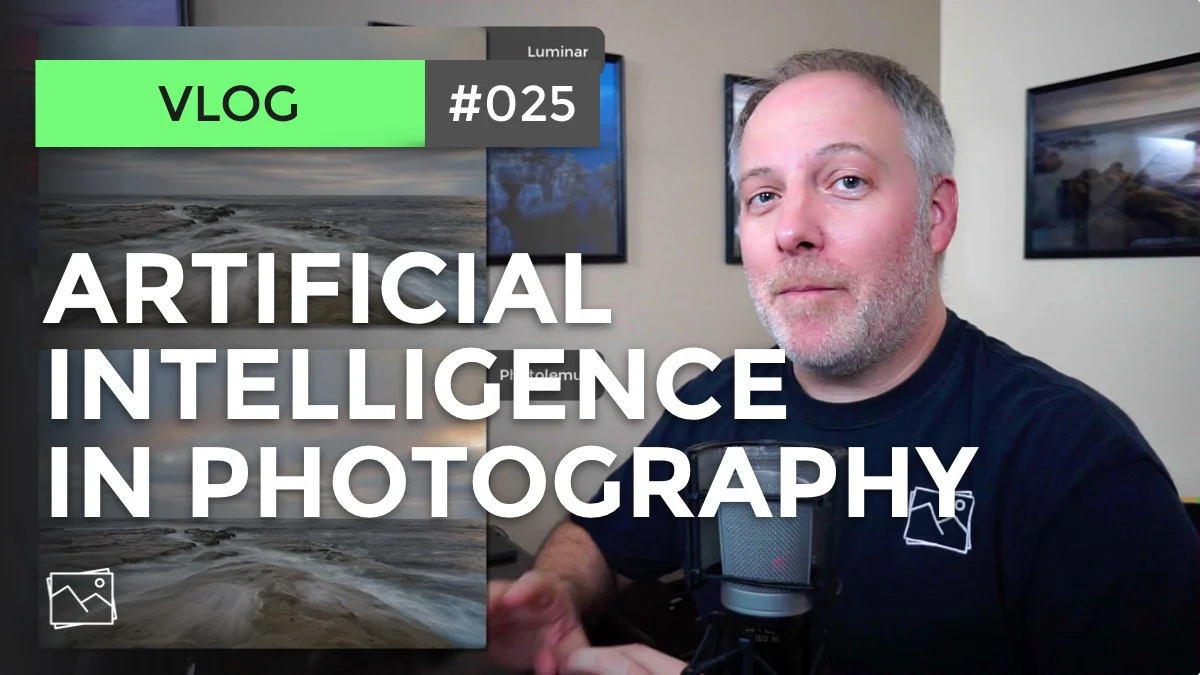


There is no doubt that artificial intelligence (AI) is on the rise in photography - and everywhere else, too! I believe AI is overall a good thing for photography.
The more discerning photographers will continue to have their work rise above the noise. The fundamentals of photography - framing, composition, understanding light - all remain the same and become increasingly important. AI will process a photo very nicely. However, if the foundation is weak, the resulting photo will be weak.
I also did a short, unscientific bake-off of the auto and AI features of Lightroom, ON1 Photo RAW, Luminar, and Photolemur. For the moment, my belief is us humans still have the edge. Nevertheless, some of the results from AI are quite impressive and plenty enough for many photos we take.
AI is here to stay. And there’s a place for it in my photography. Watch the video for more thoughts on AI.




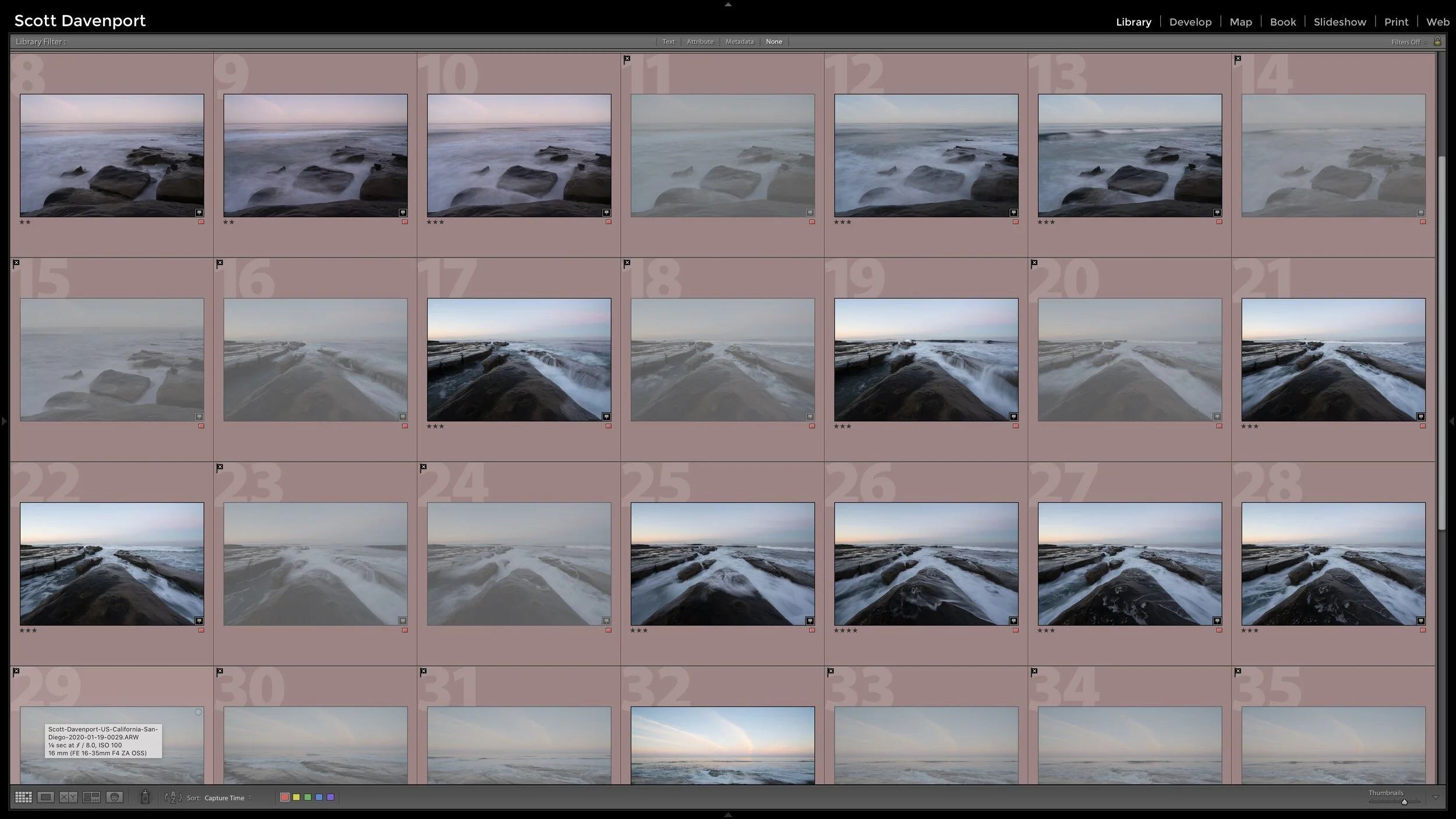


Finding several unique images within your existing photo is a great way to grow your eye for composition. You might have new, compelling photos hiding in plain sight.