

Videos And Articles

Stunning Finishing Touches For Your Black & White Photos With Luminar Neo
Got 3 minutes? I’ll show you why I use Luminar Neo to finish off my black & white images.
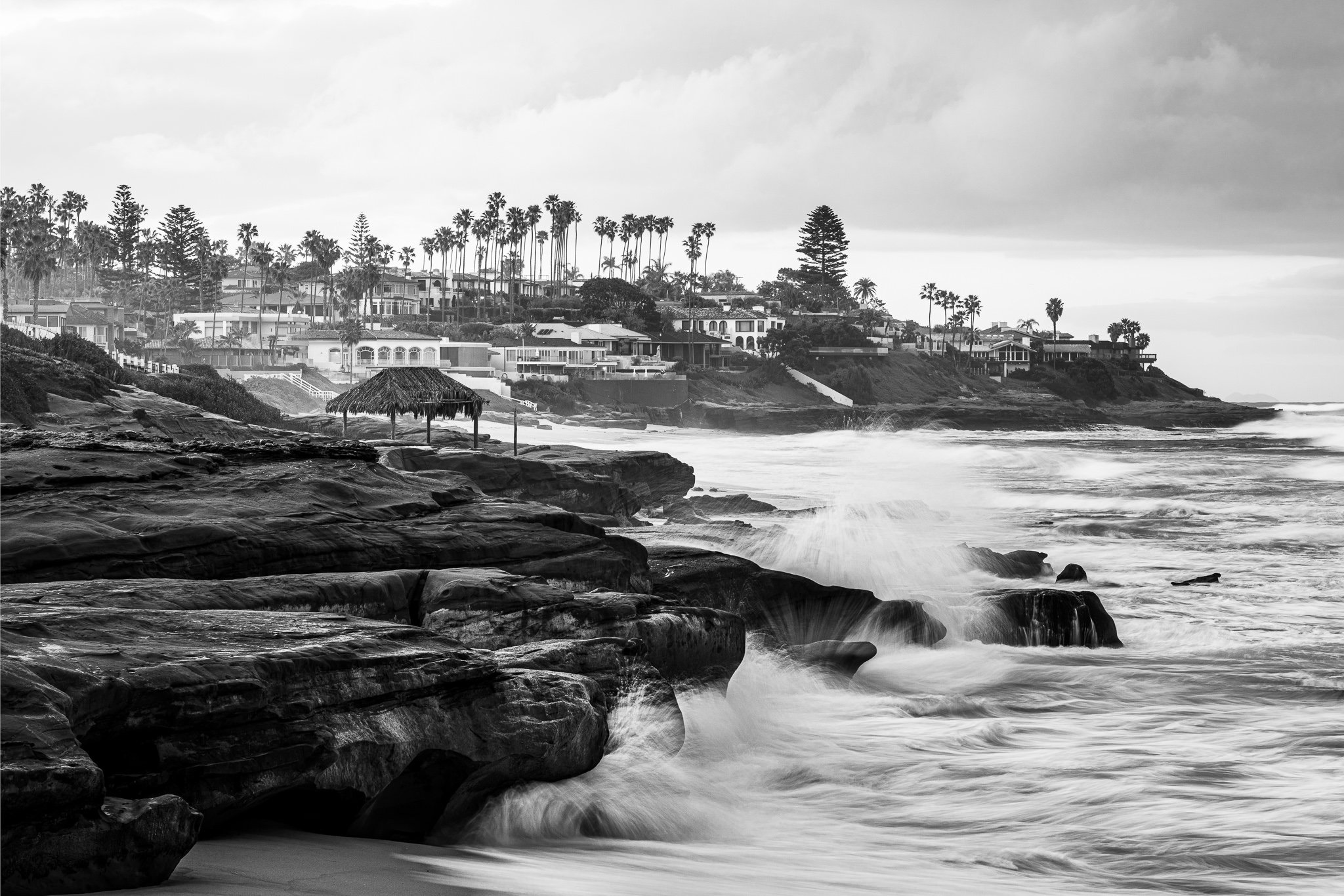
Dodging And Burning With Curves
Here’s another dodge and burn technique you can use with curves. In this video, I show the technique using ON1 Effects, although you can do this in any photo editing tool with a maskable curves tool.

Why a Tight Crop Makes Your Photos More Powerful
A tight crop in photography removes distractions and directs the viewer’s attention straight to the most important part of the image. By eliminating unnecessary elements, a close crop enhances emotion, detail, and storytelling.
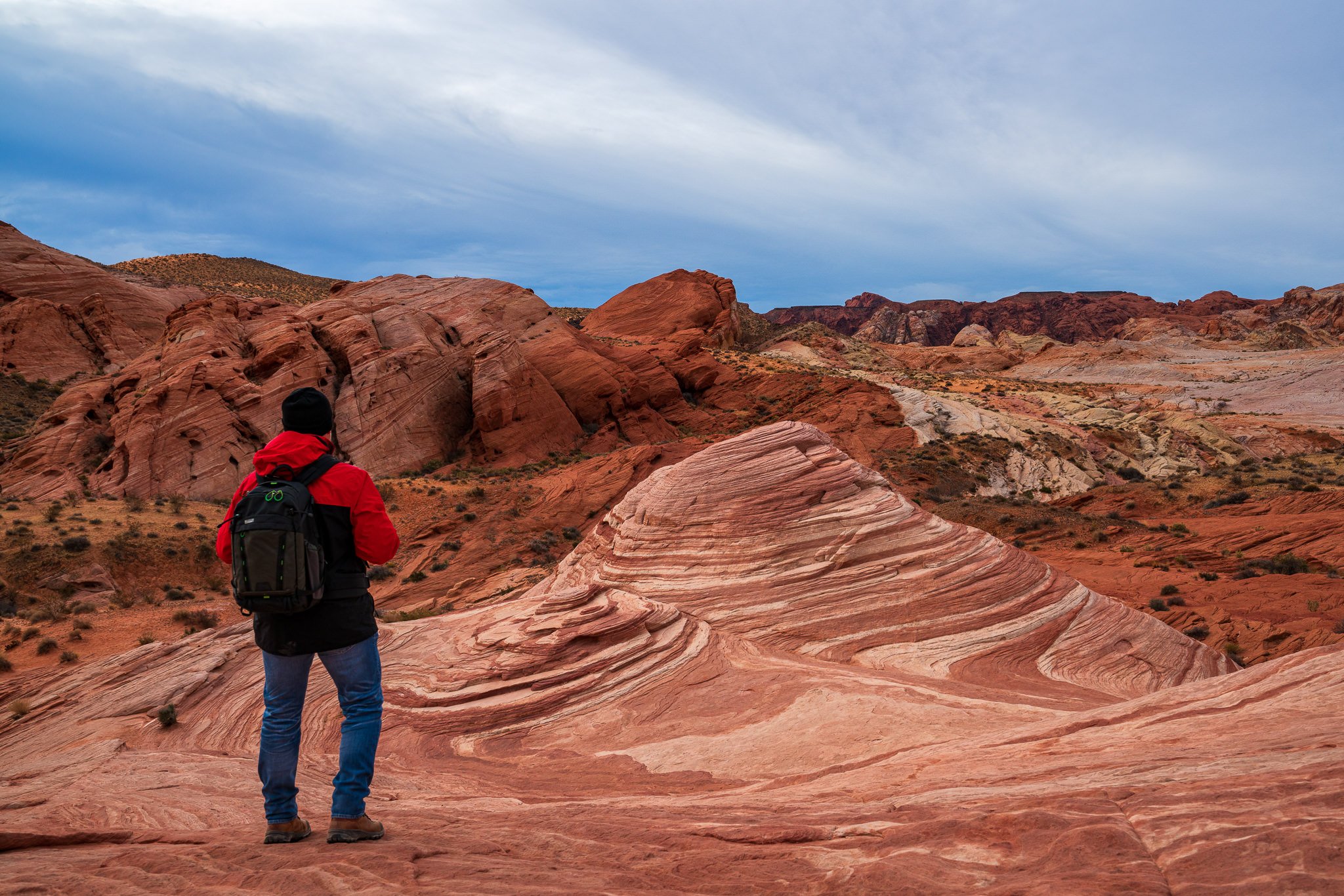
The Think Tank BackLight 18L Is The Traveling Photographer's Best Companion
30 Days. 15,000 Miles. 3 Continents. The Think Tank BackLight 18L did it all.
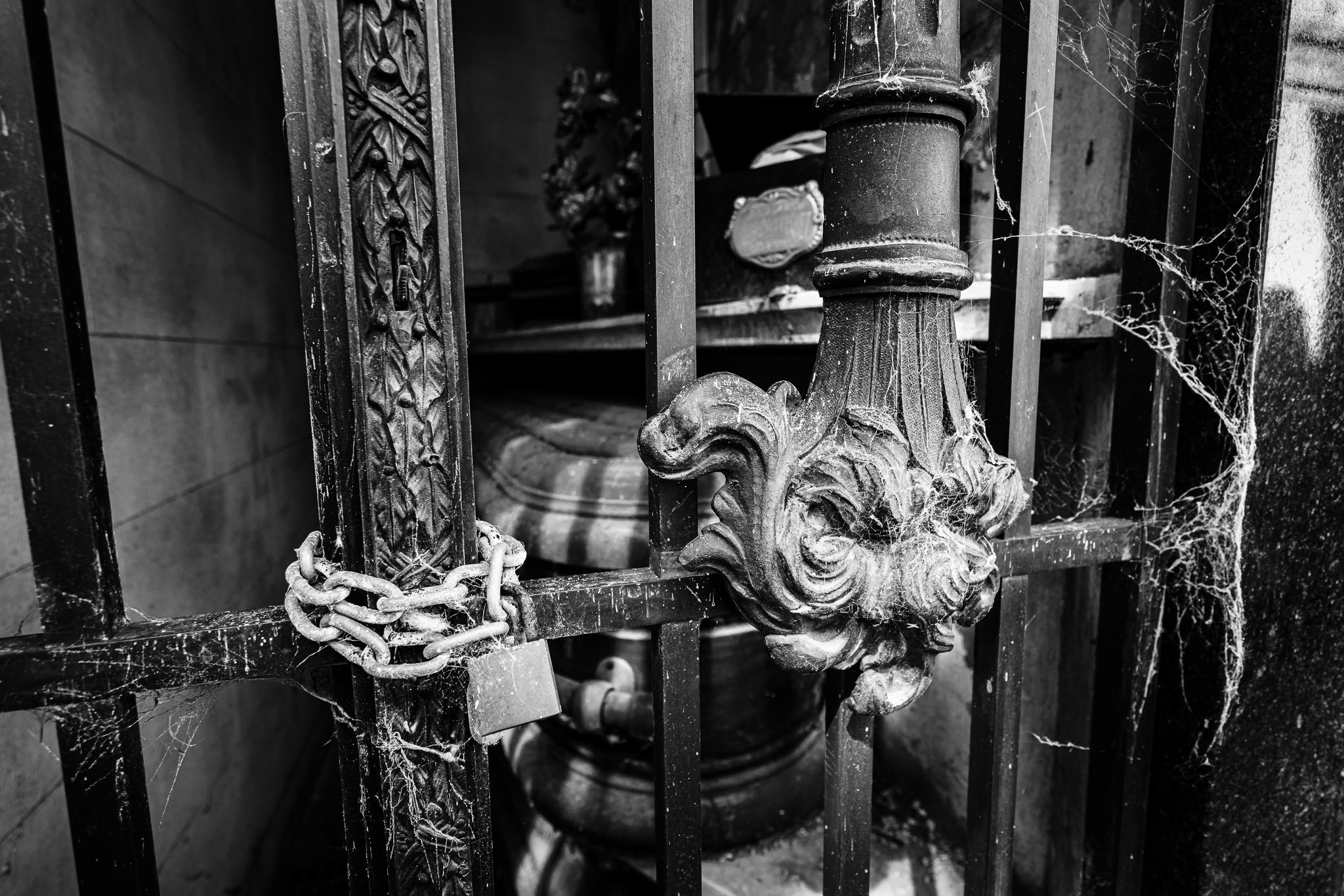
Precise Dodging And Burning In ON1
Dodge and burn with precision using the power of ON1 masking tools. I have an easy recipe for you to target just the areas of your photo you want affected.
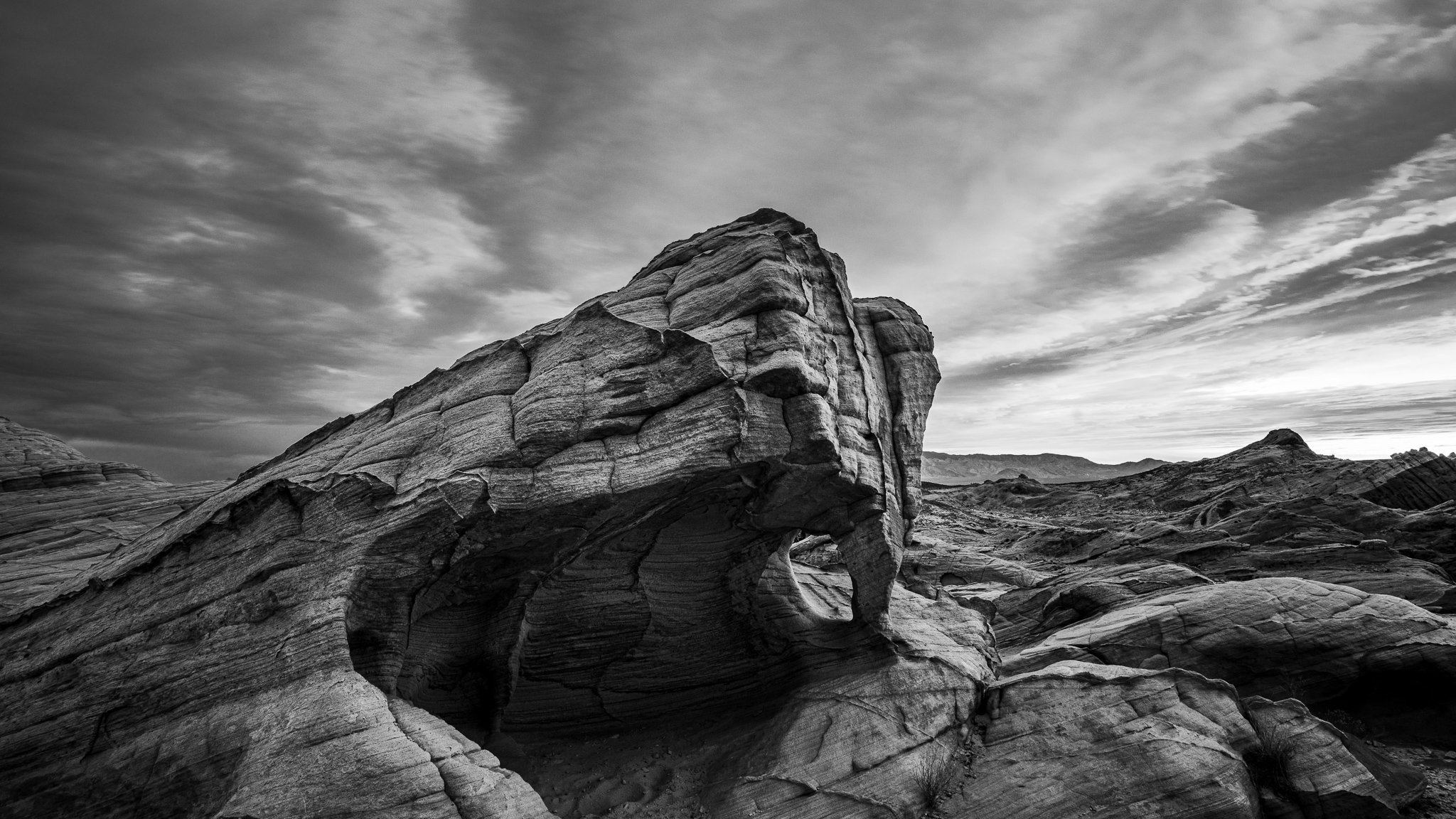
Easy & Precise Dodging And Burning - In Post #562
Supercharge your dodging and burning by intersecting a luminance range mask with a brush. Get professional-grade results with minimal effort.
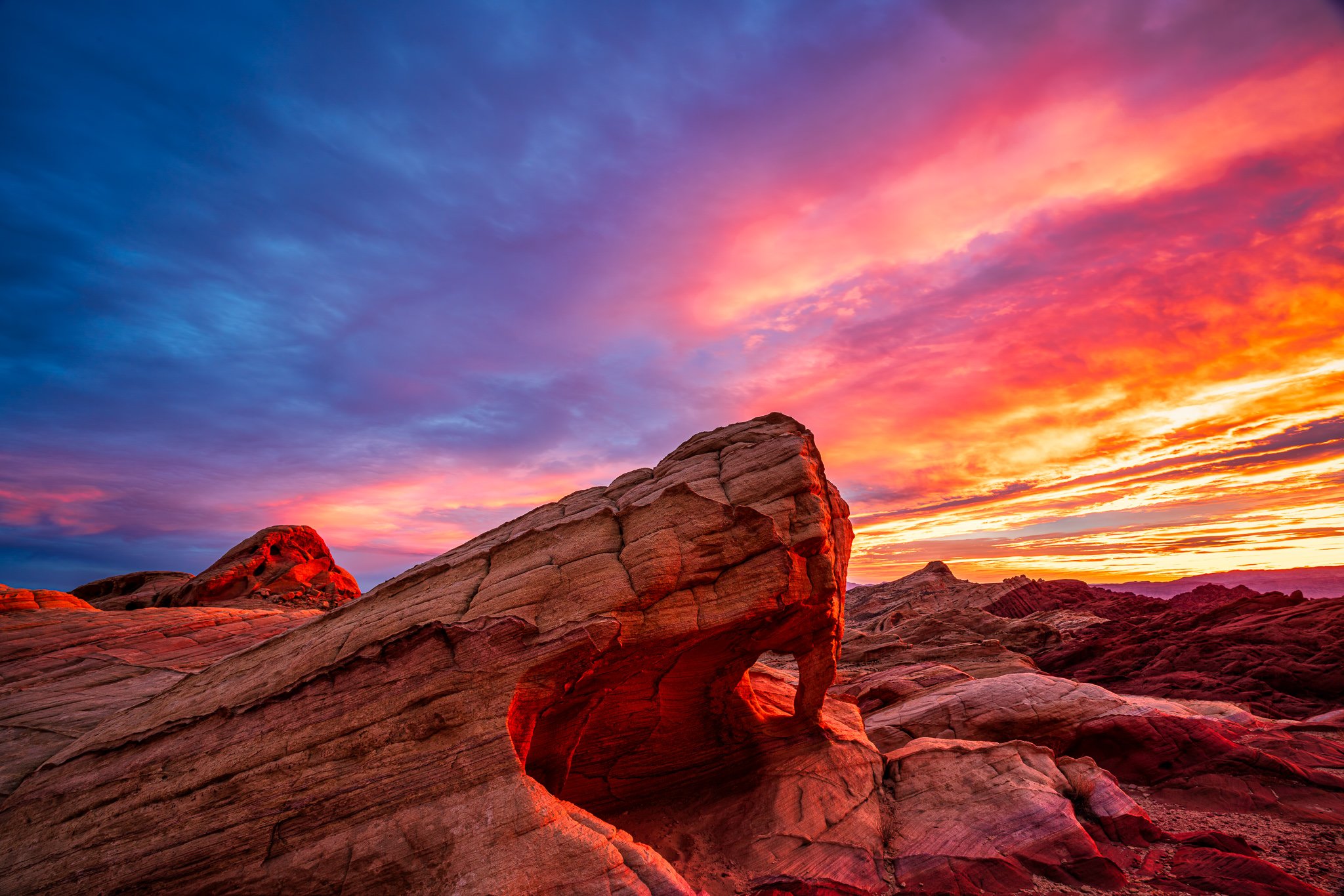
Valley Of Fire, Nevada - In The Field #561
The brilliant light lasted merely minutes… though while it did Valley Of Fire State Park lived up to its name.

Get Vibrant Color In Mid-Day Landscape Photos - In Post #560
Can’t capture at golden hour? Use Lightroom’s Calibration tool or ON1 Photo RAW’s Channel Mixer to boost vibrance in your mid-day landscape images.

Playa Susana, Ushuaia, Argentina - In The Field #559
Going to Antarctica via Ushuaia? Take an extra day in Argentina and hike the trail from Playa Susana.
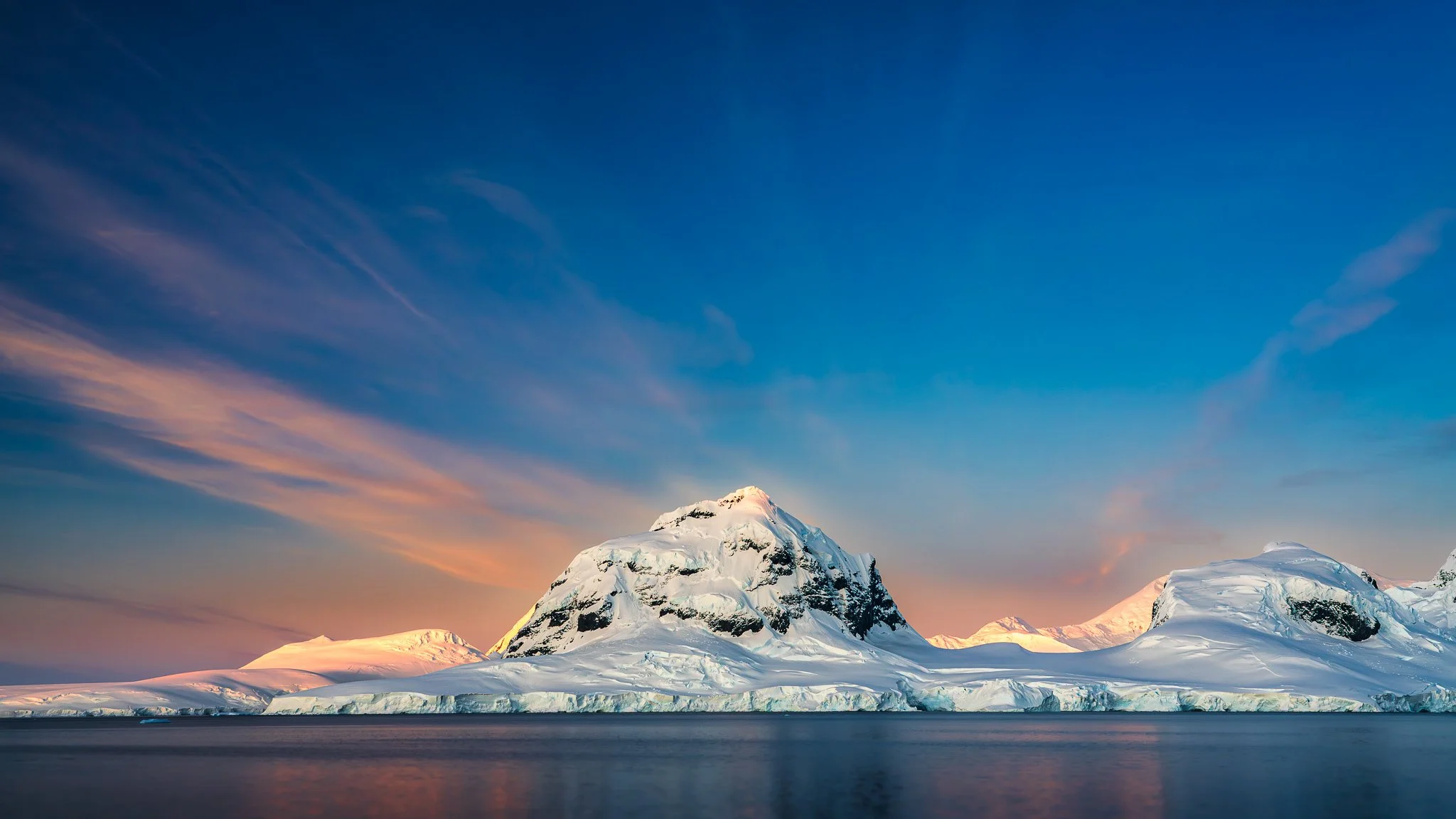
Sunset In Antarctica
With sunsets after 11pm and sunrise at 2am, a landscape photographer doesn’t get a lot of sleep.
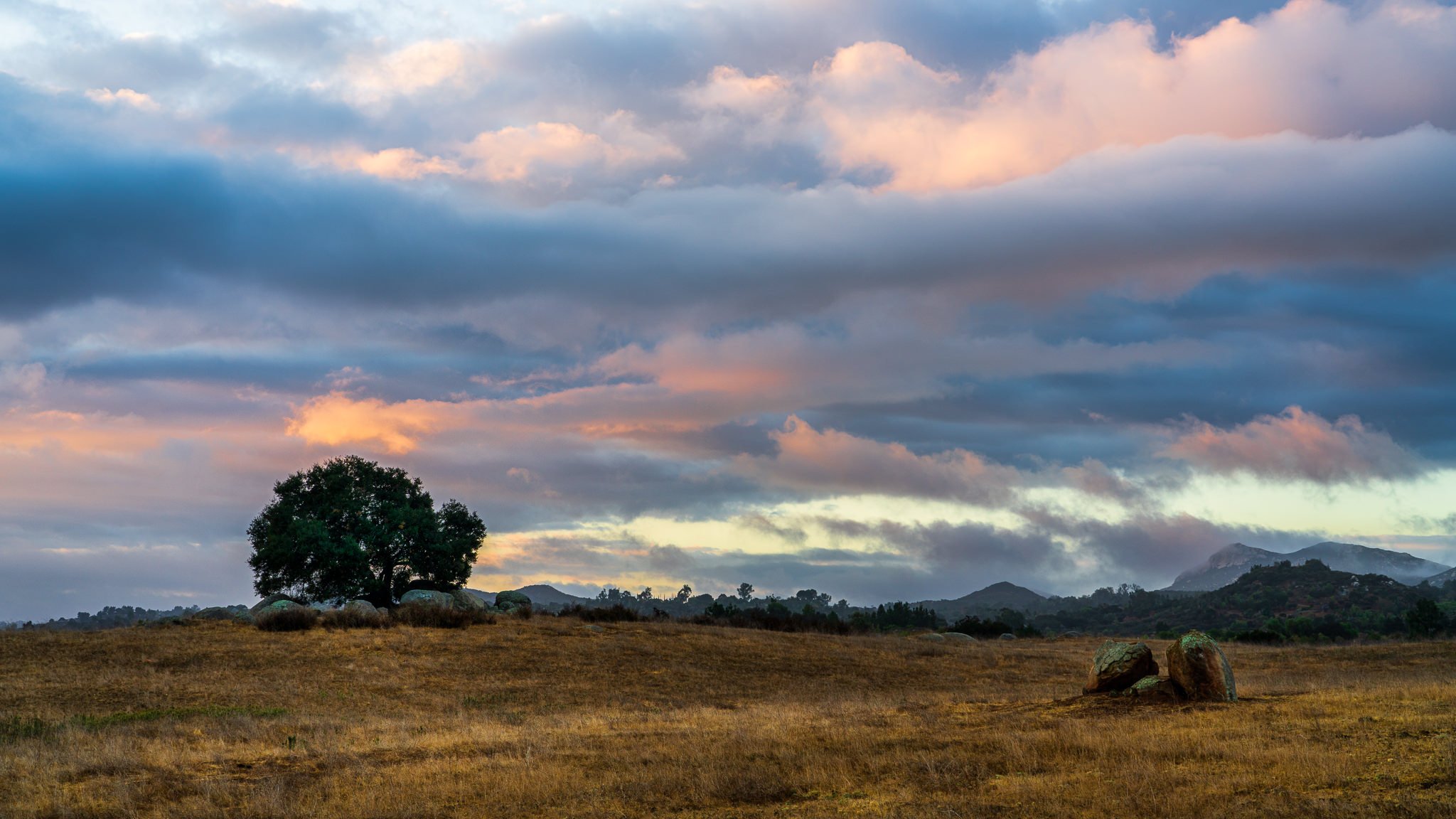
Field Conditions Shift? Your Composition Should Too!
The landscape is a dynamic place. Remember to adjust your composition as conditions change.
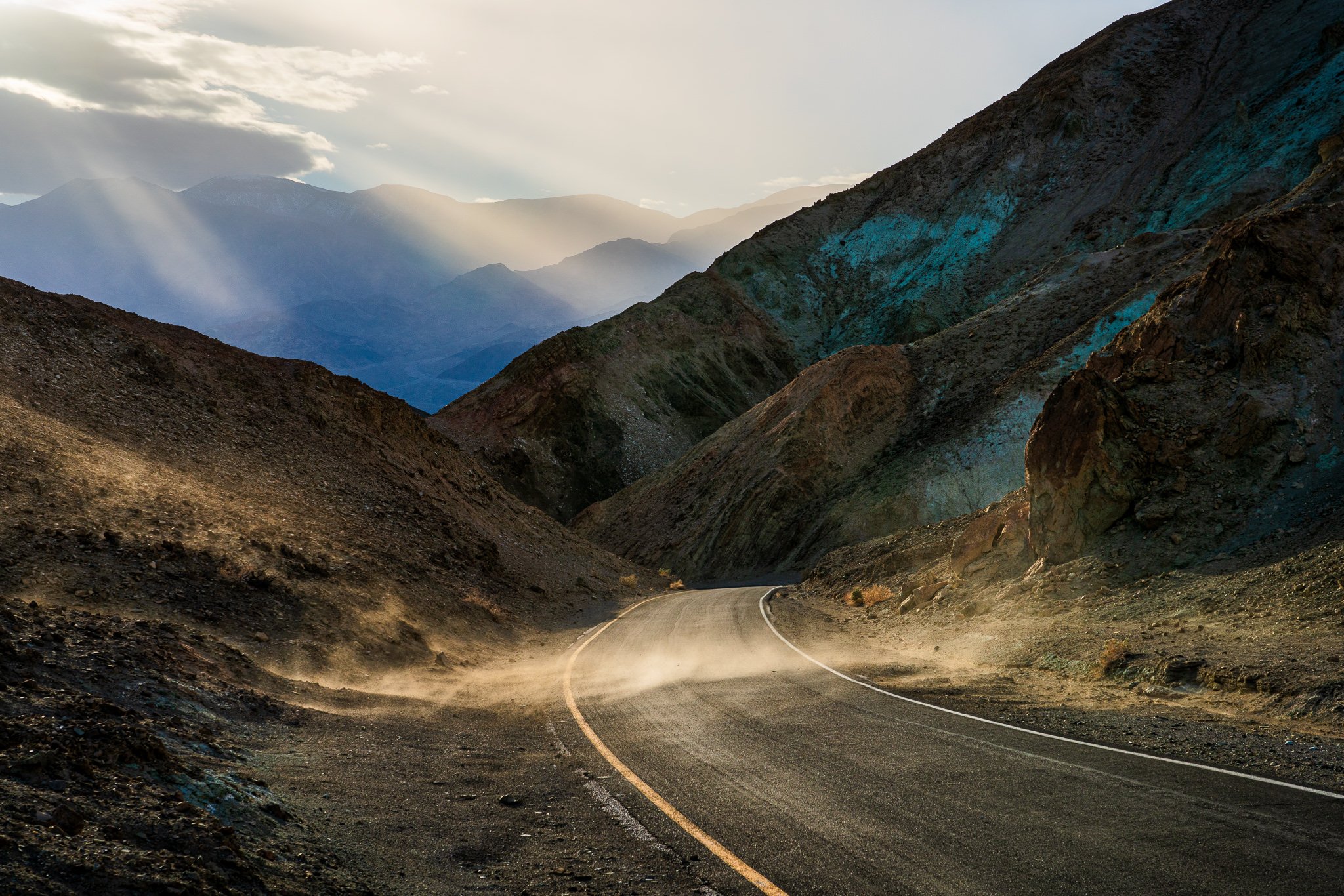
Precision Edits Using Intersects In Lightroom
A masking tool “recipe” I use again and again in Lightroom is to Intersect a mask selection with a brush. Let me show you how you can take advantage of this for your photography.