

Videos And Articles

The Best Lightroom To ON1 Photo RAW Round Trip Workflow With Smart Photos
Smart Photos are back!! The ON1 plugins to Lightroom now support re-editability.

4 Tips For Better Sky Replacements With The Sky AI Tool - Luminar AI
The Sky AI tool in Luminar AI makes sky replacement very approachable. Yet a photographer’s eye remains important. Pay attention to the details and use the sliders in Sky AI for the best, natural-looking sky replacements.
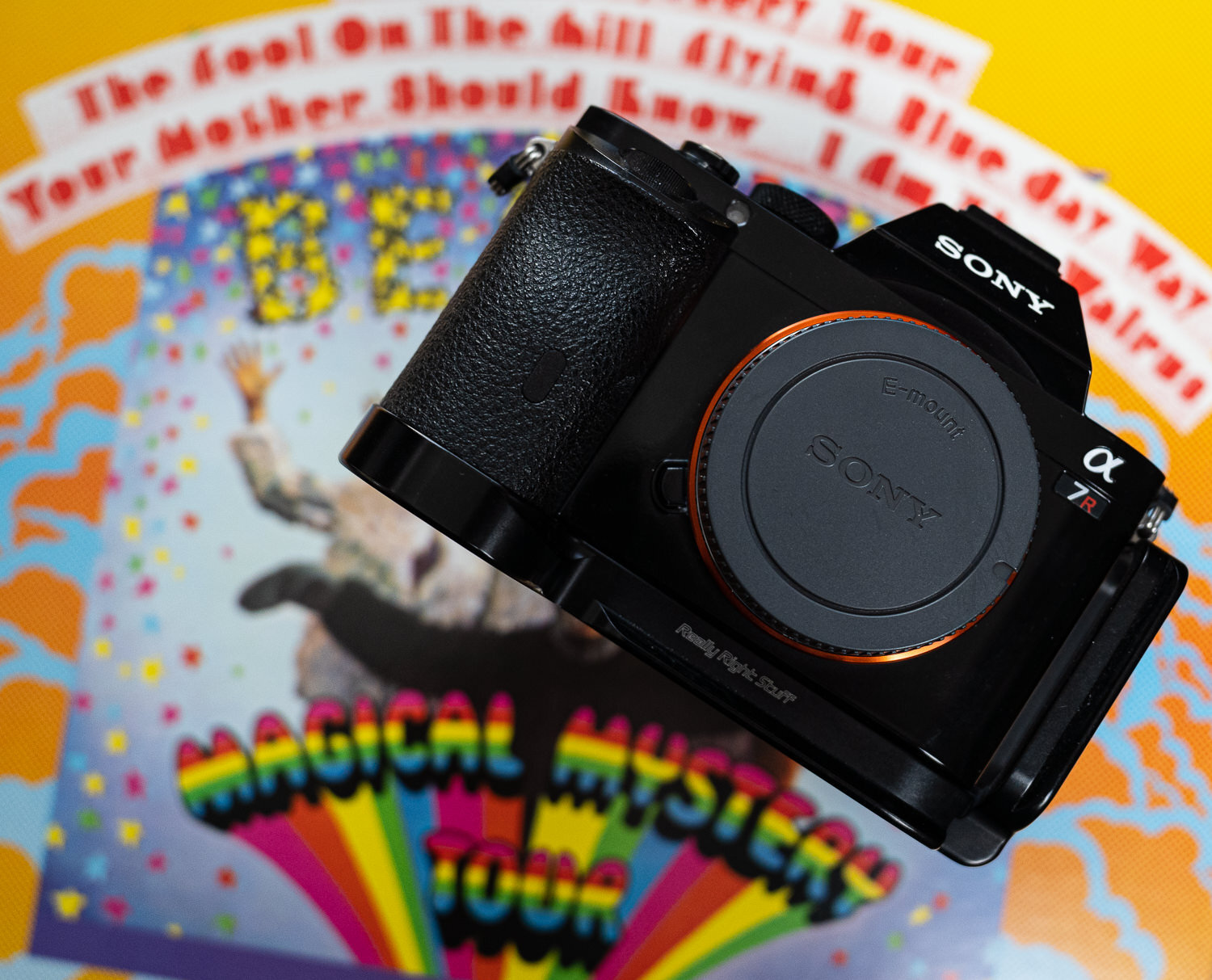
What The Magical Mystery Tour Taught Me About Photography f/67
The Beatles’ magical road trip to nowhere holds a few lessons for photographers.

Smoother Composites With The Film Grain Filter - ON1 Photo RAW 2021
Besides creating a 35mm film look, use the Film Grain filter in ON1 Effects for cleaner, smoother photo composites when your source images have different levels of noise.
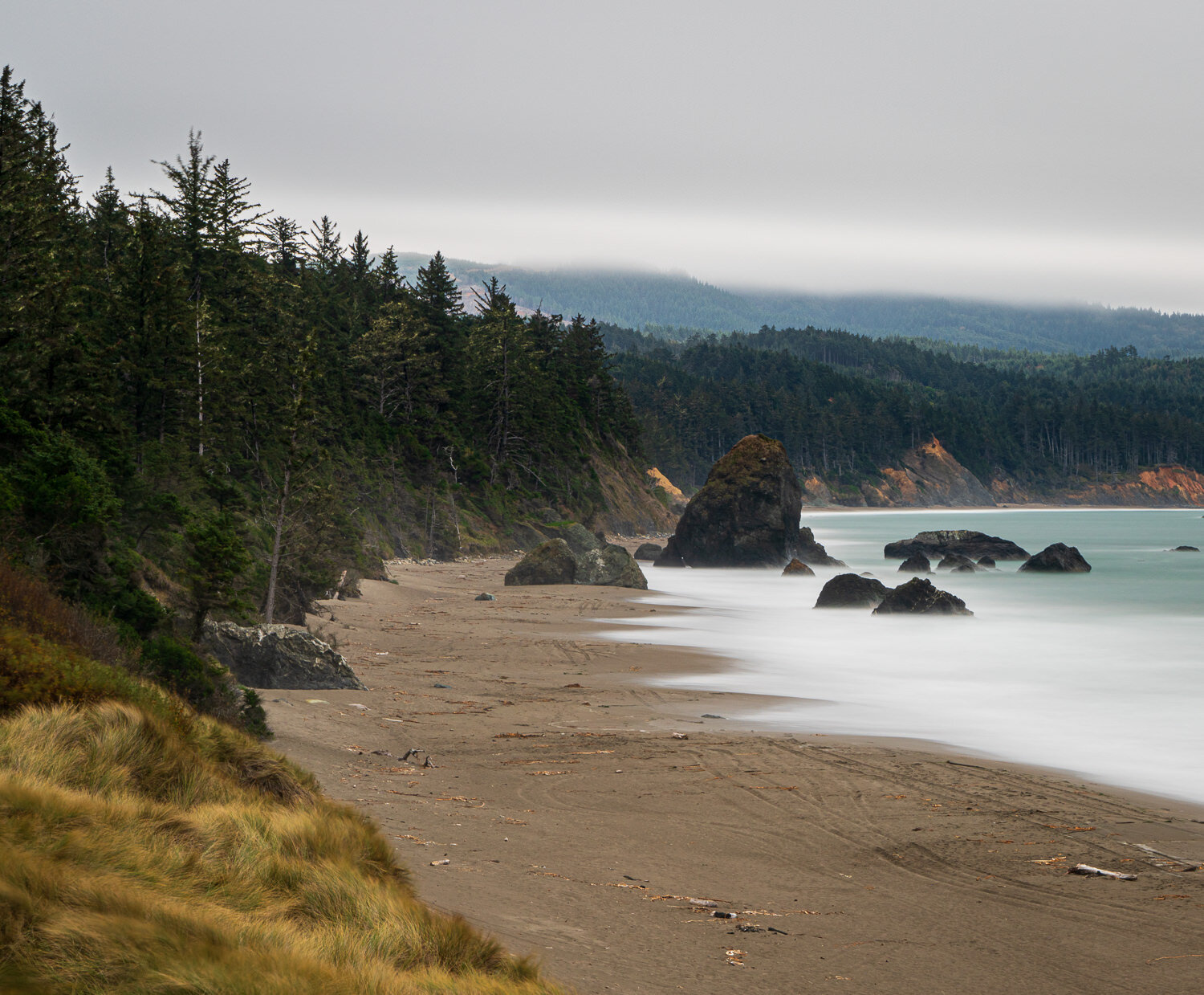
A Creative Exercise To Improve Your Eye For Composition
Finding several unique images within your existing photo is a great way to grow your eye for composition. You might have new, compelling photos hiding in plain sight.

Live Edit! Unscripted & Uncut - In Post #496
Join me for an unscripted start-to-finish edit of a image from my library I’ve never worked on before.

Know The Story Of Your Photo f/66
Know the story of your photo when you capture it and when you develop it.
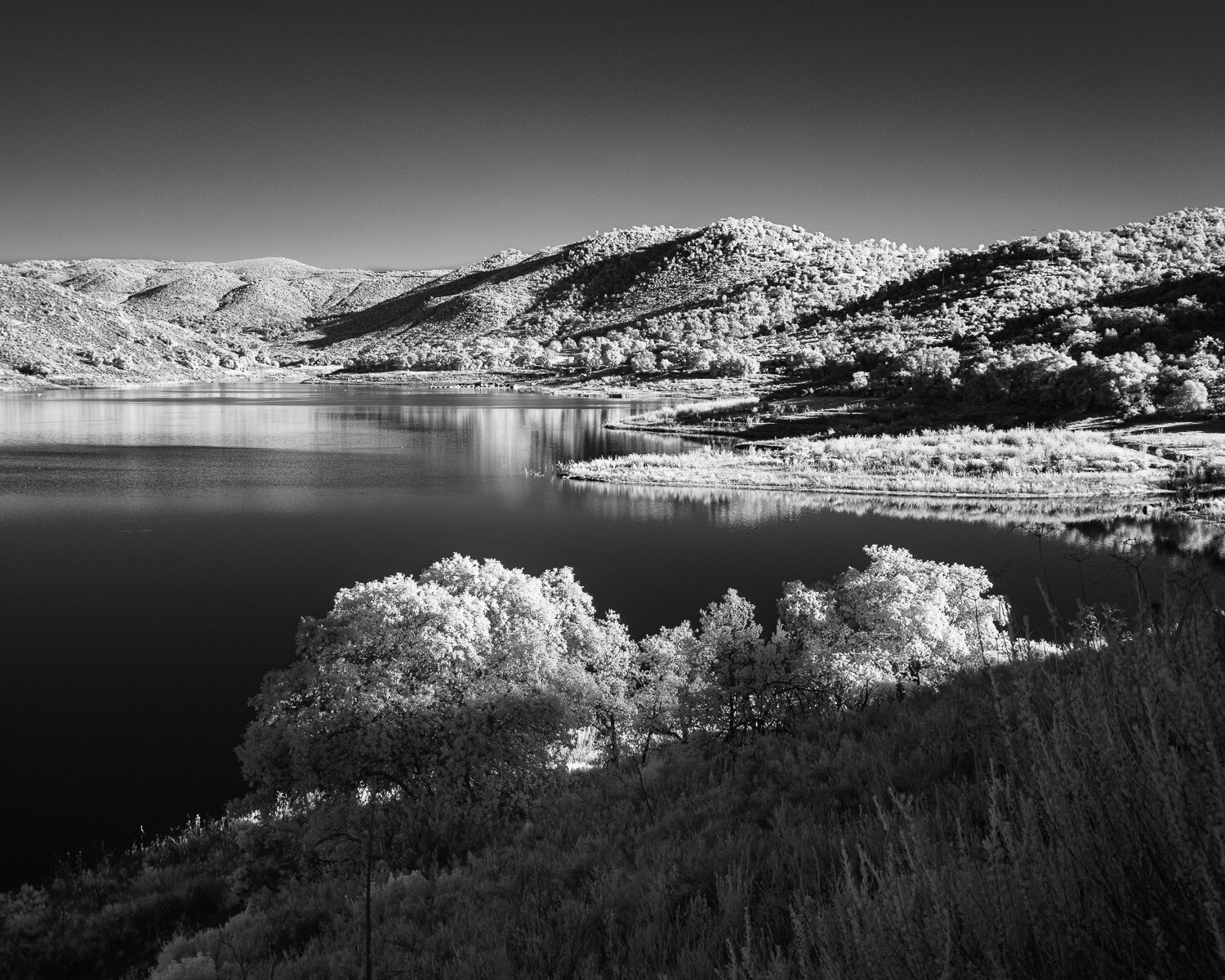
Lake Sutherland - In The Field #495
On a clear sky day, I took a drive through Ramona, California, and visited Sutherland Lake.

Photo Export Settings For The Web
Exporting your photos for the web is all about striking a balance between a good quality image and a smaller file size.

The Ultimate Contrast Control With Dynamic Contrast - ON1 Photo RAW
Dynamic Contrast is my favorite filter in the Effects module of ON1. Why? The incredible control it gives me over contrast in my images.

The Cycle Of Artistic Improvement f/65
Sustained effort and mindful self-critique fuel your growth as a visual artist.
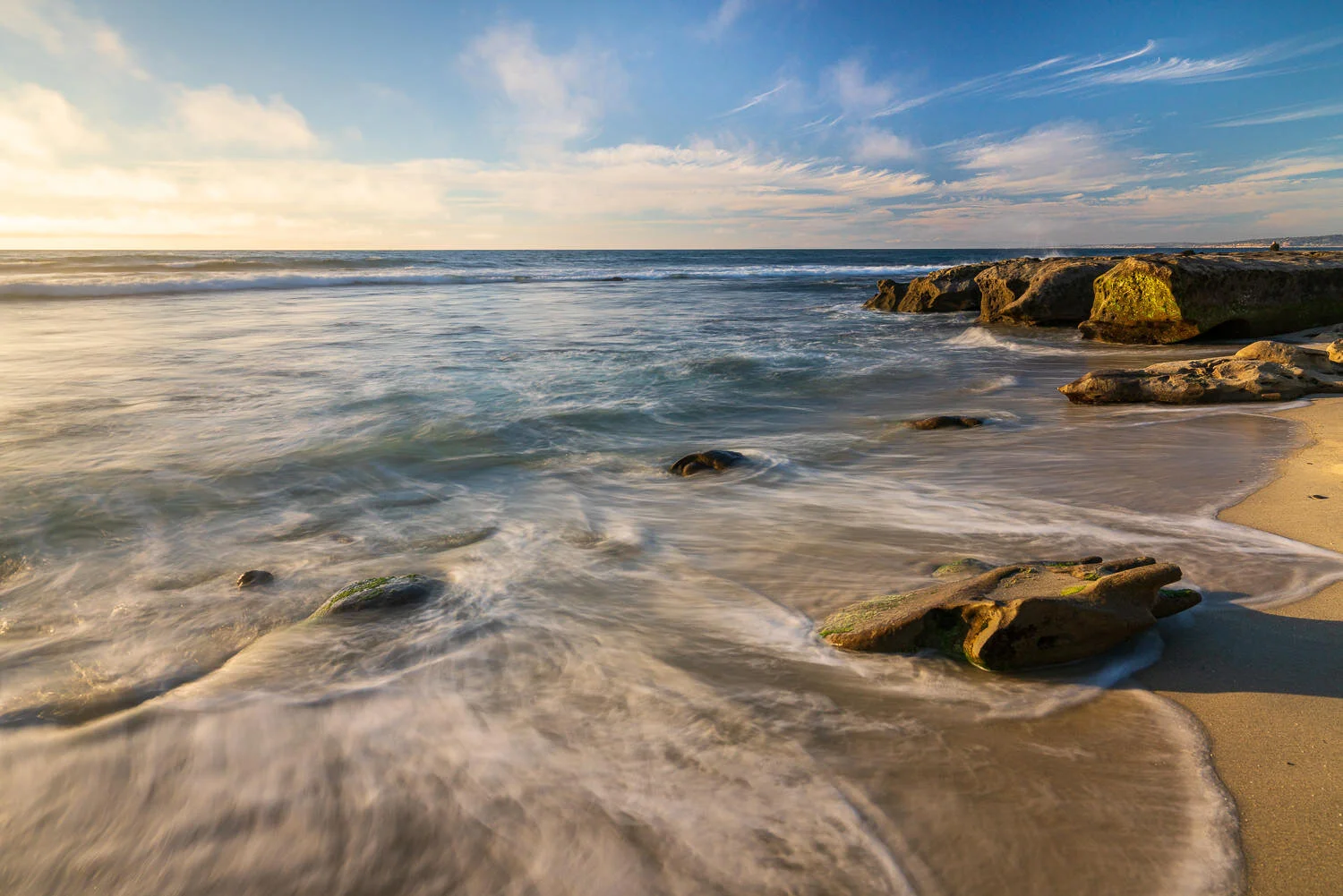
How To Balance An Exposure With Gradients
In this tutorial, I’ll show an example of balancing an exposure using gradient adjustments. You can do this in Lightroom, Photoshop, ON1 Photo RAW, Luminar, or any tool that has local gradient tools.