

Videos And Articles

Create Powerful Black & Whites In Luminar AI
Create a rich, compelling black & white photo in Luminar AI. The magic trick - the Saturation sliders!

How To Make A Warm Sunshine Glow With Radial Filters - Lightroom
Adding a warm, inviting glow in Lightroom is easy using a radial filter and the power of luminance range masks.
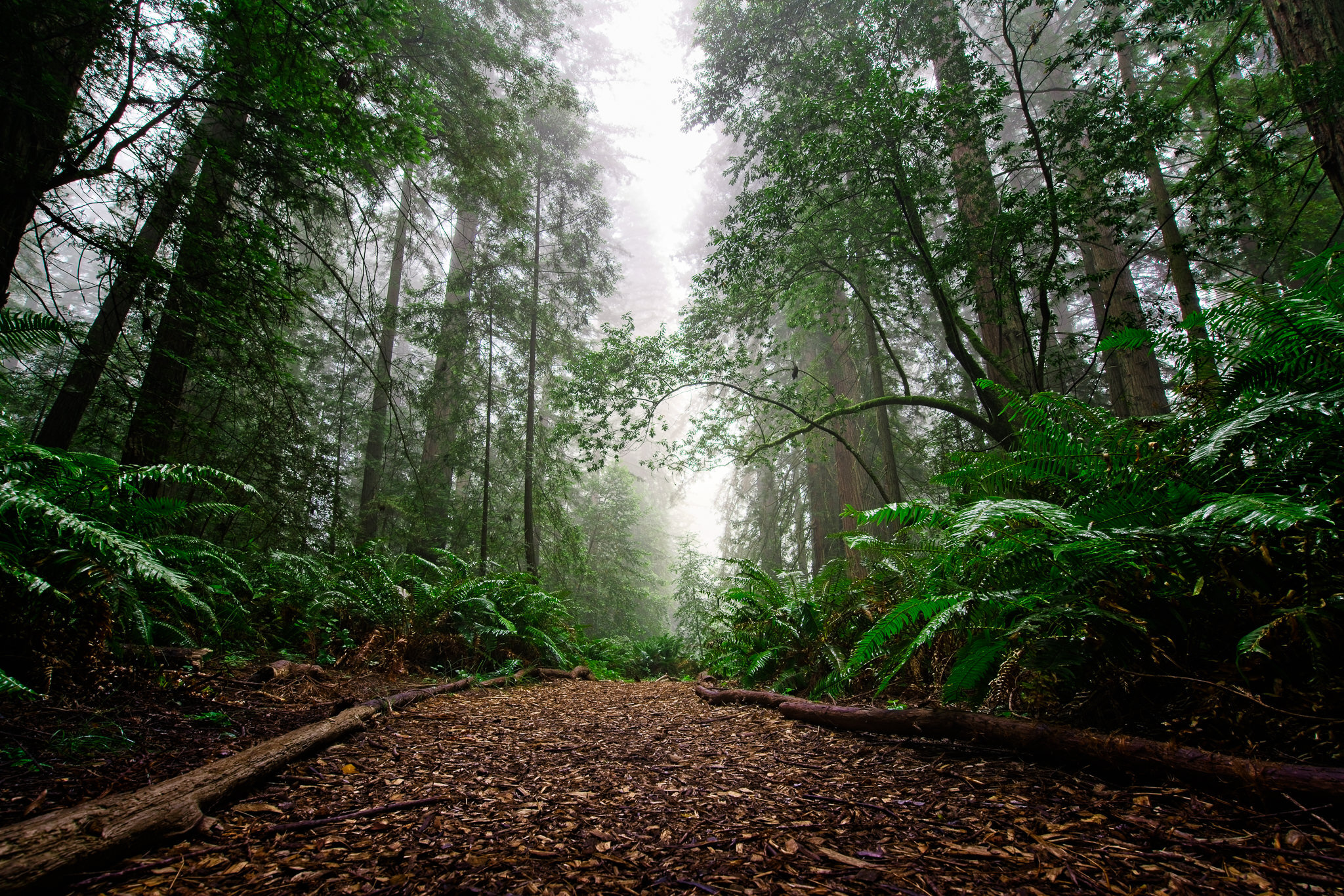
How To Switch Between Photos In The Edit Module - ON1 Photo RAW 2021
Did you know you don’t need to return to Browse to start editing another photo?

3 Lessons To Stay True To Your Photographic Vision f/58
Staying true to your vision requires patience and perseverance … and a touch of willfulness.
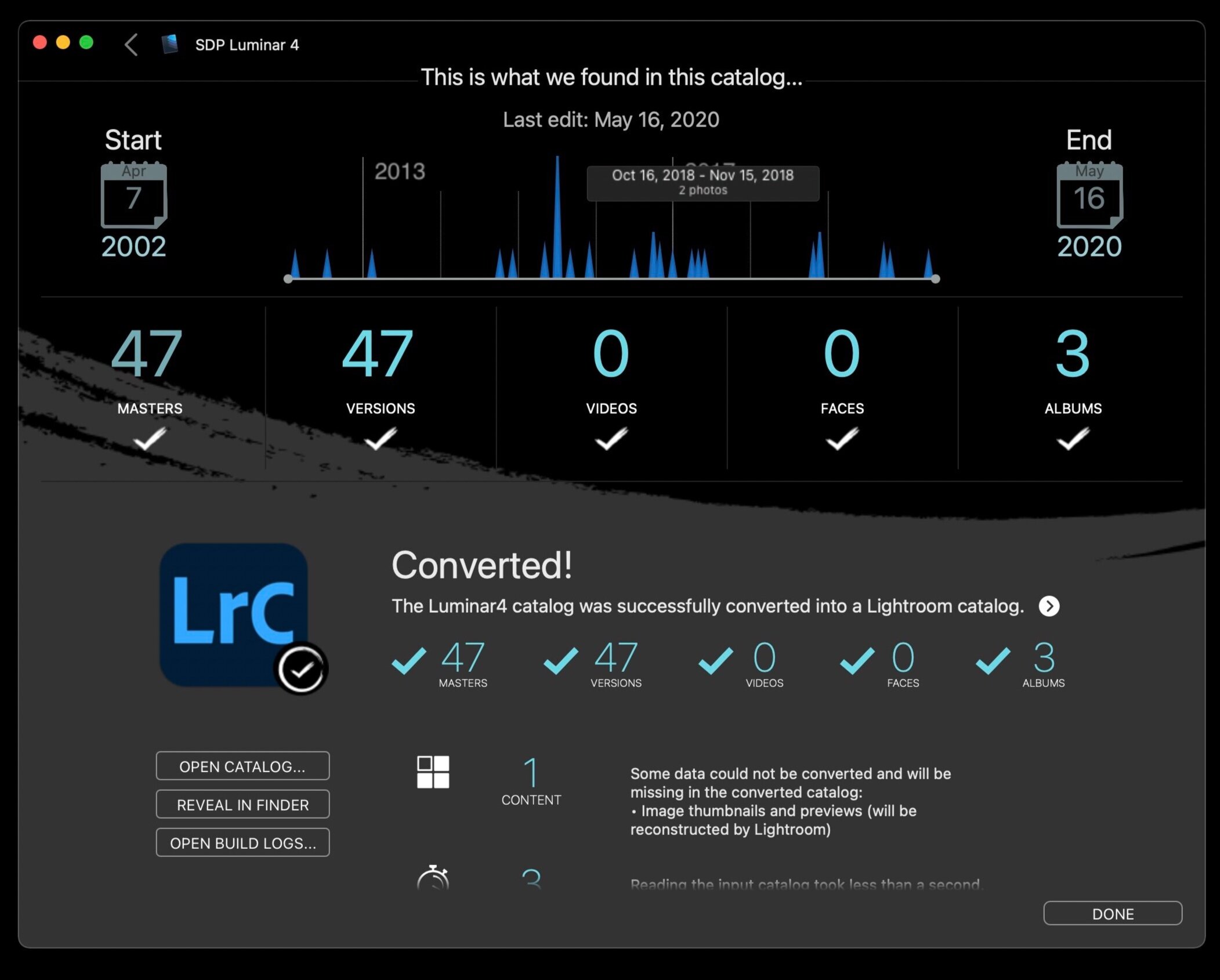
Migrate Your Luminar 4 Or Luminar AI Library With Avalanche
Avalanche by CYME can transfer your Luminar 4 and Luminar AI libraries to another asset manager.

The Color Adjustment Filter - ON1 Photo RAW 2021
Take control of color with the Color Adjustment filter.
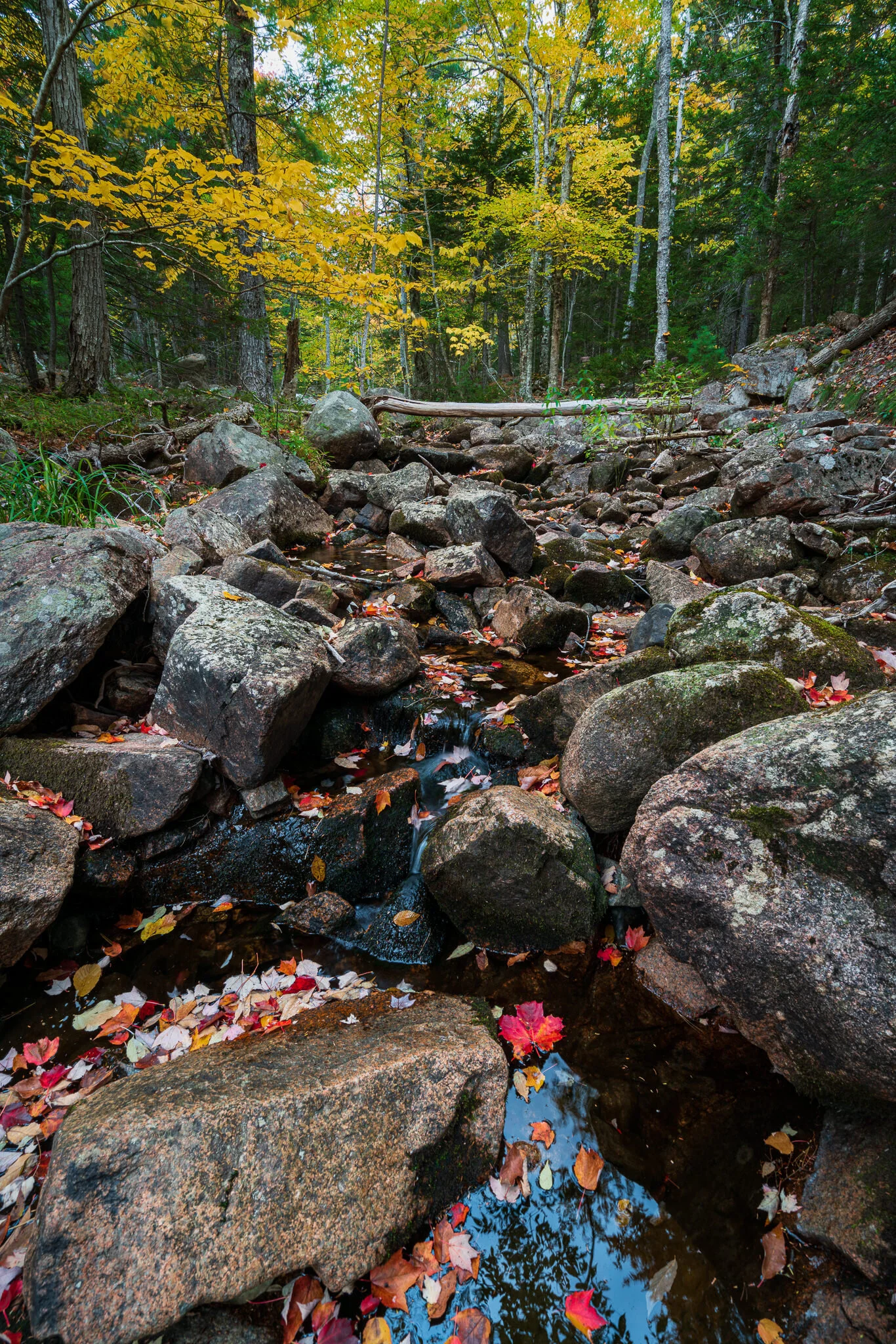
The Color Tool - Luminar AI
Need more color control in Luminar AI? Head for the Color Tool in the Essentials group.

Take Stock Of Your “Then & Now” f/57
Have you grown as a photographer, have you stalled out, or have you regressed?

Enhance Your Skylines With Radial Filters In Lightroom
With creative use of a radial filter, you can quickly target adjustments to just a skyline.

The Channel Mixer Filter - ON1 Photo RAW 2021
If you are an infrared photographer, you need the Channel Mixer. And yes, it can do more than infrared.

Change Mood With Artistic Profiles In Lightroom - In Post #490
Profiles interpret our initial RAW data in very different ways. Explore them.

Sometimes Gear Is The Answer f/56
The right gear for the right job lets you focus on your vision.