

Videos And Articles

Sunrise With Penelope - In The Field #489
An art installation, Penelope, captivated my attention on my most recent visit to Coronado.
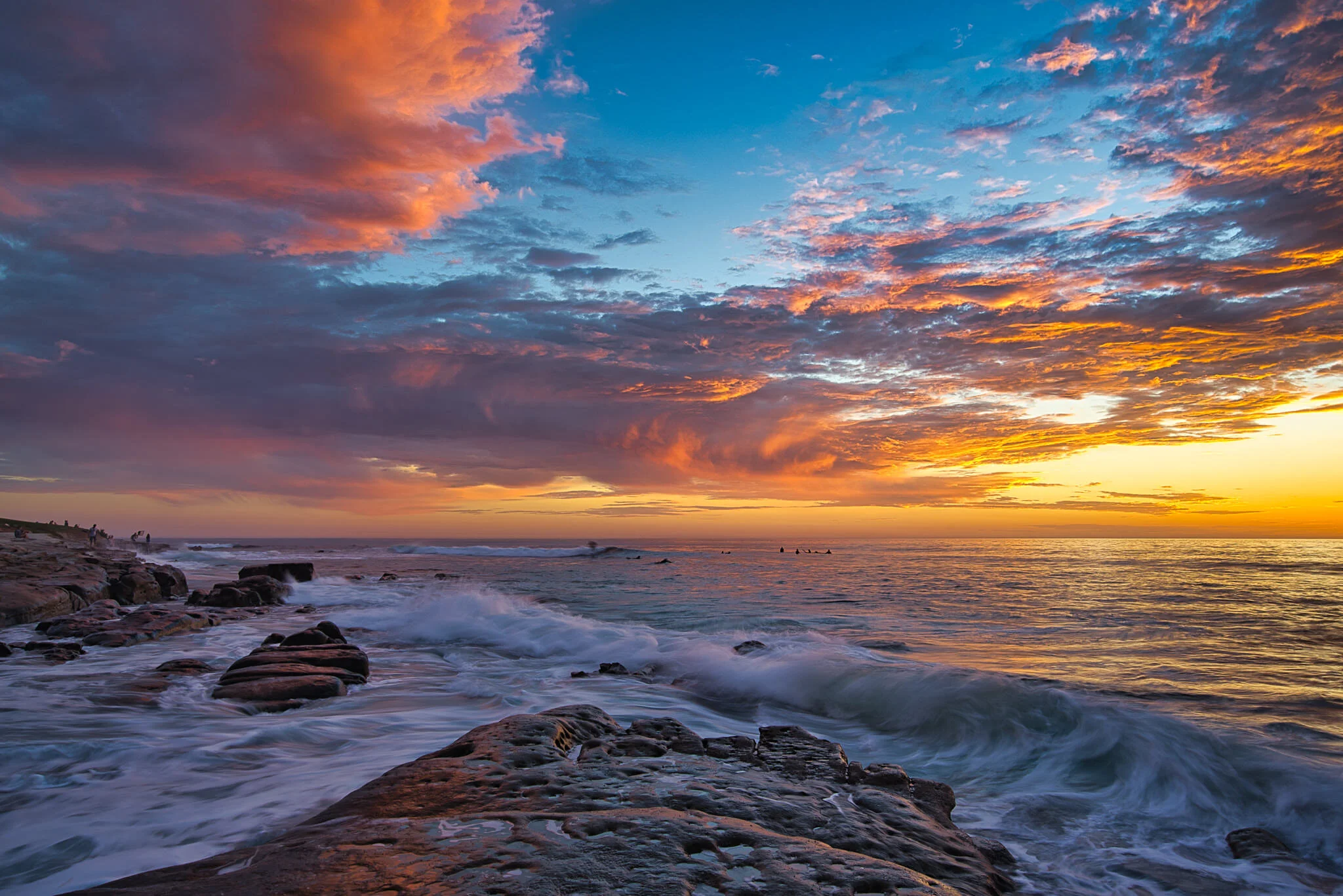
My Top 5 Tools for Landscapes - Luminar AI
Working in Luminar AI? These 5 tools will make your landscape photos spectacular.

Copy, Paste, And Sync Settings In ON1 Photo RAW
Copy, paste, and sync speed up our workflow. I’ll show you how they work and what to watch out for.

Variations On A Theme f/55
Explore one location or a singular subject again and again … and learn to see more.

My Top 5 ON1 Filters For Landscapes - ON1 Photo RAW 2021
There are 5 filters in ON1 I reach for again and again for my landscape photos.
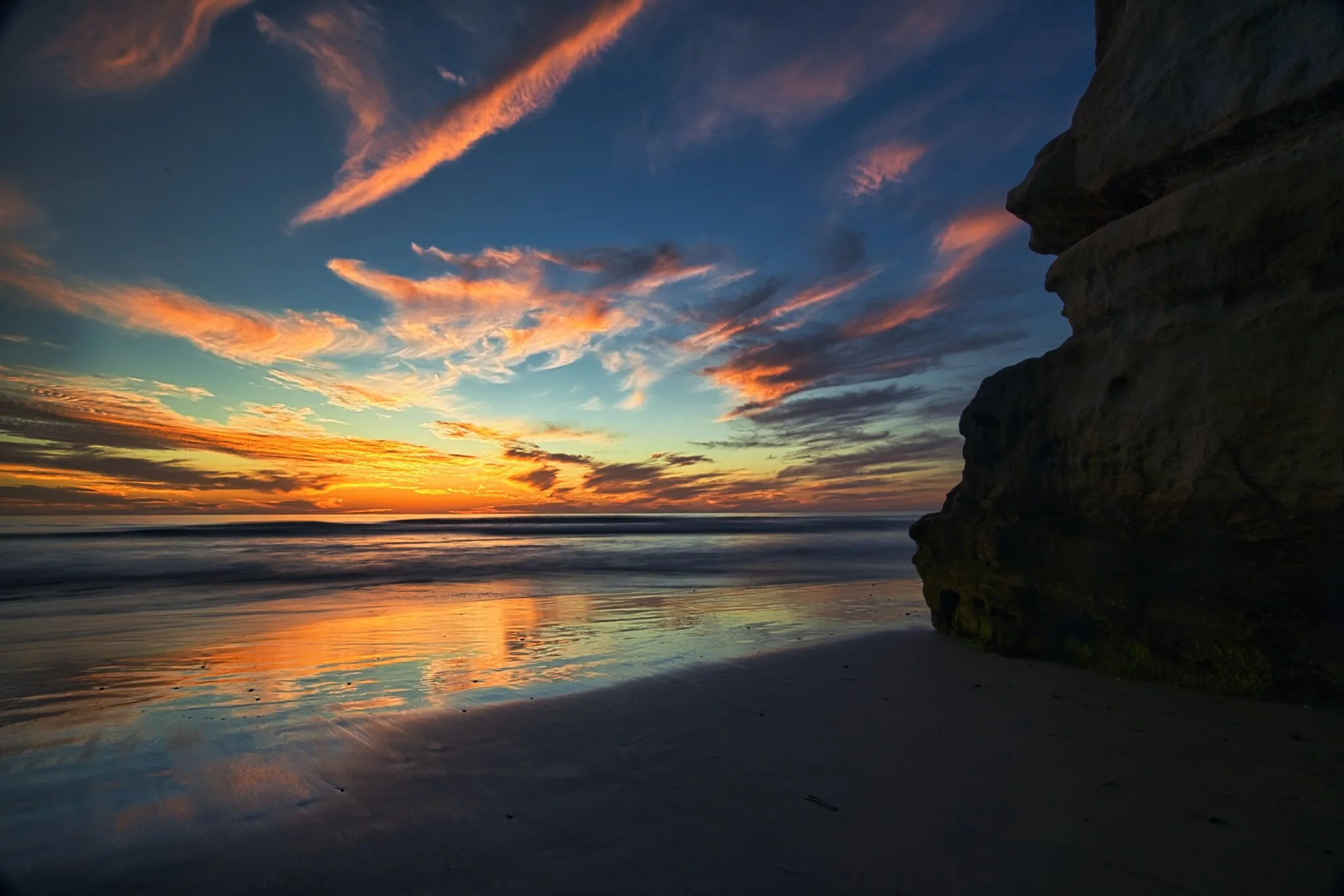
One Big Change To Know About In Luminar AI 1.0.1
Skylum released an update to Luminar AI. There is one big change to know about.
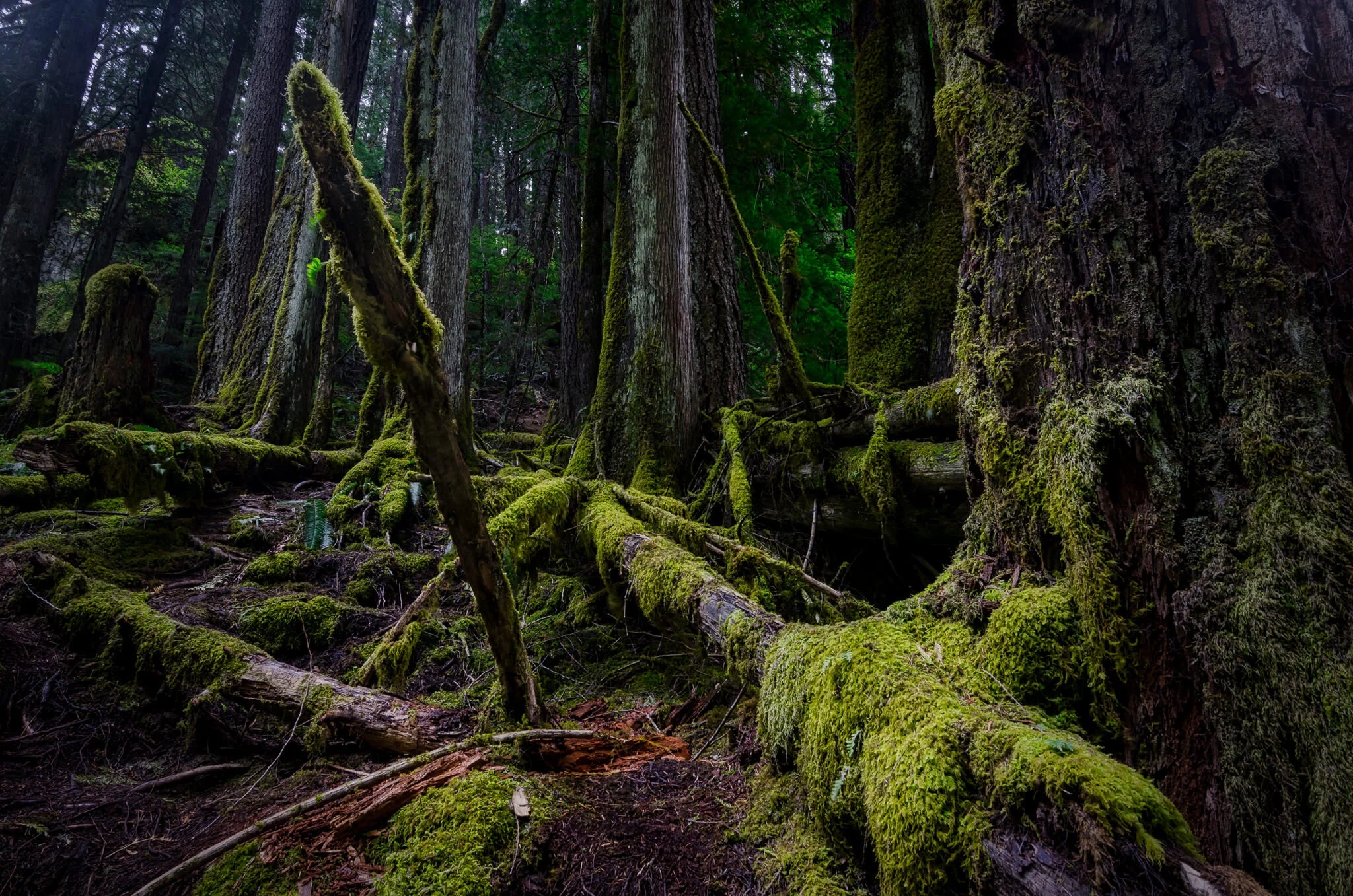
The Structure AI Tool - Luminar AI
Add detail and punch to your images with Structure AI…. but don’t go overboard!

The Border Filter - ON1 Photo RAW
Why are there two Opacity sliders in the Borders filter? I’ll explain why.

Are Plug-Ins And Filters Bad? f/54
Is using a post-processing plug-in bad for your photography?
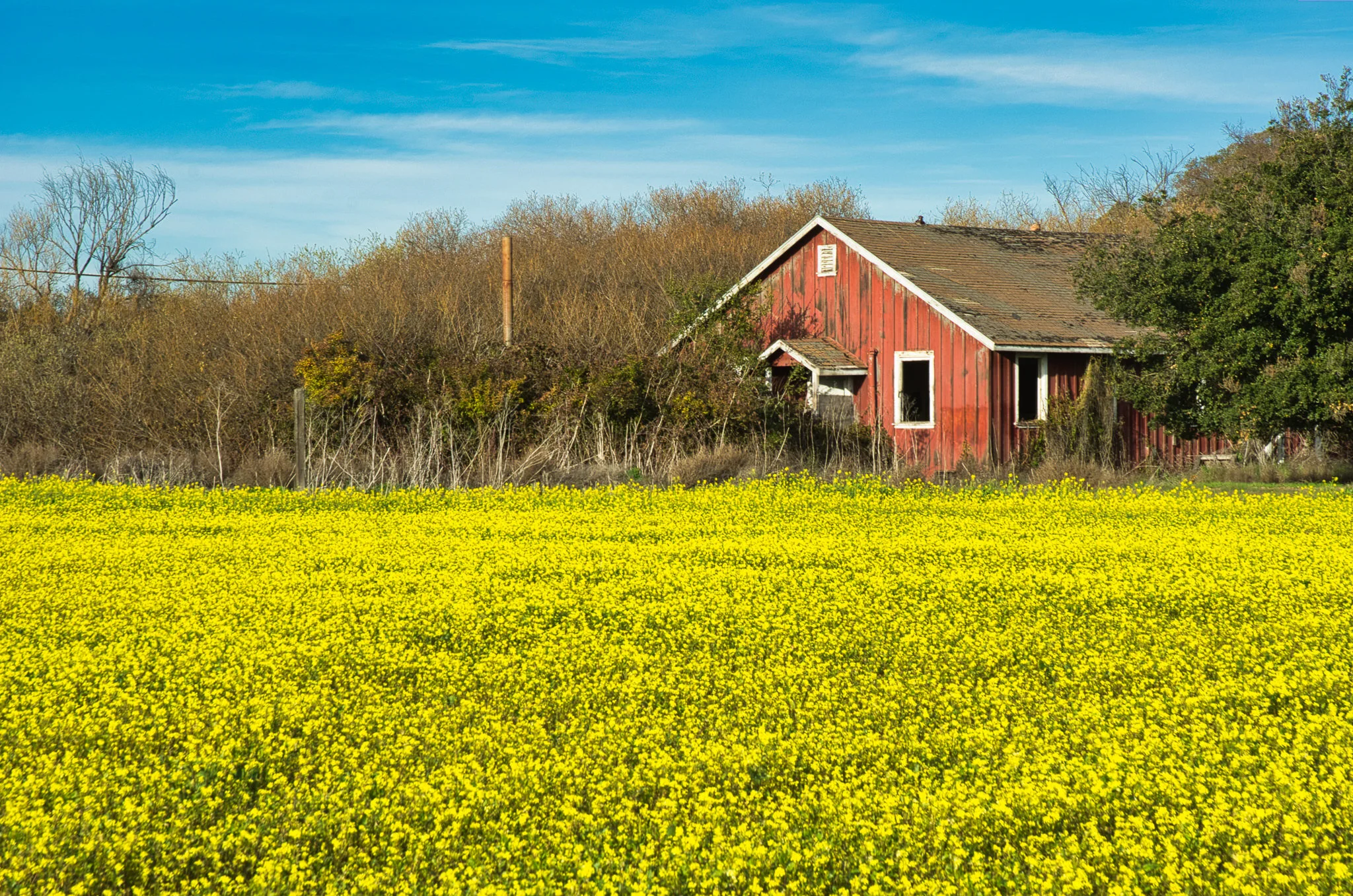
The Enhance AI Tool - Luminar AI
The Enhance AI Tool is your first stop when editing in Luminar AI.
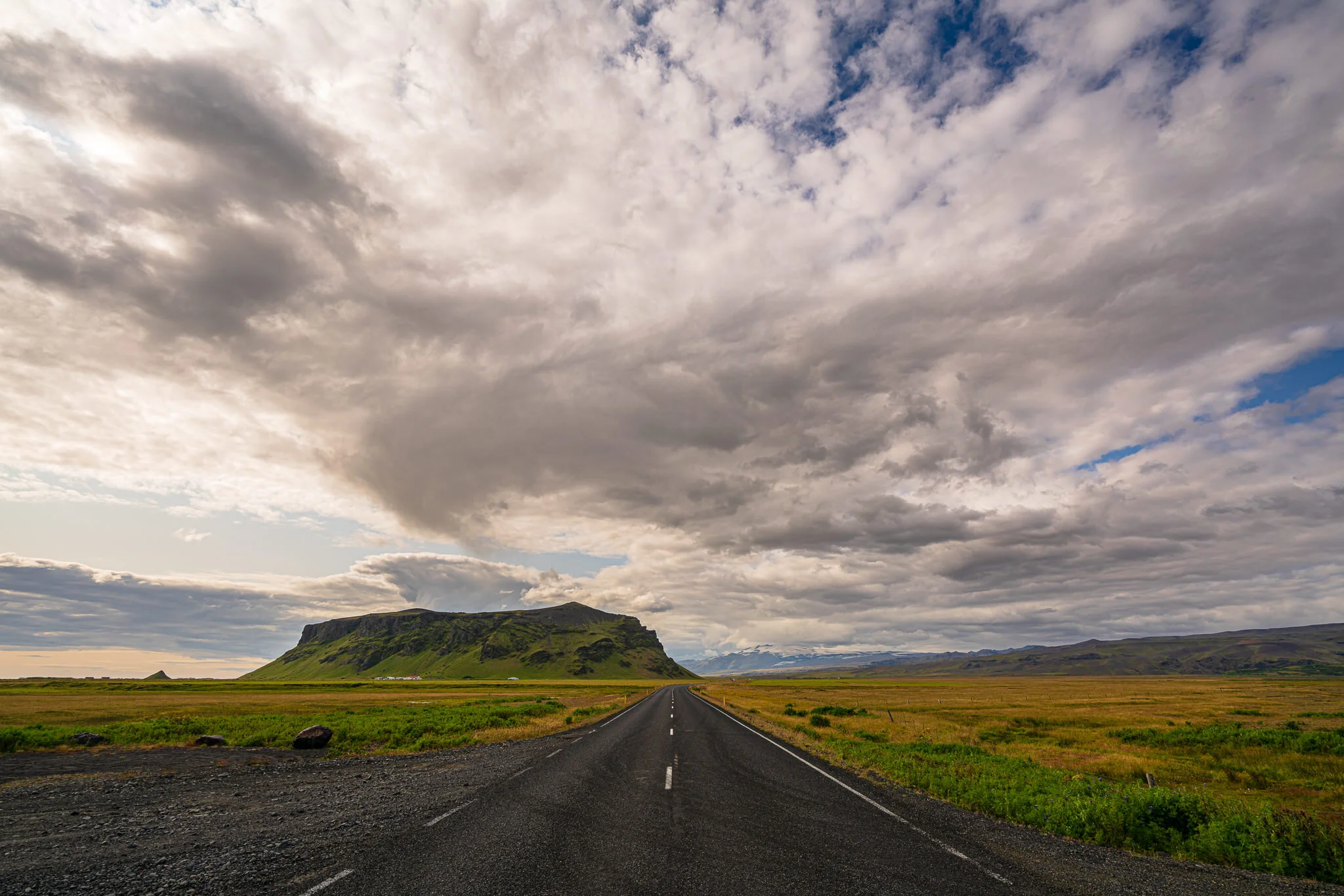
The Blur Filter - ON1 Photo RAW 2021
Yes, the filter adds a blur to your photo. You know that much. I’ll hazard a strong guess there is more in this filter than you think there is.
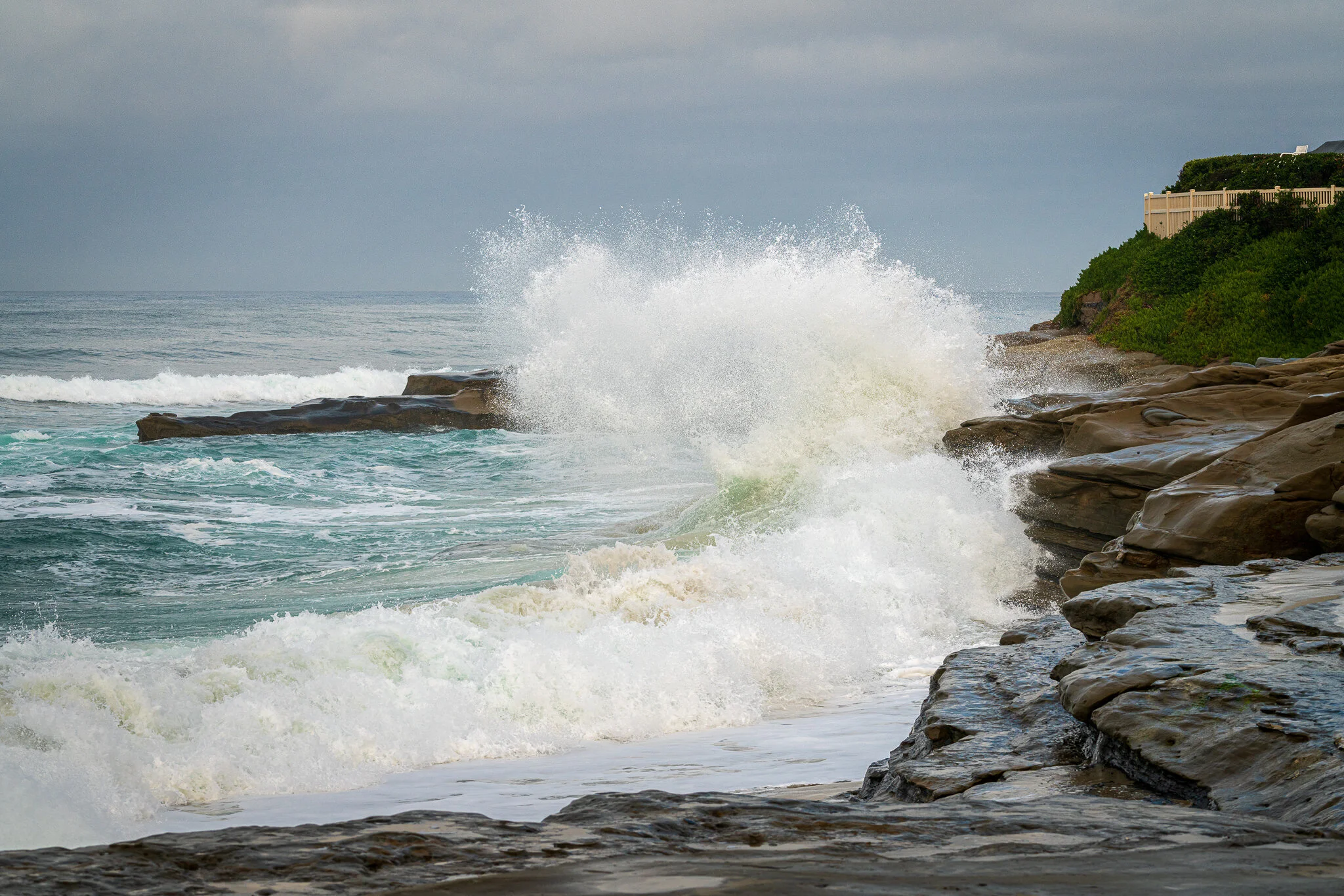
Make Water & Waves Pop! - In Post #488
Make whitewash jump off the page with ON1’s Dynamic Contrast filter and its blending options.