

Videos And Articles

Visualize Shadows, Midtones, And Highlights In ON1 Photo RAW
Thanks to Steve Bastiman (https://photostudio5.com) for a very helpful ON1 preset to visualize shadows, midtones, and highlights.
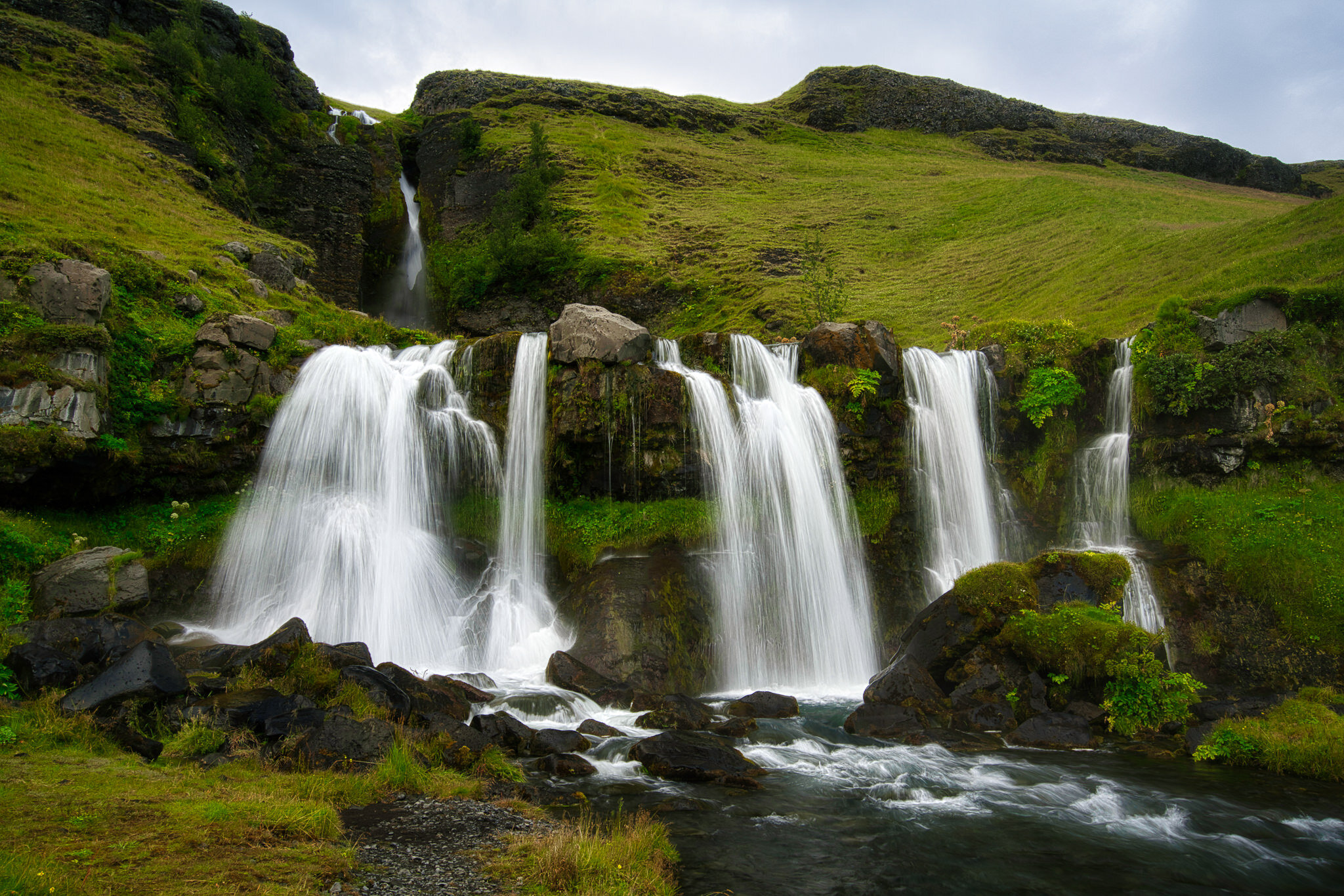
How To Use The Vignette Tool In Luminar
If you’re not diving into the Advanced Settings area of the Vignette tool you are missing out.

Doubling Down On Graduated Filters - In Post #474
A pair of graduated filters helped me downplay the foreground and accentuate some natural patterns in the sand, leading my viewer into the scene.
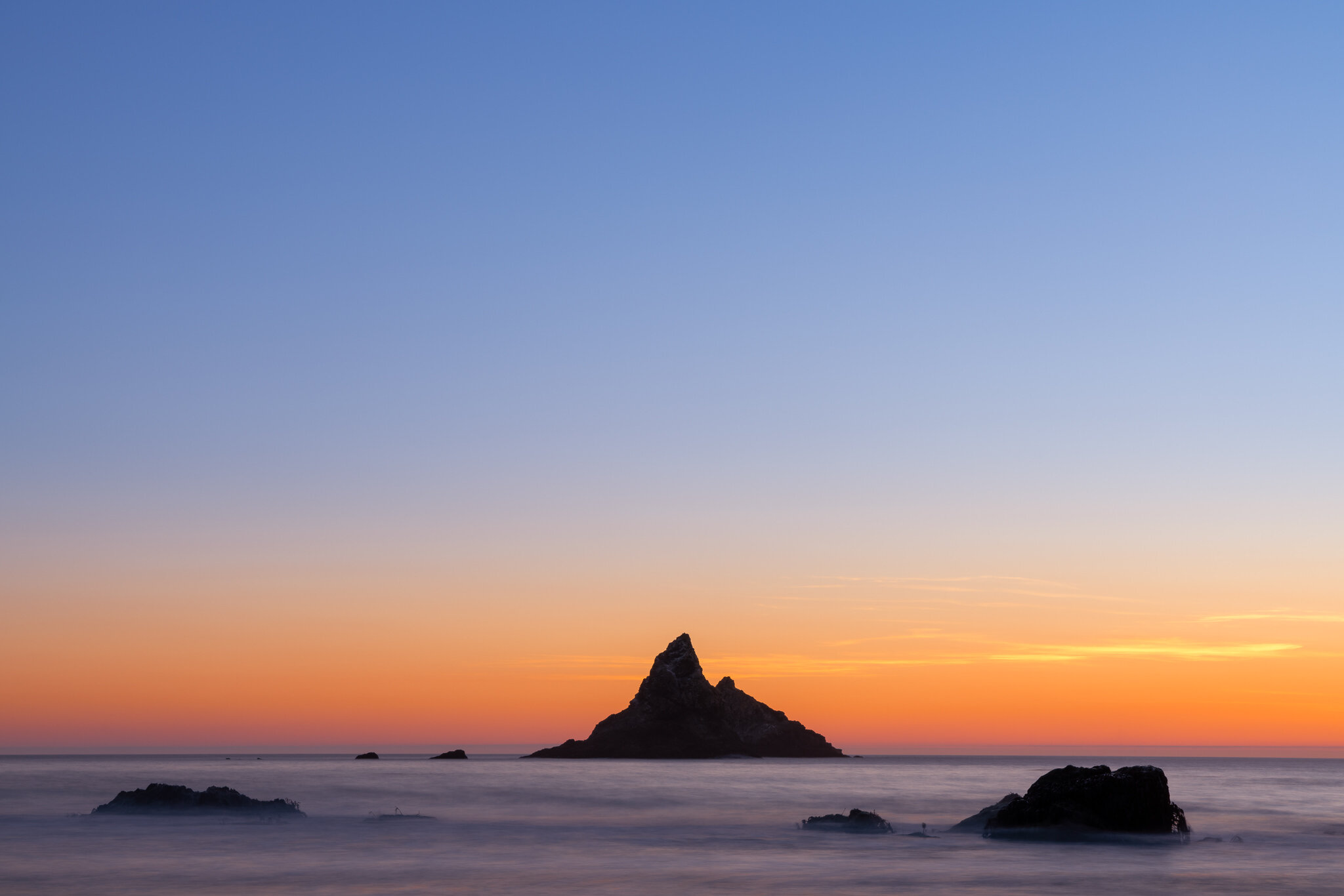
Negative Space Vs. Dead Space f/30
This week on The Stop Down Photography Podcast, a discussion of negative space, dead space, and how to tell the difference.

Emptiness At Scripps Pier - In The Field #473
Even at an early hour, there is usually some activity at Scripps Pier. Not right now.
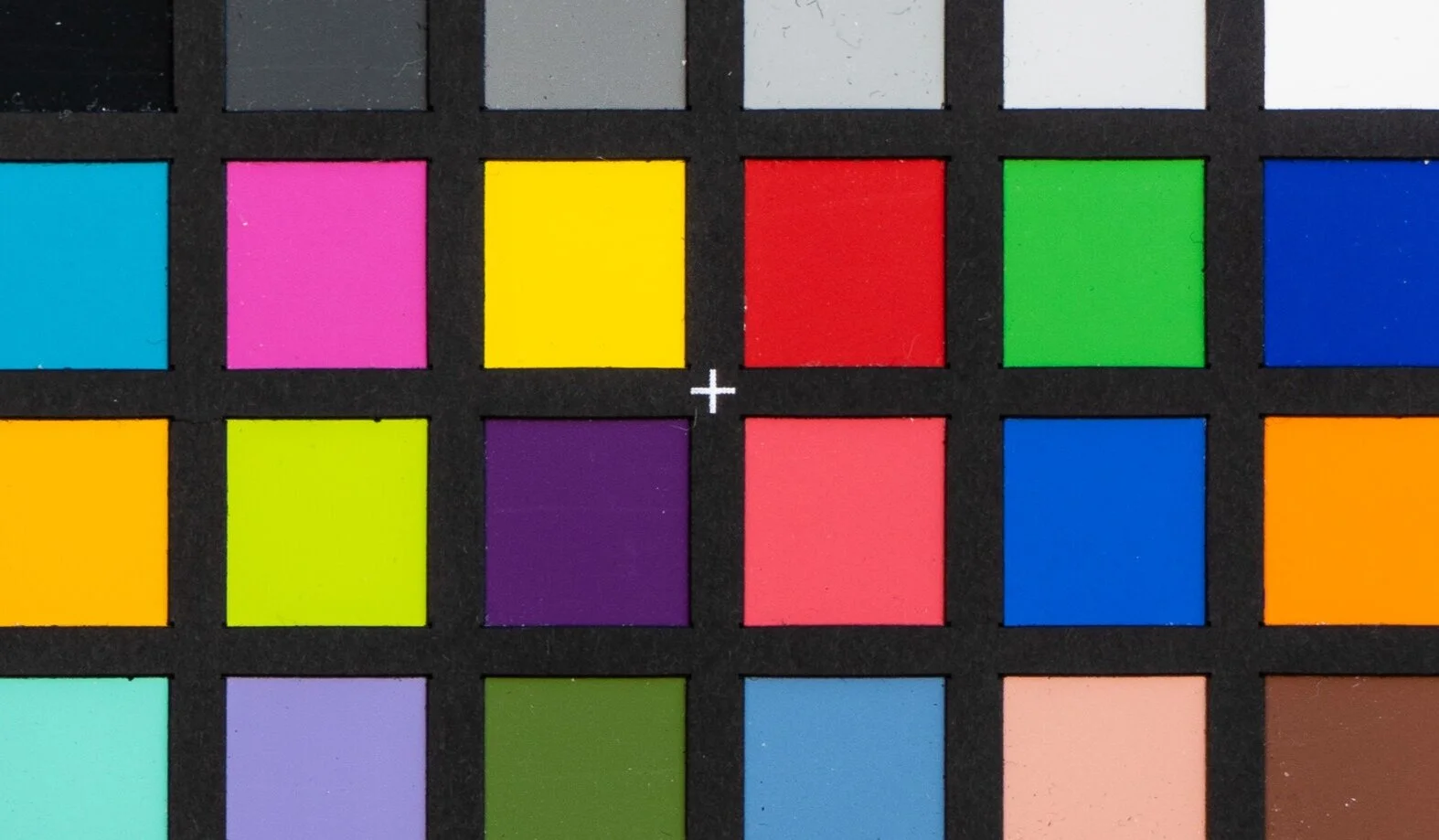
How To Test Your Filters For A Color Cast
Test your own filters for a color cast. All you need is a reference point and consistent lighting.
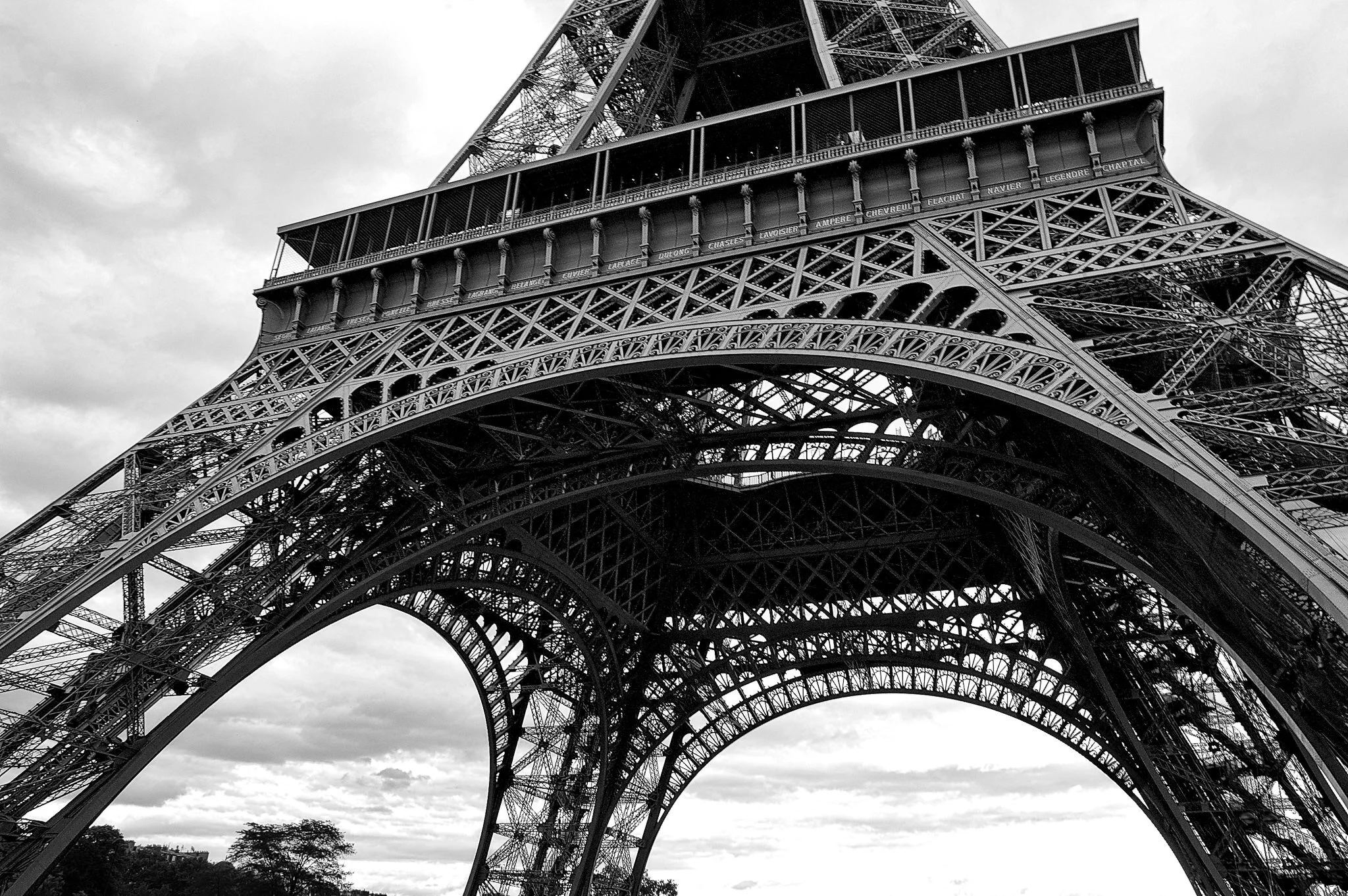
Living With A Photo f/29
This week on The Stop Down Photography Podcast, what artistic value does an extended relationship with an image have?

How To Add Custom Skies To Luminar
Luminar 4.3 added a new feature to make loading your custom skies easy and fast. I’ll show you how it works.
What's New In Luminar 4.3
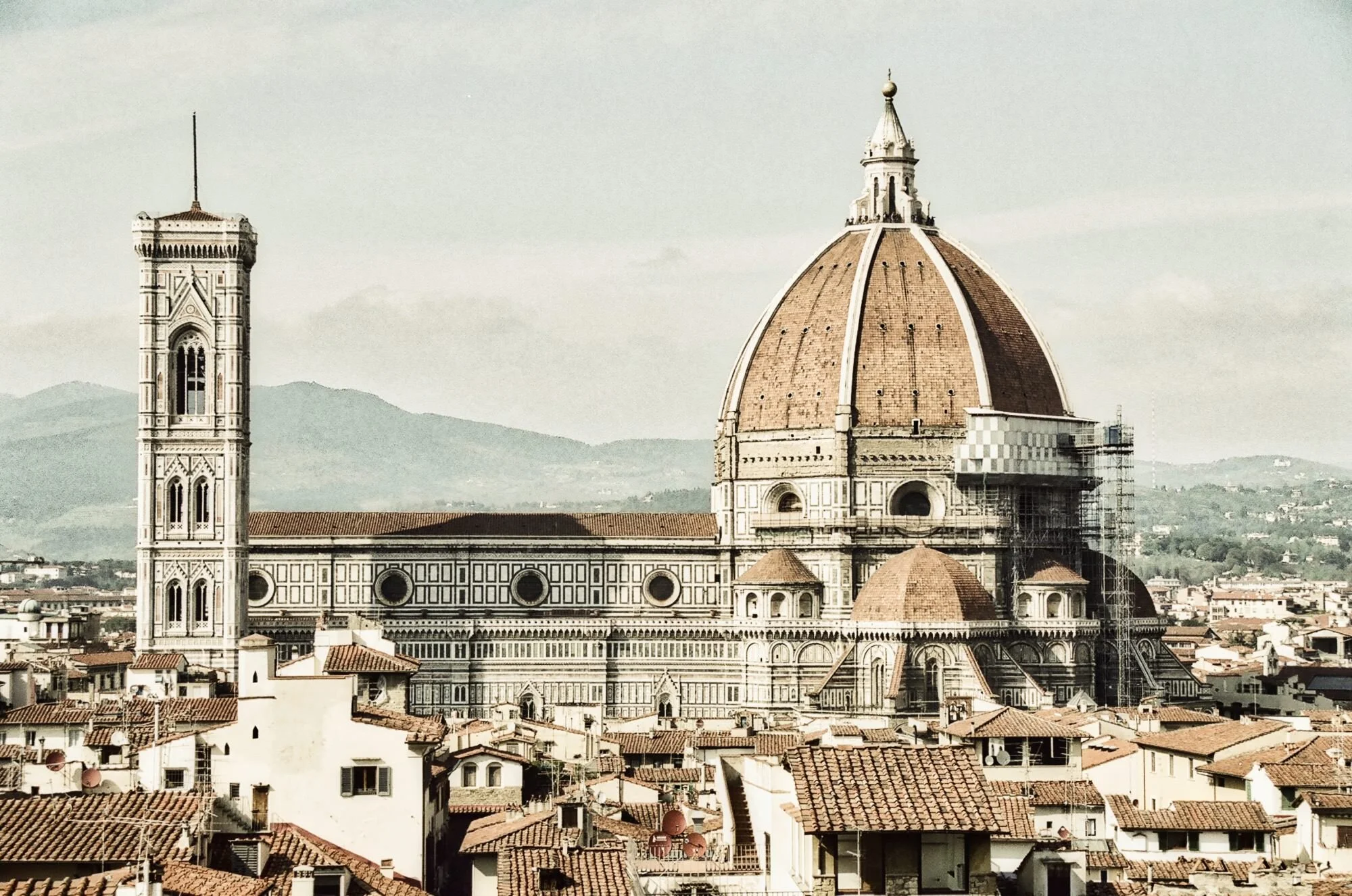
Skylum released Luminar 4.3 today. It’s a free update if you already own Luminar 4. In today’s video, I share 5 things that are new.
How To Export Multiple Photos In Luminar
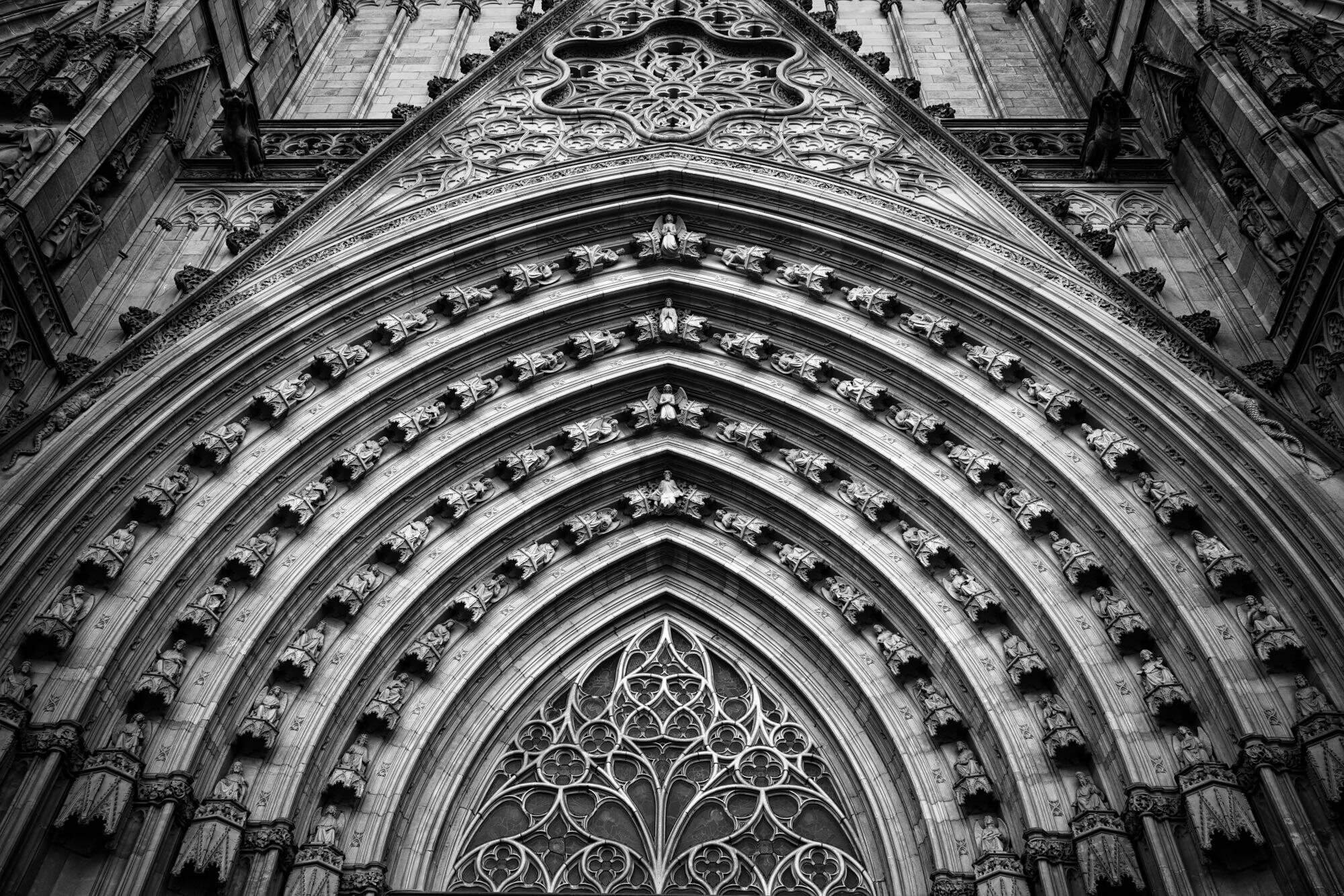
Can you export multiple photos from Luminar at once? Yes!

Removing Hot Pixels In Photoshop
Removing hot pixels in Photoshop is straightforward. A filter, a little tinkering, and a little light masking is all that’s needed.

Removing Hot Pixels In Lightroom (Almost)
Moire correction can help with hot pixels. At least the red and blue ones.