
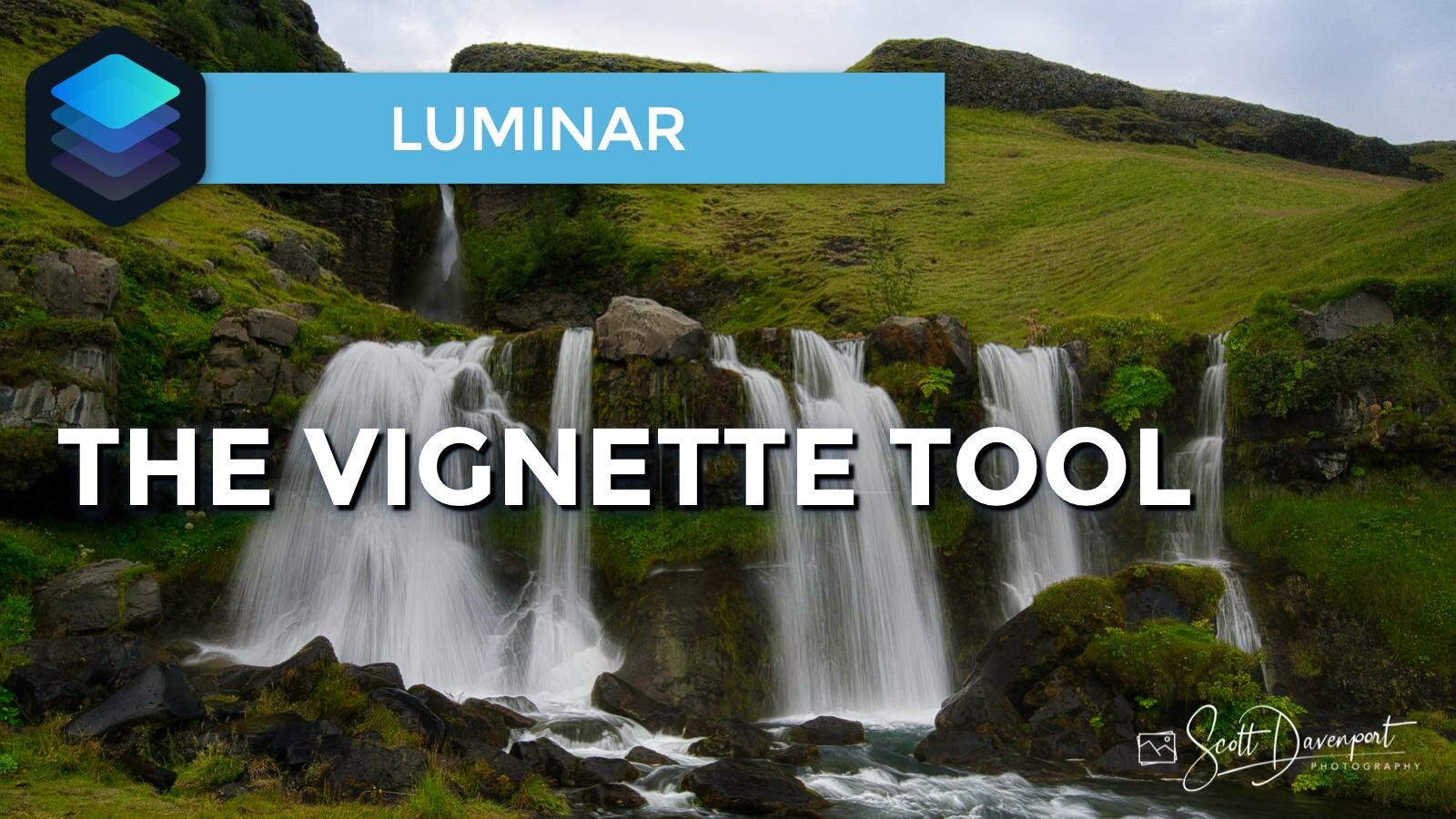
Get the perfect vignette every time. If you’re not diving into the Advanced Settings of the Vignette tool, you’re missing out. I’ll show you how to use the advanced sliders to clearly visualize your vignettes.
Subscribe and share!
Luminar

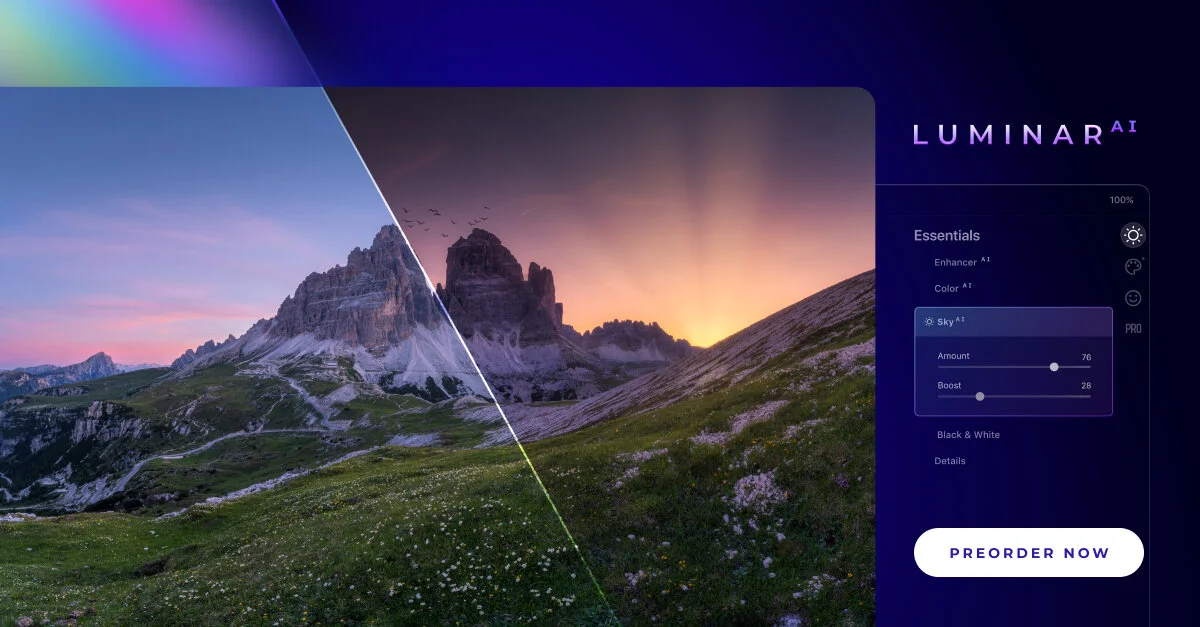
Skylum announced Luminar AI yesterday. What is this new tool? I’ve got some details and thoughts for you.

There is a quirky thing with Single Image Edits in Luminar. Once you’ve opened an image for a single edit, you can’t open it a second time for a separate session.
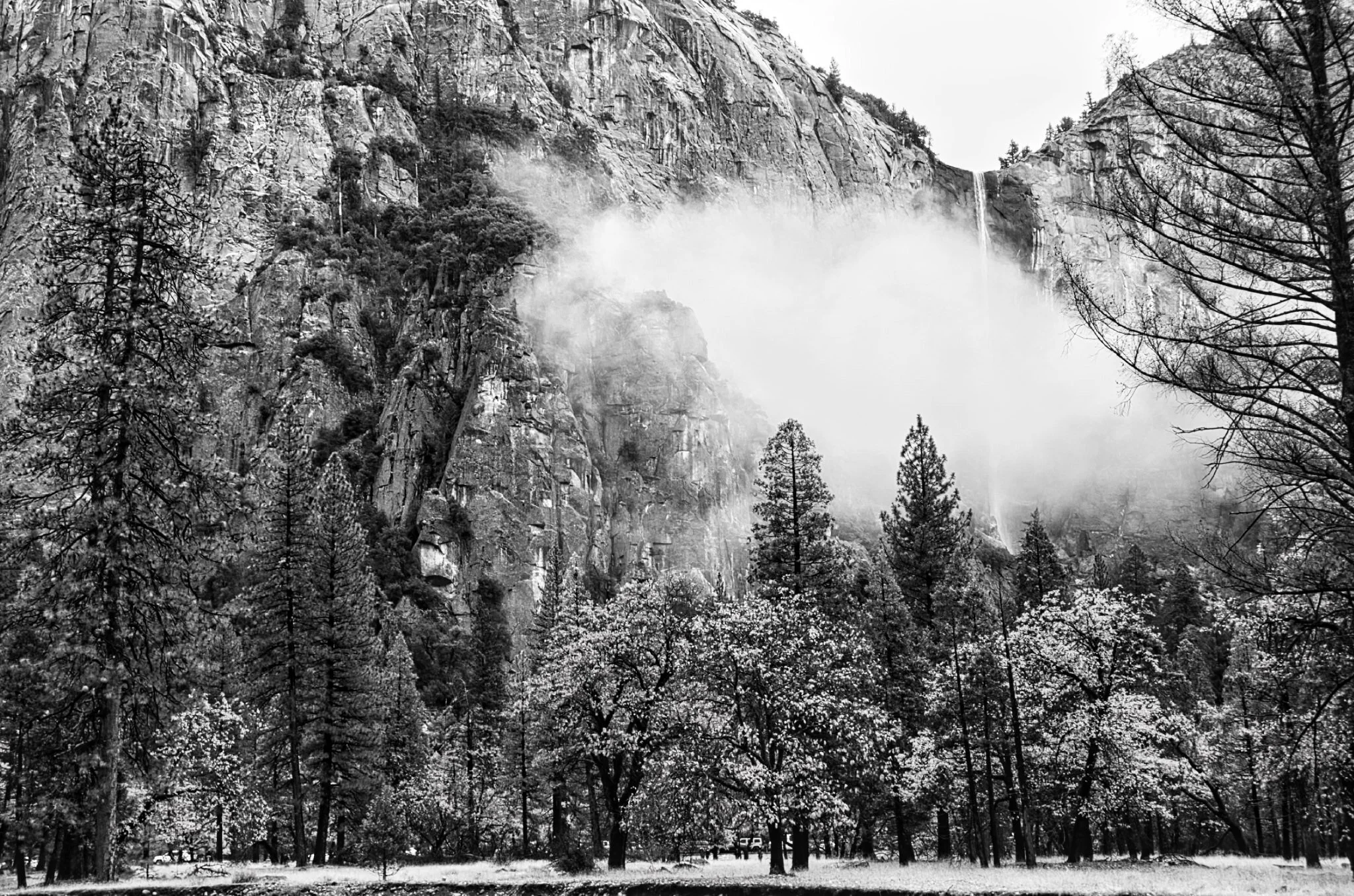



The Smart Contrast slider in Luminar is too-often overlooked. You should be using this in your workflow.
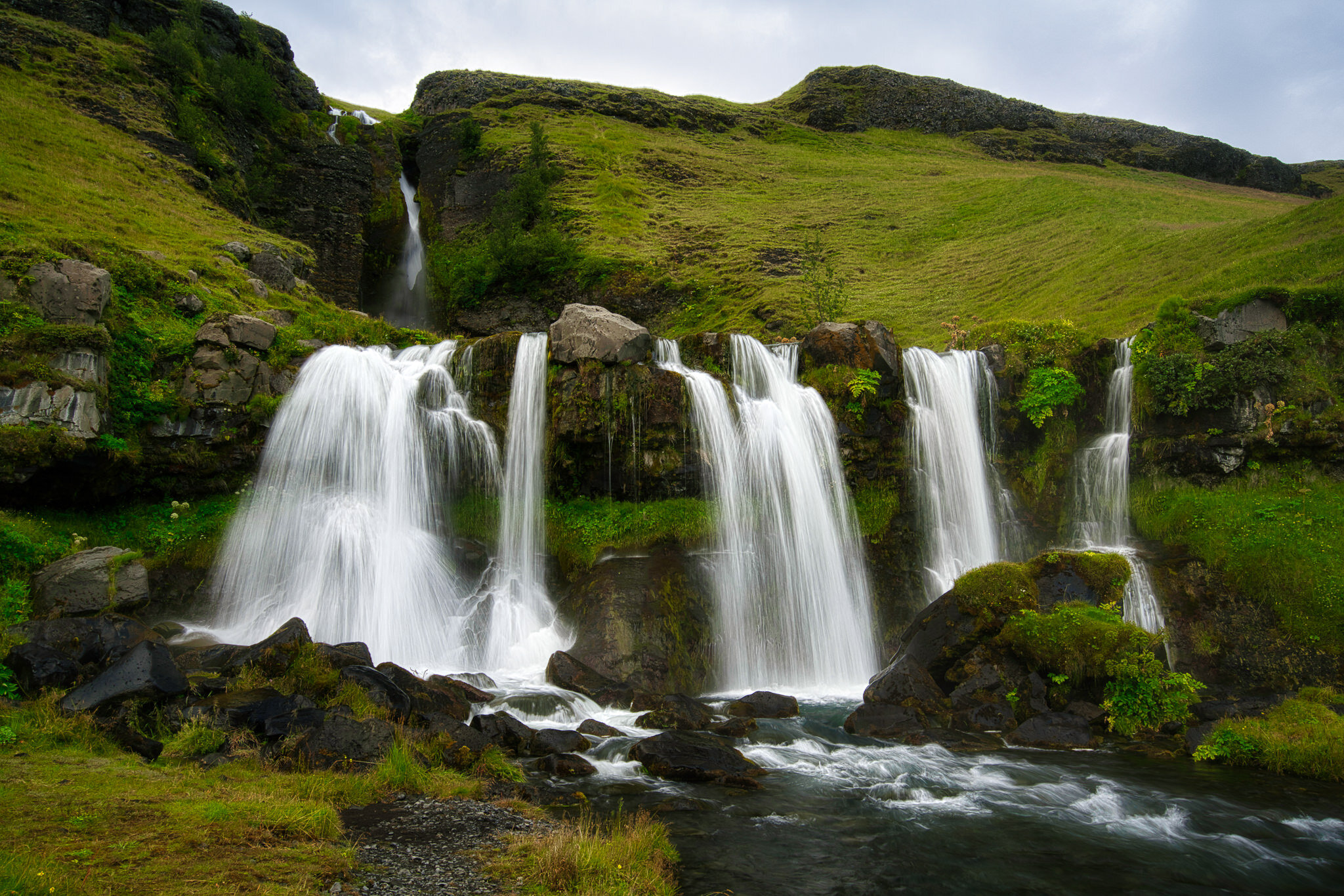
If you’re not diving into the Advanced Settings area of the Vignette tool you are missing out.

The Local Masking tools in Luminar AI are for finishing touches to your photos.