
Single Image Edits In Luminar - Part 2
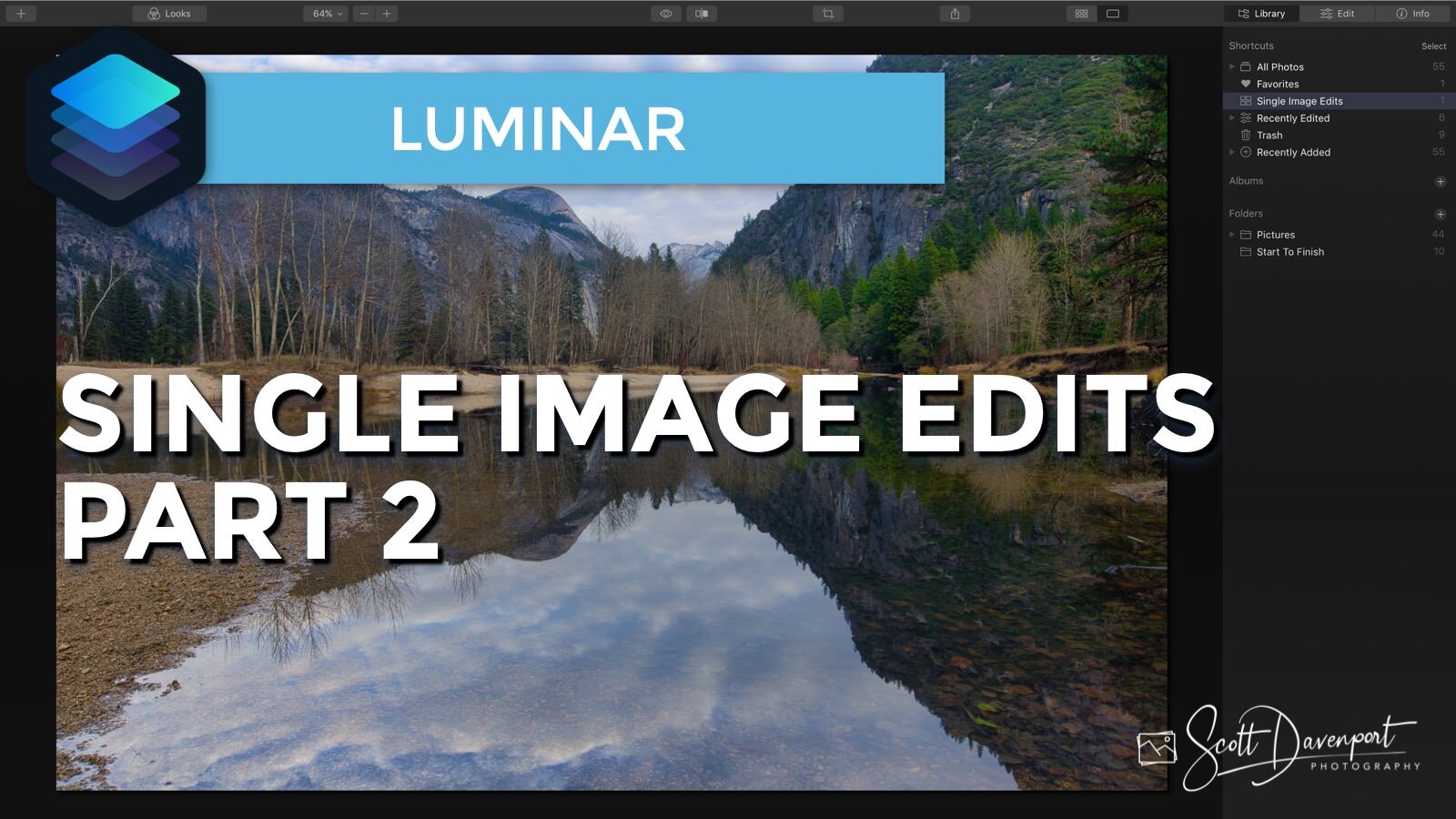
Single Image Edits are convenient for quick edits that you don’t necessarily want as part of your catalog. However, once an image is opened as a Single Image, you can’t open it a second time for a different editing session. It’s a quirk with how the image gets opened in Luminar. I’ll explain in today’s video.
Subscribe and share!


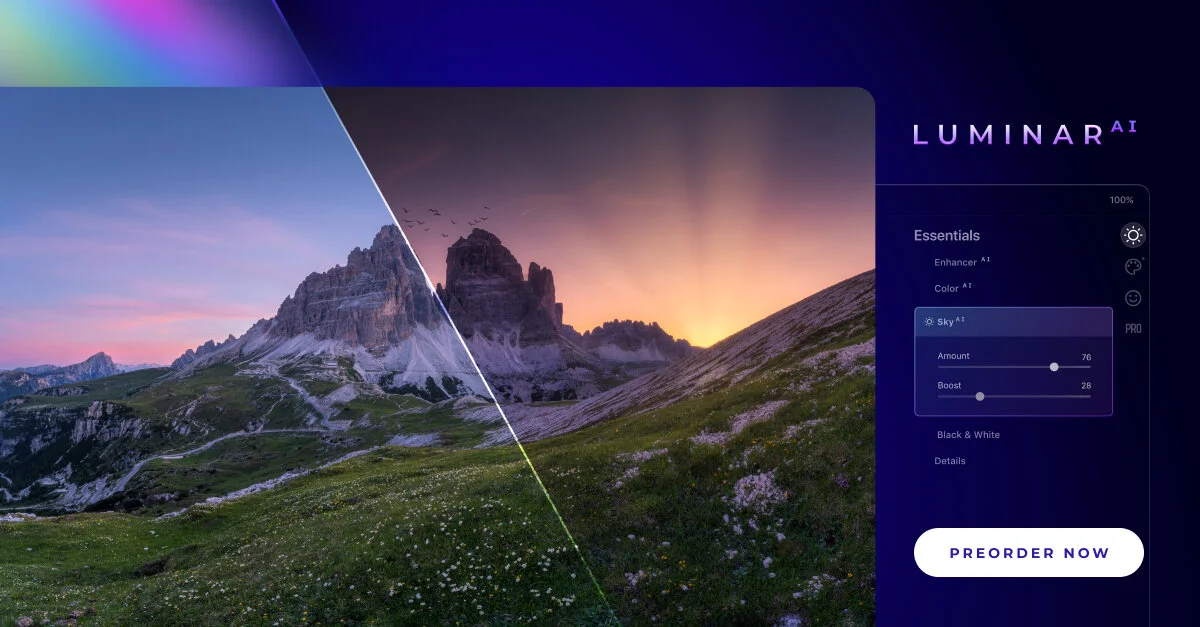
Skylum announced Luminar AI yesterday. What is this new tool? I’ve got some details and thoughts for you.

There is a quirky thing with Single Image Edits in Luminar. Once you’ve opened an image for a single edit, you can’t open it a second time for a separate session.
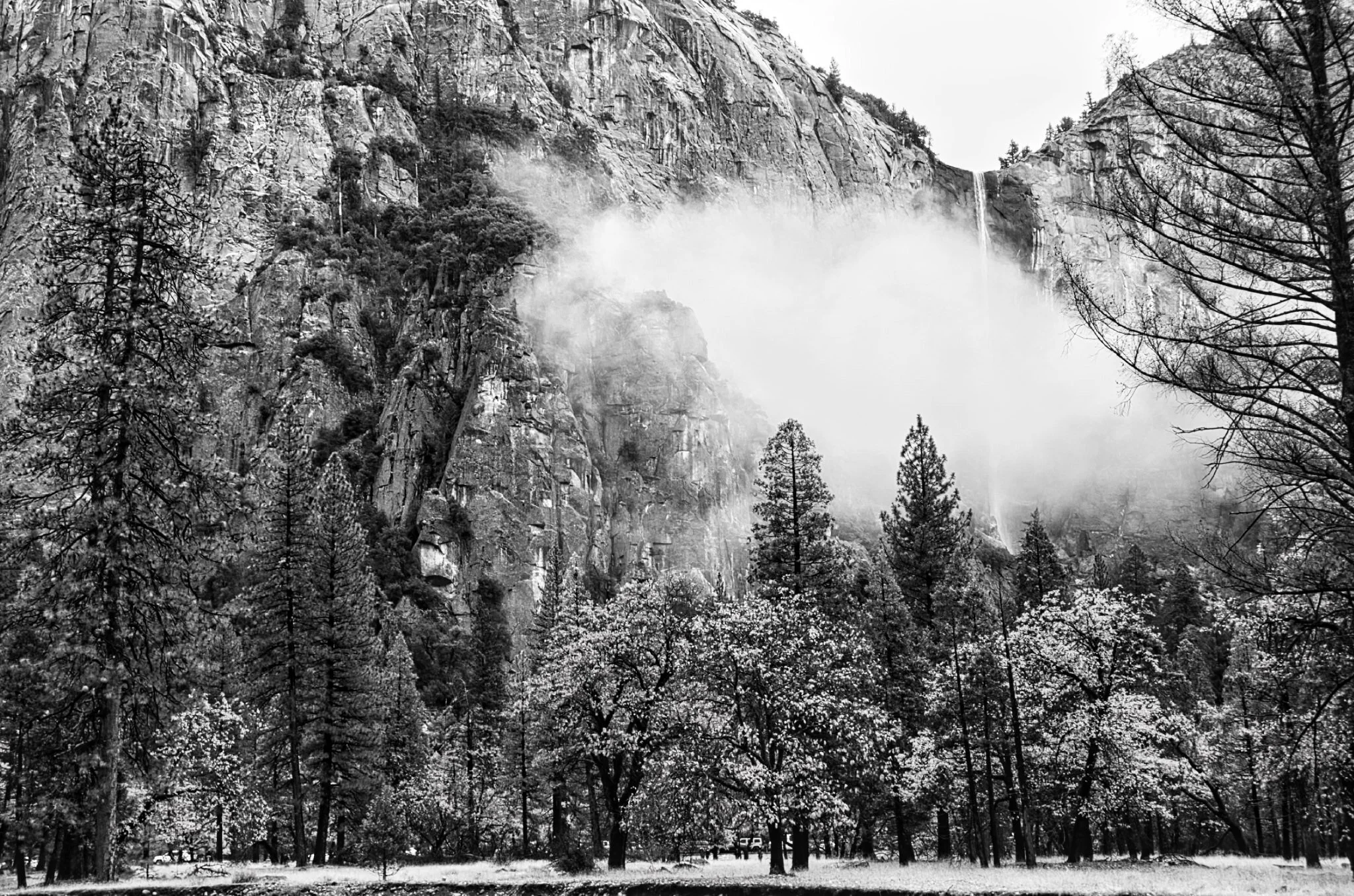



The Smart Contrast slider in Luminar is too-often overlooked. You should be using this in your workflow.
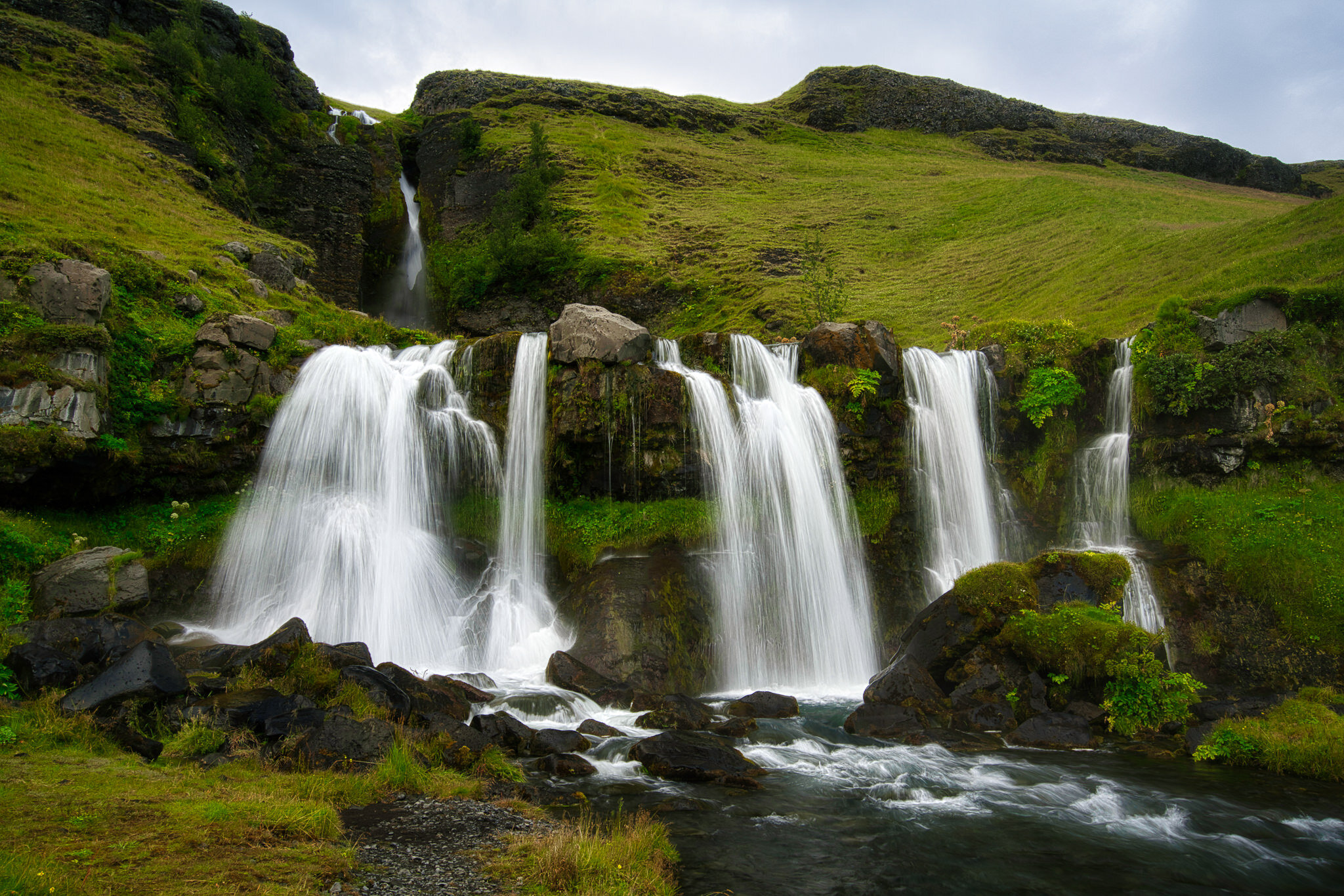
If you’re not diving into the Advanced Settings area of the Vignette tool you are missing out.
 Scott Davenport
Scott Davenport is a landscape photographer and photo educator and based in San Diego, California. He leads photo workshops, writes photo books, hosts podcasts, makes tutorial videos, and feels weird referring to himself in the 3rd person.
He also can't help getting his feet wet photographing at the beach.
The Local Masking tools in Luminar AI are for finishing touches to your photos.