

Videos And Articles

Lightroom Object Selection - A HUGE Deal For Landscape Photographers
Object selection is a huge deal for landscape photographers. Why? The Subject selection tool often falls short when the entire scene is the subject.

Tips & Tricks For Content Aware Remove In Lightroom
The Content Aware Remove feature of Lightroom is a very welcomed addition to the retouching tools in Lightroom. I have some tips and tricks to help you get the best retouches using this tool.

How To Deal With Halos In Landscape Photos
Halos at high contrast edges can ruin an otherwise beautiful landscape image. I’ll show you how to find what is causing a halo, and how you can reduce and even remove them.

Color or Black & White For Mid-Day Landscape Photos?
I will usually process mid-day landscape photos in black & white because colors are duller in harsh light. I’ve also found processing in black & white first can make for stronger color images.
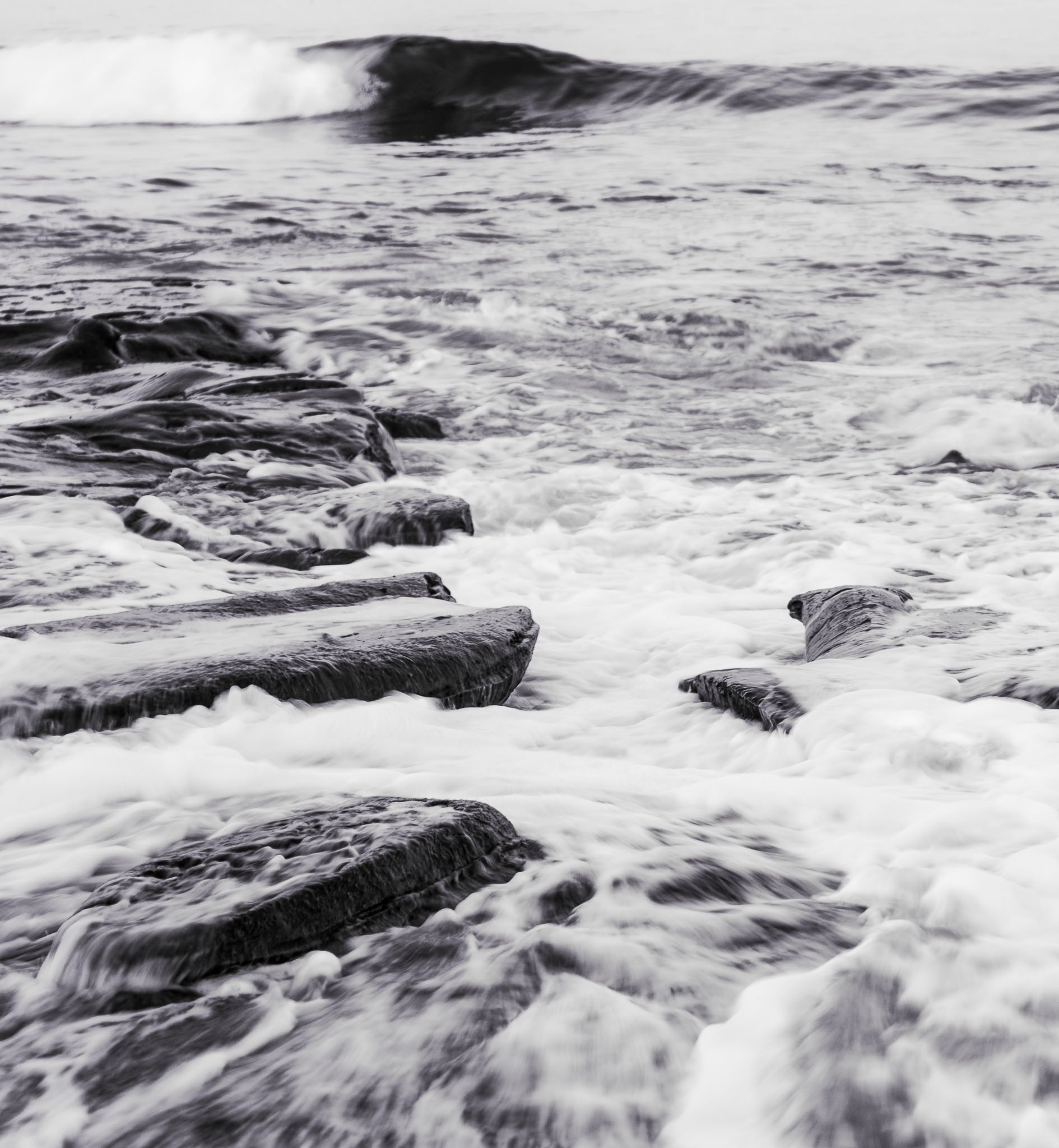
Tinting Black & White Photos In Lightroom - In Post #522
Adding a color tint to a black & white photo changes its overall mood. I’ll show you two different techniques in Lightroom that I use to do this.

Speed Up Your Lightroom Workflow With Accent Presets
Amp up your Lightroom workflow with a set of thoughtfully constructed presets that speed up the local adjustments you do again and again.

Make Powerful Lightroom Presets By Including Masks In Them
Did you know you can save masks in your Lightroom presets? Used wisely, this feature enables some very powerful presets.

How To Make A Classic Luminosity Mask In Lightroom
Quickly make a classic luminosity mask that affects the highlights and upper midtones the most and the shadows the least. This post was inspired by a viewer question. Got a photo question? Ask me.

Lightroom Mask Overlay Modes
Get the perfect mask in Lightroom. Use the mask overlay options to clearly visualize the affected areas of your localized adjustments.

Adding Lens Distortion As A Creative Effect
There are certain photos where accentuating distortion will emphasize a subject or enhance the story of an image.

Create An Off Camera Light Source In Lightroom
Use Lightroom’s masking tools to expertly craft an off-camera light source.
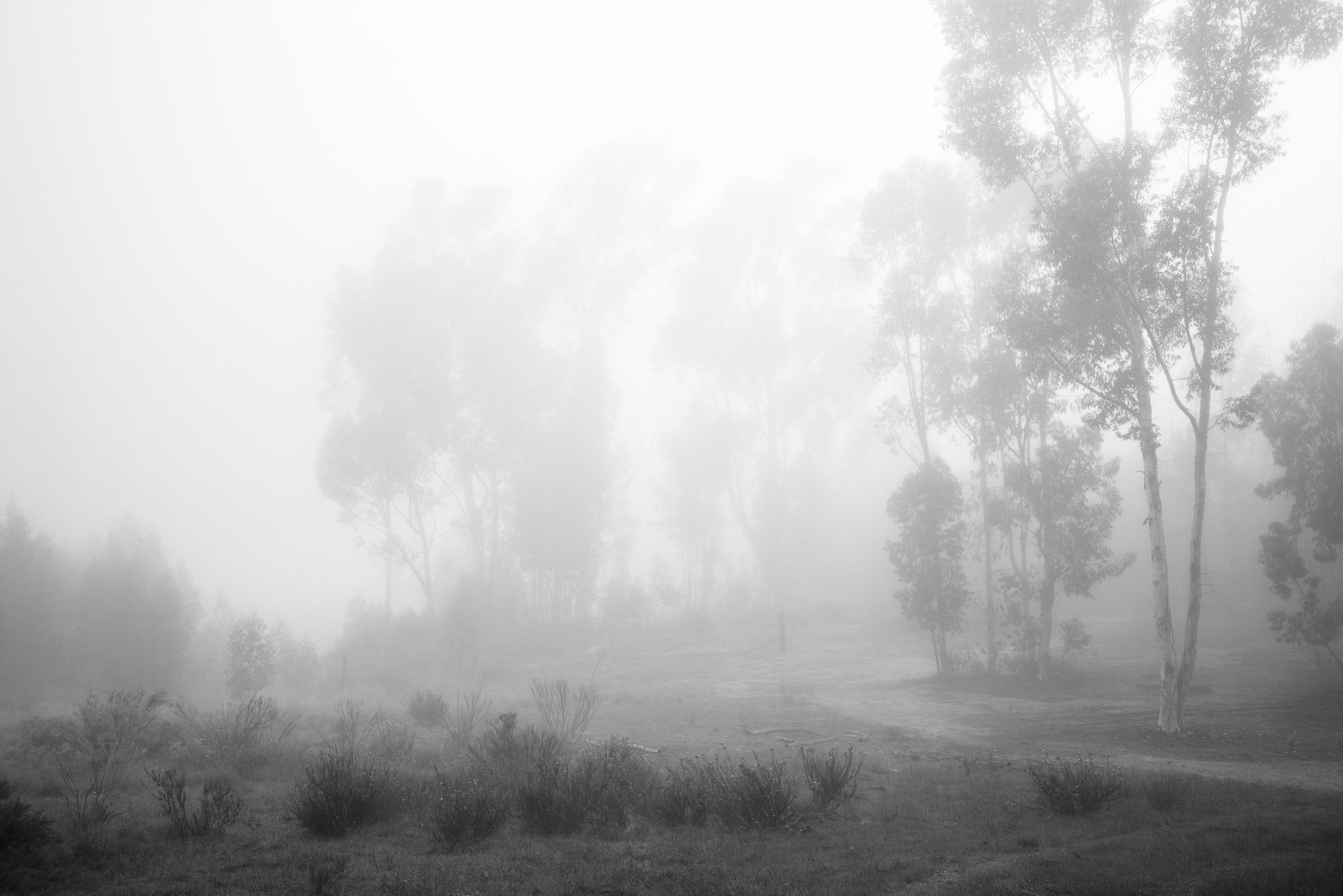
Apply Two Curves In Lightroom!
The Lightroom Curves tool has both a point curve and a parametric curve. Did you know you can apply both to your photos? It has its uses.