Create a punchy, muted look for your photos with just two filters in ON1 Effects.
Read More
Create a punchy, muted look for your photos with just two filters in ON1 Effects.
Read MorePhoto opportunities are all around us. Be open to seeing them.
Read MoreI headed to Scripps Beach before dawn at a very low tide and the rock formations normally hidden were on full display.
Read MoreThe Sandmarc Prolight Mini RGB LED light puts a full-color mobile lighting solution in your pocket. It’s great for video conferencing, product photography, and videography. I’ve got a full review for you.
Read MoreON1 Photo RAW users can easily incorporate Sharpen AI into their workflow. It is a simple 3-step process.
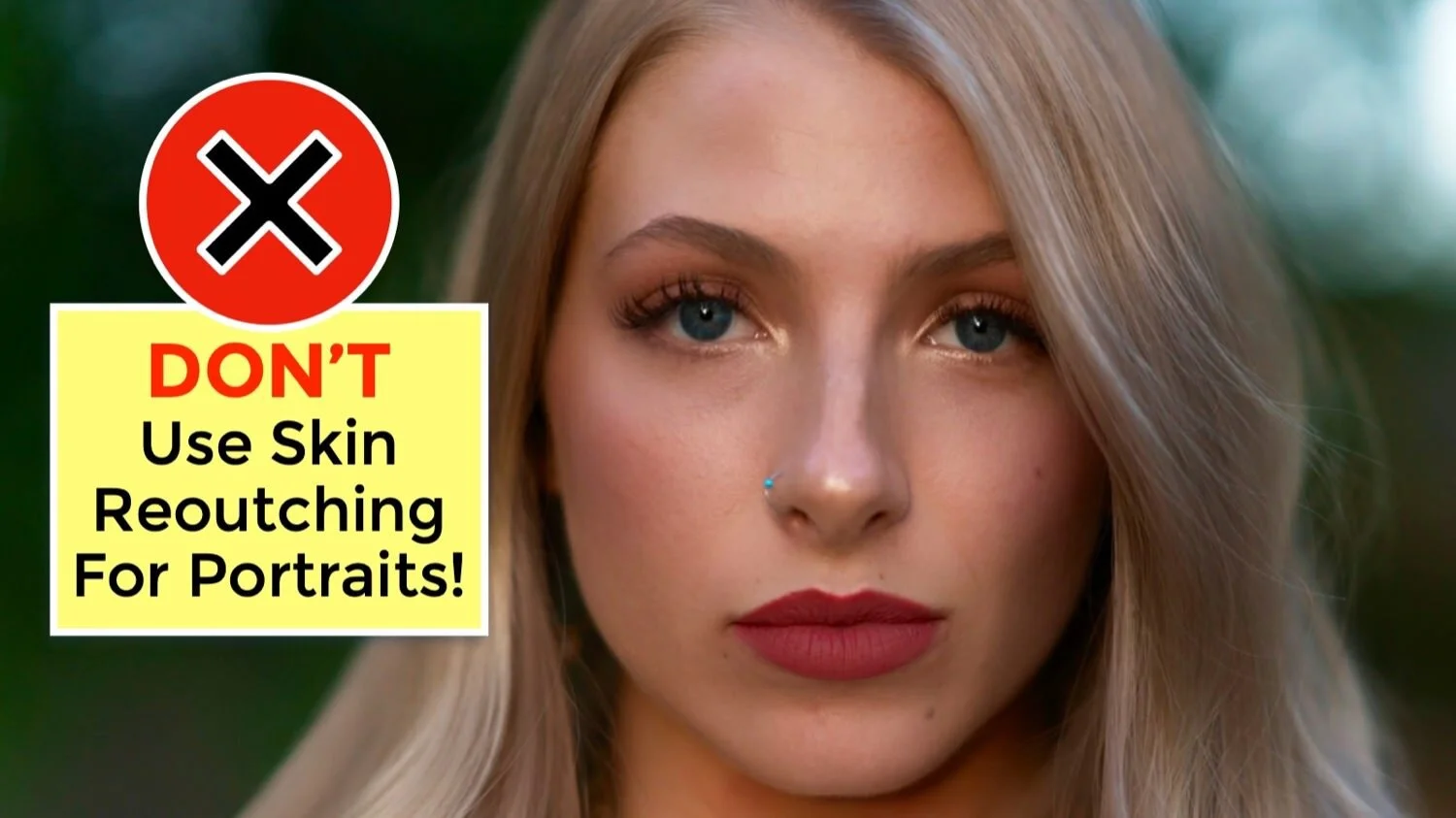
Read MoreThe Skin Retouching filter in ON1 Effects is old technology. If you like your human subjects, don’t use this filter on their skin. Use ON1 Portrait AI instead.
Read MoreIf you are a handheld photographer, Topaz Sharpen AI will make the camera shake in those slightly blurry photos disappear, giving you crisp and sharp images. Wildlife and portrait photographers can correct for misses in focus. And for landscape photographers, Sharpen AI has general sharpening for scenes that are just slightly soft.
Read MoreAccent details and reduce softness with the Sharpening filter in ON1 Effects.
Read MoreThe MindShift Filter Hive is hands down the best $60 I’ve spent to improve my landscape photography field workflow.
Read MoreA touch of film grain is a good accent to retro subjects or for a vintage feel.
Read MoreQuickly and easily replace one color with another using the Replace Color filter in ON1 Effects.
Read MoreA subtle glow is a lovely finish for landscape photos. Portraits, too.
Read More